
BeaconCMS/beacon
BeaconCMS/beacon has 1,263 GitHub stars and 135 forks. GitHot measured 0 stars in 24 hours, -2 in 7 days, and 0 in 15 days. Last checked 2026-11-23 20:13 UTC. Last push 2026-09-28.
Progression mesurée des étoiles
- in 24h
- 0
- in 7 days
- -2
- in 15 days
- 0
- in 1 month
- Historique en cours
Variations nettes sur des périodes qui se chevauchent, pas des totaux quotidiens. Les mesures absentes restent vides. Les étoiles indiquent l’intérêt, pas la qualité.
À propos
Système de gestion de contenu (CMS) open source développé avec Phoenix LiveView. Des temps de rendu plus rapides améliorent les performances SEO, même pour les pages les plus riches en contenu.
Outils de développementREADME.md
OriginalBeacon





Beacon is a content management system (CMS) built with Phoenix LiveView. It brings the rendering speed benefits of Phoenix to even the most content-heavy pages with faster render times to boost SEO performance.
Getting Started
Install both Phoenix and Igniter installers:
mix archive.install hex phx_new && mix archive.install hex igniter_new
Now you can either create a new Phoenix project with Beacon or add Beacon to an existing Phoenix project:
Create a new project
- Using latest published beacon and beacon_live_admin packages:
mix igniter.new my_app --install beacon,beacon_live_admin --with phx.new --beacon.site my_site
- Or using the unreleased projects from GitHub from the main branch:
mix igniter.new my_app \
--install beacon@github:BeaconCMS/beacon,beacon_live_admin@github:BeaconCMS/beacon_live_admin \
--with phx.new \
--beacon.site my_site
Replace my_app and my_site with the names you want to generate and follow the prompts.
Add to existing project
If you already have a Phoenix project with Phoenix LiveView then you can just add Beacon into that project.
Similar to starting a new project, you can install Beacon and BeaconLiveAdmin and generate a new site:
- Using latest published beacon and beacon_live_admin packages:
mix igniter.install beacon,beacon_live_admin --beacon.site my_site
- Or using the unreleased projects from GitHub from the main branch:
mix igniter.install \
beacon@github:BeaconCMS/beacon,beacon_live_admin@github:BeaconCMS/beacon_live_admin \
--beacon.site my_site
Replace my_site with the names you want to generate and follow the prompts.
To finish, install dependencies, run the server, and open http://localhost:4000 to see the default home page or http://localhost:4000/admin to manage your new site.
mix setup
mix phx.server
For more info, check out the guides and recipes. If you're new to Beacon you can start with Your First Site guide.
Demo
A sample application running latest Beacon is available at https://github.com/BeaconCMS/beacon_demo
Status
You can expect incomplete features and breaking changes before a stable v1.0 is released.
Main components:
- Core - A functional website can be built and deployed by inserting components in database and running a server, see https://github.com/BeaconCMS/beacon_demo
- Admin - LiveView UI to manage layouts, pages, and all other resources. See https://github.com/BeaconCMS/beacon_live_admin
- Page Builder - An easy to use, drag & drop UI for building pages, targeted to non-technical users. In the initial stages of development.
Contributing
Check out the CONTRIBUTING.md doc for overall guidelines to contribute to this project, then follow the Local Development steps to run a local project or watch the video below to understand more about Beacon internals:
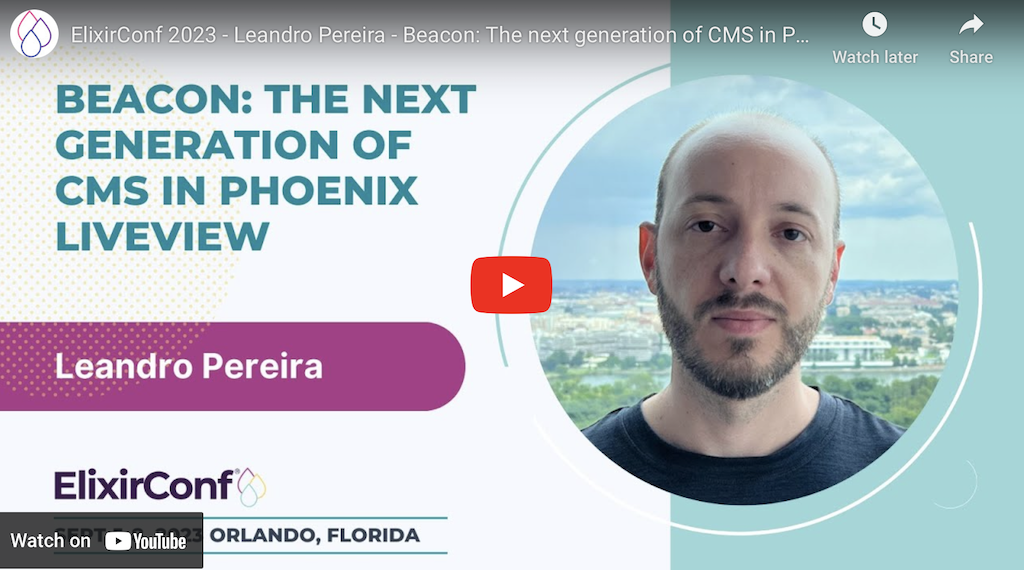
Local Development
The file dev.exs is a self-contained Phoenix application running Beacon with sample data and code reloading enabled. Follow these steps to get a site up and running:
- Install dependencies, build assets, and run database setup:
mix setup
- Execute the dev script:
iex --sname core@localhost -S mix dev
Note that running a named node isn't required unless you're running Beacon LiveAdmin for local development as well.
Finally, visit any of the routes defined in dev.exs, eg: http://localhost:4001/dev or http://localhost:4001/dev/sample
Looking for help with your Elixir project?

At DockYard we are ready to help you build your next Elixir project. We have a unique expertise in Elixir and Phoenix development that is unmatched and we love to write about Elixir.
Have a project in mind? Get in touch!
Explorer des projets similaires
Chargement…