
yoloyash/overtchat
yoloyash/overtchat has 152 GitHub stars and 17 forks. GitHot measured +1 stars in 24 hours and +2 in 7 days. Last checked 2026-11-13 11:58 UTC. Last push 2026-11-03.
A simpler self-hosted alternative to Open WebUI. Bring your own API keys or local models. Native Android and iOS clients.
Crecimiento de estrellas medido
- in 24h
- +1
- in 7 days
- +2
- in 15 days
- Recopilando historial
- in 1 month
- Recopilando historial
Cambios netos en períodos que se solapan, no totales diarios. Los datos no disponibles se dejan en blanco. Las estrellas indican interés, no calidad.
README.md
Original

Local AI, without the clutter.
Local and hosted models, live voice, and coding agents in one self-hosted app,
with native clients for every screen you own.





Website · Quick start · Operator guide · Why OvertChat
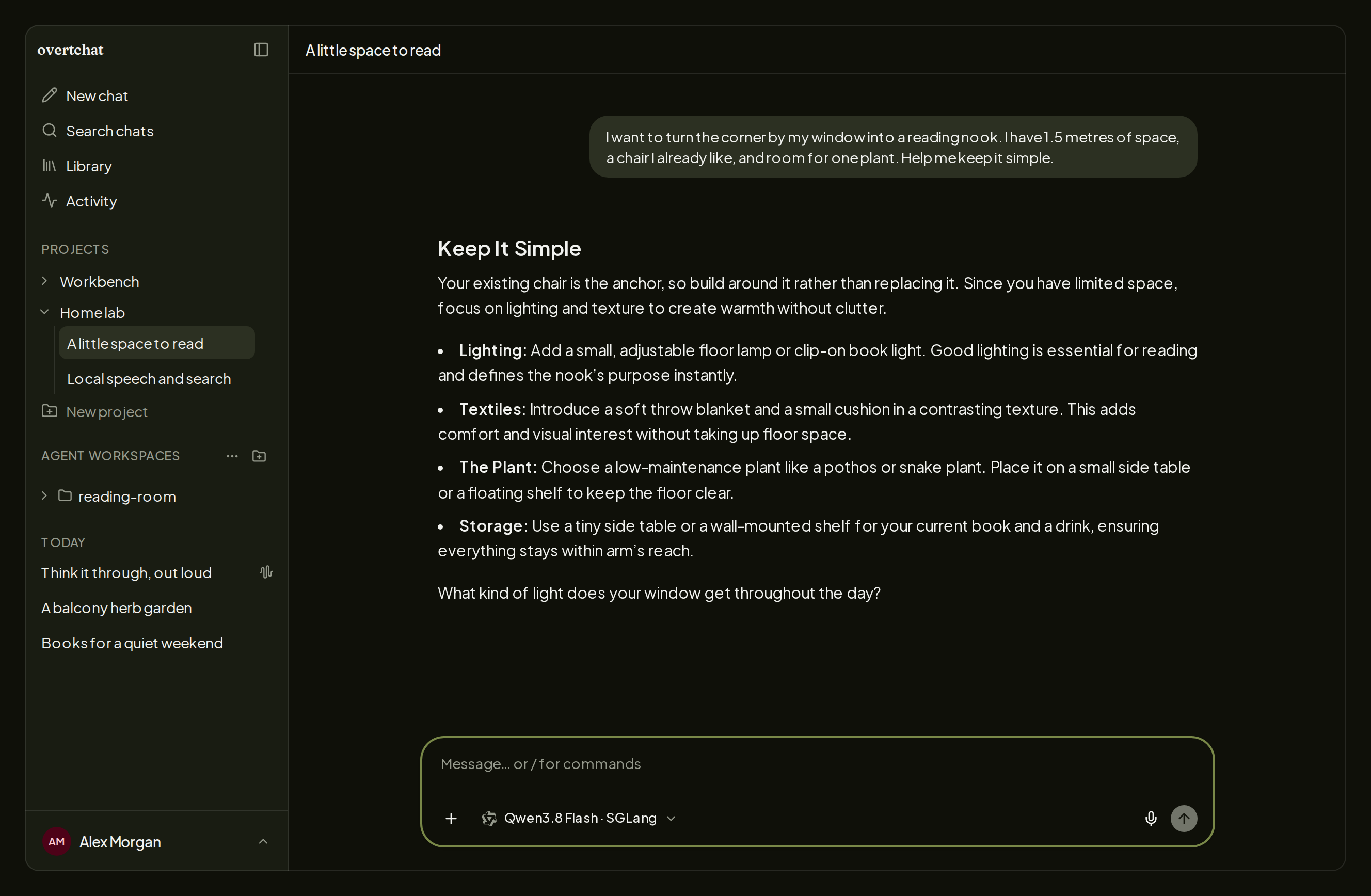
A local model answering with an interactive OpenUI card: figures, a chart, and follow-up prompts instead of a wall of text.
OvertChat is a self-hosted chat app for the models you already run. Point it at Ollama, vLLM, llama.cpp, SGLang, LM Studio, or any OpenAI-compatible server, add hosted providers when you want them, and use the same conversations from your browser, desktop, and phone. Speech, live voice, web search, and a code sandbox are bundled and run without API keys. Coding agents run on your own machines. Accounts, chats, and files live in one SQLite file on a server you control.
| Any model First-class setup and model discovery for local servers. OpenAI, Anthropic, Gemini, DeepSeek, Bedrock, and OpenRouter sit beside them. |
Live voice Speak and listen through bundled Parakeet and Kokoro. CPU is enough; a GPU or Apple Silicon makes it snappier. |
Agents in your pocket Run your coding agents on your workstation or over SSH and drive them from any client, phone included. |
| Every screen Web, macOS, Windows, Linux, Android, and iOS clients against one server. |
Reach it anywhere Open it at home, over Tailscale, or at a free public address through an open-source relay, with no port forwarding. |
Yours to keep Accounts for the household, one portable database, no vendor account, no analytics, MIT. |
Quick start
Linux or macOS (start Docker Desktop first on a Mac):
curl -fsSL https://overtchat.com/install | sh
Windows 11, in PowerShell as your normal user:
irm https://overtchat.com/install.ps1 | iex
The guided setup installs Docker on Linux if needed, generates the secrets, and asks where you will open OvertChat, which bundled services to install (web search, speech, live voice, code execution, the coding-agent connector), and whether to check for updates. Open the printed link, create the first account, and add a model under Settings → Models. The first account is the administrator.
overtchat status    # versions, services, and your address
overtchat setup     # change access or add services later
overtchat update    # update everything the manager installed
Prefer plain Compose with nothing installed on the host? Docker and rootless
Podman can run compose.minimal.yml. Installation
details, adopting an existing Compose stack, backups, and troubleshooting live
in the operator guide.
More than a text box
- Interactive answers. Models that support tools can reply with charts,
tables, forms, and follow-up buttons, rendered with
OpenUI in every client. Enable it under
Settings → Tools or ask for it once with
/openui. A readable version of each card is kept for copying, speech, and search. - Documents beside the chat. The model drafts and revises Markdown, code, web pages, SVG, and Mermaid diagrams in a side panel. Markdown documents download as Word files.
- Code that runs on your files. With the optional sandbox, models run Python on the spreadsheets, PDFs, and images you attach and return charts, cleaned data, or finished Word and PDF files. Every run is stateless and offline, as a fresh unprivileged user.
- Files, images, memory. Attach images, PDFs, Word, Excel, CSV, and source files; long ones are read in pieces instead of truncated. Generate and edit images through OpenAI, OpenRouter, or a custom endpoint, with the cost shown in Activity. Memories and personal instructions follow you across chats, and projects group chats with their files, instructions, and a default model.
- Grounded when it matters. Web search through bundled SearXNG or Brave, with page reading and inline citations. If the provider fails, free keyless fallbacks step in.
- Tools and reasoning. Connect MCP servers over stdio or Streamable HTTP. Set each local model's thinking switch or effort levels once, and check them against the server, instead of guessing.
- Nothing gets lost. Replies keep streaming on the server after you close the tab or pocket the phone, and reconnect when you return. Queue the next message while one is running, find anything with full-text search across all chats, pin what matters, and share a read-only link to a conversation.
Voice that stays on your hardware
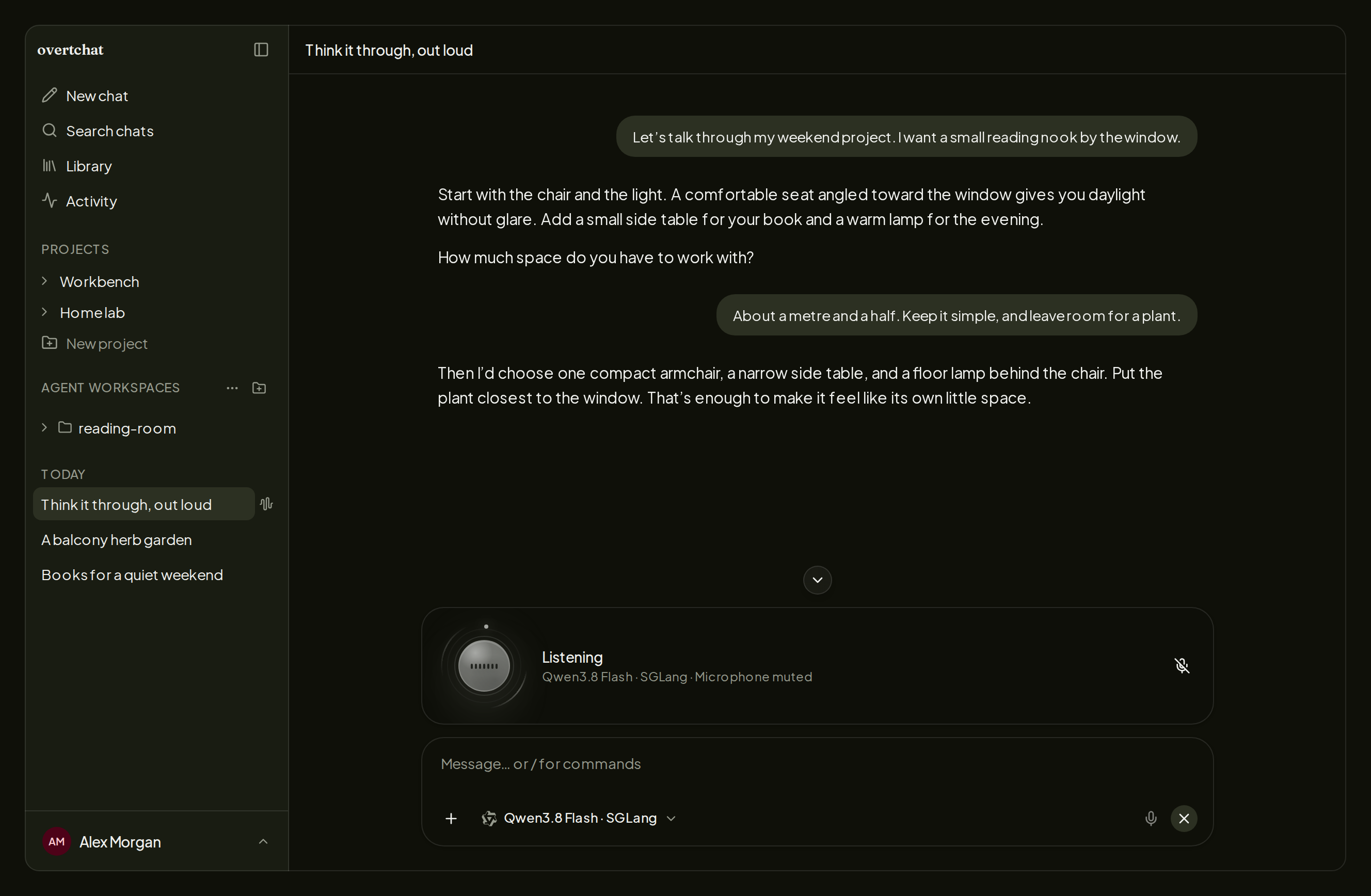
Start a live conversation: speak, hear the answer, cut in mid-sentence, and keep going. Speech recognition (Parakeet), your chat model, and speech synthesis (Kokoro) are installed by the setup wizard and need no provider key. The transcript is saved as a normal chat you can continue by typing.
Everything runs on CPU if that is what you have. Apple Silicon Macs use native acceleration; Linux and Windows can use an NVIDIA GPU, where the whole speech layer fits in under 8 GB of VRAM. Dictation and read-aloud use the same services in every composer, and you can point either at your own OpenAI-compatible speech API instead.
Coding agents, from any device
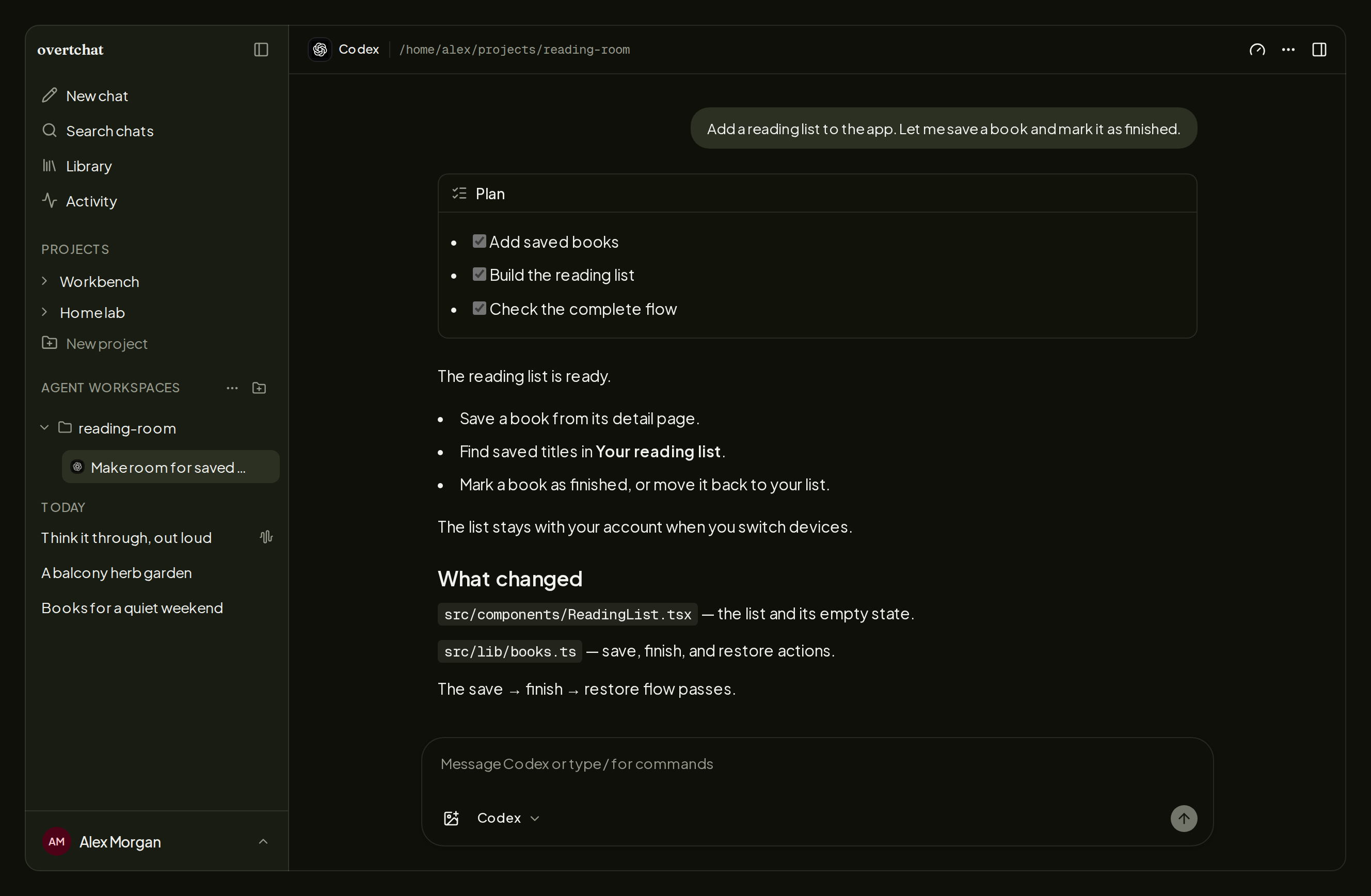
A small Host Connector on your workstation, or any machine you reach over SSH, runs Codex, Claude Code, Pi, Oh My Pi, OpenCode, and Hermes with the tools and credentials already on that host. OvertChat is the front end: start or resume sessions, follow plans and tool calls, read the changes, and answer approvals and questions from the browser, the desktop app, or your phone.
Sessions behave like the terminal versions, and then some: fork or rewind the conversation, queue messages and steer mid-turn, switch models and thinking levels, compact context, drop in screenshots, and pick a branch or spin up a worktree per session. Each agent exposes the controls it supports. The web and desktop apps add a terminal in the workspace. The sidebar groups sessions by what they need from you, and notifications, sounds, and the desktop badge reach you wherever you are signed in.
One server, every screen
| Client | Get it | Good to know |
|---|---|---|
| Web | Your server address | The full app, responsive down to phone width |
| Desktop | macOS (Apple Silicon, Intel), Windows 11, Linux | Signed and notarized on macOS; .deb, .rpm, and AppImage on Linux; updates itself |
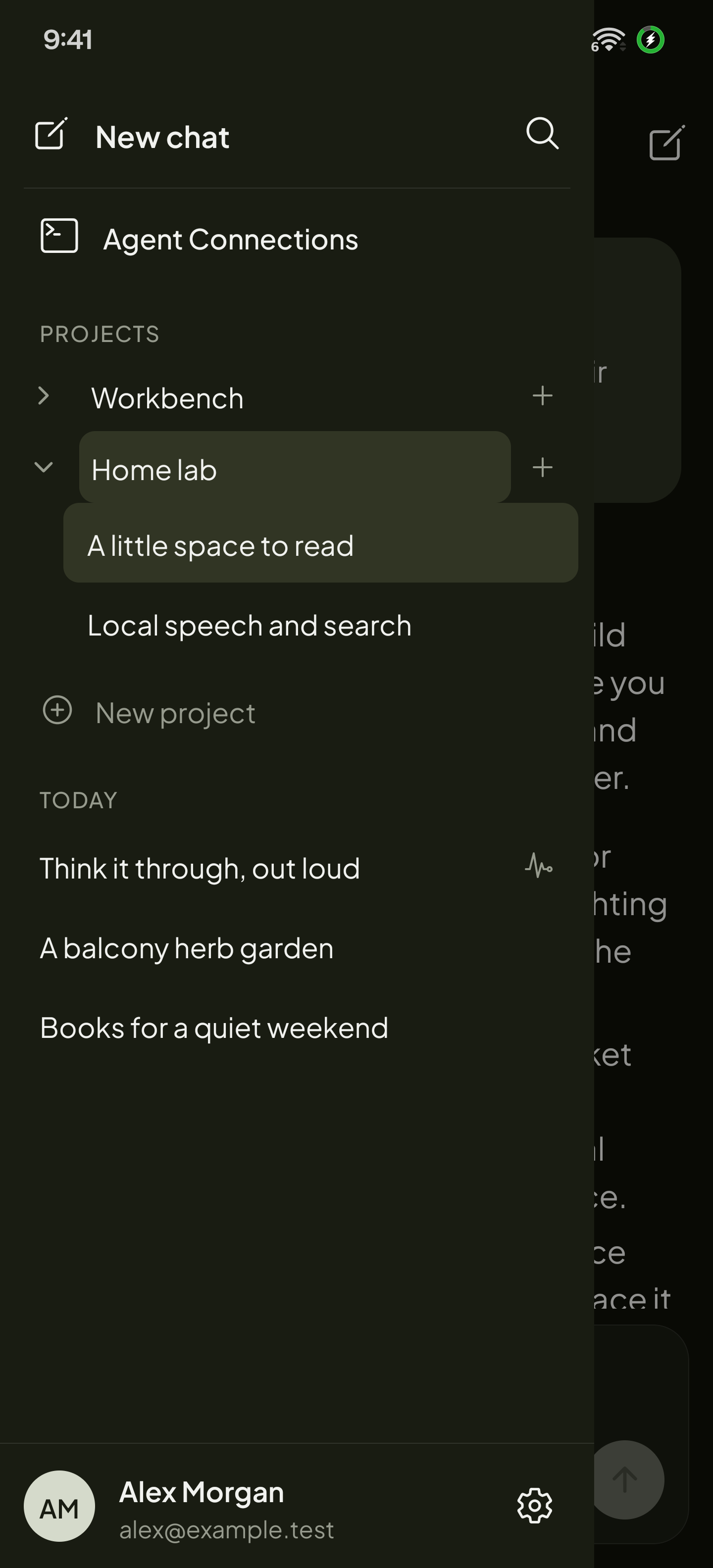
| Android | Google Play or APK | Chats, projects, files, voice, and agent sessions |
| iOS | App Store | Same as Android |
The desktop and mobile apps connect to your server; they do not install one.
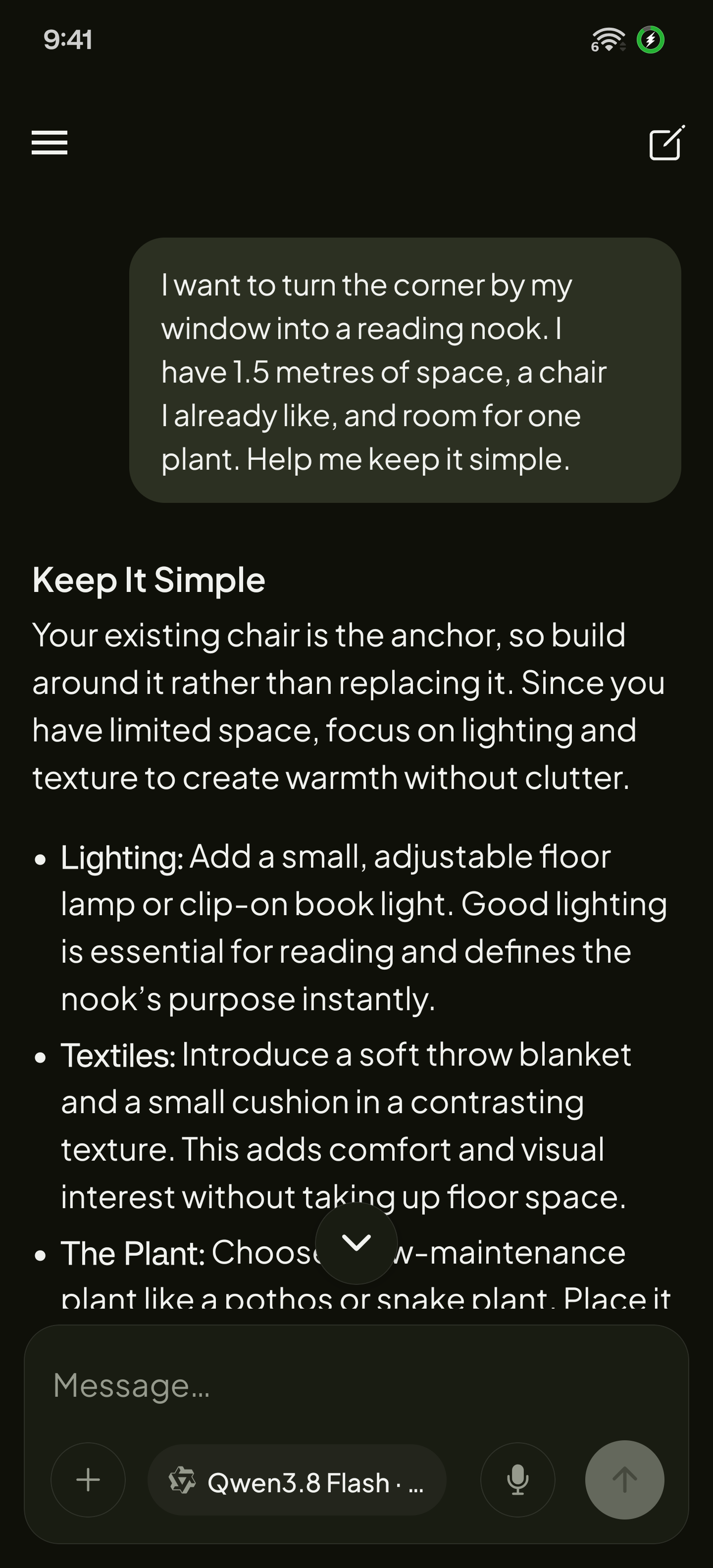
Reach it from anywhere
Setup asks where you will open OvertChat, and overtchat setup changes the
answer later without losing anything.
| Choice | What you get |
|---|---|
| This computer | http://localhost:4718, nothing exposed |
| Home network | A LAN address for the phones and laptops at home |
| Tailscale | Private HTTPS over your tailnet through Tailscale Serve |
| OvertChat Cloud (beta) | A free https://<name>.overtchat.app address, with no ports opened and nothing installed on other devices |
| Your own domain | Cloudflare Tunnel or any reverse proxy you already run |
OvertChat Cloud routes connections through an open-source relay that forwards encrypted traffic by name without decrypting it. Your server holds the certificate, so the relay never sees chats, passwords, or files. It is free during the beta, with a limited number of spots.
Built for a household
The first account is the administrator and public signup stays closed; everyone else is added under Settings → Users and signs in with their own password, with two-factor authentication available. Each person gets private chats, projects, files, and memories on the same models, from any client. Everything lives in one SQLite database beside your uploads, so a backup is a copy. There is no OvertChat account to create and no usage analytics, and the MIT license lets you modify, redistribute, and rebrand the app.
Why OvertChat?
Most self-hosted chat interfaces stop at the model. OvertChat ships the parts around it, so a local model feels like a finished product on the first day.
| If you want | OvertChat gives you |
|---|---|
| Speech, live voice, search, and code execution without API keys | All four installed and connected by the setup wizard, on CPU if needed |
| Coding agents and chat in one place | Six agents through one connector, local or over SSH, usable from your phone |
| Real apps, not a browser tab | Native desktop and mobile clients for five platforms against your own server |
| A public address without port forwarding | A free *.overtchat.app name through an open-source relay, or Tailscale, or your domain |
| To own it outright | One SQLite file, no vendor account, no analytics, MIT |
Compare OvertChat, Open WebUI, and LibreChat →
Learn more
Operator guide · Development setup · Mobile apps · Release process · README screenshots · Privacy policy · Report an issue
License
MIT. Bundled third-party software and models keep their own licenses.
Explorar proyectos relacionados
freeCodeCamp/freeCodeCamp
Base de código abierto y plan de estudios de freeCodeCamp.org. Aprende matemáticas, programación y ciencias de la computación gratis.
459,075 estrellasdonnemartin/system-design-primer
Aprende a diseñar sistemas a gran escala y prepárate para la entrevista de diseño de sistemas. Incluye fichas de Anki.
377,748 estrellasreact/react
La biblioteca para interfaces de usuario web y nativas.
252,571 estrellasvuejs/vue
Este es el repositorio de Vue 2. Para Vue 3, visita https://github.com/vuejs/core
212,526 estrellas