
xi-frontend/xi-term
xi-frontend/xi-term has 487 GitHub stars and 37 forks. Star changes are not measured yet. Last checked 2026-11-13 18:26 UTC. Last push 2020-11-12.
Crecimiento de estrellas medido
- in 24h
- Recopilando historial
- in 7 days
- Recopilando historial
- in 15 days
- Recopilando historial
- in 1 month
- Recopilando historial
Cambios netos en períodos que se solapan, no totales diarios. Los datos no disponibles se dejan en blanco. Las estrellas indican interés, no calidad.
Acerca de
A terminal frontend for Xi
Herramientas de desarrolloREADME.md
Originalxi-term

Formerly xi-tui, xi-term is a terminal frontend for xi.
It is experimental and under development, so don't expect anything magical (yet!).
Installation
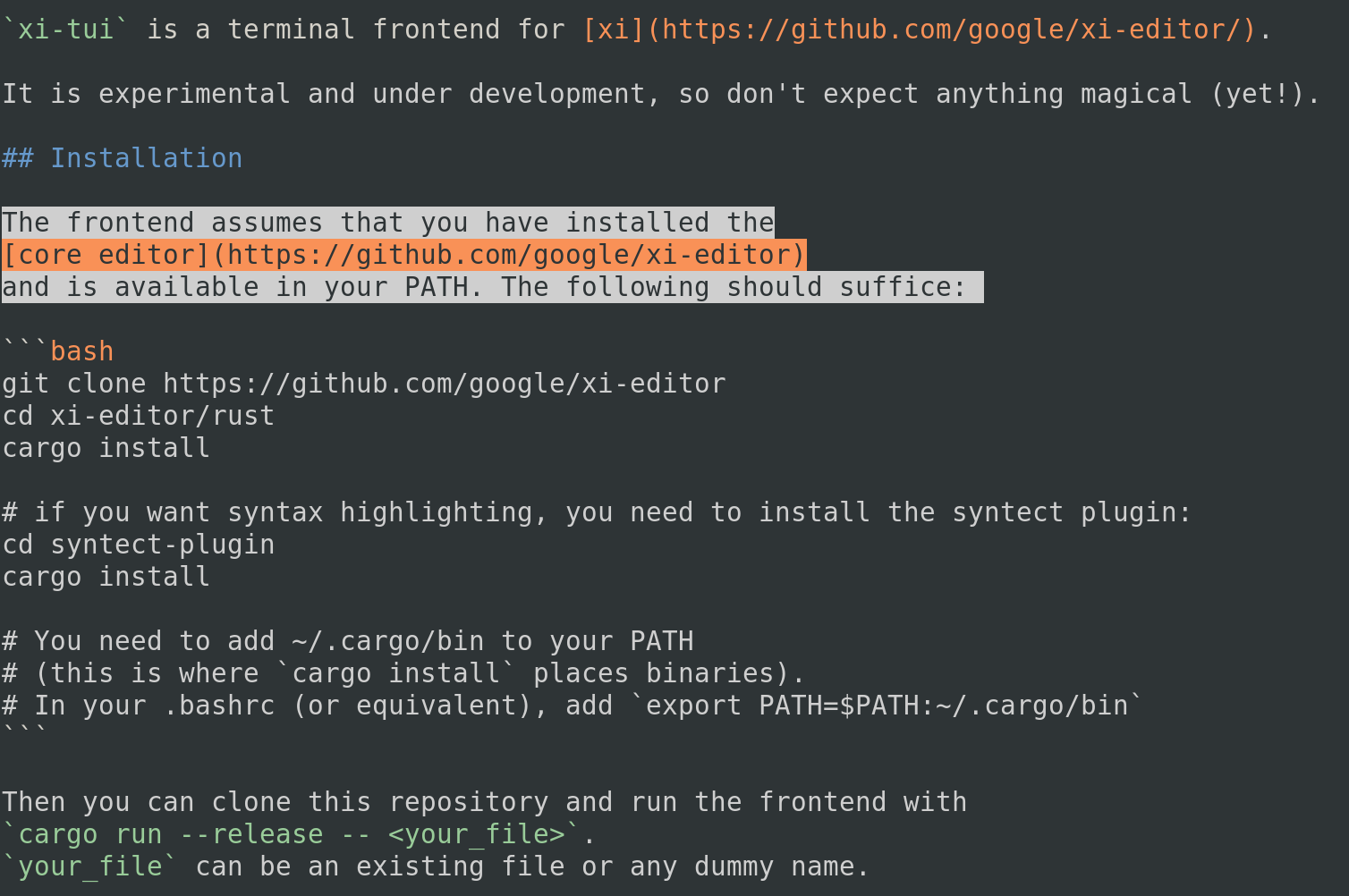
The frontend assumes that you have installed the core editor and is available in your PATH. The following should suffice:
git clone https://github.com/xi-editor/xi-editor
cd xi-editor/rust
cargo install --path .

# if you want syntax highlighting, you need to install the syntect plugin:
cd syntect-plugin
make install

# You need to add ~/.cargo/bin to your PATH
# (this is where `cargo install` places binaries).
# In your .bashrc (or equivalent), add `export PATH=$PATH:~/.cargo/bin`
Then you can clone this repository and run the frontend with
cargo run --release -- <your_file>.
your_file can be an existing file or any dummy name.
Logging
For debugging, it can be useful to have logs.
You can specify a location for log files xi-term with -l <logfile>.
Two files will be written:
<logfile>: all thexi-termlogs<logfile>.rpc: the RPC messages exchanged between the core and the frontend
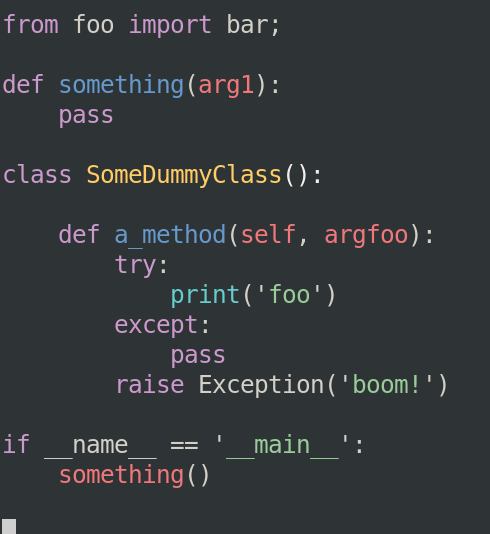
Screenshots
Shortcuts
For now, there are only two shortcuts:
^wsaves the current view^cexits
Commands
xi-term supports a vim-like command prompt for executing commands, accessed
via Alt-X.
Currently supported commands:
| Short form | Long form | Description |
|---|---|---|
| q | quit | Quits xi-term |
| s | save | Saves the current file |
o filename |
open filename |
Open filename for editing |
| b | backspace | Delete the previous character and move the cursor one position back |
| d | delete | Delete the character under the cursor |
| bn | next-buffer | Switch to the next buffer |
| bp | prev-buffer | Switch to the previous buffer |
| pd | page-down | Advance the current view by one page |
| pu | page-up | Move the current view back by one page |
| ml | move-left | Move the cursor one position left |
| mr | move-right | Move the cursor one position right |
| mu | move-up | Move the cursor one line up |
| md | move-down | Move the cursor one line down |
t theme |
theme theme-name |
Set the theme to theme |
| ln | line-numbers | Toggle displaying line numbers |
Future commands:
| Short form | Long form | Description |
|---|---|---|
| c | close | Closes the current view |
? string |
search string |
Search for string |
| sl | select-left | Move the cursor one position left and update the current selection accordingly |
| sr | select-right | Move the cursor one position right and update the current selection accordingly |
| su | select-up | Move the cursor one line up and update the current selection accordingly |
| sd | select-down | Move the cursor one line down and update the current selection accordingly |
Preferences
Xi-core supports several user-configurable options through a preferences.xiconfig file.
The default location for this is $XDG_CONFIG_HOME/xi/preferences.xiconfig, or, if
$XDG_CONFIG_HOME is not set, it defaults to $HOME/xi/preferences.xiconfig.
Caveats
Colors
If you have the syntect plugin installed, colors will be enabled by default, with two caveats:
- you must have true colors enabled. Otherwise, some portions of text won't be displayed
- the default theme is for dark backgrounds
Explorar proyectos relacionados
codecrafters-io/build-your-own-x
Domina la programación recreando desde cero tus tecnologías favoritas.
562,325 estrellaspublic-apis/public-apis
Una lista colectiva de API gratuitas
498,756 estrellasmorluto/rea
Ingeniería inversa de cualquier cosa con agentes, desde el comportamiento de la aplicación hasta los binarios nativos.
457,376 estrellasopenclaw/openclaw
La IA que de verdad hace las cosas. Cualquier sistema operativo y cualquier plataforma. Al estilo langosta. 🦞
394,392 estrellas