
ubuntu-flutter-community/musicpod has 673 GitHub stars and 76 forks. GitHot measured 0 stars in 24 hours and 0 in 7 days. Last checked 2026-11-23 03:49 UTC. Last push 2026-11-22.
What you can do
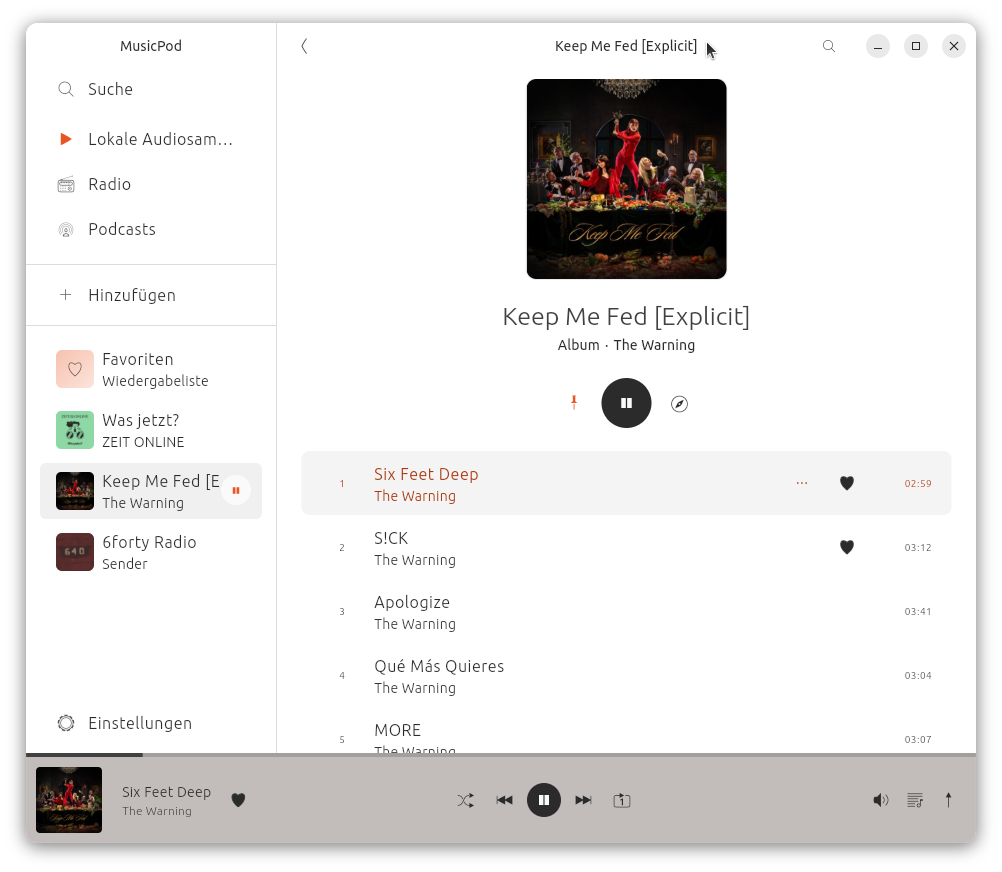
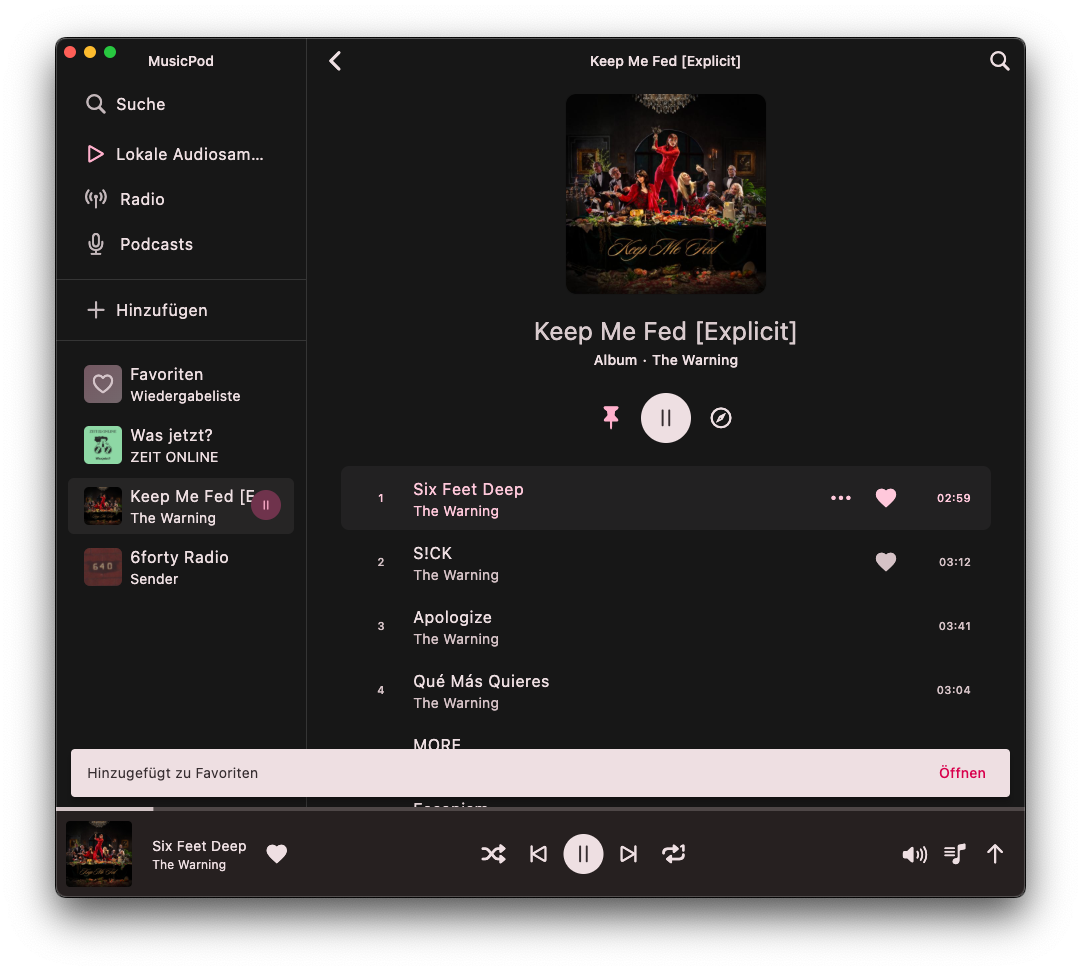
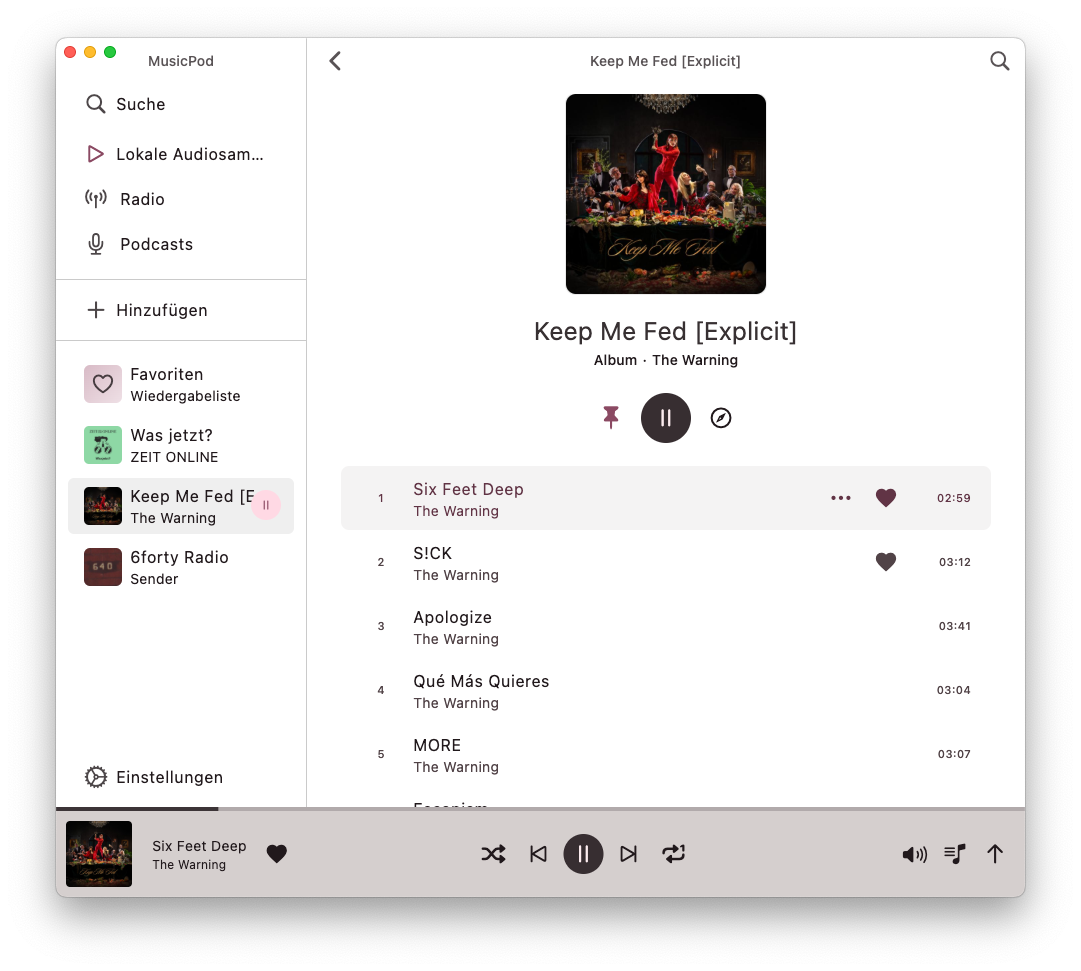
- Play local audio
- Find local audios sorted by Metadata
- Play radio stations, with icytags and artwork looked up!
- Play and download podcasts, safe progress, sort episodes and more!
Crecimiento de estrellas medido
- in 24h
- 0
- in 7 days
- 0
- in 15 days
- Recopilando historial
- in 1 month
- Recopilando historial
Cambios netos en períodos que se solapan, no totales diarios. Los datos no disponibles se dejan en blanco. Las estrellas indican interés, no calidad.
Acerca de
Music, radio, television and podcast player for Ubuntu, MacOs and maybe soon Android
Creación y multimediaREADME.md
OriginalMusicPod


MusicPod is a local music, radio, television and podcast player for Linux Desktop, MacOS and Windows (currently the metadata loading for local audio takes ages, so the Windows version is not considered stable if you are looking for the local audio feature. See #264 ). (Android is planed but no ETA yet when it will happen.)
| OS | How to install |
|---|---|
| Linux |  or or (Arch Linux) install from archlinuxcn via sudo pacman -S musicpod |
| Windows | Release Page |
| MacOS | Release Page |
| Android | WIP |
Features
| Features | Dark Linux | Light Linux | Dark MacOS | Light MacOS |
|---|---|---|---|---|
| Play local audio | 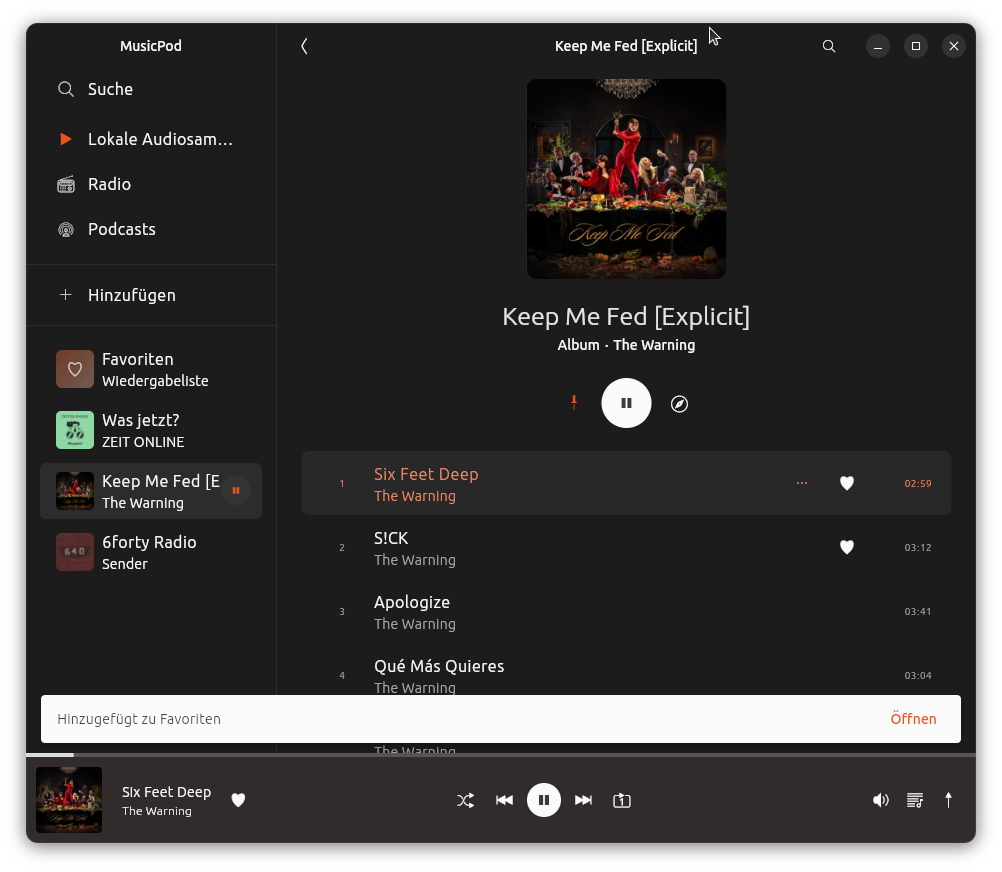 |
 |
 |
 |
| Find local audios sorted by Metadata | 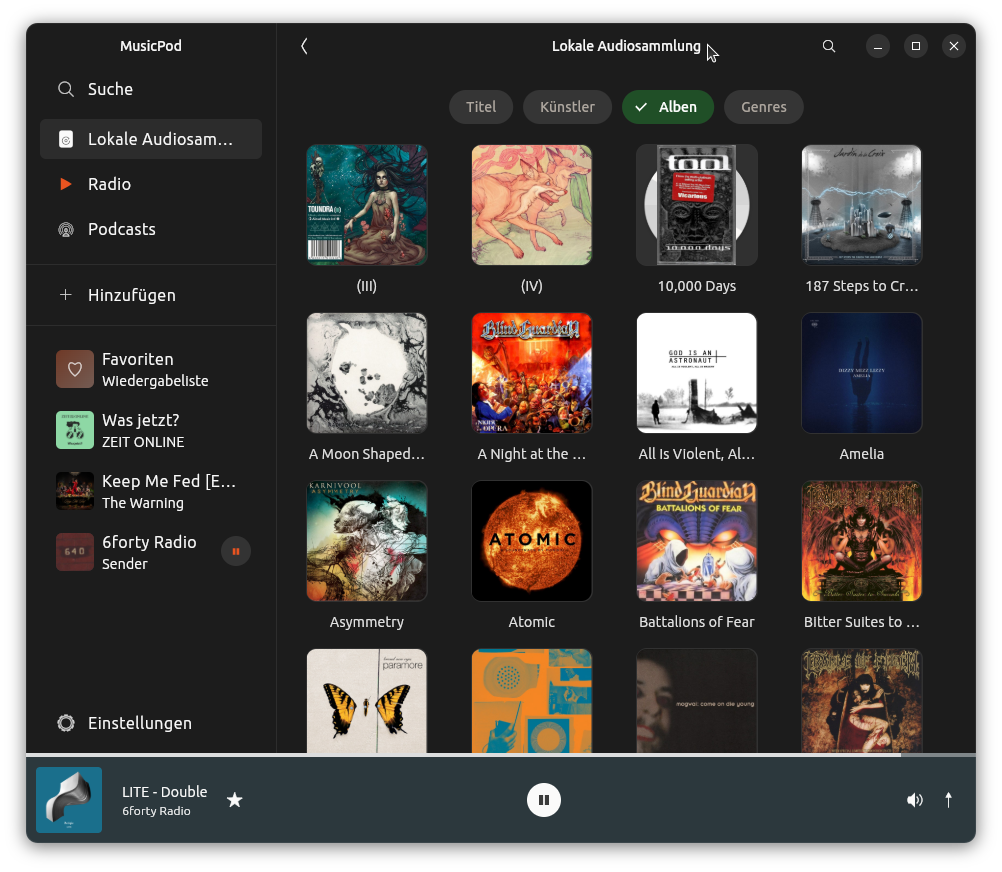 |
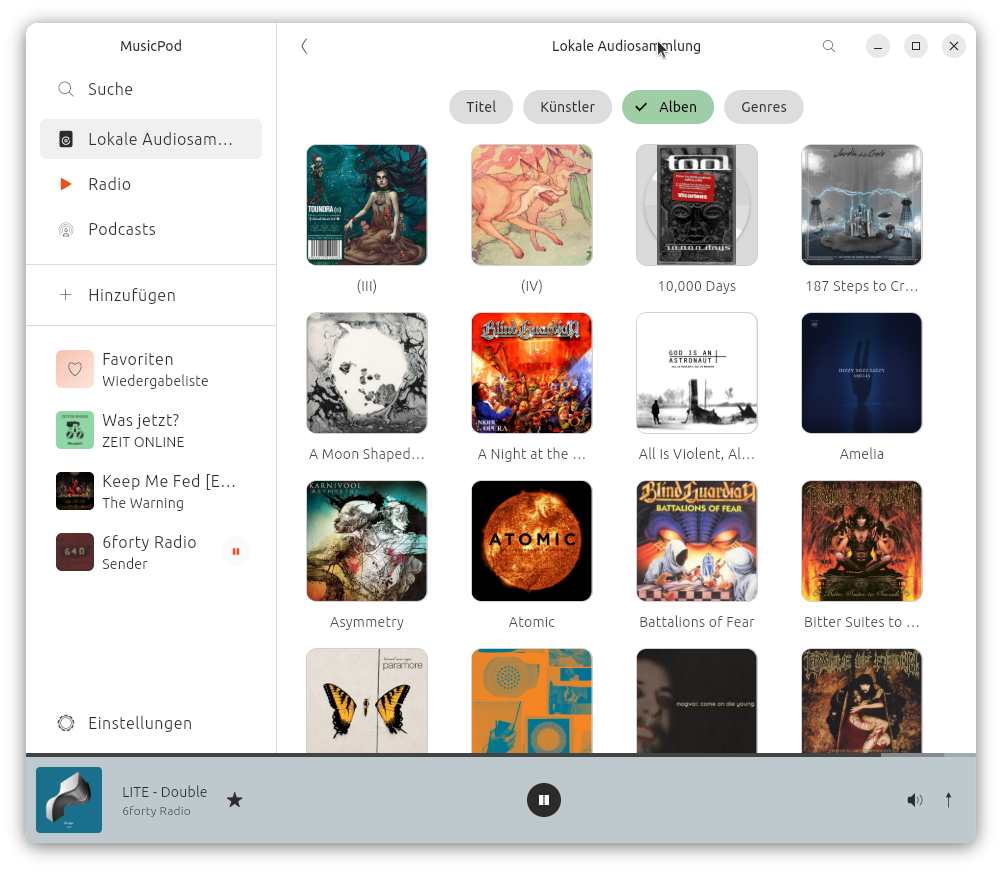 |
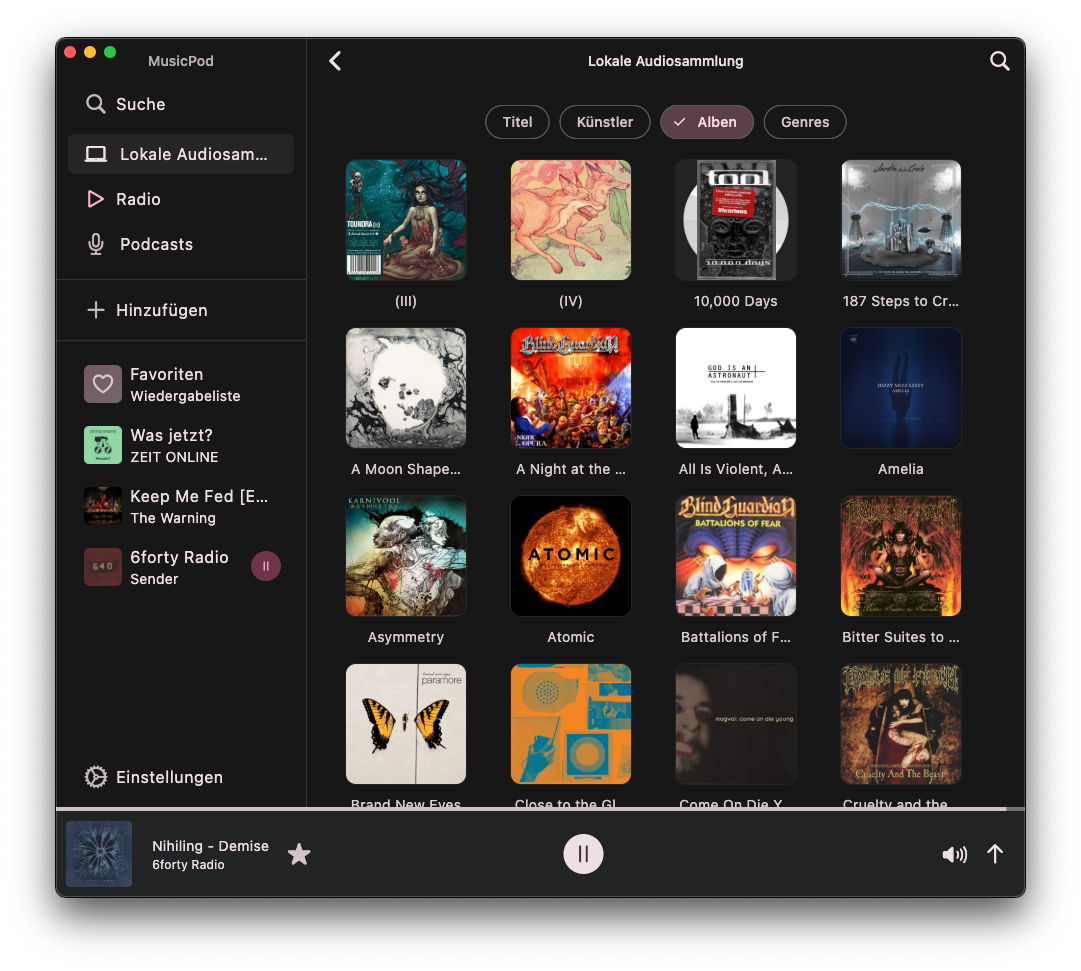 |
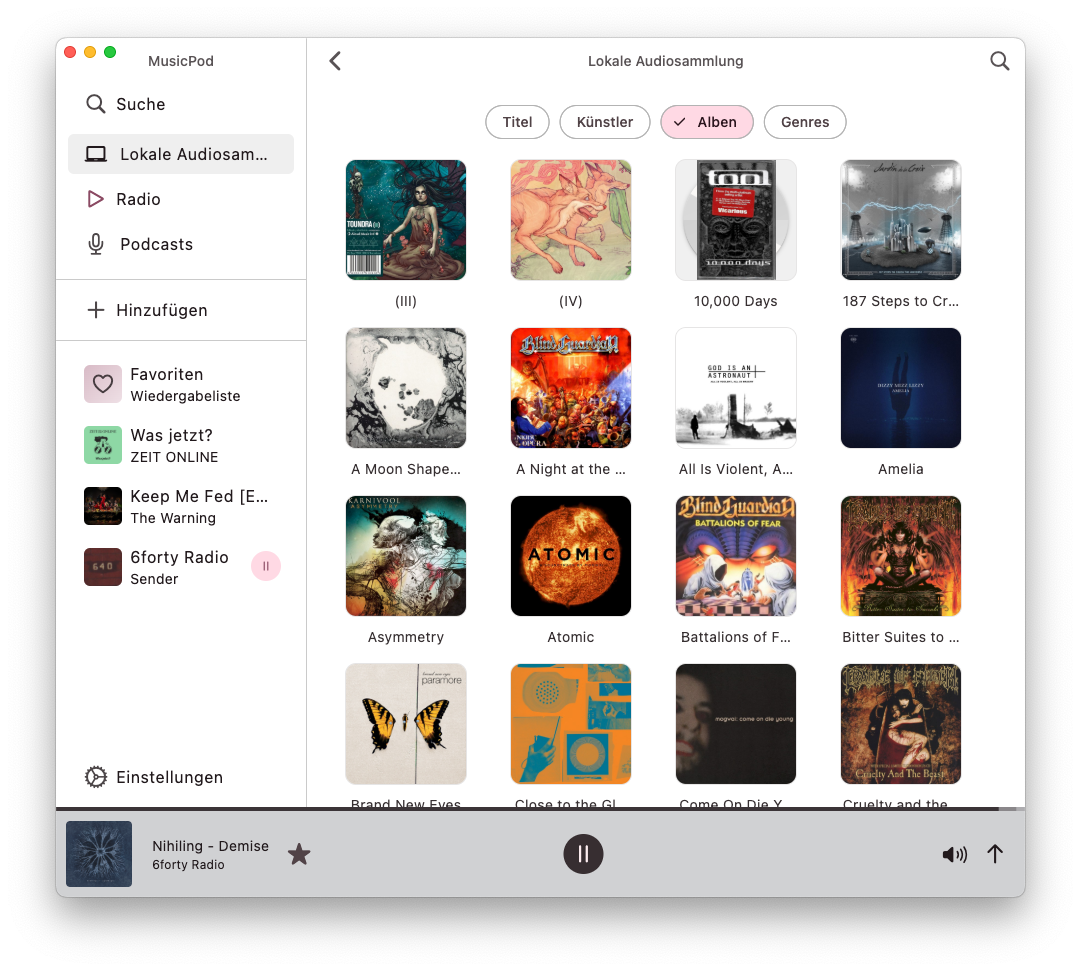 |
| Play radio stations, with icytags and artwork looked up! | 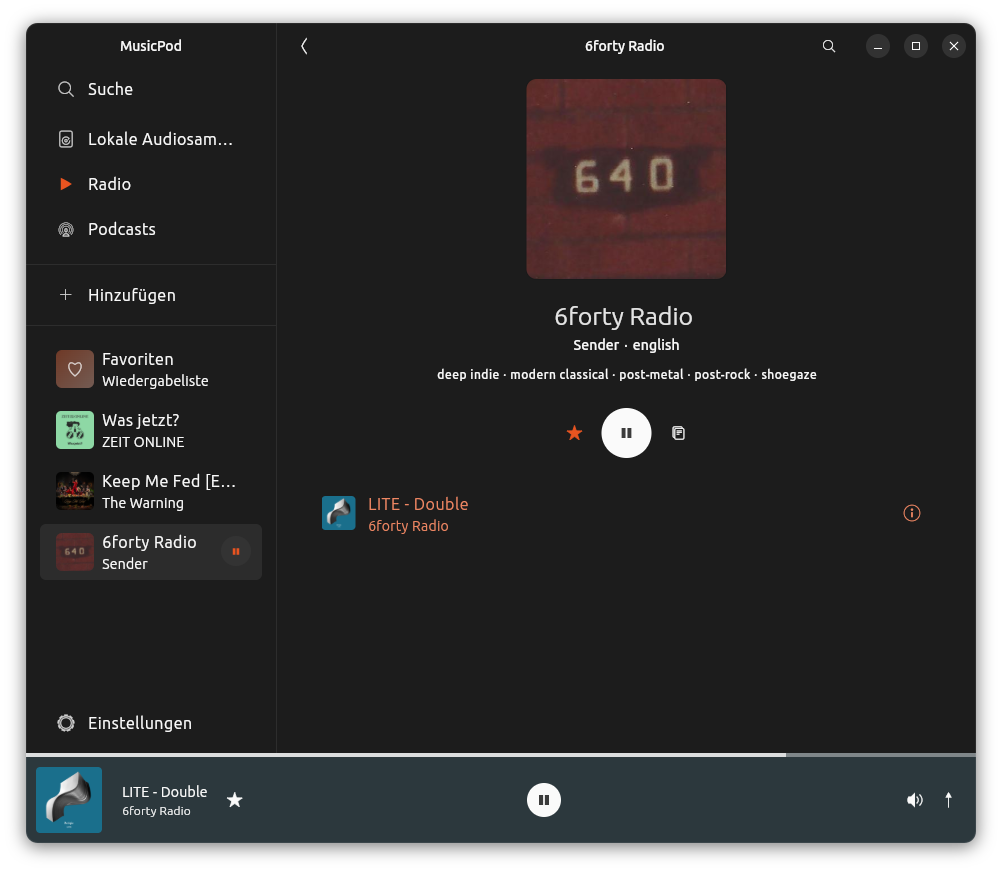 |
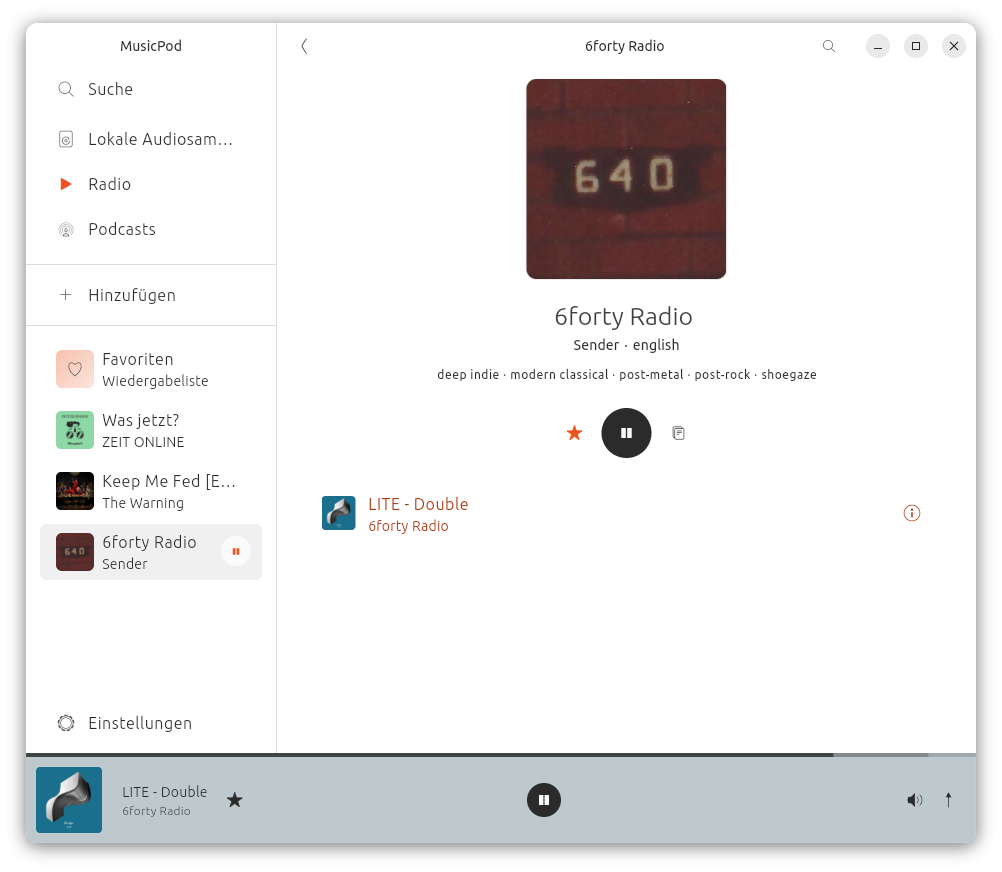 |
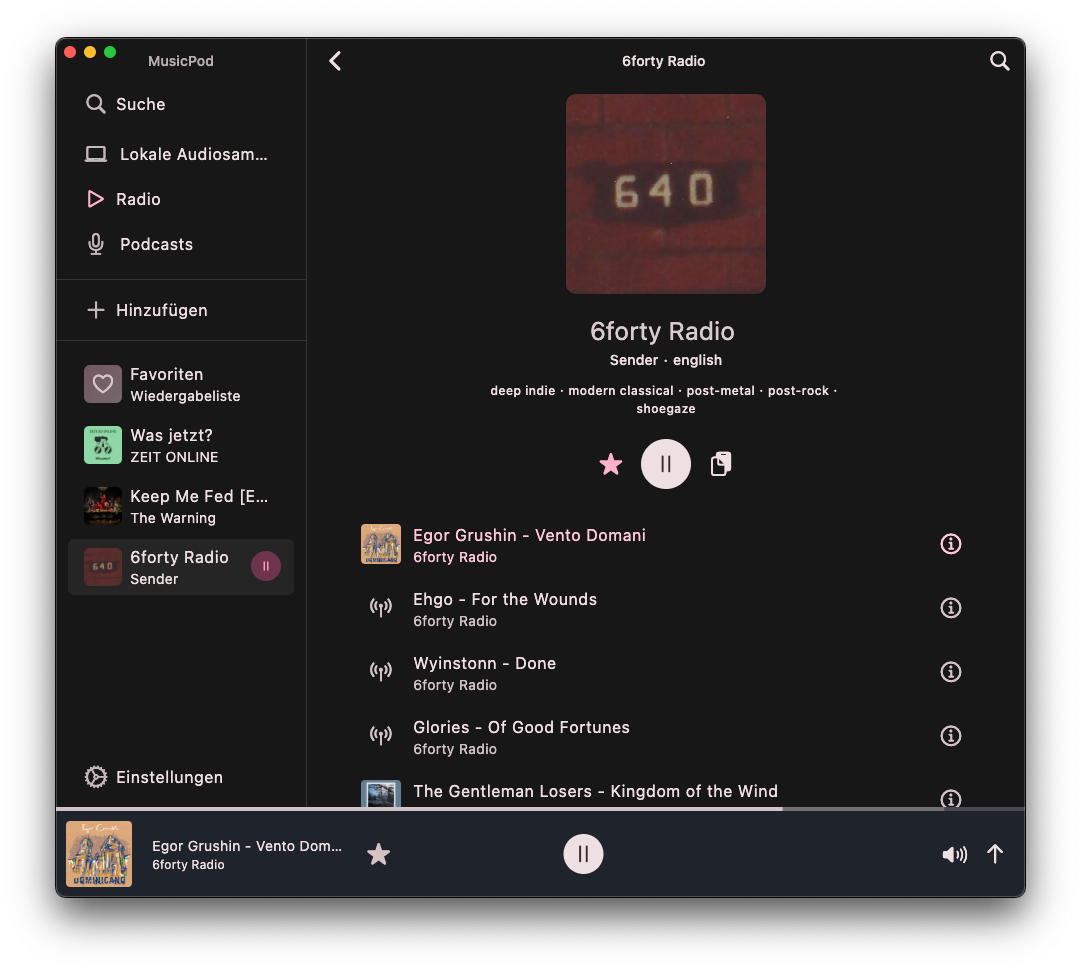 |
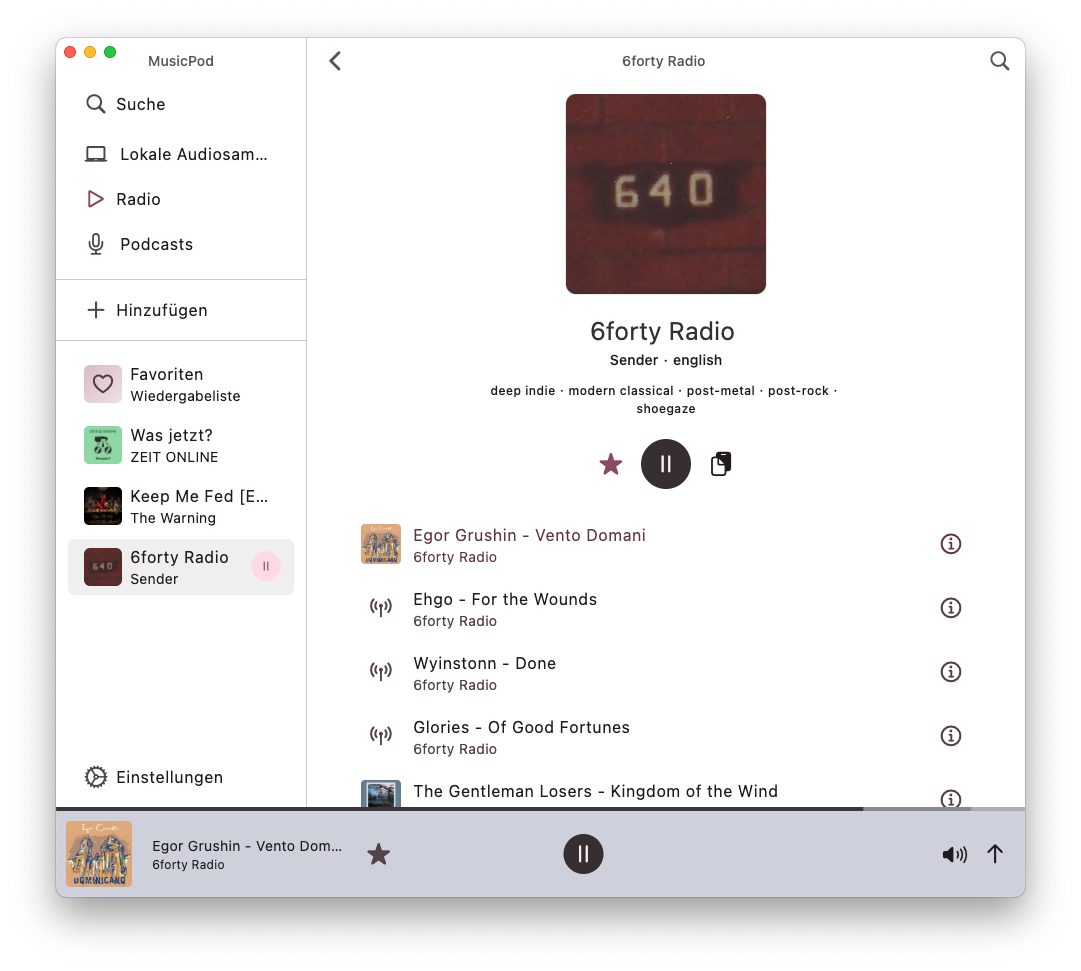 |
| Play and download podcasts, safe progress, sort episodes and more! | 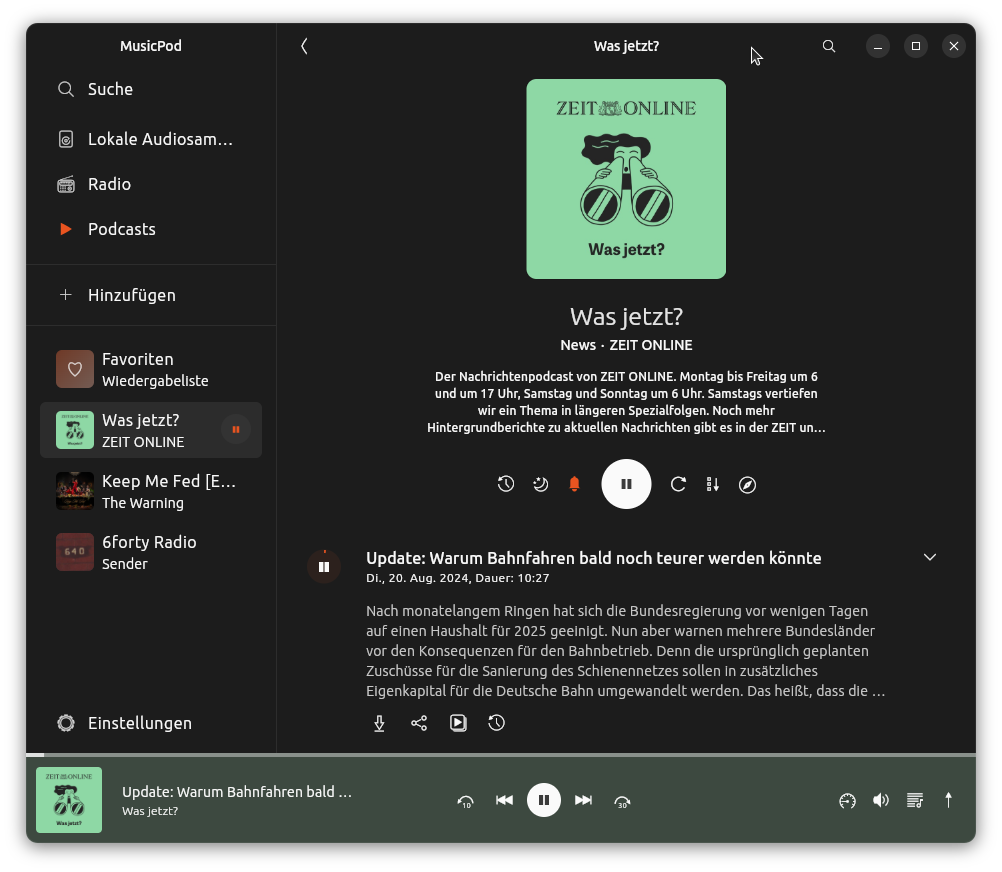 |
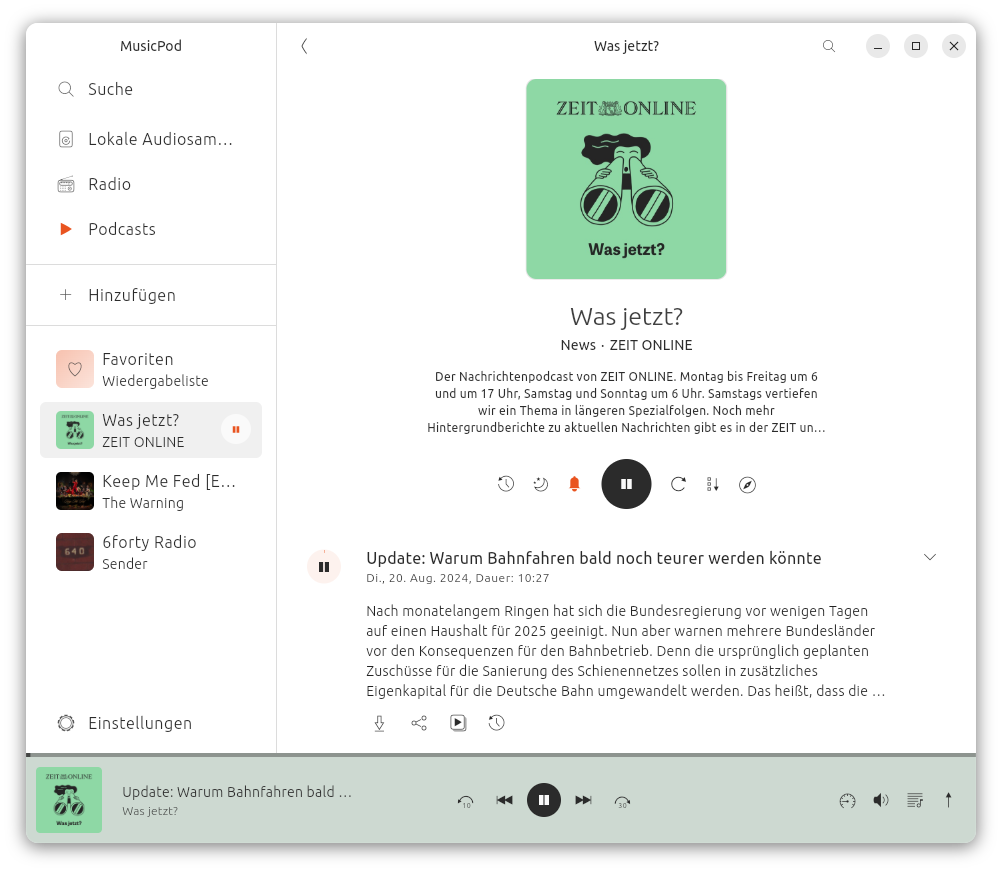 |
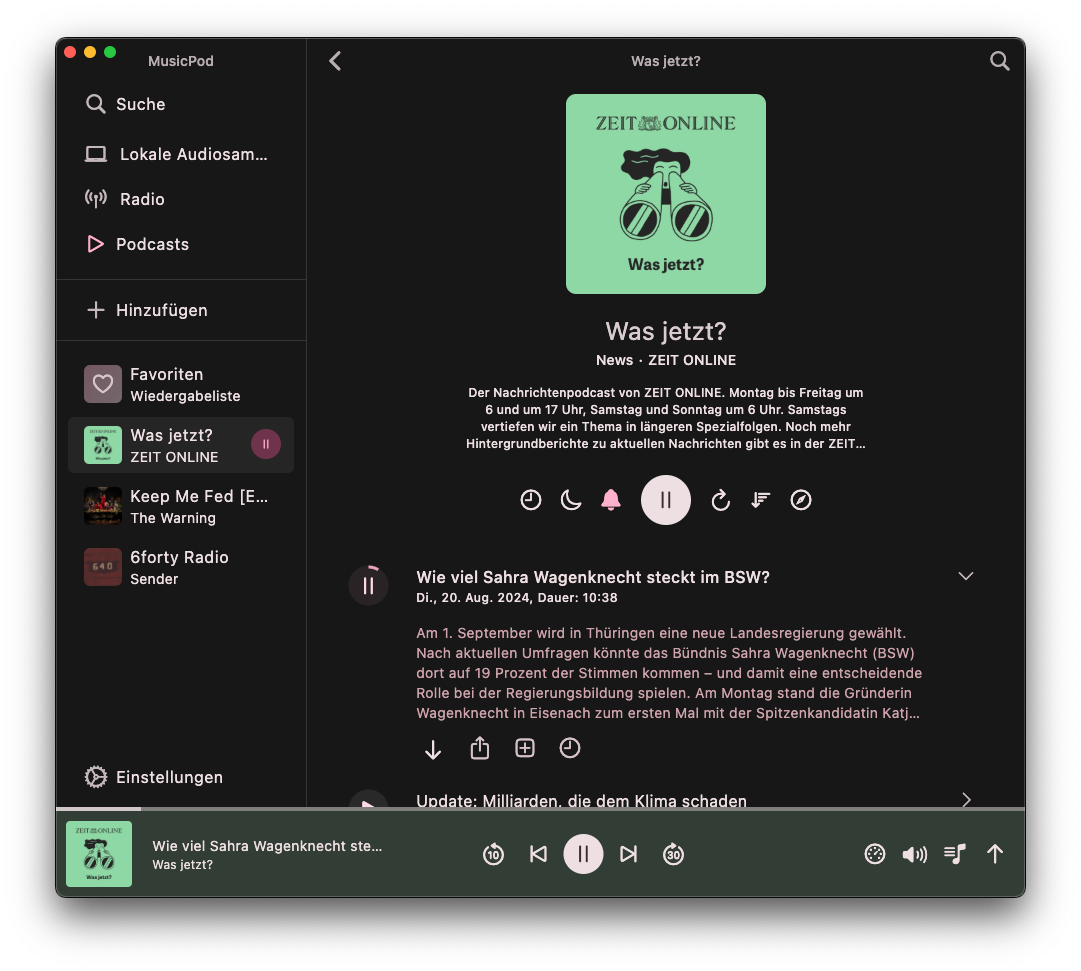 |
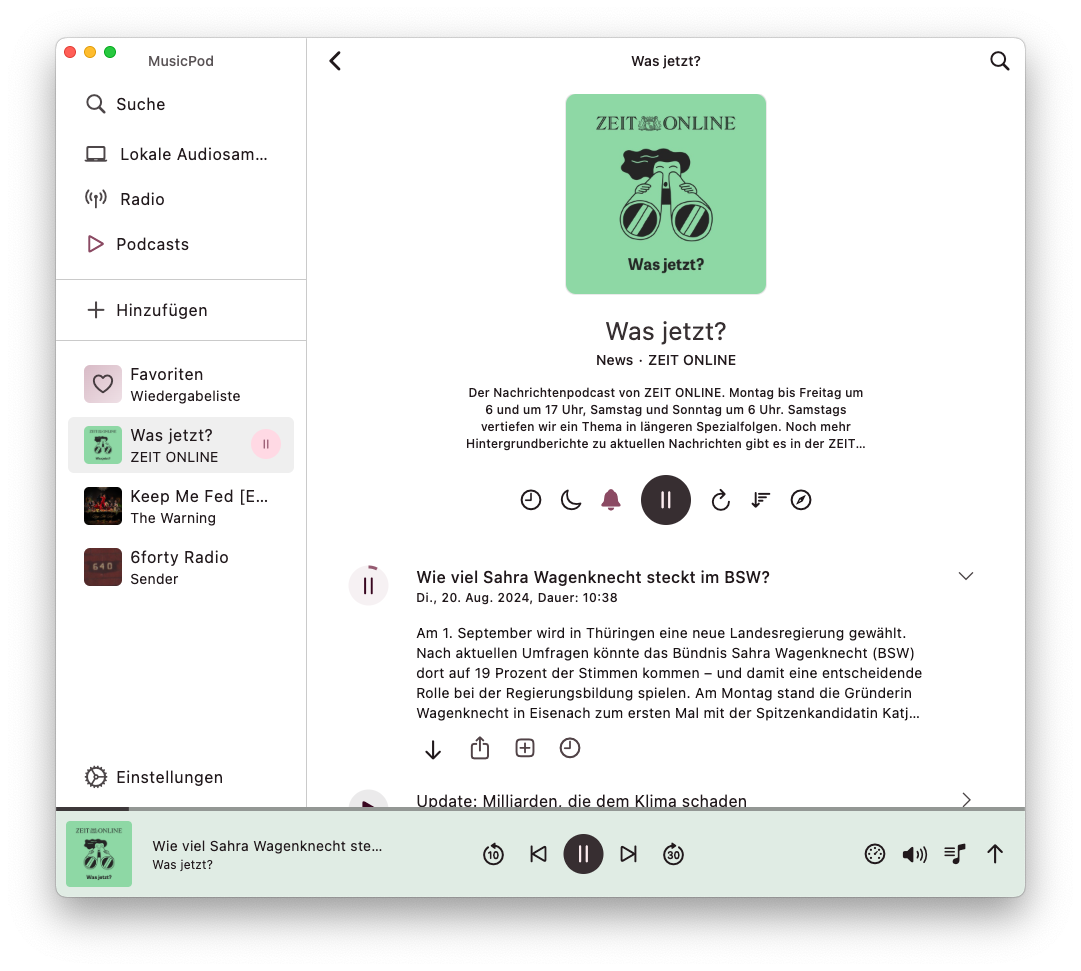 |
| Video podcast support! |  |
 |
 |
 |
| Discover podcasts, filtered as you like | 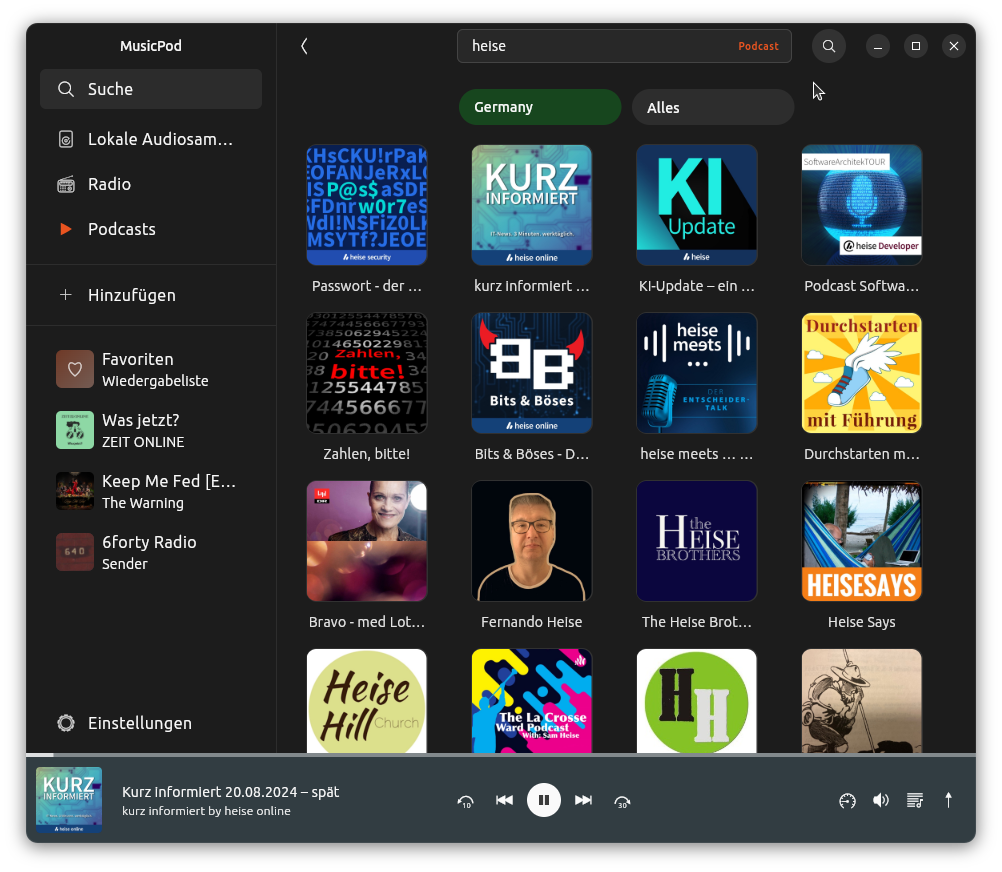 |
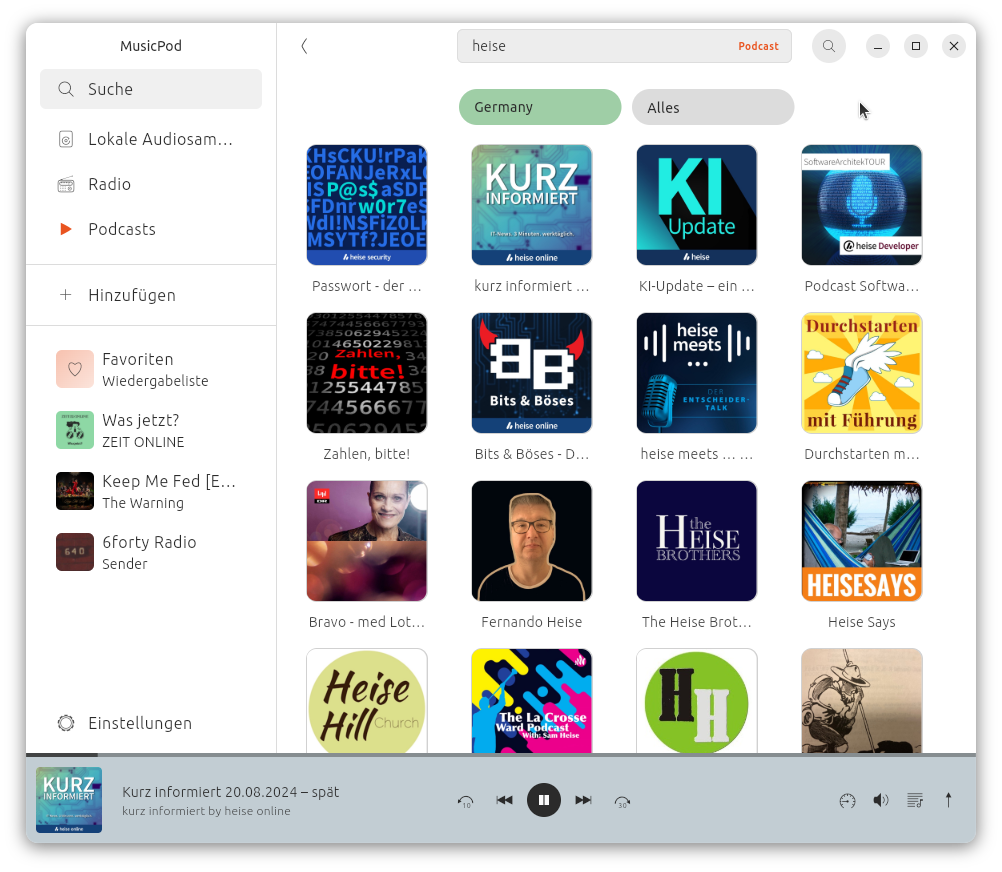 |
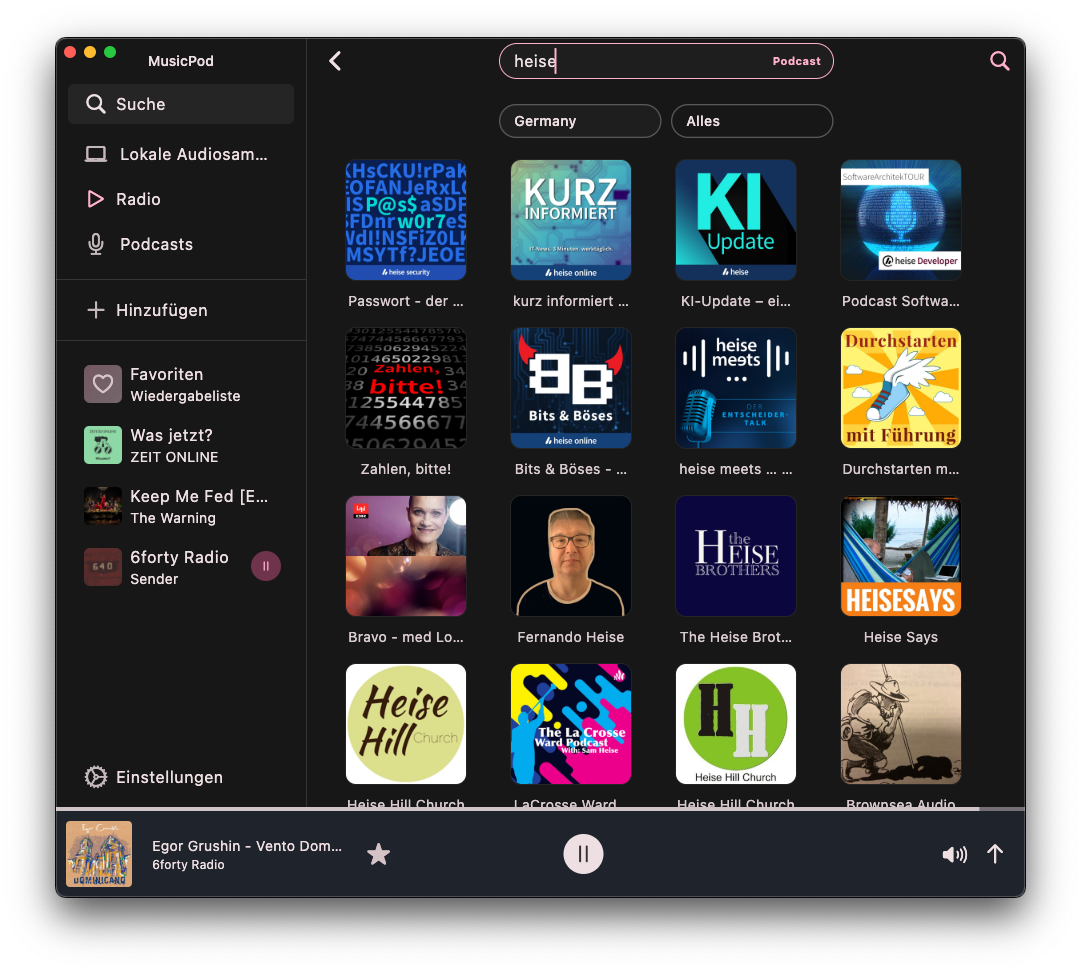 |
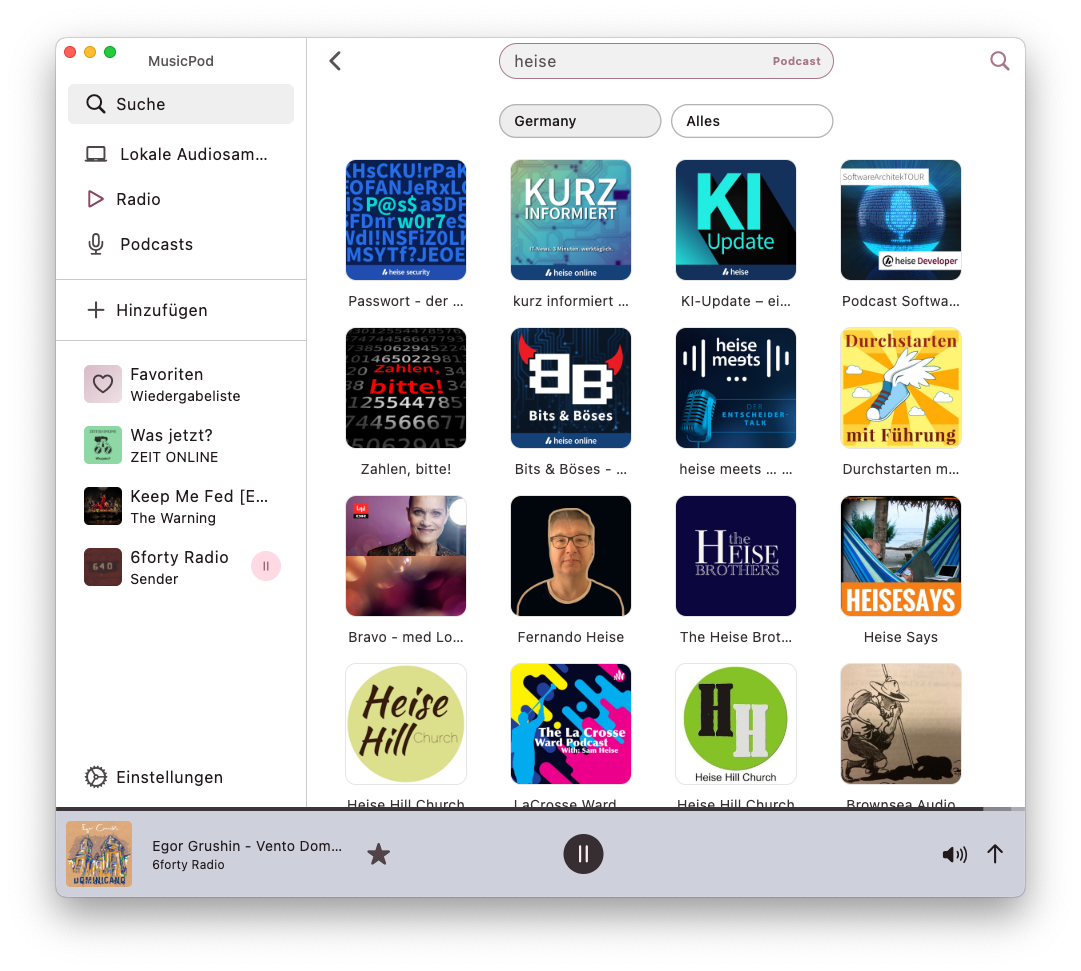 |
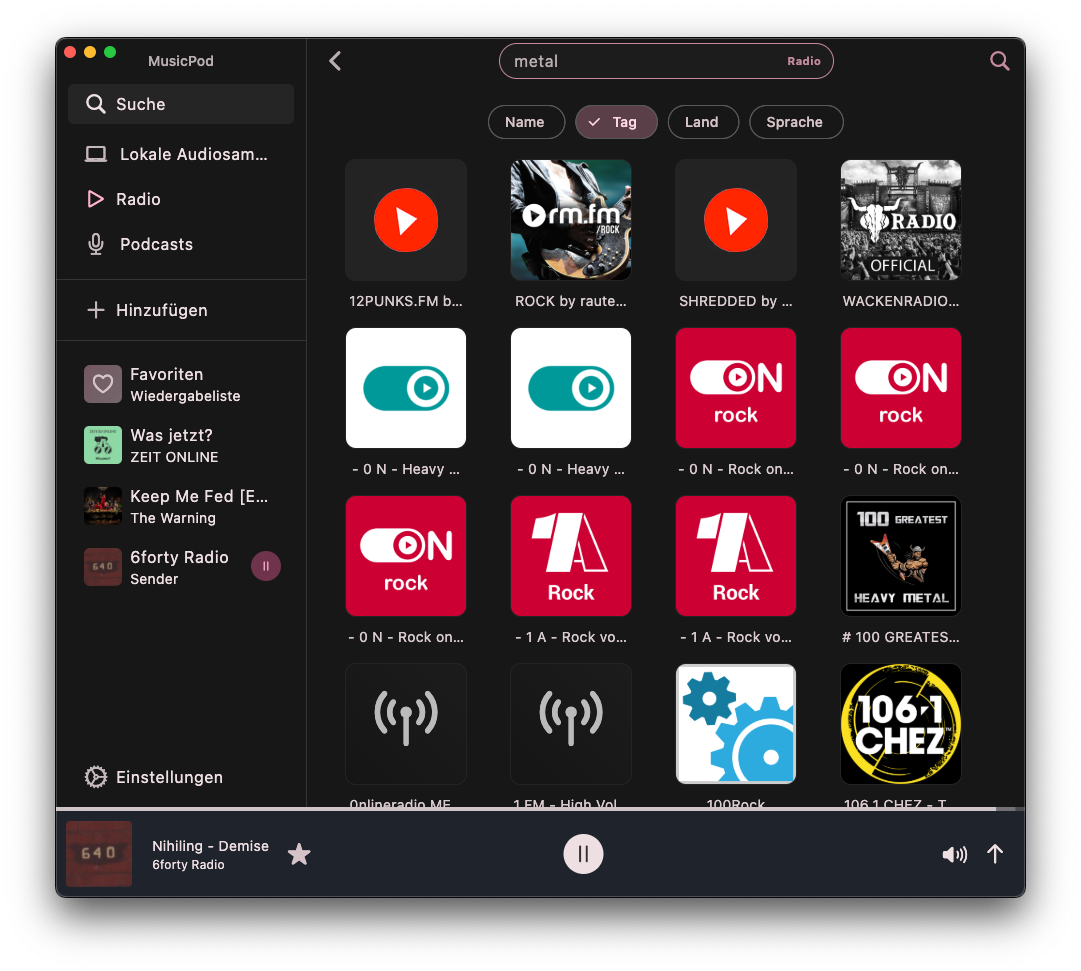
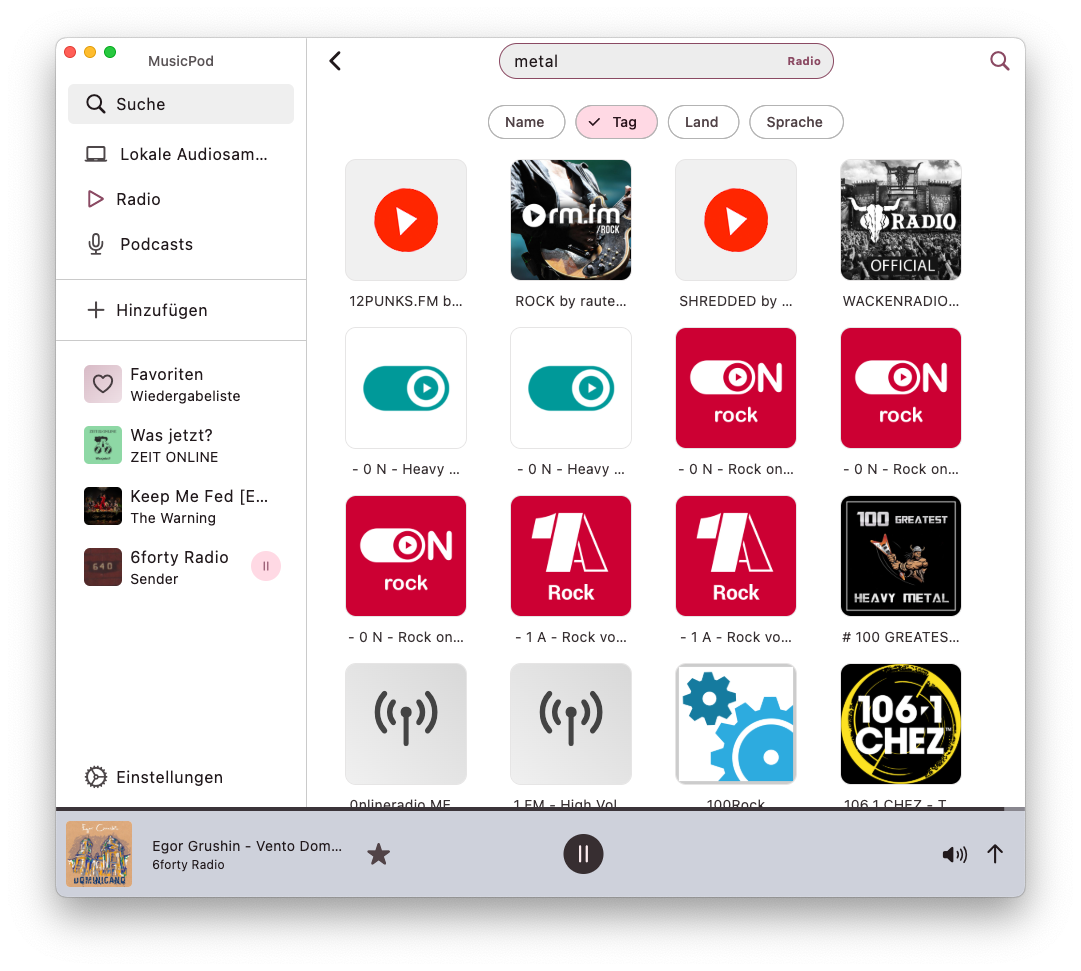
| Discover radio stations, filtered as you like | 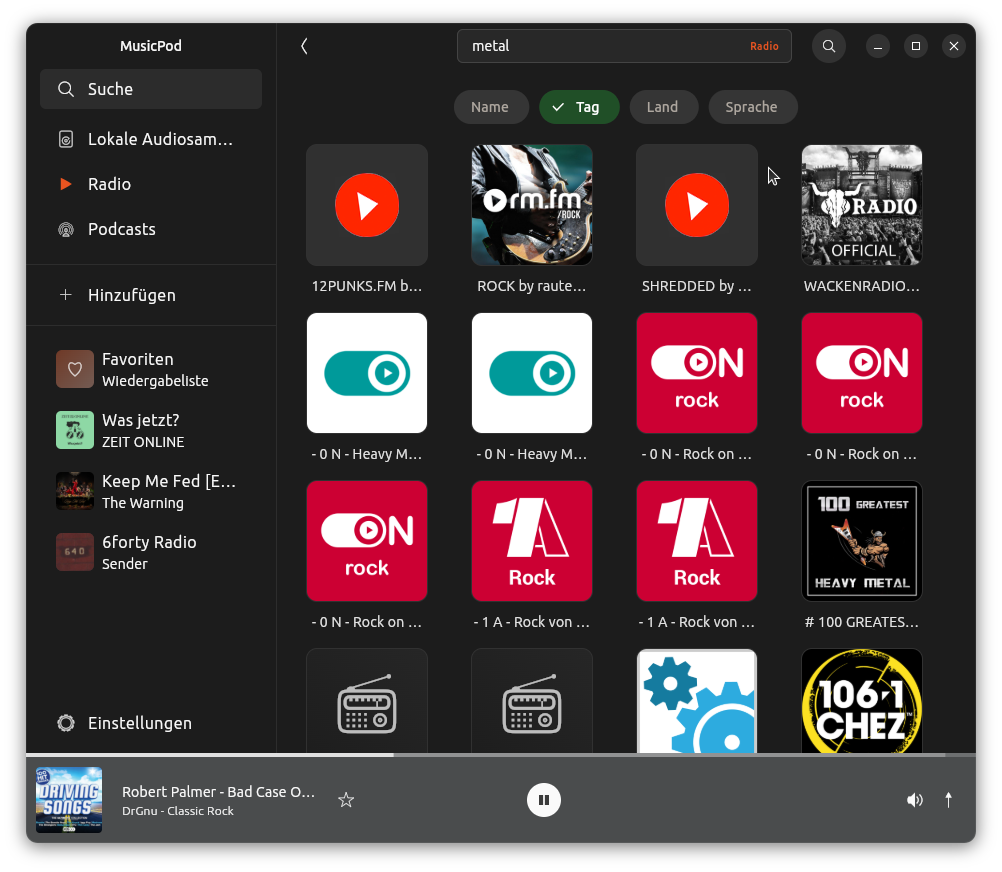 |
 |
 |
 |
| Different view modes | 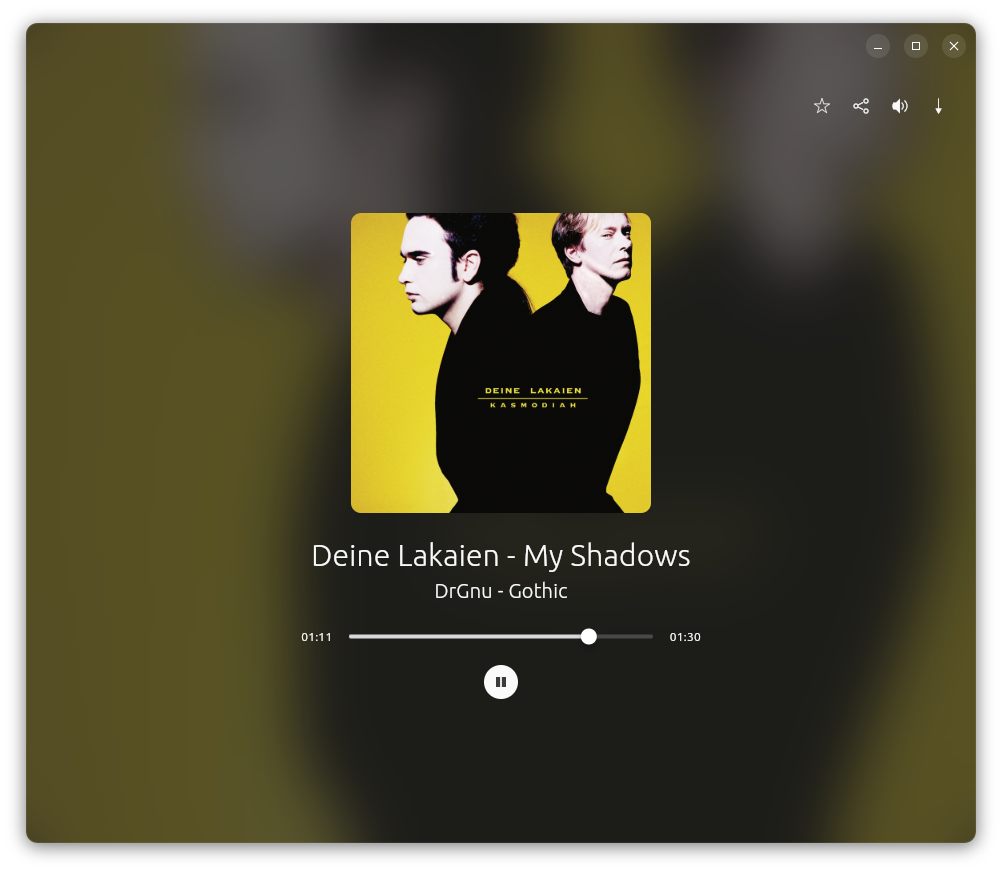 |
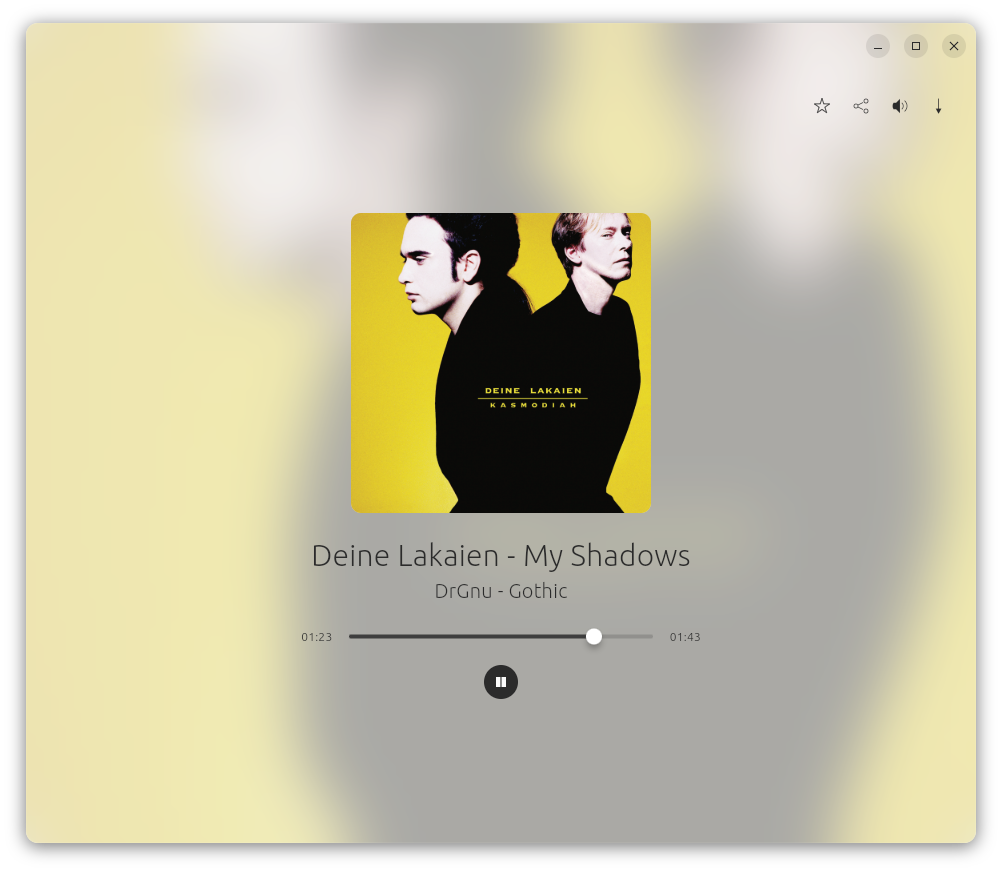 |
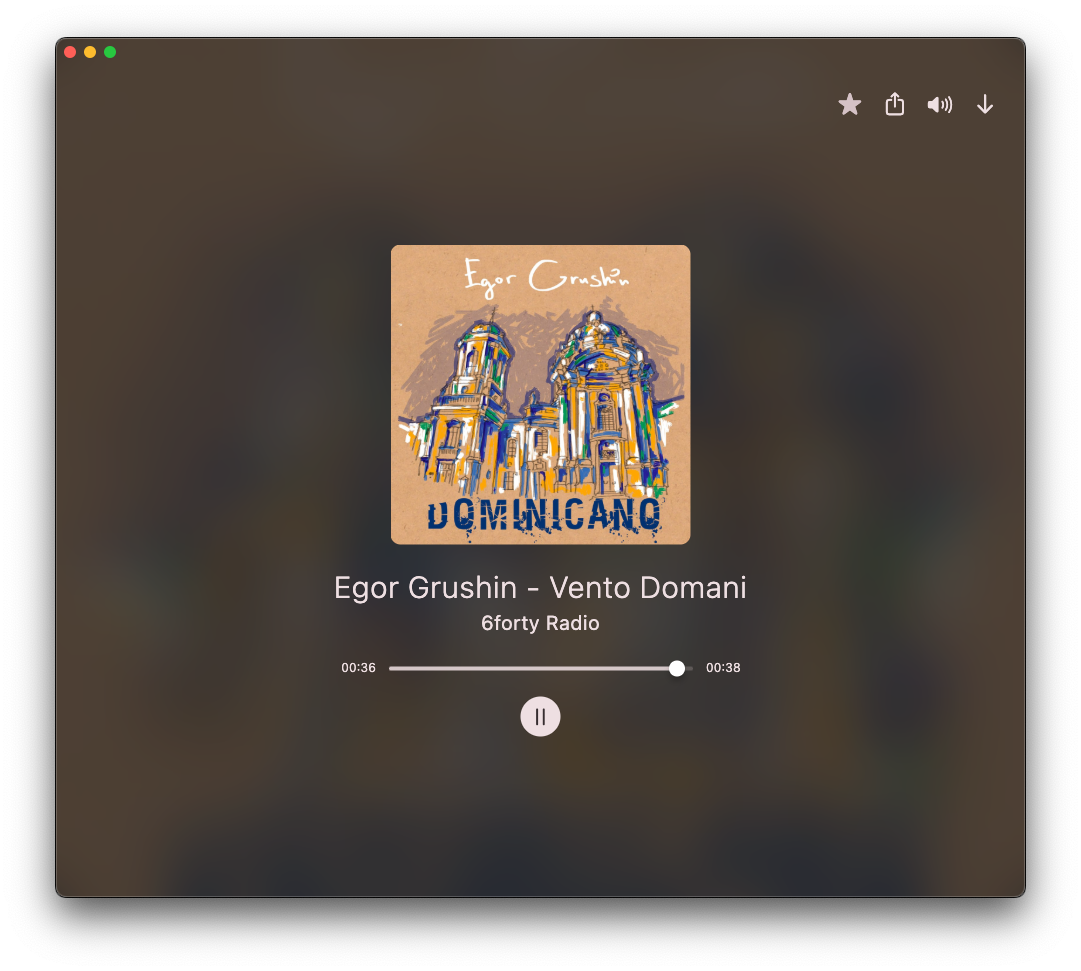 |
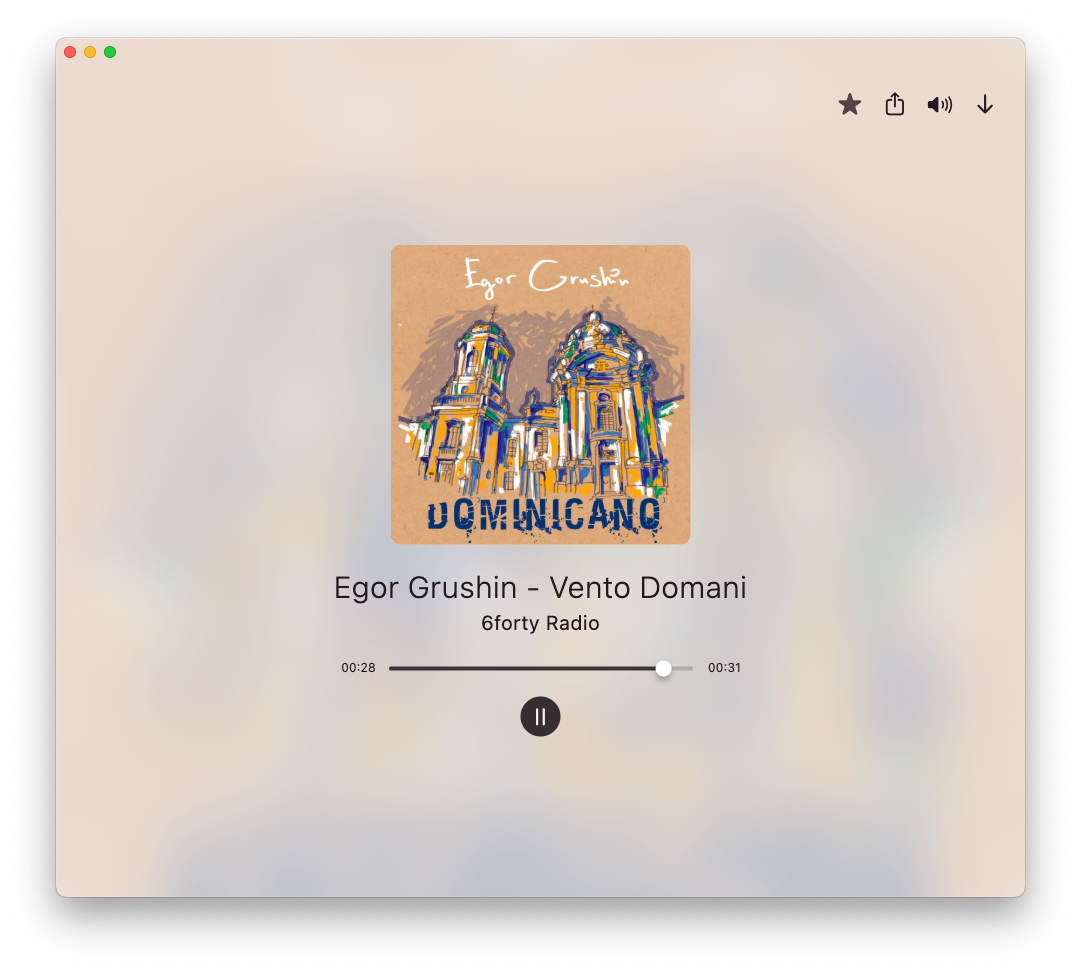 |
Credits
AppIcon
The app icon has been made by Stuart Jaggers, thank you very much Stuart!
Flatpak
Thanks TheShadowOfHassen for packaging MusicPod as a Flatpak!
Libraries used
Thanks to all the MPV contributors!
Thank you @amugofjava for creating the very easy to use and reliable podcast_search!
Thanks @alexmercerind for the super performant Mediakit library and mpris_service dart implementation!
Thank you @KRTirtho for the very easy to use smtc_windows package and Flutter Discord RPC
Thank you @tomassasovsky for the dart implementation of radiobrowser-api!
Thank you @ClementBeal for the super fast, pure dart Audio Metadata Reader!
Thank you @rrousselGit for creating riverpod! It makes state management and auto disposing memory so much easier!
Contributing
Contributions are highly welcome. Especially translations.
Translations
The help of translators is highly appreciated! For translations MusiPod is now on Weblate thanks to @keunes:
https://hosted.weblate.org/projects/musicpod/app

Code contributions
If you find any error please feel free to report it as an issue and describe it as good as you can. If you want to contribute code, please create an issue first, then proceed as follows:
Please fork MusicPod to your GitHub namespace, clone it to your computer, create a branch named by yourself, commit your changes to your local branch, push them to your fork and then make a pull request from your fork to this repository. I recommend the vscode extension GitHub Pull Requests especially for people new to Git and GitHub.
Build
Prerequisites
- for Linux desktop builds:
sudo apt install libglib2.0-dev libgtk-3-dev curl git unzip xz-utils zip libglu1-mesa libmpv-dev mpv libnotify-dev - for macos, windows and android please check the official instructions for your target platform!
- install flutter
- I suggest to install the flutter sdk with FVM (this does not replace the native dependencies ofc!)
- required for android builds: install android-studio
- required for macos builds: install xcode
- as a good IDE for all builds: install vcode
Generate some code
The dependencies and test mocks are generated with build_runner. You need to run the build_runner command in order to re-generate dependencies, in case you changed the signatures of service methods, like this:
dart pub run build_runner build --force-jit
or if you use fvm:
fvm dart pub run build_runner build --force-jit
Run
Now you can run the app with flutter run or fvm flutter run in the project directory. If not, please open an issue if I maybe have forgotten a step which I had locally, but not in the README.md.
Release
The release please bot automatically creates a pull request when new changes after the last release are made with conventional commits. It force pushes those to its branch and updates the version string in pubspec.yaml and the changelog file. When the release please pull request is merged the version and changelog will be updated in main.
Linux
The linux snap packages are always build when a new commit lands in main. When a new release is made go to https://snapcraft.io/musicpod/releases and promote the latest snap from edge to stable.
MacOs
fvm flutter build macos --release- open the macos directory in xcode
- in xcode go to "Product" -> "Archive"
- create archive
- validate
- distribute
- notarize
- export app
- install create-dmg
- open the location you exported the app to
create-dmg --idenfity=XXXXXXXX musicpod.app(XXXXXXXX is your apple dev ID which needs to be with your certificate in your mac...)
Windows
The Windows release installer is created with Inno Setup and built automatically via GitHub Releases.
Building locally
fvm flutter build windows --release(CMake automatically bundles the required MSVC C++ runtime DLLs into the release directory)- Compile
windows/inno.isswith Inno Setup Compiler. The resulting installer is generated atwindows/Output/musicpod-setup.exe.
Code Signing for GitHub Actions Releases
The release workflow (.github/workflows/release.yml) automatically signs both musicpod.exe and musicpod-setup.exe if the signing secrets are configured in the repository.
To generate a certificate on Windows and configure it in GitHub Secrets:
Generate and export a certificate (PowerShell as Administrator):
# 1. Create a Code Signing Certificate (or use an official CA certificate)
$cert = New-SelfSignedCertificate -Type Custom `
  -Subject "CN=Frederik Feichtmeier" `
  -KeyUsage DigitalSignature `
  -FriendlyName "MusicPod Signing Certificate" `
  -CertStoreLocation "Cert:\CurrentUser\My" `
  -TextExtension @("2.5.29.37={text}1.3.6.1.5.5.7.3.3", "2.5.29.19={text}")

# 2. Export the private key as a .pfx file with a password
$password = ConvertTo-SecureString -String "CHOOSE_A_SECURE_PASSWORD" -Force -AsPlainText
Export-PfxCertificate -Cert $cert -FilePath "cert.pfx" -Password $password

# 3. Convert the .pfx file to Base64
[Convert]::ToBase64String([System.IO.File]::ReadAllBytes("cert.pfx")) | Out-File -FilePath "cert_base64.txt"
Configure secrets in the GitHub repository:
- In GitHub, navigate to Settings → Secrets and variables → Actions.
- Create two Repository secrets:
WINDOWS_CERT_BASE64: The full Base64 string fromcert_base64.txt.WINDOWS_CERT_PASSWORD: The password chosen during certificate export.
Upgrading to a Trusted CA Certificate (Removing SmartScreen Warnings)
Self-signed certificates establish binary integrity, but Windows SmartScreen initially displays an "Unknown publisher" warning until download reputation builds. To eliminate this warning, the binaries can be signed with an officially recognized Certificate Authority (CA).
Option A: SignPath Foundation (Free for Open Source) ⭐
SignPath Foundation provides free code signing certificates to qualifying open-source projects. MusicPod qualifies as a GPL-3.0 public repository built on GitHub-hosted runners.
Setup instructions:
- Apply for open-source signing:
- Submit an application on SignPath Apply with the repository URL (
https://github.com/ubuntu-flutter-community/musicpod).
- Submit an application on SignPath Apply with the repository URL (
- Install the SignPath GitHub App:
- Once approved, install the SignPath GitHub App on the repository to verify build provenance.
- Configure the SignPath Dashboard:
- Create a project (e.g.,
musicpod), configure a signing policy (e.g.,release-signing), and generate an API token under user settings.
- Create a project (e.g.,
- Configure GitHub Secrets:
SIGNPATH_API_TOKEN: The generated SignPath API token.SIGNPATH_ORGANIZATION_ID: The SignPath organization UUID.
- Update .github/workflows/release.yml:
Replace the local
signtoolstep with SignPath's official action:# 1. Upload the unsigned installer - name: Upload unsigned installer to workflow storage id: upload-unsigned uses: actions/upload-artifact@v4 with: name: unsigned-installer path: windows/Output/musicpod-setup.exe # 2. Submit to SignPath for signing - name: Sign installer with SignPath uses: signpath/github-action-submit-signing-request@v3 with: api-token: ${{ secrets.SIGNPATH_API_TOKEN }} organization-id: ${{ secrets.SIGNPATH_ORGANIZATION_ID }} project-slug: 'musicpod' signing-policy-slug: 'release-signing' github-artifact-id: ${{ steps.upload-unsigned.outputs.artifact-id }} wait-for-completion: true output-artifact-directory: 'windows/Output'
Option B: Microsoft Trusted Signing (Azure Cloud Service)
For maintainers using Azure:
- In the Azure Portal, create a Trusted Signing Account.
- Complete identity validation and create a Certificate Profile.
- Integrate into GitHub Actions using the official
azure/trusted-signing-action.
Distributing via MSIX and the Microsoft Store
To distribute MusicPod via the Microsoft Store (and winget), the application can be packaged as an MSIX bundle:
- Automatic trusted signing: Microsoft signs the package automatically with its trusted store certificate upon ingestion.
- Native installation: Users receive 1-click installation, background updates, and zero SmartScreen warnings.
1. Partner Center Setup and Configuration
- Register a developer account at Microsoft Partner Center.
- Under Apps & Games, reserve the application name (
MusicPod). - In Product Management > Product Identity, note the three required identity values:
Package/Identity/Name(e.g.,FrederikFeichtmeier.MusicPod)Package/Identity/Publisher(e.g.,CN=XXXXXXXX-XXXX-XXXX-XXXX-XXXXXXXXXXXX)Package/Properties/PublisherDisplayName(e.g.,Frederik Feichtmeier)
- Add the
msixdev-dependency topubspec.yaml:dev_dependencies: msix: ^3.16.8 - Add the
msix_configblock at the root ofpubspec.yamlusing the Partner Center identity details:msix_config: display_name: MusicPod publisher_display_name: Frederik Feichtmeier # Must match Package/Properties/PublisherDisplayName identity_name: FrederikFeichtmeier.MusicPod # Must match Package/Identity/Name publisher: CN=XXXXXXXX-XXXX-XXXX-... # Must match Package/Identity/Publisher logo_path: assets/icon.png capabilities: - internetClient store: true # Marks package for Store submission and skips local signing output_name: musicpod output_path: build/windows/x64/runner/Release
2. CI/CD Publishing Options
Two ready-to-use jobs are provided in .github/workflows/release.yml (commented out at the bottom of the file):
Option 1: Build MSIX and attach to GitHub Release (Semi-automated)
- Uncomment
windows-msix-releaseinrelease.yml. - When a release is published, CI builds
musicpod.msixand attaches it to the GitHub Release. - Maintainers download
musicpod.msixand upload it manually to Partner Center under Packages.
- Uncomment
Option 2: Direct Automated Publishing via Microsoft Store API (Fully automated)
- Automates uploading and publishing submissions directly to Partner Center using the official
microsoft/microsoft-store-apppublisheraction. - Requires linking an Entra ID (Azure AD) application in Partner Center (Account settings > User management > Microsoft Entra applications) with the Manager role.
- Configure the following repository secrets:
STORE_TENANT_ID: Entra ID Directory (Tenant) ID.STORE_CLIENT_ID: Entra ID Application (Client) ID.STORE_CLIENT_SECRET: Entra ID Client Secret value.STORE_SELLER_ID: Partner Center Seller ID.STORE_PRODUCT_ID: Microsoft Store Product ID (e.g.,9N...).
- Uncomment
windows-store-publishin .github/workflows/release.yml.
- Automates uploading and publishing submissions directly to Partner Center using the official
Testing
Test mocks are generated with Mockito. You need to run the build_runner command in order to re-generate mocks, in case you changed the signatures of service methods.
dart run build_runner build
Boring developer things
Under the flutter hood
MusicPod is basically a fancy front-end for MPV! Without it it would still look nice, but it wouldn't play any media :D!
State
The ever living discussion about state (Initially I didn't really like the word "state", in german it is "Zustand") in flutter is certainly an amusing topic. Often the word "state" means simply "data", "loading" and "error" state. Flutter let's the developer choose how to manage state, which can be awkward coming from UI frameworks with inbuilt data binding and state management solutions.
Amusing or not, it is incredibly important to understand where you keep state alive and when you want to dispose it and to treat the memory of the compuers of your users with respect!
So the "state management" topic is at least three fold:
- life cycle: when do we create the state and when do we dispose it?
- access and data binding: how do we access the state, how do we update it and how do we bind the state/data to the UI?
- async operations and their states: how do we handle loading, error and data "sub"-states for async operations?
Flutter provides very good out of the box solutions with State, StatefulWidgets and InheritedWidgets. Also for async state we have FutureBuilder and StreamBuilder.
But managing state becomes harder if your data is not only async but also needs to be shared across multiple widgets and you want to update and listen to it from different places in the app. And in case of MusicPod that data consists of local music, podcasts and radio stations, which all have different sources (and in case of slocal audio files, I initially underestimated how big the library of some users are...) which means you deal with huge lists of objects, which means huge amount of data, which means huge amount of allocated memory.
So if you want to access state from different places in your app, one could just make it available everywhere inside the app. But this means that the instantiated objects living in the heap of your apps process never will be garbage collected, which is really bad for every app.
So I was looking for a solution that:
- makes it easy to access state wherever I want, preferably without needing to manage flutter's build context
- making it easy to use async state and update the UI accordingly to loading and error states
- cut the state "potions" as small as possible
- dispose the state whenever it is not needed anymore, so that the memory can be freed
Why not just use stateful widgets then?
Stateful widgets work fine and exactly as they should and dispose the data instantiated within them when the widgets are disposed but as soon as the state consists of multiple objects or fields it becomes hard to only redraw the parts that should be redrawn. And also when the the state needs to be created and updated asynchronoulsy it becomes a pain to only update loading error and loading states for this particular piece of state that you are currently interested in. Long story short: at a certain feature amount and size of your app, stateful widgets become a pain to manage and you need to look for a more scalable solution.
Resulting package choices
We use get_it for stateless classes like services and DAOs and Riverpod for managers because of auto dispose and family. Additionally, to make my life easier when connecting the dependencies of classes I use Injectable for code generation of the dependency graph of get_it, by annotating the constructors of my classes and then running the build_runner command to generate the code for get_it.
Architecture
flowchart TD
    subgraph UI ["UI / Presentation Layer"]
        Views["Views & Widgets (ConsumerWidget)"]
    end

    subgraph State ["State Management (Riverpod)"]
        Managers["Manager Notifiers (autoDispose & family)"]
    end

    subgraph Services ["Service Layer (GetIt & Injectable)"]
        ServiceList["Stateless Services (PlayerService, PodcastService, etc.)"]
        External["External APIs, MediaKit & Isolates"]
    end

    subgraph Persistence ["Persistence Layer"]
        DAOs["DAOs (Data Access Objects)"]
        DB[("SQLite Database (Drift)")]
        Prefs[("SharedPreferences")]
    end

    Views -->|"watches state"| Managers
    Views -.->|"triggers actions"| Managers
    Managers -->|"calls via di<Service>()"| ServiceList
    ServiceList --> External
    ServiceList --> DAOs
    ServiceList --> Prefs
    DAOs --> DB
- UI / View
- with widgets builds methods cut as small as possible, to keep the build methods fast and to not lose the overview of the UI code
- Manager classes (Riverpod), updating the state and thus the UI
- screen- and item-scoped managers are automatically disposed and garbage collected when they have no active listeners thanks to Riverpod's built-in
autoDisposeandfamilysupport
- screen- and item-scoped managers are automatically disposed and garbage collected when they have no active listeners thanks to Riverpod's built-in
- Service classes, defining the actual operations in form of methods of a service class
- DAO-classes, as an abstraction layer for the database
- a database, which is currently implemented with drift and sqlite, to persist data, and make it available across app restarts
Examples
WIP
Performance
Reading the local covers and fetching remote covers for radio data happens inside additional second dart isolates. When idle MusiPod's CPU power consumption is 0%. For a 10 years old intel dual core, the CPU usage is about 2% while playing music, since only the parts are redrawn which need to be, thanks to Riverpod.
Memory allocation can temporarily spike when loading large datasets on a page, but page-scoped managers and their data are automatically disposed when listener counts drop to zero thanks to Riverpod's autoDispose and family support, keeping the active heap lean without retaining dormant screen state (the same behaviour can ofc be achieved with flutter's stateful widgets, but I prefer this architecture for the reasons mentioned above in the "state" section).
Persistence
Preferences are stored with shared_preferences, the rest is stored within drift in a local sqlite database.
Explorar proyectos relacionados
Cargando…