
thelastoutpostworkshop/gpio_viewer
thelastoutpostworkshop/gpio_viewer has 1,630 GitHub stars and 191 forks. GitHot measured +2 in 7 days. Last checked 2026-11-13 17:28 UTC. Last push 2026-10-29.
Crecimiento de estrellas medido
- in 24h
- Actualización retrasada
- in 7 days
- +2
- in 15 days
- Recopilando historial
- in 1 month
- Recopilando historial
Cambios netos en períodos que se solapan, no totales diarios. Los datos no disponibles se dejan en blanco. Las estrellas indican interés, no calidad.
Acerca de
GPIOViewer Arduino Library to see live GPIO Pins on ESP32 boards
Herramientas de desarrolloREADME.md
OriginalGPIOViewer Arduino Library to see live GPIO Pins on ESP32 boards
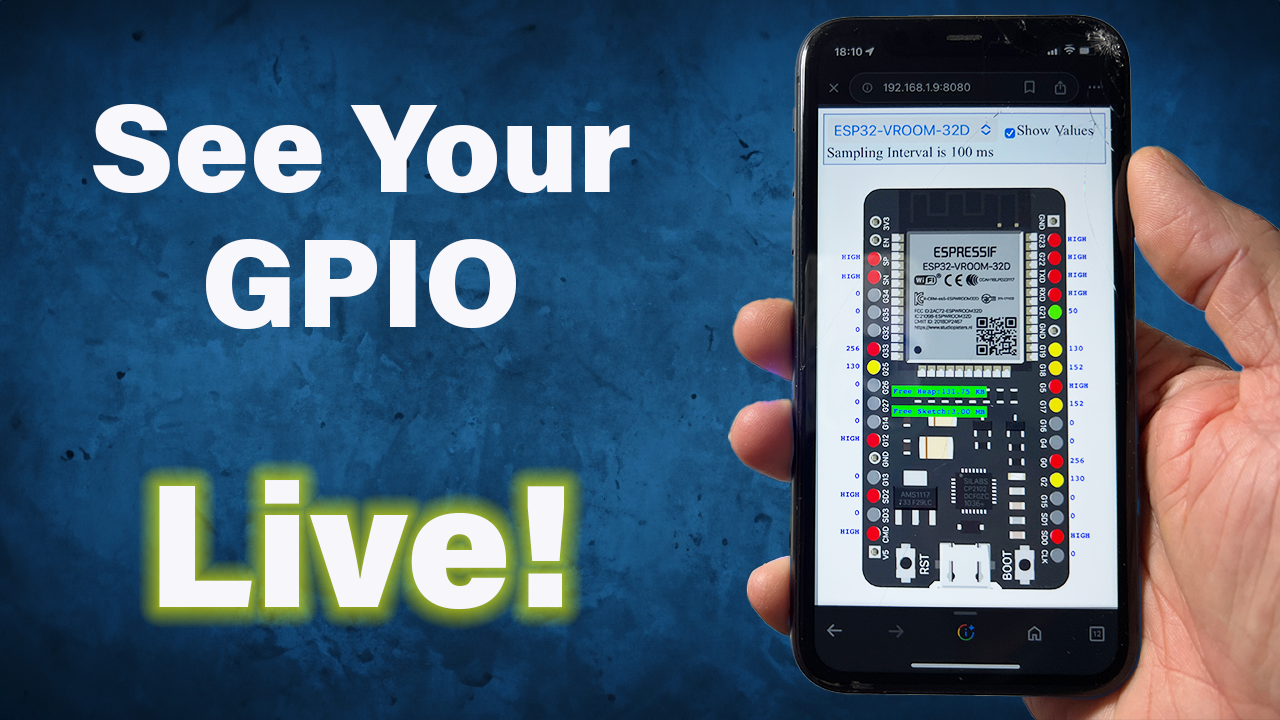
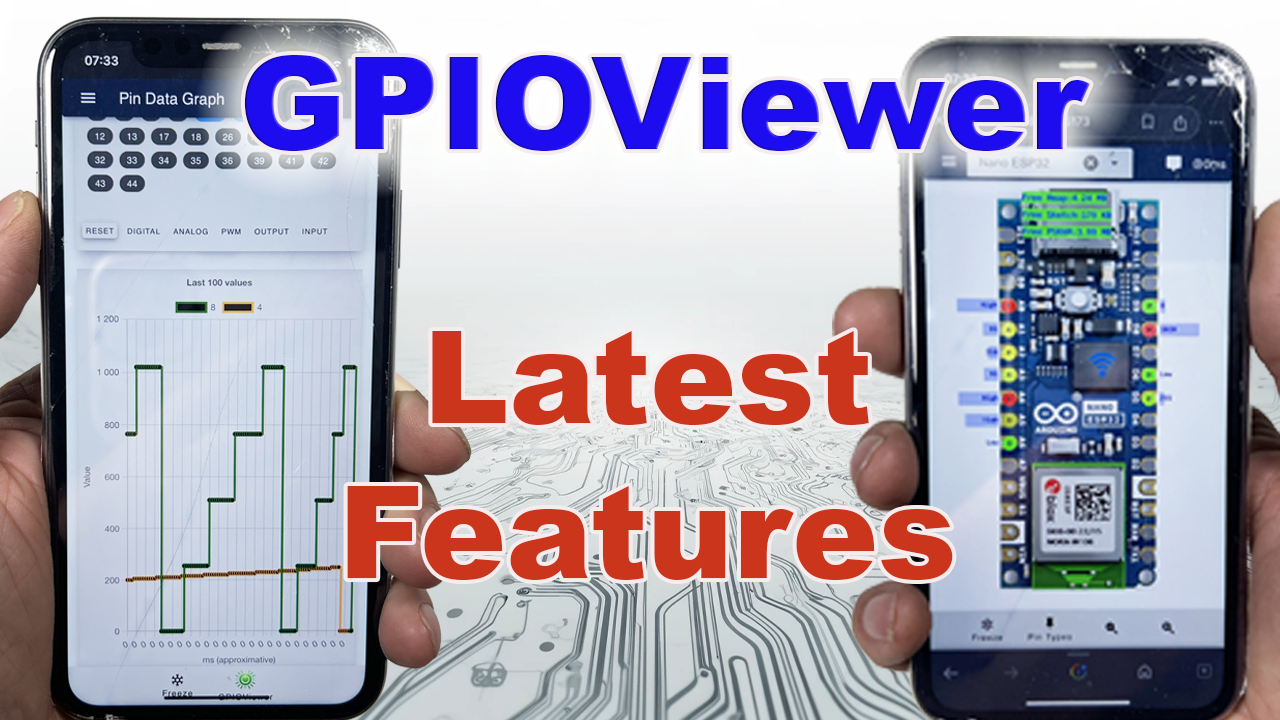
Transforms the way you troubleshoot your microcontroller projects.

Youtube Tutorial
Installation
Installation Arduino IDE (Version 2)
ℹ️ Make sure you have the latest ESP32 boards by Espressif Systems in your Board Manager
- Install the GPIOViewer Library with the Arduino IDE Library Manager or Download the latest stable release and install the library in the Arduino IDE :
Sketch > Include Library > Add ZIP Library... - Install ESPAsyncWebServer using the Arduino IDE Library Manager
- Install the the Async TCP using the Arduino IDE Library Manager.
Installation VSCode + PlatformIO
ℹ️ GPIOViewer requires Arduino-ESP32 core 3.x or newer. PlatformIO's official
espressif32platform currently uses Arduino-ESP32 core 2.x, even when it is up to date. Use the core-3-compatiblepioarduinoplatform below.
Add (or change) the following in your platformio.ini file. Replace <your-esp32-board> with your board's PlatformIO board ID (for example, esp32dev):
[env:your_board]
platform = https://github.com/pioarduino/platform-espressif32/releases/download/stable/platform-espressif32.zip
board = <your-esp32-board>
framework = arduino

lib_deps =
    https://github.com/ESP32Async/ESPAsyncWebServer.git
    https://github.com/ESP32Async/AsyncTCP.git
    https://github.com/thelastoutpostworkshop/gpio_viewer.git
After changing the platform, run PlatformIO: Clean and build the project again so PlatformIO downloads the new platform. Every Arduino sketch also requires both a setup() and a loop() function, even when loop() is empty.
Usage
ℹ️ You can also get examples provided with the library in the Arduino IDE through the menu
File > Examples > GPIOViewer
ℹ️ You only need to include the library, declare the GPIOViewer and call begin() at the end of your setup, and that's it!
#include <gpio_viewer.h> // Must me the first include in your project
GPIOViewer gpio_viewer;

void setup()
{
  Serial.begin(115200);

  // Comment the next line, If your code aleady include connection to Wifi in mode WIFI_STA (WIFI_AP and WIFI_AP_STA are not supported)
  gpio_viewer.connectToWifi("Your SSID network", "Your WiFi Password");
  // gpio_viewer.setPort(5555);   // You can set the http port, if not set default port is 8080

  // Your own setup code start here

  // Must be at the end of your setup
  // gpio_viewer.setSamplingInterval(25); // You can set the sampling interval in ms, if not set default is 100ms
  // gpio_viewer.setSkipPeripheralPins(false); // Default true: skip I2C/SPI/UART pins owned by peripherals
  gpio_viewer.begin();
}
ℹ️ The default HTTP port is 8080 and default sampling interval is 100ms
ℹ️ By default, GPIOViewer skips pins owned by active I2C/SPI/UART peripherals (ESP32 core v3+). Use setSkipPeripheralPins(false) to monitor them anyway.
ℹ️ Wifi must be in mode WIFI_STA (WIFI_AP and WIFI_AP_STA are not supported)
ℹ️ The GPIOViewer application supports mDNS. If available on your network, you can access it at http://gpioviewer.local:8080 (with the port number used in a setPort()). If mDNS is unavailable/blocked, use the IP address URL printed on the serial monitor (with the port number used in a setPort()).
ℹ️ mDNS name vs. router hostname: GPIOViewer registers
gpioviewer.localfor mDNS access but does not change the Wi-Fi/DHCP hostname. Your router may display a default name such asesp32c3-16975Ceven whenhttp://gpioviewer.local:8080works correctly.
To also change the Wi-Fi/DHCP hostname, call WiFi.setHostname() in your setup() before starting Wi-Fi, including before any WiFi.mode(), WiFi.begin(), or connectToWifi() call:
WiFi.setHostname("gpioviewer"); // Do not include ".local"
gpio_viewer.connectToWifi("Your SSID network", "Your WiFi Password");
GPIO Supported
- Digital
- Analog
- PWM
- ADC
Library Size
- The GPIOViewer Library adds 50 KB to your projects.
- No worries! All the assets (ex. board images) of the web application are loaded from github pages and don't add to the size of your projects.
Espressif Arduino ESP32 Core Compatibility
- The Espressif ESP32 Arduino Core that is installed in your system will need to be v3.0.0 or greater, in order for GPIO viewer to compile properly.
- If you want support for the Arduino Core v2.x, use version 1.6.3 of the GPIOViewer library.
Performance
- Ensure you have a strong Wifi signal with a good transfer rate. 25ms sampling interval works great on Wifi 6 with 125 Mbps.
- If you get "ERROR: Too many messages queued" on the Serial Monitor, this means the data is not read fast enough by the web application. The data will still be displayed, but with some latency. Reduce the sampling interval or try to improve your Wifi performance.
Contributors
Contributors are welcomed! If you want to submit pull requests, here is how you can do it.
Troubleshooting
Last tested to be working on :
- v3.3.11 ESP32 Arduino Core
- v3.5.0 Async TCP
- v3.12.0 ESP Async WebServer
Conflicts with pin function detection on some boards
Since version 1.5.6, the library detects pin functions like ADC and Touch, this has been causing problems on some boards, like the XiaoESP32-S3-Sense. You can disable pin detection by adding this define before including the library :
#define NO_PIN_FUNCTIONS
#include <gpio_viewer.h>
Code not compiling
If your code don't compile, before submitting an issue:
Try placing this header file after all other includes:
#include <gpio_viewer.h>
- Compile with the latest stable release of the GPIOViewer Library and with the latest ESP32 boards
- See also this solved issue
GPIOViewer running
If GPIOViewer is running and your are experiencing problems in the web application, before submitting an issue:
- Make sure you are using the latest stable release of the GPIOViewer Library
- Clear your browser cache data and refresh the window in your browser
ESP32 Boards Supported
ℹ️ You can use the "Generic View" in the GPIO Web Application to see GPIO pin activites live even if your board image is not listed
ℹ️ You can also request an ESP32 board image addition by creating a new issue.
| Description | Image | Pinout |
|---|---|---|
| AZ Delivery NodeMCU ESP32 | ! 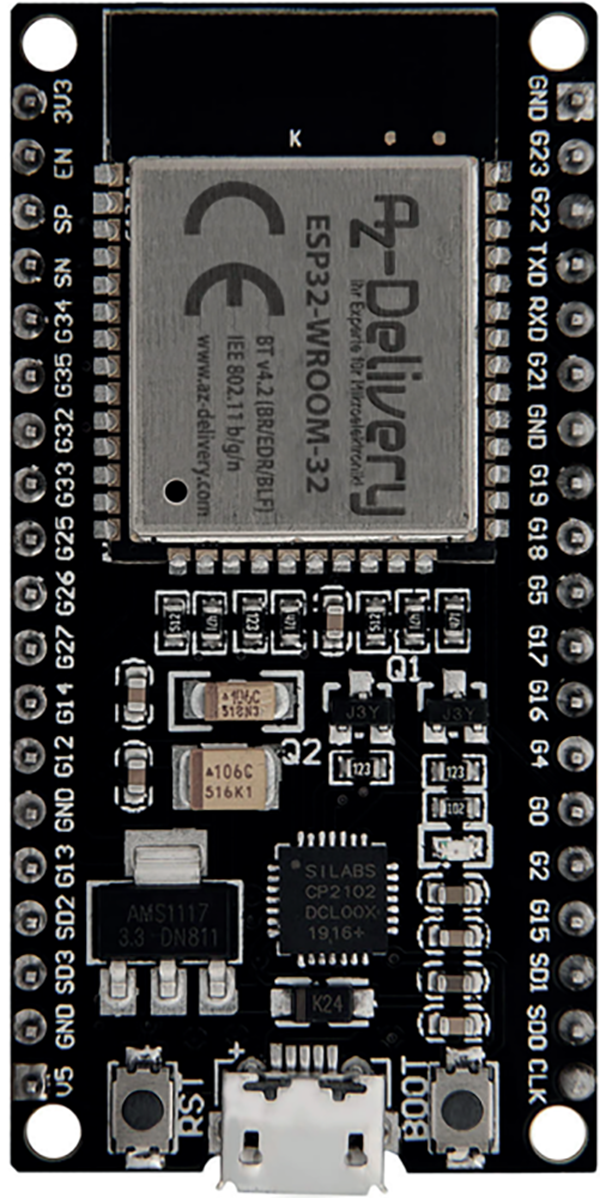 |
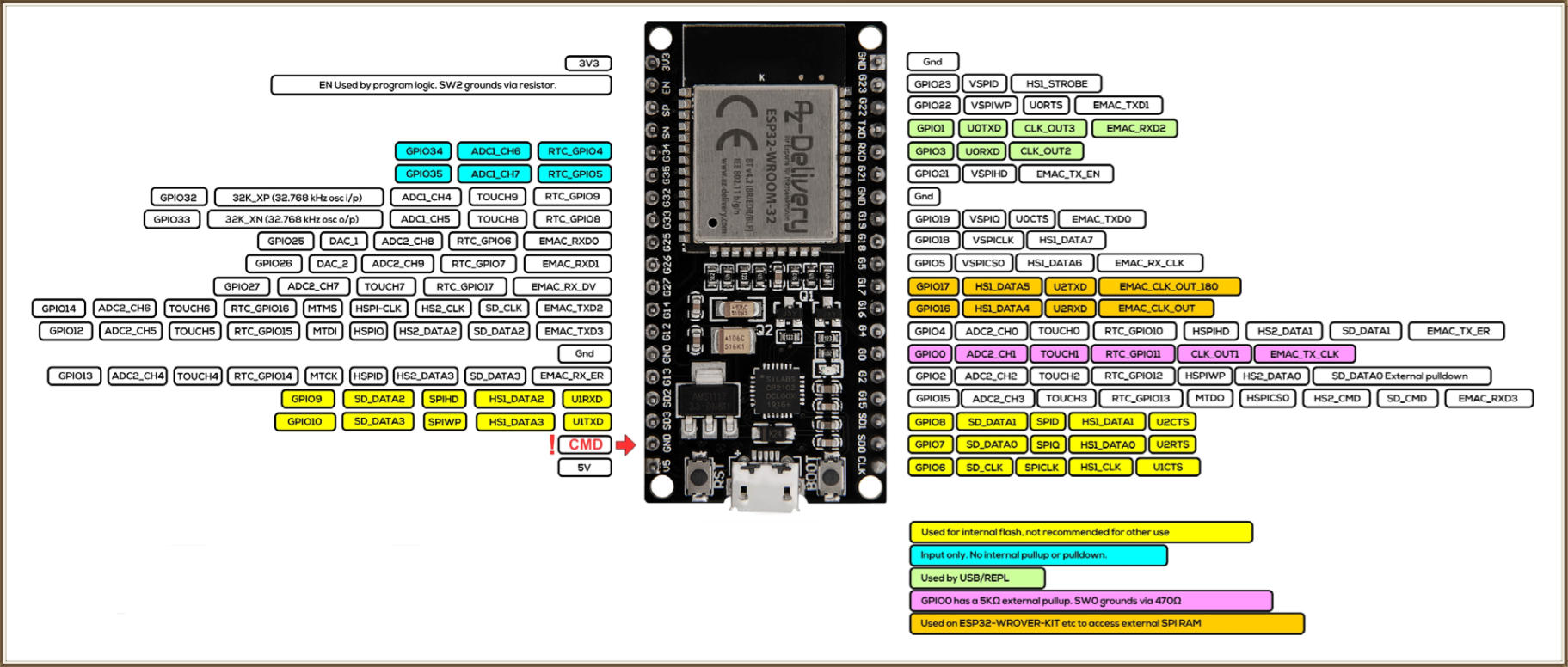 |
| DFROBOT Beetle ESP32-C6 | ! 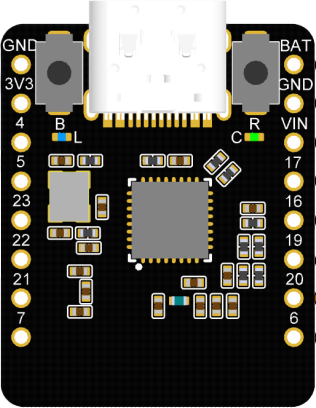 |
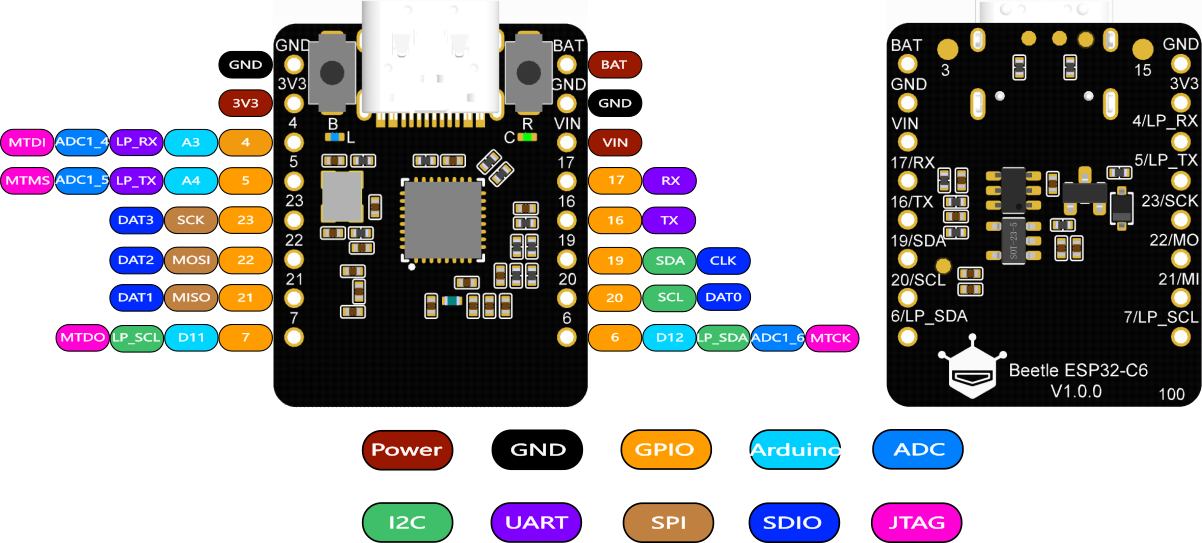 |
| ESP32 NodeMCU 32S | ! 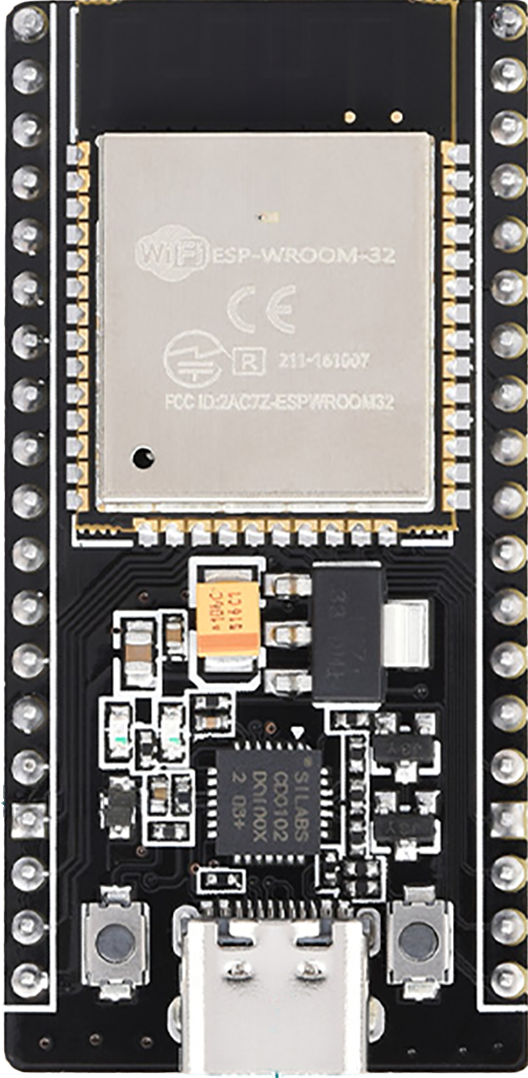 |
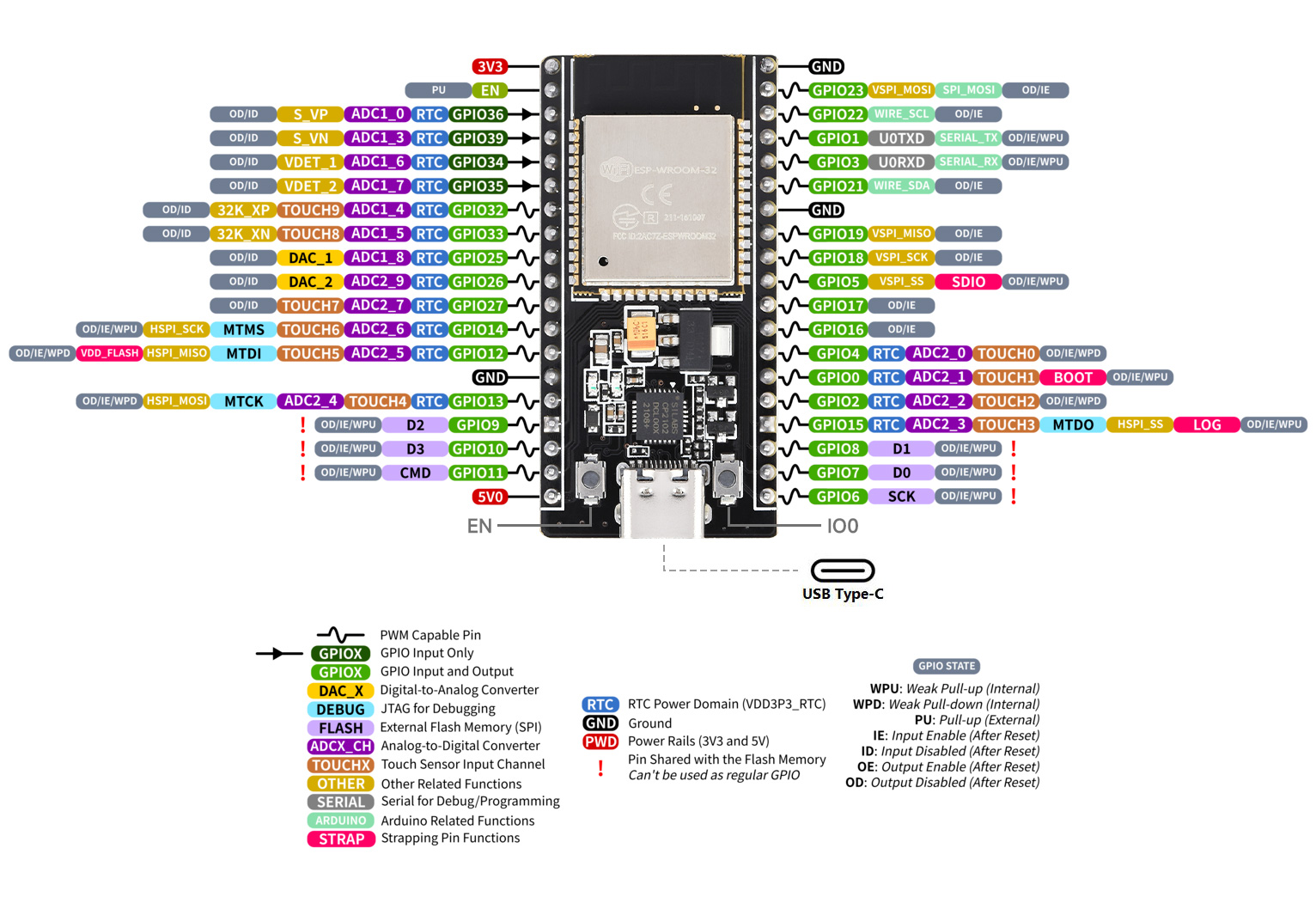 |
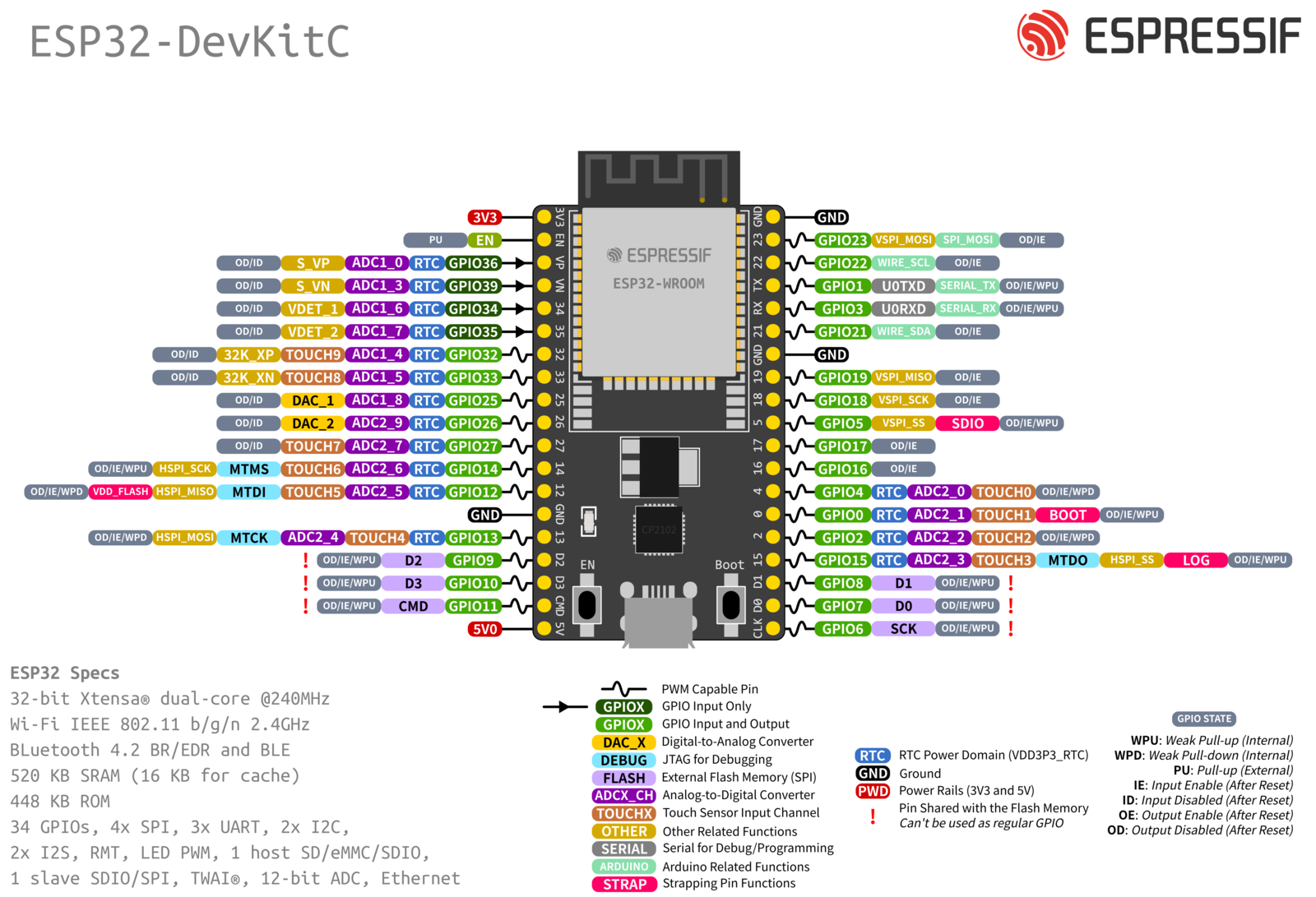
| ESP32 VROOM 32D (38 pins) | ! 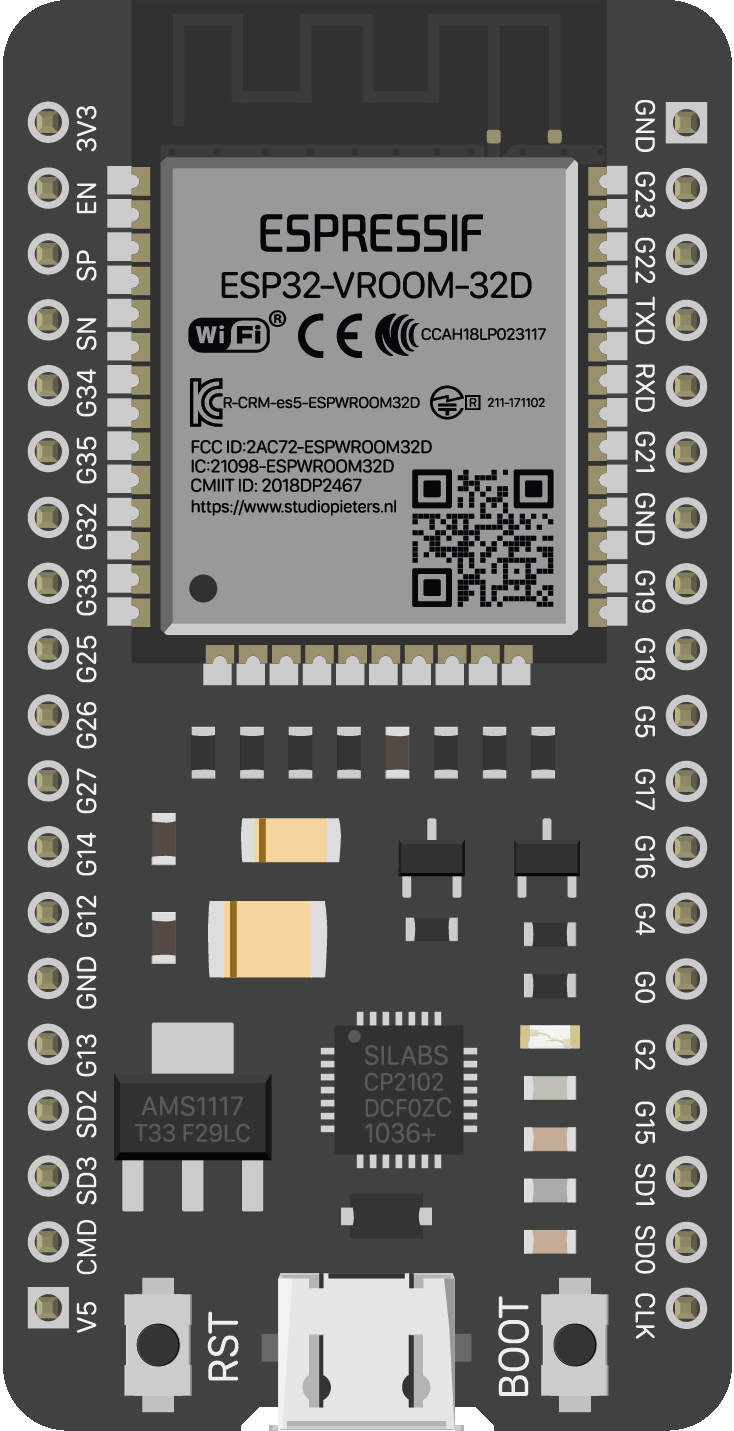 |
 |
| ESP32 VROOM 32D (38 pins) | ! |
|
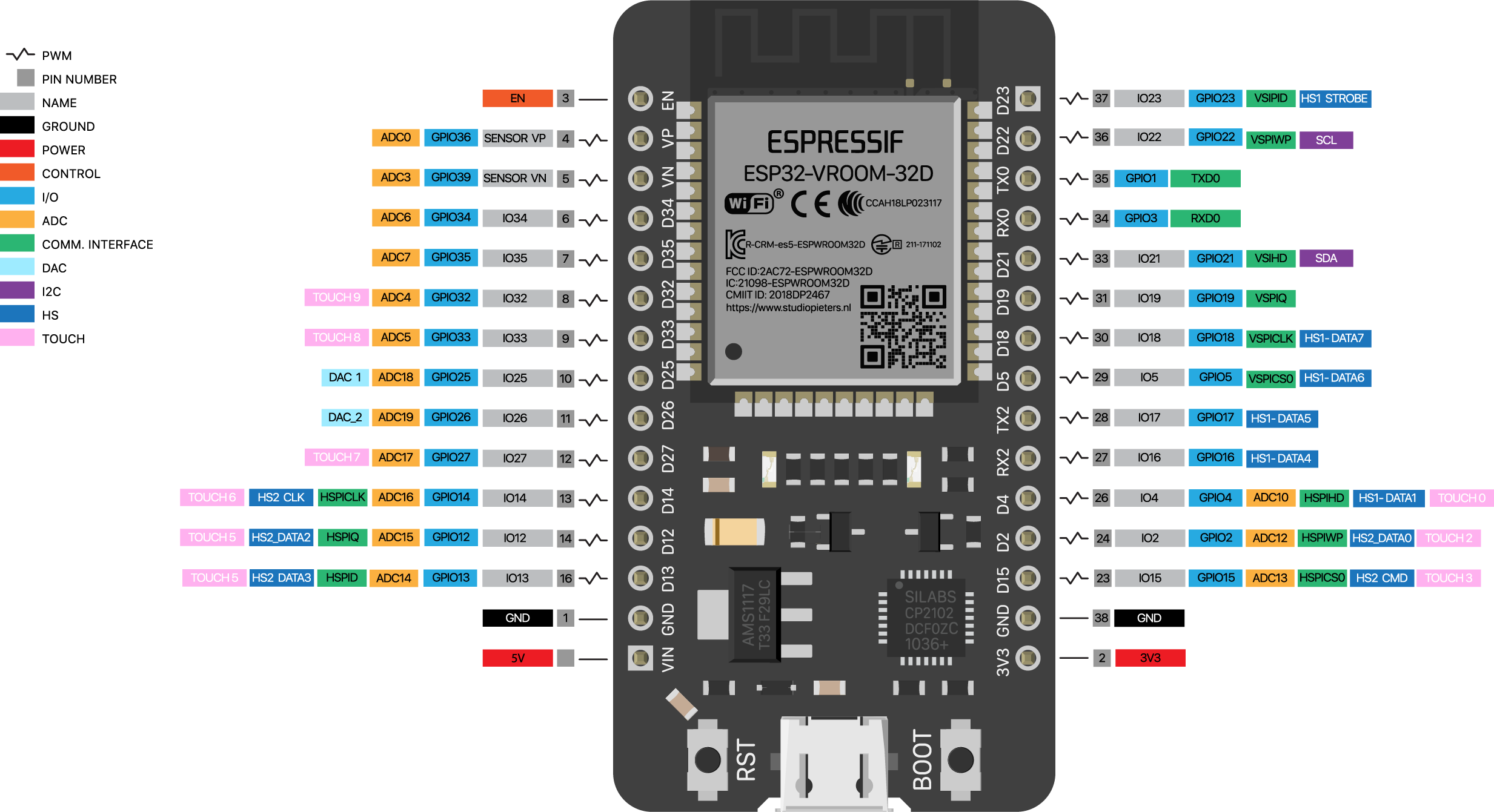
| ESP32 VROOM 32D (30 pins) | ! 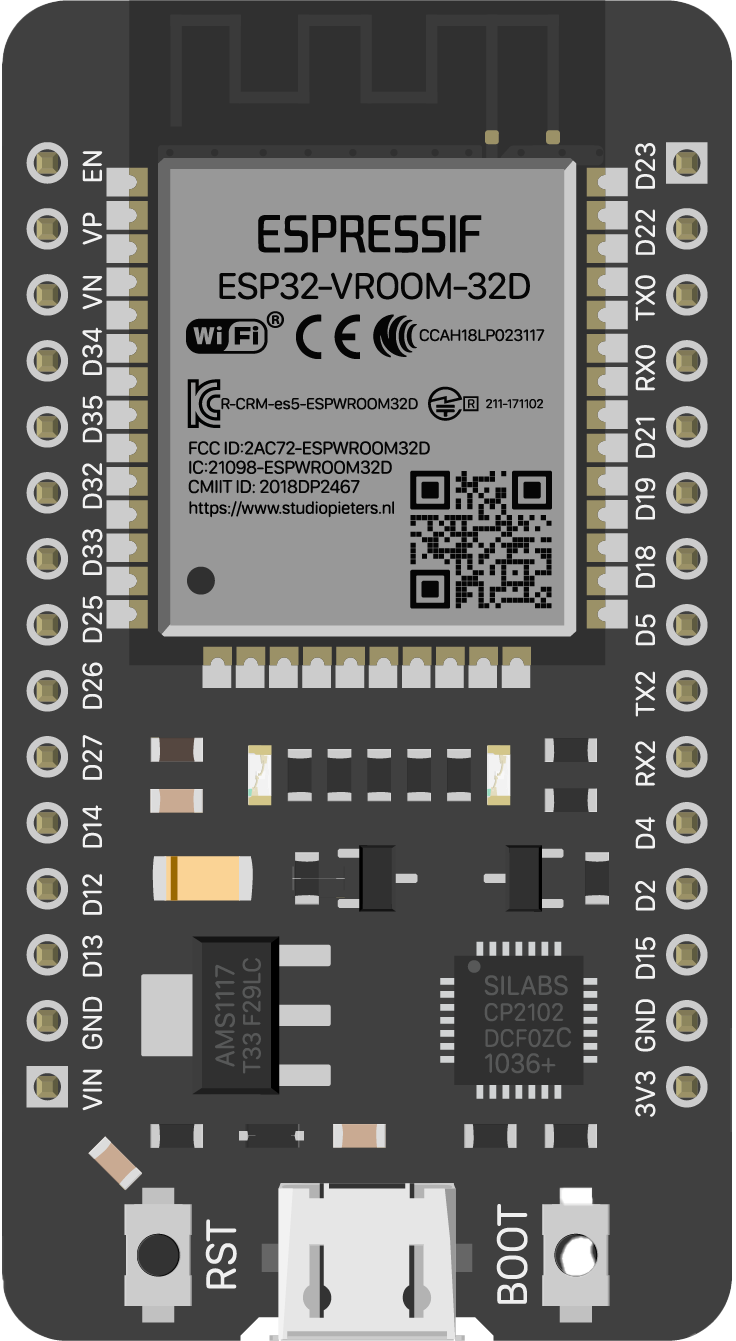 |
 |
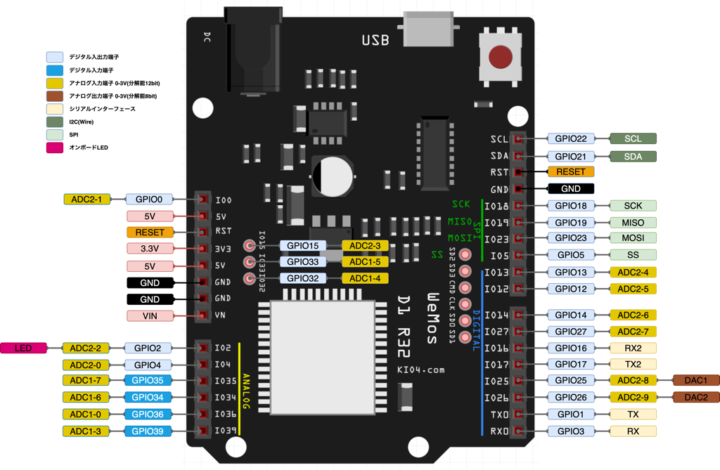
| ESP32 D1 R32 | ! 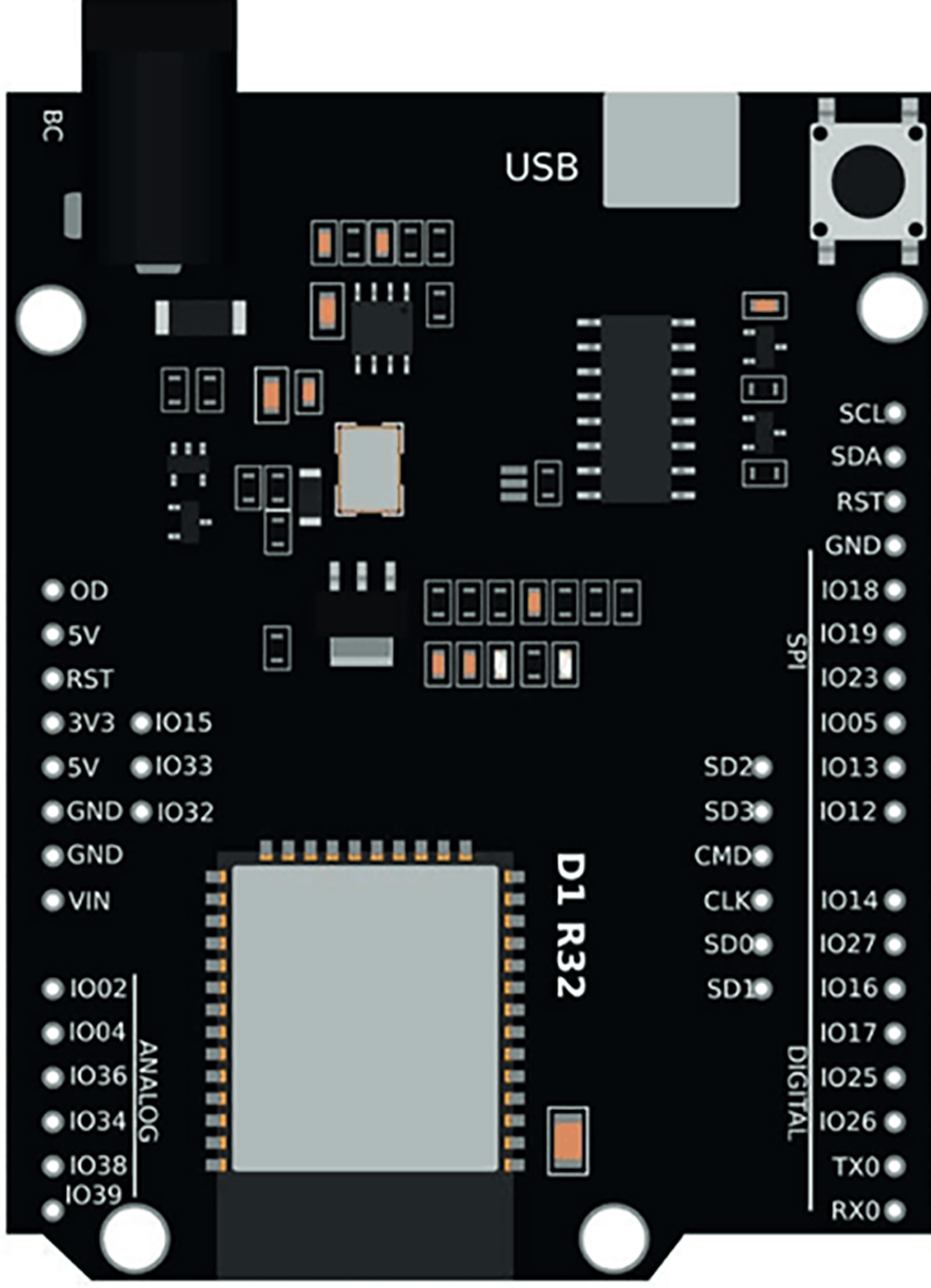 |
 |
| ESP32-CAM | ! 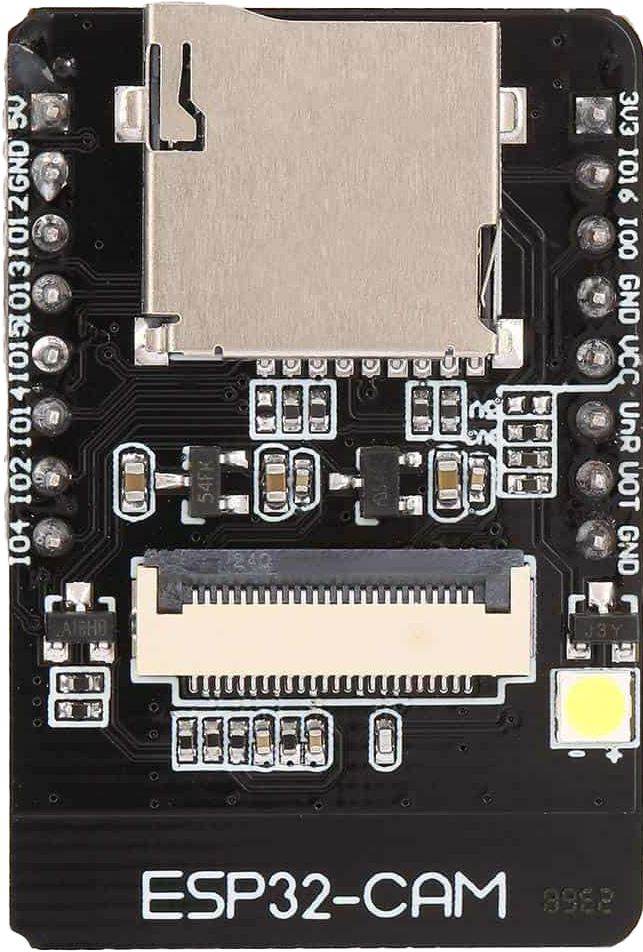 |
 |
| ESP32-C3 Super Mini | ! 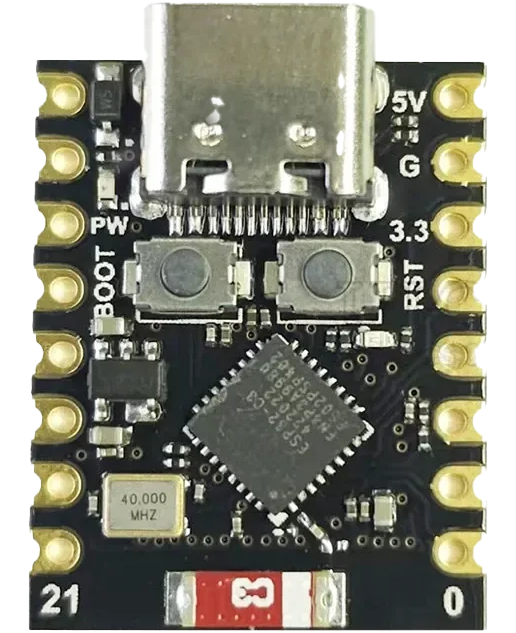 |
 |
| ESP32 C3 Wroom-02 | ! 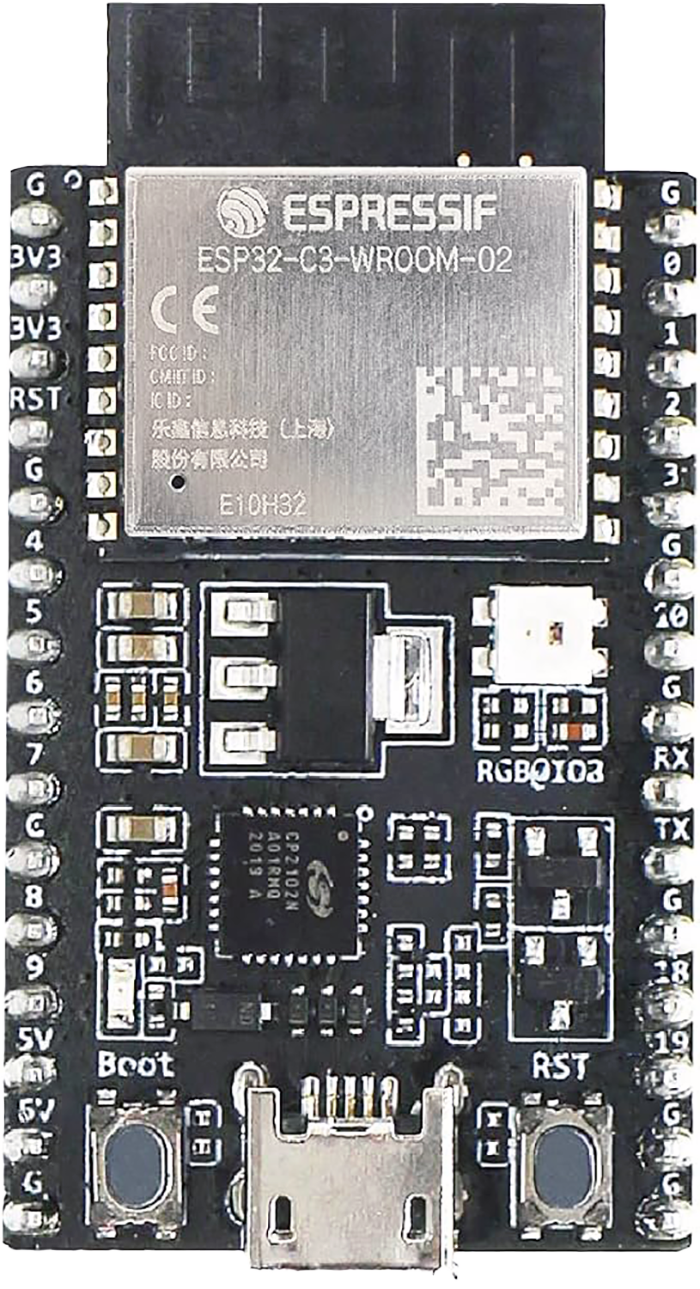 |
 |
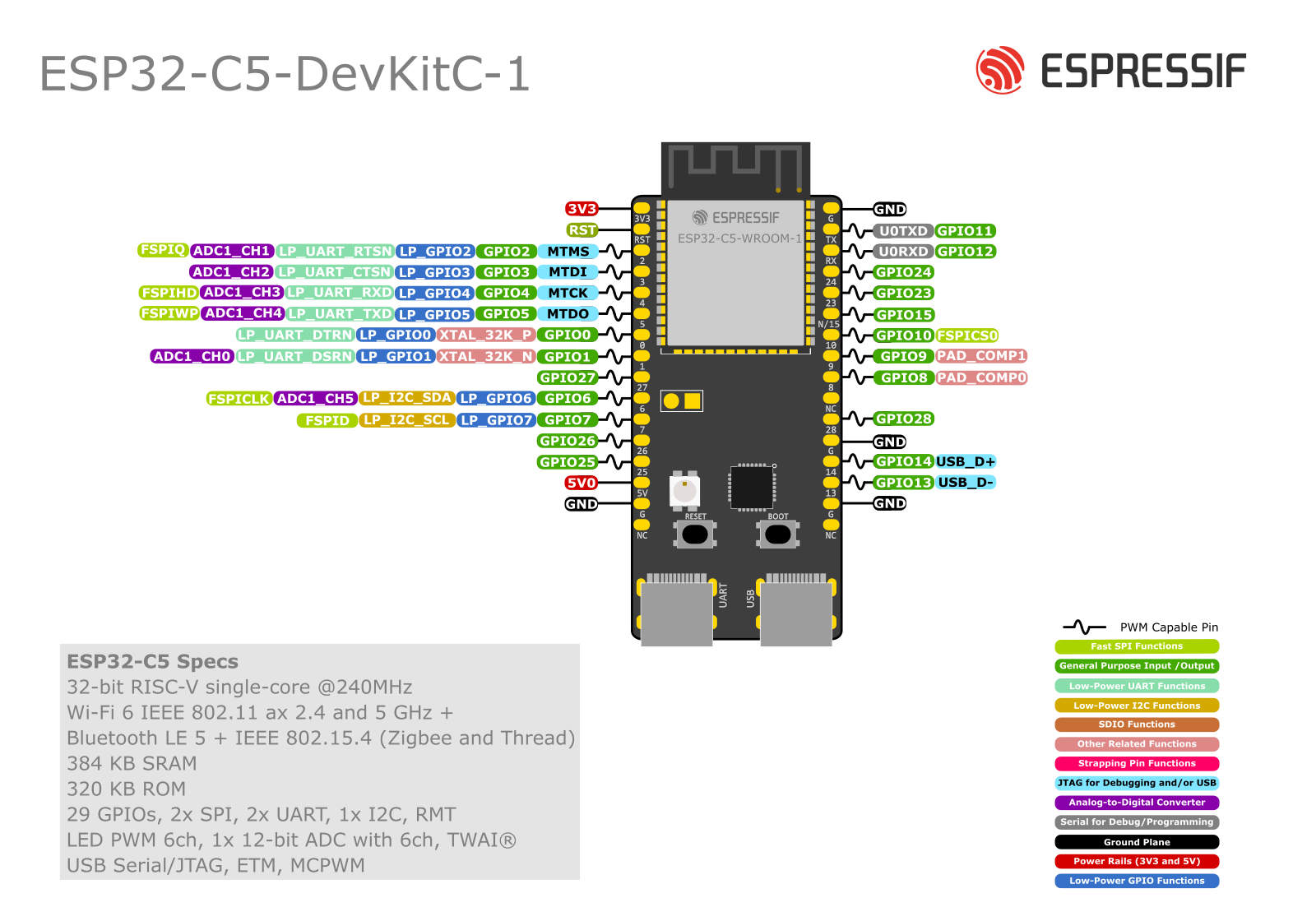
| ESP32-C5 DevKit1 | ! 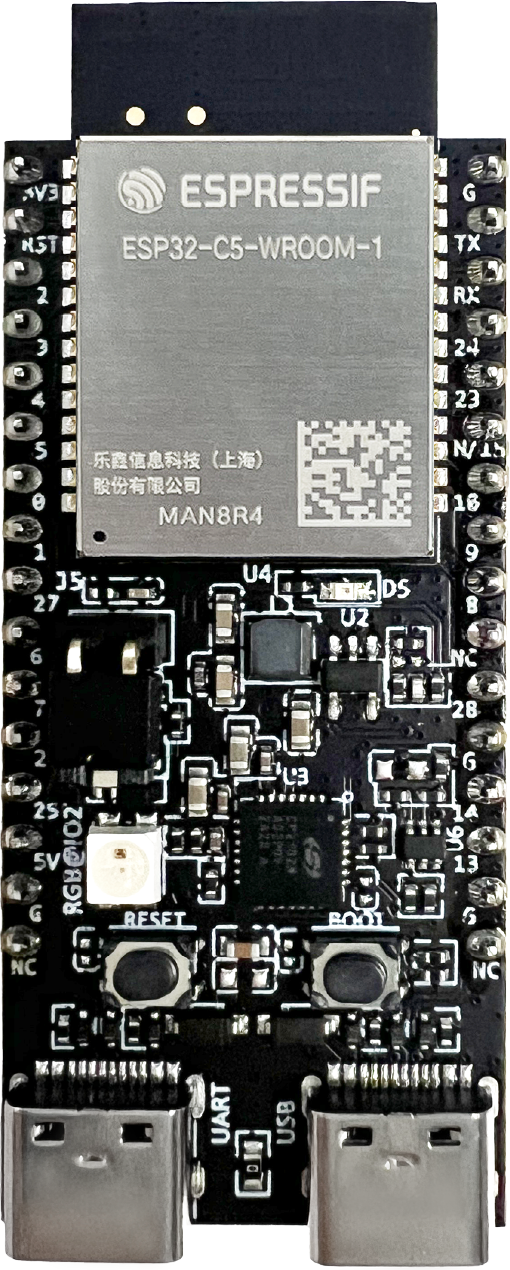 |
 |
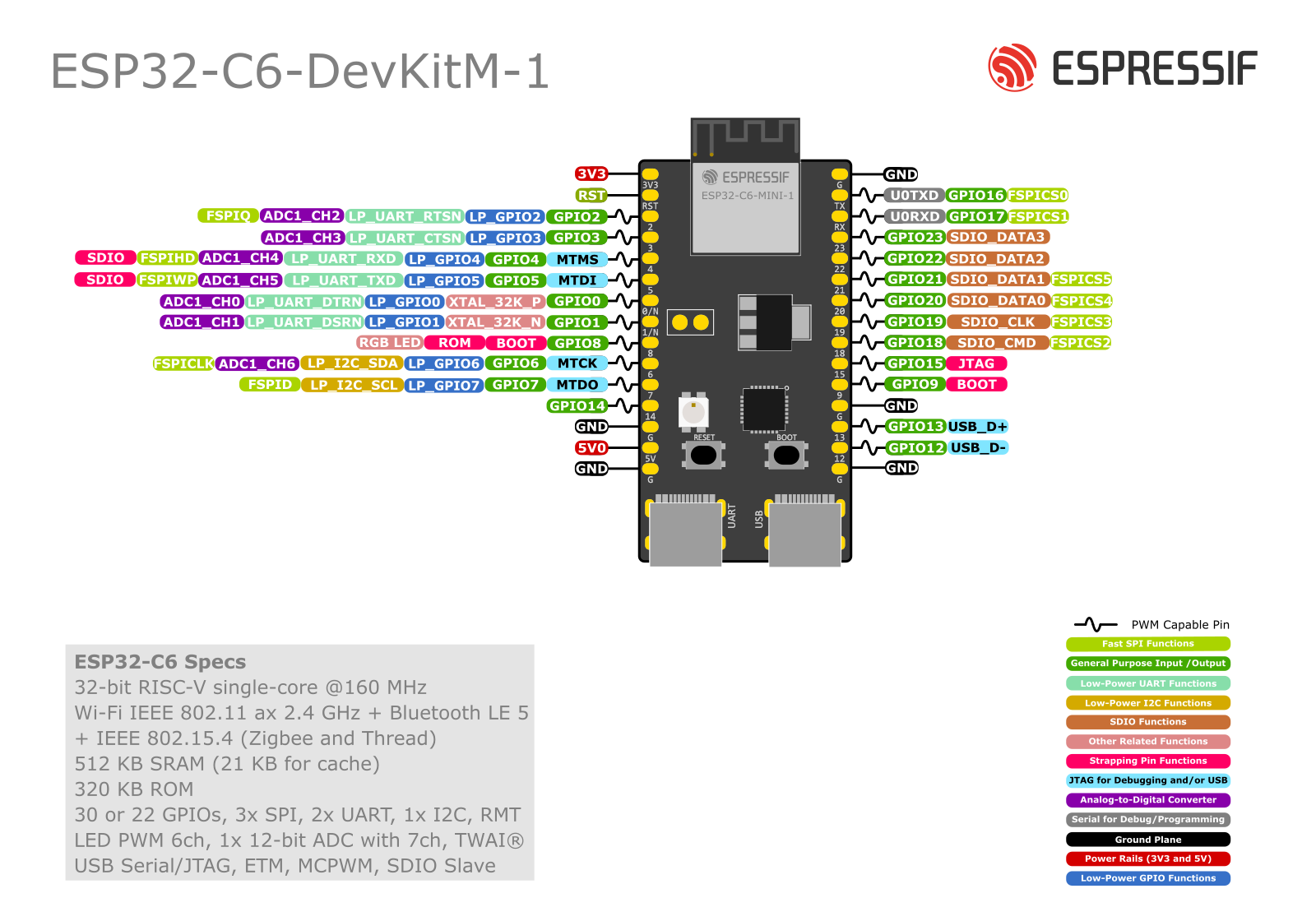
| ESP32-C6 DevKitM | ! 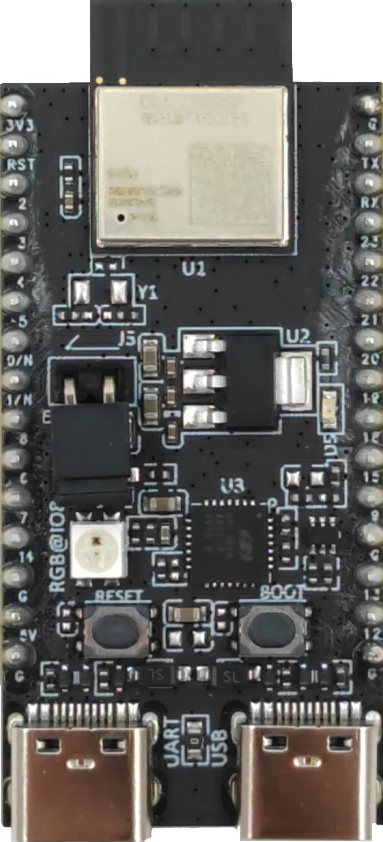 |
 |
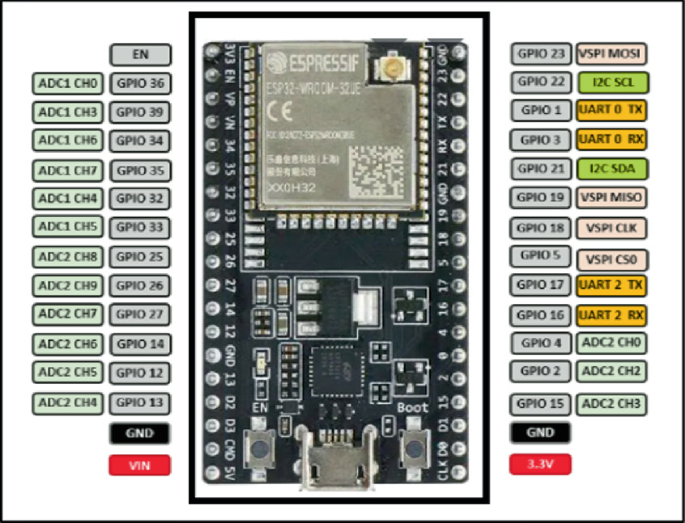
| ESP32 Wroom-32UE | ! 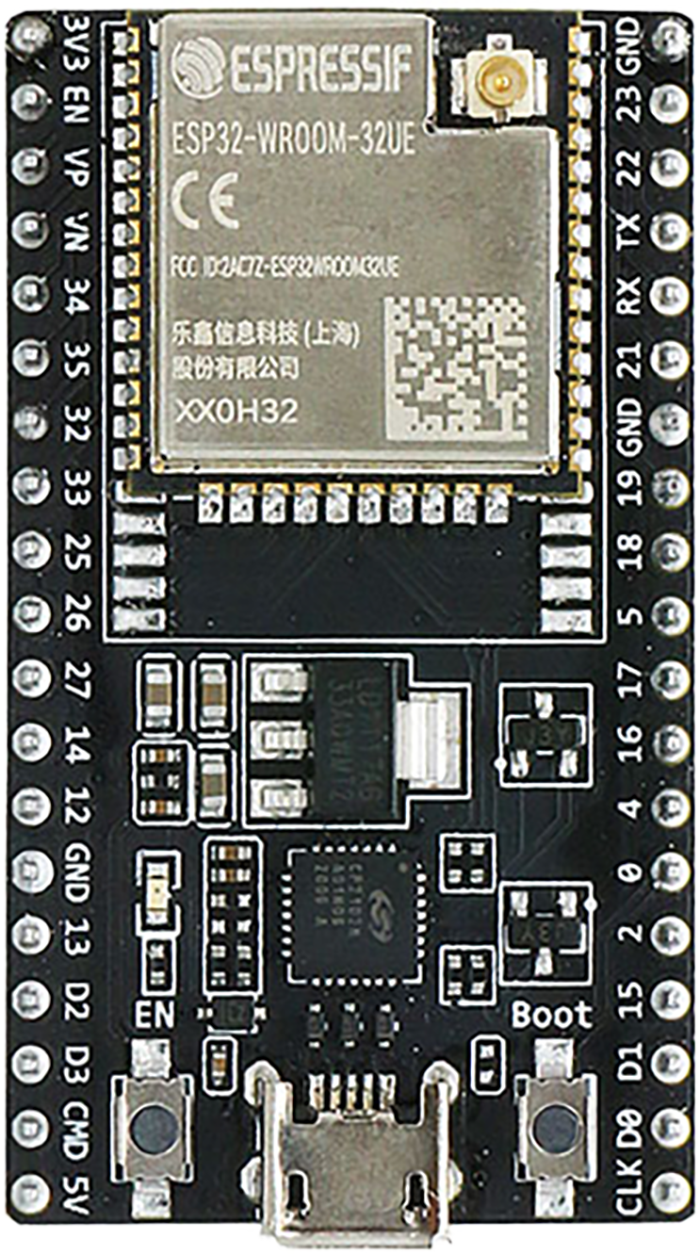 |
 |
| ESP32 EVB | ! 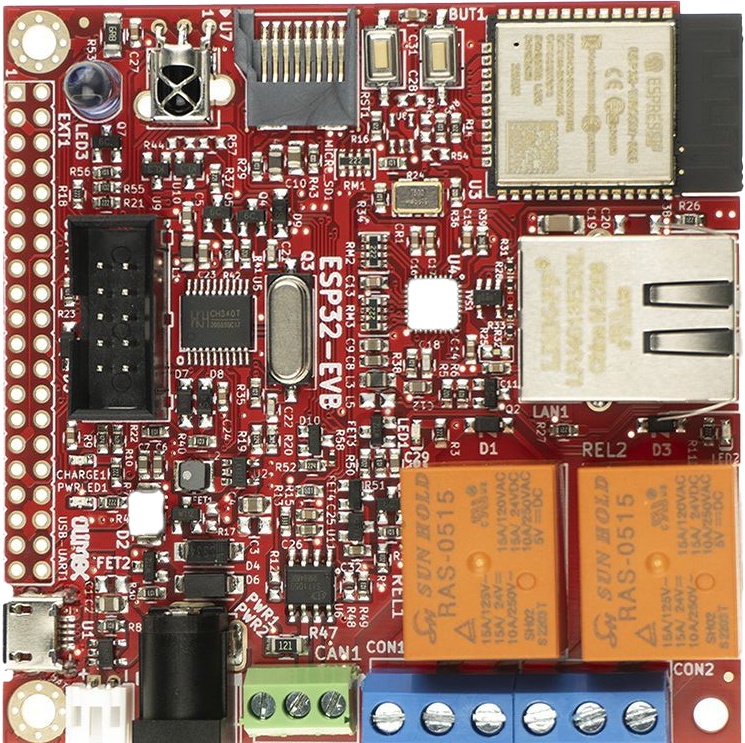 |
 |
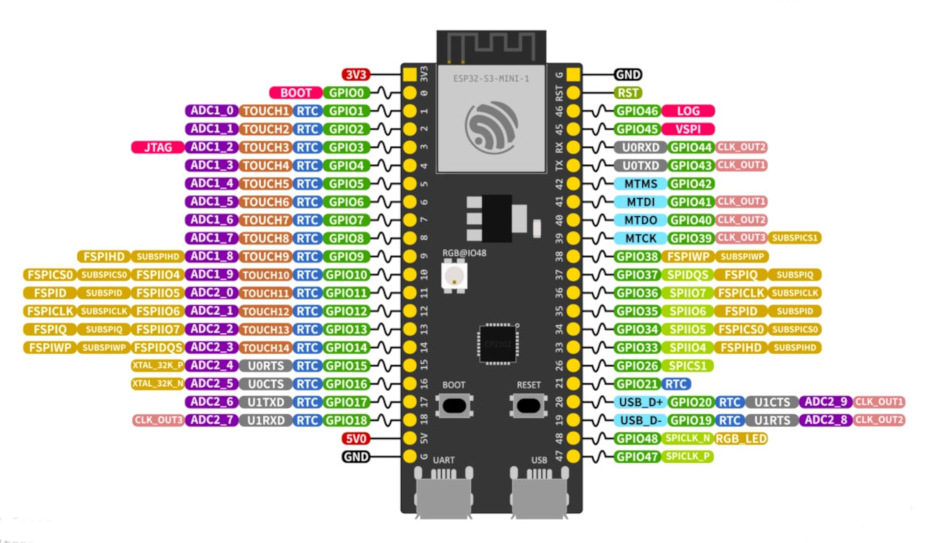
| ESP32-S3-DevKitM-1-N8 | ! 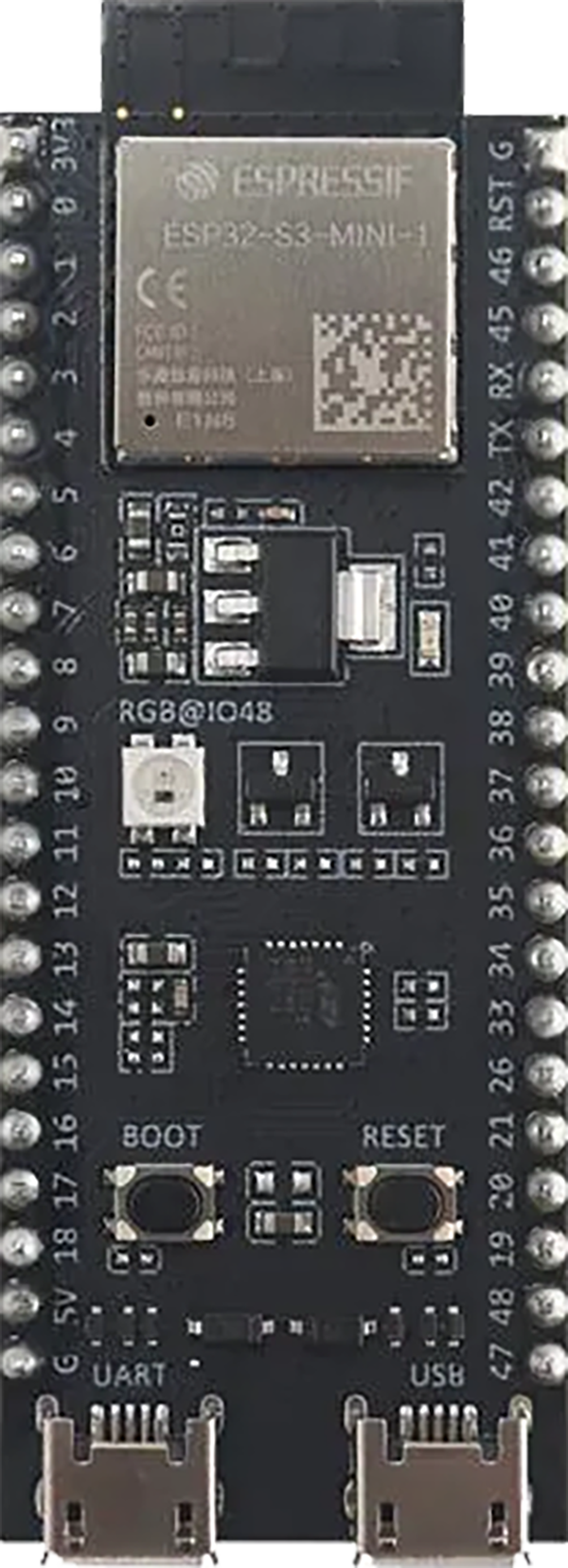 |
 |
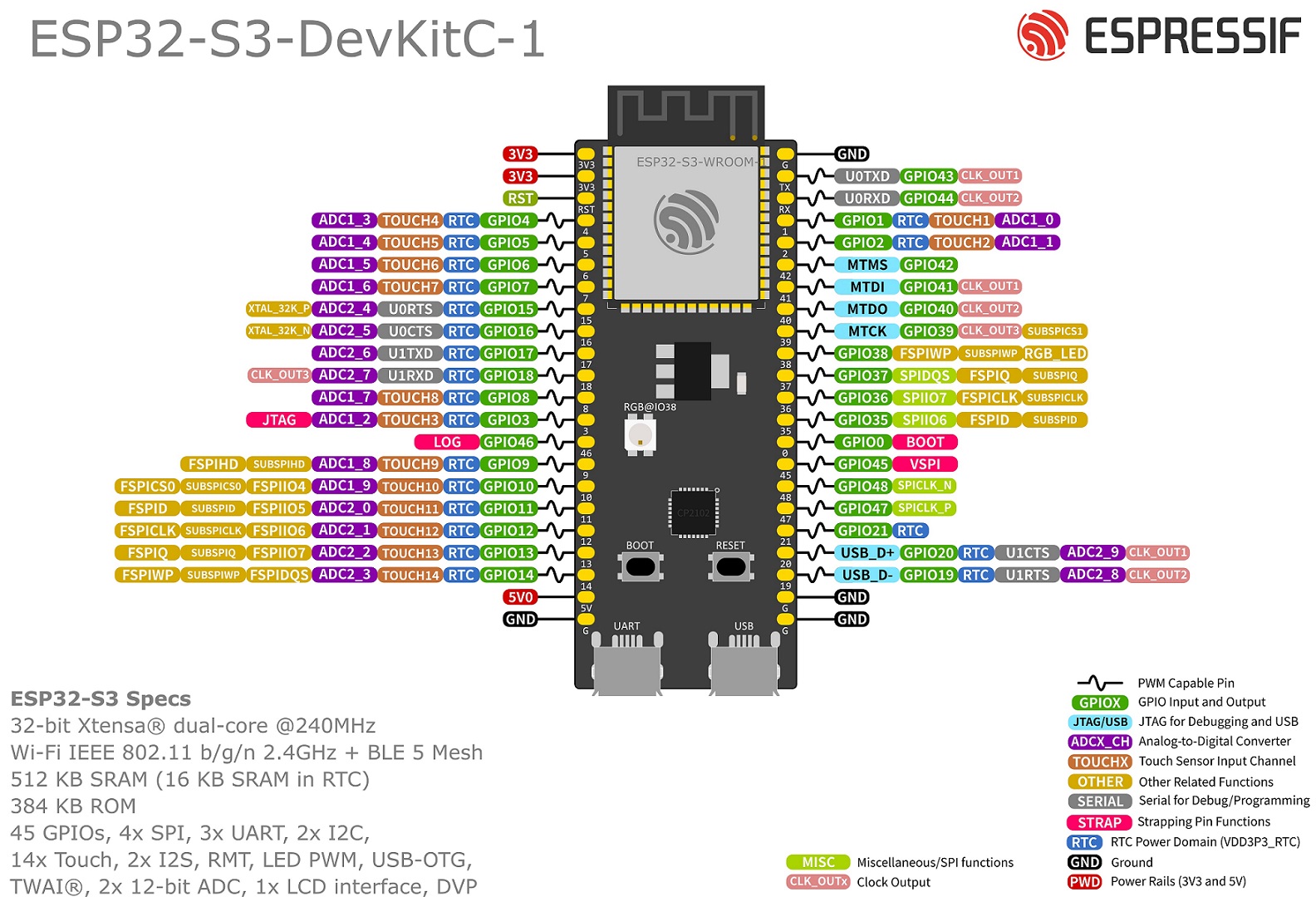
| ESP32 S3 Wroom-1 | ! 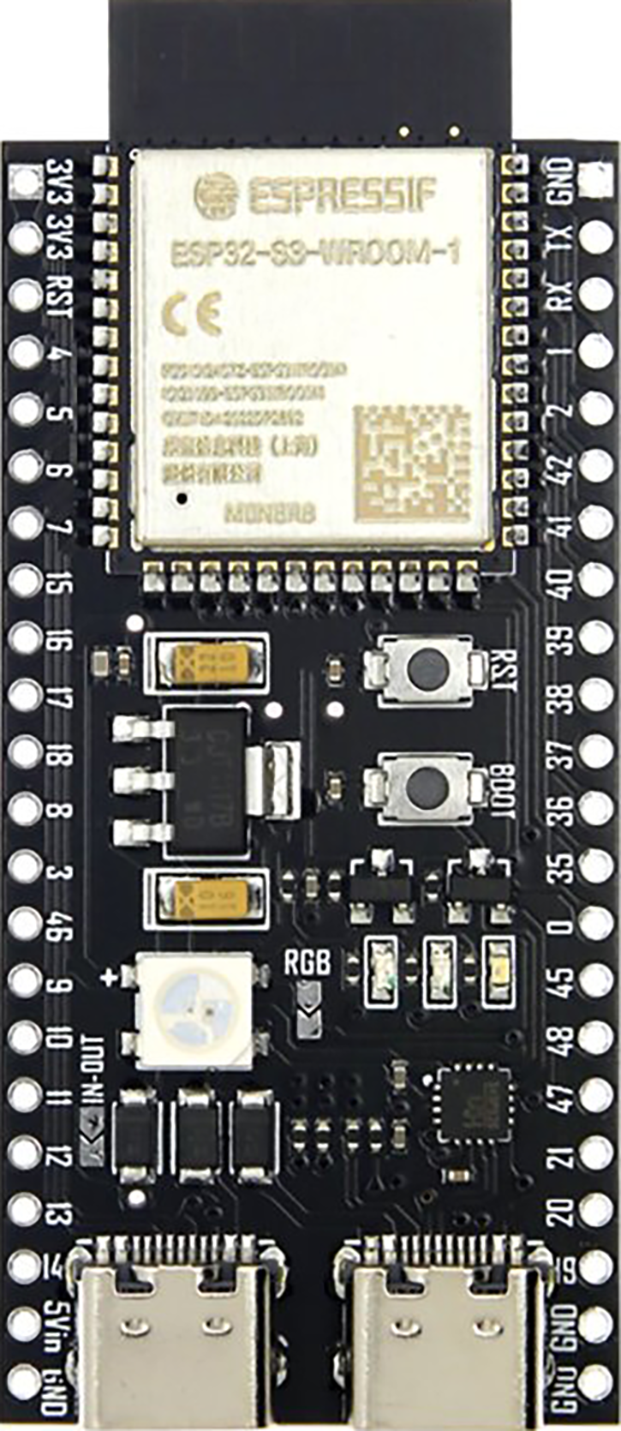 |
 |
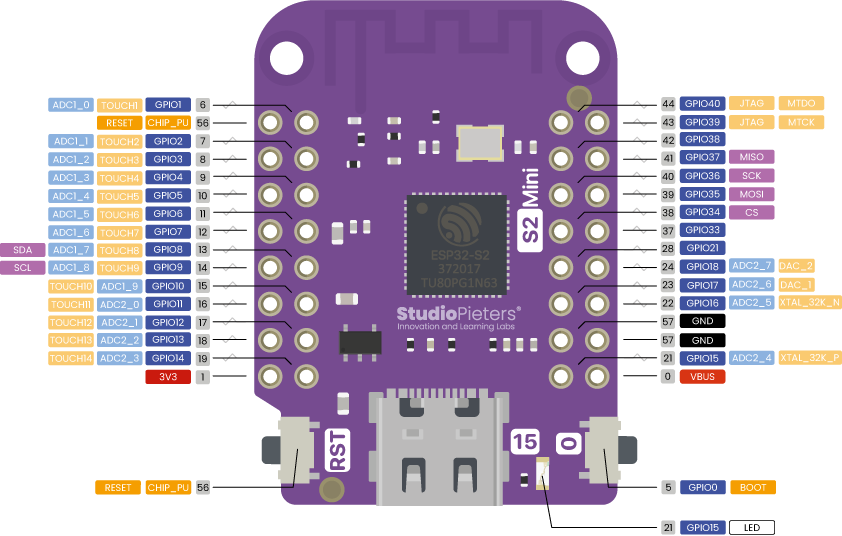
| Esp32 S2 Mini V1.0.0 | ! 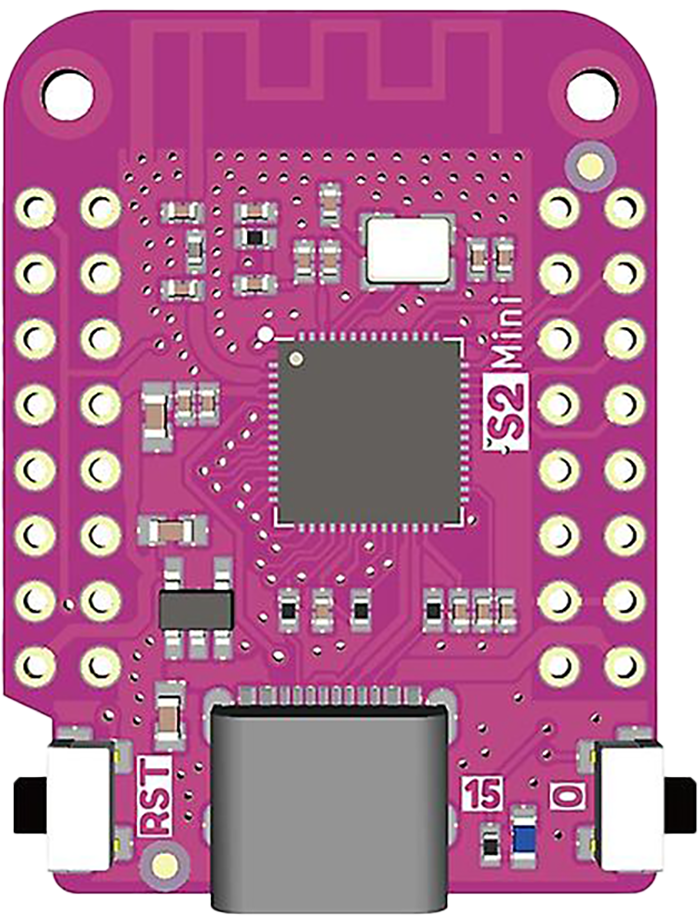 |
 |
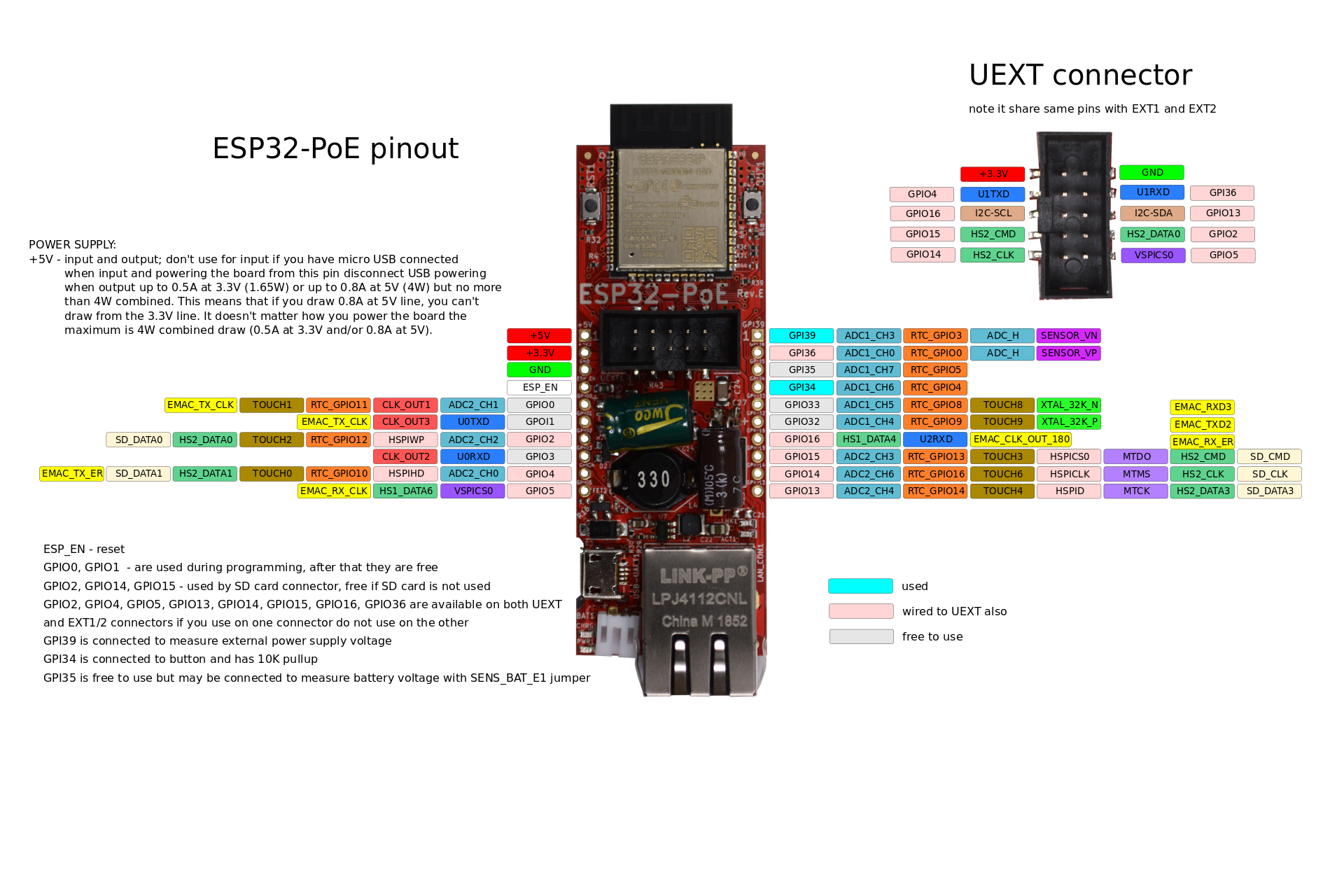
| ESP32 POE | ! 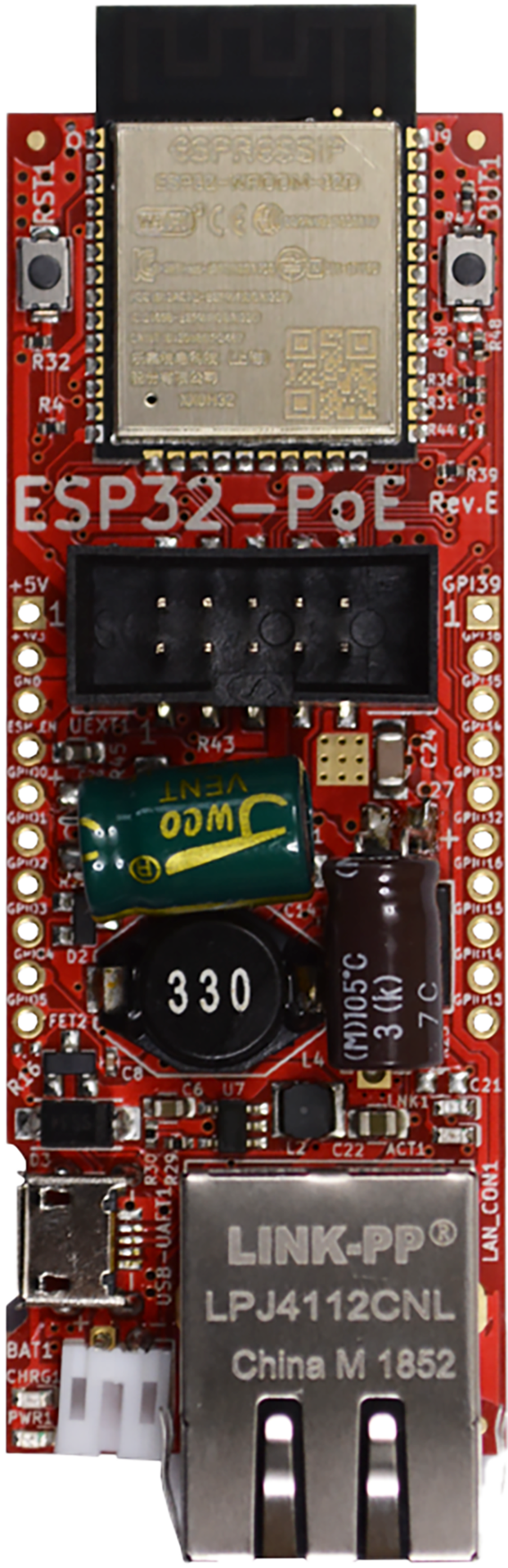 |
 |
| ESP32 C3 Mini | ! 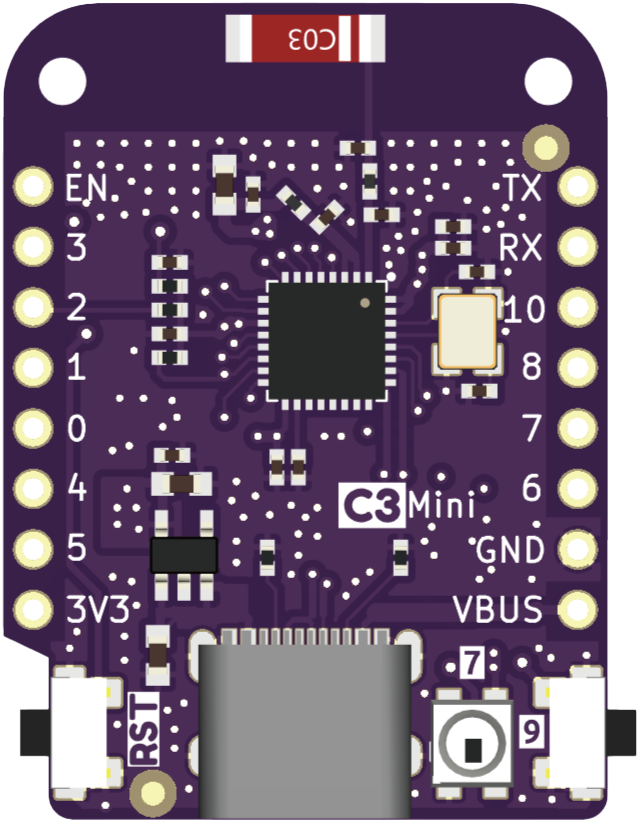 |
 |
| ESP32 C3 Mini-1 | ! 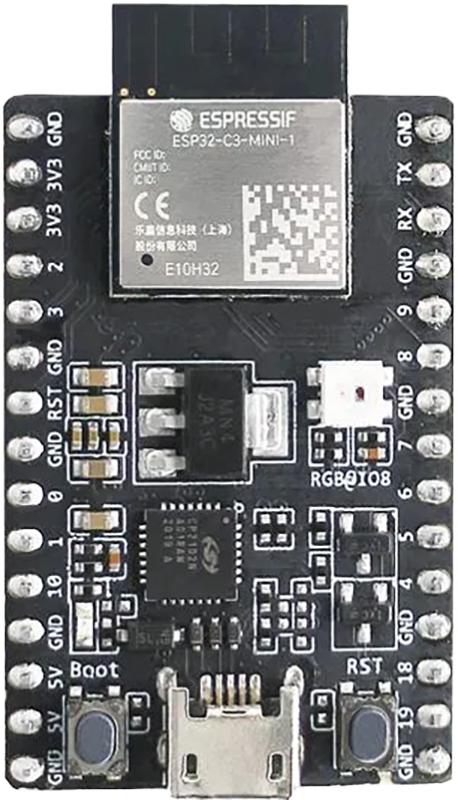 |
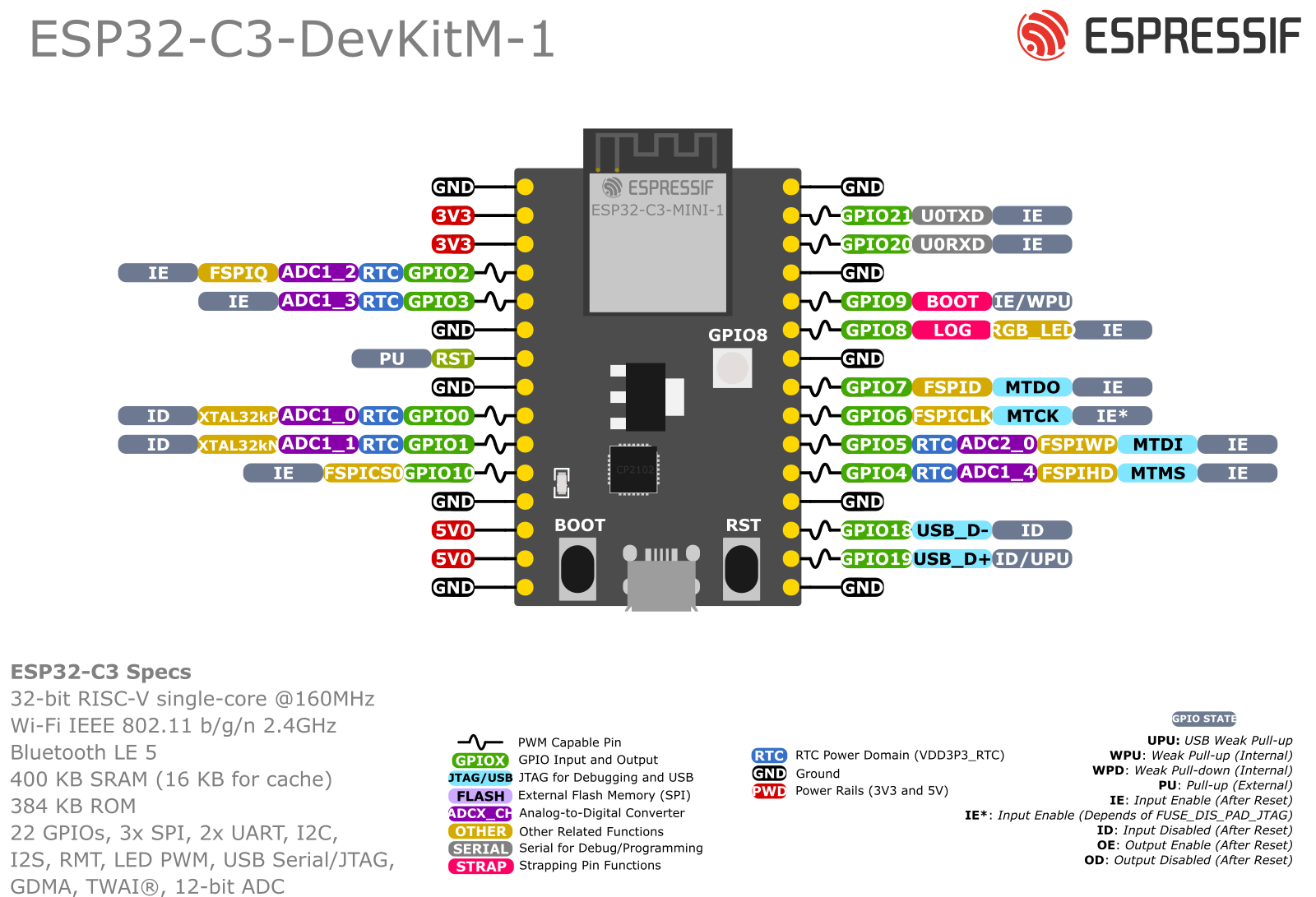 |
| ESP32 C3 Zero | ! 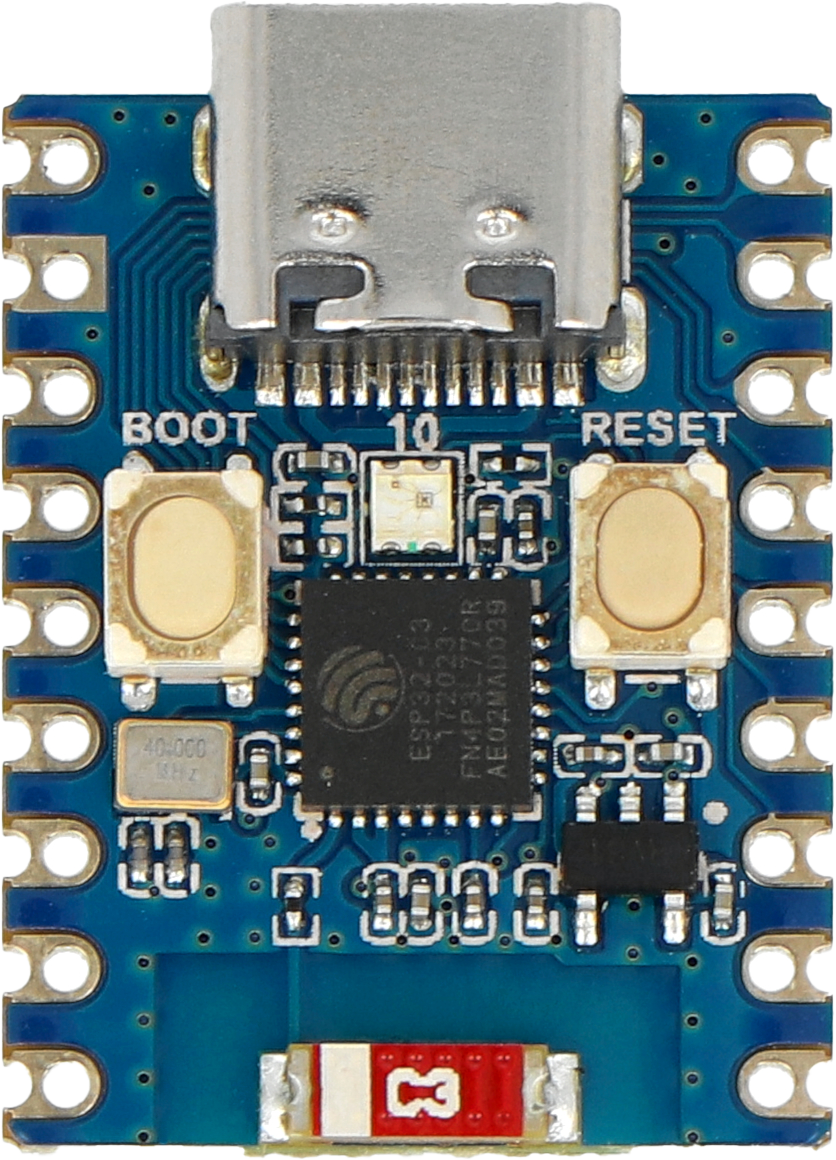 |
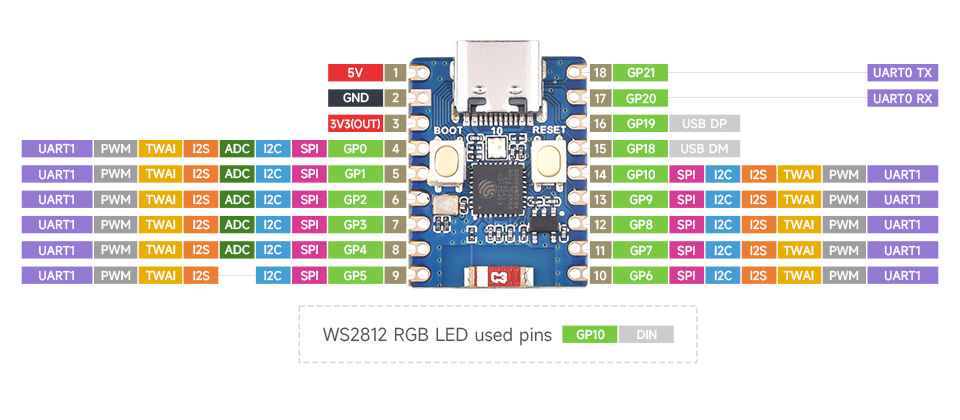 |
| ESP32 C6 Zero | ! 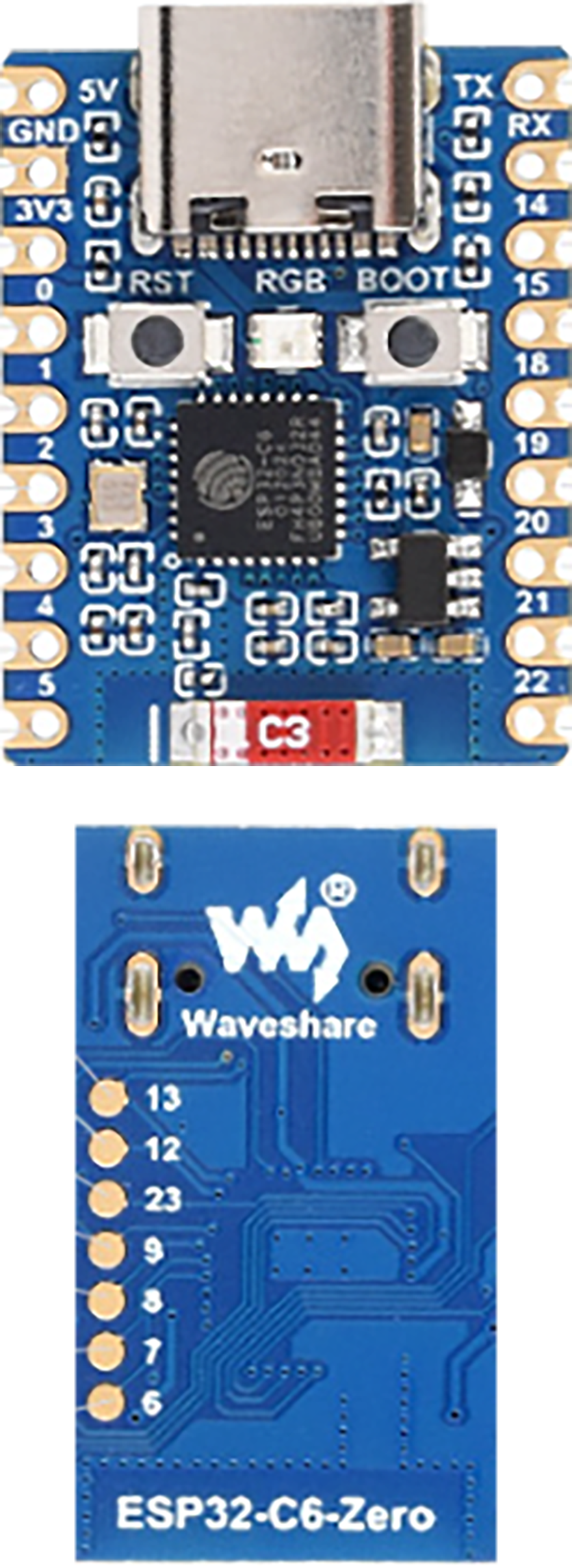 |
 |
| ESP32-S3 Zero | ! 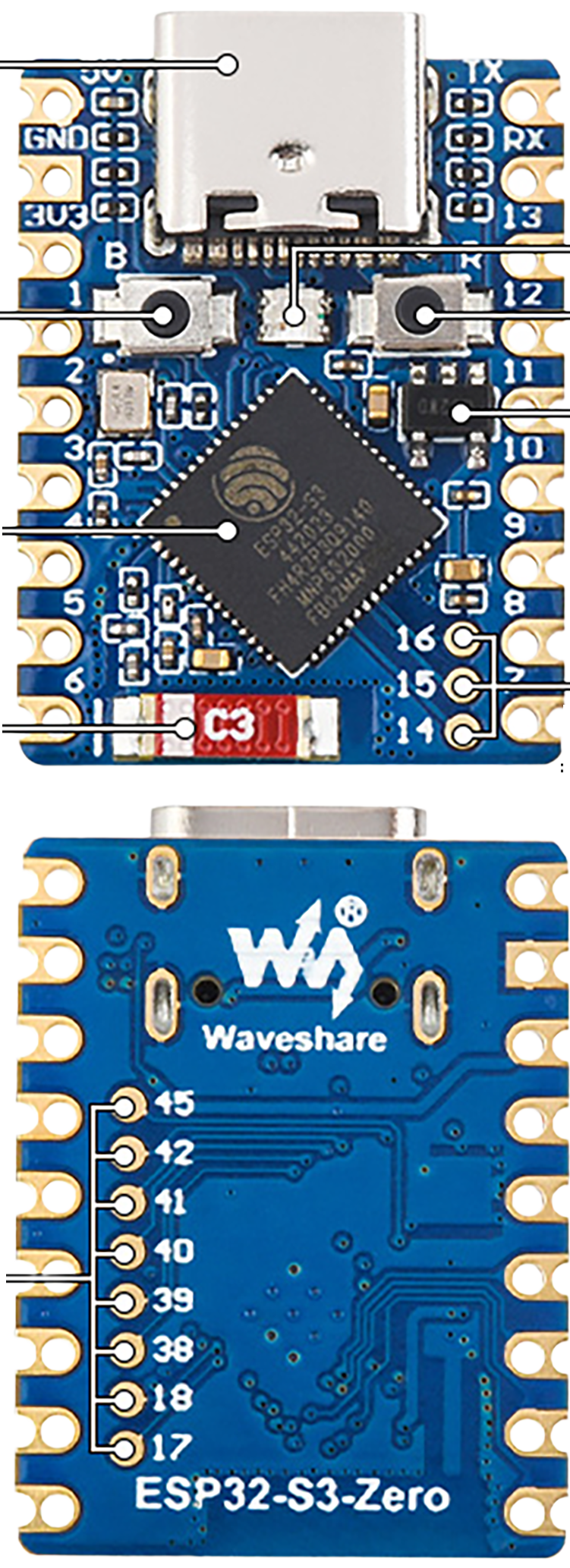 |
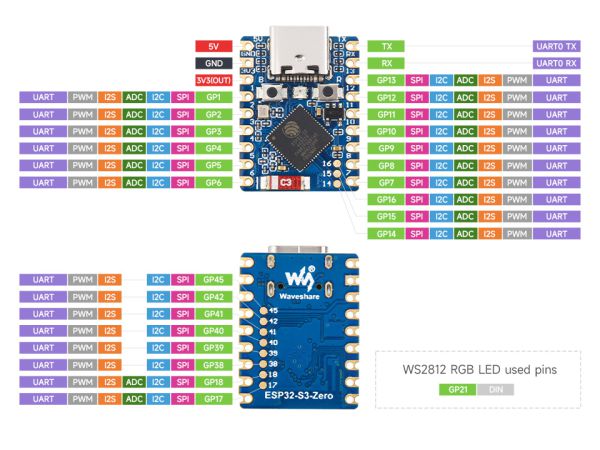 |
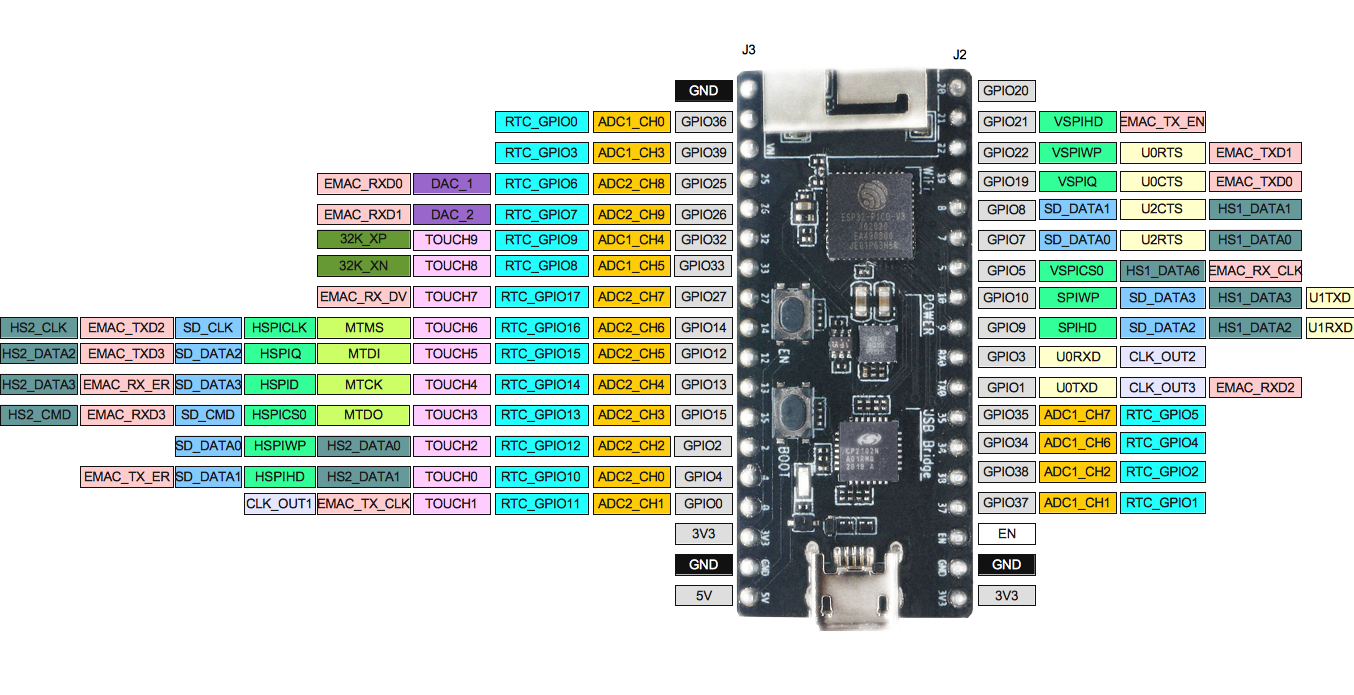
| ESP32 Pico Kit v4.1 | ! 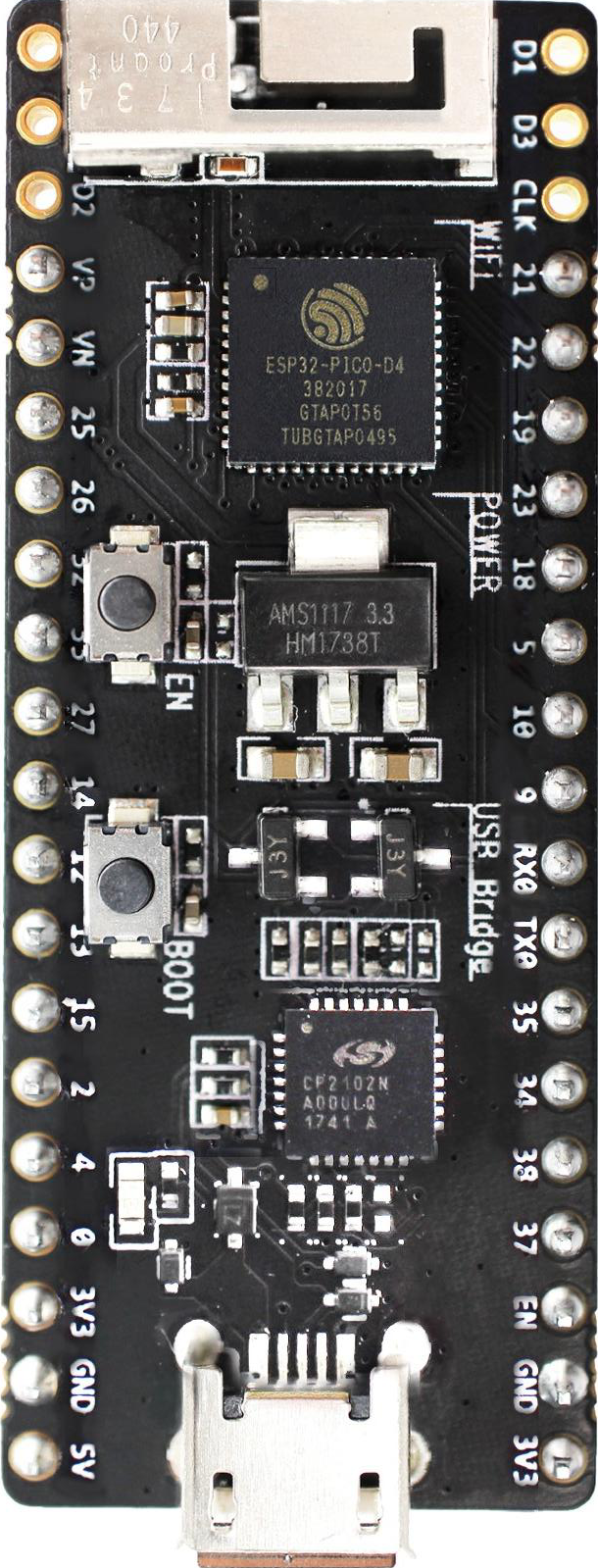 |
 |
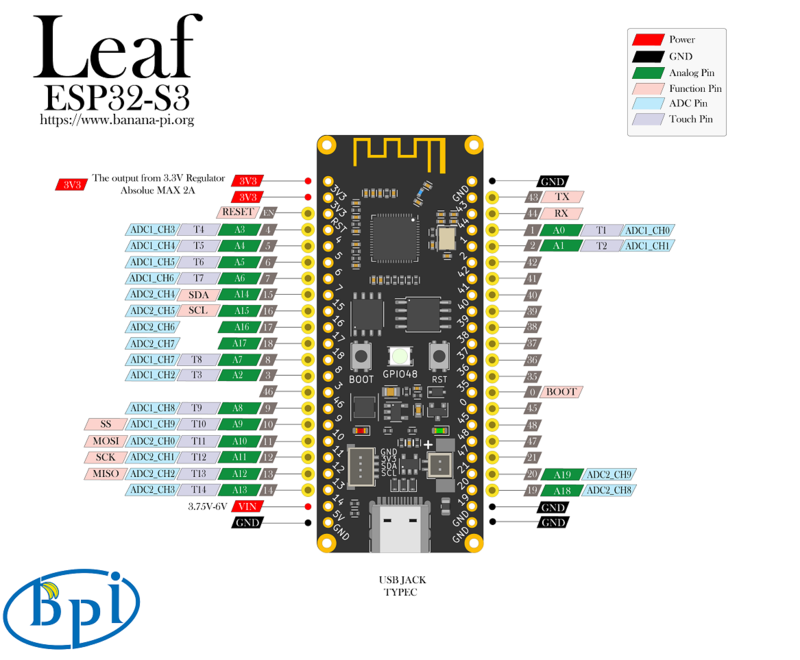
| Leaf S3 | ! 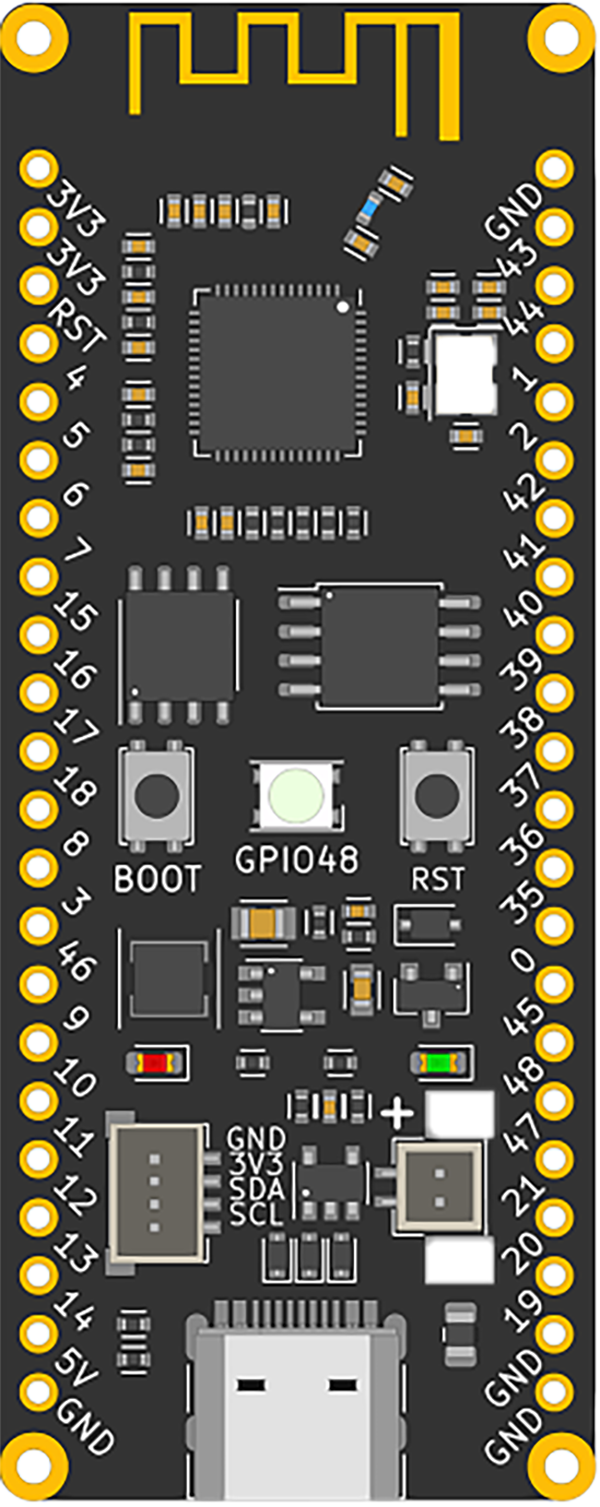 |
 |
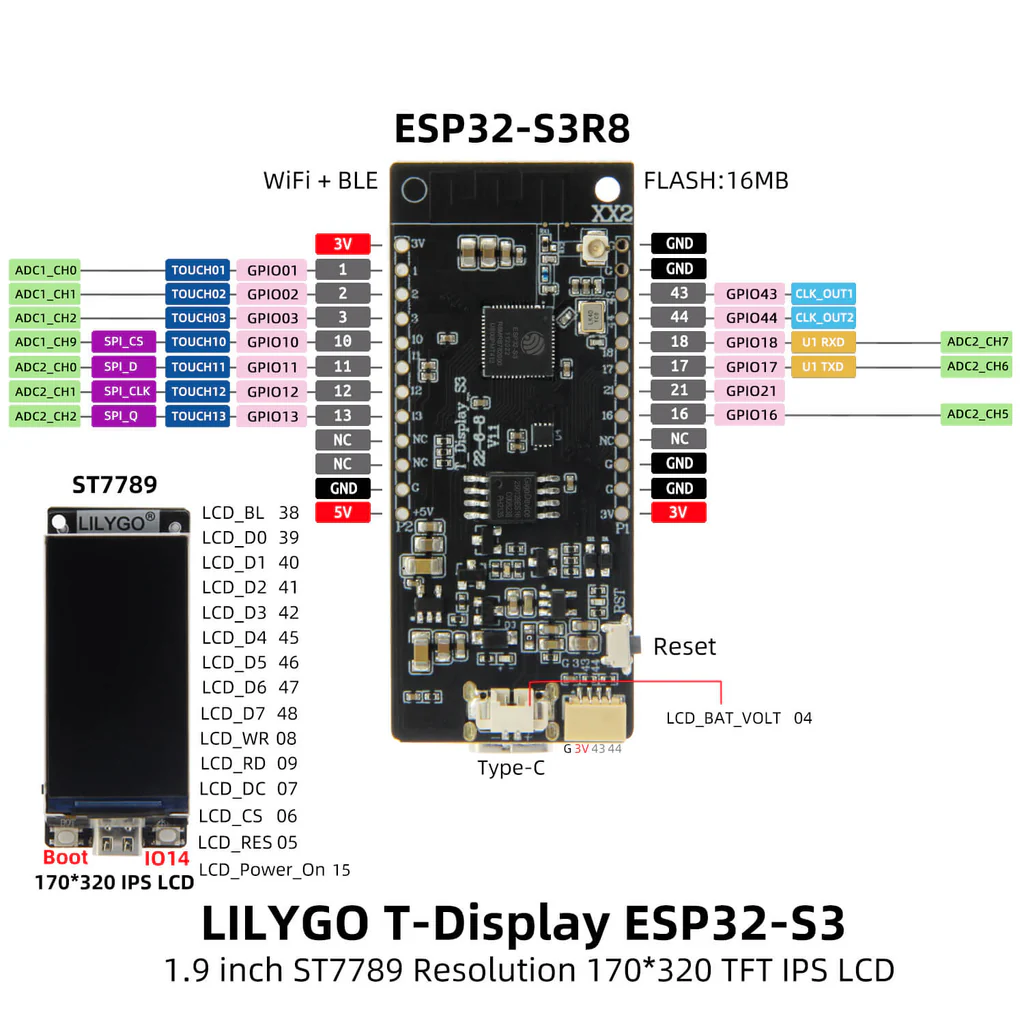
| Lilygo T-Display ESP32-S3 | ! 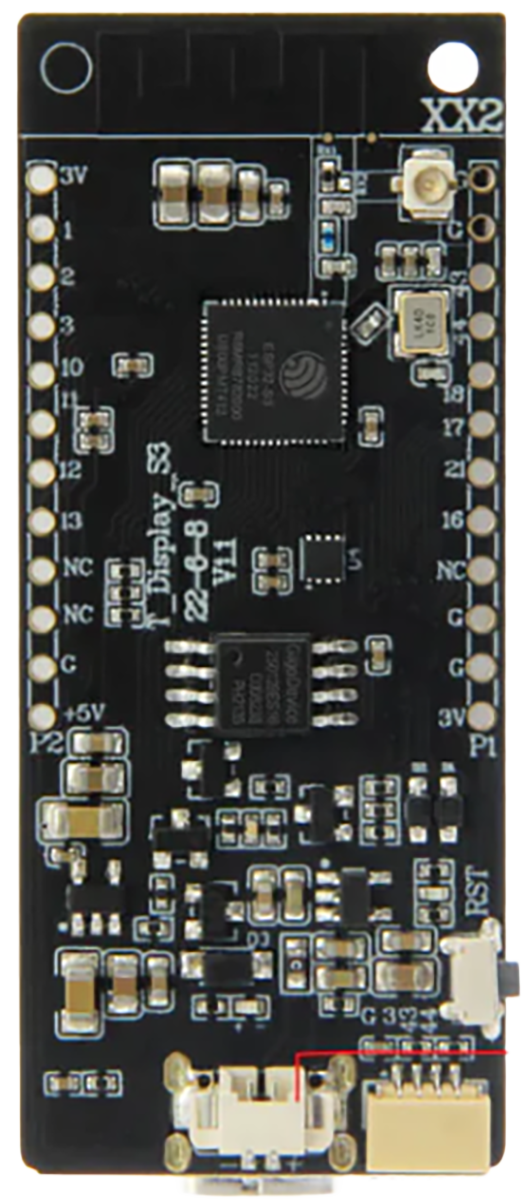 |
 |
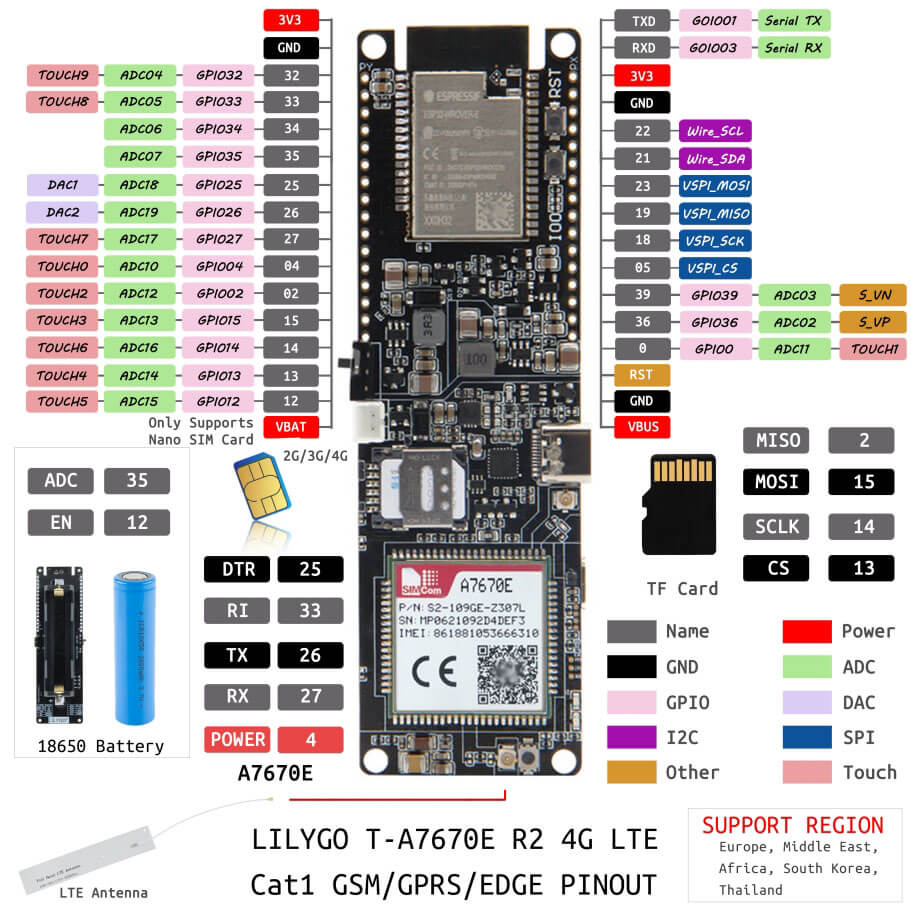
| Lilygo T-SIM A7670x | ! 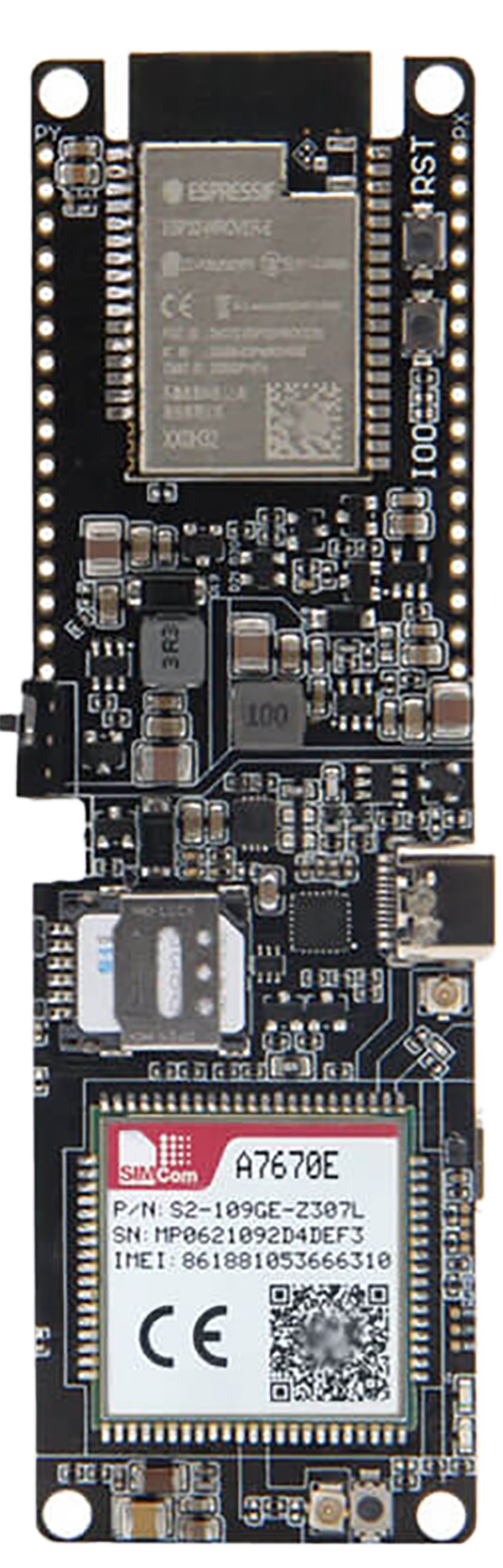 |
 |
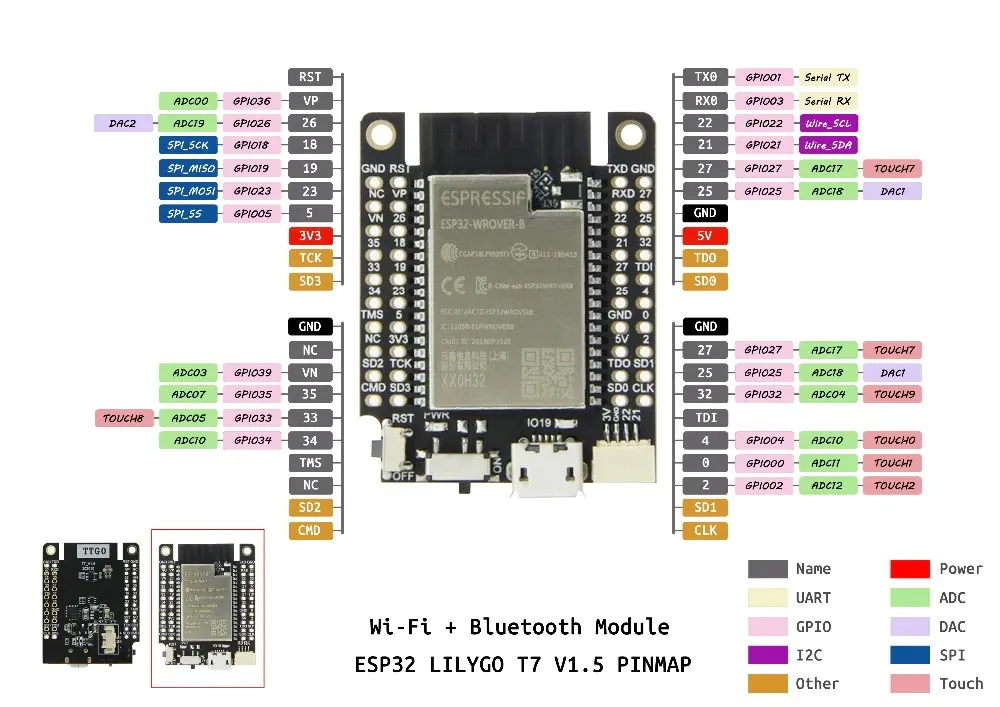
| Lilygo T7 Mini32 v1.5 | ! 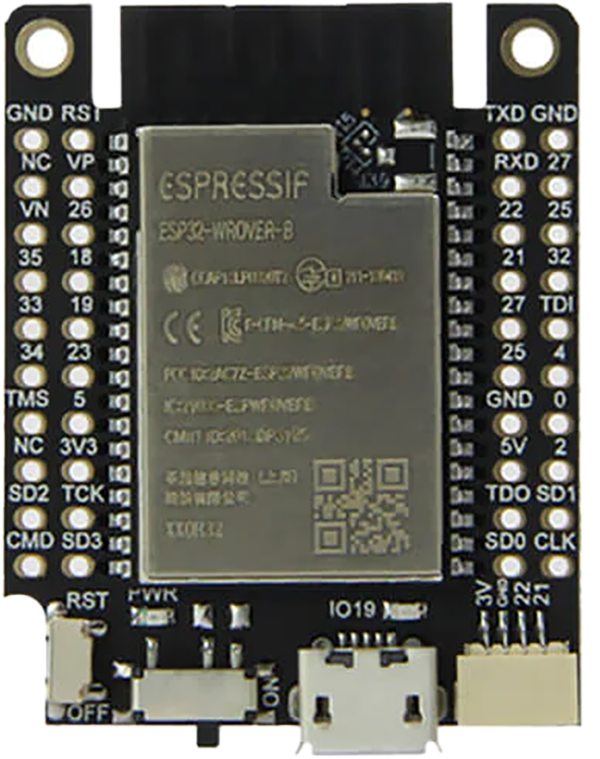 |
 |
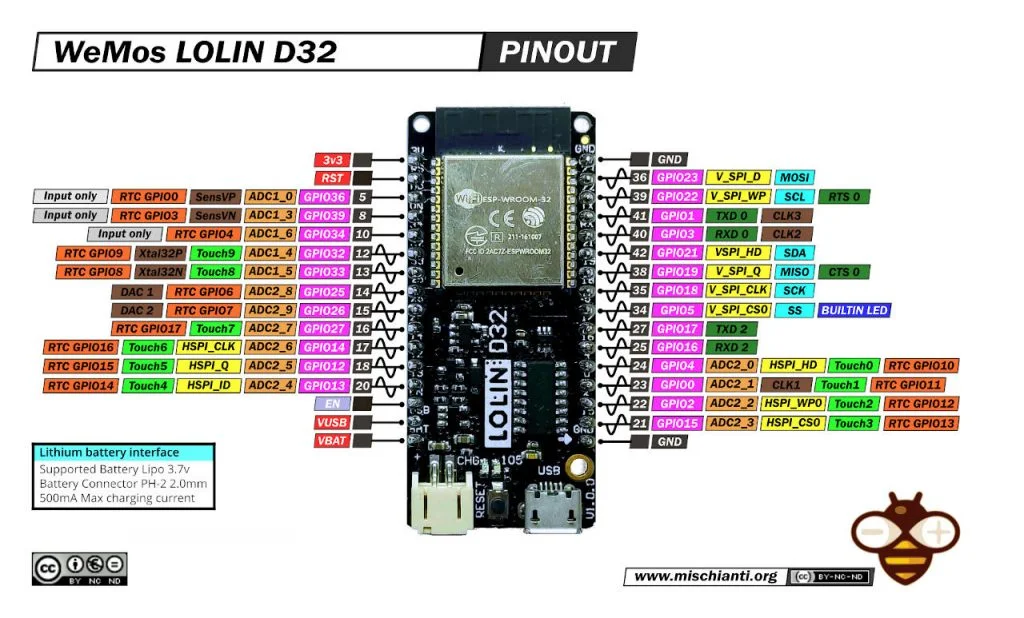
| Lolin D32 | ! 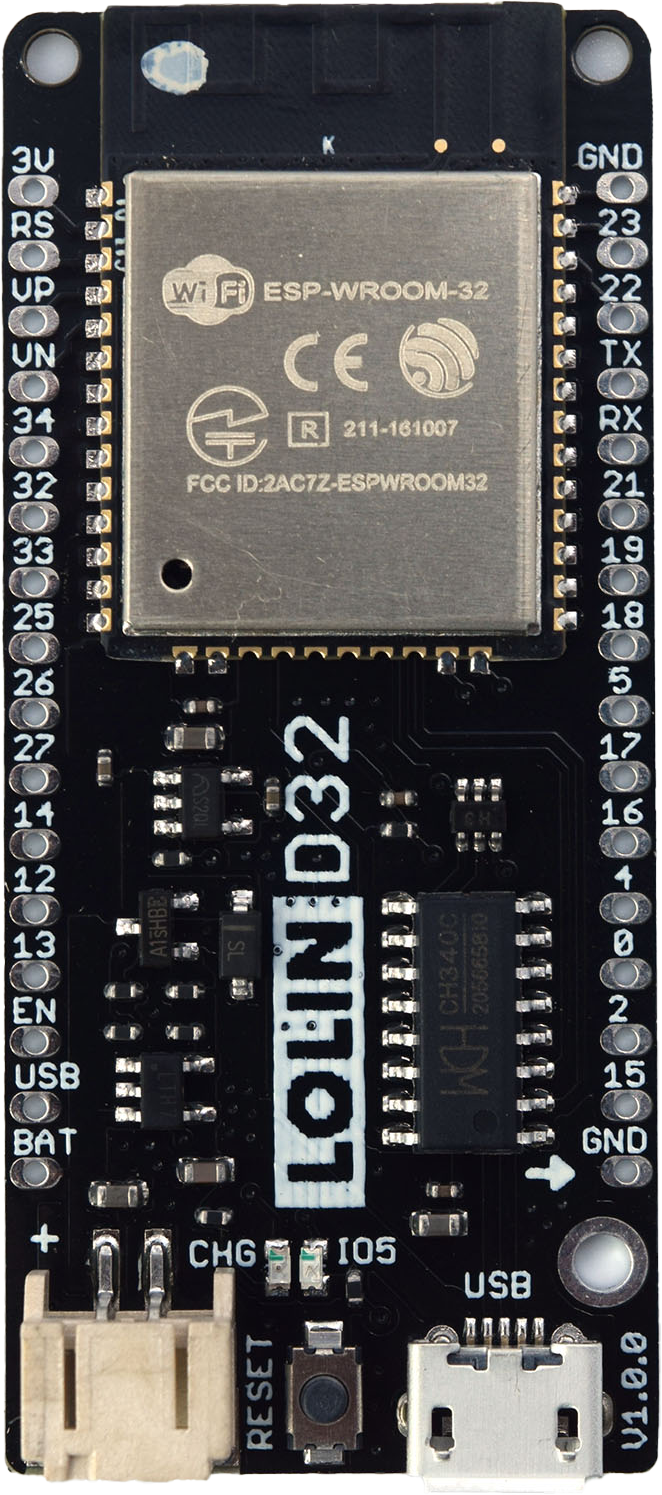 |
 |
| Freenove ESP32-S3 | ! 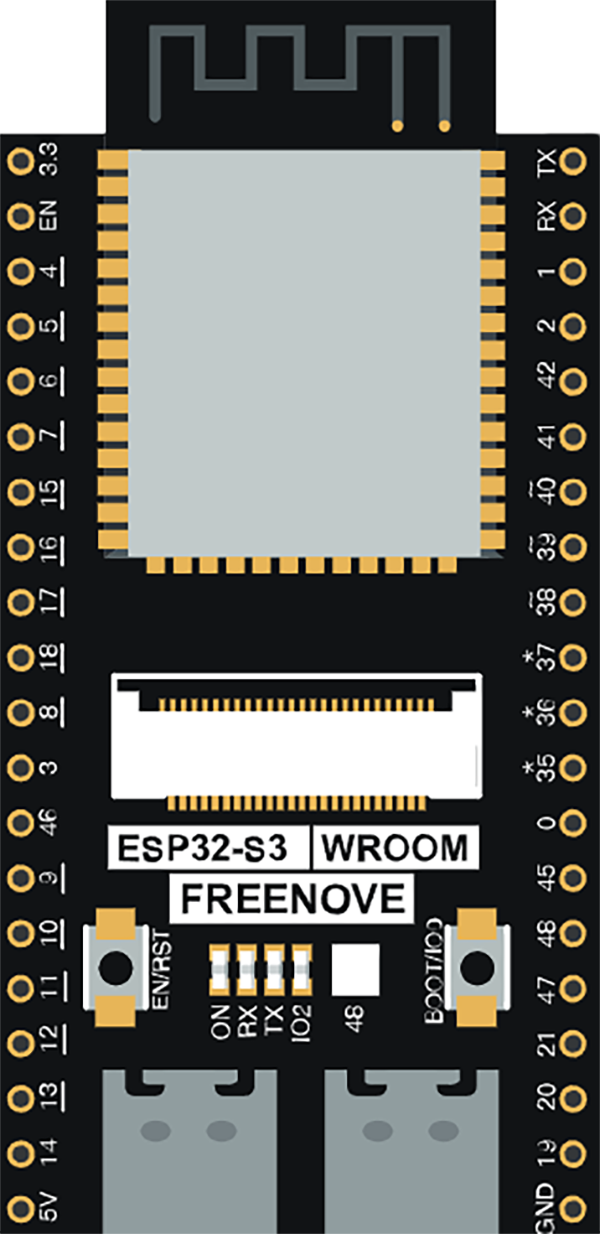 |
 |
| Freenove ESP32-Wroom | ! 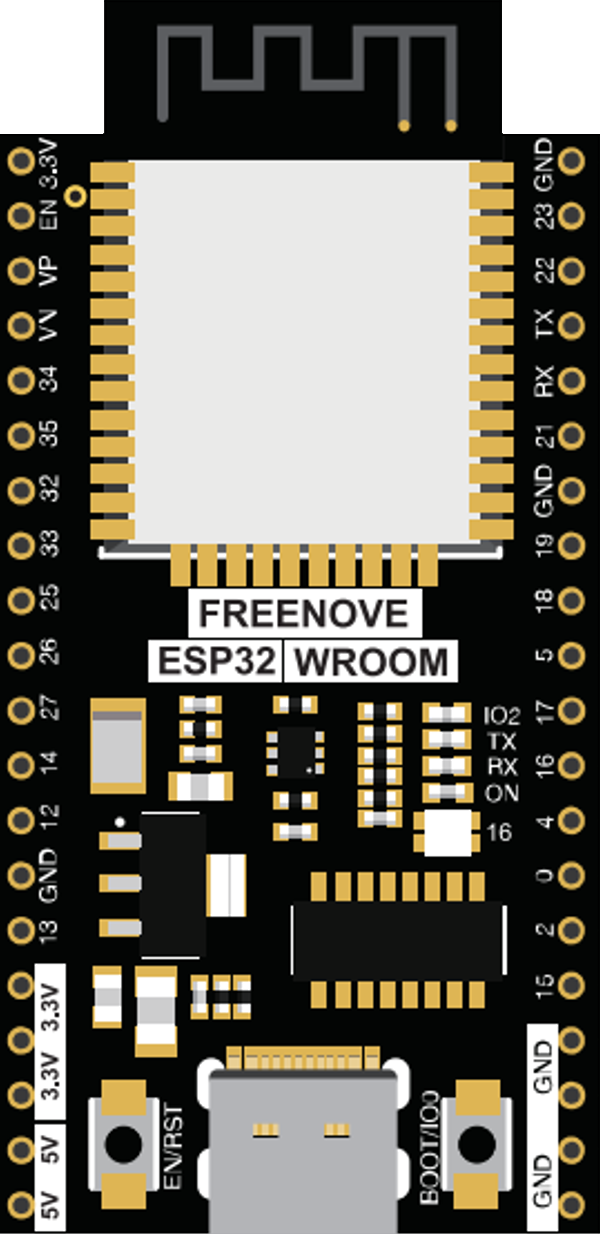 |
|
| Heltec HT-WB32_V3 | ! 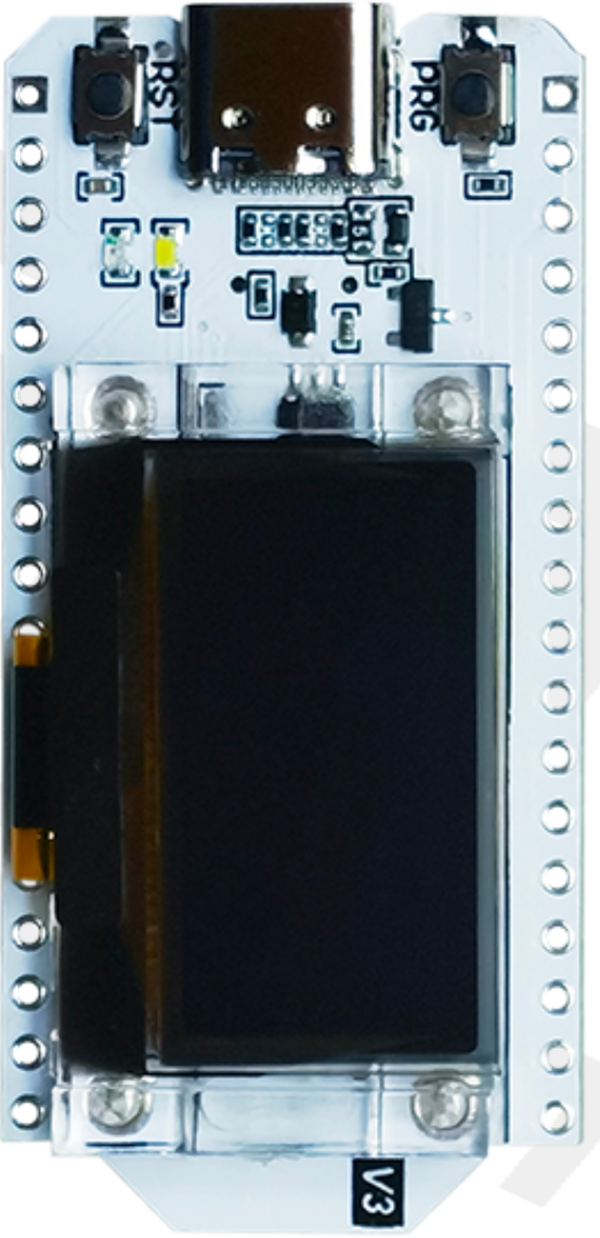 |
 |
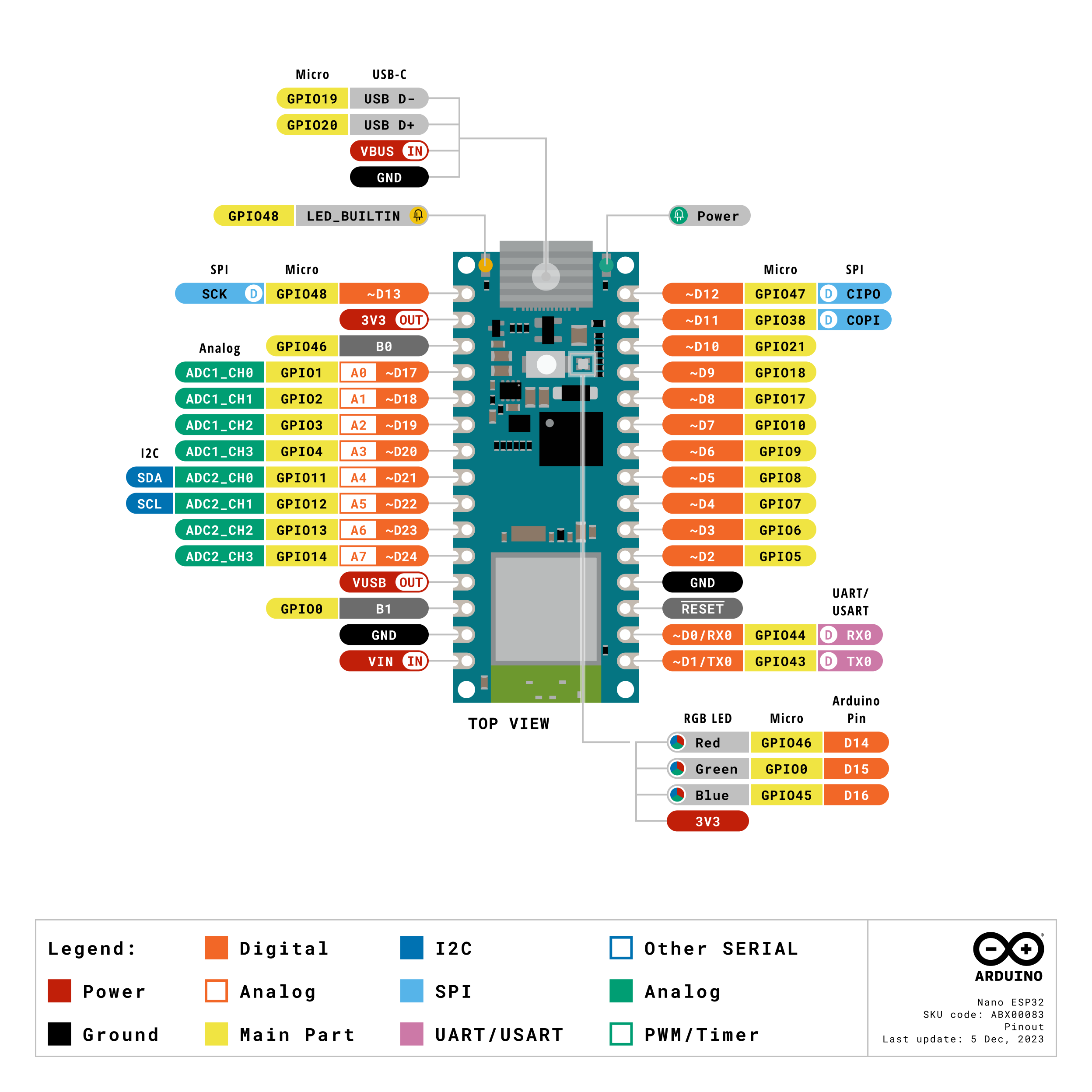
| Nano ESP32 | ! 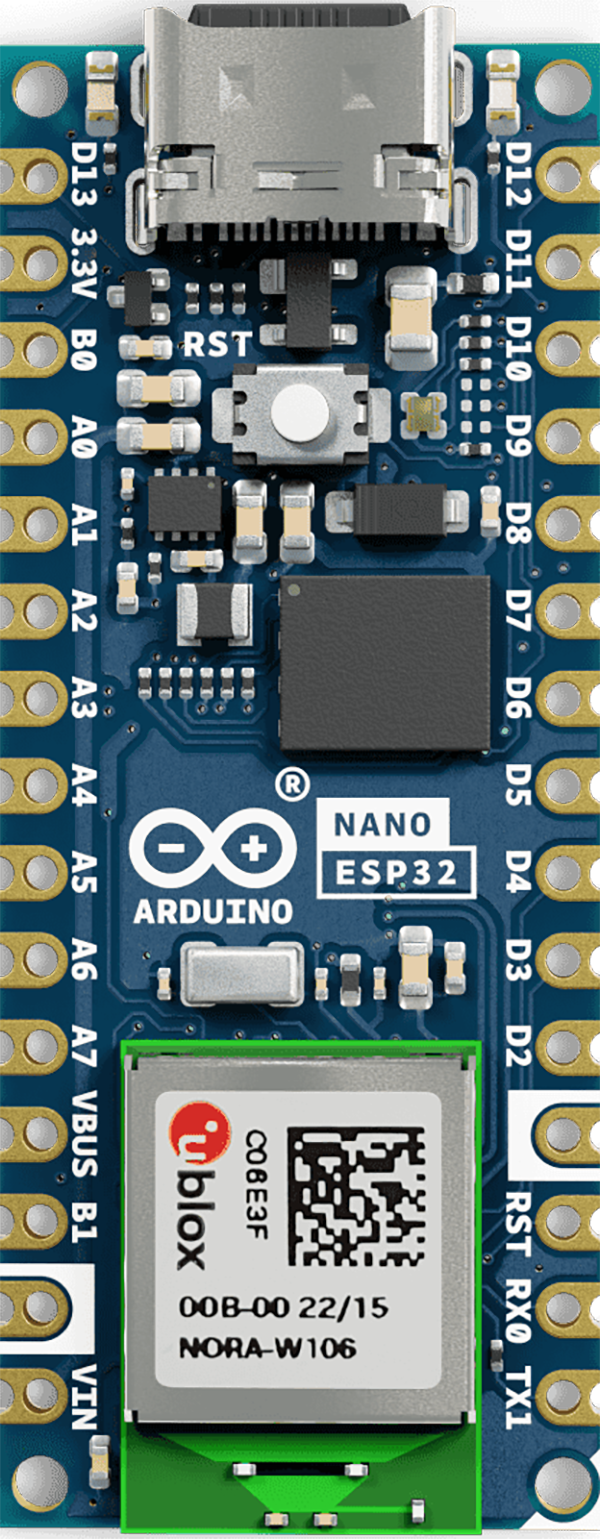 |
 |
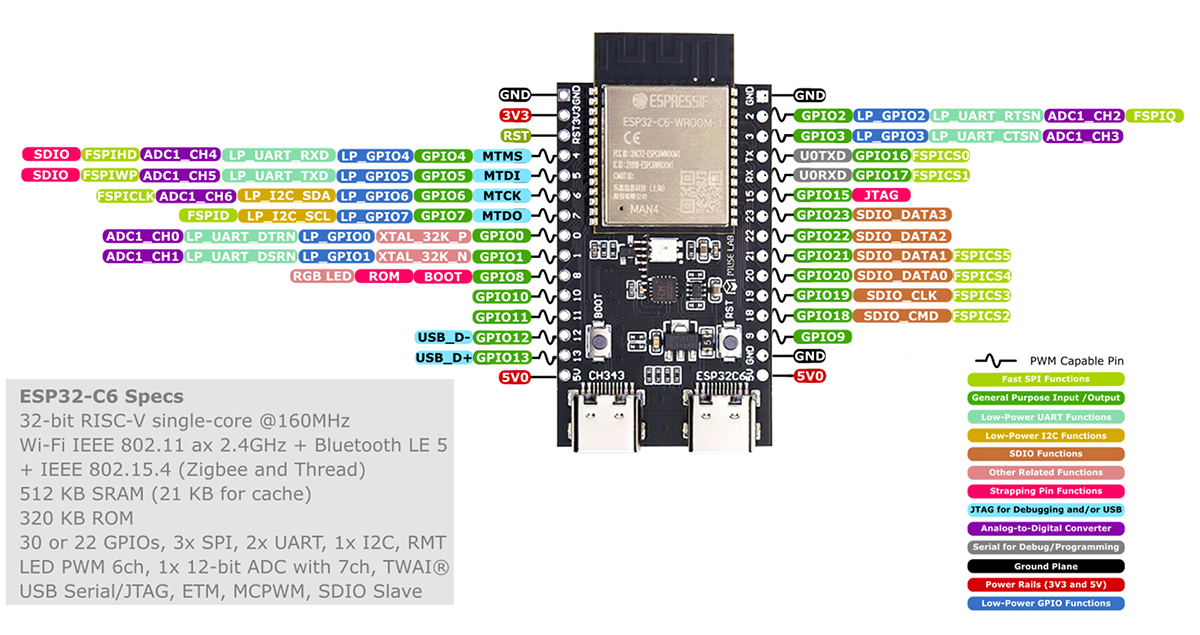
| Nano ESP32-C6 | ! 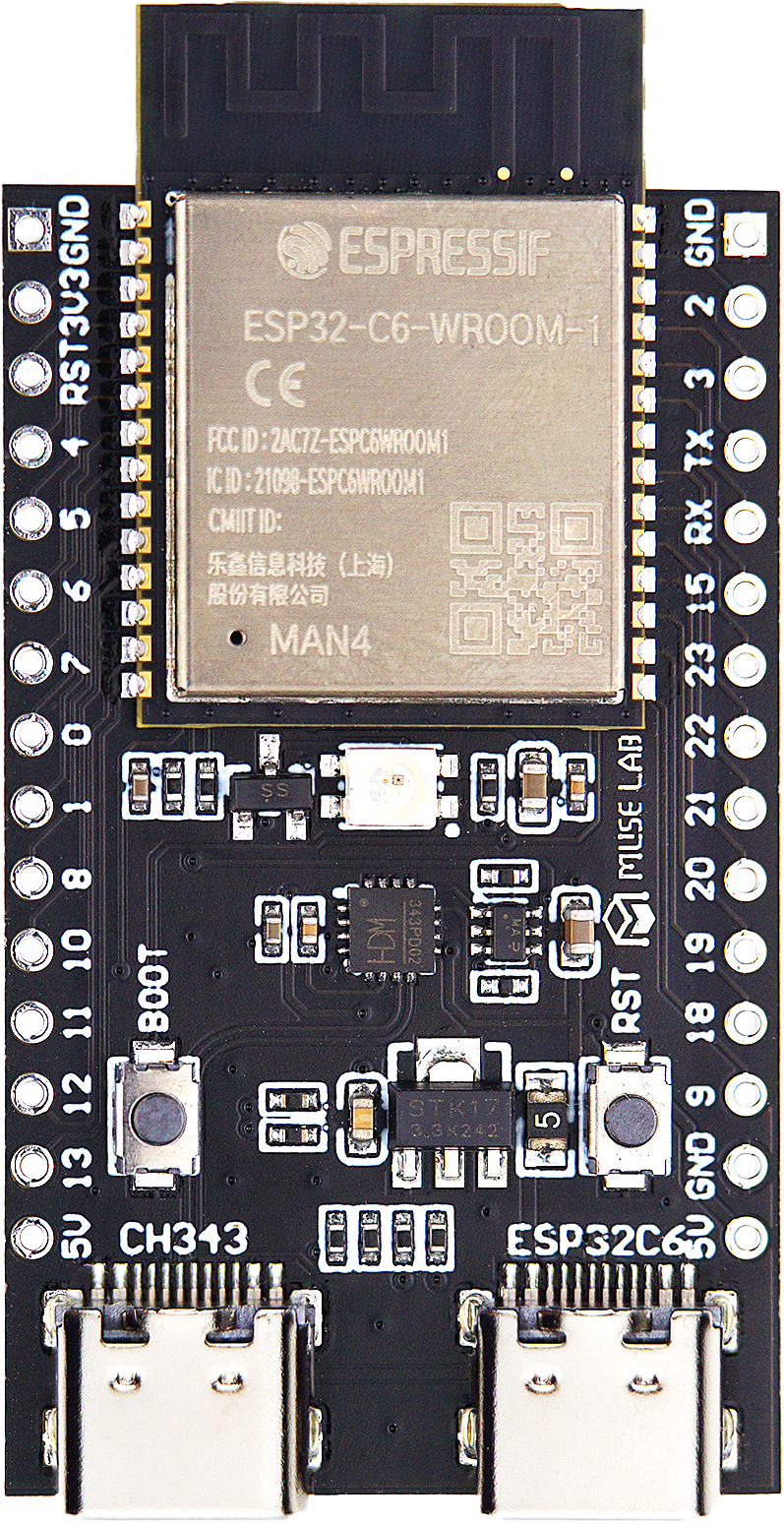 |
 |
| Olimex ESP32-P4 | ! 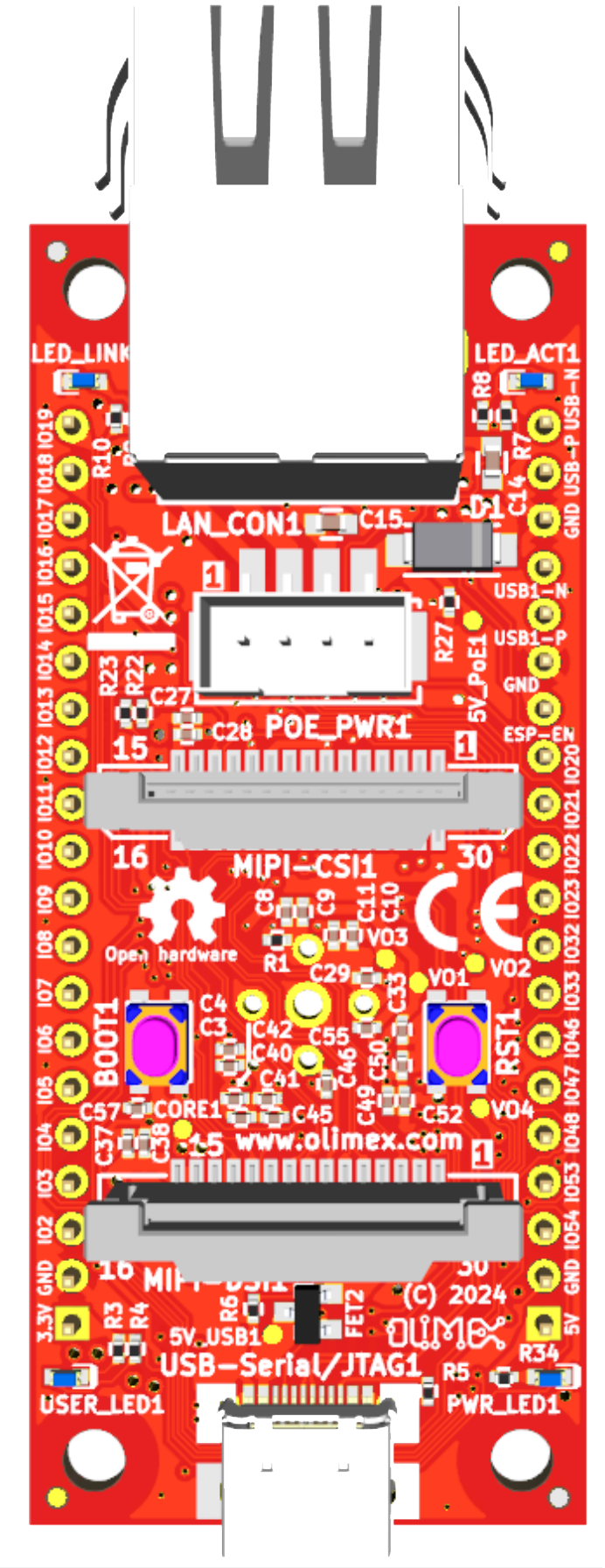 |
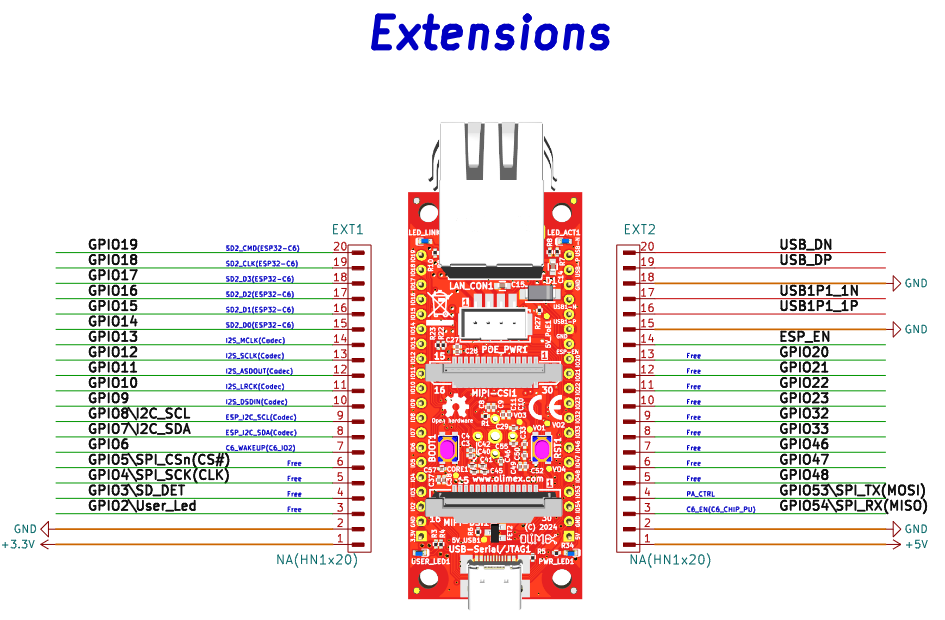 |
| Sailor Hat ESP32 | ! 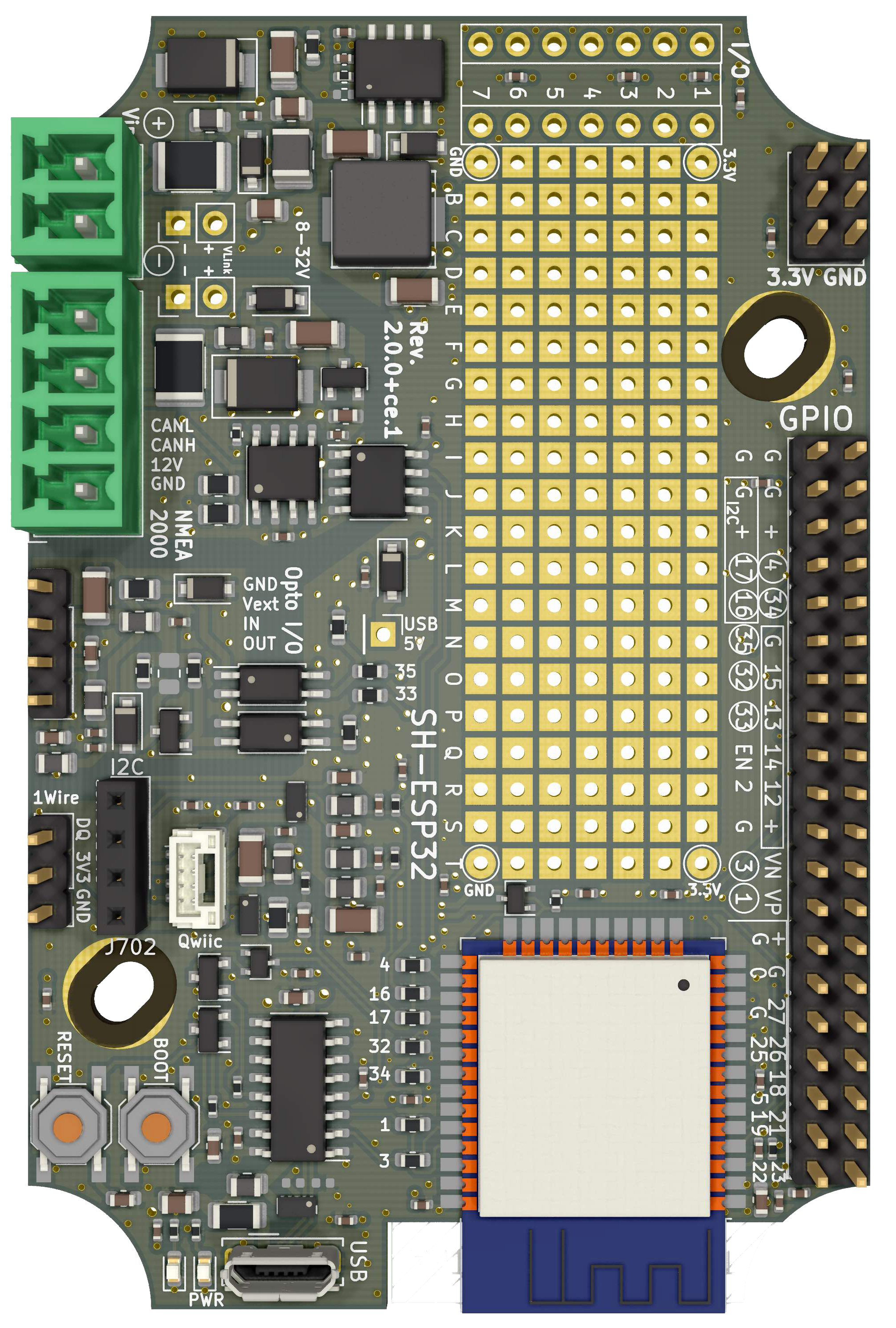 |
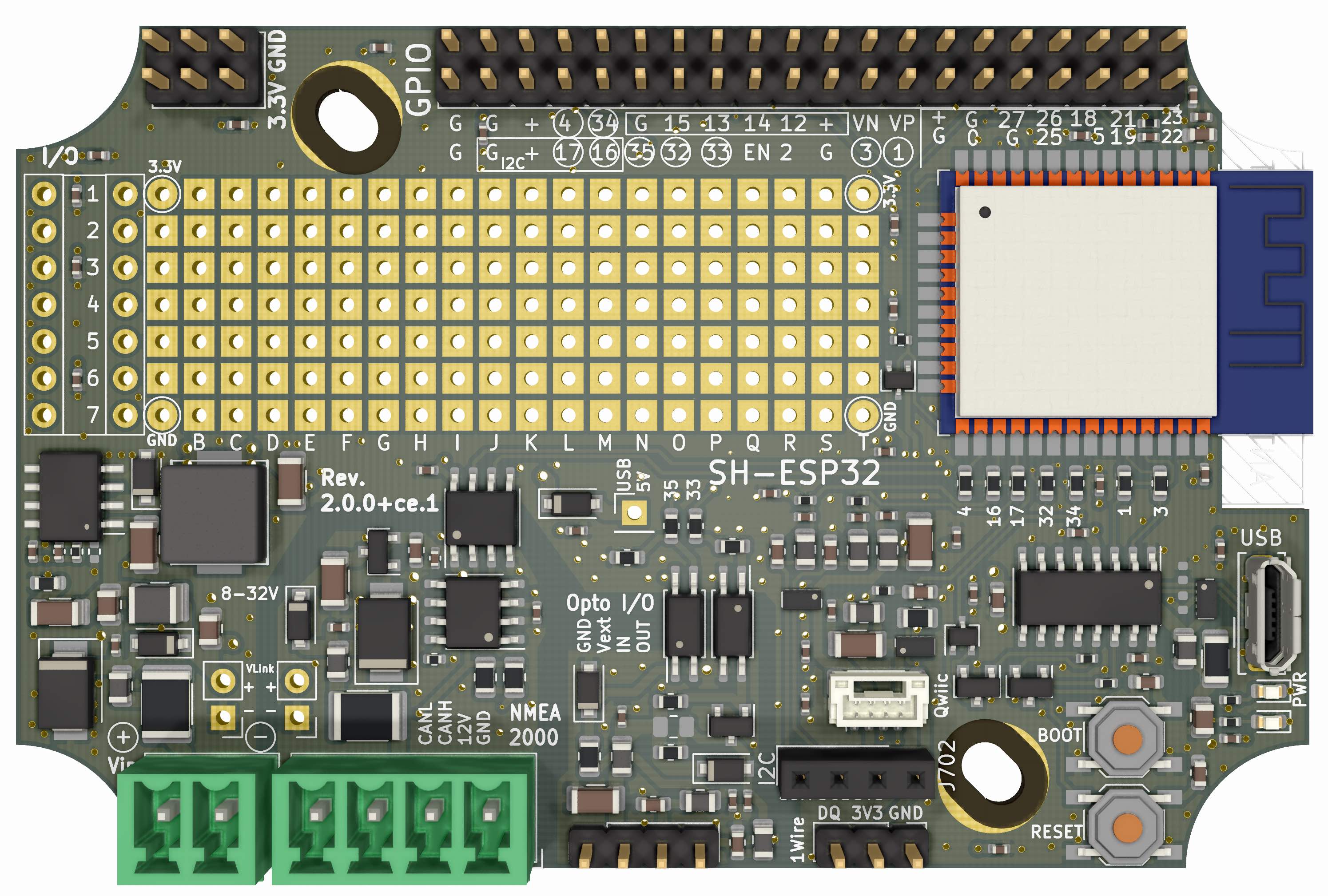 |
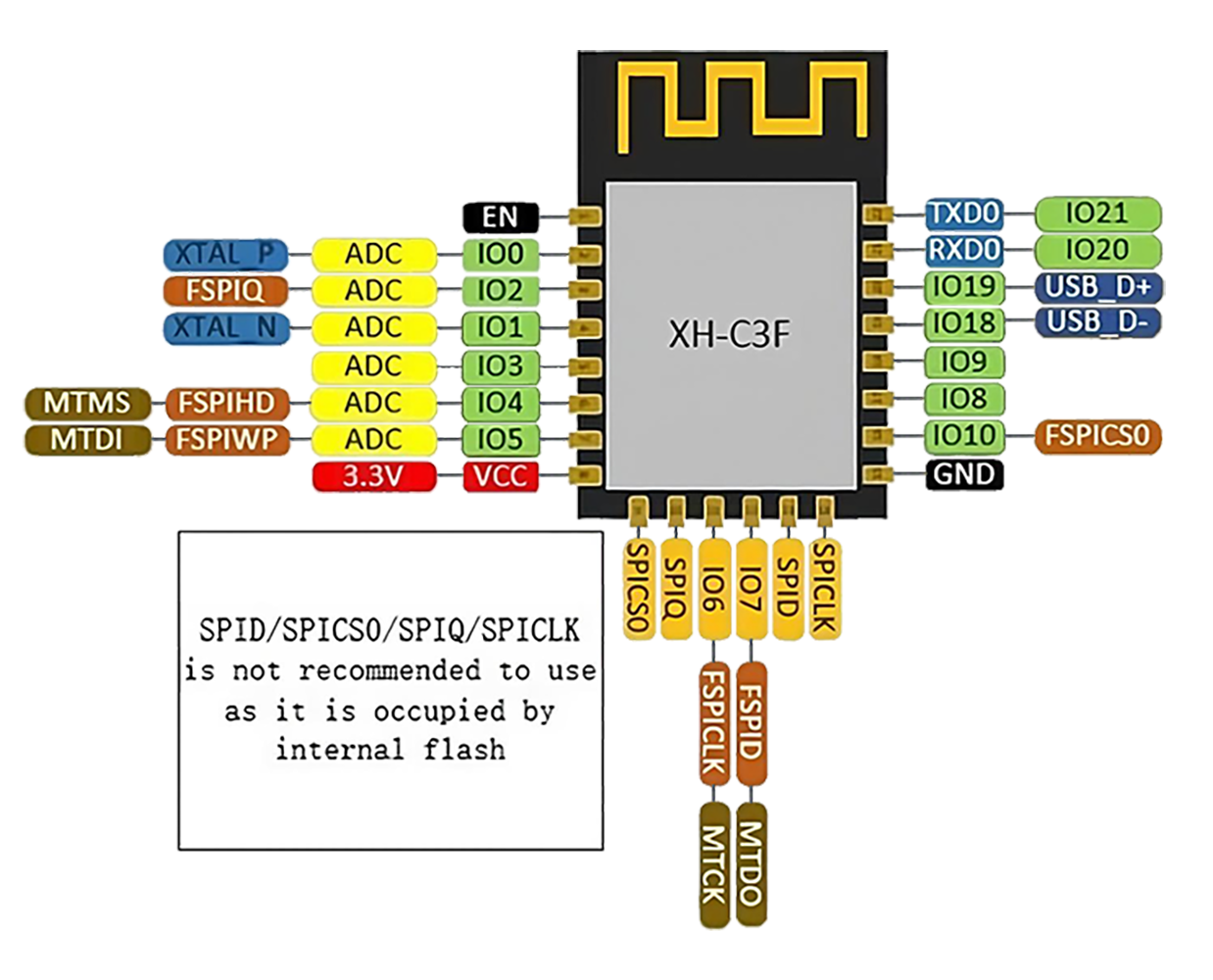
| SparkleIoT ESP32-C3F | ! 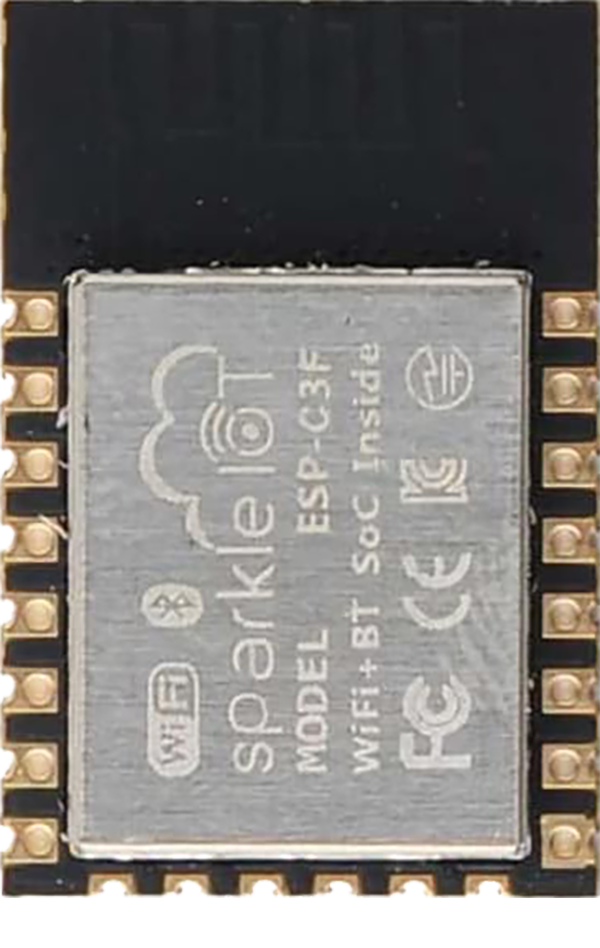 |
 |
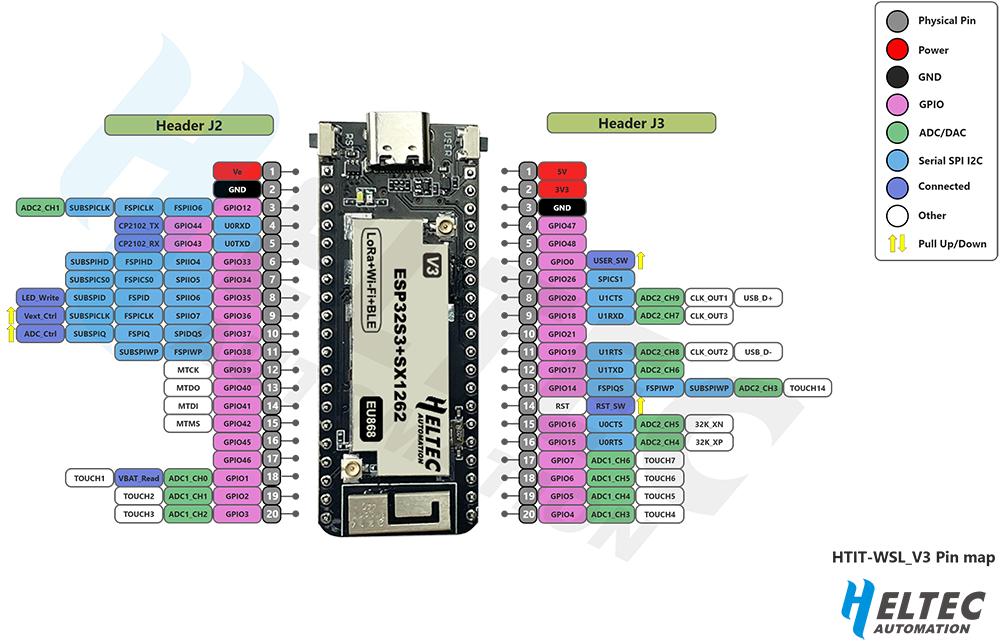
| StickLite-V3-ESP32S3 | ! 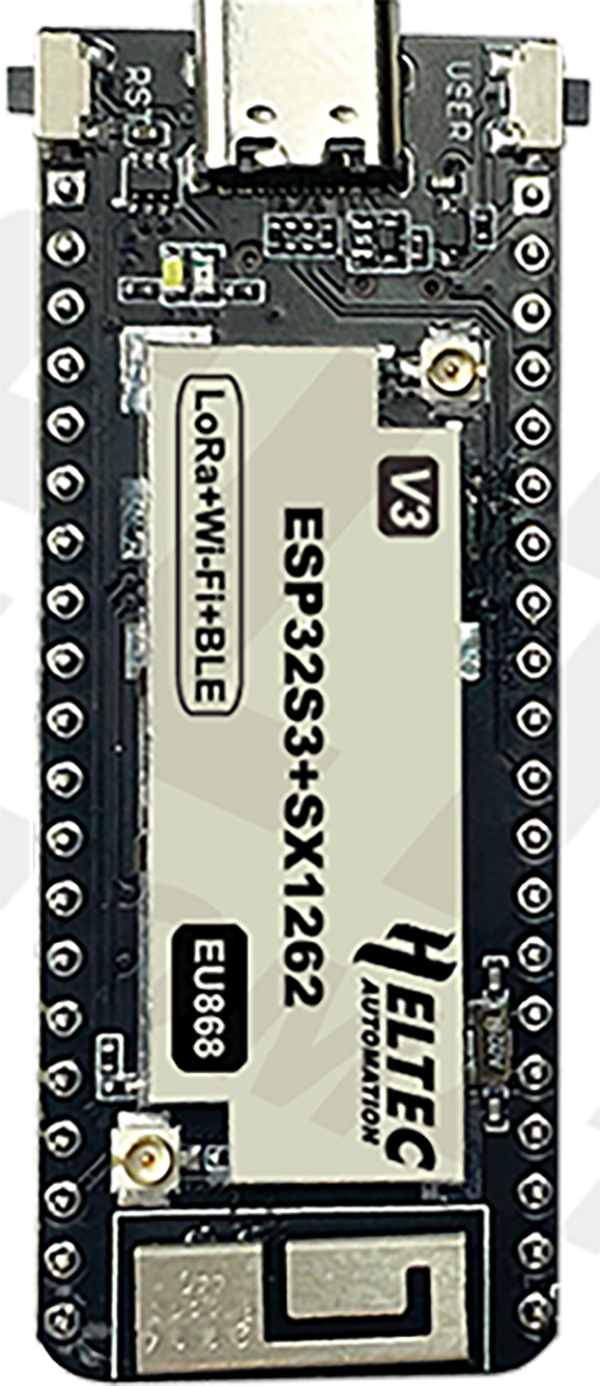 |
 |
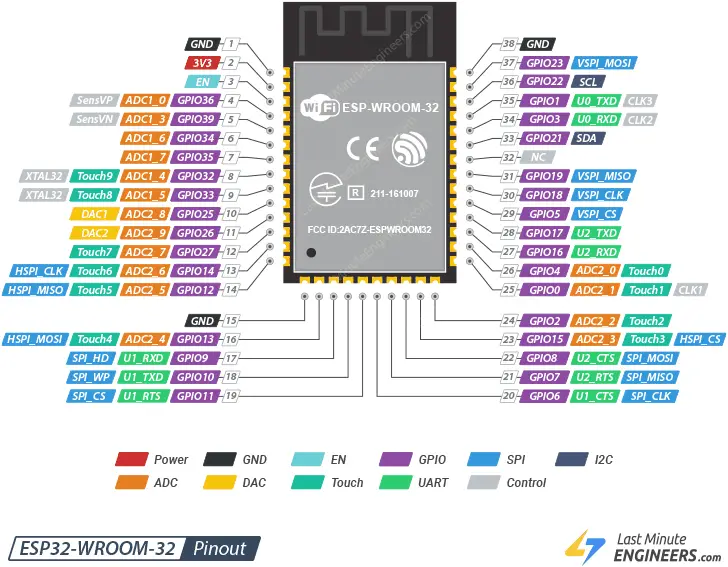
| SOC ESP32 WROOM 32 | ! 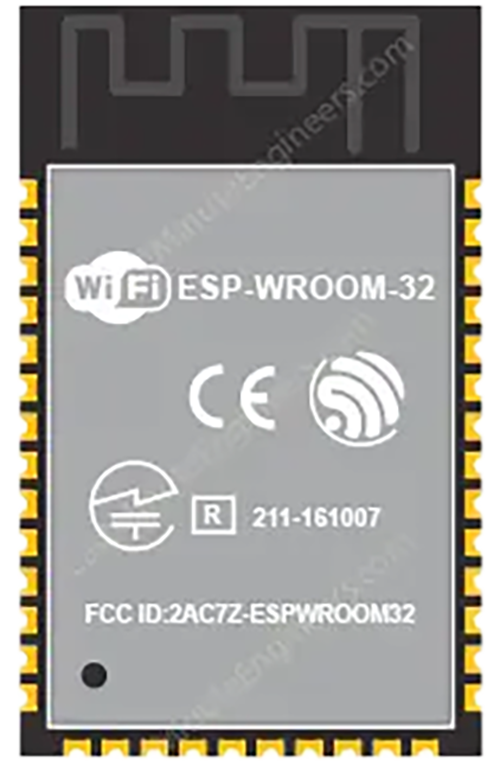 |
 |
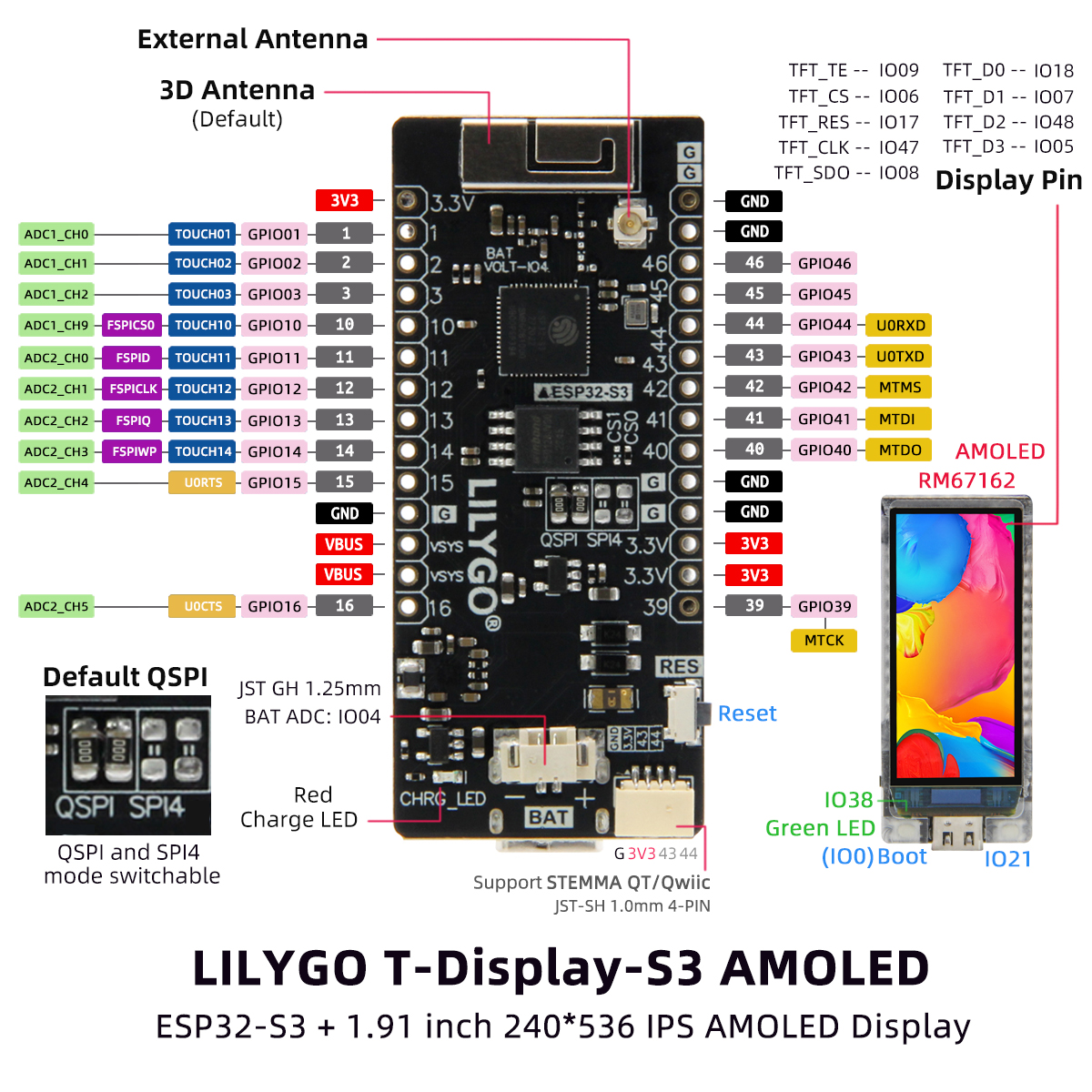
| T-Display S3 AMOLED | ! 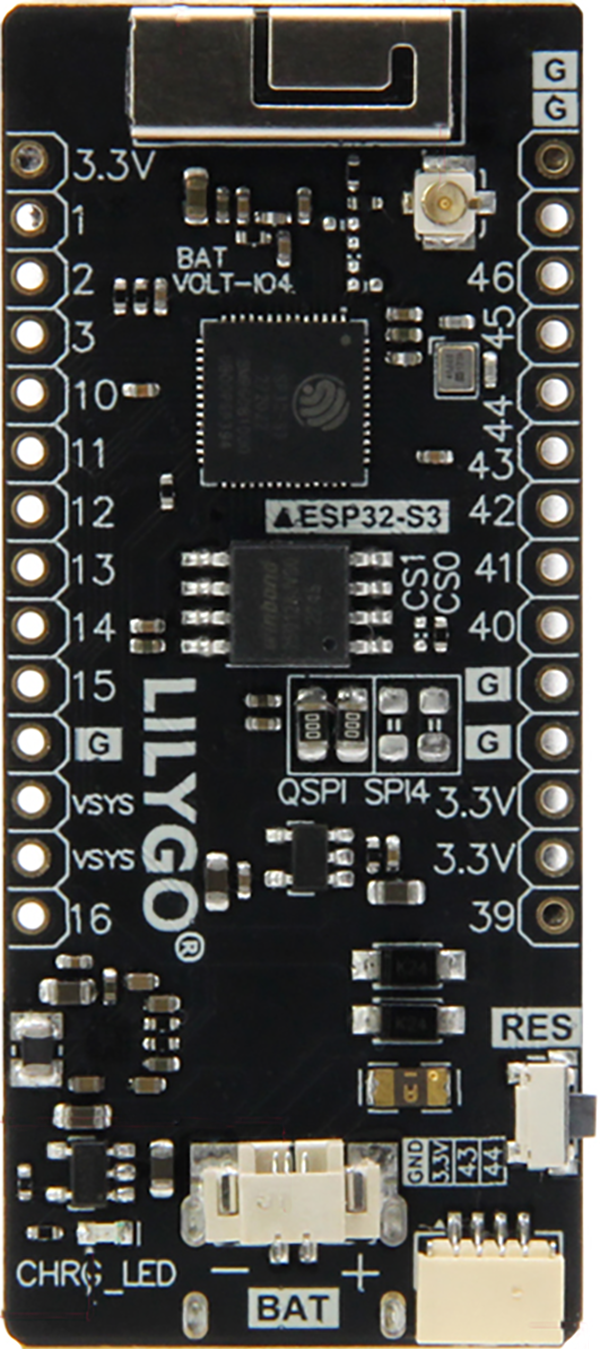 |
 |
| TinyPICO Nano | ! 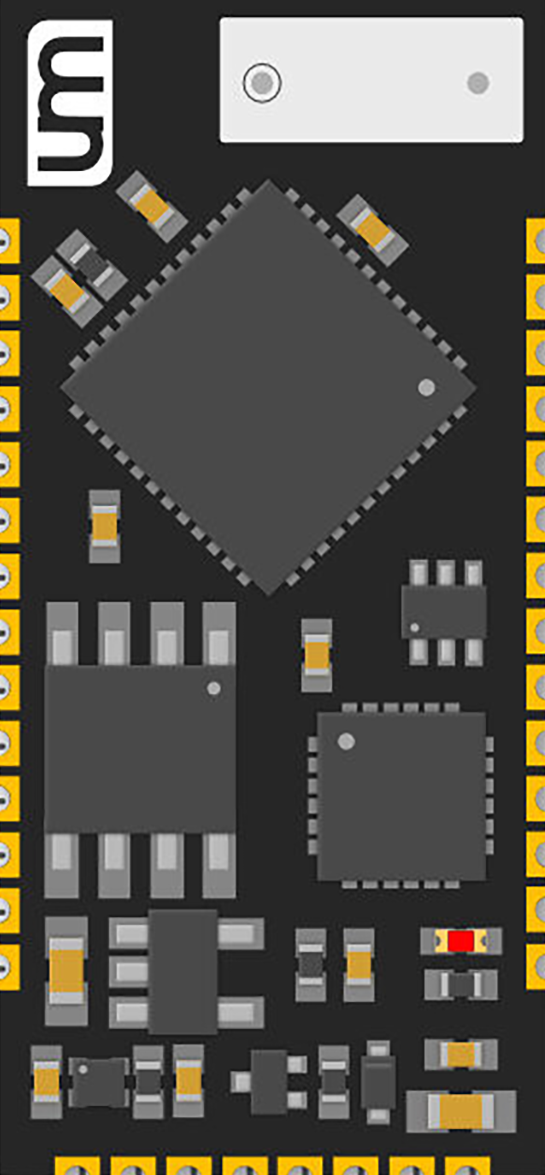 |
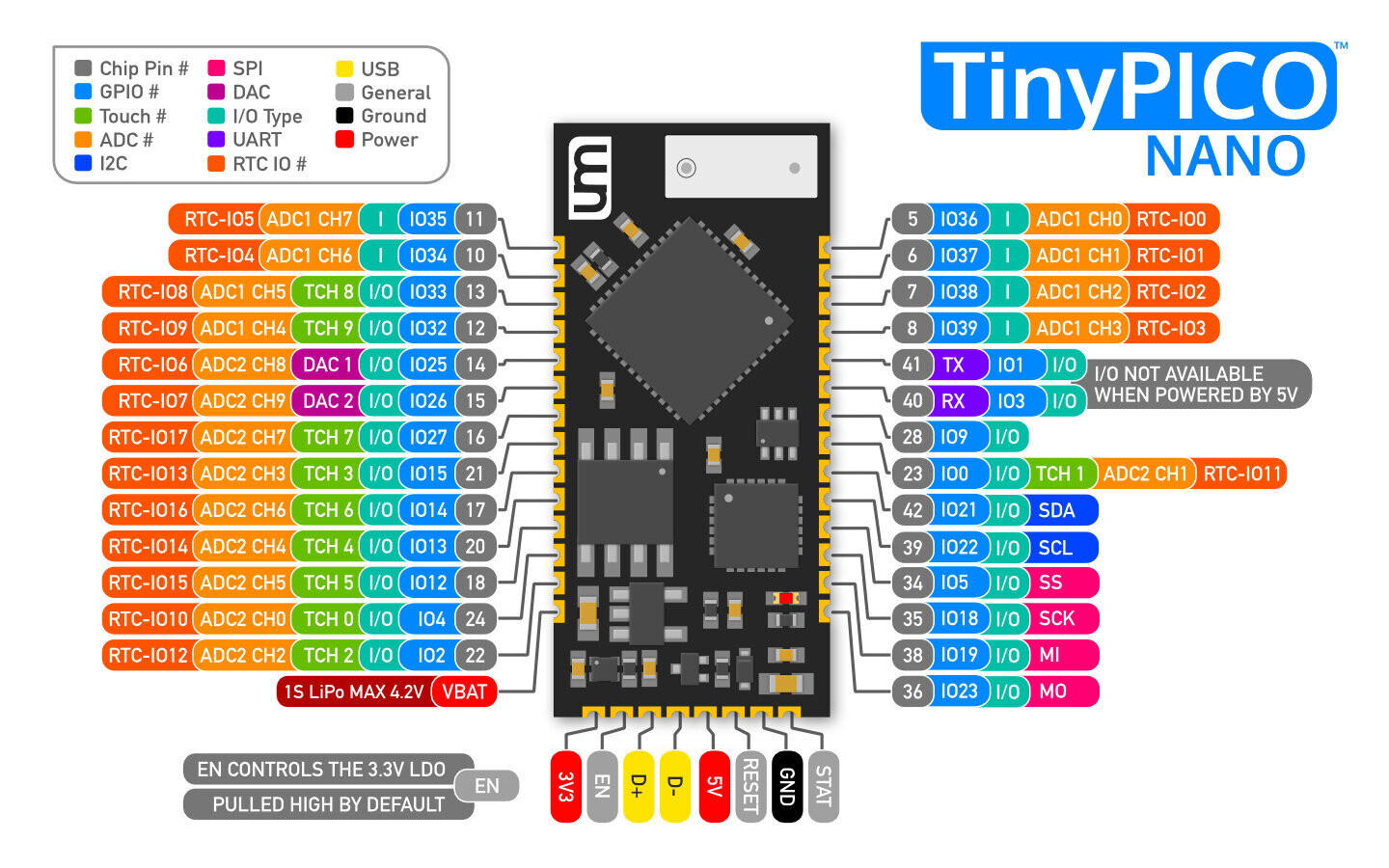 |
| TinyPico V3 | ! 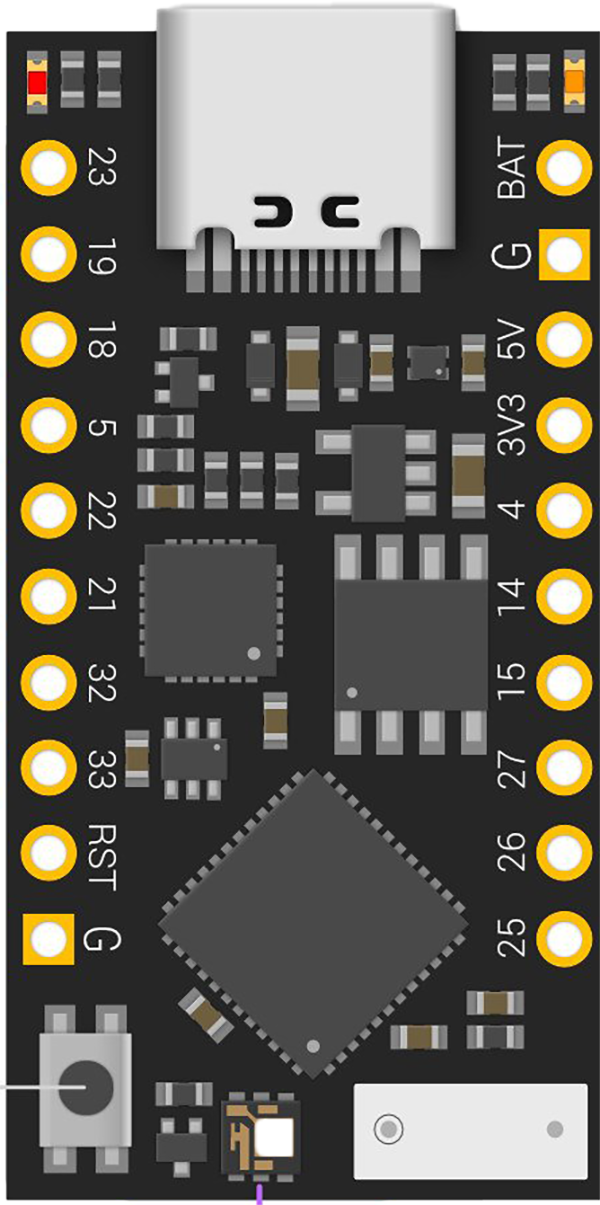 |
 |
| TTGO Display V1.1 | ! 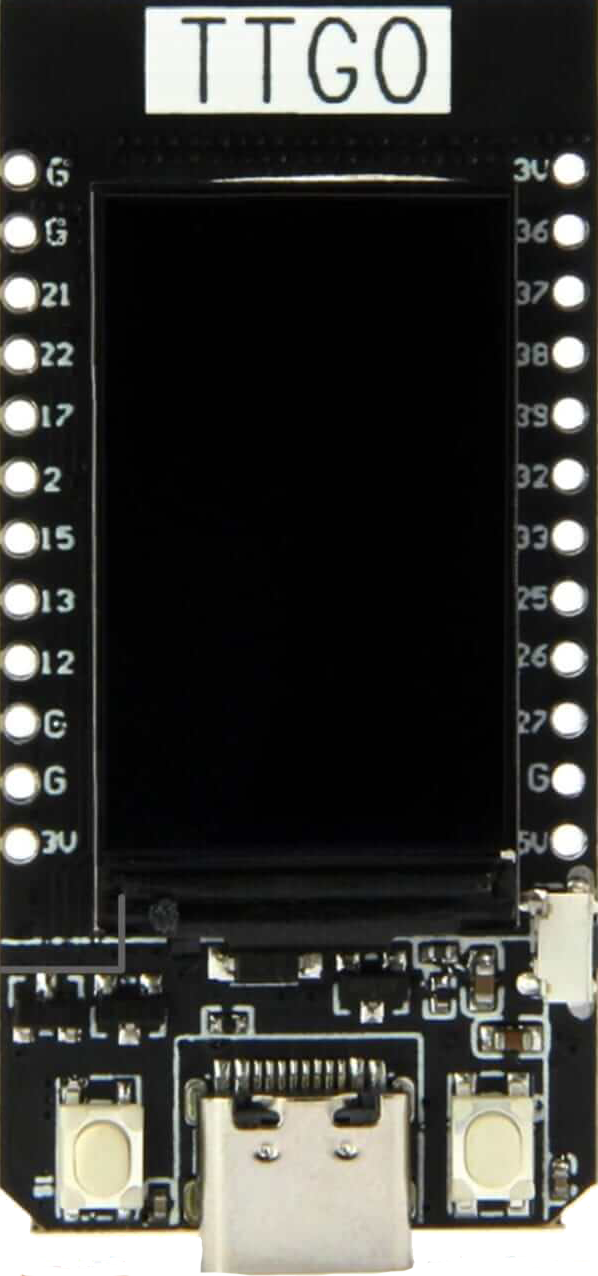 |
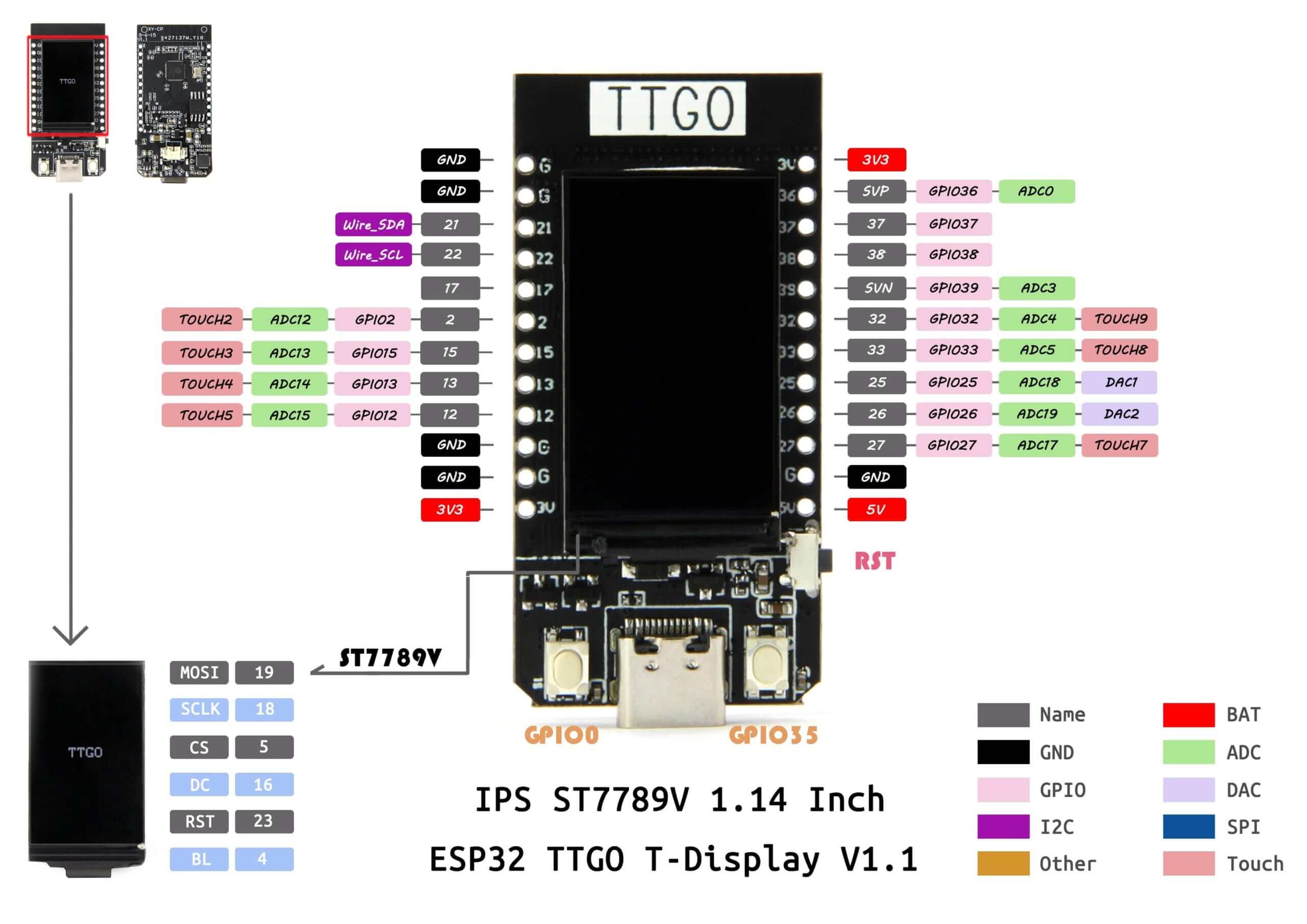 |
| Wemos Lolin32 Lite V1 | ! 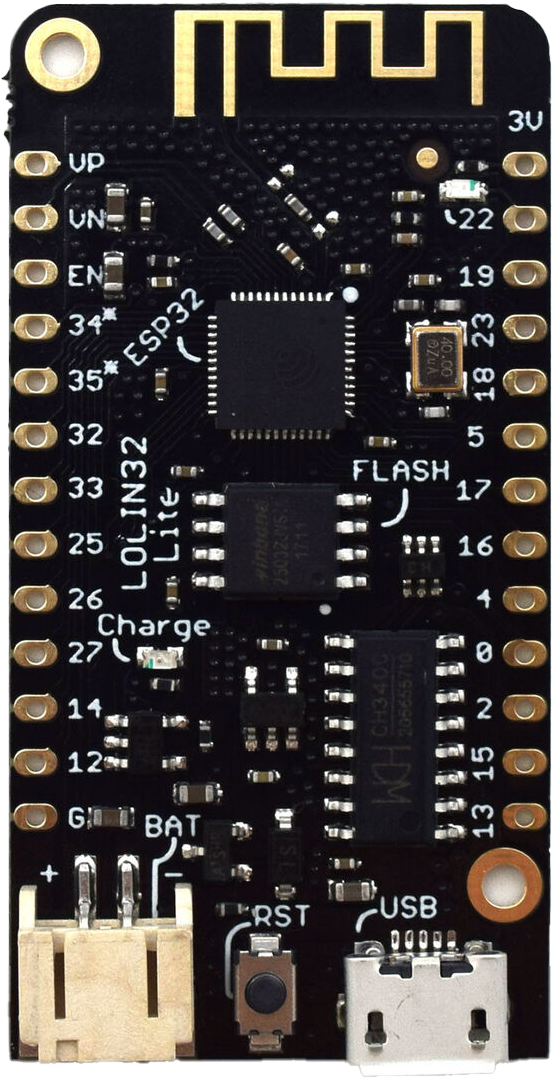 |
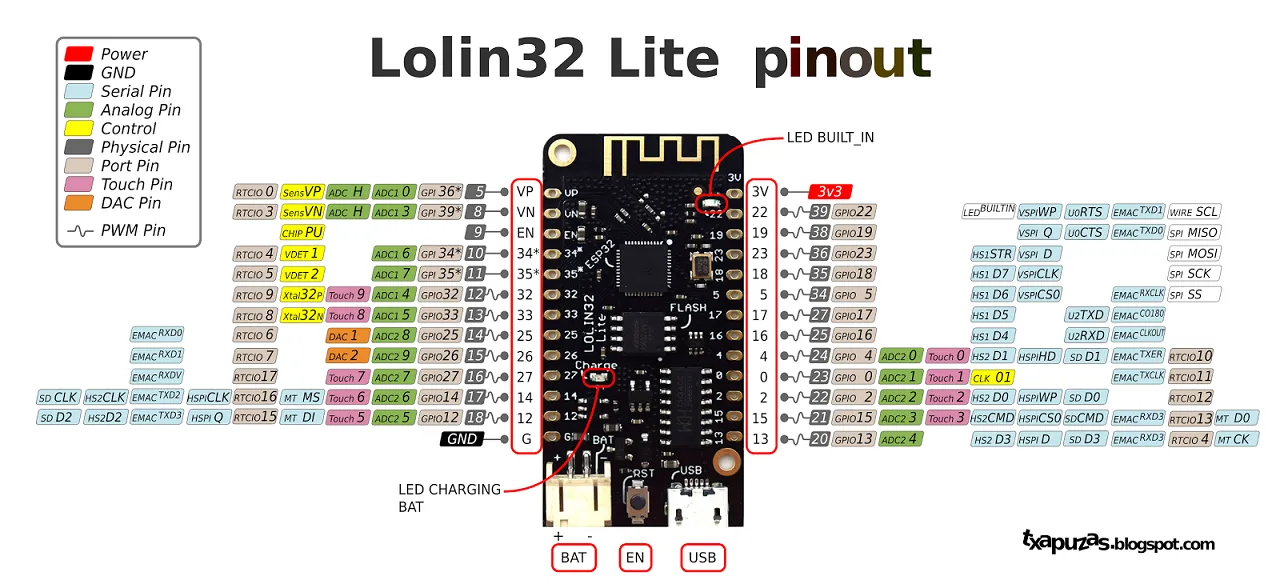 |
| Wemos Lolin S3 Mini | ! 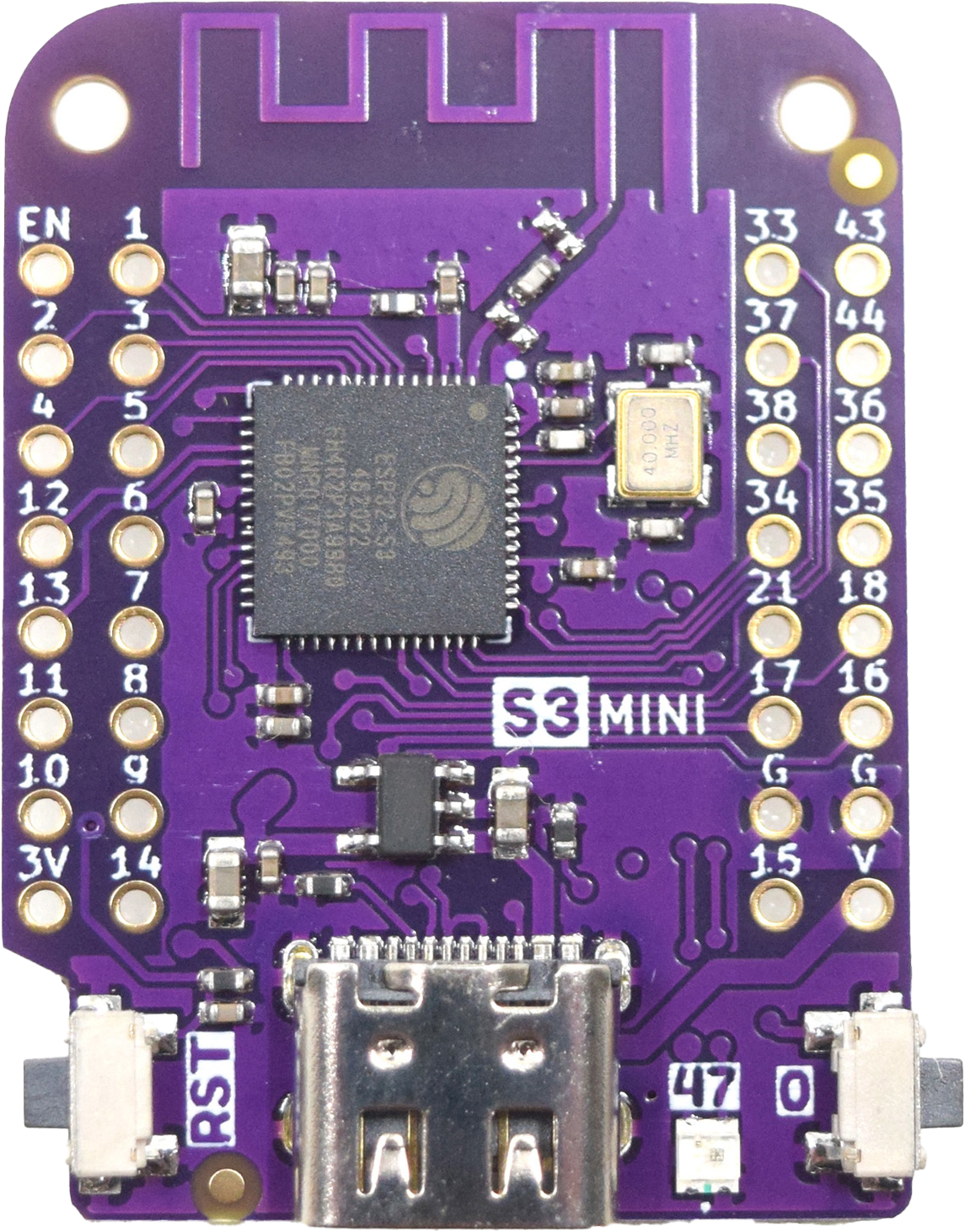 |
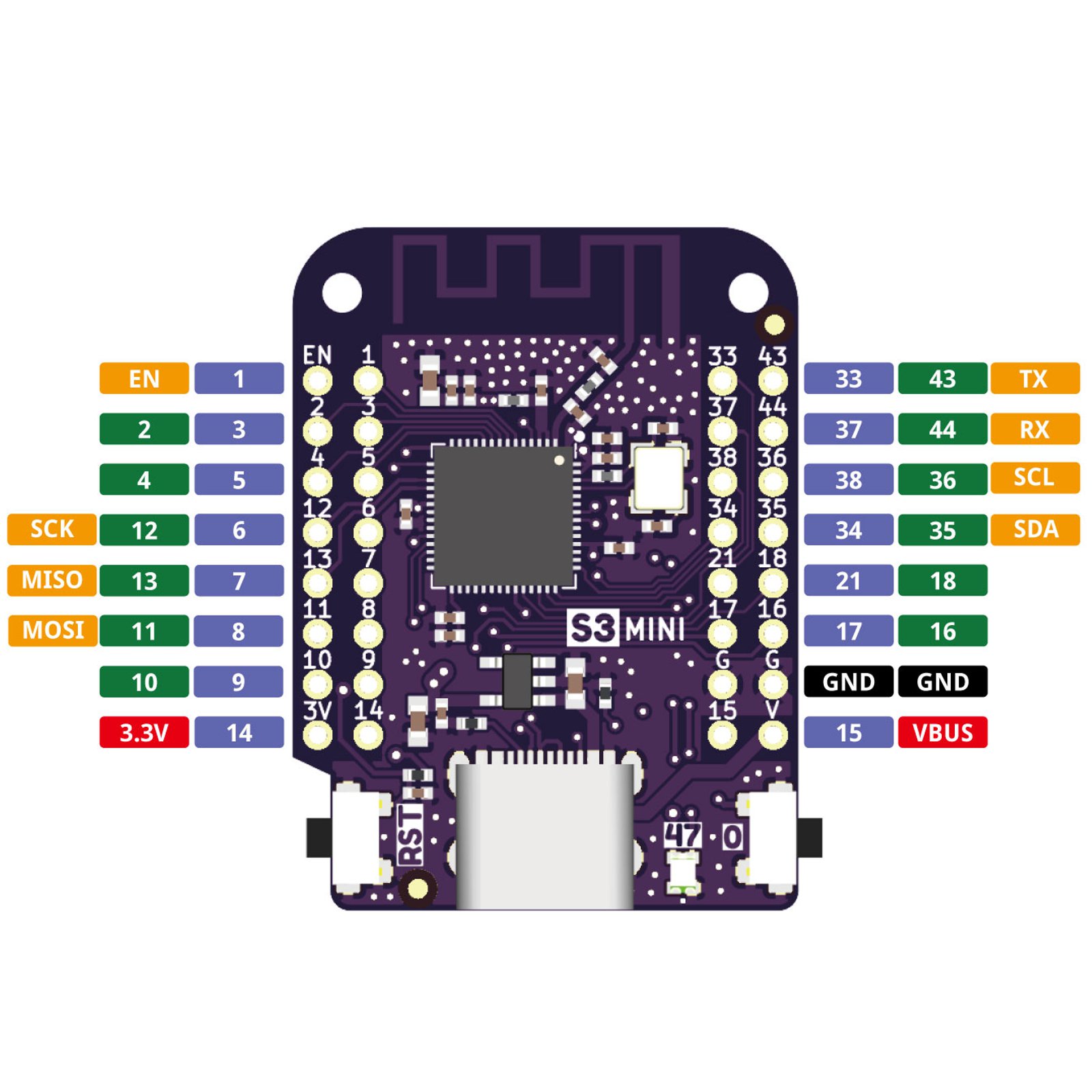 |
| Wemos D1 Mini ESP32 | ! 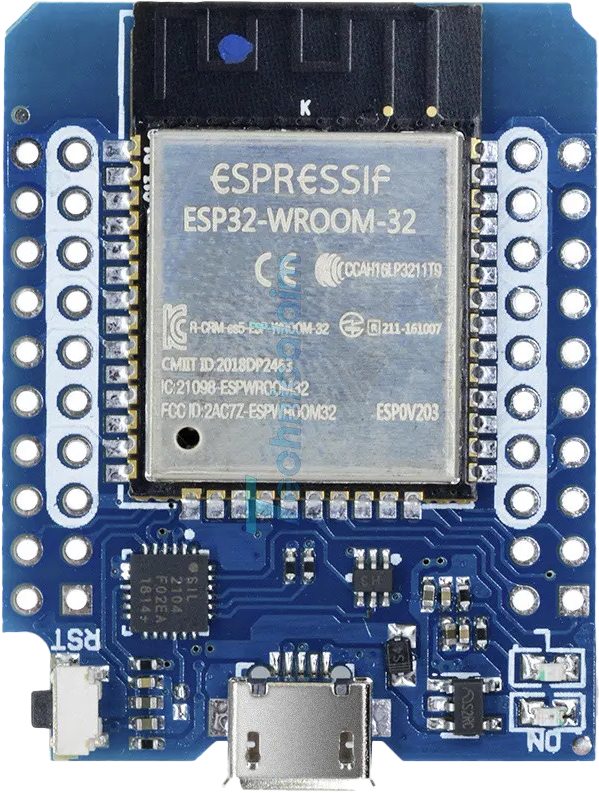 |
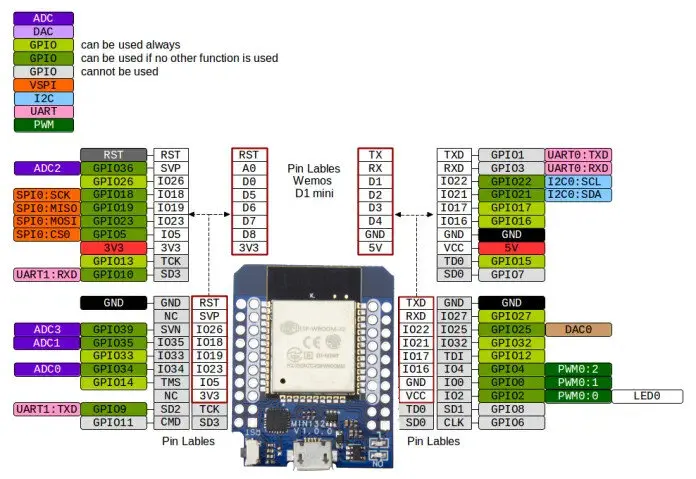 |
| Wemos D1 Mini ESP8266 | ! 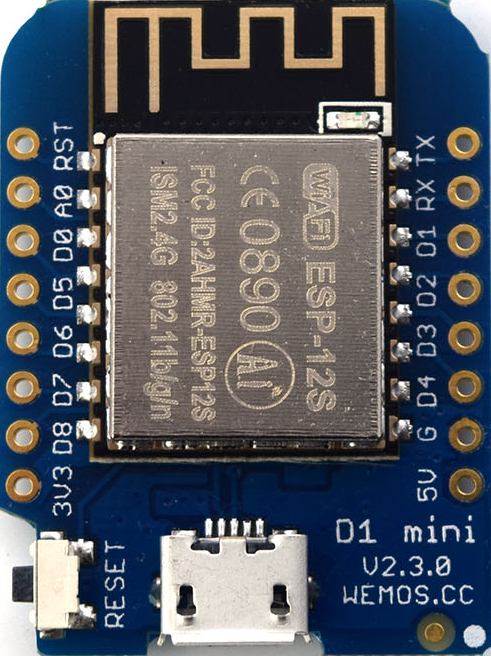 |
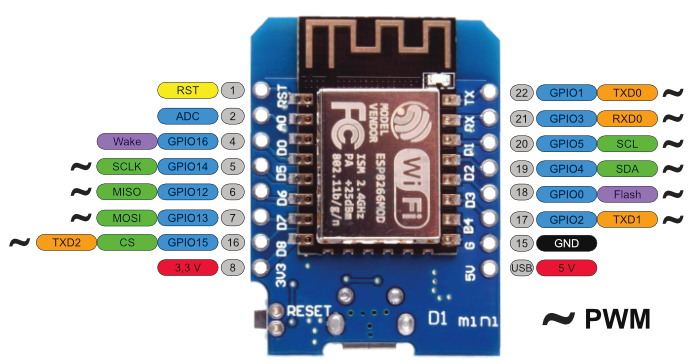 |
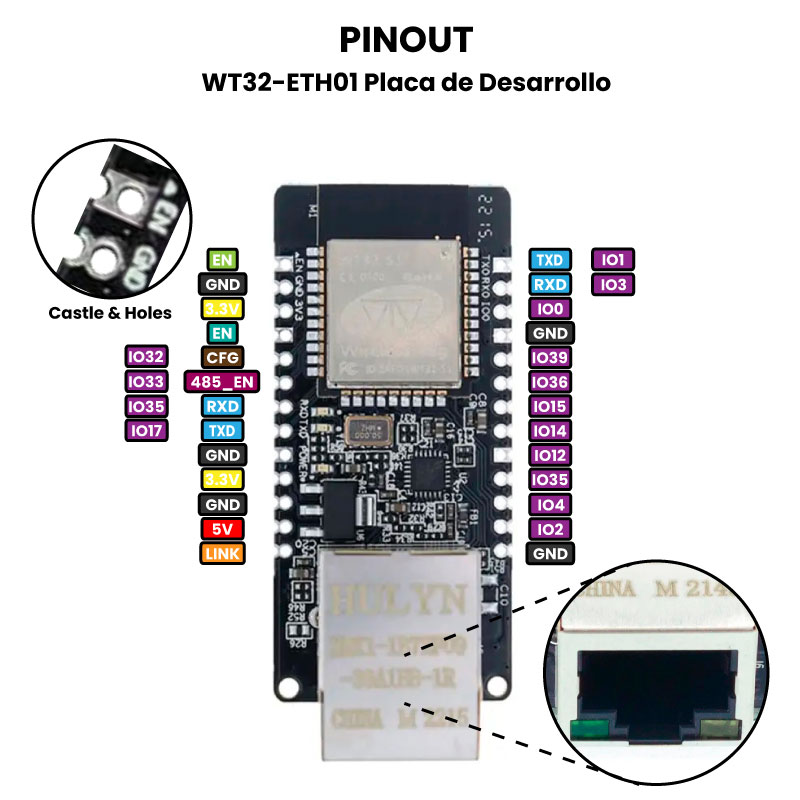
| WT32-S1-ETH01 | ! 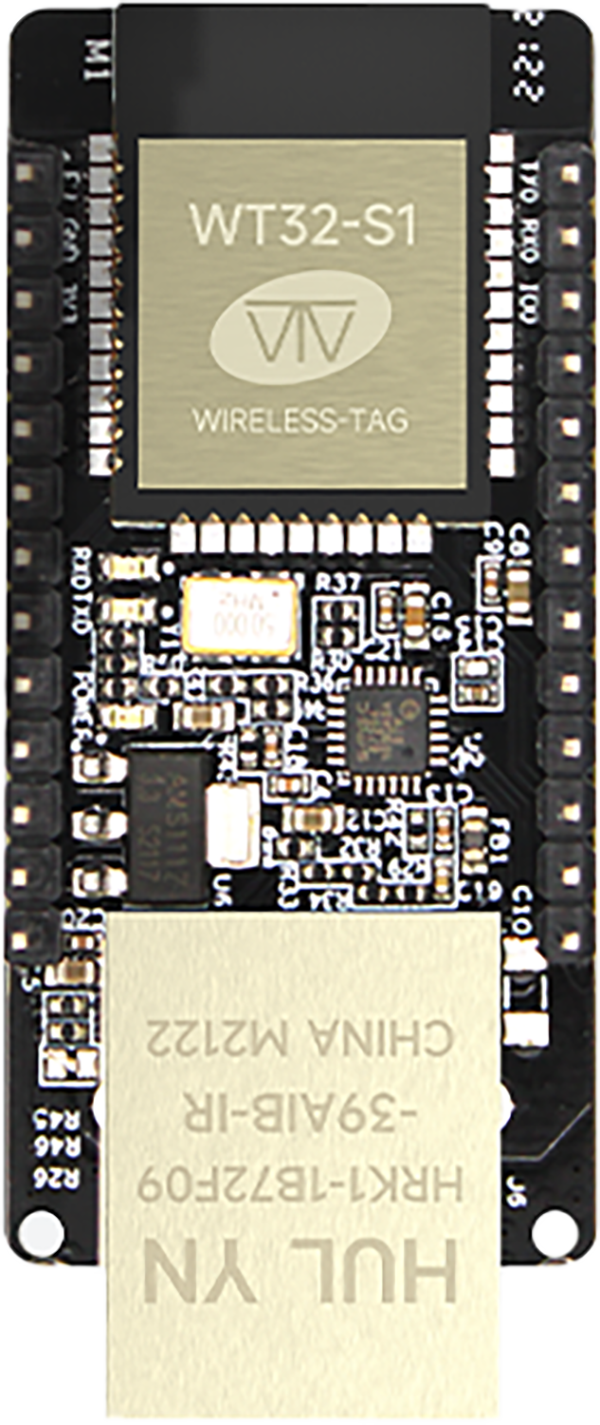 |
 |
| NodeMcu ESP8266 | ! 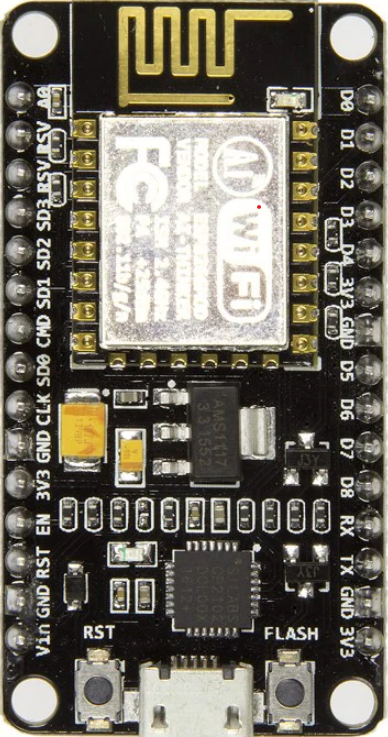 |
 |
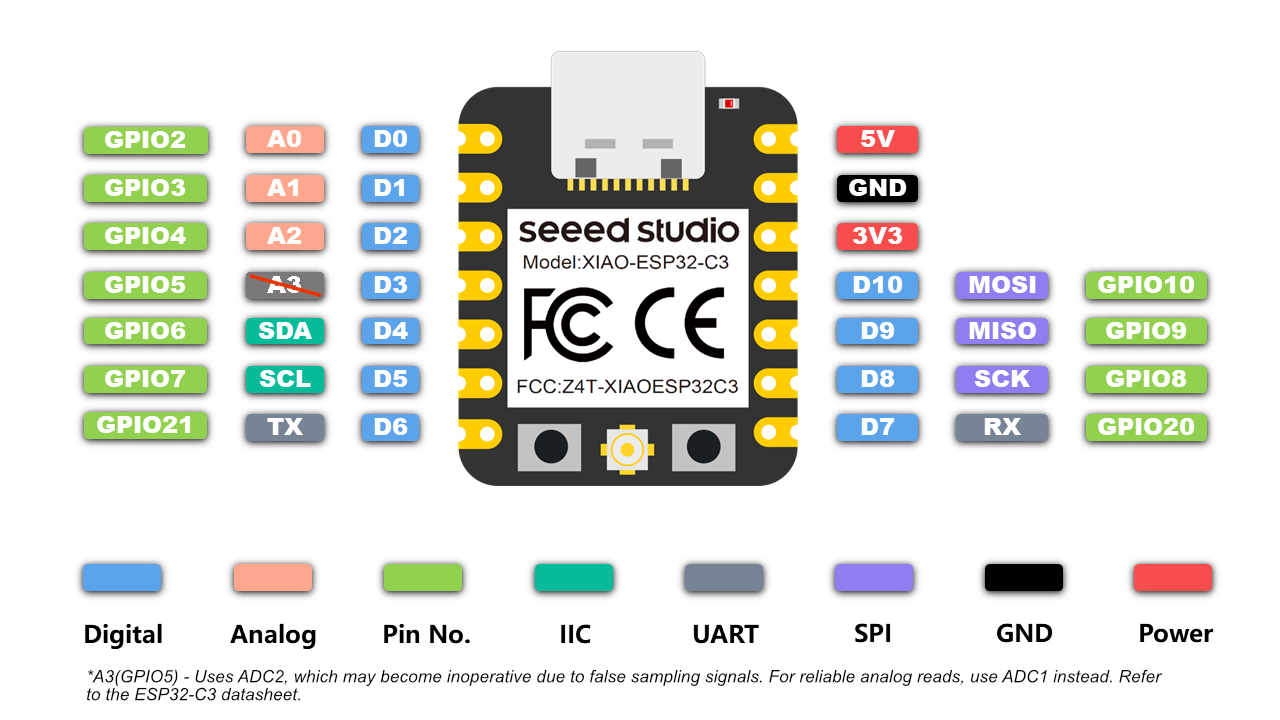
| XIAO ESP32 C3 | ! 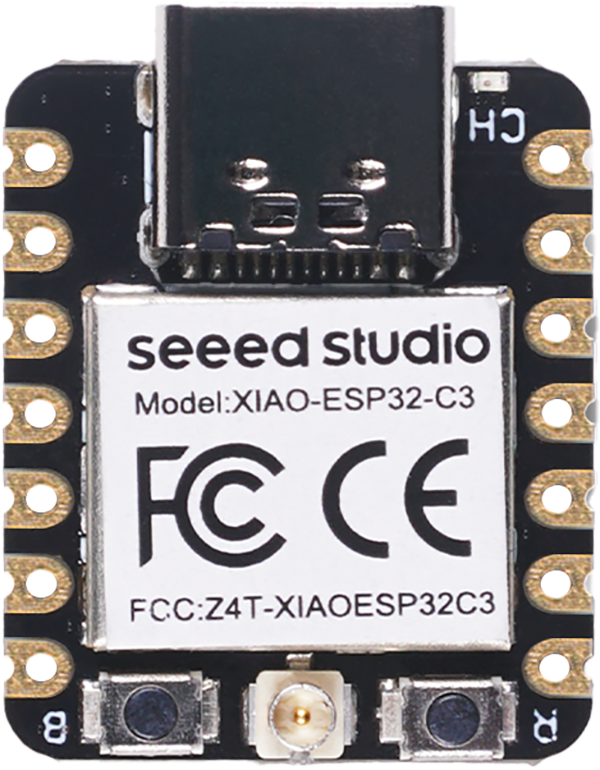 |
 |
| XIAO ESP32 S3 | ! 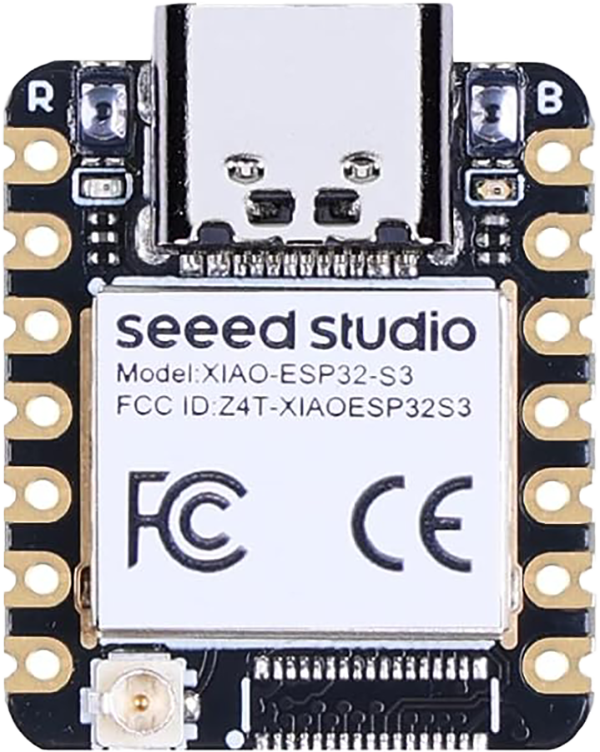 |
 |
Explorar proyectos relacionados
codecrafters-io/build-your-own-x
Domina la programación recreando desde cero tus tecnologías favoritas.
562,336 estrellaspublic-apis/public-apis
Una lista colectiva de API gratuitas
498,774 estrellasmorluto/rea
Ingeniería inversa de cualquier cosa con agentes, desde el comportamiento de la aplicación hasta los binarios nativos.
457,513 estrellasopenclaw/openclaw
La IA que de verdad hace las cosas. Cualquier sistema operativo y cualquier plataforma. Al estilo langosta. 🦞
394,398 estrellas