Proyectos Ver en GitHub
rdev/liquid-glass-react
rdev/liquid-glass-react has 6,784 GitHub stars and 448 forks. GitHot measured +9 stars in 24 hours, +59 in 7 days, and +136 in 15 days. Last checked 2026-11-24 21:45 UTC. Last push 2025-06-13.
What you can do
- Proper edgy bending and refraction
- Multiple refraction modes
- Configurable frosty level
- Supports arbitrary child elements
Crecimiento de estrellas medido
- in 24h
- +9
- in 7 days
- +59
- in 15 days
- +136
- in 1 month
- Recopilando historial
Cambios netos en períodos que se solapan, no totales diarios. Los datos no disponibles se dejan en blanco. Las estrellas indican interés, no calidad.
Acerca de
Efecto Liquid Glass de Apple para React
Web y aplicacionesREADME.md
OriginalLiquid Glass React
Apple's Liquid Glass effect for React.
| Card Example | Button Example |
|---|---|
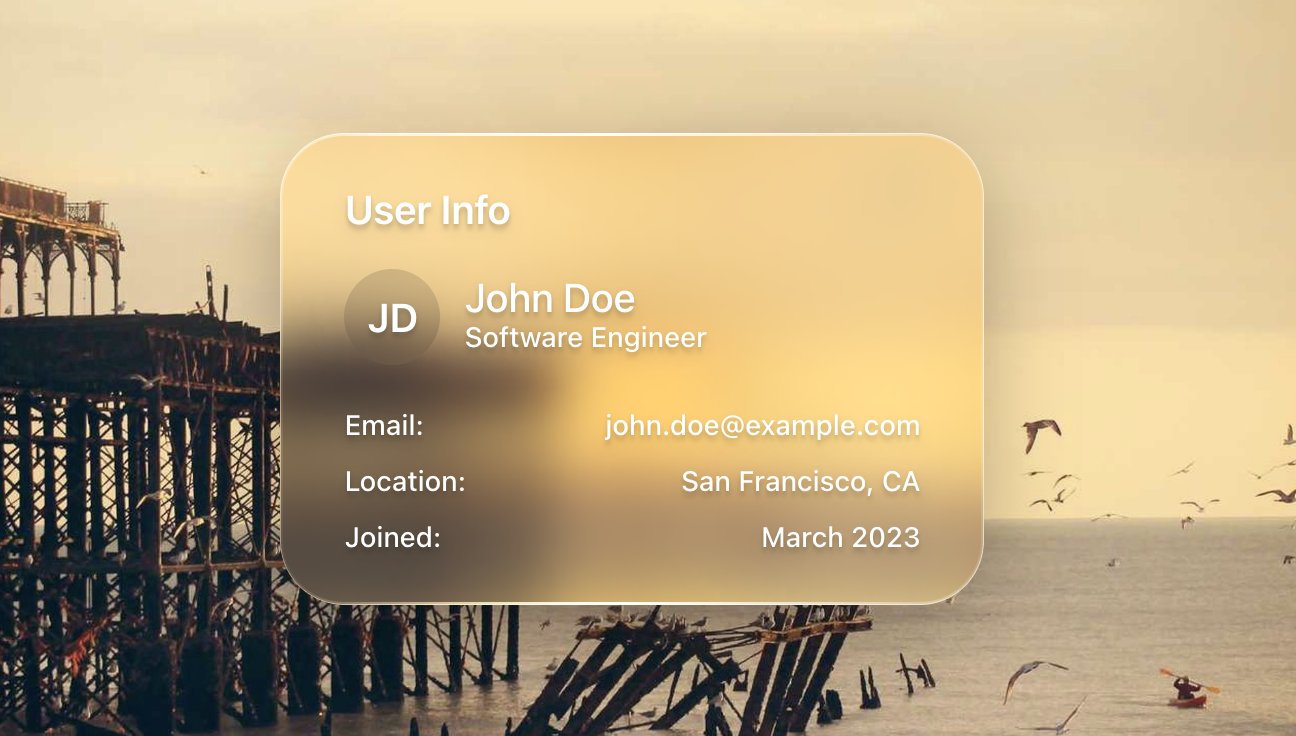 |
 |
🎬 Demo
Click here to see it in action!
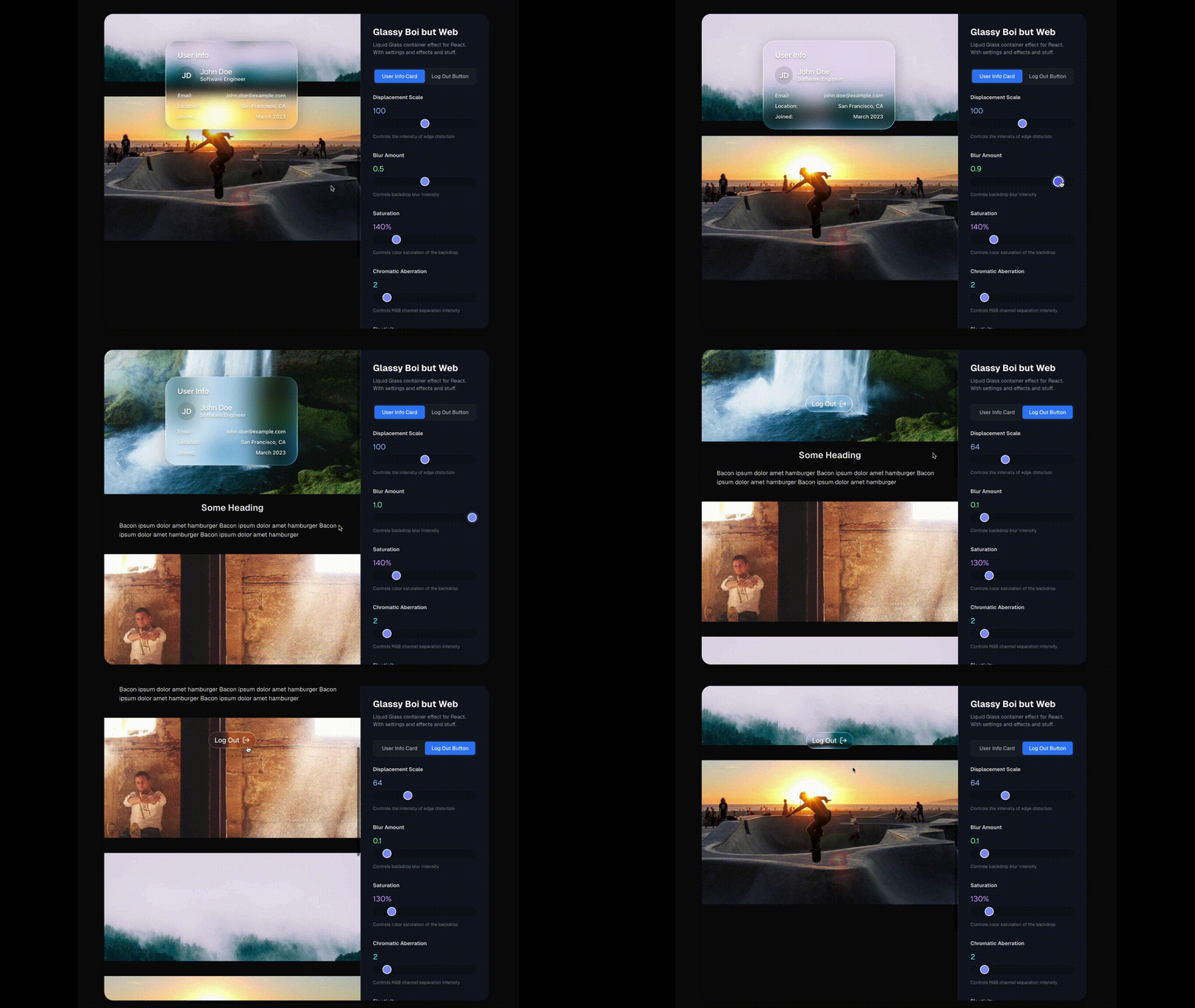
✨ Features
- Proper edgy bending and refraction
- Multiple refraction modes
- Configurable frosty level
- Supports arbitrary child elements
- Configurable paddings
- Correct hover and click effects
- Edges and highlights take on the underlying light like Apple's does
- Configurable chromatic aberration
- Configurable elasticity, to mimic Apple's "liquid" feel
⚠️ NOTE: Safari and Firefox only partially support the effect (displacement will not be visible)
🚀 Usage
Installation
npm install liquid-glass-react
Basic Usage
import LiquidGlass from 'liquid-glass-react'

function App() {
  return (
    <LiquidGlass>
      <div className="p-6">
        <h2>Your content here</h2>
        <p>This will have the liquid glass effect</p>
      </div>
    </LiquidGlass>
  )
}
Button Example
<LiquidGlass
  displacementScale={64}
  blurAmount={0.1}
  saturation={130}
  aberrationIntensity={2}
  elasticity={0.35}
  cornerRadius={100}
  padding="8px 16px"
  onClick={() => console.log('Button clicked!')}
>
  <span className="text-white font-medium">Click Me</span>
</LiquidGlass>
Mouse Container Example
When you want the glass effect to respond to mouse movement over a larger area (like a parent container), use the mouseContainer prop:
function App() {
  const containerRef = useRef<HTMLDivElement>(null)

  return (
    <div ref={containerRef} className="w-full h-screen bg-image">
      <LiquidGlass
        mouseContainer={containerRef}
        elasticity={0.3}
        style={{ position: 'fixed', top: '50%', left: '50%' }}
      >
        <div className="p-6">
          <h2>Glass responds to mouse anywhere in the container</h2>
        </div>
      </LiquidGlass>
    </div>
  )
}
Props
| Prop | Type | Default | Description |
|---|---|---|---|
children |
React.ReactNode |
- | The content to render inside the glass container |
displacementScale |
number |
70 |
Controls the intensity of the displacement effect |
blurAmount |
number |
0.0625 |
Controls the blur/frosting level |
saturation |
number |
140 |
Controls color saturation of the glass effect |
aberrationIntensity |
number |
2 |
Controls chromatic aberration intensity |
elasticity |
number |
0.15 |
Controls the "liquid" elastic feel (0 = rigid, higher = more elastic) |
cornerRadius |
number |
999 |
Border radius in pixels |
className |
string |
"" |
Additional CSS classes |
padding |
string |
- | CSS padding value |
style |
React.CSSProperties |
- | Additional inline styles |
overLight |
boolean |
false |
Whether the glass is over a light background |
onClick |
() => void |
- | Click handler |
mouseContainer |
React.RefObject<HTMLElement | null> | null |
null |
Container element to track mouse movement on (defaults to the glass component itself) |
mode |
"standard" | "polar" | "prominent" | "shader" |
"standard" |
Refraction mode for different visual effects. shader is the most accurate but not the most stable. |
globalMousePos |
{ x: number; y: number } |
- | Global mouse position coordinates for manual control |
mouseOffset |
{ x: number; y: number } |
- | Mouse position offset for fine-tuning positioning |
Explorar proyectos relacionados
Cargando…