Proyectos Ver en GitHub
pissang/clay-viewer
Acerca de
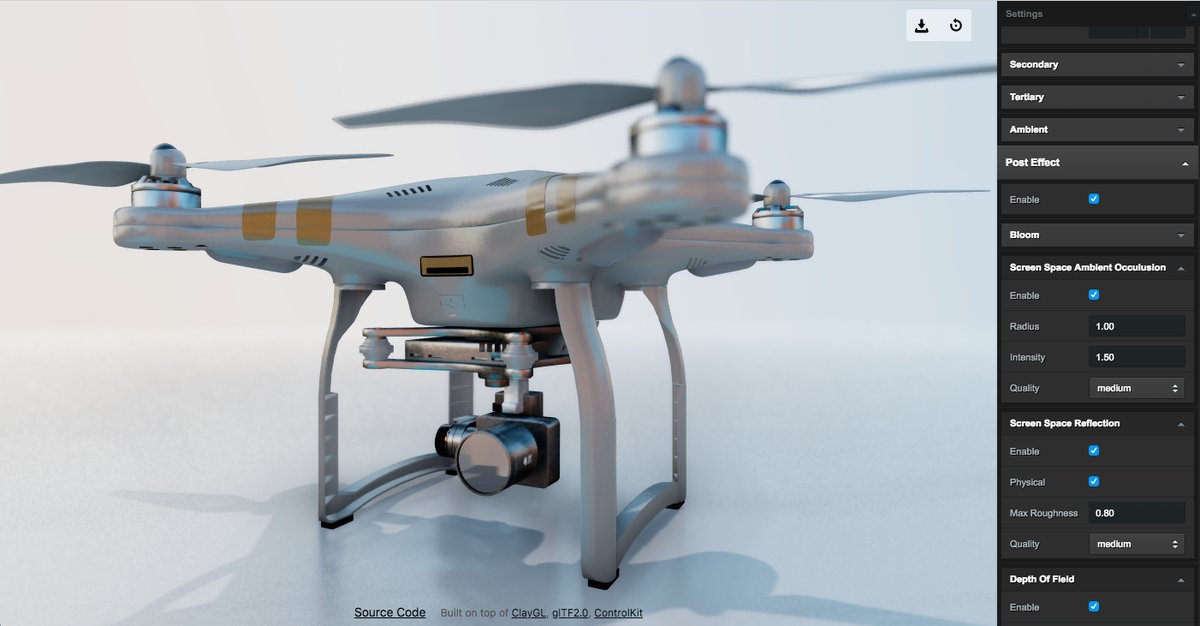
Visor de modelos 3D con renderizado de alta calidad y exportación a glTF 2.0/GLB.
Creación y multimediaCrecimiento de estrellas medido
- in 24h
- 0
- in 7 days
- +1
- in 15 days
- Recopilando historial
- in 1 month
- Recopilando historial
Cambios netos en períodos que se solapan, no totales diarios. Los datos no disponibles se dejan en blanco. Las estrellas indican interés, no calidad.
README.md
OriginalClay Viewer
3D model viewer with high quality rendering based on ClayGL and glTF2.0/GLB export.
App
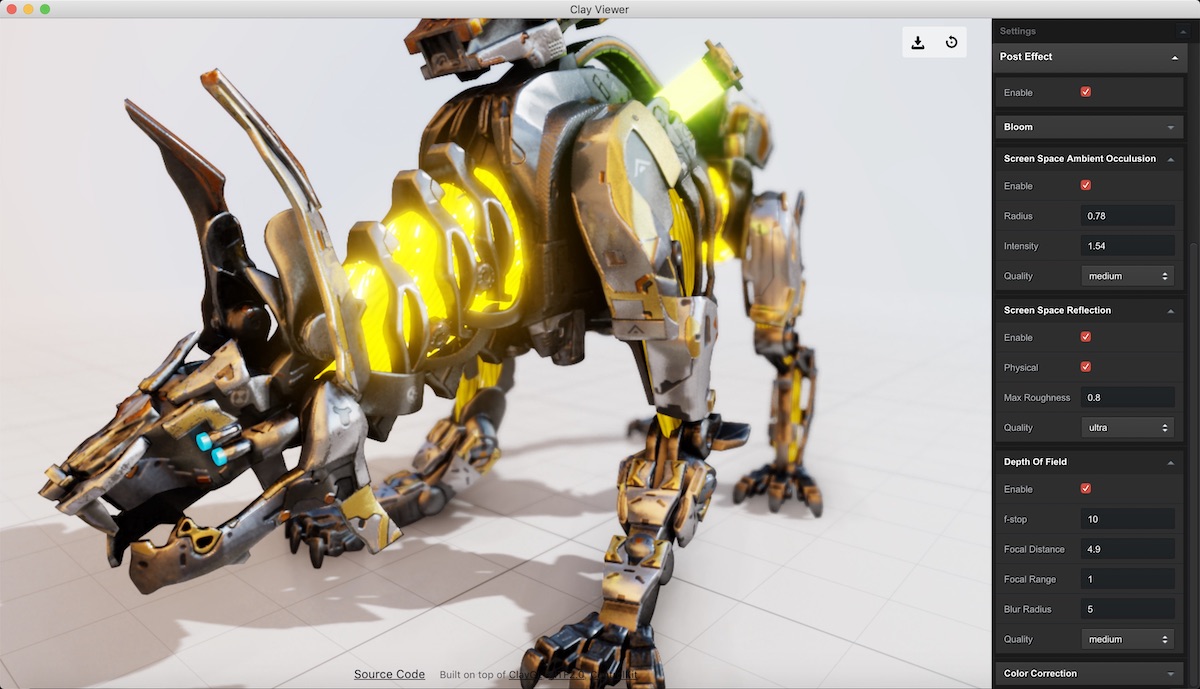
Download App on Windows and macOS with FBX/DAE/OBj import and glTF2.0/GLB export. Use it as a common model preview tool!
Editor
Loader
var viewer = new ClayViewer(document.getElementById('main'), {
    // Full config at
    // https://github.com/pissang/clay-viewer/blob/master/src/defaultSceneConfig.js
    devicePixelRatio: 1,
    // Enable shadow
    shadow: true,
    shadowQuality: 'high',
    // Environment panorama texture url.
    environment: 'env.jpg',
    mainLight: {
        intensity: 2.0
    },
    ambientCubemapLight: {
        exposure: 1,
        diffuseIntensity: 0.2,
        texture: 'asset/texture/example1.jpg'
    },
    postEffect: {
        // Enable post effect
        enable: true,
        bloom: {
            // Enable bloom
            enable: true
        },
        screenSpaceAmbientOcculusion: {
            // Enable screen space ambient occulusion
            enable: true
        }
    }
});

// Load a glTF model
// Model will be fit in 10x10x10 automatically after load.
// Return an eventful object.
viewer.loadModel('asset/xiniu/xiniu_walk_as.gltf', {
        // Shading mode. 'standard'|'lambert'
        shader: 'standard'
    })
    // Model loaded. not include textures.
    .on('loadmodel', function (modelStat) {
        // Set camera options.
        viewer.setCameraControl({
            // Alpha is rotation from bottom to up.
            alpha: 10,
            // Beta is rotation from left to right.
            beta: 30,
            distance: 20,
            // Min distance of zoom.
            minDistance: 1,
            // Max distance of zoom.
            maxDistance: 100,

            // Center of target.
            center: [0, 0, 0],

            // If auto rotate.
            autoRotate: false,

            // Degree per second.
            autoRotateSpeed: 60,

            // Direction of autoRotate. cw or ccw when looking top down.
            autoRotateDirection: 'cw',

            // Start auto rotating after still for the given time
            autoRotateAfterStill: 30
        });

        // Set main light options.
        viewer.setMainLight({
            // Main light intensity
            intensity: 1,
            // Main light color string
            color: '#fff',
            // Alpha is rotation from bottom to up.
            alpha: 45,
            // Beta is rotation from left to right.
            beta: 45
        });
        // Set ambient light options
        viewer.setAmbientLight({
            // Ambient light intensity
            intensity: 0.8
        });

        viewer.start();

        // Load extra animation glTF
        viewer.loadAnimation('asset/xiniu/xiniu_stand_as.gltf')
            .on('success', function () {
                console.log('Changed animation')
            });
        // Animation pause and start
        viewer.pauseAnimation();
        viewer.resumeAnimation();

        // Print model stat.
        console.log('Model loaded:');
        console.log('三角面:', modelStat.triangleCount);
        console.log('顶点:', modelStat.vertexCount);
        console.log('场景节点:', modelStat.nodeCount);
        console.log('Mesh:', modelStat.meshCount);
        console.log('材质:', modelStat.materialCount);
        console.log('纹理:', modelStat.textureCount);
    })
    .on('ready', function () {
        console.log('All loaded inlcuding textures.');
    })
    .on('error', function () {
        console.log('Model load error');
    });
Here is the full graphic configuration
Converter
ClayGL provide a python tool for converting FBX to glTF 2.0.
https://github.com/pissang/claygl/blob/master/tools/fbx2gltf.py
Needs python3.3 and FBX SDK 2018.1.1
usage: fbx2gltf.py [-h] [-e EXCLUDE] [-t TIMERANGE] [-o OUTPUT]
                    [-f FRAMERATE] [-p POSE] [-q] [-b]
                    file

FBX to glTF converter

positional arguments:
  file

optional arguments:
  -h, --help            show this help message and exit
  -e EXCLUDE, --exclude EXCLUDE
                        Data excluded. Can be: scene,animation
  -t TIMERANGE, --timerange TIMERANGE
                        Export animation time, in format
                        'startSecond,endSecond'
  -o OUTPUT, --output OUTPUT
                        Ouput glTF file path
  -f FRAMERATE, --framerate FRAMERATE
                        Animation frame per second
  -p POSE, --pose POSE  Start pose time
  -q, --quantize        Quantize accessors with WEB3D_quantized_attributes
                        extension
  -b, --binary          Export glTF-binary
  --beautify            Beautify json output.
  --noflipv             If not flip v in texcoord.
Seperate scene and animation
Export scene
# exclude animation
fbx2gltf2.py -e animation -p 0 xxx.fbx
Export animation
# exclude scene, 0 to 20 second, 20 framerate.
fbx2gltf2.py -e scene -t 0,20 -f 20 -o xxx_ani.gltf xxx.fbx
Load scene and animation asynchronously
viewer.loadModel('asset/xiniu/xiniu.gltf')
    // Model loaded. not include textures.
    .on('loadmodel', function (modelStat) {
        viewer.start();
        // Load extra animation glTF
        viewer.loadAnimation('asset/xiniu/xiniu_ani.gltf');
    });
Build
npm install
# Build loader
npm run build
# Build editor
webpack --config editor/webpack.config.js
Explorar proyectos relacionados
Cargando…