
oldj/SwitchHosts
oldj/SwitchHosts has 27,381 GitHub stars and 2,688 forks. GitHot measured +8 stars in 24 hours and +31 in 7 days. Last checked 2026-11-09 23:09 UTC. Last push 2026-11-03.
¡Cambia de hosts rápidamente!
What you can do
- Manage system, local, remote, group, and folder hosts entries
- Switch hosts quickly from the main window or system tray
- Syntax highlighting for hosts files
- Find and replace across hosts entries
Crecimiento de estrellas medido
- in 24h
- +8
- in 7 days
- +31
- in 15 days
- Recopilando historial
- in 1 month
- Recopilando historial
Cambios netos en períodos que se solapan, no totales diarios. Los datos no disponibles se dejan en blanco. Las estrellas indican interés, no calidad.
README.md
OriginalSwitchHosts
Homepage: https://switchhosts.app
SwitchHosts is an App for managing hosts file, it is based on Tauri, React, Jotai, Mantine, etc.
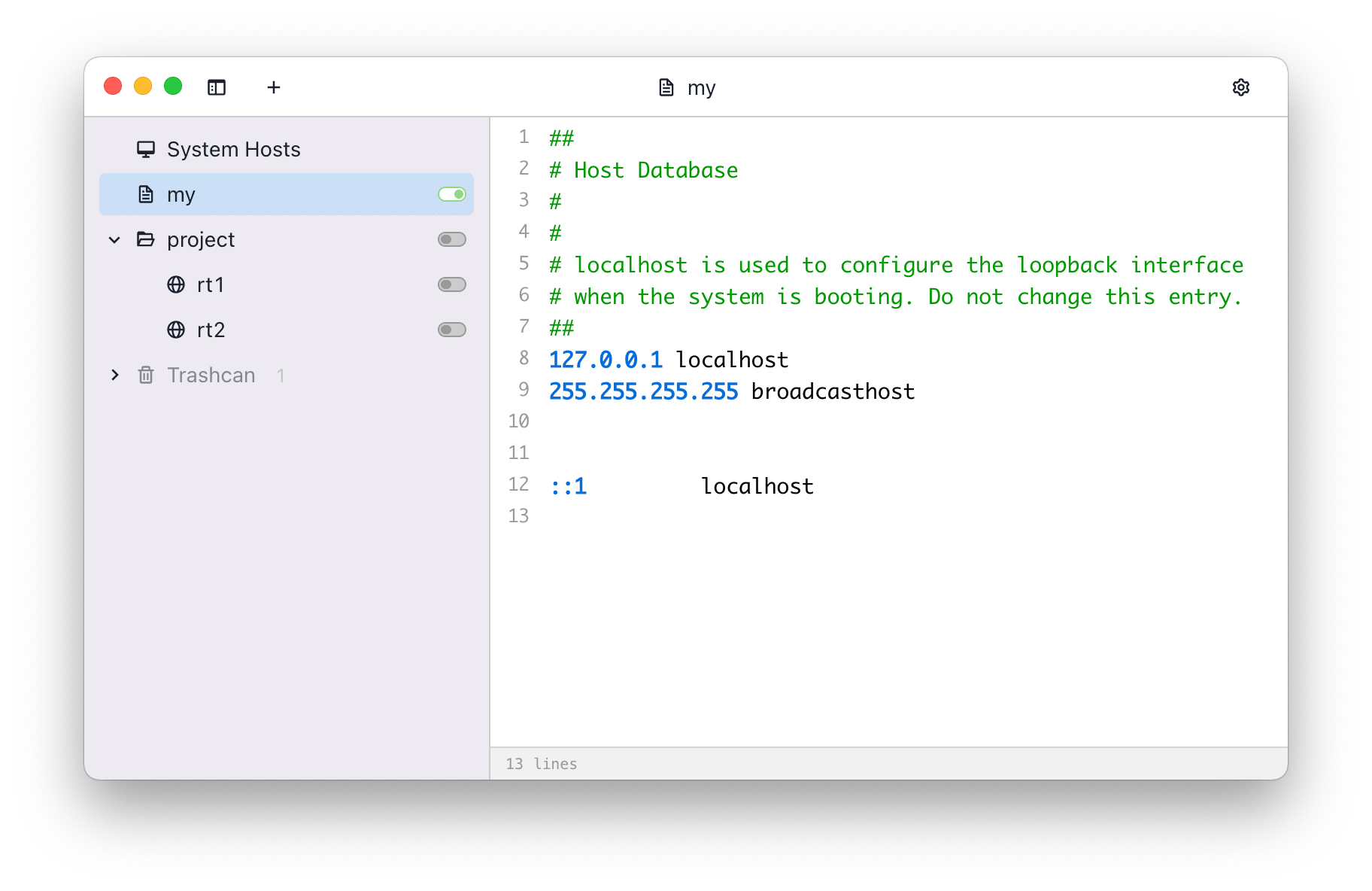
Screenshot
Features
- Manage system, local, remote, group, and folder hosts entries
- Switch hosts quickly from the main window or system tray
- Syntax highlighting for hosts files
- Find and replace across hosts entries
- Refresh remote hosts manually, on a schedule, or at startup
- Import/export hosts data, including importing backups from a URL
- Move entries to the trashcan and restore or delete them later
- Preferences for write mode, proxy, update checks, launch at login, post-apply commands, and the local HTTP API
Install
Download
You can download the source code and build it yourself, or download the built version from following links:
You can also install the built version using the package manager Chocolatey:
choco install switchhosts
Backup
SwitchHosts stores data at ~/.SwitchHosts (Or folder .SwitchHosts under the current user's home
path on Windows). In the v5 data layout:
~/.SwitchHosts/manifest.jsonstores the hosts tree~/.SwitchHosts/entries/stores local and remote hosts content~/.SwitchHosts/trashcan.jsonstores trashcan entries~/.SwitchHosts/internal/config.jsonstores preferences~/.SwitchHosts/internal/histories/stores system hosts and command run history
For a complete manual backup, copy the whole ~/.SwitchHosts folder. The in-app export creates a hosts data backup JSON; it does not include preferences or histories.
System hosts are written as UTF-8 without a BOM. Before converting an existing Windows ANSI or BOM-marked UTF-16 file, SwitchHosts saves its original bytes in internal/histories/hosts-encoding-backups/ under the active data directory, even when history recording is disabled. These .bin backups are not removed by the history limit or included in the in-app JSON export.
Develop and build
Prerequisites
- Node.js 24 LTS
- Rust >= 1.90
- Tauri system dependencies, see Tauri Prerequisites
Development
- Run
npm installto install dependencies - Run
npm run tauri:devto start the app in development mode
Build and package
- Run
npm run tauri:buildto create a production build - The packaged files will be in
./src-tauri/target/release/bundle/
# development
npm run tauri:dev

# production build
npm run tauri:build
Copyright
SwitchHosts is a free and open source software, it is released under the Apache License.
Explorar proyectos relacionados
codecrafters-io/build-your-own-x
Domina la programación recreando desde cero tus tecnologías favoritas.
561,398 estrellaspublic-apis/public-apis
Una lista colectiva de API gratuitas
497,679 estrellasmorluto/rea
Ingeniería inversa de cualquier cosa con agentes, desde el comportamiento de la aplicación hasta los binarios nativos.
447,495 estrellasopenclaw/openclaw
La IA que de verdad hace las cosas. Cualquier sistema operativo y cualquier plataforma. Al estilo langosta. 🦞
394,261 estrellas