
natario1/ZoomLayout
Acerca de
Comportamiento de zoom y desplazamiento 2D para jerarquías de View, imágenes, flujos de vídeo y mucho más, escrito en Kotlin para Android.
Creación y multimediaCrecimiento de estrellas medido
- in 24h
- 0
- in 7 days
- -1
- in 15 days
- -3
- in 1 month
- Recopilando historial
Cambios netos en períodos que se solapan, no totales diarios. Los datos no disponibles se dejan en blanco. Las estrellas indican interés, no calidad.
README.md
Original


⠀

Need support, consulting, or have any other business-related question? Feel free to get in touch.
Like the project, make profit from it, or simply want to thank back? Please consider sponsoring!
ZoomLayout
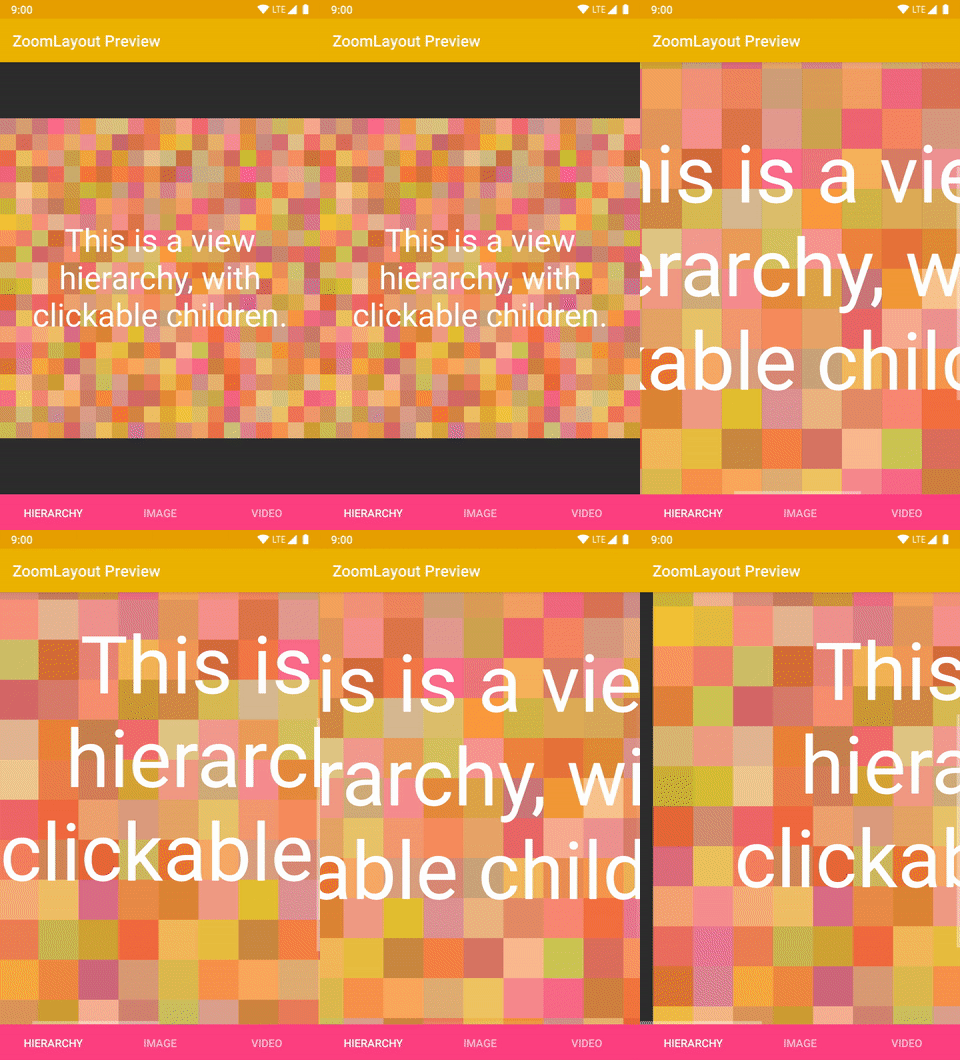
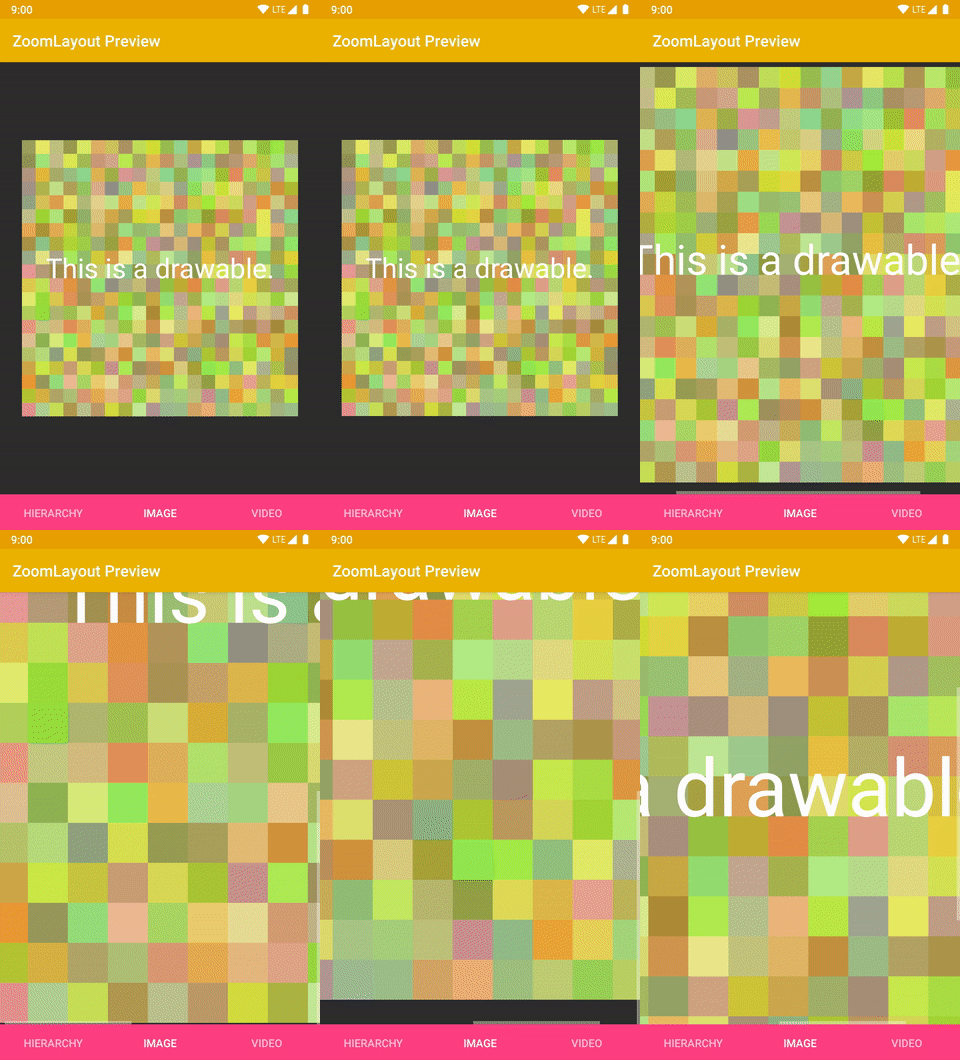
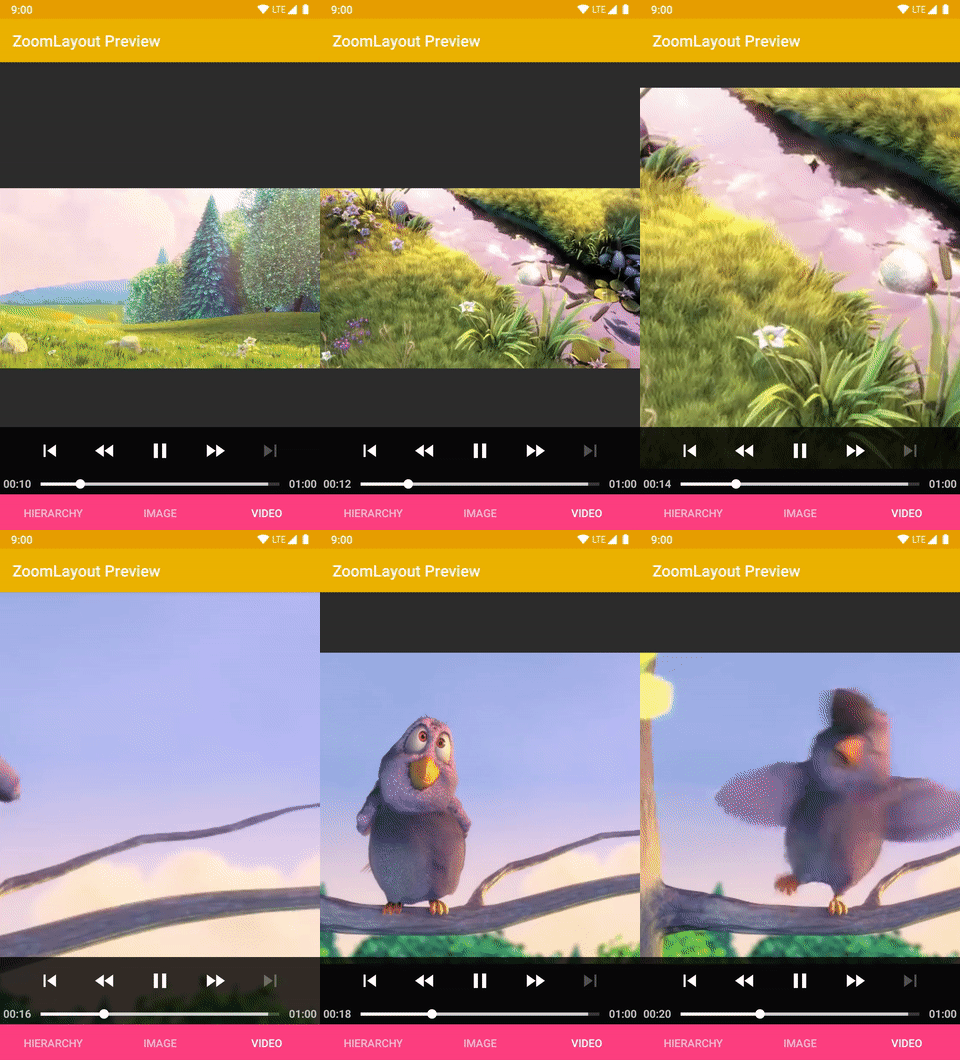
A collection of flexible Android components that support zooming and panning of View hierarchies, images, video streams, and much more - either programmatically or through touch events.
implementation("com.otaliastudios:zoomlayout:1.9.0")
ZoomLayout: a container that supports 2D pan and zoom to a View hierarchy, even supporting clicks [docs]ZoomImageView: (yet another) ImageView that supports 2D pan and zoom [docs]ZoomSurfaceView: A SurfaceView that supports 2D pan and zoom with OpenGL rendering [docs]- Powerful zoom APIs [docs]
- Powerful pan APIs [docs]
- Lightweight, no dependencies
- Works down to API 16
In fact, ZoomLayout, ZoomImageView and ZoomSurfaceView are just very simple implementations of the
internal ZoomEngine [docs]. The zoom engine lets you animate everything through
constant updates, as long as you feed it with touch events, with a Matrix-based mechanism
that makes it very flexible.
⠀
⠀
Support
If you like the project, make profit from it, or simply want to thank back, please consider supporting it through the GitHub Sponsors program! You can have your company logo here, get private support hours or simply help me push this forward.
Feel free to contact me for support, consulting or any other business-related question.
Setup
Please read the official website for setup instructions and documentation. You might also be interested in our changelog.
<com.otaliastudios.zoom.ZoomLayout
    android:layout_width="match_parent"
    android:layout_height="match_parent"
    android:scrollbars="vertical|horizontal"
    app:transformation="centerInside"
    app:transformationGravity="auto"
    app:alignment="center"
    app:overScrollHorizontal="true"
    app:overScrollVertical="true"
    app:overPinchable="true"
    app:horizontalPanEnabled="true"
    app:verticalPanEnabled="true"
    app:zoomEnabled="true"
    app:flingEnabled="true"
    app:scrollEnabled="true"
    app:oneFingerScrollEnabled="true"
    app:twoFingersScrollEnabled="true"
    app:threeFingersScrollEnabled="true"
    app:minZoom="0.7"
    app:minZoomType="zoom"
    app:maxZoom="2.5"
    app:maxZoomType="zoom"
    app:animationDuration="280"
    app:hasClickableChildren="false">

    <!-- Content here. -->

</com.otaliastudios.zoom.ZoomLayout>
Explorar proyectos relacionados
Cargando…