
maxhumber/gazpacho
maxhumber/gazpacho has 769 GitHub stars and 54 forks. GitHot measured 0 stars in 24 hours and -2 in 7 days. Last checked 2026-11-25 04:31 UTC. Last push 2023-12-07.
Crecimiento de estrellas medido
- in 24h
- 0
- in 7 days
- -2
- in 15 days
- Recopilando historial
- in 1 month
- Recopilando historial
Cambios netos en períodos que se solapan, no totales diarios. Los datos no disponibles se dejan en blanco. Las estrellas indican interés, no calidad.
Acerca de
Una biblioteca de extracción de datos web sencilla, rápida y moderna.
Web y aplicacionesREADME.md
Original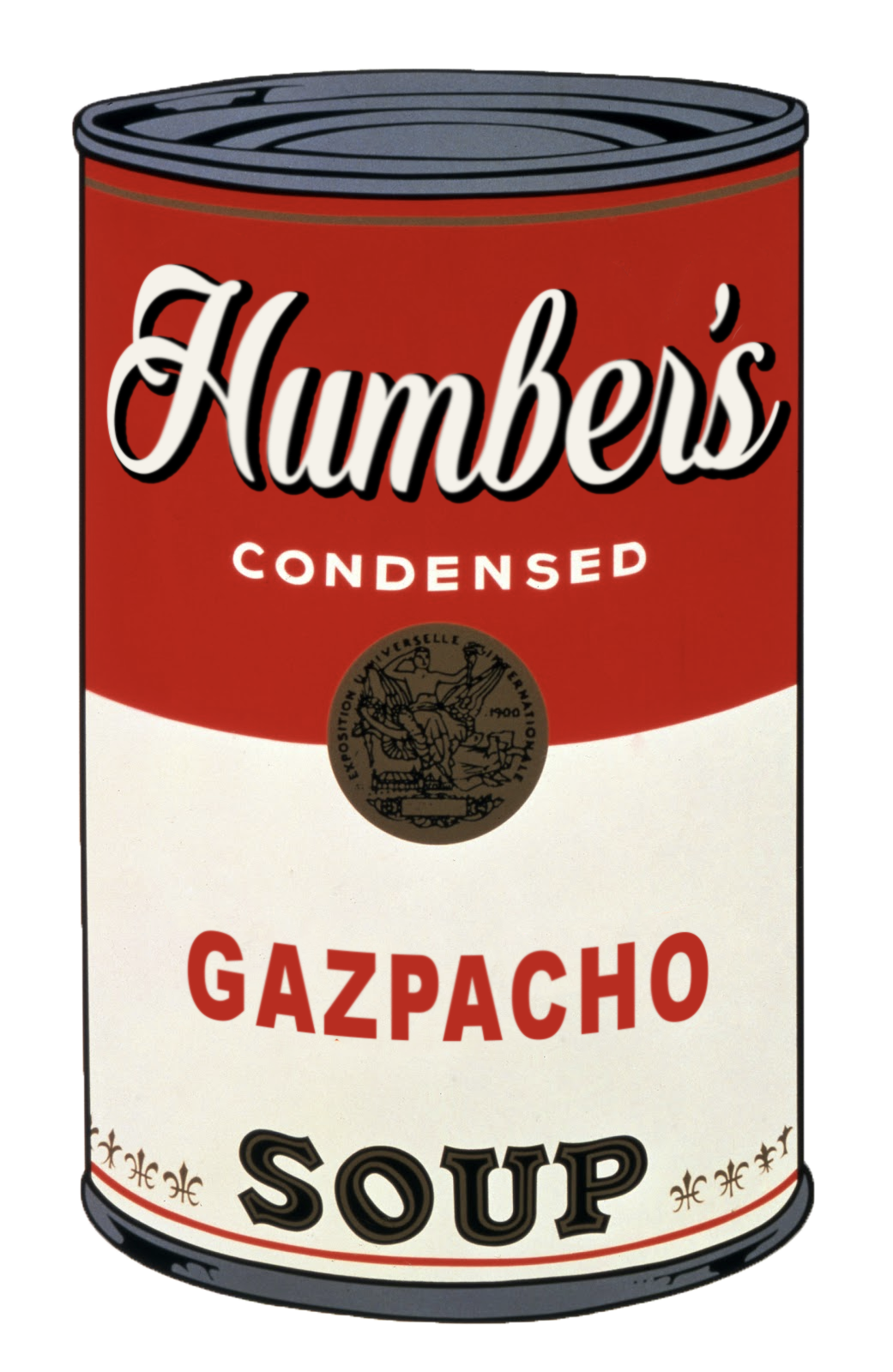


About
gazpacho is a simple, fast, and modern web scraping library. The library is stable, and installed with zero dependencies.
Install
Install with pip at the command line:
pip install -U gazpacho
Quickstart
Give this a try:
from gazpacho import get, Soup

url = 'https://scrape.world/books'
html = get(url)
soup = Soup(html)
books = soup.find('div', {'class': 'book-'}, partial=True)

def parse(book):
    name = book.find('h4').text
    price = float(book.find('p').text[1:].split(' ')[0])
    return name, price

[parse(book) for book in books]
Tutorial
Import
Import gazpacho following the convention:
from gazpacho import get, Soup
get
Use the get function to download raw HTML:
url = 'https://scrape.world/soup'
html = get(url)
print(html[:50])
# '<!DOCTYPE html>\n<html lang="en">\n  <head>\n    <met'
Adjust get requests with optional params and headers:
get(
    url='https://httpbin.org/anything',
    params={'foo': 'bar', 'bar': 'baz'},
    headers={'User-Agent': 'gazpacho'}
)
Soup
Use the Soup wrapper on raw html to enable parsing:
soup = Soup(html)
Soup objects can alternatively be initialized with the .get classmethod:
soup = Soup.get(url)
.find
Use the .find method to target and extract HTML tags:
h1 = soup.find('h1')
print(h1)
# <h1 id="firstHeading" class="firstHeading" lang="en">Soup</h1>
attrs=
Use the attrs argument to isolate tags that contain specific HTML element attributes:
soup.find('div', attrs={'class': 'section-'})
partial=
Element attributes are partially matched by default. Turn this off by setting partial to False:
soup.find('div', {'class': 'soup'}, partial=False)
mode=
Override the mode argument {'auto', 'first', 'all'} to guarantee return behaviour:
print(soup.find('span', mode='first'))
# <span class="navbar-toggler-icon"></span>
len(soup.find('span', mode='all'))
# 8
dir()
Soup objects have html, tag, attrs, and text attributes:
dir(h1)
# ['attrs', 'find', 'get', 'html', 'strip', 'tag', 'text']
Use them accordingly:
print(h1.html)
# '<h1 id="firstHeading" class="firstHeading" lang="en">Soup</h1>'
print(h1.tag)
# h1
print(h1.attrs)
# {'id': 'firstHeading', 'class': 'firstHeading', 'lang': 'en'}
print(h1.text)
# Soup
Support
If you use gazpacho, consider adding the 
[](https://github.com/maxhumber/gazpacho)
Contribute
For feature requests or bug reports, please use Github Issues
For PRs, please read the CONTRIBUTING.md document
Explorar proyectos relacionados
Cargando…