
luisbedoia/sx3d has 28 GitHub stars and 3 forks. GitHot measured 0 stars in 24 hours, 0 in 7 days, and 0 in 15 days. Last checked 2026-11-24 10:24 UTC. Last push 2025-08-15.
Crecimiento de estrellas medido
- in 24h
- 0
- in 7 days
- 0
- in 15 days
- 0
- in 1 month
- Recopilando historial
Cambios netos en períodos que se solapan, no totales diarios. Los datos no disponibles se dejan en blanco. Las estrellas indican interés, no calidad.
Acerca de
A simple 3D files viewer on console
Creación y multimediaREADME.md
OriginalSX3D
SX3D is a straightforward 3D files viewer designed for the console. The application provides a convenient way to render and view 3D files in a text-based environment.
Formats Supported
- STL
- OBJ
Usage
To get started, use the following command:
sx3d --help
This will display the available options and their usage:
Usage: sx3d <PATH>

Arguments:
  <PATH>  Path to the 3D file. It can be OBJ or STL

Options:
  -h, --help     Print help
  -V, --version  Print version
Installation
Install using Cargo:
cargo install --git https://github.com/luisbedoia/sx3d
Now, you can run sx3d from any location in your terminal.
Examples
To test the viewer you can use the following examples in the examples folder of this repository. Or you can use your own 3D files.
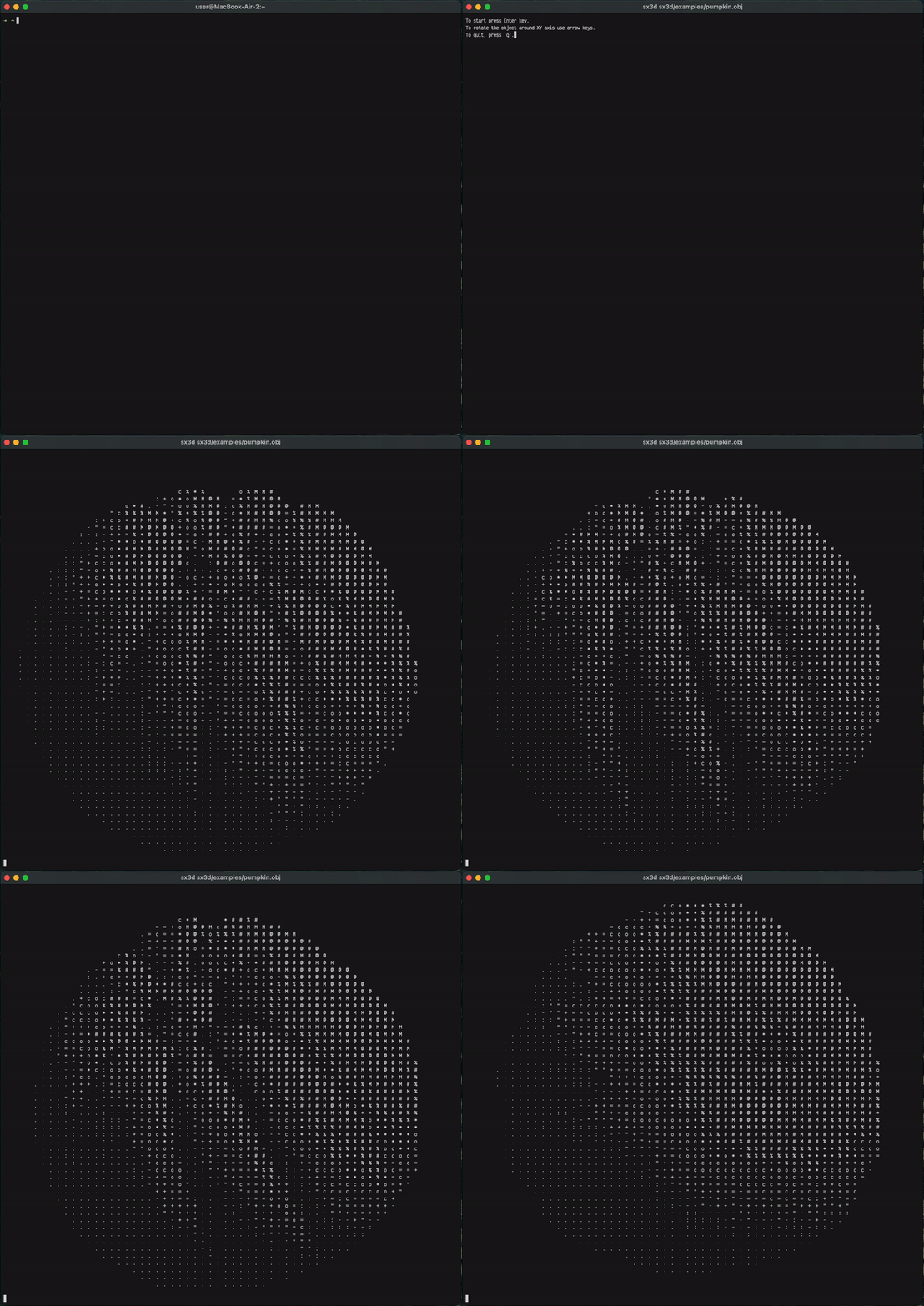
sx3d pumpkin.obj
This will visualize the 3D in the console.
Rendering resolution
This program reads your terminal size and adjusts the rendering resolution to fit the screen once at the starting. If you want to change the resolution, you need to stop the program using q key, and doing one of the following options:
- Increase/decrease the font size of your terminal.
- Increase/decrease the terminal window size.
And then, run the program again.
Uninstallation
If you ever need to uninstall SX3D, using Cargo:
cargo uninstall sx3d
This will remove the application from your system.
Feel free to explore and enjoy viewing 3D STL files in your console using SX3D!
Explorar proyectos relacionados
Cargando…