Proyectos Ver en GitHub
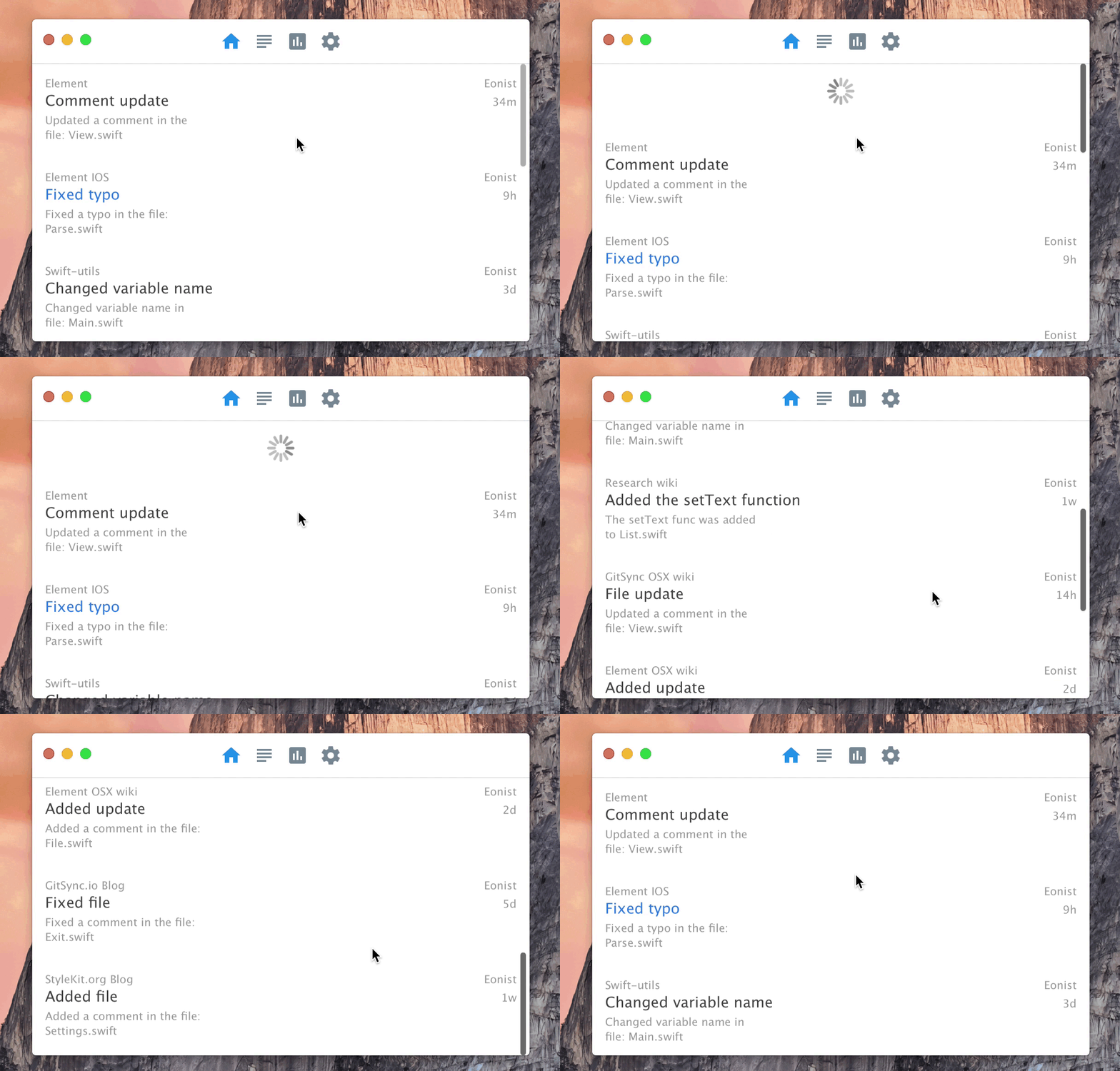
eonist/Element
Acerca de
Interfaz de usuario programática para macOS
Creación y multimediaCrecimiento de estrellas medido
- in 24h
- 0
- in 7 days
- 0
- in 15 days
- Recopilando historial
- in 1 month
- Recopilando historial
Cambios netos en períodos que se solapan, no totales diarios. Los datos no disponibles se dejan en blanco. Las estrellas indican interés, no calidad.
README.md
Original


Description:
Programmatic UI Framework for macOS. Swift handles app logic, CSS/SVG handles design and JSON handles struture.
Installation:
Step 1: Add this to your Package.swift Tutorial
import PackageDescription
let package = Package(
    name: "AwesomeApp",
    dependencies: [
	   .Package(url: "https://github.com/eonist/Element.git", Version(0, 0, 0, prereleaseIdentifiers: ["alpha", "5"]))
    ]
)
Step 2: In AppDelegate.swift add this to the top @testable import Element and @testable import Utilsand this inside the applicationDidFinishLaunching method:
StyleManager.addStyle("Button{fill:blue;}")
let btn = Button(100,20)
let window = NSApp.windows[0]
window.contentView = InteractiveView()/*TopLeft orientation*/
window.contentView?.addSubview(btn)
btn.addHandler(.upInside) = { (event:ButtonEvent) in
   Swift.print("hello world")
}
You can also compile Element as a regular .framework instructions here
Resources:
- Simple example app made with Element: Stash
- Library of example code for each component in Element: Explorer
- Default macOS styles to get you started: ElCapitan
iOS:
Element for 📱 is in the works here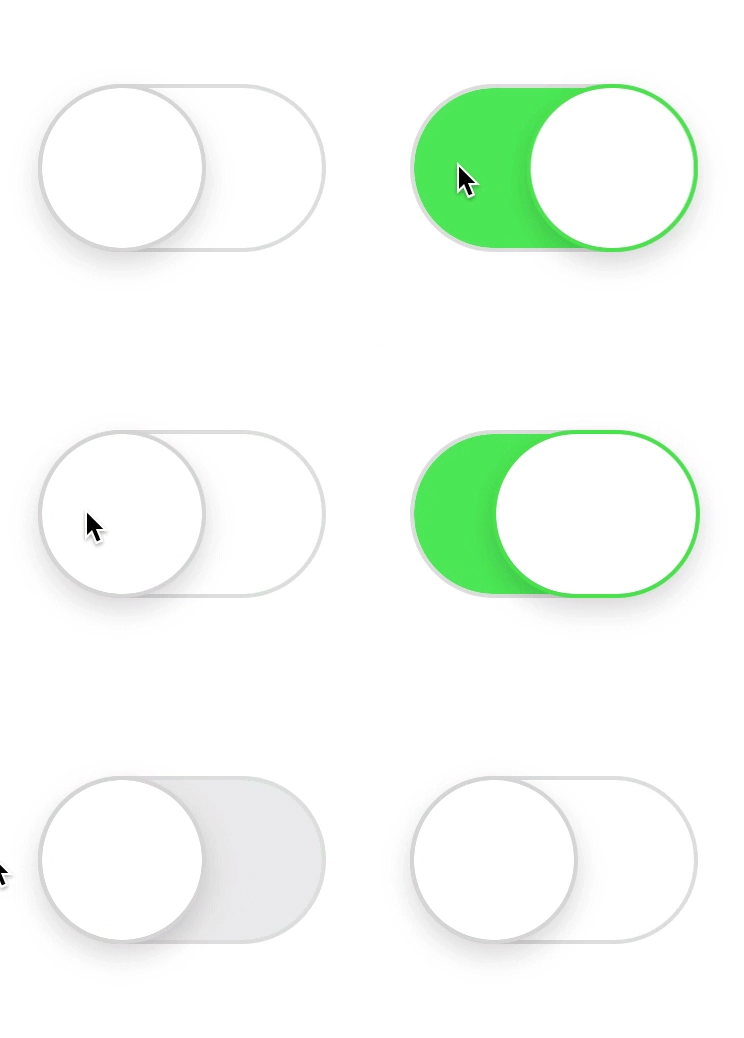
More...
More about Element 👉 wiki
Sponsors:

Explorar proyectos relacionados
Cargando…