
coderyi/NetworkEye
coderyi/NetworkEye has 1,397 GitHub stars and 232 forks. GitHot measured 0 stars in 24 hours, -1 in 7 days, and -2 in 15 days. Last checked 2026-11-23 02:12 UTC. Last push 2020-08-24.
Crecimiento de estrellas medido
- in 24h
- 0
- in 7 days
- -1
- in 15 days
- -2
- in 1 month
- Recopilando historial
Cambios netos en períodos que se solapan, no totales diarios. Los datos no disponibles se dejan en blanco. Las estrellas indican interés, no calidad.
Acerca de
Biblioteca de depuración de red para iOS que monitoriza las solicitudes HTTP
Herramientas de desarrolloREADME.md
OriginalNetworkEye



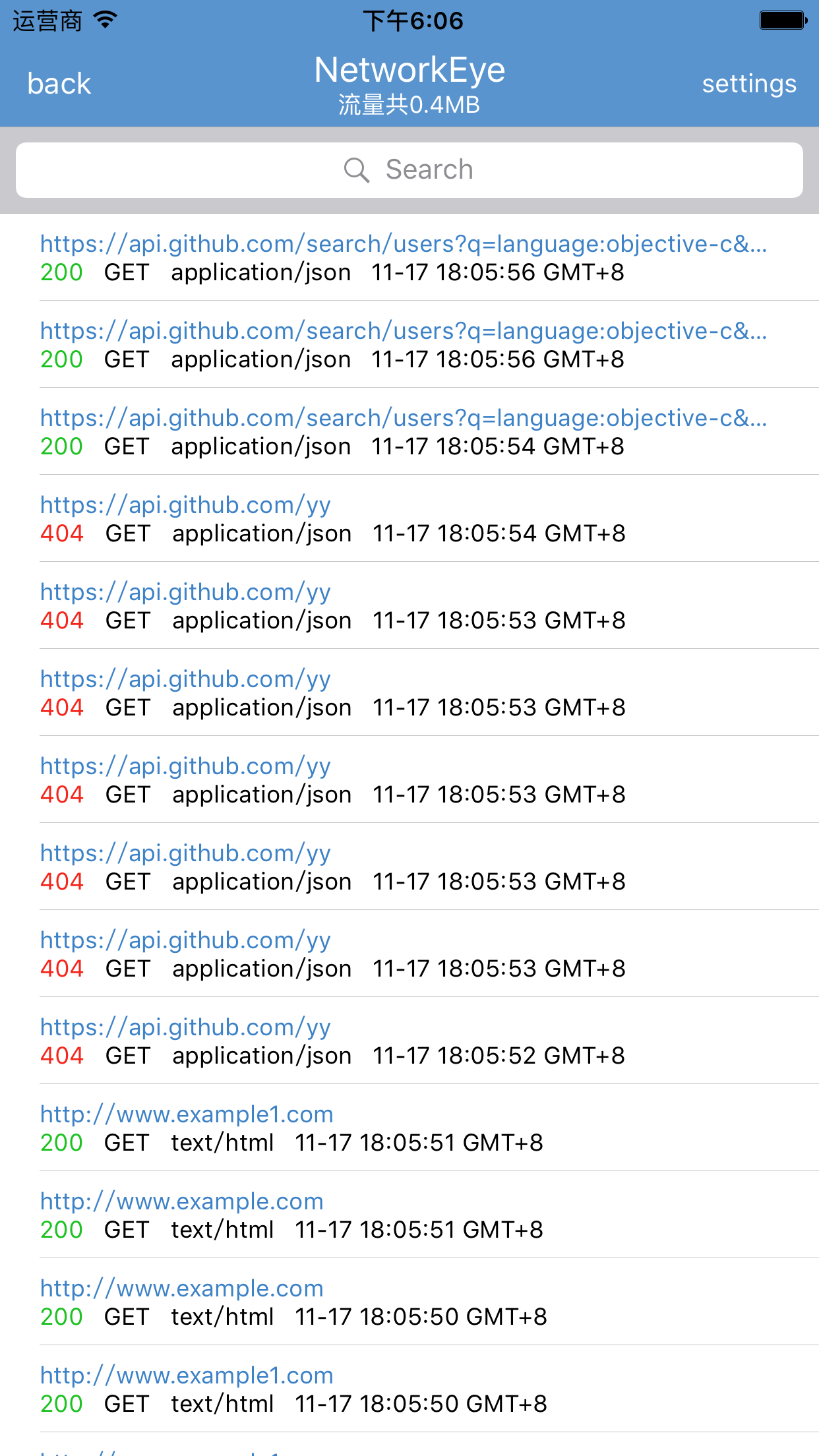
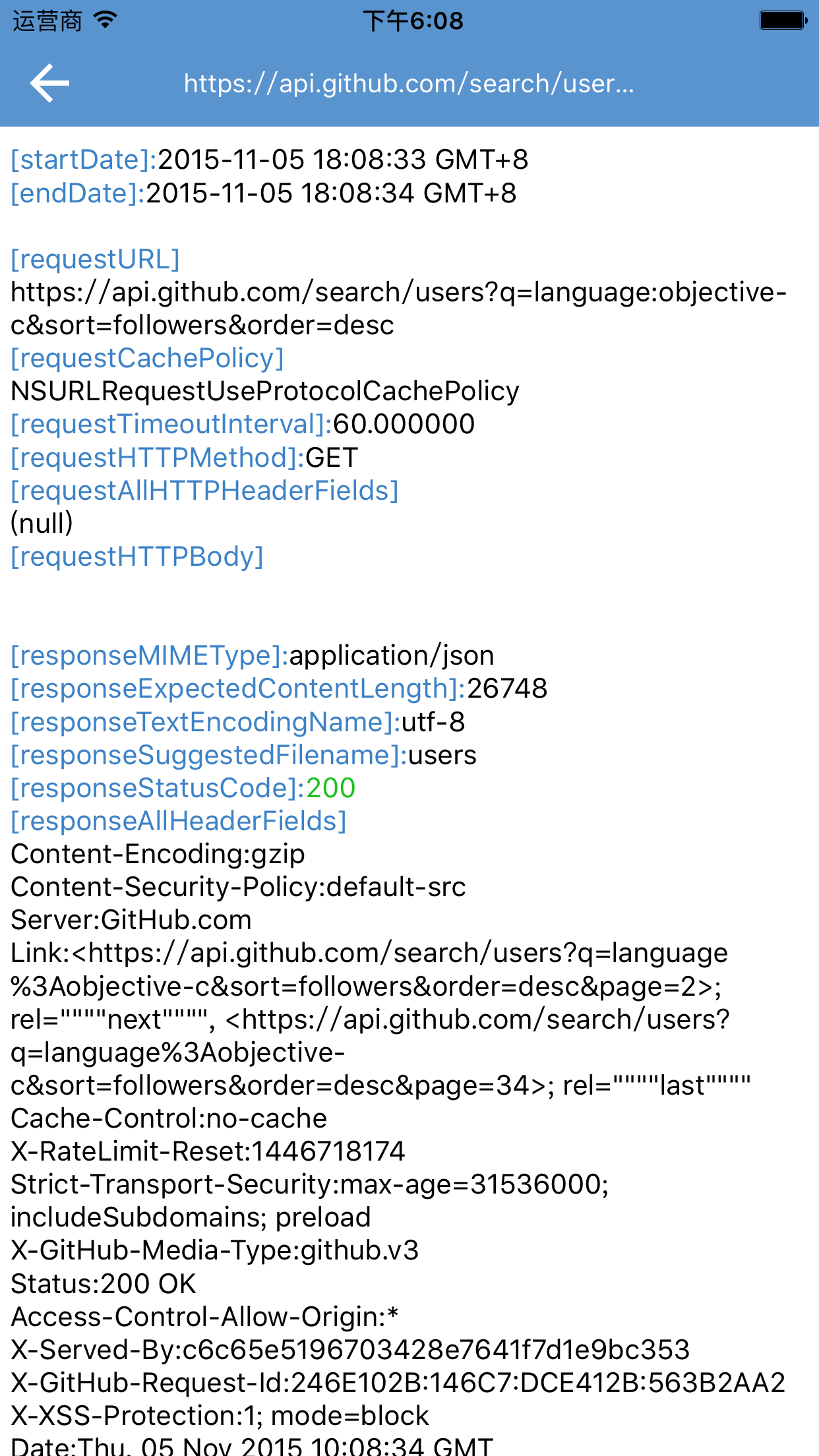
NetworkEye,a iOS network debug library,monitor HTTP requests.
It can be detected HTTP request include web pages, NSURLConnection, NSURLSession, AFNetworking, 3rd libraries, 3rd SDK ,and so on. very convenient and practical.
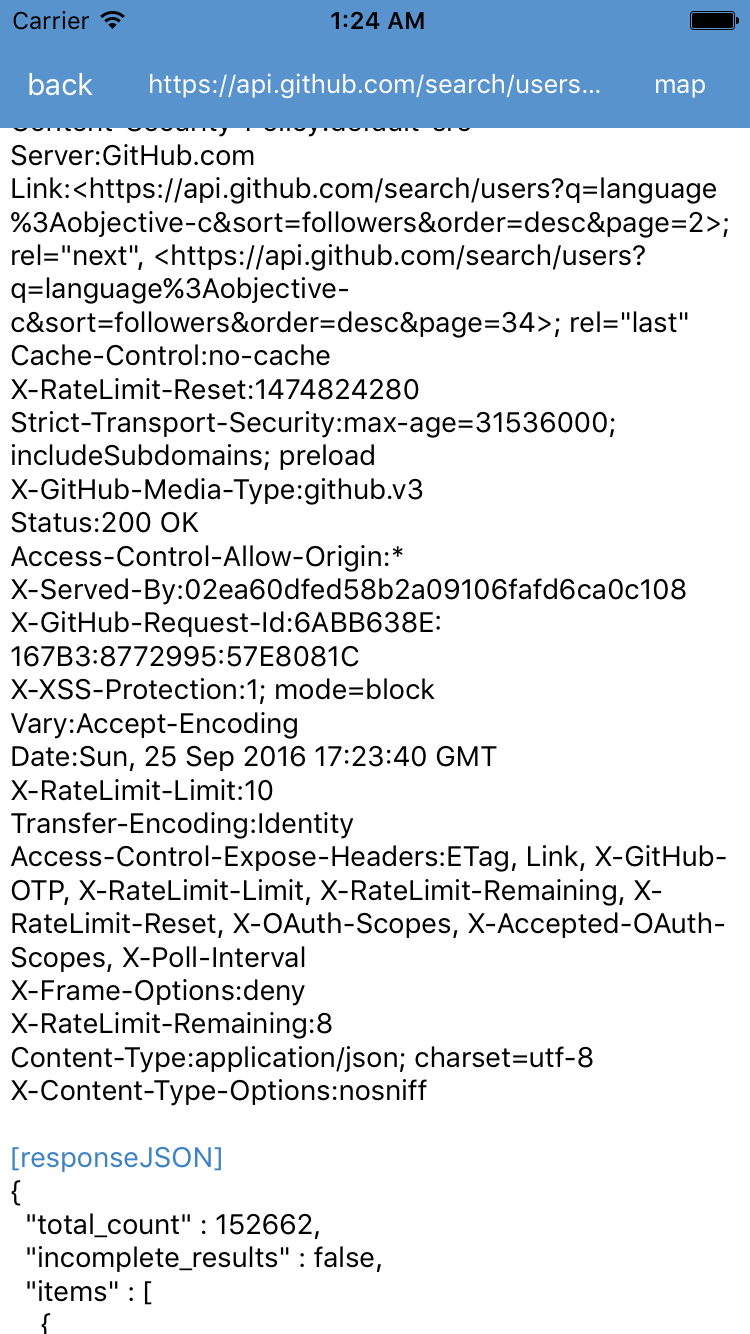
It can be map local json file.
I created a google group,this group is for general discussion NetworkEye ,welcome to join,https://groups.google.com/d/forum/networkeye
if you use NetworkEye, you can add it in here,Who-Uses-NetworkEye
welcome to new pull request,that fix bug,add new features,add support other platform.and welcome to new issues.
and thanks to kasketis write the swift version netfox
Podfile
	platform :ios, '7.0'
	pod 'NetworkEye', '~> 1.1.2'
	# pod 'NetworkEye/FMDB', '~> 1.1.2'   # NetworkEye with FMDB ,save your requests to database
Instruction
Note:Use Network Eye in DEBUG mode
add the code in AppDelegate.m
#import "NEHTTPEye.h"
#if defined(DEBUG)||defined(_DEBUG)
    [NEHTTPEye setEnabled:YES];
#endif
you can use use the shortcut (⌘ Command + n) , a double tap or shake device to call out the monitoring data interface
NEHTTPEyeViewController
You can also use the following code
#if defined(DEBUG)||defined(_DEBUG)
    NEHTTPEyeViewController *vc=[[NEHTTPEyeViewController alloc] init];
    [self presentViewController:vc animated:YES completion:nil];
#endif
In NEHTTPEye, the default password of database is "networkeye" ,and you can save 300 requests.
the database name is networkeye.sqlite,and stored in the cache directory.
#define kSQLitePassword @"networkeye"

#define kSaveRequestMaxCount 300
you can change it use NEHTTPModelManager
    [NEHTTPModelManager defaultManager].saveRequestMaxCount=300;
    [NEHTTPModelManager defaultManager].sqlitePassword=@"networkeye";
NetworkEye use FMDB and SQLCipher。 FMDB is used to store data,SQLCipher is used to encrypt the database。
Monitoring data interface supports some search conditions ,it is URL,statusCode,HTTPMethod,MIMEType。
Preview
Licenses
Contributors
thanks!
Explorar proyectos relacionados
Cargando…