
captn3m0/google-sre-ebook
captn3m0/google-sre-ebook has 1,406 GitHub stars and 184 forks. GitHot measured 0 stars in 24 hours, 0 in 7 days, and 0 in 15 days. Last checked 2026-11-24 21:32 UTC. Last push 2026-11-11.
Crecimiento de estrellas medido
- in 24h
- 0
- in 7 days
- 0
- in 15 days
- 0
- in 1 month
- Recopilando historial
Cambios netos en períodos que se solapan, no totales diarios. Los datos no disponibles se dejan en blanco. Las estrellas indican interés, no calidad.
Acerca de
Generador del libro de Google SRE (EPUB/MOBI/PDF).
Herramientas de desarrolloREADME.md
OriginalGoogle SRE Book/s
Generates a EPUB/MOBI/PDF for the Google SRE Books. Original sources are downloaded from https://sre.google/books/
Visit the Releases page to download the latest release. Go through all the releases, and click "Assets" to view a list of files.
Books
| Site Reliability Engineering (2016) | The Site Reliability Workbook (2018) |
|---|---|
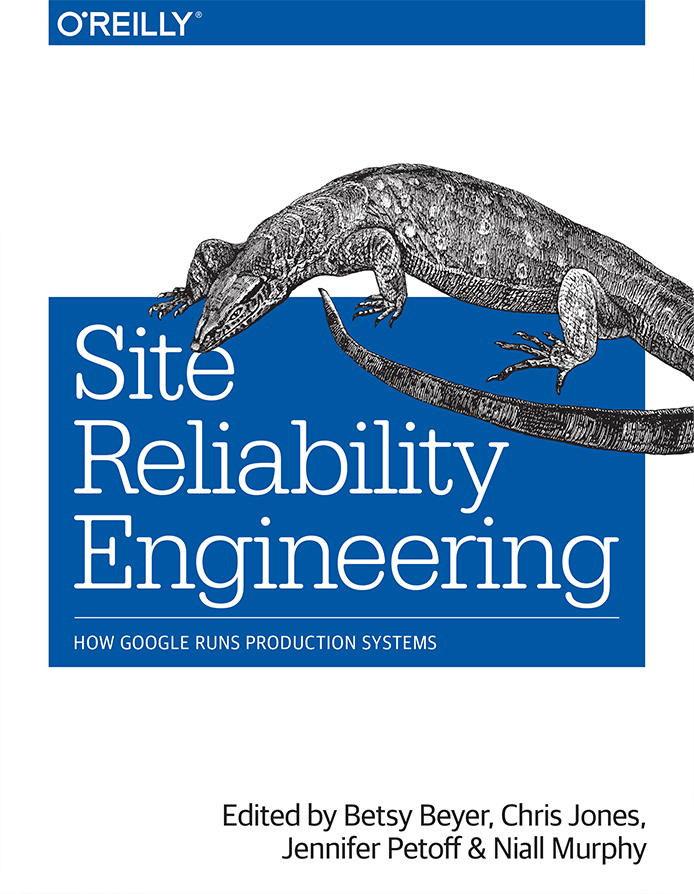 BUY |
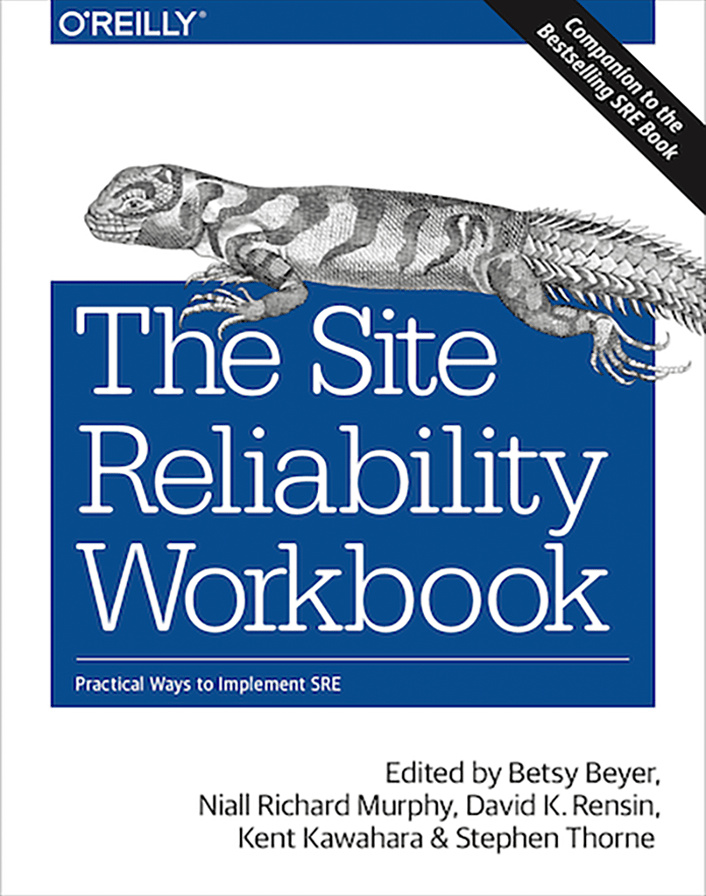 BUY |
A few other SRE books/reports are available as directly from Google or publishers. A few links point to Internet Archive. Links marked in 🔻 are currently down.
- Building Secure & Reliable Systems - [PDF] [EPUB] [MOBI] [Google Books] [Amazon] [Kobo]
- Training Site Reliability Engineers - [PDF] [EPUB]
- SLO Adoption and Usage in SRE - [PDF]
- Practical Guide to Cloud Migration - [PDF] [EPUB]
- Creating a Production Launch Plan - [PDF] [EPUB] [MOBI]
- Case Studies in Infrastructure Change Management - [PDF]
- A Case Study in Community-Driven Software Adoption - [PDF] [EPUB] [MOBI]
- Incident Metrics in SRE - [PDF] [EPUB]
- Engineering Reliable Mobile Applications - [PDF] [EPUB] [MOBI 🔻]
You might also like:
- Software Engineering at Google [PDF] [PDF-Archive] [Read Online] [O’Reilly] [Amazon] [Ebooks.com] Generated EPUB/PDF
Build
Docker (Preferred)
Requirements:
- Docker
You can generate either of books using BOOK_SLUG variable.
Available values for BOOK_SLUG:
sre_bookSite Reliability Engineering.srw_bookThe Site Reliability Workbook.
$ docker run --rm --volume "$(pwd):/output" -e BOOK_SLUG='srw_book' captn3m0/google-sre-ebook:latest
- You should see the final EPUB/MOBI/PDF files in the current directory after the above runs.
- The file may be owned by the root user.
NOTE: You'll have to allow docker access to a directory that's local to your system. The safest way to do this is as follows:
$ mkdir /tmp/sreoutput
$ chcon -Rt svirt_sandbox_file_t /tmp/sreoutput
$ docker run --rm --volume "/tmp/sreoutput:/output" -e BOOK_SLUG='srw_book' ghcr.io/captn3m0/google-sre-ebook:ruby
Builds on Docker Hub are no longer maintained.
macOS / Linux
Requirements:
- Make
- Ruby
gem install bundlerbundle installbrew install pandocbrew cask install calibrebrew install wget
Run either of the following:
# To download Site Reliability Engineering.
BOOK_SLUG='sre_book' ./generate.sh

# To download The Site Reliability Workbook.
BOOK_SLUG='srw_book' ./generate.sh
PDF options
Any option can be passed to pandoc by PDF_OPT_ prefix, for example:
PDF_OPT_GEOMETRY=margin=1.5cm \
PDF_OPT_DOCUMENTCLASS=extbook \
PDF_OPT_FONTSIZE=14pt \
PDF_OPT_MAINFONT=LiberationSerif-Regular.ttf \
PDF_OPT_MAINFONTOPTIONS=BoldFont=LiberationSerif-Bold.ttf,ItalicFont=LiberationSerif-Italic.ttf,BoldItalicFont=LiberationSerif-BoldItalic.ttf \
PDF_OPT_MONOFONT=LiberationMono-Regular.ttf \
PDF_OPT_MONOFONTOPTIONS=BoldFont=LiberationMono-Bold.ttf,ItalicFont=LiberationMono-Italic.ttf,BoldItalicFont=LiberationMono-BoldItalic.ttf \
PDF_OPT_SANSFONT=LiberationSans-Regular.ttf \
PDF_OPT_SANSFONTOPTIONS=BoldFont=LiberationSans-Bold.ttf,ItalicFont=LiberationSans-Italic.ttf,BoldItalicFont=LiberationSans-BoldItalic.ttf \
BOOK_SLUG=sre_book ./generate.sh
Default options passed to pandoc in generate.sh are overloaded by PDF_OPT_ prefix, see PDF_OPT_GEOMETRY in above example.
Fonts in above axample are packed to fonts-liberation2 on Ubuntu.
See more details:
Known Issues
- metadata is not complete. There are just too many authors
- Foreword/Preface is not part of the index
- The typesetting is not great and does not match the original. See #22 for a list
LICENSE
This is licensed under WTFPL. See COPYING file for the full text.
Extra
I have a list of my E-book publishing related projects at https://captnemo.in/ebooks/. Links to other related books can be found at https://github.com/upgundecha/howtheysre#books-1
Explorar proyectos relacionados
Cargando…