
braitsch/node-login
braitsch/node-login has 1,586 GitHub stars and 631 forks. GitHot measured 0 stars in 24 hours, -1 in 7 days, and -1 in 15 days. Last checked 2026-11-22 14:15 UTC. Last push 2021-07-25.
What you can do
- New User Account Creation
- Secure Password Reset via Email
- Ability to Update / Delete Account
- Session Tracking for Logged-In Users
Crecimiento de estrellas medido
- in 24h
- 0
- in 7 days
- -1
- in 15 days
- -1
- in 1 month
- Recopilando historial
Cambios netos en períodos que se solapan, no totales diarios. Los datos no disponibles se dejan en blanco. Las estrellas indican interés, no calidad.
Acerca de
Una plantilla para crear rápidamente sistemas de inicio de sesión sobre Node.js y MongoDB
Herramientas de desarrolloREADME.md
OriginalNode Login
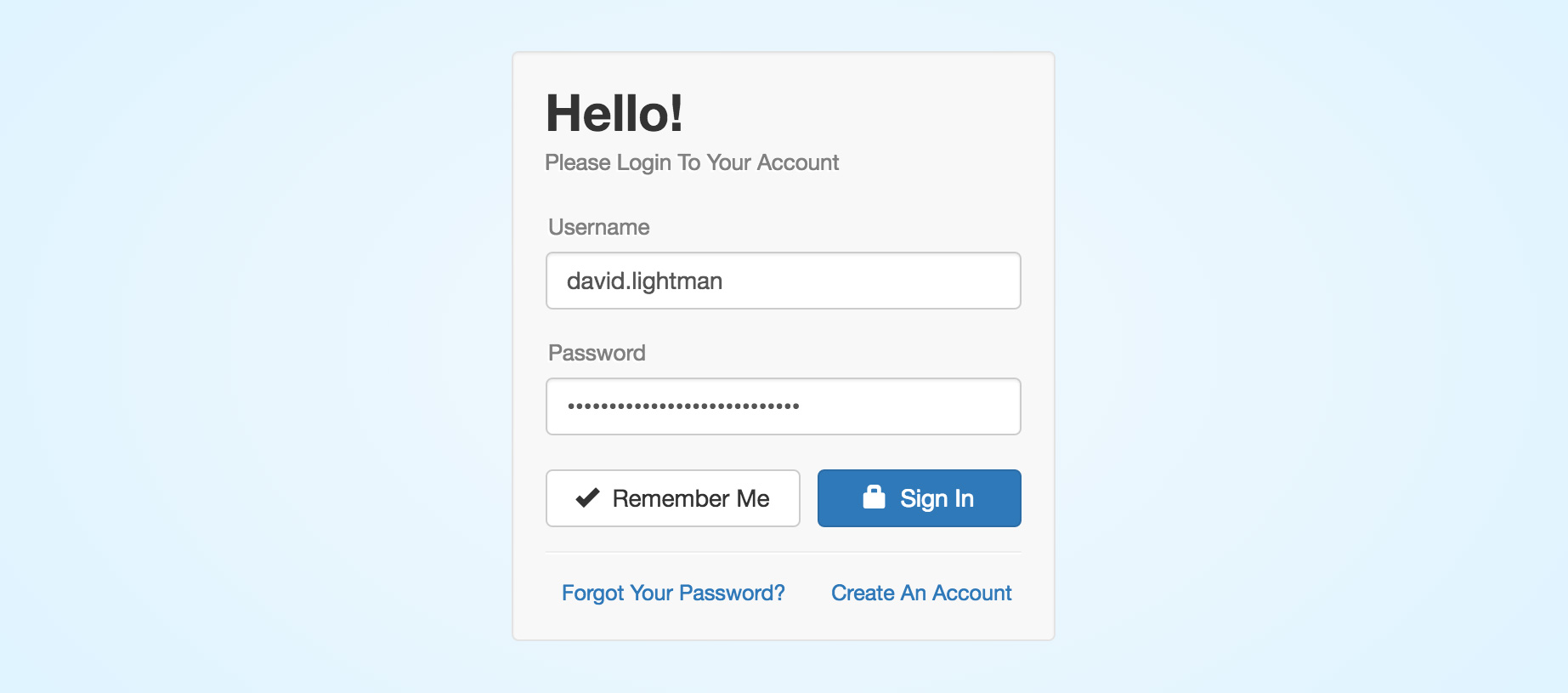
A basic account management system built in Node.js with the following features:
- New User Account Creation
- Secure Password Reset via Email
- Ability to Update / Delete Account
- Session Tracking for Logged-In Users
- Local Cookie Storage for Returning Users
- Blowfish-based Scheme Password Encryption
Live Demo
https://node-login.braitsch.io
For testing purposes you can view a database dump of all accounts here
Note: This database automatically resets every 24 hours.
Installation & Setup
Clone this repository and install its dependencies.
 > git clone git://github.com/braitsch/node-login.git node-login
 > cd node-login
 > npm install
In a separate shell start MongoDB if it's not already running on your system.
> mongodFrom within the node-login directory start the server.
> node appOpen a browser window and navigate to: http://localhost:8080
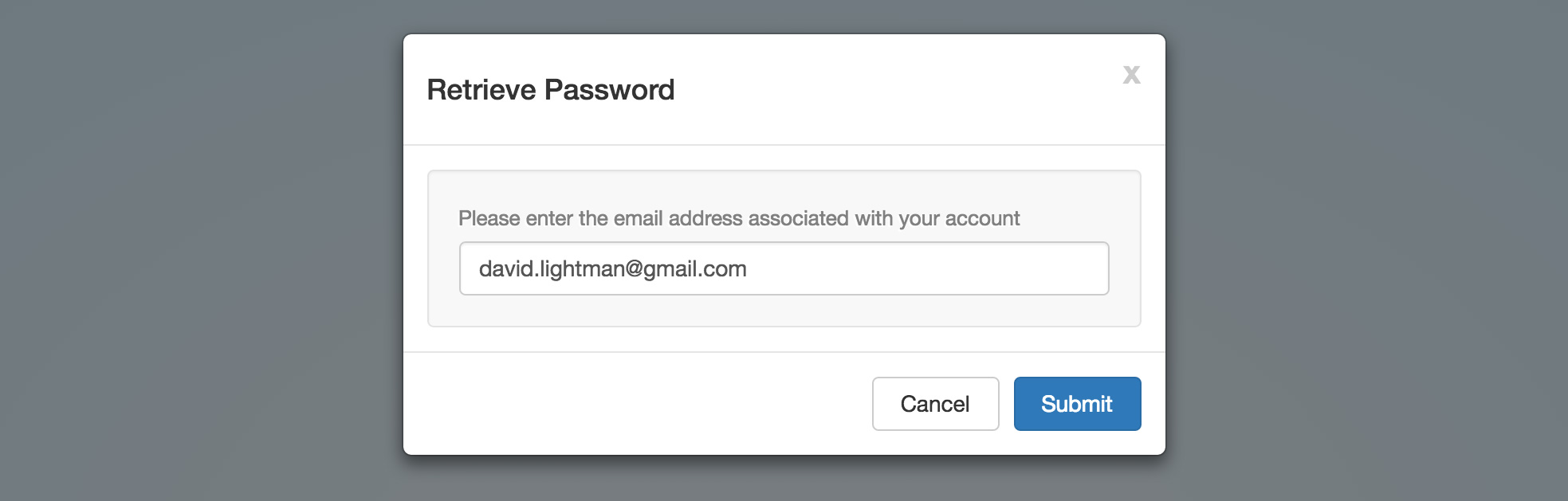
Password Retrieval
To enable the password retrieval feature it is recommended that you create environment variables for your credentials instead of hard coding them into the email dispatcher module.
To do this on OSX you can simply add them to your .profile or .bashrc file.
export NL_EMAIL_HOST='smtp.gmail.com'
export NL_EMAIL_USER='[email protected]'
export NL_EMAIL_PASS='12345678'
Or use dotenv (recommended) and place these inside of a .env file in your project's root directory.
Contributing
Questions and suggestions for improvement are welcome.
Explorar proyectos relacionados
Cargando…