
bep/docuapi
bep/docuapi has 784 GitHub stars and 196 forks. GitHot measured 0 stars in 24 hours and 0 in 7 days. Last checked 2026-11-24 10:56 UTC. Last push 2026-10-24.
Crecimiento de estrellas medido
- in 24h
- 0
- in 7 days
- 0
- in 15 days
- Recopilando historial
- in 1 month
- Recopilando historial
Cambios netos en períodos que se solapan, no totales diarios. Los datos no disponibles se dejan en blanco. Las estrellas indican interés, no calidad.
Acerca de
Un tema multilingüe atractivo para la documentación de API en Hugo
Herramientas de desarrolloREADME.md
OriginalDocuAPI is a beautiful multilingual API documentation theme for Hugo. This theme is built on top of the beautiful work of Robert Lord and others on the Slate project (Apache 2 License). The JS part has recently been rewritten from Jquery to AlpineJS.
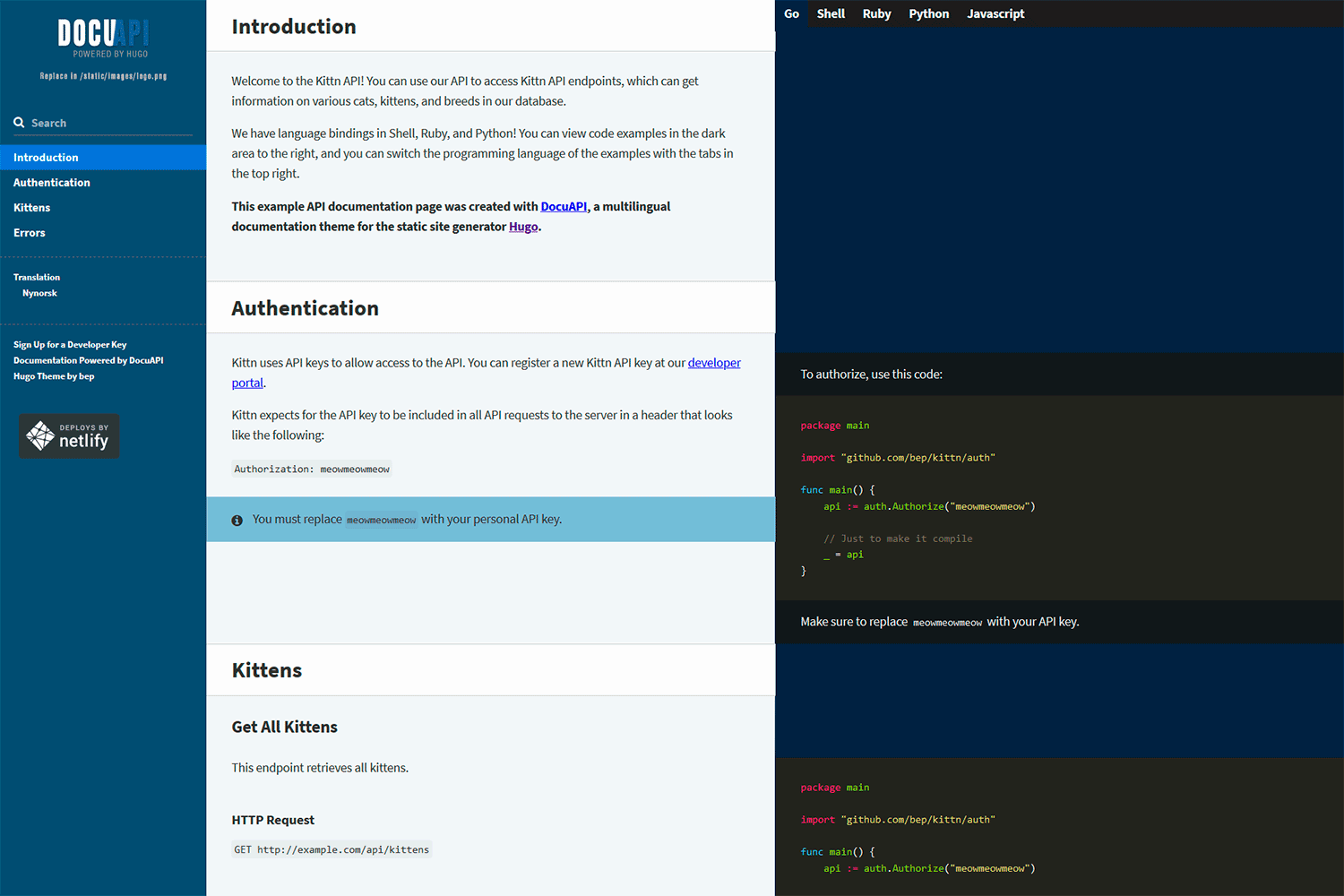
Visit the demo site.
Use
Import the theme in your Hugo config:
[[module.imports]]
path = "github.com/bep/docuapi/v3"
v3 requires Hugo v0.161.0 or later. It builds its styles with Hugo's built-in css.Build, so there's no need for the extended Hugo version, Sass, PostCSS or Node.js.
Note, if you want the older Sass-based version, replace the path with github.com/bep/docuapi/v2, and for the older jQuery-version, github.com/bep/docuapi.
See the exampleSite and more specific its site configuration for the available options.
Most notable: This theme will use all the (non drafts) pages in the site and build a single-page API documentation. Using weight in the page front matter is the easiest way to control page order.
If you want a different page selection, please provide your own layouts/index.html template.
Styling
You can customize the look-and-feel by setting CSS variables in your site configuration. These take precedence over the theme defaults:
[params.docuapi.cssvars]
  nav-bg      = "#254e70"
  examples-bg = "#002642"
  font-family = '"Source Sans 3", sans-serif'
See assets/css/docuapi/vars.css for the available variables. You can also set them in your own assets/css/docuapi/vars-custom.css, which is empty in the theme. For more extensive changes, use partials/hook_head_end.html to add your own stylesheet.
The code highlighting styles are generated from your markup.highlight configuration, so make sure CSS classes are enabled (noClasses = false, the default) and pick a style:
[markup.highlight]
  noClasses = false
  style     = "monokai"
Hooks
You can override the layouts by providing some custom partials:
partials/hook_head_end.htmlis inserted right before theheadend tag. Useful for additional styles etc.partials/hook_body_end.htmlwhich should be clear by its name.partials/hook_left_sidebar_start.htmlthe start of the left sidebarpartials/hook_left_sidebar_end.htmlthe end of the left sidebarpartials/hook_left_sidebar_logo.htmlthe logoimgsource
The styles and Javascript import are also put in each partial and as such can be overridden if really needed:
partials/styles.htmlpartials/js.html
Explorar proyectos relacionados
Cargando…