
b2a3e8/jekyll-theme-console
b2a3e8/jekyll-theme-console has 820 GitHub stars and 438 forks. GitHot measured 0 stars in 24 hours and 0 in 7 days. Last checked 2026-11-24 10:06 UTC. Last push 2025-09-09.
What you can do
- Four styles: dark (default), light, hacker, nord
- Optional auto light/dark via prefers-color-scheme
- Strict, extendable Content Security Policy
- Optional Google Fonts (disable for full self‑hosting)
Crecimiento de estrellas medido
- in 24h
- 0
- in 7 days
- 0
- in 15 days
- Recopilando historial
- in 1 month
- Recopilando historial
Cambios netos en períodos que se solapan, no totales diarios. Los datos no disponibles se dejan en blanco. Las estrellas indican interés, no calidad.
Acerca de
Un tema de Jekyll inspirado en las consolas de Linux para hackers, desarrolladores y script kiddies.
Herramientas de desarrolloREADME.md
Originaljekyll-theme-console
A minimal, console‑inspired Jekyll theme for hackers, developers and other cool kids.


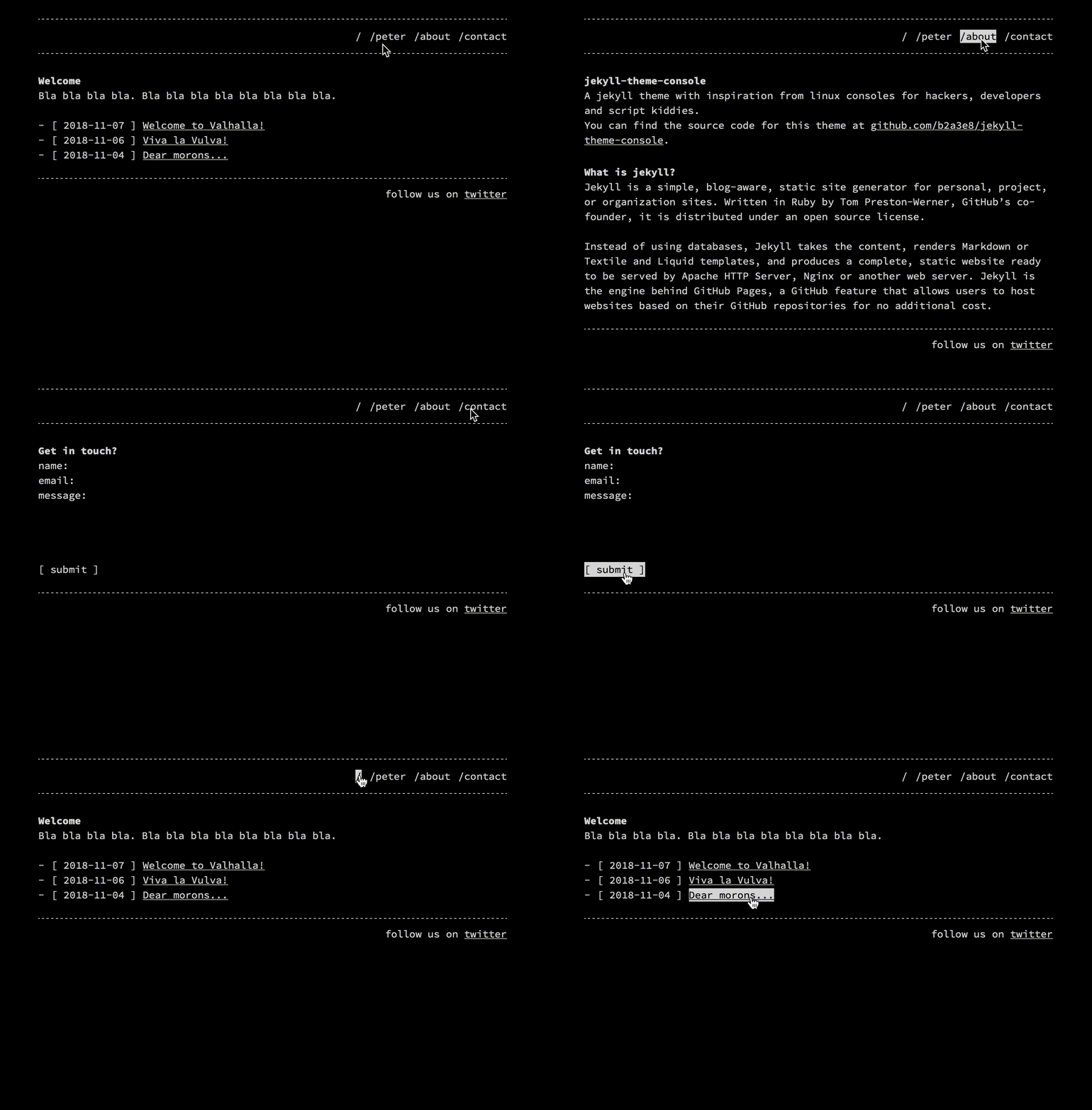
Demo
dark style demo (source code / template)
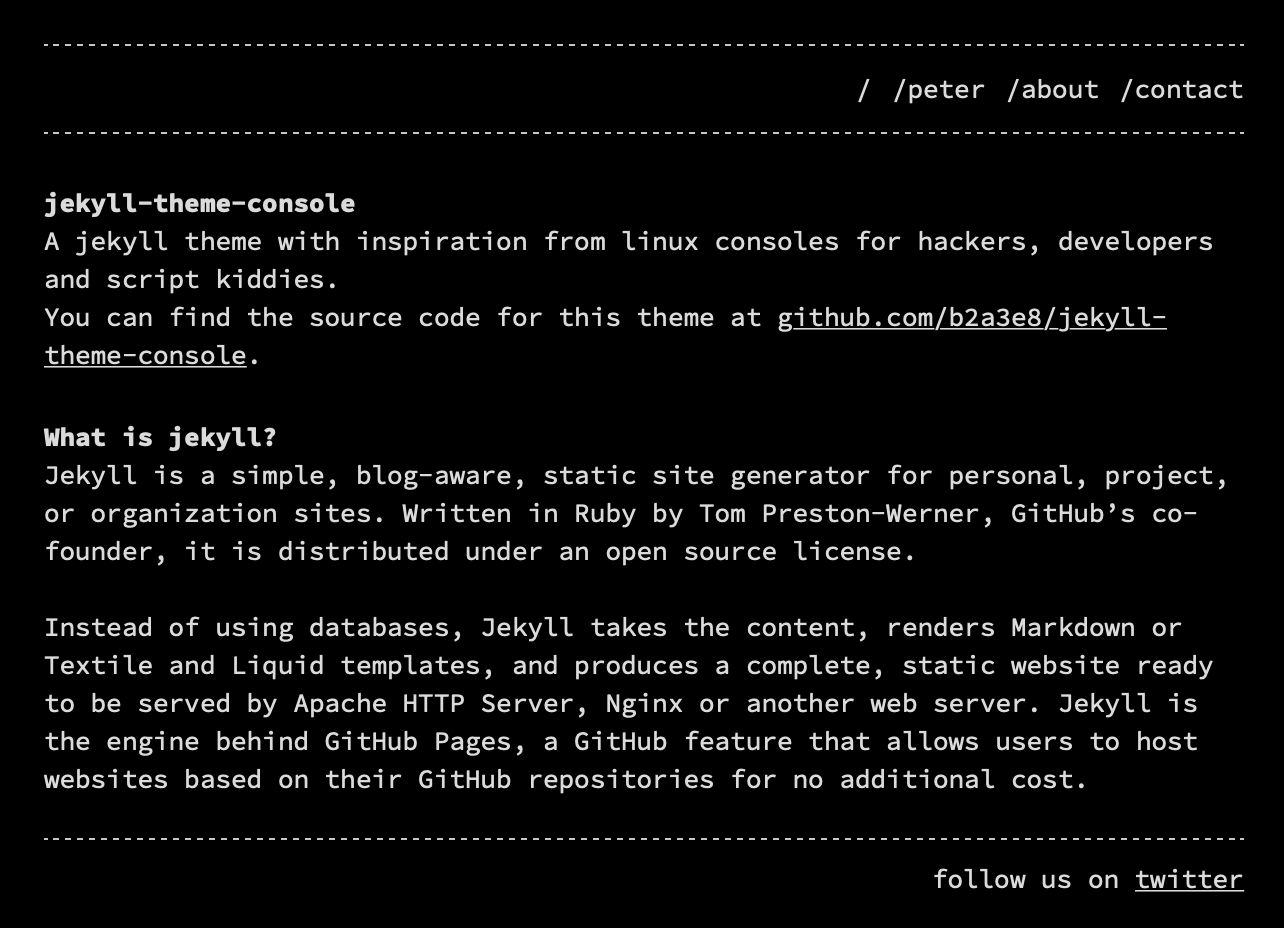
light style demo (source code / template)
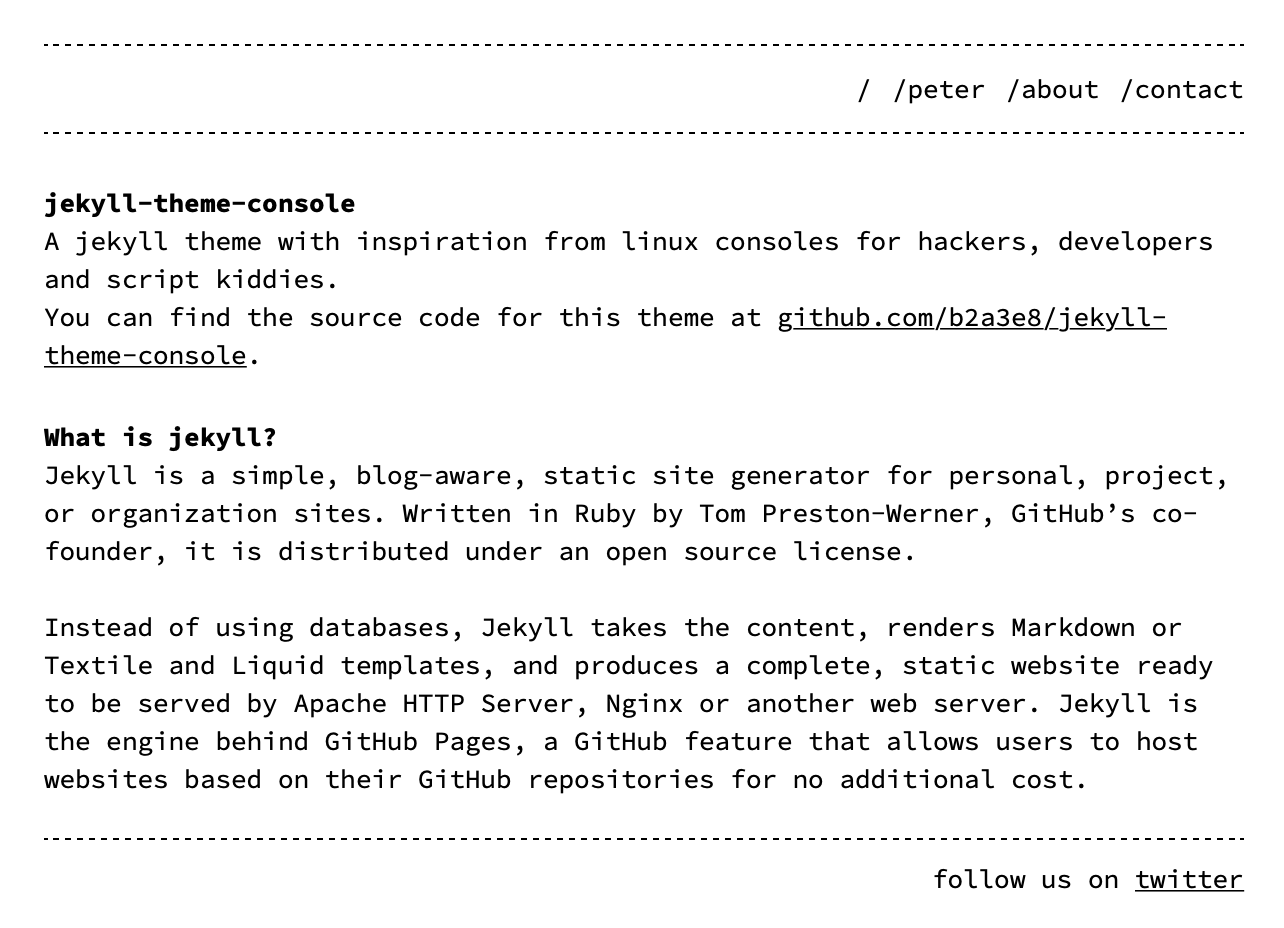
hacker style demo (source code / template)
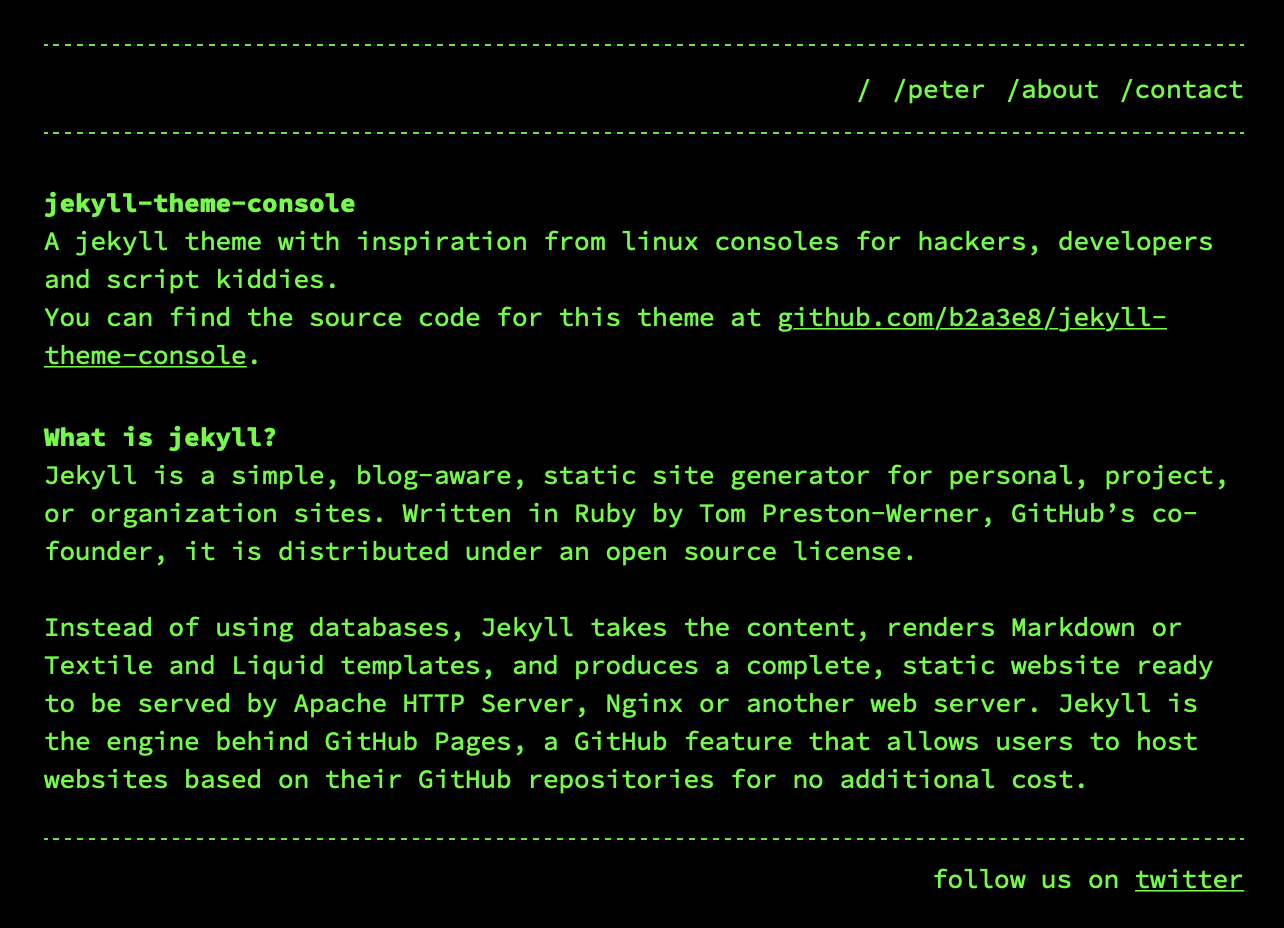
Note: The theme also includes a Nord variant (style: nord).
Features
- Four styles:
dark(default),light,hacker,nord - Optional auto light/dark via
prefers-color-scheme - Strict, extendable Content Security Policy
- Optional Google Fonts (disable for full self‑hosting)
- Generic analytics/tracker include (Matomo, Plausible, etc.)
- Simple header navigation via
header_pages - Works as a RubyGem theme or GitHub Pages remote theme
Quickstart
If you are new to Jekyll, skim the official docs: https://jekyllrb.com/docs/
GitHub Pages (remote_theme)
Add to your site's _config.yml:
remote_theme: b2a3e8/jekyll-theme-console
# Optional but recommended
plugins:
  - jekyll-seo-tag
Tip: For full local builds with a remote theme, you may need the jekyll-remote-theme plugin.
Gem-based installation
- Add to your
Gemfile:
gem "jekyll-theme-console"
- Install and enable the theme:
bundle
# _config.yml
theme: jekyll-theme-console
plugins:
  - jekyll-seo-tag
To update later: bundle update.
Configuration
Add these to _config.yml as needed:
header_pages: list of page paths to show in the top menufooter: HTML string rendered in the footerstyle:dark(default),light,hacker, ornordlisten_for_clients_preferred_style:trueto auto‑switch using the OS preferencedisable_google_fonts:trueto avoid requests to Google Fontstracking: generic tracker configuration (see Security & CSP below)csp_extra: extra CSP directives to append to the built‑in policy
Example:
header_pages:
  - index.md
  - about.md

style: dark # dark (default), light, hacker, or nord
listen_for_clients_preferred_style: true # false (default) or true

footer: 'follow us on <a href="https://twitter.com/xxx">twitter</a>'
disable_google_fonts: false

# Generic tracking (optional; loads only in production)
# tracking:
#   script_src:
#     - https://cdn.example.com/tracker.js
#   async: true   # default true
#   defer: false  # default false
#   # Optional inline init snippet (requires CSP allowance if used)
#   # init: |
#   #   window.myTracker=window.myTracker||function(){(window.myTracker.q=window.myTracker.q||[]).push(arguments)};
#   #   myTracker('init', { siteId: '12345' });
Front matter
Additional page variables supported by the theme:
title: page titlelang: page language (defaults toen)robots: value for the robots meta tag (e.g.,NOINDEX)
Customization
Follow these steps to customize:
- Fork this repository (use as a theme or directly as your site)
- Edit templates in
_layoutsfor HTML changes - Edit styles in
_sassandassets- Global variables (font size, container width) live in
_sass/base.scss - Style‑specific variables are in
_sass/_dark.scss,_sass/_light.scss,_sass/_hacker.scss,_sass/_nord.scss - Fonts are loaded with
<link>tags; setdisable_google_fonts: trueto avoid external font requests
- Global variables (font size, container width) live in
Optional tweaks:
Enable Sass compression in
_config.yml:sass: style: compressedAdd
jekyll-feedto generate an Atom/RSS feed.
Security & CSP
The theme ships with a strict, practical Content Security Policy. By default it allows:
- self‑hosted content, plus images from
https:anddata:URIs - Google Fonts (unless disabled)
Extend the policy as needed via _config.yml:
csp_extra: "frame-src https:;"
Examples:
Matomo at
https://analytics.example.com:tracking: script_src: - https://analytics.example.com/matomo.js # If you add an inline init snippet via `tracking.init`, also include 'unsafe-inline' in script-src. csp_extra: "script-src 'self' https://analytics.example.com 'unsafe-inline'; connect-src 'self' https://analytics.example.com; img-src 'self' https://analytics.example.com;"Plausible at
https://plausible.example.com:tracking: script_src: - https://plausible.example.com/js/plausible.js csp_extra: "script-src 'self' https://plausible.example.com; connect-src 'self' https://plausible.example.com;"
Tip: To remove the top border in the menu:
.menu { border-top: none; }
Development
This repository is a standard Jekyll site for local development of the theme.
Docker (recommended)
docker compose up --build
Open http://localhost:4000.
Local (Ruby/Bundler)
bundle install
bundle exec jekyll serve
Open http://localhost:4000.
When the theme is released, only files in _layouts, _includes, _sass, and assets tracked by Git are bundled. To include additional paths, edit the regexp in jekyll-theme-console.gemspec.
License
Open source under the MIT License.
Explorar proyectos relacionados
Cargando…