
LuisaGroup/LuisaRender
LuisaGroup/LuisaRender has 628 GitHub stars and 57 forks. GitHot measured 0 stars in 24 hours and -1 in 7 days. Last checked 2026-11-23 05:14 UTC. Last push 2026-07-16.
Crecimiento de estrellas medido
- in 24h
- 0
- in 7 days
- -1
- in 15 days
- Recopilando historial
- in 1 month
- Recopilando historial
Cambios netos en períodos que se solapan, no totales diarios. Los datos no disponibles se dejan en blanco. Las estrellas indican interés, no calidad.
Acerca de
High-Performance Cross-Platform Monte Carlo Renderer Based on LuisaCompute
Creación y multimediaREADME.md
OriginalLuisaRender 
LuisaRender is a high-performance cross-platform Monte-Carlo renderer for stream architectures based on LuisaCompute.
LuisaRender is also the rendering application described in the SIGGRAPH Asia 2022 paper
LuisaRender: A High-Performance Rendering Framework with Layered and Unified Interfaces on Stream Architectures.
See also LuisaCompute for the underlying framework as described in the paper; and please visit the project page for other information about the paper and the project.
Building
LuisaRender follows the standard CMake build process. Basically these steps:
Check your hardware and platform. Currently, we support CUDA on Linux and Windows; DirectX on Windows; Metal on macOS; and ISPC and LLVM on all the major platforms. For CUDA and DirectX, an RTX-enabled graphics card, e.g., NVIDIA RTX 20 and 30 series, is required.
Prepare the environment and dependencies. We recommend using the latest IDEs, Compilers, CMake, CUDA drivers, etc. Since we aggressively use new technologies like C++20 and OptiX 7.1+, you may need to, for example, upgrade your VS to 2019 or 2022, and install CUDA 11.2+.
Clone the repo with the
--recursiveoption:git clone --recursive https://github.com/LuisaGroup/LuisaRender.gitSince we use Git submodules to manage third-party dependencies, a
--recursiveclone is required.Configure the project using CMake. E.g., for command line,
cdinto the project folder and typecmake -S . -B <build-folder>. You might also want to specify your favorite generators and build types using options like-G Ninjaand-D CMAKE_BUILD_TYPE=Release. A typical, full command sequence for this would be likecd LuisaRender cmake -S . -B build -D CMAKE_BUILD_TYPE=ReleaseIf the configuration succeeds, you are now able to build the project. Type
cmake --build <build-folder>in the command line, or push the build button if you generated, e.g., a VS project. (And in case the configuration step unluckily failed :-(, please file an issue).After building, you will find the CLI executable at
<build-folder>/bin/luisa-render-cli.
See also BUILD.md for details on platform requirements, configuration options, and other precautions.
Usage
Use command line to execute LuisaRender:
<build-fodler>/bin/luisa-render-cli -b <backend> [-d <device-index>] <scene-file>
Possible values of the parameter backend are listed below:
| Backend | Value |
|---|---|
| CPU | cpu |
| CUDA | cuda |
| DirectX | dx |
| Metal | metal |
| LLVM-based CPU | fallback |
Note: You need to enable the corresponding compilation options for the chosen backend.
To print the help message about the command line arguments, simply type
<build-fodler>/bin/luisa-render-cli -h
or
<build-fodler>/bin/luisa-render-cli --help
Scenes
LuisaRender supports a JSON-based and a custom text-based formats for scene description. We maintain the demo scenes in a separate repo. We sincerely thank all the authors, Rendering Resources, Poly Heaven, and Blender Demo Files for sharing these amazing resources.
We also provide a simple script at tools/tungsten2luisa.py to convert Tungsten scenes into LuisaRender's custom scene description language; and a CLI application at src/apps/export.cpp (compiled to <build-folder>/bin/luisa-render-export) to convert glTF scenes to LuisaRender's JSON-based format. But please note that both tools are not perfect. Manual tweaks are sometimes necessary to fix conversion errors and/or align the converted scenes to their original appearances.
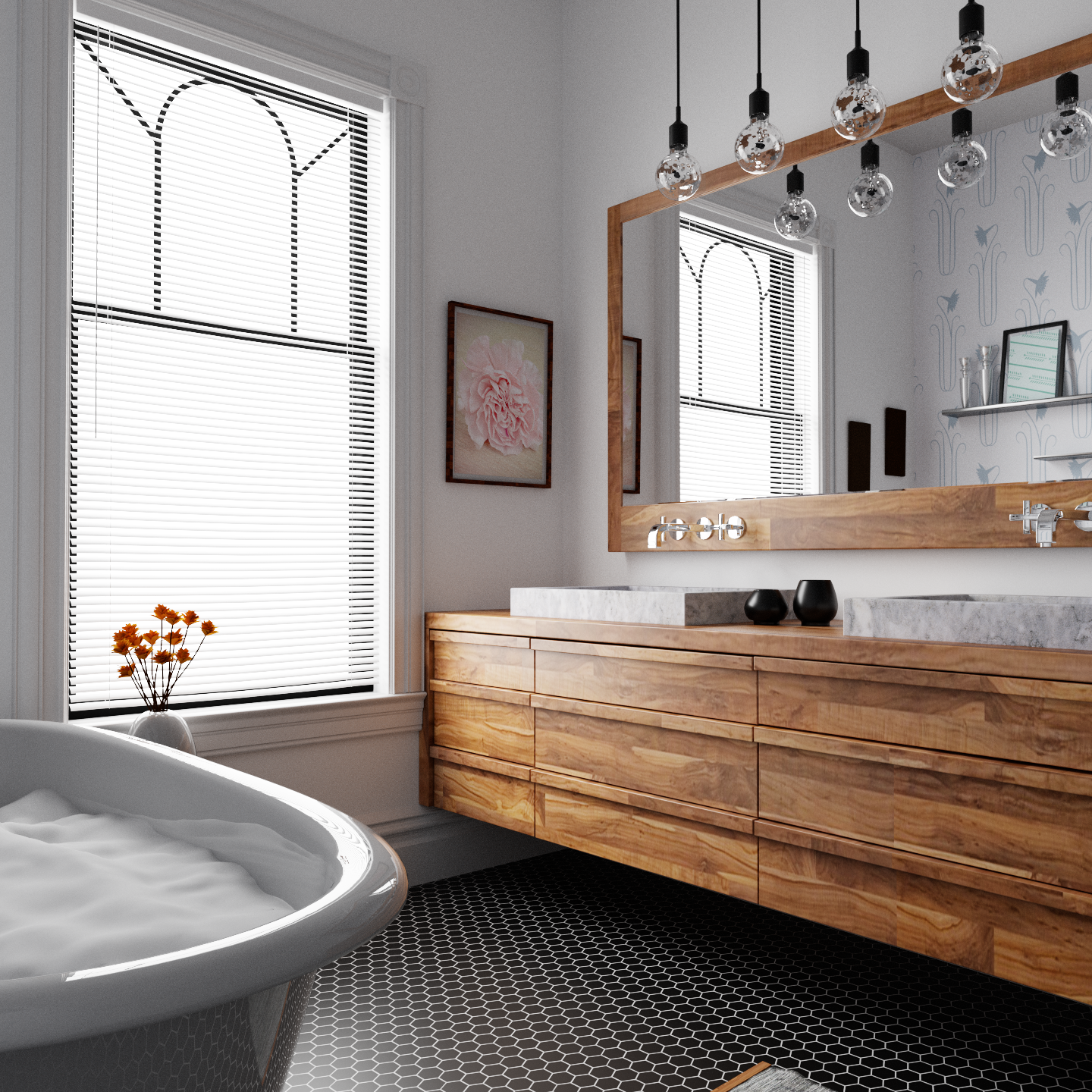
Contemporary Bathroom
Download: LuisaRender
- Credit: Mareck (CC0)
- Converted from Tungsten version at Rendering Resources
- Resolution: 1024x1024
- Samples: 65536
- Tonemapping: ACES (exposure = -0.5)
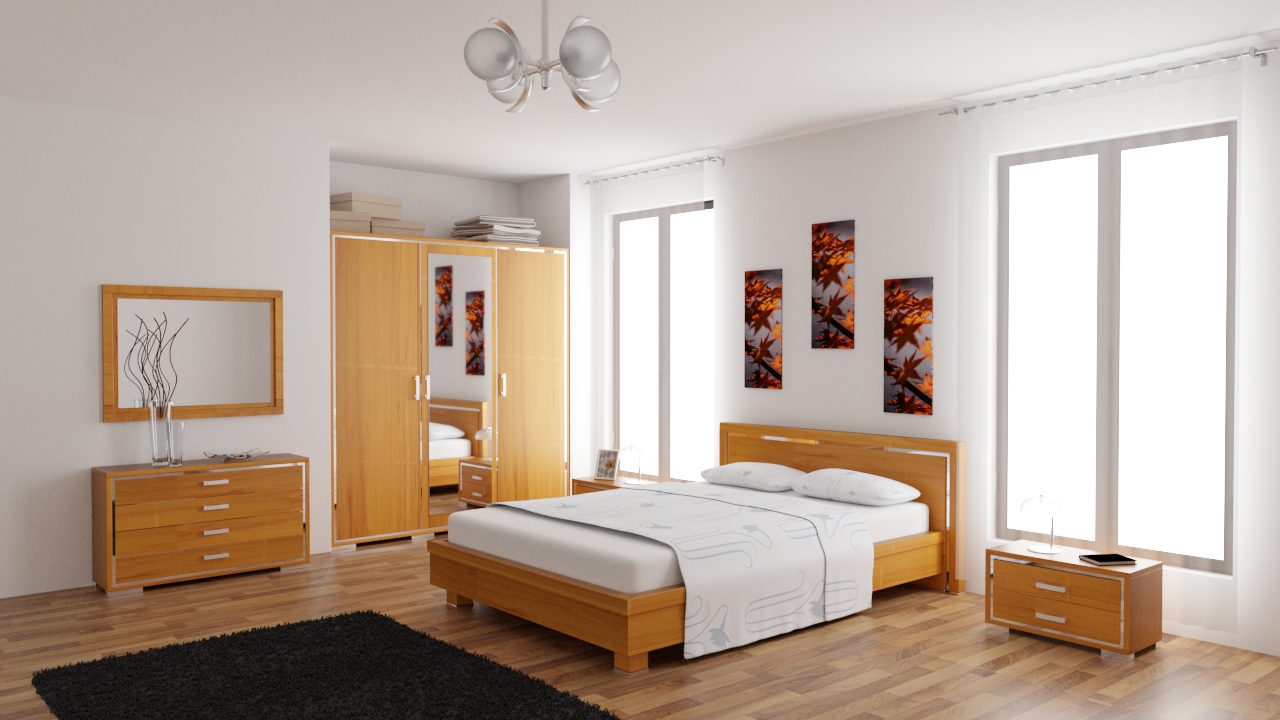
Bedroom
Download: LuisaRender
- Credit: SlykDrako (CC0)
- Converted from Tungsten version at Rendering Resources
- Resolution: 1280x720
- Samples: 65536
- Tonemapping: Uncharted2
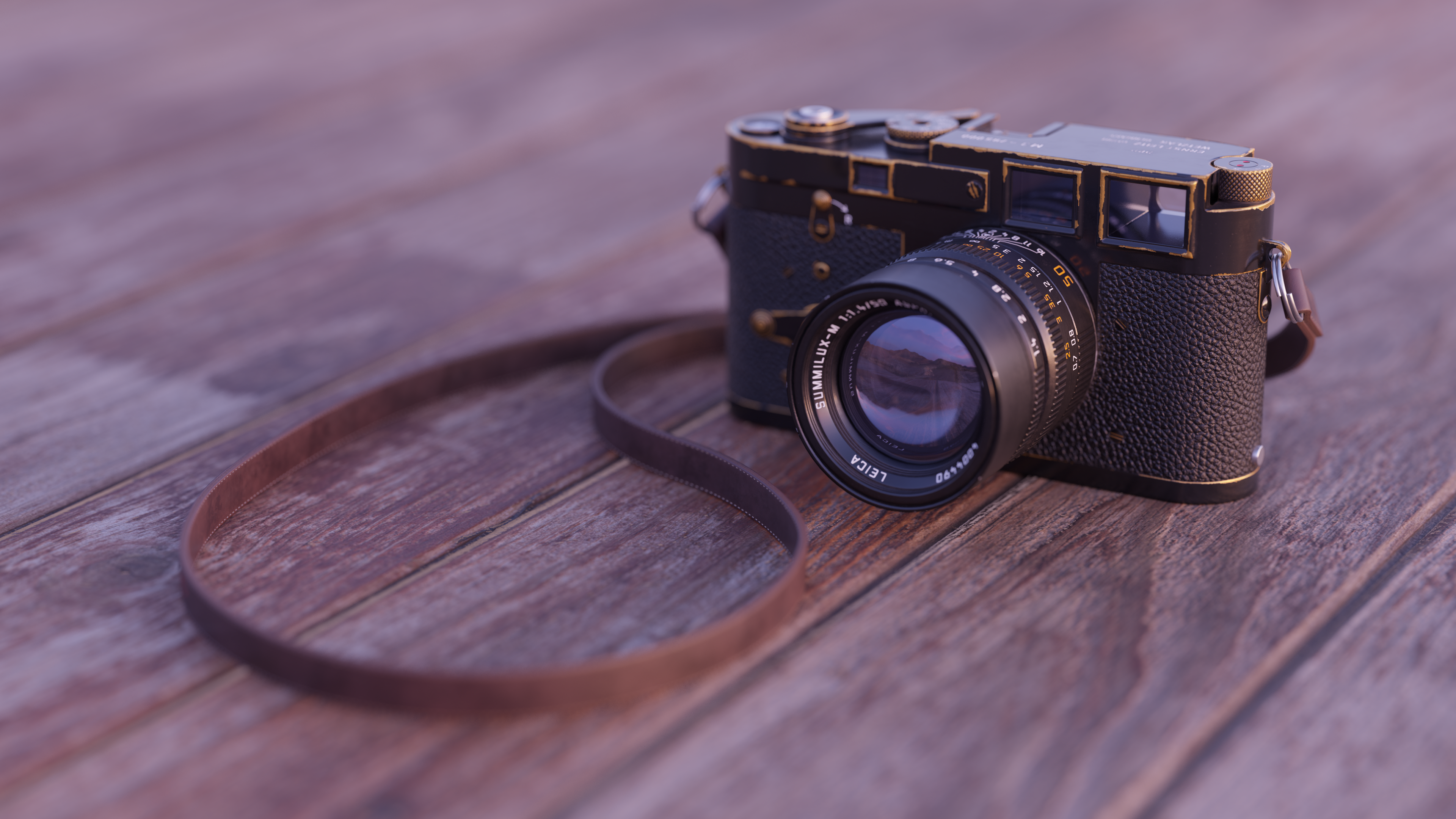
Camera
Download: LuisaRender
- Credit: All resources in the scene are from Poly Heaven (CC0, see the contained
README.txtfor the detail of each resource) - Resolution: 3840x2160
- Samples: 65536
- Tonemapping: Uncharted2
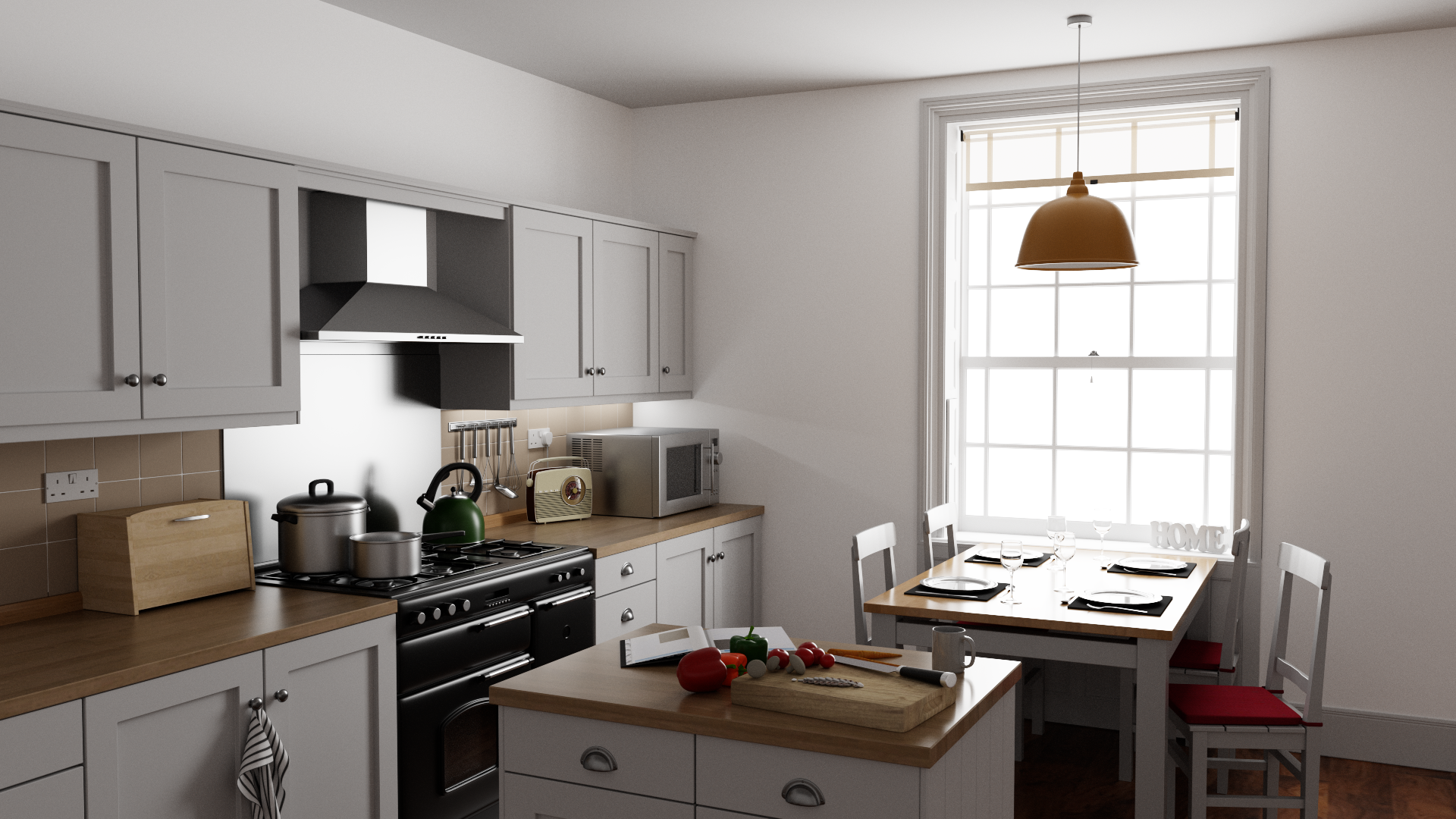
Kitchen
Download: LuisaRender
- Credit: Jay-Artist (CC BY 3.0)
- Converted from Tungsten version at Rendering Resources
- Resolution: 1280x720
- Samples: 65536
- Tonemapping: ACES
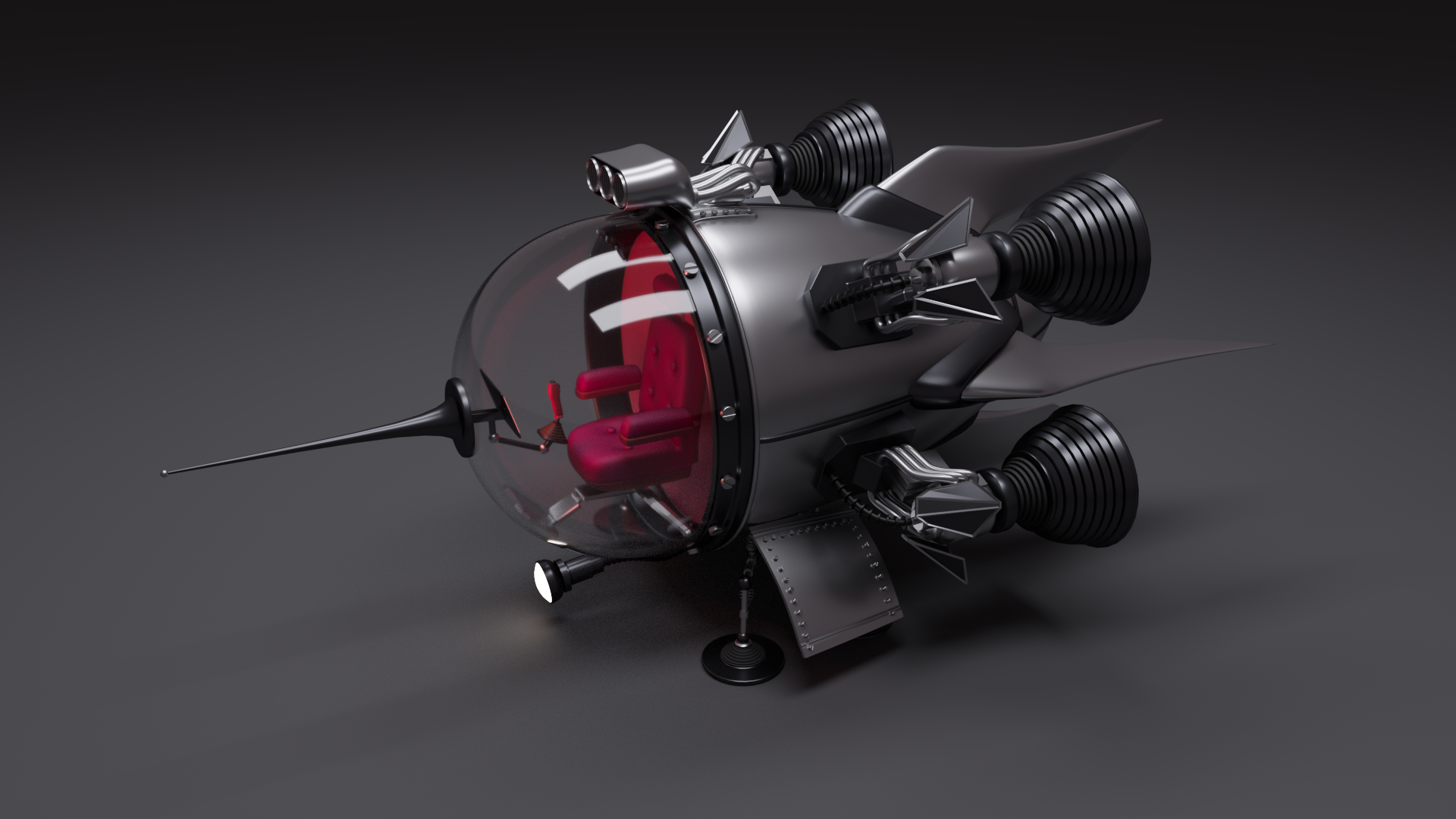
Spaceship
Download: LuisaRender
- Credit: thecali (CC0)
- Converted from Tungsten version at Rendering Resources
- Resolution: 1920x1080
- Samples: 16384
- Tonemapping: Uncharted2
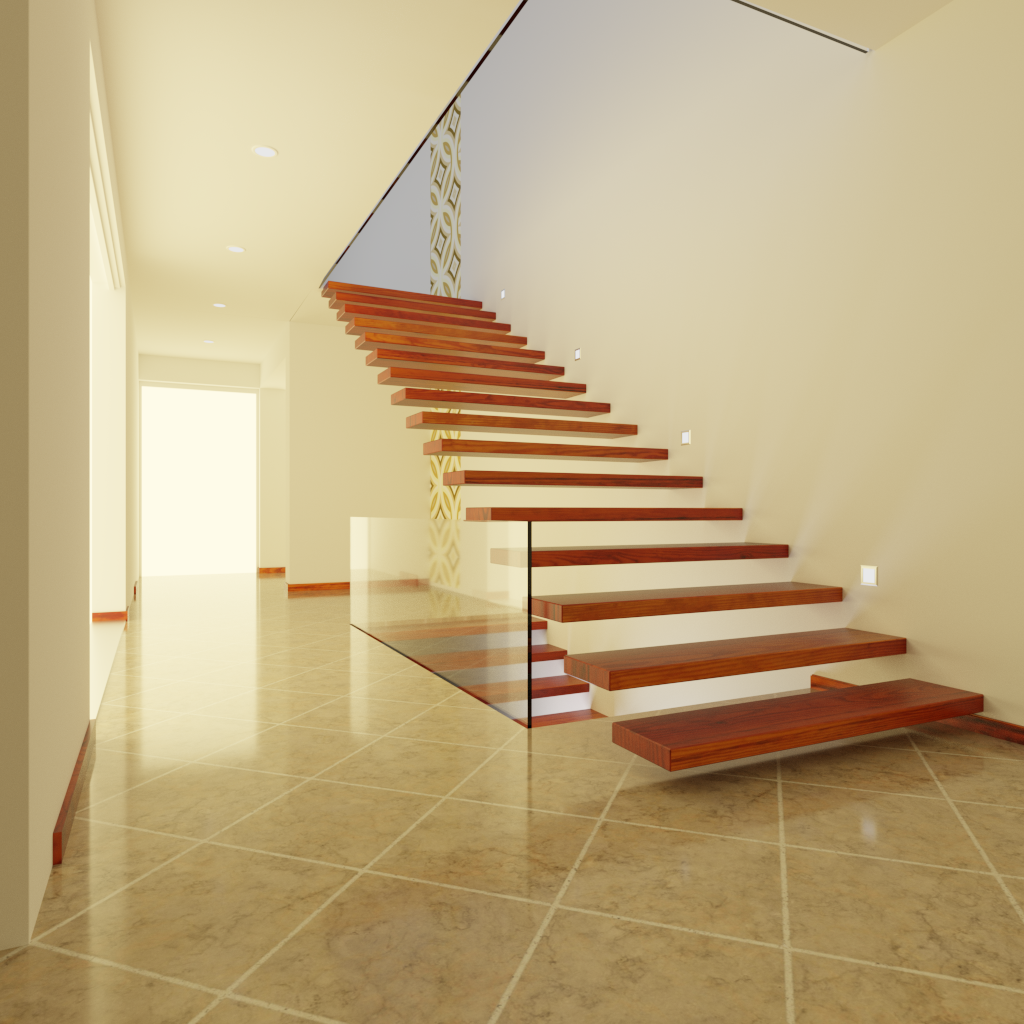
Modern Hall
Download: LuisaRender
- Credit: NewSee2l035 (CC BY 3.0)
- Converted from Tungsten version at Rendering Resources
- Resolution: 1024x1024
- Samples: 65536
- Tonemapping: Uncharted2 (exposure = +1)
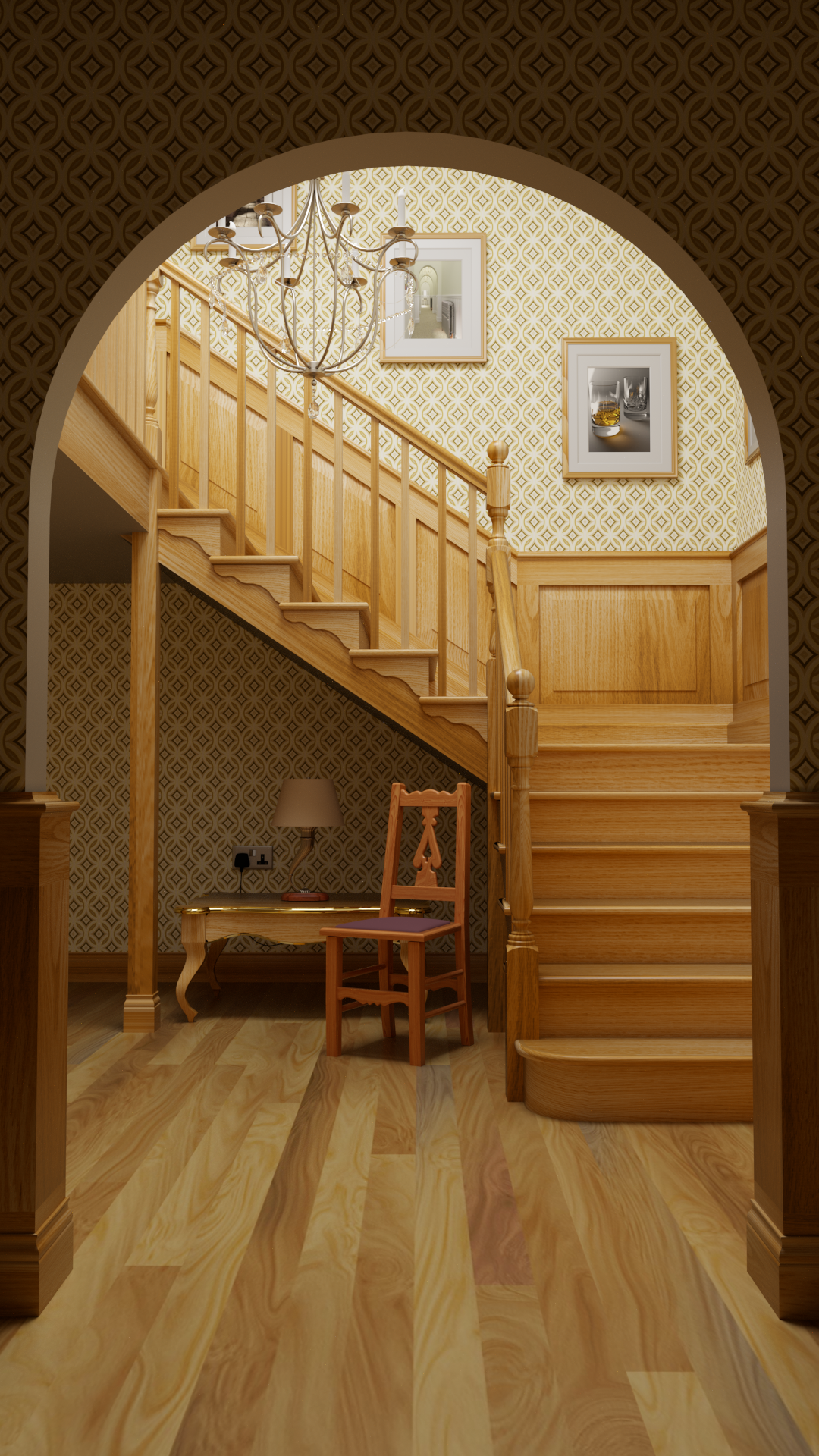
The Wooden Staircase
Download: LuisaRender
- Credit: Wig42 (CC BY 3.0)
- Converted from Tungsten version at Rendering Resources
- Resolution: 1080x1920
- Samples: 16384
- Tonemapping: Uncharted2 (exposure = +0.5)
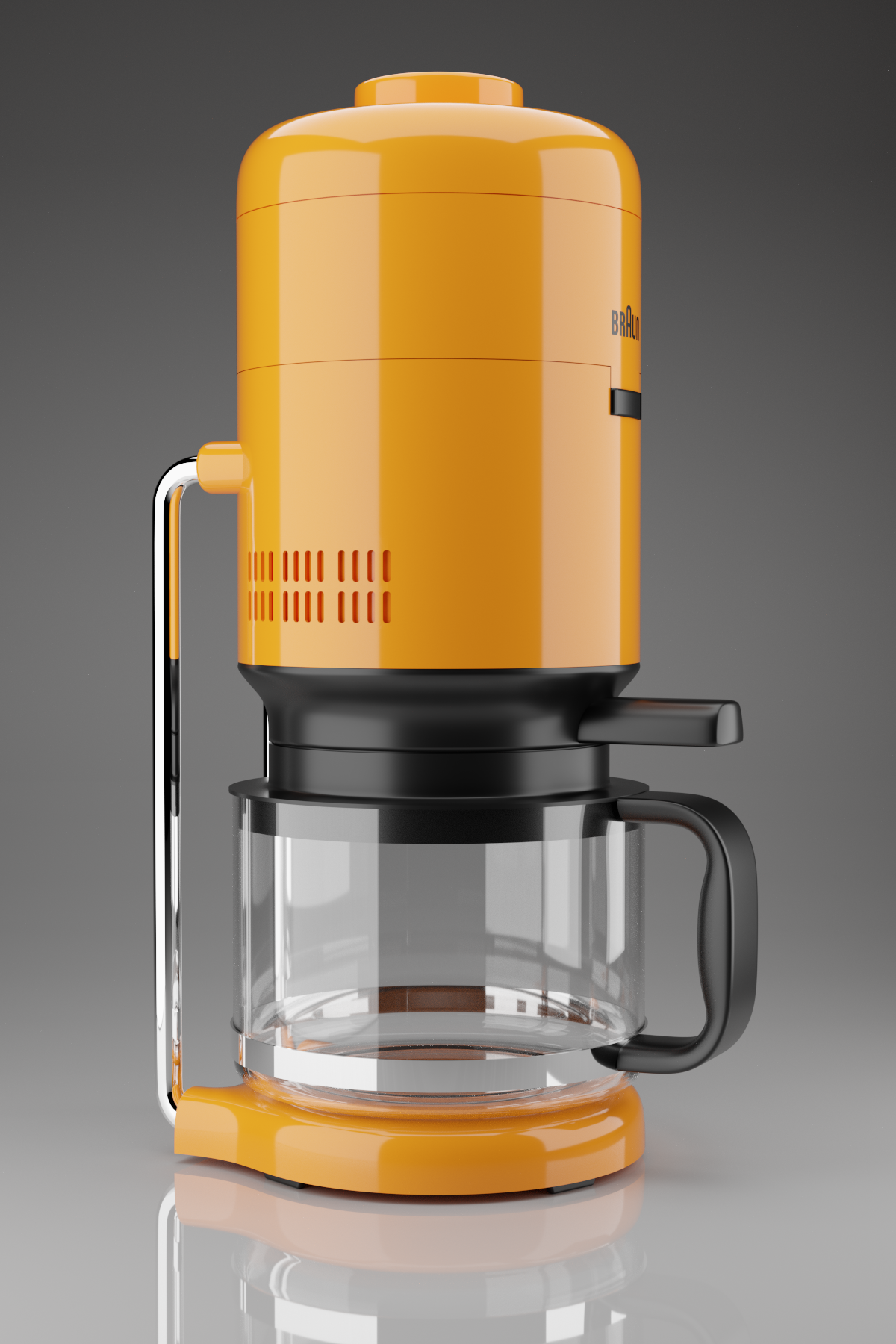
Coffee Maker
Download: LuisaRender
- Credit: cekuhnen (CC BY 3.0)
- Converted from Tungsten version at Rendering Resources
- Resolution: 1200x1800
- Samples: 16384
- Tonemapping: Uncharted2 (exposure = +0.5)
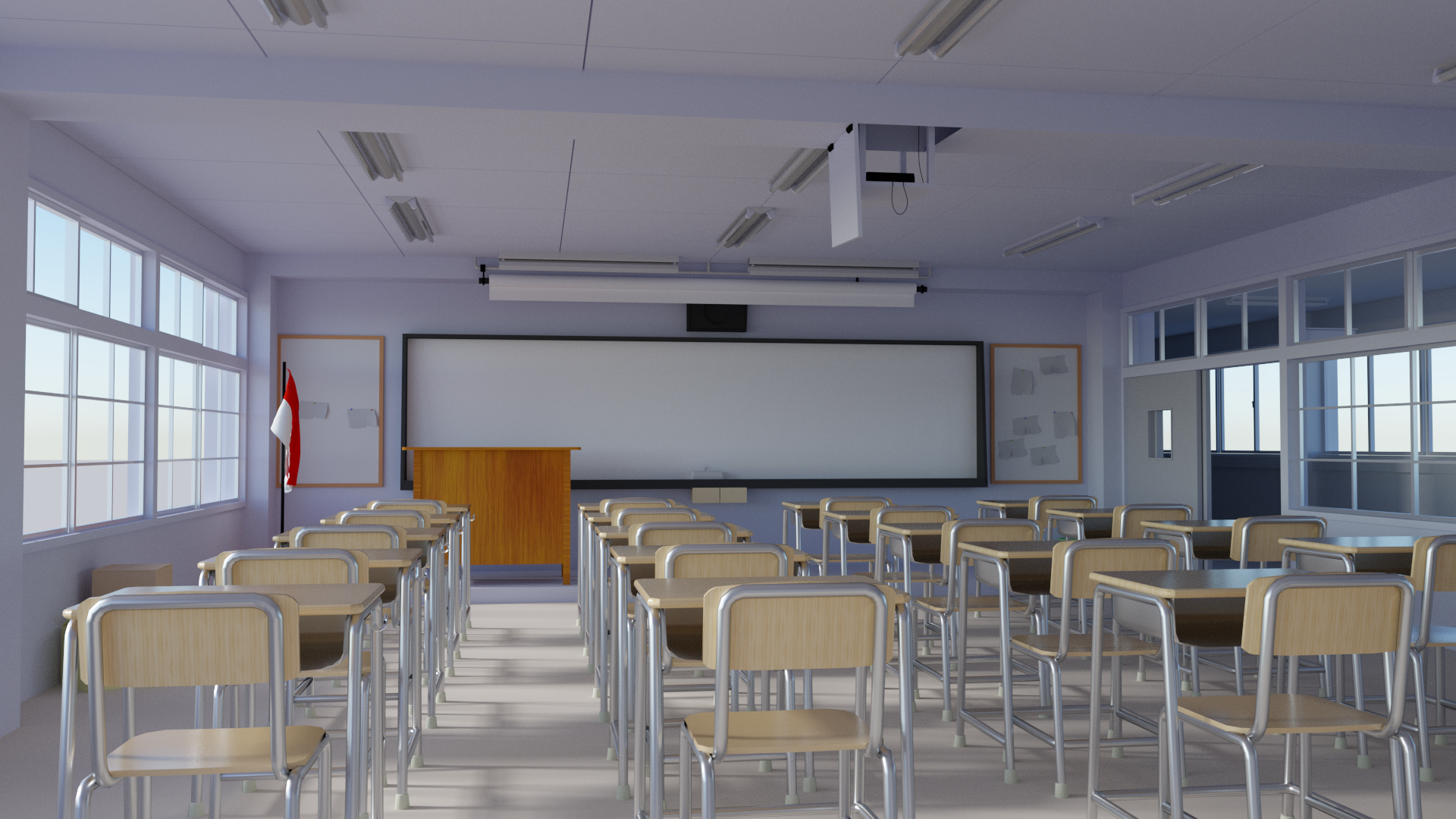
Japanese Classroom
Download: LuisaRender
- Credit: NovaZeeke (CC BY 3.0)
- Converted from Tungsten version at Rendering Resources
- Resolution: 1920x1080
- Samples: 16384
- Tonemapping: Uncharted2 (exposure = +0.5)
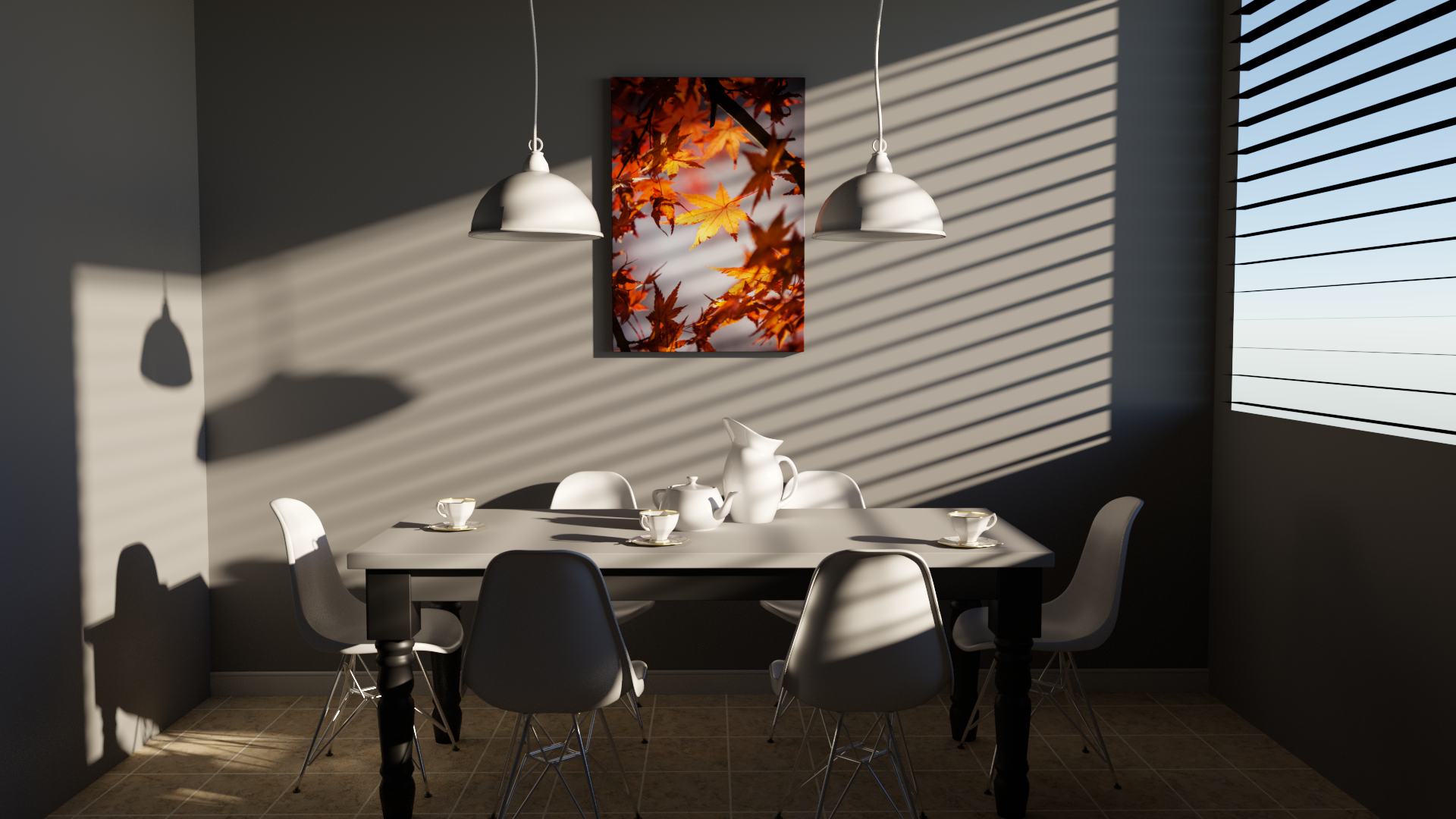
The Breakfast Room
Download: LuisaRender
- Credit: Wig42 (CC BY 3.0)
- Converted from Tungsten version at Rendering Resources
- Resolution: 1920x1080
- Samples: 16384
- Tonemapping: Uncharted2 (exposure = +0.5)
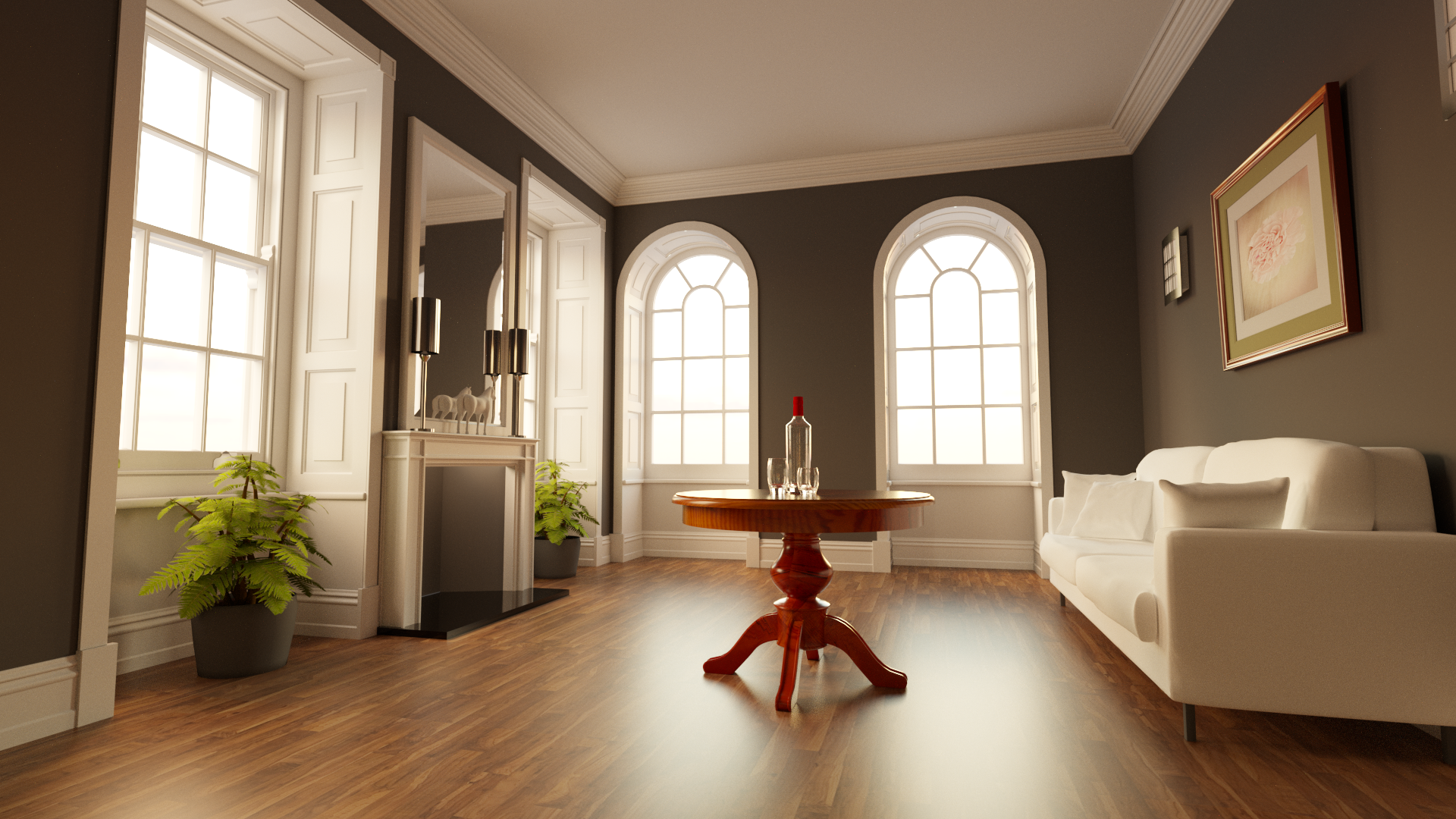
The Grey & White Room
Download: LuisaRender
- Credit: Wig42 (CC BY 3.0)
- Converted from Tungsten version at Rendering Resources
- Resolution: 1920x1080
- Samples: 16384
- Tonemapping: Uncharted2 (exposure = +0.5)
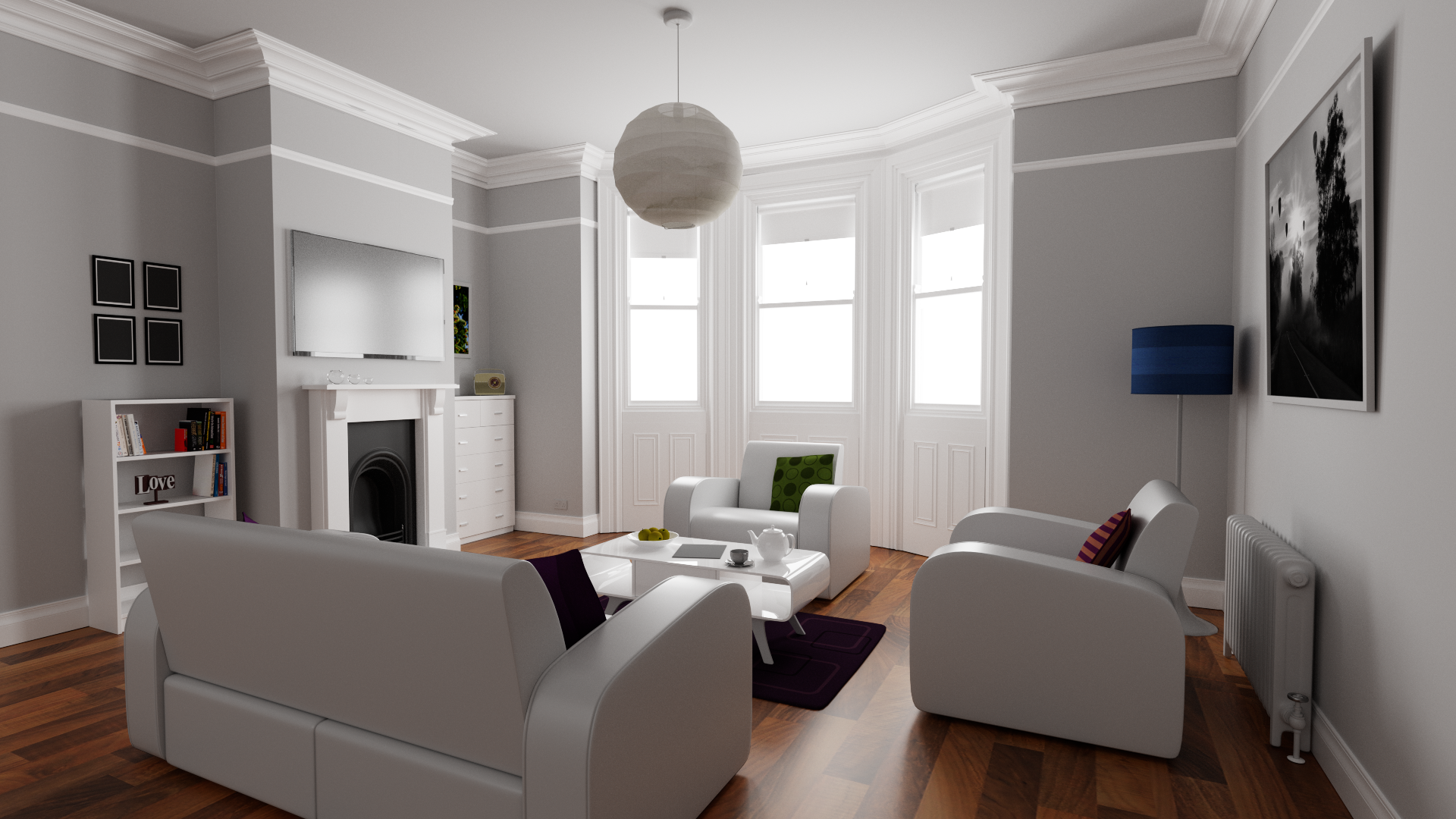
The White Room
Download: LuisaRender
- Credit: Jay-Artist (CC BY 3.0)
- Converted from Tungsten version at Rendering Resources
- Resolution: 1280x720
- Samples: 65536
- Tonemapping: ACES (exposure = +0.5)
The Modern Living Room
Download: LuisaRender
- Credit: Wig42 (CC BY 3.0)
- Converted from Tungsten version at Rendering Resources
- Resolution: 1280x720
- Samples: 65536
- Tonemapping: Uncharted2
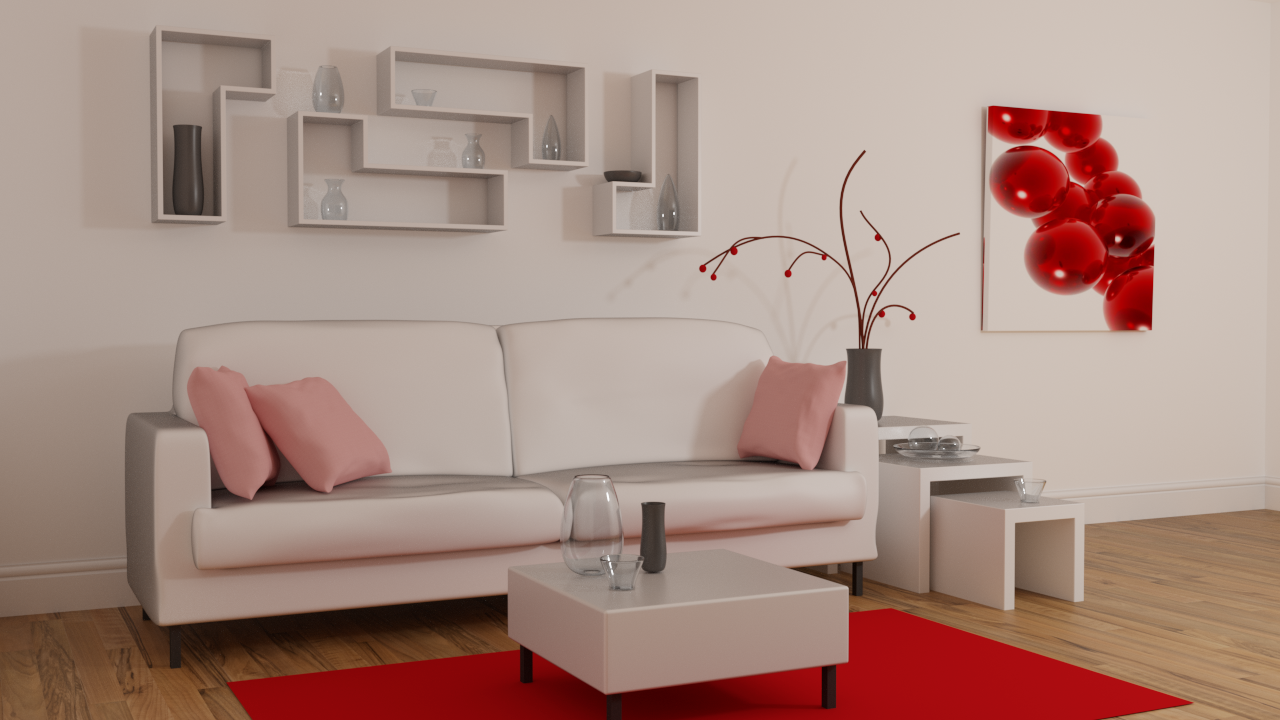
Glass of Water
Download: LuisaRender
- Credit: aXel (CC0)
- Converted from Tungsten version at Rendering Resources
- Resolution: 1920x1080
- Samples: 16384
- Tonemapping: Uncharted2

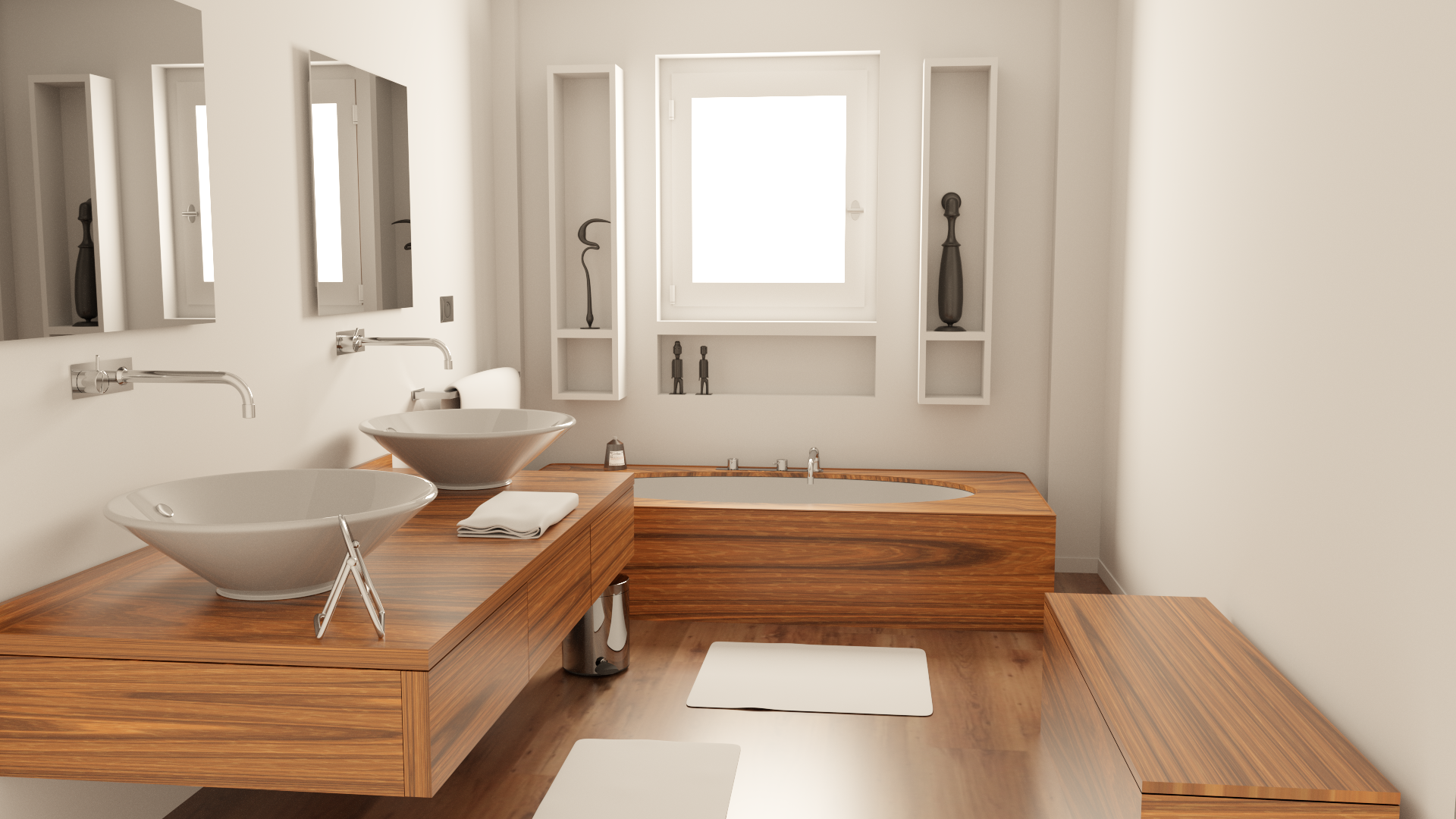
Salle de bain
Download: LuisaRender
- Credit: nacimus (CC BY 3.0)
- Converted from Tungsten version at Rendering Resources
- Resolution: 1280x720
- Samples: 65536
- Tonemapping: Uncharted2 (exposure = +1)
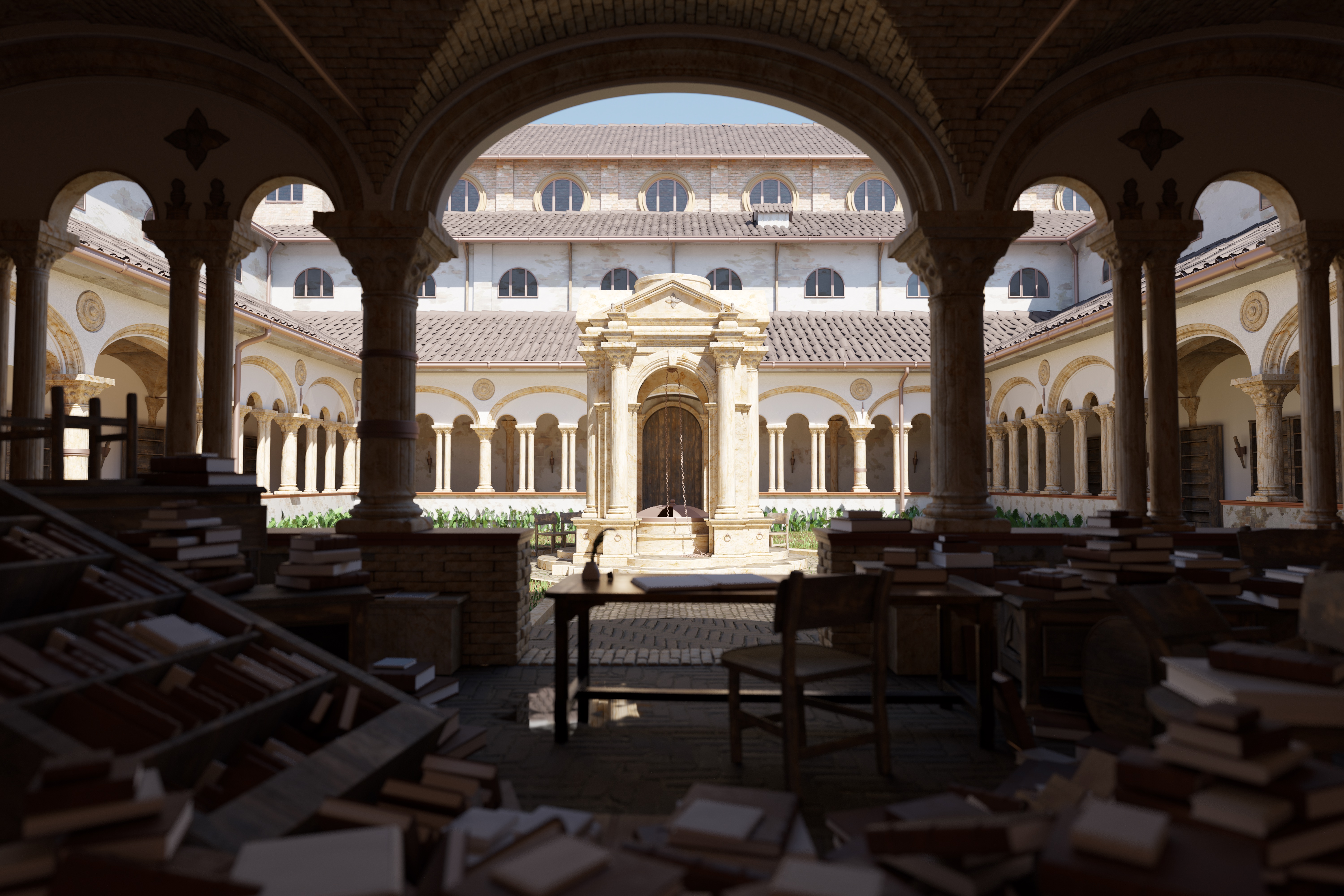
Lone Monk
Download: LuisaRender
- Credit: Carlo Bergonzini / Monorender (CC-BY)
- Converted from Blender Cycles format at Blender Demo Files
- Resolution: 6000x4000
- Samples: 65536
- Tonemapping: Uncharted2 (exposure = +1)
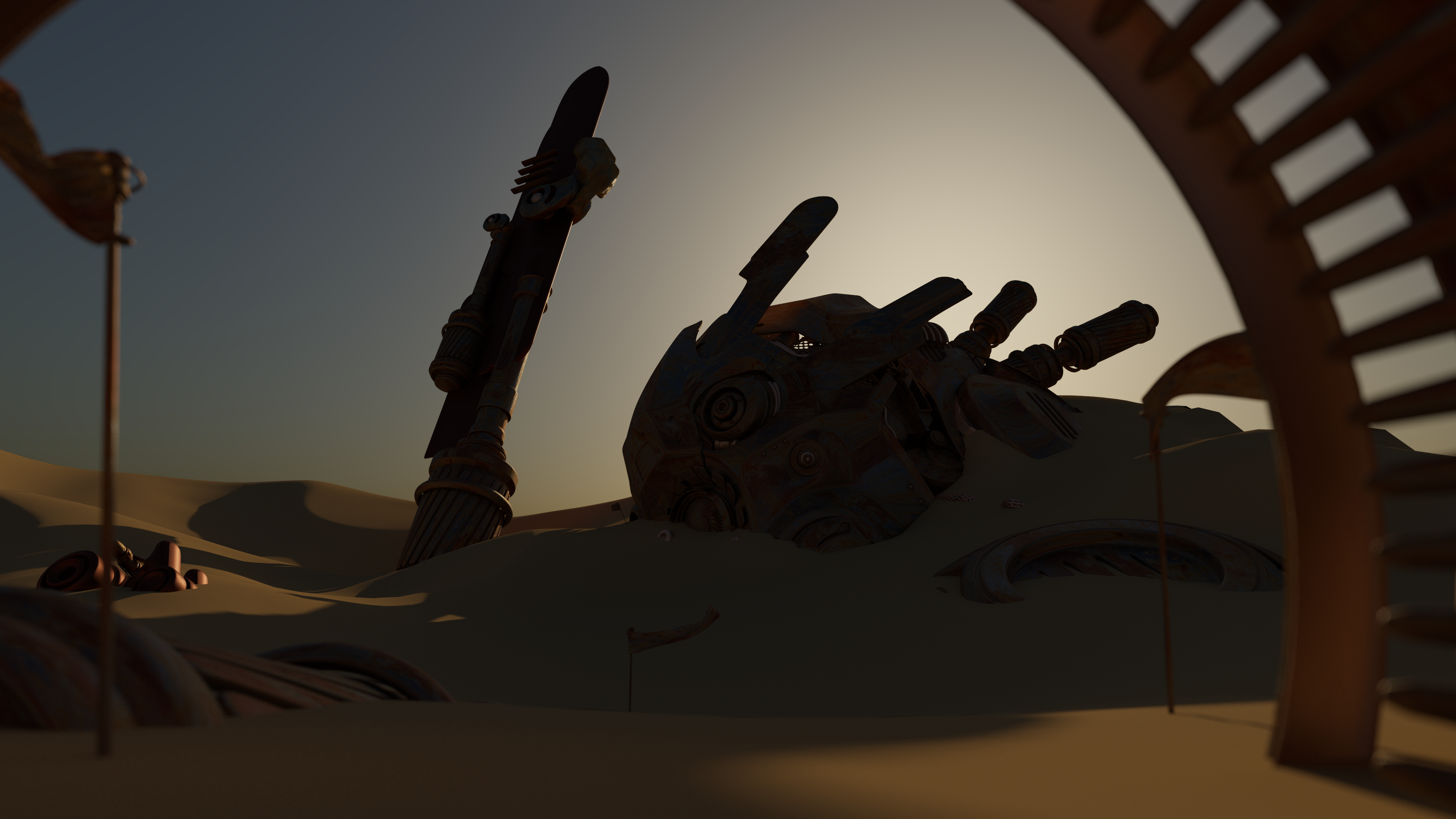
Sky Texture Demo
Download: LuisaRender
- Credit: Blender Studio (CC0)
- Converted from Blender Cycles format at Blender Demo Files
- Resolution: 3840x2160
- Samples: 1024
- Tonemapping: Uncharted2 (exposure = +1)
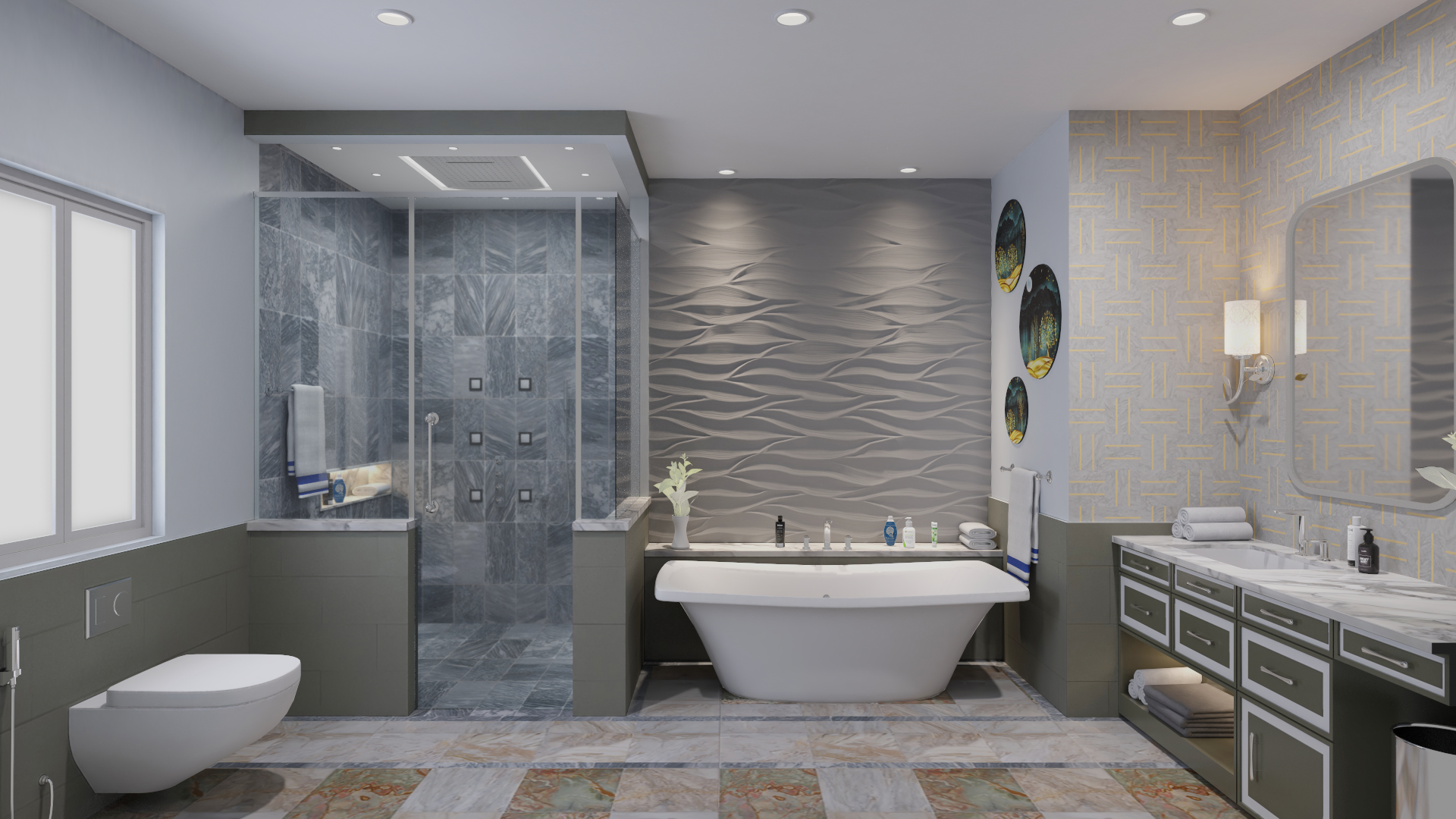
Bathroom Interior
Download: LuisaRender
- Credit: Akshaykhedkar97 (CC BY 4.0)
- Resolution: 1920x1080
- Samples: 1024
- Tonemapping: Uncharted2 (exposure = +0.5)
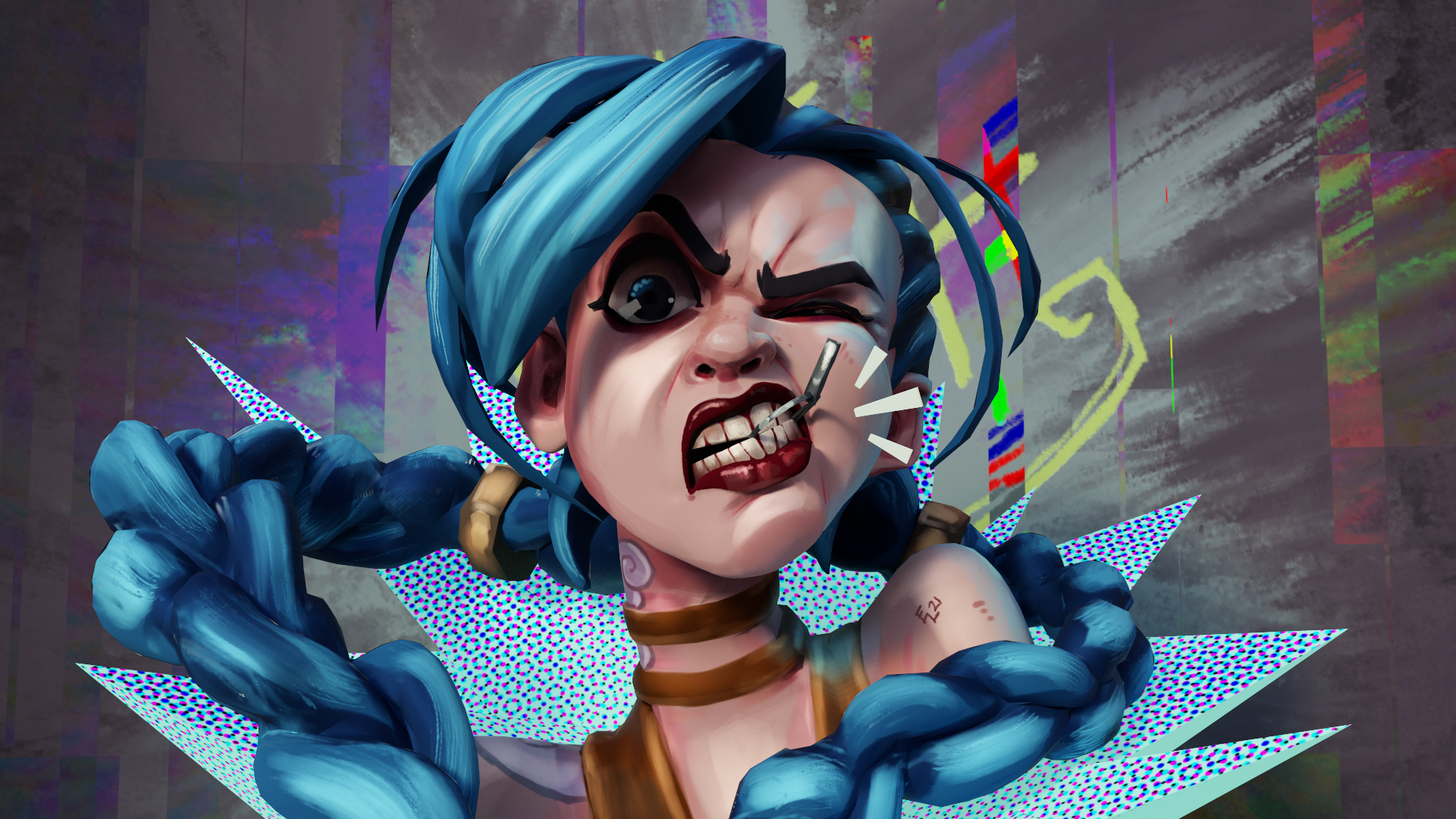
JINX!
Download: LuisaRender
- Credit: eric3dee (CC BY 4.0)
- Camera and environment configuration from GLSL-PathTracer
- Resolution: 1920x1080
- Samples: 4096
- Tonemapping: Uncharted2
Explorar proyectos relacionados
Cargando…