
HugoTini/DeepBump
HugoTini/DeepBump has 1,432 GitHub stars and 64 forks. GitHot measured 0 stars in 24 hours, +3 in 7 days, and +7 in 15 days. Last checked 2026-11-23 10:22 UTC. Last push 2025-03-17.
Crecimiento de estrellas medido
- in 24h
- 0
- in 7 days
- +3
- in 15 days
- +7
- in 1 month
- Recopilando historial
Cambios netos en períodos que se solapan, no totales diarios. Los datos no disponibles se dejan en blanco. Las estrellas indican interés, no calidad.
Acerca de
Generación de mapas normales y de altura a partir de una sola imagen
Aprendizaje automáticoREADME.md
Original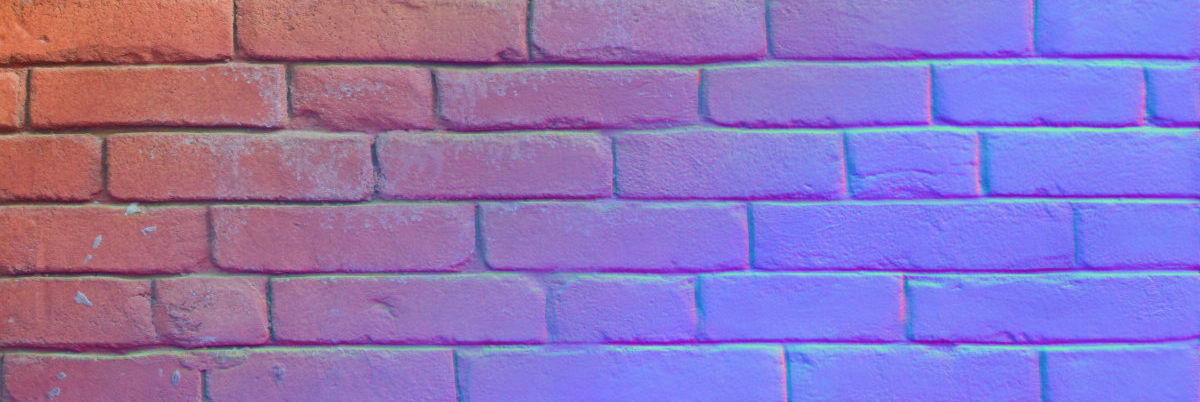
DeepBump
DeepBump is a machine-learning driven tool to generate normal & height maps from single pictures. See this blog post for an introduction.
Installation
In Blender, go to Edit -> Preferences -> Add-ons -> Top right arrow -> Install from disk and select the downloaded ZIP file. Then enable the add-on.
In the add-on preference, click the 'Install dependencies' button (this requires an internet connection and might take a while). In case of error, try running Blender as administrator for this step.
By installing those dependencies, be aware of Microsoft conditions. This add-on uses available APIs to disable telemetry.
Usage
Check the blog post first video.
In the Shader Editor, in the side bar under the DeepBump tab:
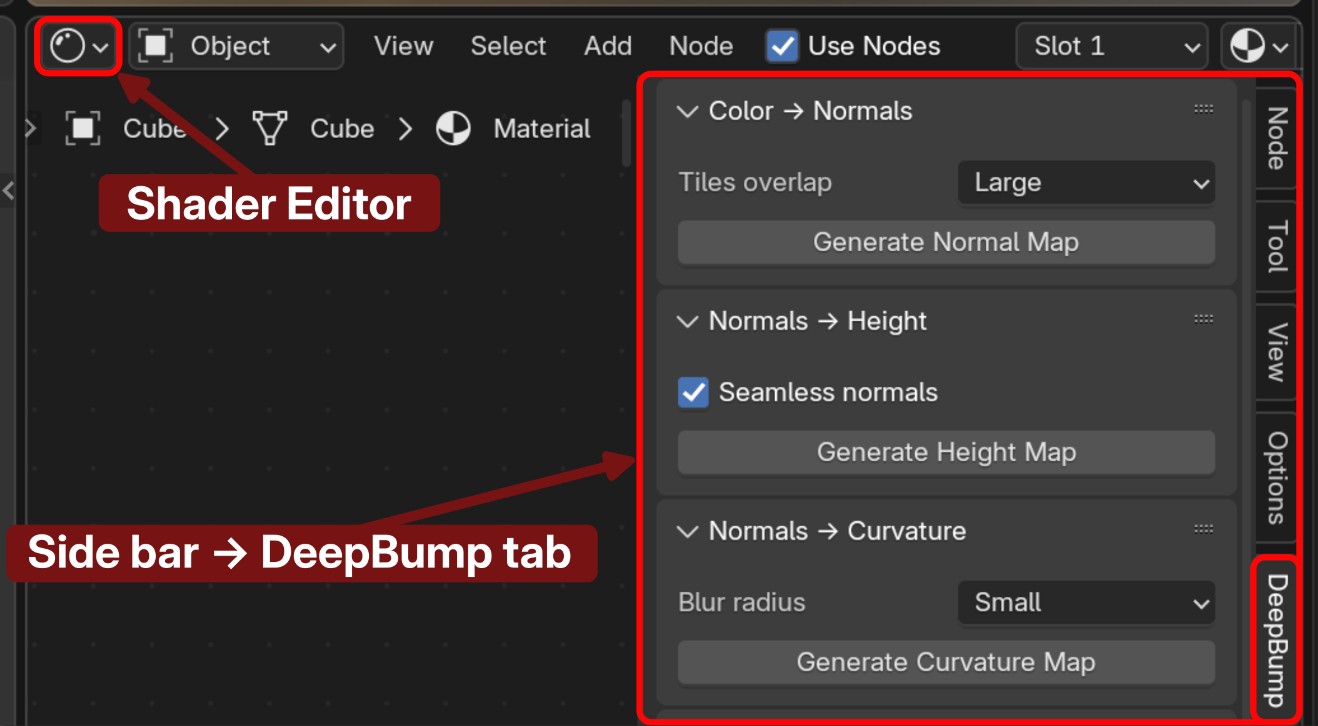
Tools
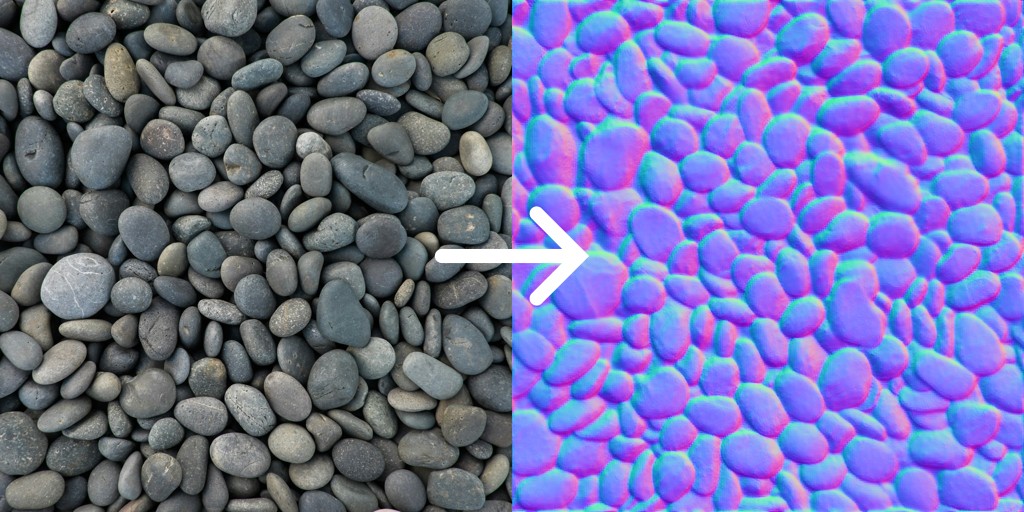
Color (albedo) → Normals
Select a color image node in the shader editor, then click Generate Normal Map.
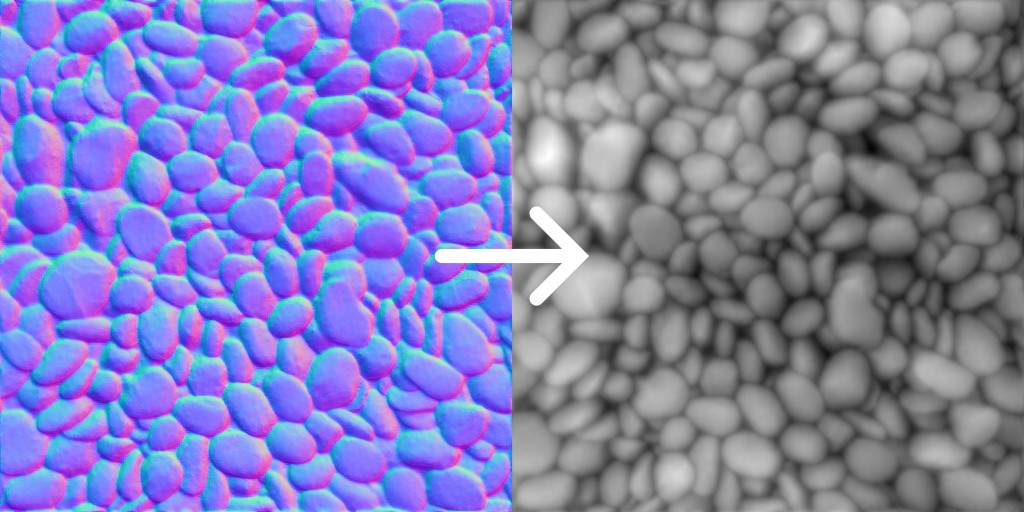
Normals → Height (displacement)
Select the generated normal map image node in the shader editor, then click Generate Height Map.
Normals → Curvature
Select the generated normal map image node in the shader editor, then click Generate Curvature Map.
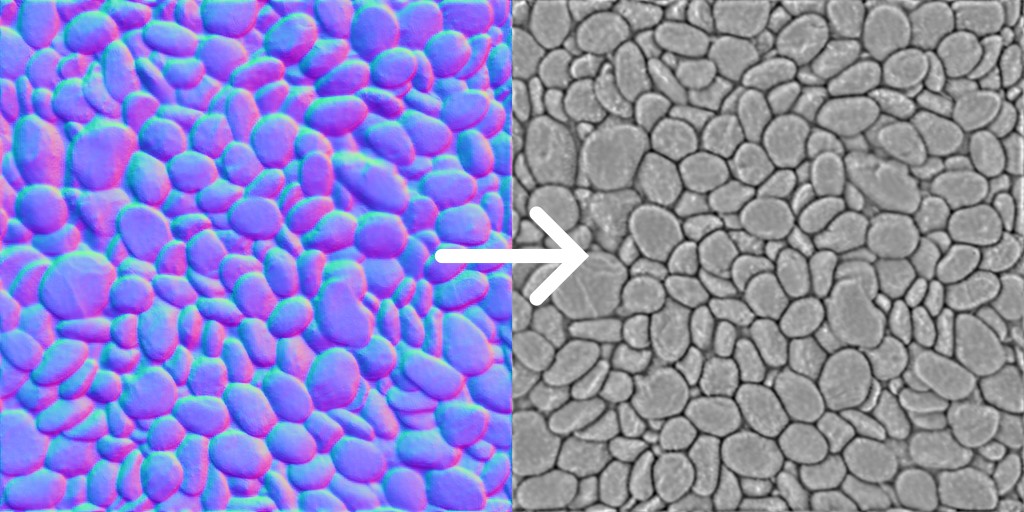
Low res -> High res (upscale)
Select a color image node in the shader editor, then click Upscale.
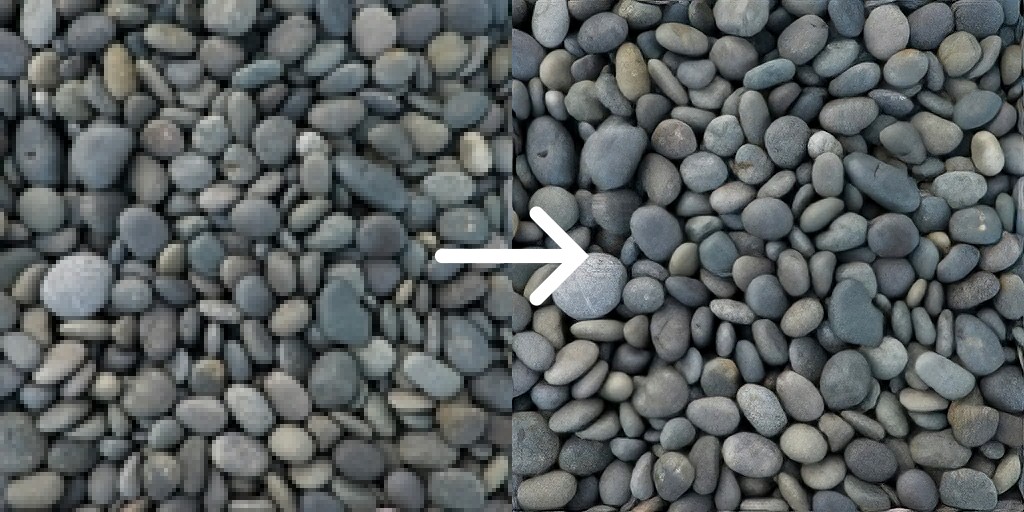
Command line
For command-line usage, see cli.md.
License
This repo is under the GPL license. The training code is currently not available.
Explorar proyectos relacionados
Cargando…