
ElTheLedge/Audio-Over-IP
Acerca de
Stream system audio over the network. Windows to Windows only
Creación y multimediaWhat you can do
- Sender Mode (Server): Broadcast your system's audio to multiple connected clients.
- Receiver Mode (Client): Connect to one or multiple senders and play the audio through one or multiple playback devices at once.
- Audio Resampling: Automatically handles sample rate conversion between different audio devices while offering multiple resampling algorithms to choose from.
Crecimiento de estrellas medido
- in 24h
- 0
- in 7 days
- 0
- in 15 days
- Recopilando historial
- in 1 month
- Recopilando historial
Cambios netos en períodos que se solapan, no totales diarios. Los datos no disponibles se dejan en blanco. Las estrellas indican interés, no calidad.
README.md
OriginalAudio Over IP
Audio Over IP is a Windows application that allows you to stream raw[^1] system audio over the network with low latency.
Features
- Sender Mode (Server): Broadcast your system's audio to multiple connected clients.
- Receiver Mode (Client): Connect to one or multiple senders and play the audio through one or multiple playback devices at once.
- Audio Resampling: Automatically handles sample rate conversion between different audio devices while offering multiple resampling algorithms to choose from.
Important Considerations
Security
The audio stream is not encrypted. Do not use this software for transmitting sensitive audio data on untrusted networks.
Bandwidth
Raw system audio can generate very high bitrates, so your network must be able to stream large amounts of data reliably in real time.
Example:
Audio device configuration (e.g. SteelSeries Sonar - Gaming):
- Channels: 8
- Bit depth: 24‑bit
- Sample rate: 96,000 Hz
Important note:
WASAPI always processes audio internally at 32‑bit, so the actual captured format becomes:
- Channels: 8
- Bit depth: 32‑bit
- Sample rate: 96,000 Hz
Resulting Bandwidth Requirement:
With only one client connected, the server already needs to transmit more than 24 Mbit/s.
Screenshots
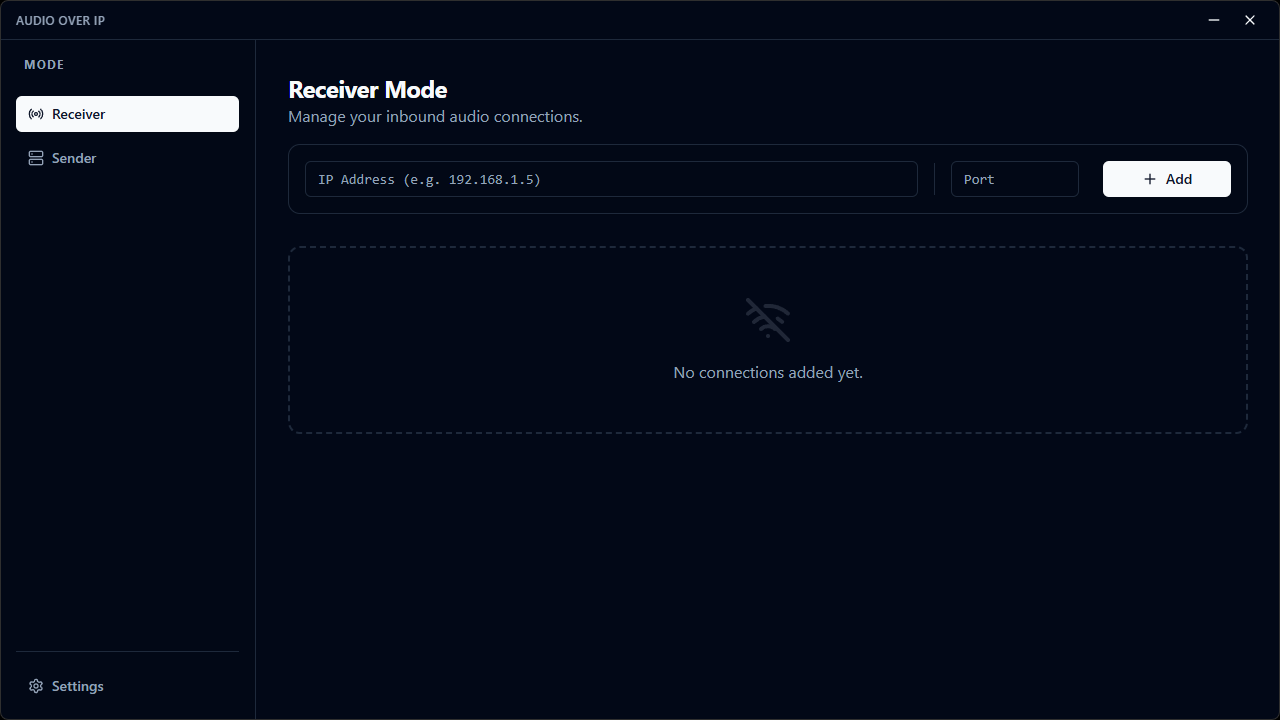 |
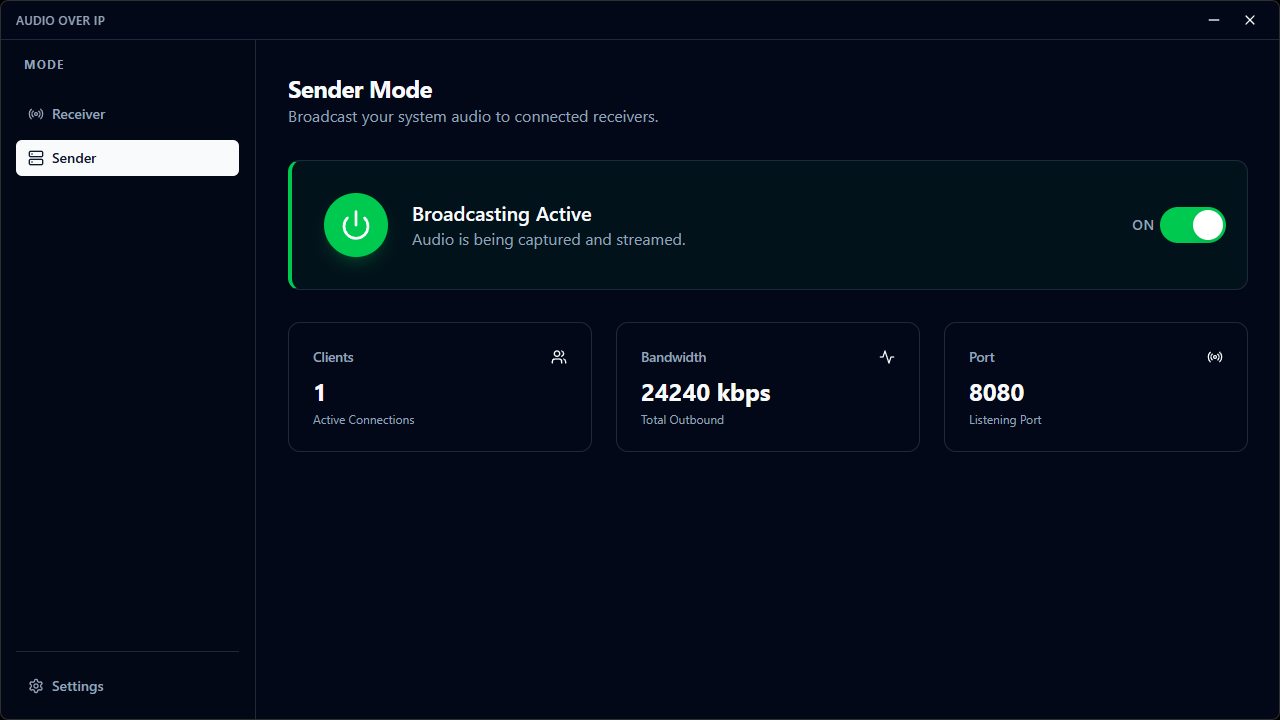 |
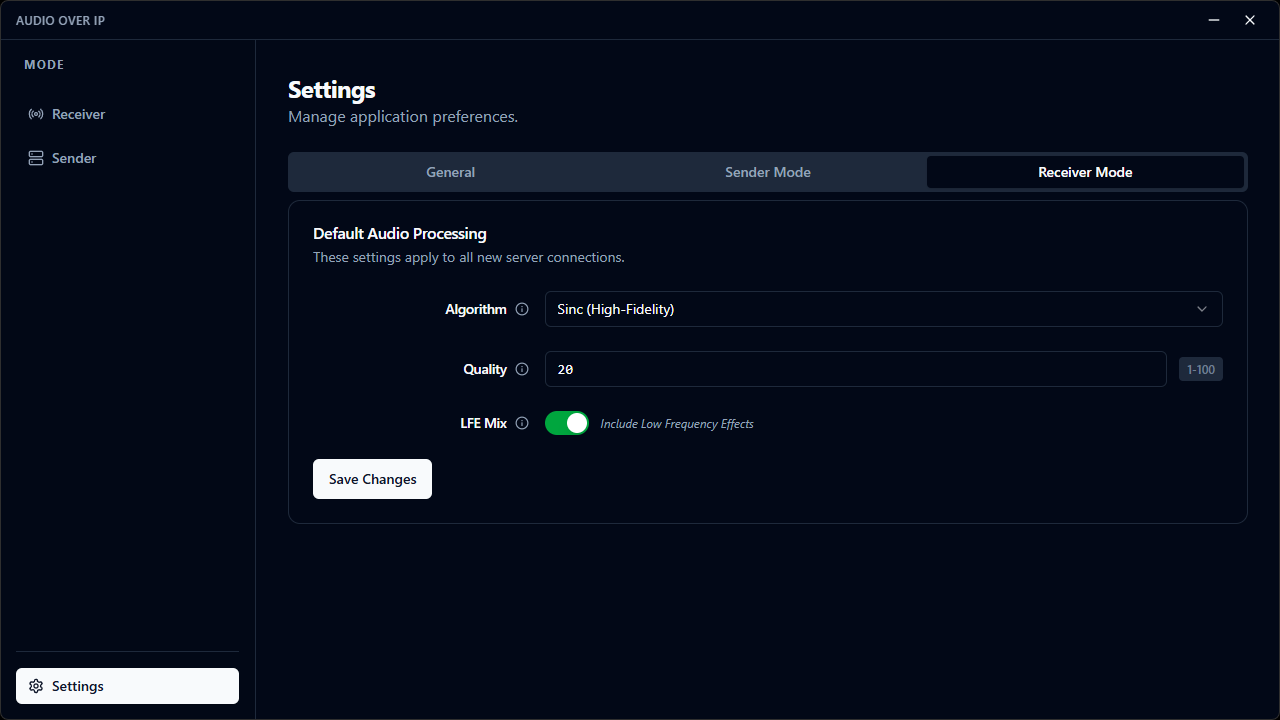 |
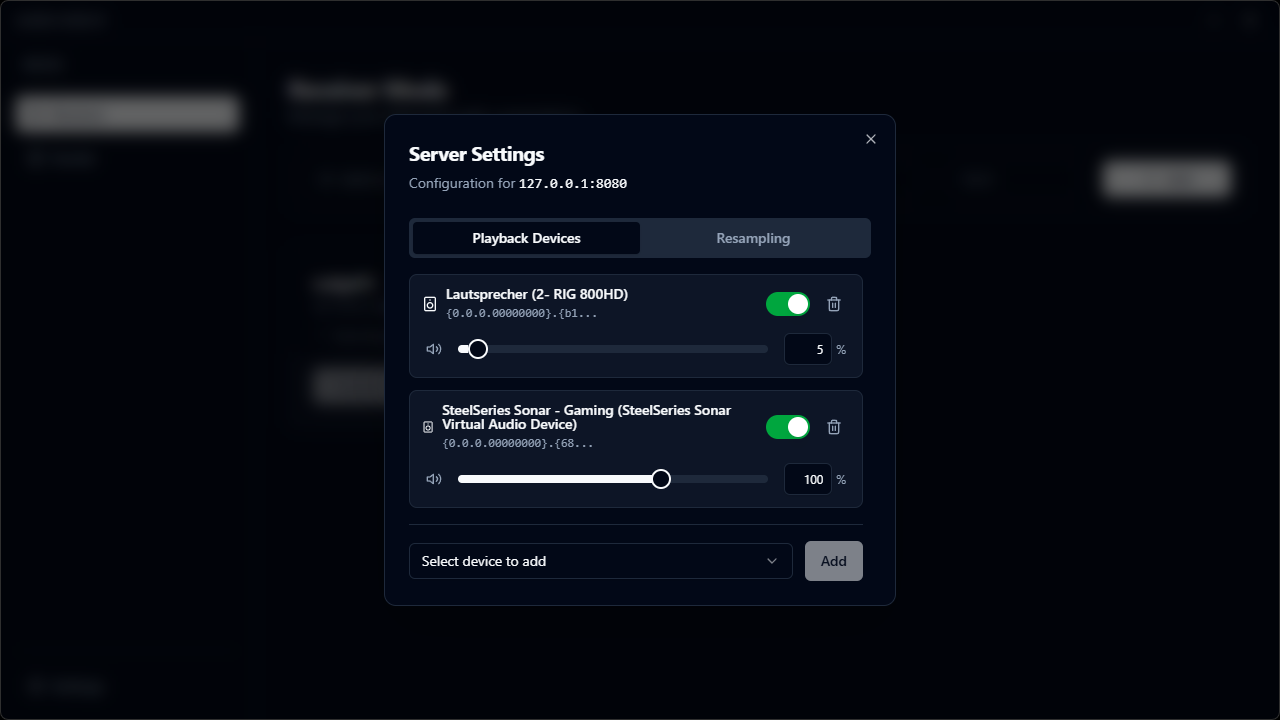 |
Installation (Using the prebuilt binaries)
- Download the the latest release here: Releases
- Unzip the exe file to any location and run it
- Done. The app is a portable and self contained exe file with no installation required
Manual Compilation & Development
Prerequisites
Since this application relies on the Windows Core Audio API (WASAPI), it is currently Windows-only.
To build and run the project from source, you need:
- Go (version 1.26 or later)
- Node.js (version 22.21 or later + npm)
- Wails CLI: Install it with
go install github.com/wailsapp/wails/v3/cmd/[email protected]
No C toolchain is needed: the build is CGO-free (CGO_ENABLED=0).
Compiling the code
Clone the repository:
git clone https://github.com/ElTheLedge/Audio-Over-IP.git
cd Audio-Over-IP
Check necessary wails dependencies:
# WebView2, Nodejs and npm need to appear with status "Installed"
wails3 doctor
Run in Development Mode: This will start the application with hot-reloading enabled for both backend and frontend.
# The Wails CLI handles both Go and npm dependencies automatically
wails3 dev
Build for Production: To create a standalone
.exefile:# The Wails CLI handles both Go and npm dependencies automatically wails3 buildThe output binary will be located in the
build/bindirectory. It is a portable executable: run it directly or copy it anywhere, no installer is required.
Project tasks
wails3 dev and wails3 build run the project's Taskfiles for you. go-task is bundled
with the Wails CLI, so additional targets are available as wails3 task <name> without
installing a separate task binary:
# List every available target
wails3 task --list-all

# Regenerate the frontend bindings in frontend/bindings/ after changing bound Go methods
wails3 task common:generate:bindings

# Regenerate the app icon, or the build assets described by build/config.yml
wails3 task common:generate:icons
wails3 task common:update:build-assets

# Optional MSIX package (rendered by the CLI from the metadata in build/config.yml)
wails3 task package
Development mode (watched files, log level, the Vite dev server and its port, which
defaults to 9245 and can be overridden with -port or WAILS_VITE_PORT) is configured
in build/config.yml.
Release archives are created with .\create_prod_bundle_with_licenses.ps1: it collects the
third-party licenses and zips build/bin/AudioOverIP.exe into
build/bin/AudioOverIP_release-Windows_x64.zip.
Tech Stack
- Backend: Go (Golang)
- Frontend: React, TypeScript, Vite
- UI Framework: Tailwind CSS, shadcn/ui, radix-ui
- App Framework: Wails v3
- Audio API: Windows Core Audio API
- Networking: Gorilla WebSocket
License
This Project is licensed under the EUPL License
[^1]: "raw" as in 32-bit PCM (WAV formatted) Audio provided by the Windows Core Audio API
Explorar proyectos relacionados
Cargando…