Proyectos Ver en GitHub
Arturus/kaggle-web-traffic
Arturus/kaggle-web-traffic has 1,849 GitHub stars and 654 forks. GitHot measured -1 stars in 24 hours, -1 in 7 days, and -1 in 15 days. Last checked 2026-11-20 20:42 UTC. Last push 2022-10-09.
Crecimiento de estrellas medido
- in 24h
- -1
- in 7 days
- -1
- in 15 days
- -1
- in 1 month
- Recopilando historial
Cambios netos en períodos que se solapan, no totales diarios. Los datos no disponibles se dejan en blanco. Las estrellas indican interés, no calidad.
Acerca de
1st place solution
Aprendizaje automáticoREADME.md
OriginalKaggle Web Traffic Time Series Forecasting
1st place solution
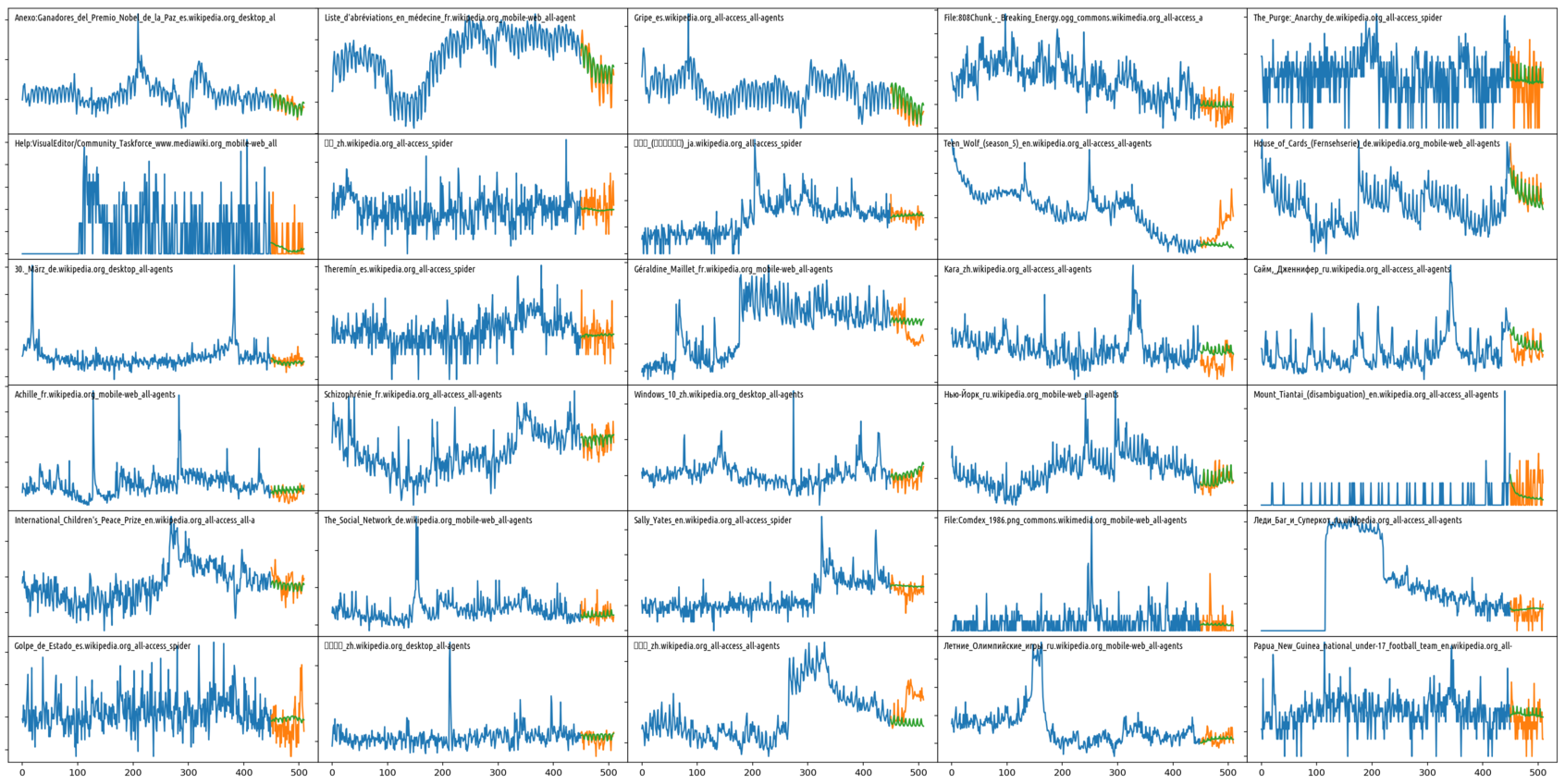
Main files:
make_features.py- builds features from source datainput_pipe.py- TF data preprocessing pipeline (assembles features into training/evaluation tensors, performs some sampling and normalisation)model.py- the modeltrainer.py- trains the model(s)hparams.py- hyperpatameter sets.submission-final.ipynb- generates predictions for submission
How to reproduce competition results:
- Download input files from https://www.kaggle.com/c/web-traffic-time-series-forecasting/data :
key_2.csv.zip,train_2.csv.zip, put them intodatadirectory. - Run
python make_features.py data/vars --add_days=63. It will extract data and features from the input files and put them intodata/varsas Tensorflow checkpoint. - Run trainer:
python trainer.py --name s32 --hparam_set=s32 --n_models=3 --name s32 --no_eval --no_forward_split --asgd_decay=0.99 --max_steps=11500 --save_from_step=10500. This command will simultaneously train 3 models on different seeds (on a single TF graph) and save 10 checkpoints from step 10500 to step 11500 todata/cpt. Note: training requires GPU, because of cuDNN usage. CPU training will not work. If you have 3 or more GPUs, add--multi_gpuflag to speed up the training. One can also try different hyperparameter sets (described inhparams.py):--hparam_set=definc,--hparam_set=inst81, etc. Don't be afraid of displayed NaN losses during training. This is normal, because we do the training in a blind mode, without any evaluation of model performance. - Run
submission-final.ipynbin a standard jupyter notebook environment, execute all cells. Prediction will take some time, because it have to load and evaluate 30 different model weights. At the end, you'll getsubmission.csv.gzfile indatadirectory.
See also detailed model description