
mindsflee/WinFlesher
mindsflee/WinFlesher has 26 GitHub stars and 2 forks. GitHot measured 0 stars in 24 hours. Last checked 2026-11-14 19:06 UTC. Last push 2026-09-21.
What you can do
- Automated Discovery: Real-time detection of host configurations, services, scheduled tasks, firewalls, and LSA configurations.
- Active Directory Analysis: In-depth analysis of domains, trusts, group privileges, and users with exposed SPNs.
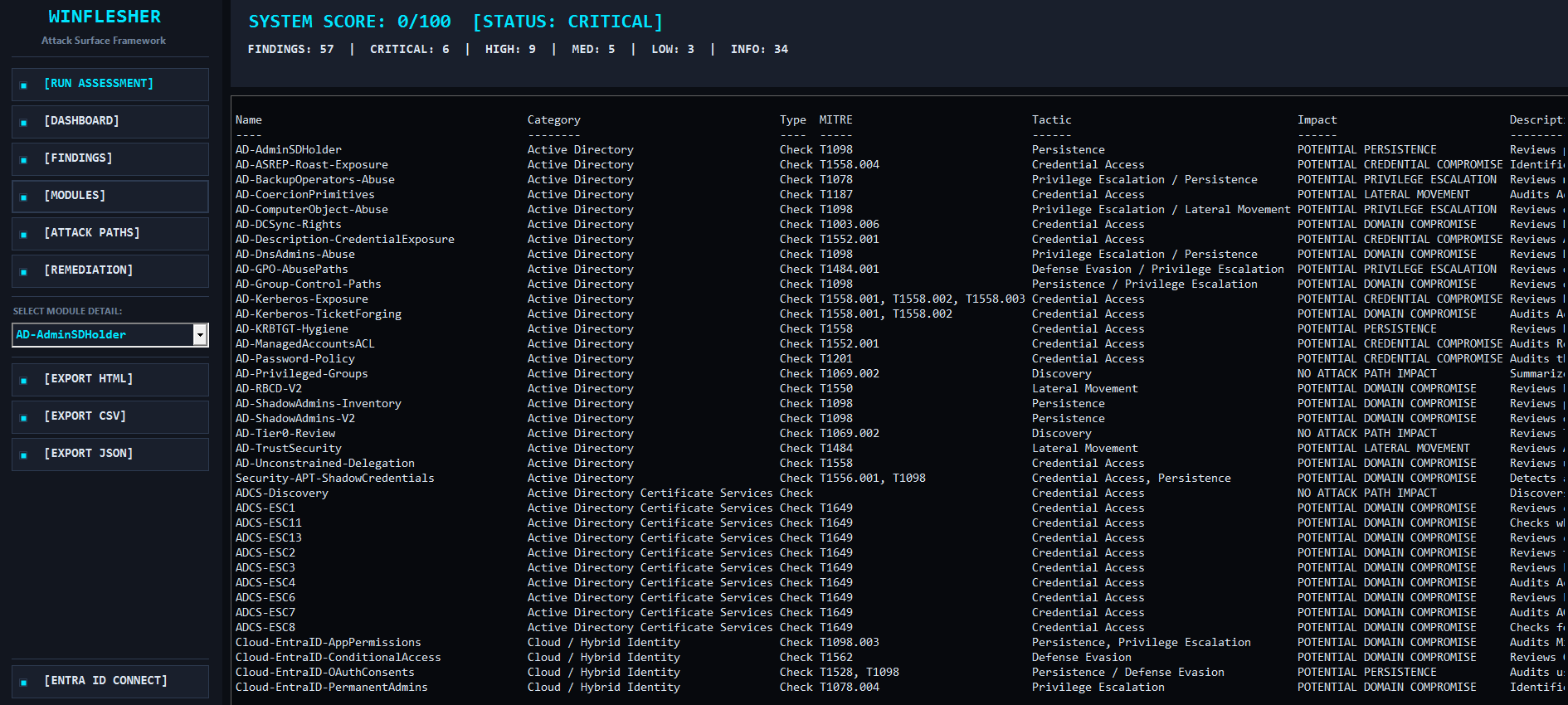
- Attack Paths Engine: Automatic correlation between vulnerabilities and impact, identifying paths to Domain Compromise, Privilege Escalation, and Lateral Movement.
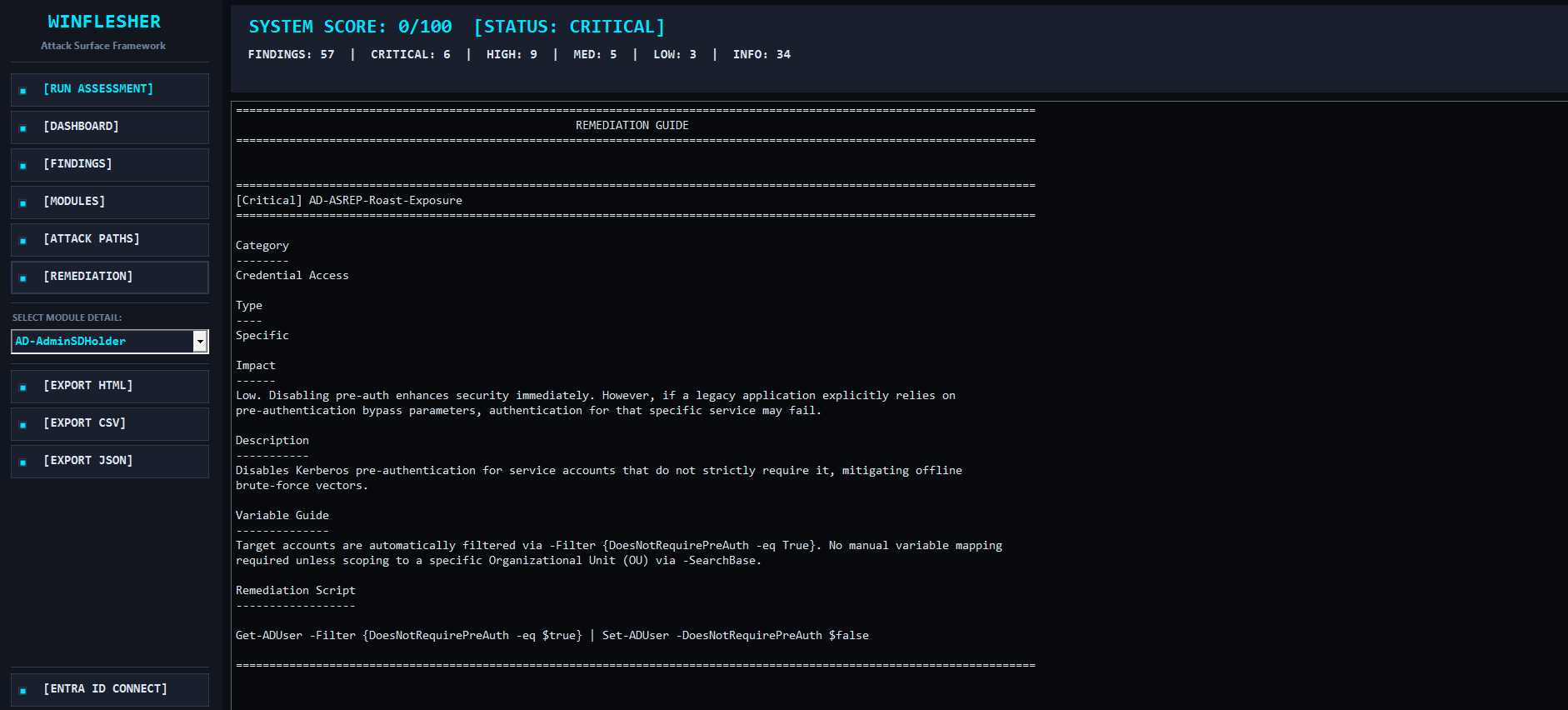
- Remediation Support: Integrated practical guides and resolution scripts for each detected vulnerability.
Gemessener Sternzuwachs
- in 24h
- 0
- in 7 days
- Verlauf wird gesammelt
- in 15 days
- Verlauf wird gesammelt
- in 1 month
- Verlauf wird gesammelt
Nettoänderungen in überlappenden Zeiträumen, keine Tagessummen. Fehlende Messwerte bleiben leer. Sterne zeigen Interesse, nicht Qualität.
Über uns
WINFLESHER v2.0 - ATTACK SURFACE SECURITY FRAMEWORK
SicherheitREADME.md
Original

Like PingCastle went out for drinks with Bloodhound, and they actually decided to get some work done. 🍷
Developed for security professionals and cybersecurity auditors, WinFlesher automates vulnerability discovery and critical path correlation within Active Directory and local infrastructures.
Features Overview
WinFlesher offers a modular, telemetry-based approach to risk management:
- Automated Discovery: Real-time detection of host configurations, services, scheduled tasks, firewalls, and LSA configurations.
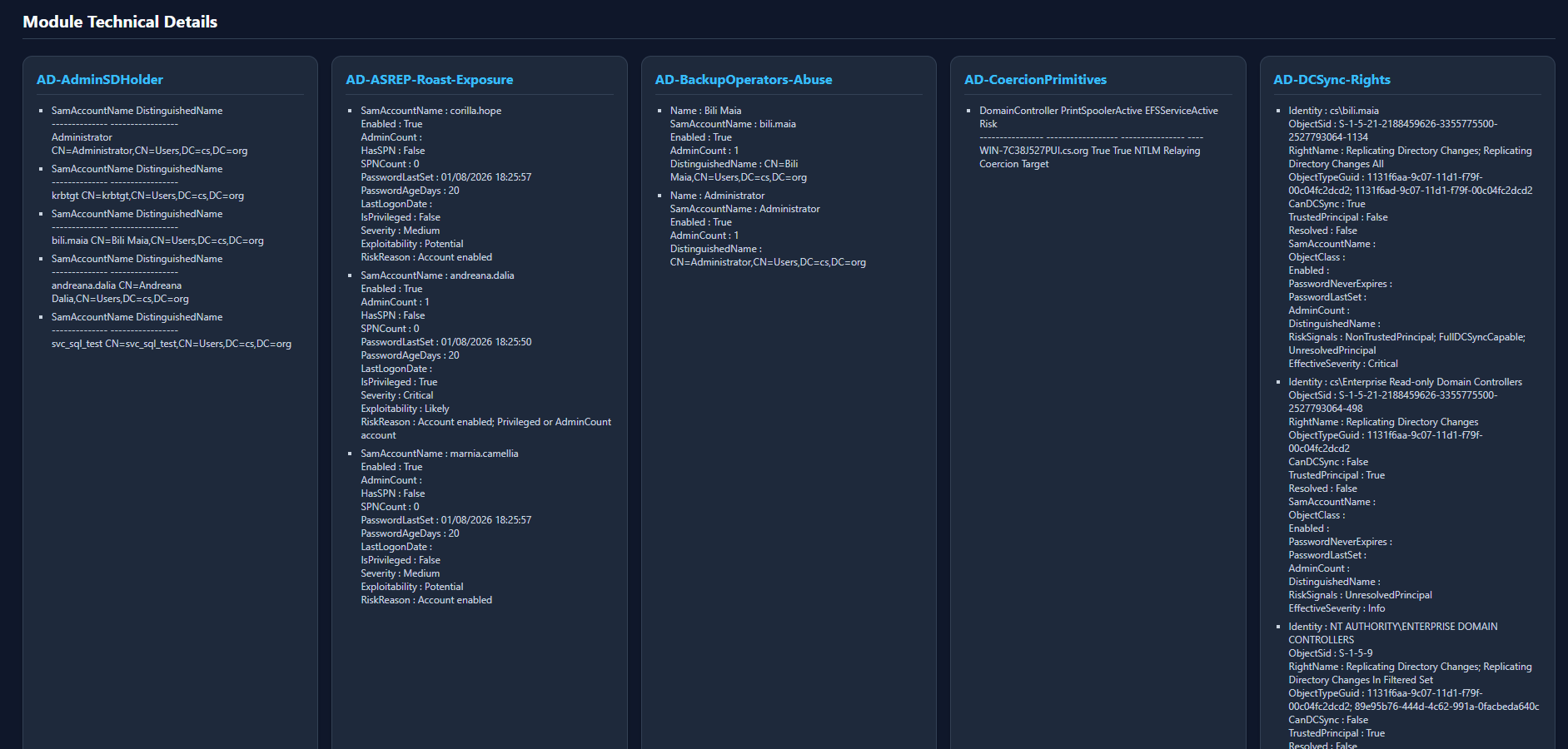
- Active Directory Analysis: In-depth analysis of domains, trusts, group privileges, and users with exposed SPNs.
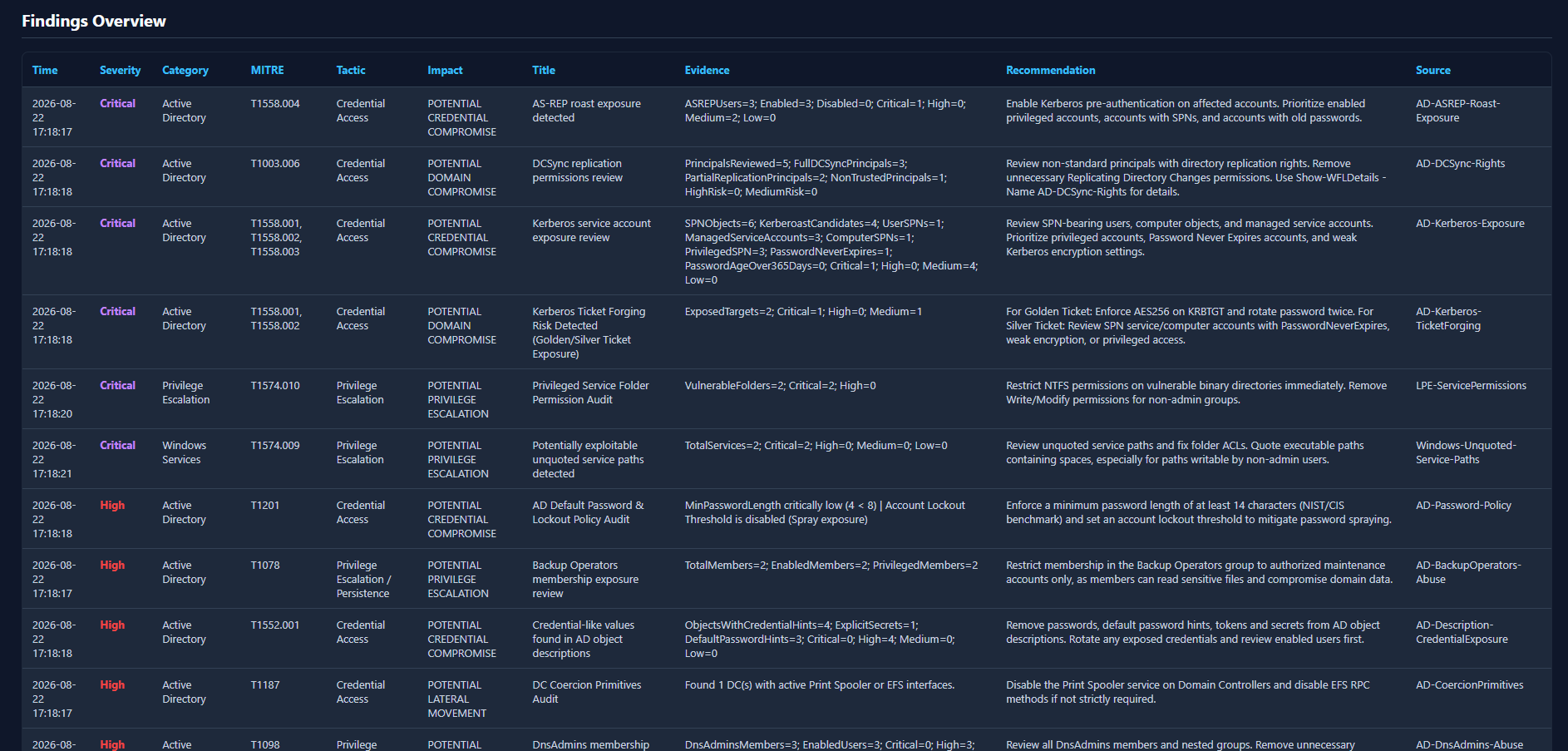
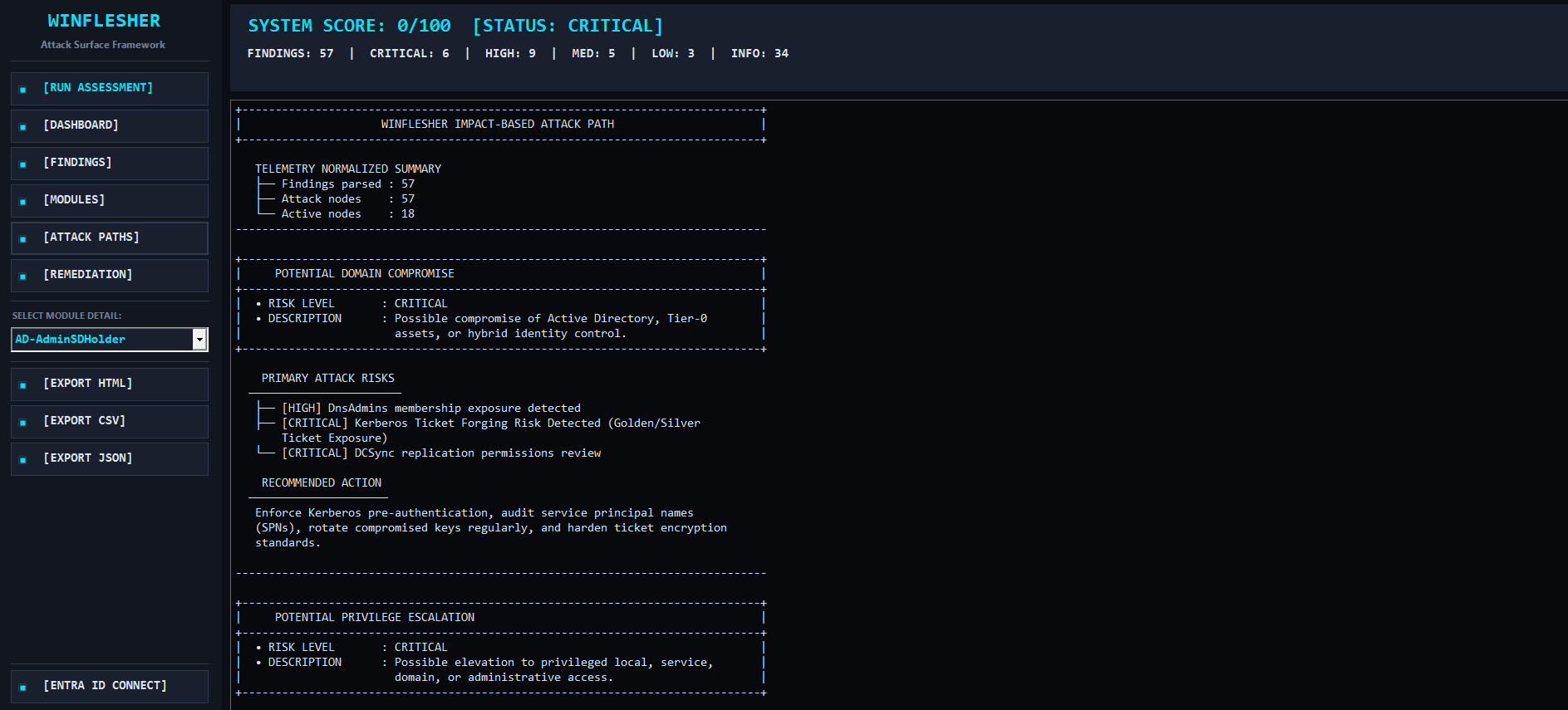
- Attack Paths Engine: Automatic correlation between vulnerabilities and impact, identifying paths to Domain Compromise, Privilege Escalation, and Lateral Movement.
- Remediation Support: Integrated practical guides and resolution scripts for each detected vulnerability.
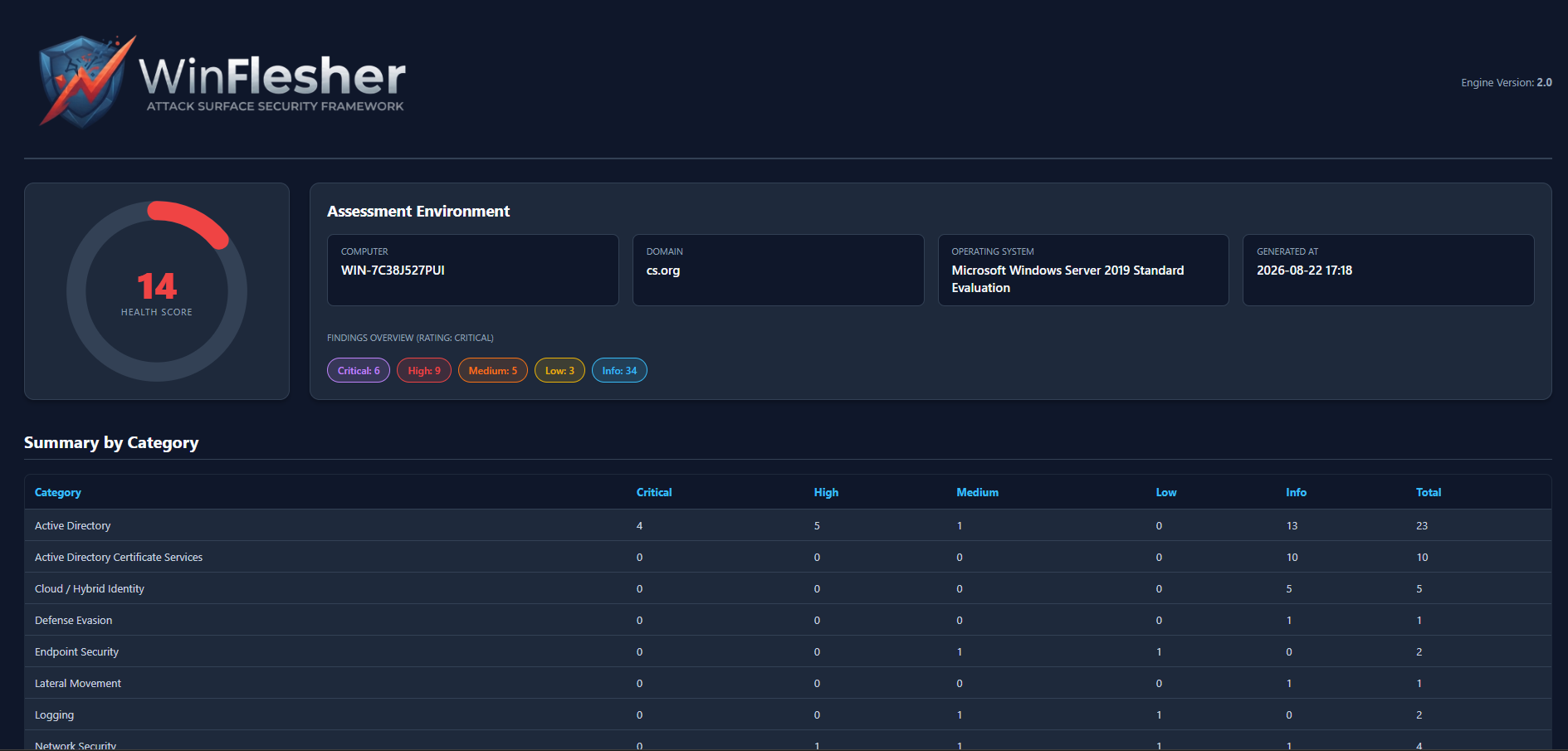
- Modern GUI: Dedicated graphical interface for rapid management and an intuitive visualization of the security score.
HTML Report
WinForm GUI
Installation
The quickest way to get started is to download the entire repository as a ZIP archive and extract it locally:
Download the repository by clicking the "Download ZIP" button on the main GitHub page.
Extract the ZIP file to a secure folder (e.g.,
C:\Tools\WinFlesher).Note: Ensure that PowerShell script execution is enabled on your system:
Set-ExecutionPolicy Bypass -Scope Process -Force
Required Modules
Active Directory:
Install-WindowsFeature RSAT-AD-PowerShellMicrosoft Graph (for Entra ID):
Install-Module Microsoft.Graph.Applications -Scope CurrentUser
How to Run WinFlesher
. .\Invoke-Winflesher.ps1