
ltebean/LTInfiniteScrollView
ltebean/LTInfiniteScrollView has 877 GitHub stars and 114 forks. GitHot measured 0 stars in 24 hours. Last checked 2026-11-20 00:11 UTC. Last push 2016-04-06.
Gemessener Sternzuwachs
- in 24h
- 0
- in 7 days
- Verlauf wird gesammelt
- in 15 days
- Verlauf wird gesammelt
- in 1 month
- Verlauf wird gesammelt
Nettoänderungen in überlappenden Zeiträumen, keine Tagessummen. Fehlende Messwerte bleiben leer. Sterne zeigen Interesse, nicht Qualität.
Über uns
Paged scrollview allowing easily applying animation
Kreativität und MedienREADME.md
Original
Demo
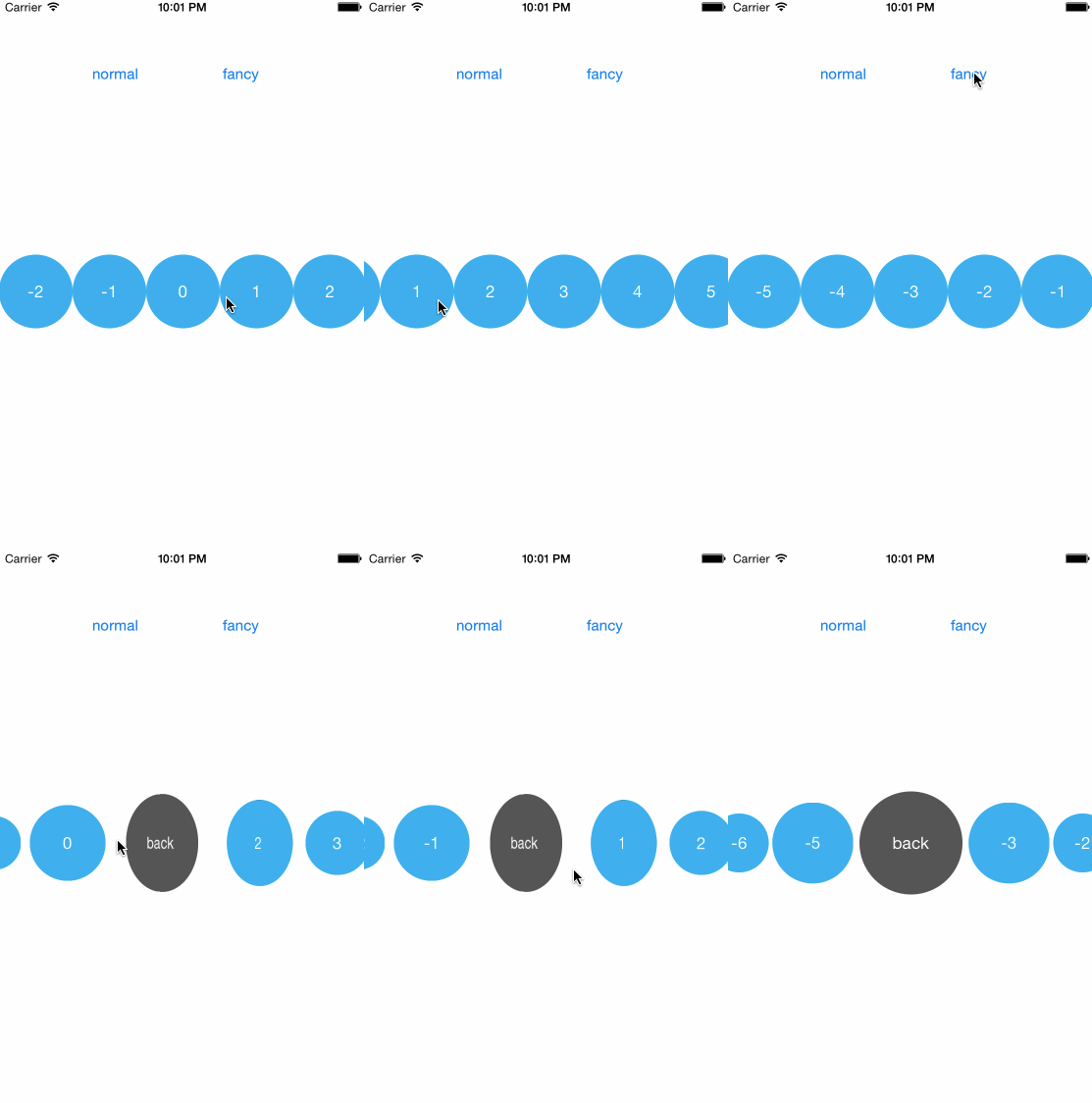
1. You can apply animation to each view during the scroll:
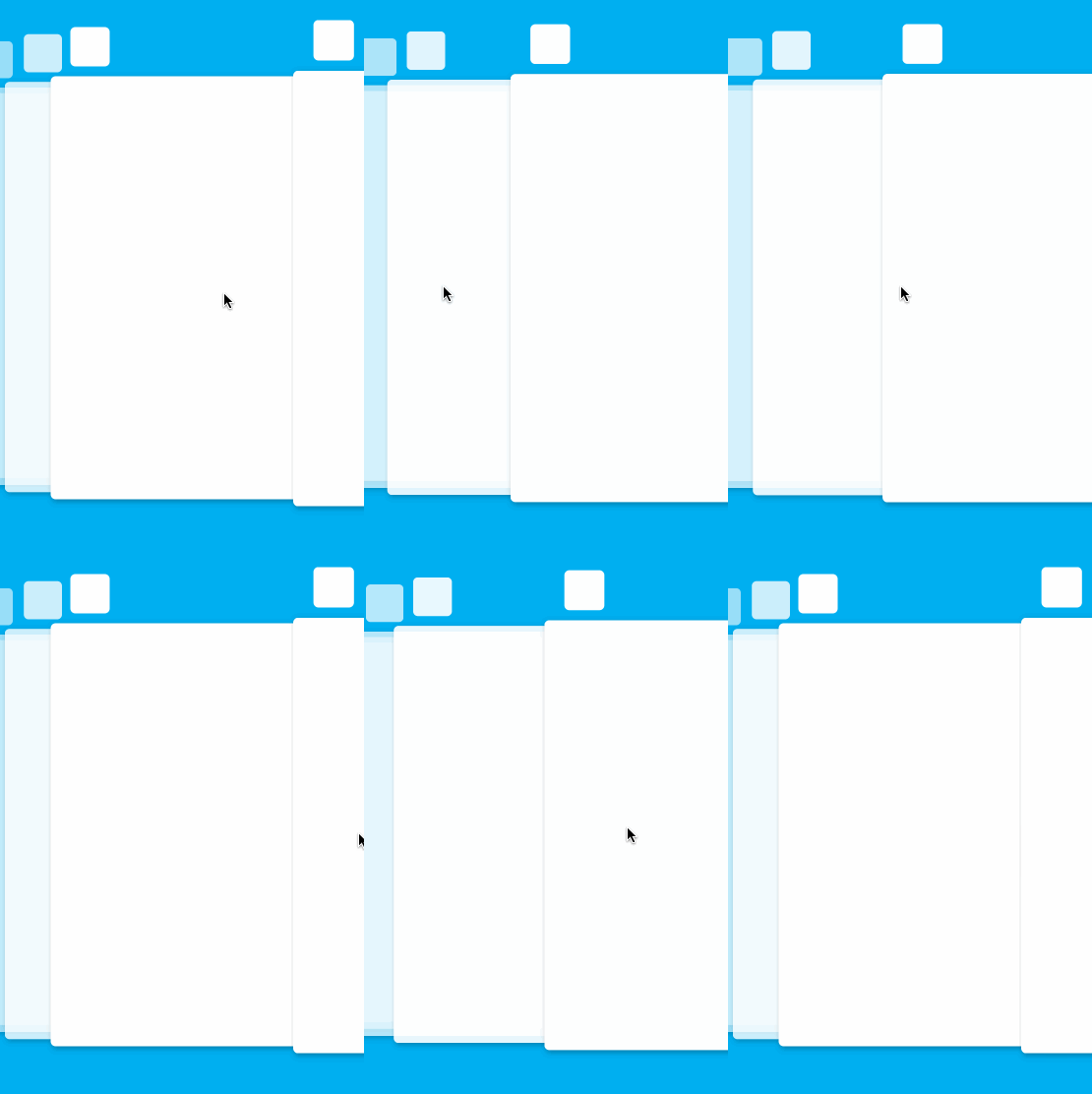
2. The iOS 9 task switcher animation can be implemented in ten minutes with the support of this lib:
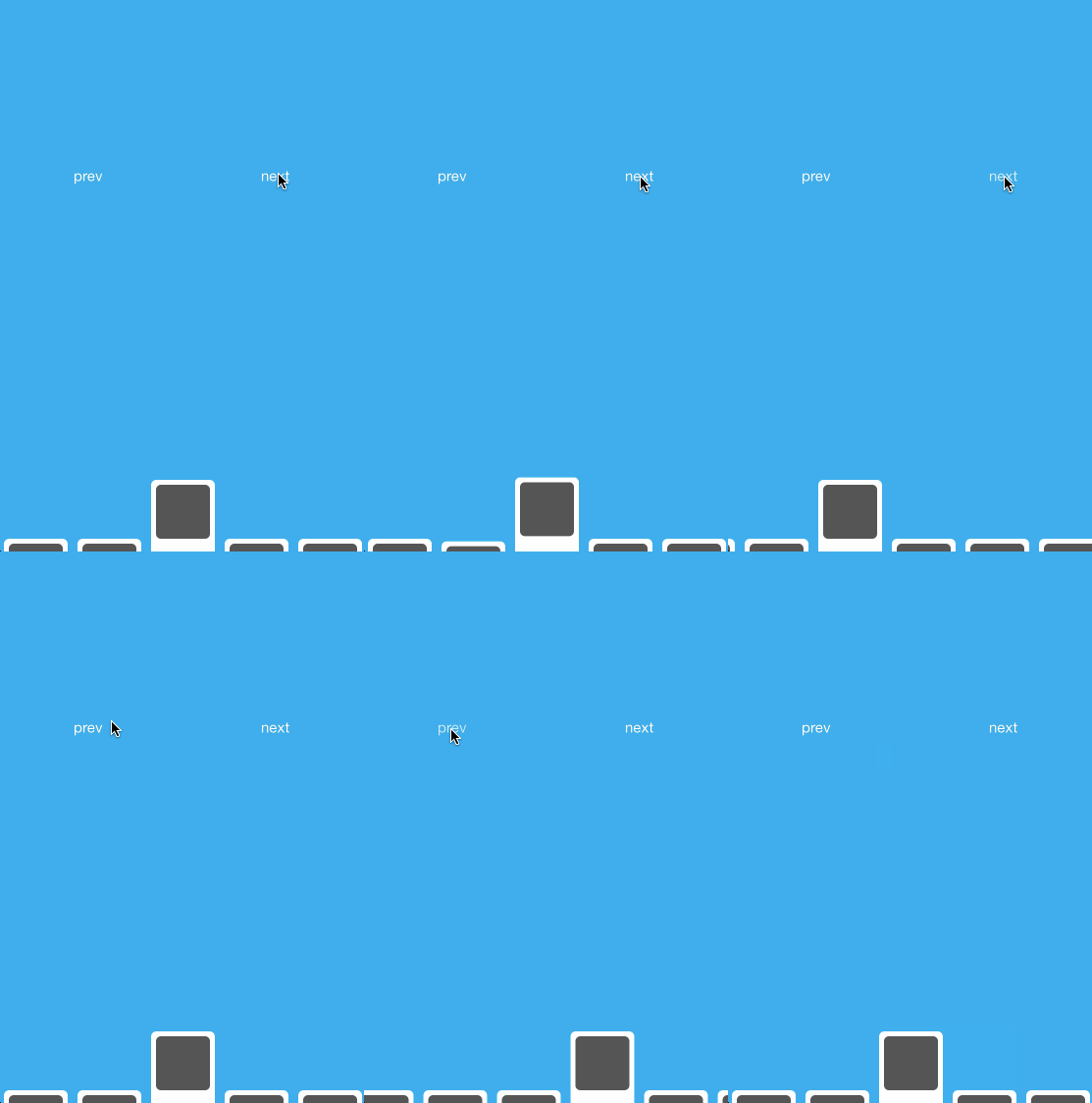
3. The fancy menu can also be implemented easily:
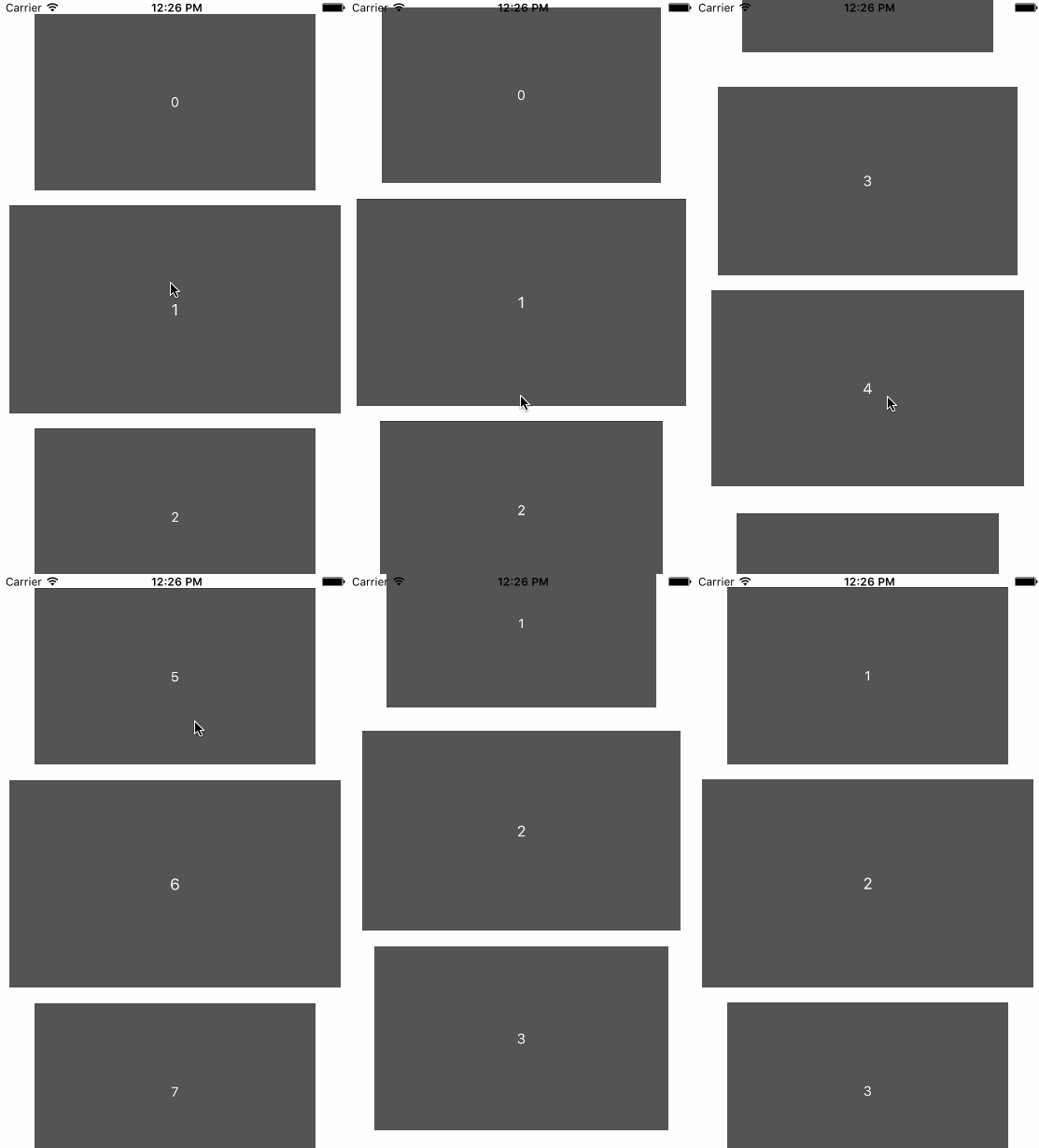
4. Vertical scroll is also supported:
Usage
Create the scroll view by:
self.scrollView = [[LTInfiniteScrollView alloc] initWithFrame:CGRectMake(0, 0, CGRectGetWidth(self.view.bounds), 200)];
[self.view addSubview:self.scrollView];
self.scrollView.dataSource = self;
[self.scrollView reloadDataWithInitialIndex: 0];
Then implement LTInfiniteScrollViewDataSource protocol:
@protocol LTInfiniteScrollViewDataSource<NSObject>
- (UIView *)viewAtIndex:(NSInteger)index reusingView:(UIView *)view;
- (NSInteger)numberOfViews;
- (NSInteger)numberOfVisibleViews;
@end
Sample code:
- (NSInteger)numberOfViews
{
    // you can set it to a very big number to mimic the infinite behavior, no performance issue here
    return 9999;
}

- (NSInteger)numberOfVisibleViews
{
    return 5;
}

- (UIView *)viewAtIndex:(NSInteger)index reusingView:(UIView *)view;
{
    if (view) {
        ((UILabel *)view).text = [NSString stringWithFormat:@"%ld", index];
        return view;
    }

    UILabel *aView = [[UILabel alloc]initWithFrame:CGRectMake(0, 0, 64, 64)];
    aView.backgroundColor = [UIColor blackColor];
    aView.layer.cornerRadius = 32;
    aView.layer.masksToBounds = YES;
    aView.backgroundColor = [UIColor colorWithRed:0/255.0 green:175/255.0 blue:240/255.0 alpha:1];
    aView.textColor = [UIColor whiteColor];
    aView.textAlignment = NSTextAlignmentCenter;
    aView.text = [NSString stringWithFormat:@"%ld", index];
    return aView;
}
LTInfiniteScrollView interface:
@interface LTInfiniteScrollView: UIView
@property (nonatomic, readonly) NSInteger currentIndex;
@property (nonatomic, weak) id<LTInfiniteScrollViewDataSource> dataSource;
@property (nonatomic, weak) id<LTInfiniteScrollViewDelegate> delegate;
@property (nonatomic) BOOL verticalScroll;
@property (nonatomic) BOOL scrollEnabled;
@property (nonatomic) BOOL pagingEnabled;
@property (nonatomic) BOOL bounces;
@property (nonatomic) UIEdgeInsets contentInset;
@property (nonatomic) NSInteger maxScrollDistance;

- (void)reloadDataWithInitialIndex:(NSInteger)initialIndex;
- (void)scrollToIndex:(NSInteger)index animated:(BOOL)animated;
- (UIView *)viewAtIndex:(NSInteger)index;
- (NSArray *)allViews;
@end
If you want to apply any animation during scrolling, implement LTInfiniteScrollViewDelegate protocol:
@protocol LTInfiniteScrollViewDelegate<NSObject>
- (void)updateView:(UIView *)view withProgress:(CGFloat)progress scrollDirection:(ScrollDirection)direction;
@end
The value of progress indicates the relative position of that view, if there are 5 visible views, the value will be ranged from -2 to 2:
|                  |
|-2  -1   0   1   2|
|                  |
You can clone the project and investigate the example for details.
the Swift version
Here's the Swift version: https://github.com/ltebean/LTInfiniteScrollView-Swift