
heydeer/slimdeer
heydeer/slimdeer has 560 GitHub stars and 46 forks. Star changes are not measured yet. Last checked 2026-11-14 01:10 UTC. Last push 2026-11-04.
Gemessener Sternzuwachs
- in 24h
- Verlauf wird gesammelt
- in 7 days
- Verlauf wird gesammelt
- in 15 days
- Verlauf wird gesammelt
- in 1 month
- Verlauf wird gesammelt
Nettoänderungen in überlappenden Zeiträumen, keine Tagessummen. Fehlende Messwerte bleiben leer. Sterne zeigen Interesse, nicht Qualität.
Über uns
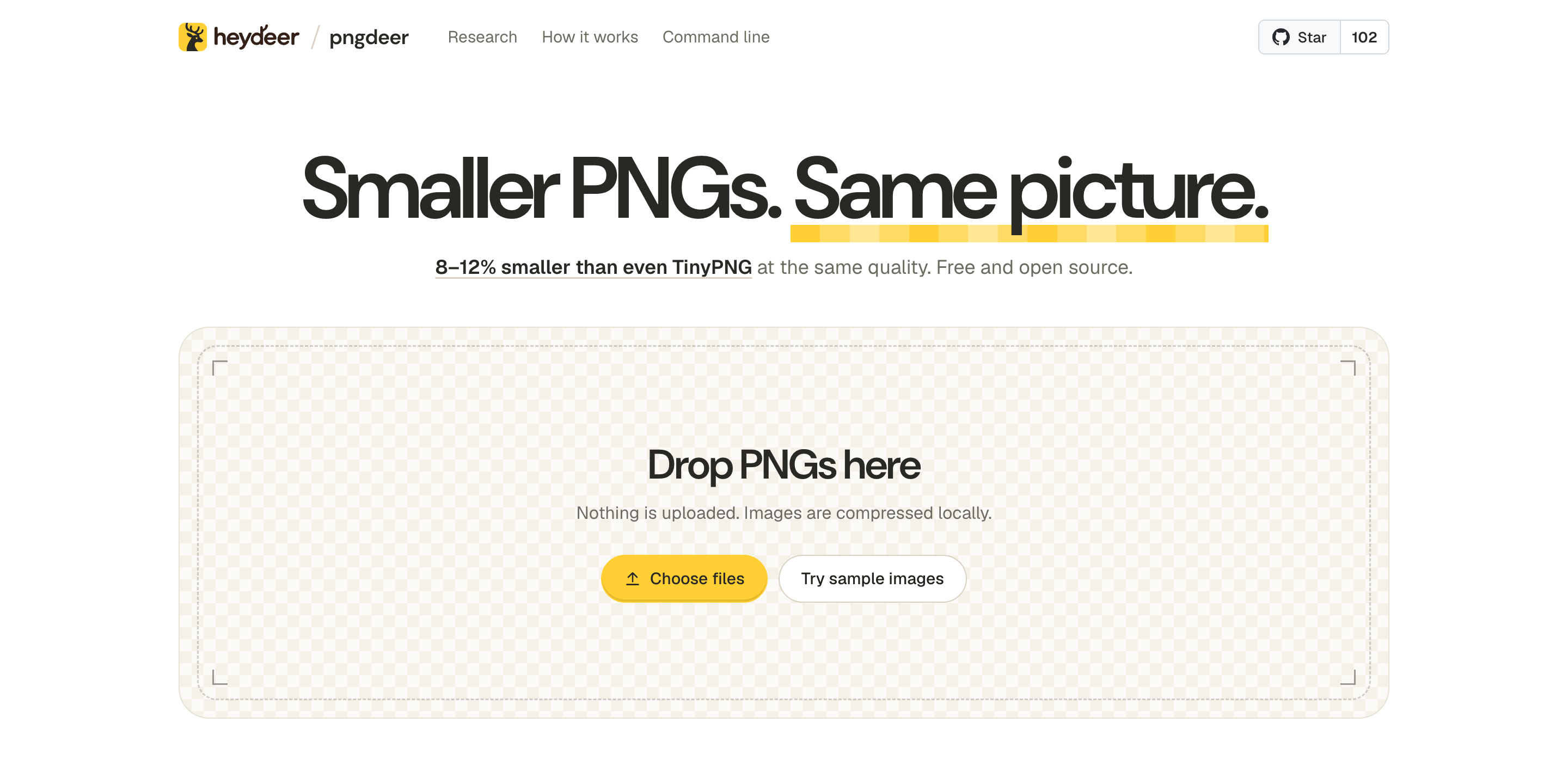
Smaller images, same picture. Compress PNGs to PNG or WebP with automatic quality. PNG output is 8–12% smaller than TinyPNG at equal quality on the median image. Command line and browser.
EntwicklerwerkzeugeREADME.md
Originalslimdeer
Smaller images. Same picture. slimdeer makes PNG and JPEG images smaller, or turns them into WebP and AVIF, with no quality slider: for each image it searches for the smallest file whose perceptual score still reaches a target picked for that image. A PNG becomes the palette PNG that does (palette sizes from 2 to 256 colors, with and without dithering): at the same quality, the median image comes out 8–12% smaller than with TinyPNG, the best result of any open-source compressor we've measured. slimdeer was called pngdeer until version 0.3.0.
Try it in your browser → Nothing is uploaded: images are compressed on your device.
brew install heydeer/tap/slimdeer
slimdeer logo.png photo.jpg    # writes logo.min.png and photo.min.jpg
- Picks the quality for you: about what TinyPNG would give the image, never above 90 on SSIMULACRA2's scale, which is indistinguishable at 1:1.
- Same bytes everywhere: the command line (macOS and Linux) and the browser (WebAssembly, on every core) run the same Rust code and write identical files.
- Big images too: up to 40 megapixels in the browser, more on the command line.
- JPEG photos too: re-encoded with mozjpeg at the lowest quality that keeps the target, 13% smaller in total than TinyPNG's at its quality (details).
- AVIF too: from PNGs and JPEG photos, 22% smaller in total than TinyPNG's AVIF at its quality (details).
- Animated PNGs stay animated: every frame on one palette and at the target quality, timing kept; 28% of the original size on 12 animated emoji, about even to 16% smaller than TinyPNG (notes).
- Free and open source: MIT.
Leaderboard
We ran slimdeer, TinyPNG and eight open-source quantizers on 180 PNGs: icons, UI screenshots, illustrations, photos, cut-outs and 3D renders. Every output was scored against its original with SSIMULACRA2, a perceptual metric where 90 means indistinguishable at 1:1. TinyPNG is the yardstick:
- Points: median SSIMULACRA2 points above (+) or below (−) TinyPNG when a tool's file is as big as TinyPNG's.
- Reaches: images where a tool can match TinyPNG's quality at all.
Each cell gives the held-out set (71 images) / the tuning set (109 images):
| Compressor | Points | Reaches |
|---|---|---|
| slimdeer | +1.7 / +2.0 | 67 / 106 |
| TinyPNG (the yardstick) | 0 | 71 / 109 |
| pngquant | 0.0 / +0.3 | 53 / 87 |
| quantizr | −0.1 / −1.0 | 39 / 53 |
| exoquant | −3.7 / −5.1 | 19 / 24 |
| NeuQuant | −6.5 / −9.8 | 4 / 5 |
| FFmpeg | −7.0 / −8.8 | 16 / 15 |
| quantette | −7.6 / −9.6 | 18 / 21 |
| ImageMagick | −11.3 / −14.5 | 3 / 8 |
| Pillow | −16.8 / −19.5 | 4 / 4 |
At TinyPNG's quality, slimdeer's files are 12% smaller on the held-out set and 8% smaller on the tuning set (median image).
- Held out: slimdeer's parameters were tuned on the 109 images; the other 71 were collected afterwards and never used for tuning.
- Generous to the others: each open-source tool gets its best of ten settings per image, picked after the fact. slimdeer's results are what you get, searched at compression time.
- A second opinion: scored with butteraugli instead, which the search never looks at, slimdeer's files are still 6–9% smaller than TinyPNG's at the same quality.
- TinyPNG ran through its API in October 2026. bench/ reruns everything; the website screenshots in the sets aren't ours to share, so a rerun covers 155 of the 180 images.
WebP
slimdeer also writes WebP (an output name ending in .webp, or the switch in the browser): the smaller of its palette image stored losslessly and the lowest lossy quality that keeps the target (a JPEG photo: below). Against TinyPNG's WebP on 120 of the images, the size each tool needs to match TinyPNG's quality (median image / in total), and how many images it can bring up to that quality:
| Compressor | Size at TinyPNG's quality | Reaches |
|---|---|---|
| slimdeer | 95.0% / 93.9% | 118 |
| TinyPNG (the yardstick) | 100% | 120 |
| cwebp, best of 27 settings | 97.9% / 110.2% | 120 |
| pngquant + cwebp, best of 10 | 135.0% / 212.1% | 115 |
- cwebp is libwebp's own encoder, the library Squoosh, sharp and Pillow encode with. It gets its best of 27 settings per image, picked after the fact: 13 qualities with and without the auto filter, and lossless. pngquant + cwebp stores pngquant's palette image as lossless WebP, TinyPNG's palette route from open-source parts.
- At TinyPNG's file size, on the 40 images where all three can be compared, slimdeer scores 2.6 SSIMULACRA2 points above TinyPNG, pngquant + cwebp 1.9, cwebp −0.3.
- Out of the box, cwebp's default quality makes files 6% bigger than TinyPNG's on the median image, and slightly worse. slimdeer's automatic quality makes them 5% smaller, as good.
- WebP's settings were chosen on these 120 images. On the other 60, against a stand-in that matches TinyPNG's WebP on these (same size and score, median), slimdeer is 4% smaller. The WebP notes have the details.
JPEG
slimdeer also takes JPEG photos (slimdeer photo.jpg -o smaller.jpg, or drop them in the browser) and writes a smaller JPEG: re-encoded with mozjpeg at the lowest quality that keeps the target, never bigger than the photo. On 60 photos from Wikimedia Commons, 30 web-size copies and 30 camera originals, the size each tool needs to match TinyPNG's quality (median photo / in total), and how many photos it can bring up to that quality:
| Compressor | Size at TinyPNG's quality | Reaches |
|---|---|---|
| slimdeer | 87.8% / 85.4% | 60 |
| TinyPNG (the yardstick) | 100% | 60 |
| jpegli, best of 12 settings | 89.2% / 87.2% | 60 |
| mozjpeg, best of 7 qualities | 94.2% / 89.1% | 59 |
- jpegli is Google's JPEG encoder from the JPEG XL project, mozjpeg Mozilla's, which Squoosh uses. Each gets its best setting per photo, picked after the fact: qualities 40–90, jpegli also at 4:2:0. slimdeer's files are pooled the same way (its encoder, mozjpeg with its MS-SSIM-tuned table at 4:2:0, at qualities 50–85, and its own runs), as in the PNG and WebP tables. The file it writes with TinyPNG's score as the target is 89.5% / 86.7% of TinyPNG's size.
- At TinyPNG's file size, slimdeer scores 3.3 SSIMULACRA2 points above TinyPNG on the median photo, jpegli 3.1, mozjpeg 1.8.
- At its automatic quality, slimdeer's files are 82% of TinyPNG's size on the median photo (84% in total), scoring about the same (median +0.2 points). mozjpeg's default quality makes them 7% bigger than TinyPNG's, 5 points better.
- Like TinyPNG, slimdeer gives big photos a lower quality than small ones: a large photo is seen scaled down. Unlike TinyPNG, it keeps the color profile (unless sRGB) and the orientation, and drops the rest of the camera's metadata.
- WebP from a JPEG (
slimdeer photo.jpg -o photo.webp, or the switch in the browser): turned upright, at the same automatic quality. At TinyPNG's WebP quality it needs 95.3% / 91.3% of TinyPNG's WebP size; cwebp, given its best of 13 settings per photo, about the same. At equal quality it is no smaller than slimdeer's own JPEG (99% on the median photo), so it is there for sites that want WebP. - The JPEG notes have the details. TinyPNG ran through its API in October 2026.
AVIF
slimdeer also writes AVIF (an output name ending in .avif, or the switch in the browser), from PNGs and JPEG photos: libaom's lowest quality that keeps the target as Chrome shows the file. On 54 images, 30 of the photos above and 24 PNGs of every kind, every file decoded by Chrome, the size each tool needs to match TinyPNG's AVIF's quality (median image / in total), and how many images it can bring up to that quality:
| Compressor | Size at TinyPNG's quality | Reaches |
|---|---|---|
| slimdeer | 77.4% / 78.1% | 54 |
| TinyPNG (the yardstick) | 100% | 54 |
| avifenc, best of 33 settings | 89.3% / 83.3% | 54 |
| rav1e, best of 11 qualities | 102.0% / 97.3% | 54 |
- avifenc is libavif's encoder with libaom, what Squoosh and sharp encode with; rav1e the Rust encoder, through ravif. Each gets its best setting per image, picked after the fact: qualities 30–90, avifenc at its default speed in 4:4:4 at 8 and 10 bits and in 4:2:0. slimdeer's files are pooled the same way (its runs at five targets around TinyPNG's quality and its automatic one); the one it writes with TinyPNG's score as the target is 81.1% / 81.2% of TinyPNG's size, smaller and no worse on 53 of the 54.
- At TinyPNG's file size, slimdeer scores 5.7 SSIMULACRA2 points above TinyPNG on the median image, avifenc 3.5, rav1e 0.4.
- TinyPNG writes every AVIF at one fixed quantizer, so how good its files look follows the image (47 to 89 here). slimdeer's automatic quality aims at TinyPNG's on the median: 80% of TinyPNG's size on the median image (76% in total) and 0.5 points better, though better or worse image by image. avifenc's default quality makes files 32% bigger than TinyPNG's, 9 points better.
- In the browser AVIF is a build of its own, loaded only when picked (1.8 MB more, gzipped), and it writes the command line's files. On a 14-core Mac it takes about 10 s for an icon or a 1 MP photo, 40 s for a 5 MP screenshot, and under a minute for a 24 MP photo, the most it takes.
- The AVIF notes have the details. TinyPNG ran through its API in October 2026.
How it works
- Searches the palette: palette sizes from 2 to 256 colors, each tried a few ways (with and without Floyd–Steinberg dithering, with neighbour smoothing, with a second palette builder), and the smallest file that reaches the target wins.
- Scores what you'd see: SSIMULACRA2, measured in-process. Colors are matched in Oklab, smooth gradients are always dithered, and transparent pixels are judged over light and dark backgrounds.
- Stays fast on big images: large images are searched on a downscaled preview and checked at full size.
The research notes follow every step, from the first comparison with TinyPNG to today's defaults.
Command line
slimdeer photo.jpg                 # photo.min.jpg, at a quality picked for it
slimdeer *.png -d dist             # dist/NAME.png for each
slimdeer -r assets -d dist         # every PNG and JPEG under assets, into the same folders under dist
slimdeer logo.png --format webp    # logo.min.webp (also avif; from a PNG or a JPEG)
slimdeer in.png -o out.avif        # out.avif, the format as its name says
slimdeer shot.png --target 90      # a fixed SSIMULACRA2 score: 90 looks lossless, 70 is high quality
slimdeer - < in.png > out.png      # stdin to stdout
slimdeer --help
Like cp, it says nothing unless something goes wrong: -v says what each file came to, and --json prints each file's report, a JSON line per file. A file that fails doesn't stop the others (slimdeer then exits 1). A name it makes up never replaces an input; -o can. With -r, a folder stands for the PNGs and JPEGs in it and every folder below it: hidden ones, linked folders, earlier NAME.min.EXT outputs and a -d folder inside it are left out, so running it again on the same folder doesn't compress them twice. Two inputs that would get the same output name are reported, not written over each other.
From source: cargo build --release, and the binary is target/release/slimdeer.
Browser
The web app runs the same code compiled to WebAssembly. To run it locally (web/build.sh lists the toolchain it needs):
sh web/build.sh
python3 web/serve.py   # http://localhost:8770
License
MIT. Dependencies keep their own licenses (web/THIRD_PARTY_LICENSES.txt), as do the test and sample images (the SOURCES.md next to them). JPEG output is encoded with mozjpeg: this software is based in part on the work of the Independent JPEG Group. AVIF output is encoded with libaom.
Ähnliche Projekte entdecken
codecrafters-io/build-your-own-x
Meistere das Programmieren, indem du deine Lieblingstechnologien von Grund auf neu erschaffst.
562,351 Sternepublic-apis/public-apis
Eine gemeinschaftliche Liste kostenloser APIs
498,792 Sternemorluto/rea
Mit Agenten alles per Reverse Engineering untersuchen, vom Verhalten der Anwendung bis hin zu nativen Binärdateien.
457,713 Sterneopenclaw/openclaw
Die KI, die wirklich Dinge erledigt. Jedes Betriebssystem, jede Plattform. Auf die Hummer-Art. 🦞
394,399 Sterne