
elk-zone/elk-native
elk-zone/elk-native has 373 GitHub stars and 16 forks. GitHot measured 0 stars in 24 hours. Last checked 2026-11-21 10:59 UTC. Last push 2024-06-25.
Gemessener Sternzuwachs
- in 24h
- 0
- in 7 days
- Verlauf wird gesammelt
- in 15 days
- Verlauf wird gesammelt
- in 1 month
- Verlauf wird gesammelt
Nettoänderungen in überlappenden Zeiträumen, keine Tagessummen. Fehlende Messwerte bleiben leer. Sterne zeigen Interesse, nicht Qualität.
Über uns
Native version of Elk, a nimble Mastodon web
Web und AppsREADME.md
Original
Elk Native

[!WARNING] Elk Native is no longer maintained. Elk can be used a PWA instead.
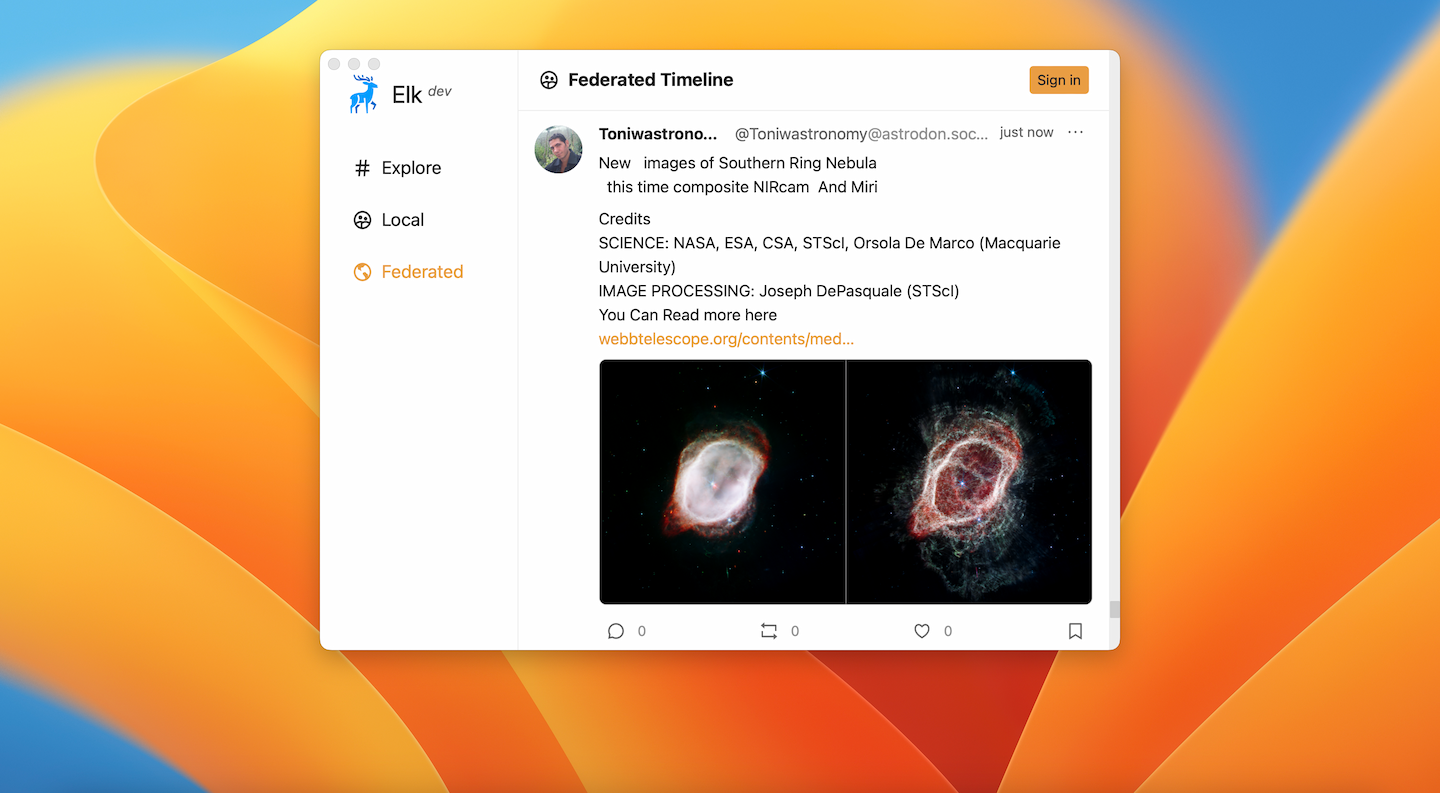
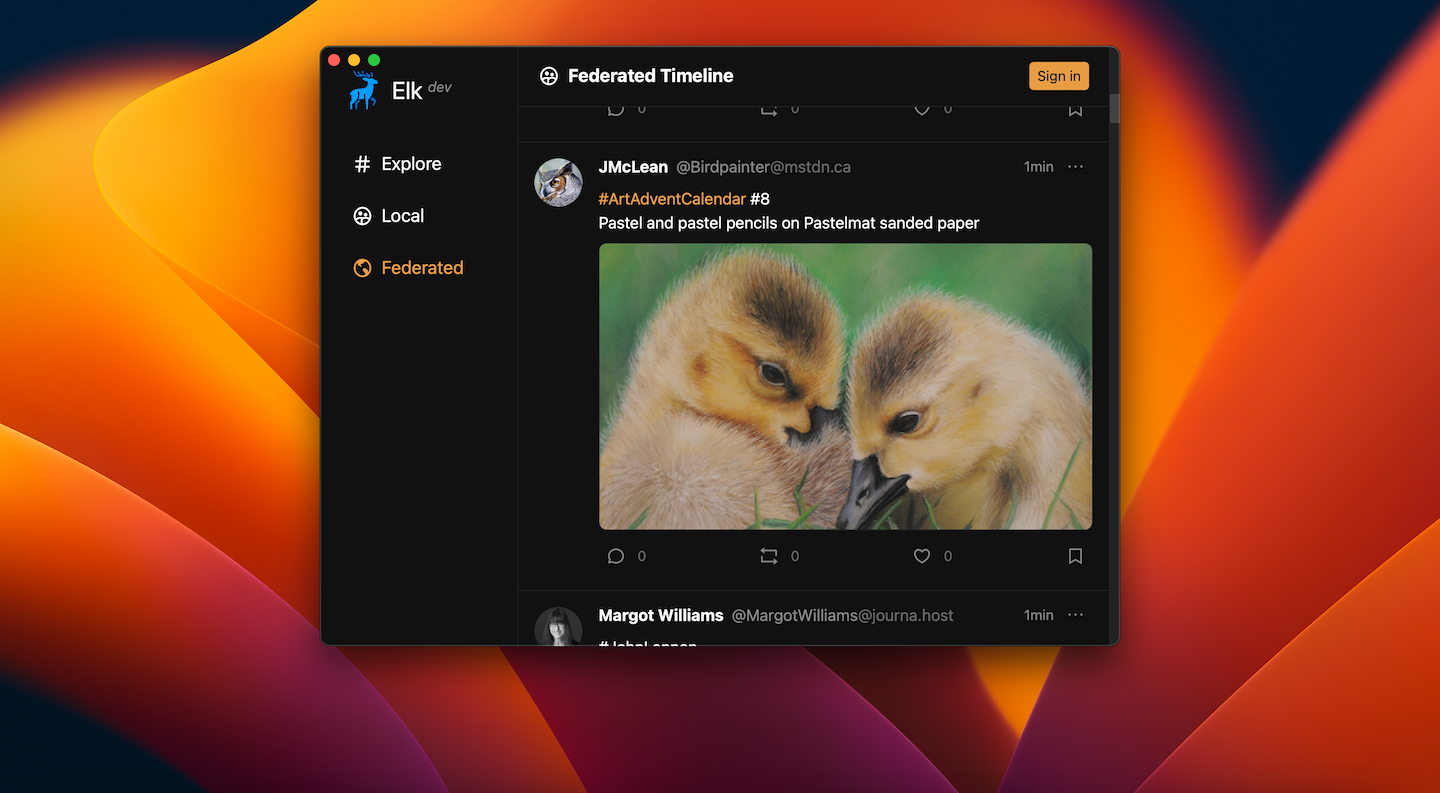
Native version of Elk, a nimble Mastodon web client.
Elk Native is even more early alpha than the web version, but we would love your feedback and contributions. If you would like to help us with testing, feedback, or contributing, join our discord and get involved.
Contributing
We're really excited that you're interested in contributing to Elk! Please read through the small guide below to get started:
Note:
This repo only holds the code necessary for the native app and just git-submodules the frontend from https://github.com/elk-zone/elk so please submit Issues and PRs concerning the frontend there!
Local Setup
First you will need to install Rust and other system dependencies required for developing a Tauri app, you can follow this guide.
Next, you need to install the Tauri CLI which is used to orchestrate the build and package up the final app:
cargo install tauri-cli
# or
npm install -g @tauri-apps/cli
# or
pnpm install -g @tauri-apps/cli
# or
yarn add -g @tauri-apps/cli
Now clone the submodule in the elk folder.
git submodule update --init elk
Next install the frontend dependencies:
cd elk && pnpm i
Then you can run the app in development mode:
cargo tauri dev
To create a production build of the app:
cargo tauri build
Logging
This app uses a unified logging stream that encompasses both logs from the Rust Core as well as from the frontend. Log levels and filters can be set through the RUST_LOG environment variable (this also works in a release mode app).
For more information on how to specify log levels and filters see the env_logger docs.
License
MIT © 2022-PRESENT Elk Native contributors