
davidvkimball/vaultcms
davidvkimball/vaultcms has 397 GitHub stars and 22 forks. GitHot measured 0 stars in 24 hours. Last checked 2026-11-21 21:13 UTC. Last push 2026-10-03.
What you can do
- Auto-detection and automation: Detects your Astro routes and content structure automatically.
- CMS-like homepage: See your content in a visual grid and perform bulk actions.
- Preconfigured: Optimized settings, hotkeys, and plugins for the Astro workflow.
- Headless and flexible: Just Markdown files and a workspace ready to be customized by you.
Gemessener Sternzuwachs
- in 24h
- 0
- in 7 days
- Verlauf wird gesammelt
- in 15 days
- Verlauf wird gesammelt
- in 1 month
- Verlauf wird gesammelt
Nettoänderungen in überlappenden Zeiträumen, keine Tagessummen. Fehlende Messwerte bleiben leer. Sterne zeigen Interesse, nicht Qualität.
Über uns
Use Obsidian as a content management system for your Astro website.
Web und AppsREADME.md
OriginalVault CMS
The open-source headless content management system that turns Obsidian into a publishing platform for your Astro website.
Features
- Auto-detection and automation: Detects your Astro routes and content structure automatically.
- CMS-like homepage: See your content in a visual grid and perform bulk actions.
- Preconfigured: Optimized settings, hotkeys, and plugins for the Astro workflow.
- Headless and flexible: Just Markdown files and a workspace ready to be customized by you.
- Compatability: Works with almost any Astro theme.
Quick Start
The fastest way to install Vault CMS into your Astro project is via the CLI at your project root:
npx create-vaultcms
# or
npm create vaultcms
# or
pnpm create vaultcms
# or
yarn create vaultcms
The installer detects your Astro project and defaults to src/content (use . for project root).
Manual Installation
If you prefer to install manually, you can download the latest version of Vault CMS and place it directly into your Astro project.
- Download the source: Clone this repository or download the ZIP archive.
- Locate your project root: This is typically the directory containing
astro.config.mjsandpackage.json. - Move the files: Copy the
.obsidianand_basesfolders (and_GUIDE.md) into your project—typicallysrc/content, or project root if you prefer. - Open in Obsidian: Open that folder as a new vault in Obsidian.
Presets
For themes like Starlight, Slate, or Chiri, run the CLI and choose a preset when prompted:
npx create-vaultcms
To skip the prompt and set the template in one go (e.g. for scripts), use npx create-vaultcms --template <name>. See all presets at the Presets Repo.
AI agents (MCP)
This package also bundles an MCP server (vaultcms-mcp) so Claude Code, Cursor, Claude Desktop, and other agents can install Vault CMS for you through structured tool calls. Full setup and tool reference: docs.vaultcms.org/guides/mcp-server/.
Deep Dive
- Documentation: docs.vaultcms.org
- Community: Join the Discord
Video Guide
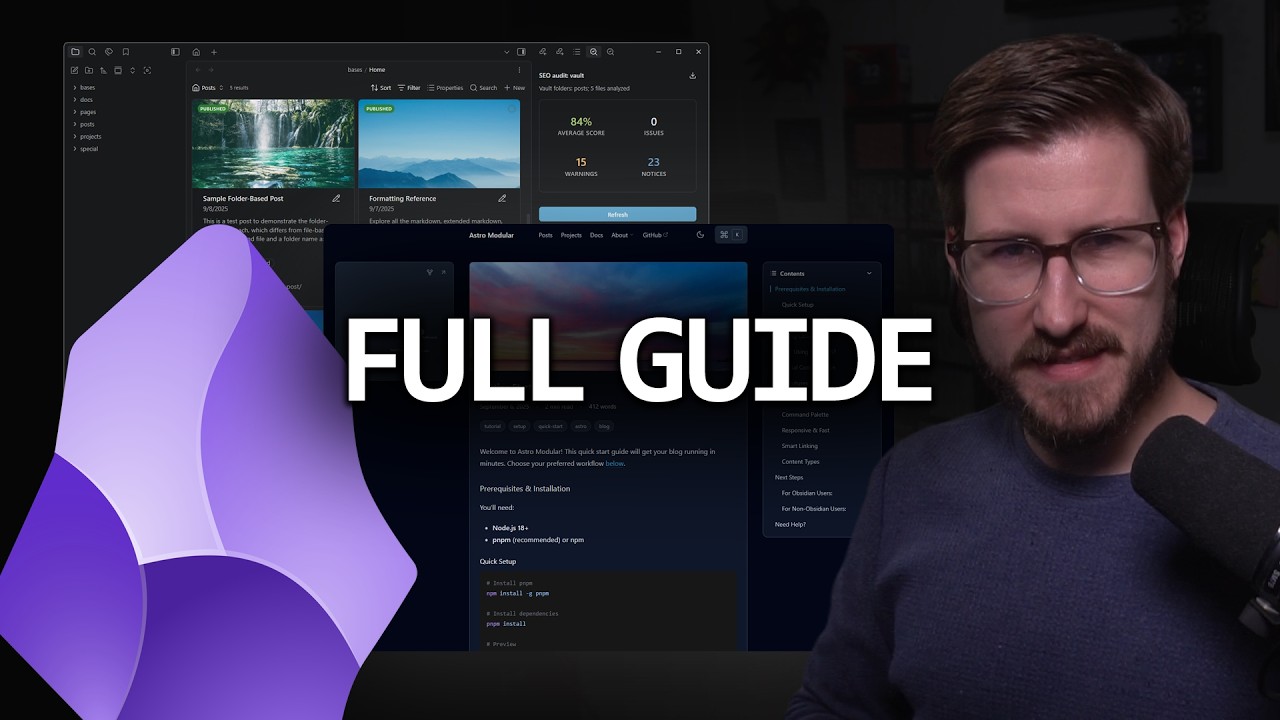
[!NOTE] To see Vault CMS combined with an Astro site specifically designed with it in mind, check out the Astro Modular theme.
Prefer a standalone app to Obsidian? Zeku, from the same developer, opens your Astro project directly and leaves your Vault CMS setup untouched, so you can use either one or both.
Ähnliche Projekte entdecken
Wird geladen…