
cihadturhan/jquery-aim
Über uns
jQuery-Plugin, das vorhersagt, über welches Element der Benutzer den Mauszeiger bewegen oder auf welches er klicken wird.
EntwicklerwerkzeugeGemessener Sternzuwachs
- in 24h
- 0
- in 7 days
- 0
- in 15 days
- Verlauf wird gesammelt
- in 1 month
- Verlauf wird gesammelt
Nettoänderungen in überlappenden Zeiträumen, keine Tagessummen. Fehlende Messwerte bleiben leer. Sterne zeigen Interesse, nicht Qualität.
README.md
Originaljquery.aim
jQuery plugin anticipates on which element user is going to hover/click.
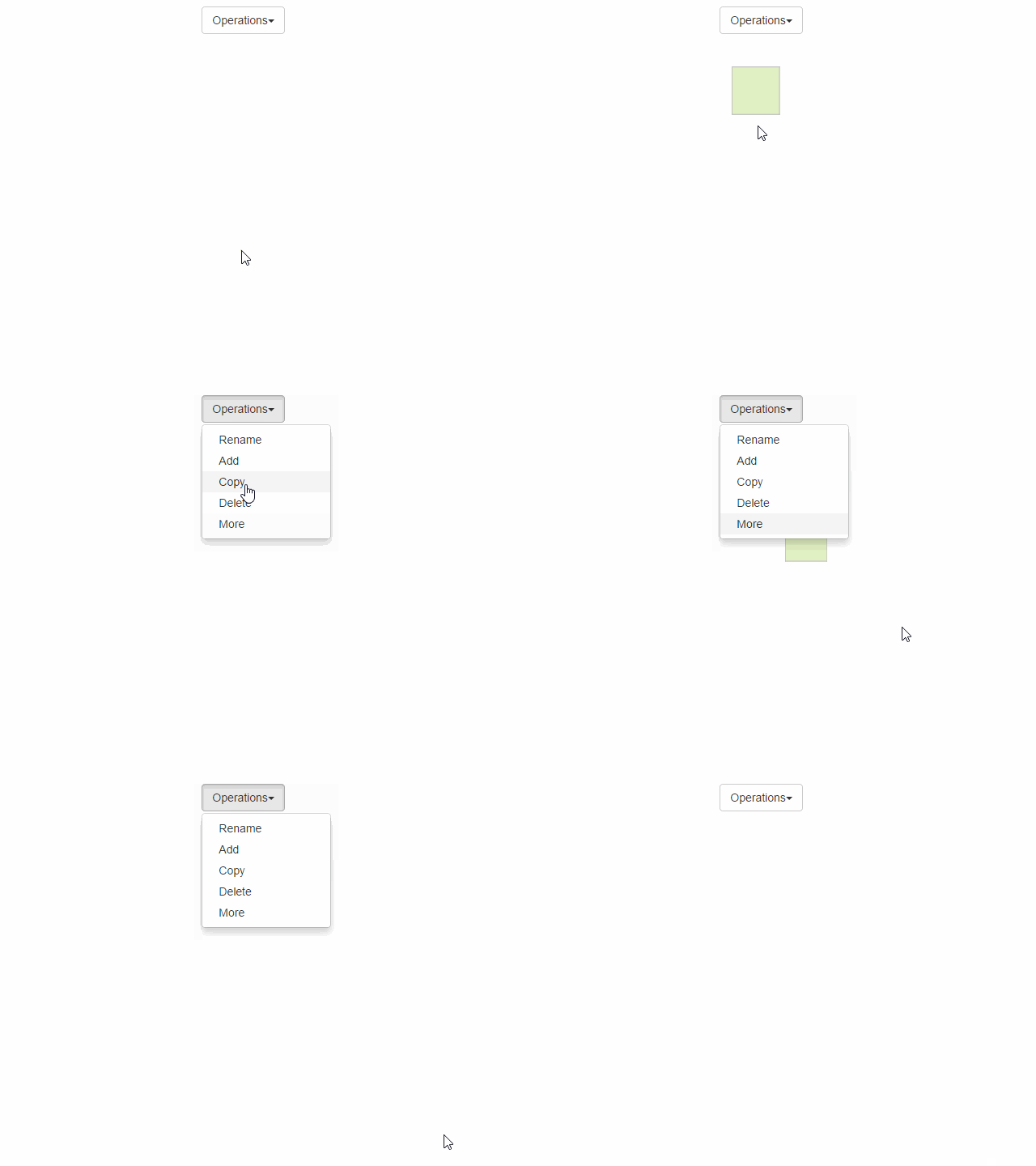
Examples
A couple of examples can be found the examples page
Usage
Call the function on the elements to catch user aim and add a class which will be added or removed when aiming starts or ends
$('#target').aim({
    className: 'open'
});
If you want to execute a function on aim starts or ends, use the aimEnter and aimExit options
$('#hamburger').aim({

    aimEnter: function() {
        $('#menu').show();
    },

    aimExit: function(){
        $('#menu').hide();
    }
});
Debugging
To see where your cursor is aiming and check if it intersects with elements use
$.aim.setDebug(true);
and you will see a rectangle moving around.
Defining own function
If you don't like the default algorithm, define your own by the following procedure
function anticipateFunc(p, v, mouseX, mouseY, anticipator) {
  /*
  Calculate the new position of anticipator using inputs
  p = {x:number,y:number}
  v = {x:number,y:number}
  mouseX = number
  mouseY = number

  Anticipator has some readonly values like the following

  {
      size: 50,
      center: {x: 0, y: 0},
      effectiveSize: 1,
      rect : {x0: 0, y0: 0, x1: 50, y1: 50}
  }

  */
}

$.aim.setAnticipateFunction(anticipateFunc);
Ähnliche Projekte entdecken
Wird geladen…