catppuccin/zed has 928 GitHub stars and 38 forks. GitHot measured 0 stars in 24 hours. Last checked 2026-11-20 22:23 UTC. Last push 2026-09-18.
Gemessener Sternzuwachs
- in 24h
- 0
- in 7 days
- Verlauf wird gesammelt
- in 15 days
- Verlauf wird gesammelt
- in 1 month
- Verlauf wird gesammelt
Nettoänderungen in überlappenden Zeiträumen, keine Tagessummen. Fehlende Messwerte bleiben leer. Sterne zeigen Interesse, nicht Qualität.
Über uns
🦀 Soothing pastel theme for Zed
EntwicklerwerkzeugeREADME.md
Original

Catppuccin for Zed



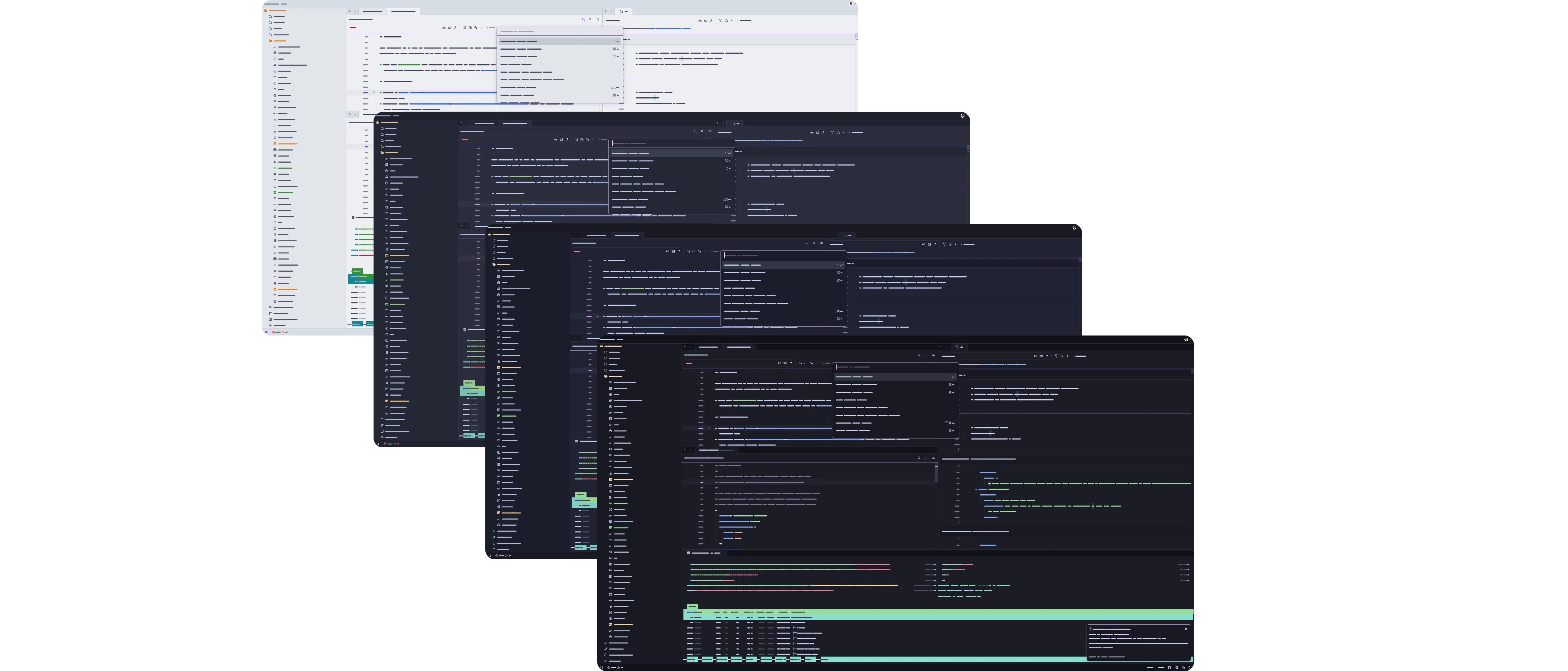
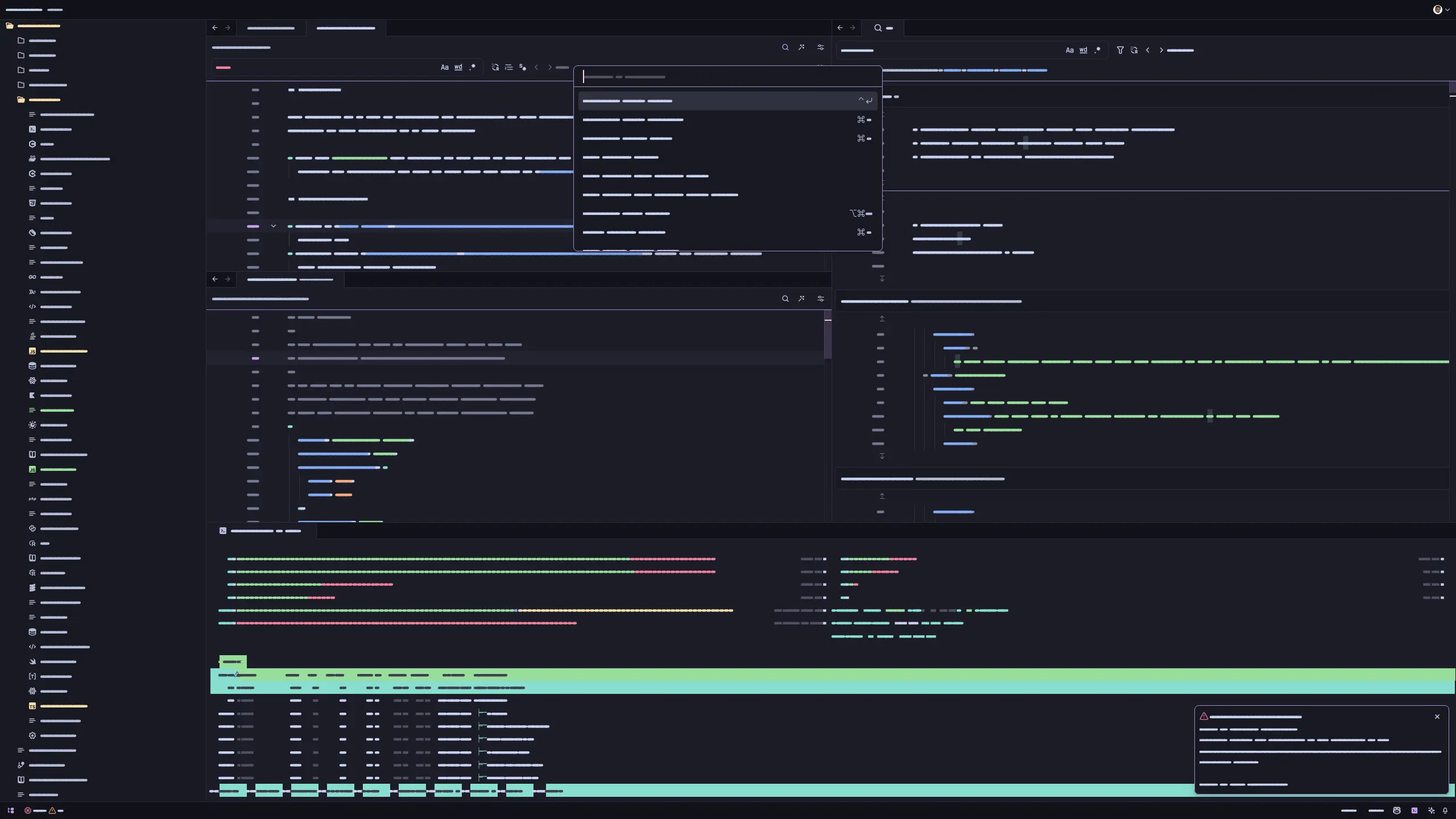
Previews
🌻 Latte
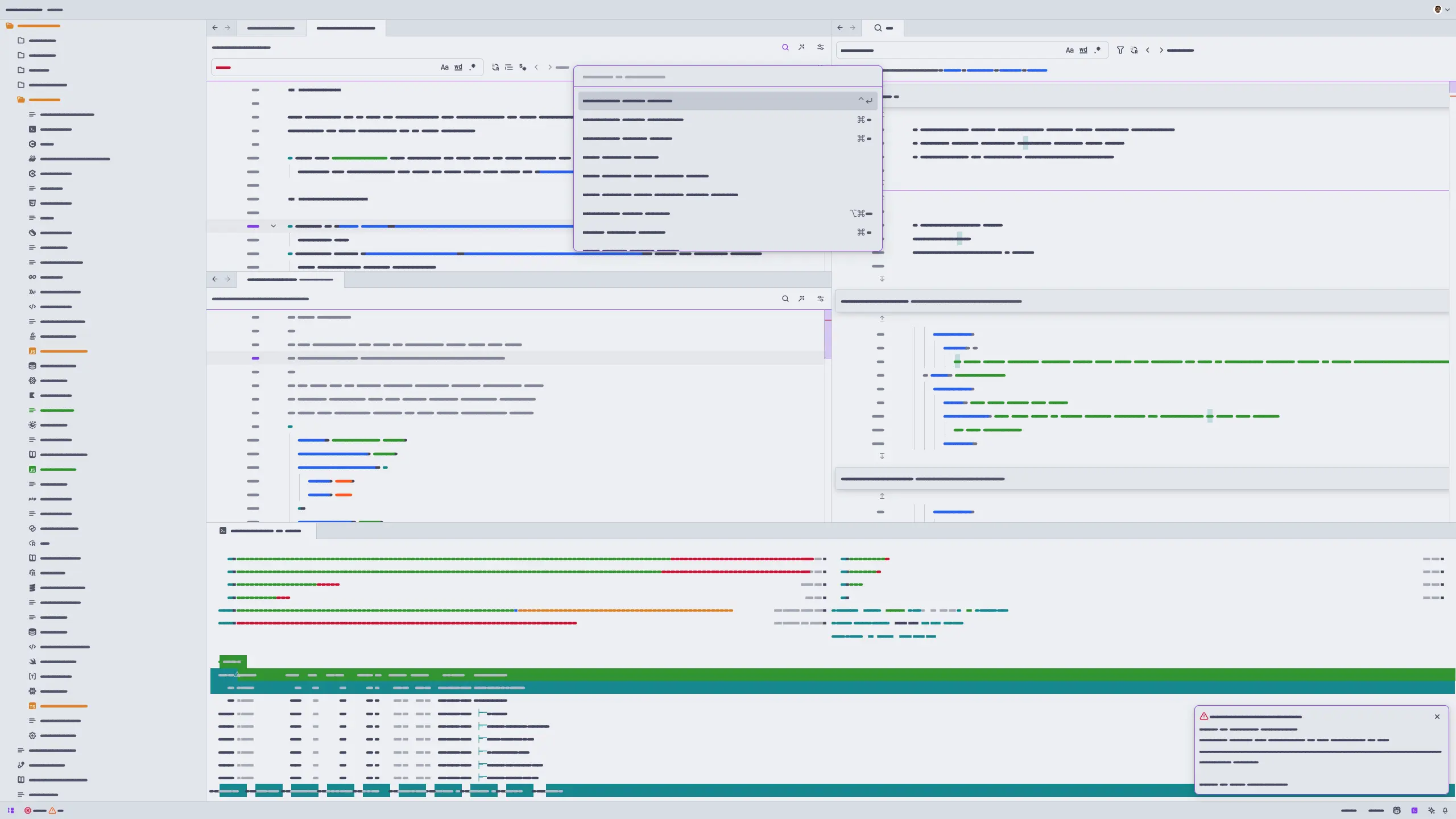
🪴 Frappé
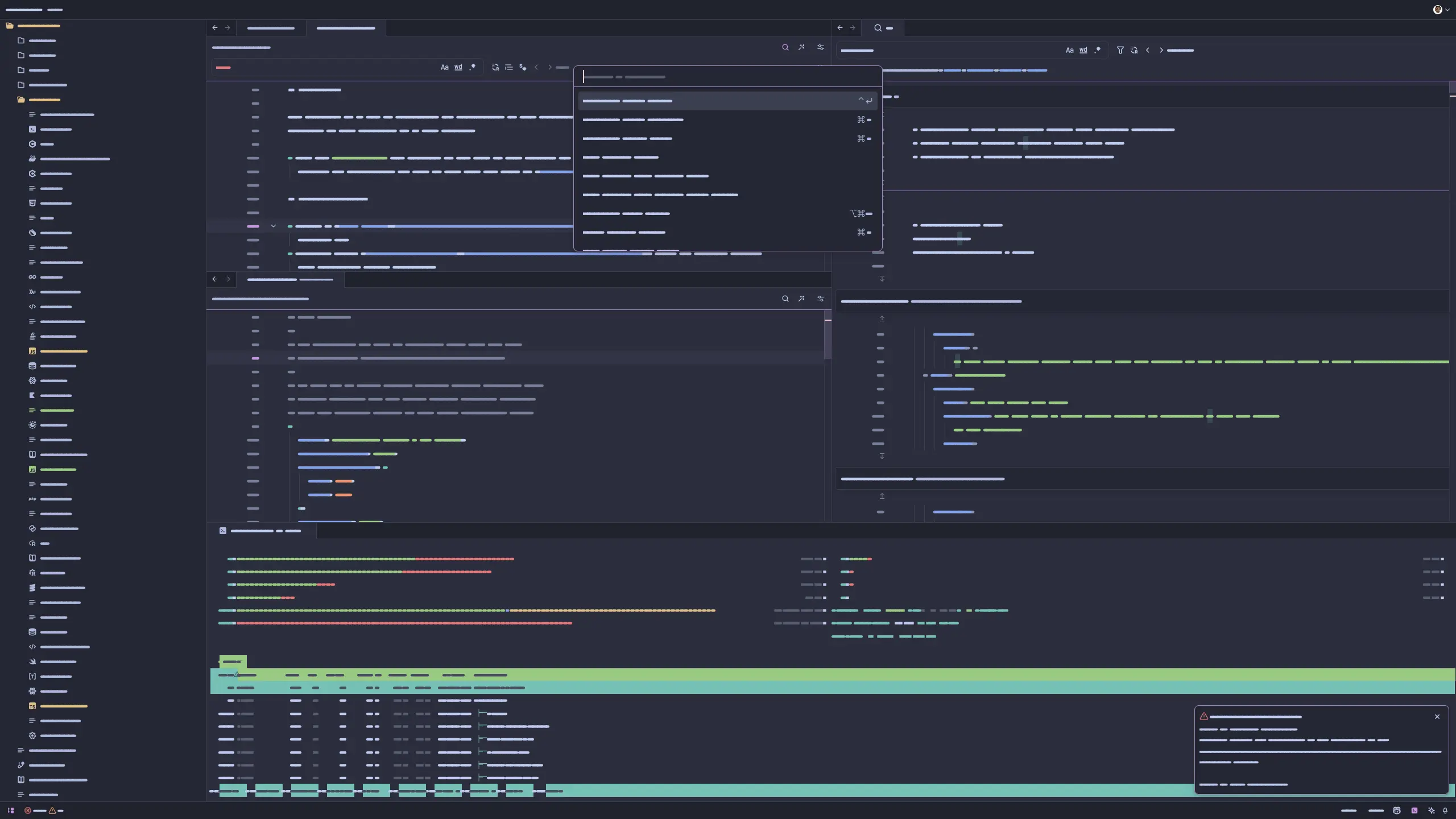
🌺 Macchiato
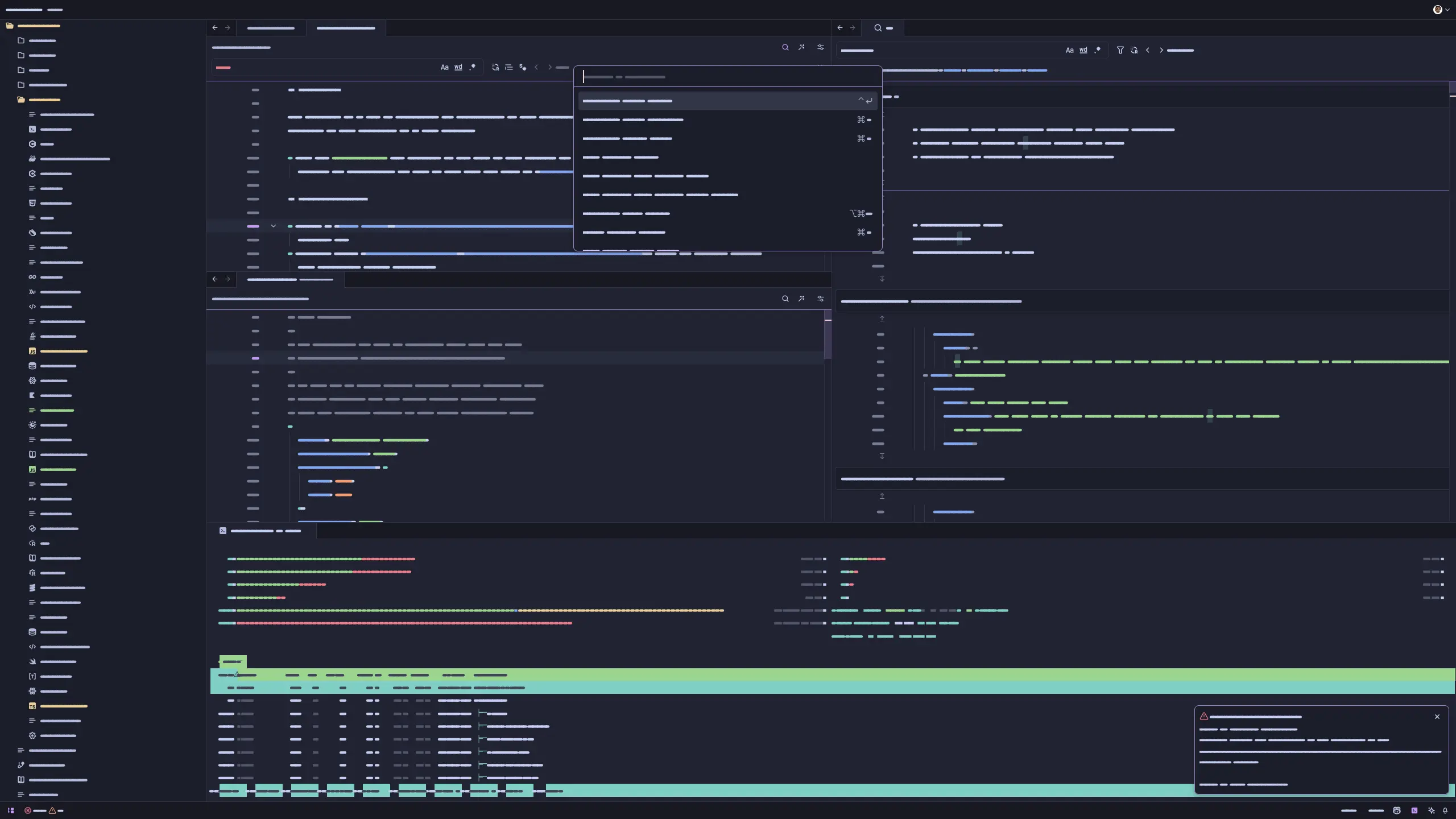
🌿 Mocha
Usage
[!Note] We also have a Catppuccin Icon Pack!
- Open Zed.
- Open the command palette (Cmd+Shift+P) and enter zed: extensions.
- Search for the Catppuccin extension and install.
- Enter theme selector: toggle in the command palette and select the Catppuccin theme in your preferred flavor in the dropdown.
Accents
- Download the JSON file of your preferred accent from the latest GitHub release.
- Create the
themes/subfolder inside the directory of your Zed configuration file (typically~/.config/zed/). - Move the downloaded file from Step 1 to the
themes/subfolder created in Step 2. - Restart Zed.
- Enter theme selector: toggle in the command palette and select your new flavor and accent combination theme in the dropdown.
Customization
Use Zed's theme overrides to customize colors in your settings.json. For example, to make variables pink in Macchiato:
{
  "theme_overrides": {
    "Catppuccin Macchiato": {
      "syntax": {
        "variable": {
          "color": "#f5bde6"
        }
      }
    }
  }
}
Merge this into your existing settings and use the exact theme name shown in the theme selector, including any accent or - No Italics suffix. If a token does not change, focus its editor and run dev: open highlights tree view to identify the syntax rule it uses.
Development
Install Whiskers, Catppuccin's in-house theme generator, to build and test themes locally.
Once installed, run whiskers zed.tera to generate all themes in the themes/ directory.
You can then test the themes in Zed by opening the command palette and entering zed: install dev extension, selecting this repository, and then refreshing the theme extension using zed: reload extensions. workspace: reload may be needed if changes are not reflected immediately. See the Zed documentation for more information.
Publishing to the Marketplace
See the Zed documentation for more information.
💝 Thanks to

Copyright © 2021-present Catppuccin Org