
bcicen/slackcat
bcicen/slackcat has 1,219 GitHub stars and 55 forks. GitHot measured 0 stars in 24 hours, -1 in 7 days, and -1 in 15 days. Last checked 2026-11-24 13:28 UTC. Last push 2024-07-23.
Gemessener Sternzuwachs
- in 24h
- 0
- in 7 days
- -1
- in 15 days
- -1
- in 1 month
- Verlauf wird gesammelt
Nettoänderungen in überlappenden Zeiträumen, keine Tagessummen. Fehlende Messwerte bleiben leer. Sterne zeigen Interesse, nicht Qualität.
Über uns
CLI-Dienstprogramm zum Posten von Dateien und Befehlsausgaben in Slack.
EntwicklerwerkzeugeREADME.md
Originalslackcat
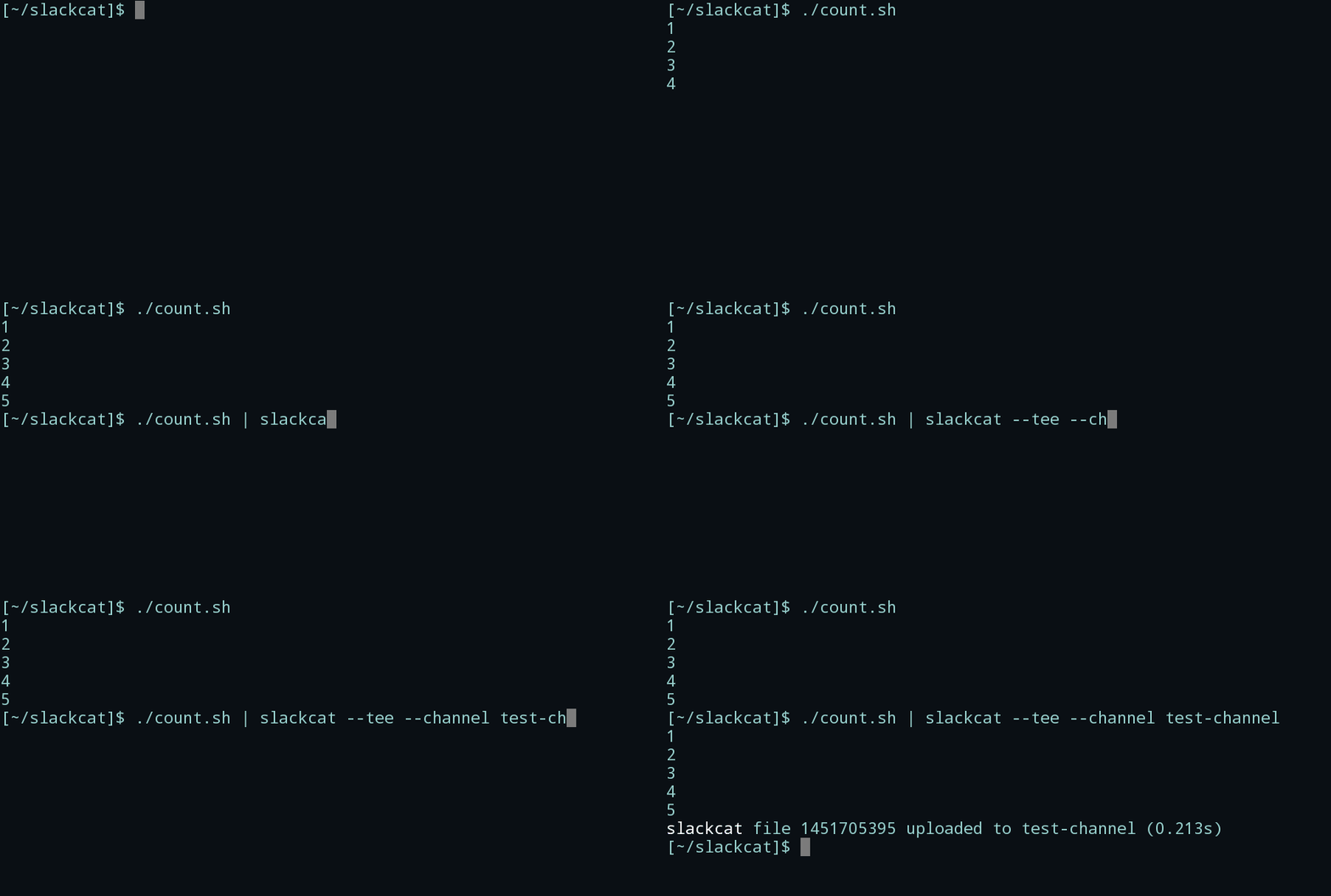
Slackcat is a simple commandline utility to post snippets to Slack.
Installing
Download the latest release for your platform:
curl -Lo slackcat https://github.com/bcicen/slackcat/releases/download/1.7.2/slackcat-1.7.2-$(uname -s)-amd64
sudo mv slackcat /usr/local/bin/
sudo chmod +x /usr/local/bin/slackcat
slackcat is also available via homebrew:
brew install slackcat
Building
To optionally build slackcat from source, ensure you have dep installed and run:
go get github.com/bcicen/slackcat && \
cd $GOPATH/src/github.com/bcicen/slackcat && \
make build
You must use GNU make for the build to work correctly. If your platform does not install GNU make as make (i.e. OpenBSD) then you will need to install gmake and run:
go get github.com/bcicen/slackcat && \
cd $GOPATH/src/github.com/bcicen/slackcat && \
gmake build
Configuration
Generate an initial config, or add a new team token with:
slackcat --configure
You'll be prompted for a team nickname and a new browser window will be opened for you to confirm the request via Slack. Provide the returned token to slackcat when prompted, and you're ready to go!
For configuring multiple teams and default channels, see Configuration Guide.
Usage
Pipe command output as a text snippet:
$ echo -e "hi\nthere" | slackcat --channel general --filename hello
*slackcat* file hello uploaded to general
Post an existing file:
$ slackcat --channel general /home/user/bot.png
*slackcat* file bot.png uploaded to general
Stream input continuously:
$ tail -F -n0 /path/to/log | slackcat --channel general --stream
*slackcat* posted 5 message lines to general
*slackcat* posted 2 message lines to general
...
Options
| Option | Description |
|---|---|
| --tee, -t | Print stdin to screen before posting |
| --stream, -s | Stream messages to Slack continuously instead of uploading a single snippet |
| --noop | Skip posting file to Slack. Useful for testing |
| --configure | Configure Slackcat via oauth |
| --iconemoji, -i | Specify emoji icon for message (e.g. ":+1:") |
| --channel, -c | Slack channel, group, or user to post to |
| --filename, -n | Filename for upload. Defaults to given filename or current timestamp if reading from stdin |
| --filetype | Specify filetype for syntax highlighting. Defaults to autodetect |
| --comment | Initial comment for snippet |
| --username | Stream messages as given bot user. Defaults to auth user |
| --thread | Stream messages to thread after initial comment message |
Ähnliche Projekte entdecken
Wird geladen…