
WPFDevelopersOrg/WPFDevelopers
WPFDevelopersOrg/WPFDevelopers has 1,922 GitHub stars and 296 forks. GitHot measured 0 stars in 24 hours and +1 in 7 days. Last checked 2026-11-12 18:58 UTC. Last push 2026-11-02.
So werden diese Zahlen gemessen
🎉 Welcome to follow the official account of "WPFDevelopers"! It covers the basic controls and custom control library (screenshot controls) of WPF. This project will be constantly updated, welcome to us ⭐ ️
Gemessener Sternzuwachs
- in 24h
- 0
- in 7 days
- +1
- in 15 days
- Verlauf wird gesammelt
- in 1 month
- Verlauf wird gesammelt
Nettoänderungen in überlappenden Zeiträumen, keine Tagessummen. Fehlende Messwerte bleiben leer. Sterne zeigen Interesse, nicht Qualität.
README.md
Original
WPFDevelopers
An open-source control and theme library for building modern WPF desktop applications.
Quick start · MapView guide · GitHub · AtomGit · Gitee · 中文






About
WPFDevelopers provides reusable controls, application-wide themes, and interactive samples for WPF projects. It supports target frameworks from .NET Framework 4.0 through .NET 10. See the quick start guide for framework and environment details.
| Themes | Controls | Samples |
|---|---|---|
| Light / Dark themes and customizable accent colors | Buttons, inputs, navigation, charts, windows, and more | Sample applications with implementation and composition examples |
Quick start
Install the stable NuGet package:
Install-Package WPFDevelopers
To try the latest features, install the preview package:
Install-Package WPFDevelopers -Pre
Then follow the quick start guide to configure App.xaml and use the controls.
Documentation and resources
- Quick start and supported .NET versions
- MapView guide
- Sample project source
- GitHub · AtomGit · Gitee
- 中文 README
Control preview
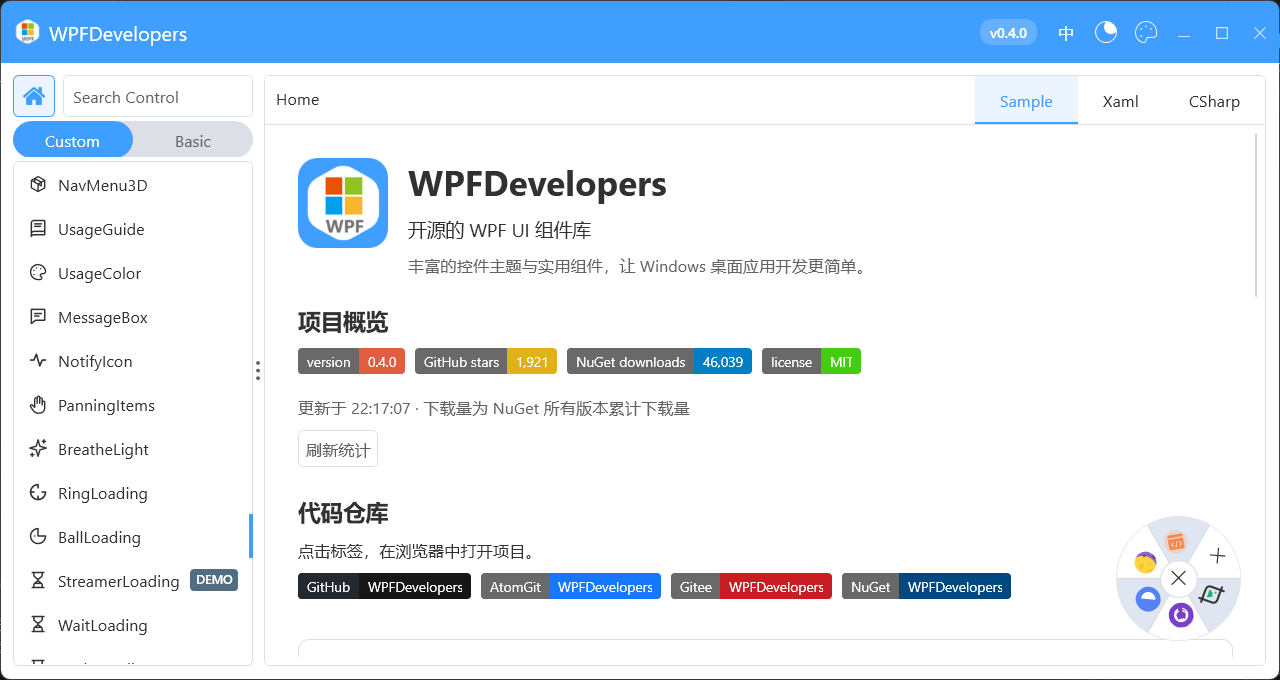
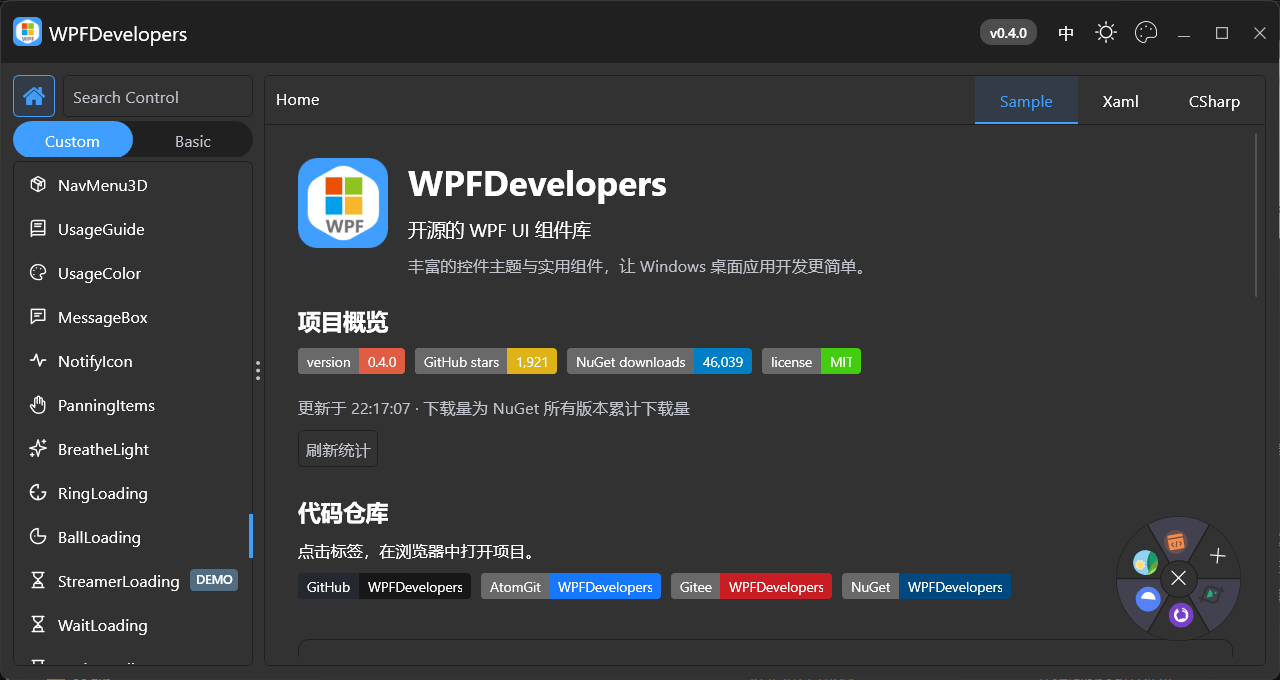
The full collection of control demos and animated previews is preserved below. Items marked DEMO may be sample-only implementations or compositions rather than built-in WD controls; refer to the corresponding source.
Show the full demo gallery and community information


Welcome to WPFDevelopers
Please use the preview Nuget package for the latest
How to compile 👀
Github https://github.com/WPFDevelopersOrg
AtomGit https://atomgit.com/WPFDevelopersOrg
码云 https://gitee.com/WPFDevelopersOrg
Documentation Center → Quick Start
The sample navigation marks sample-only implementations and composed effects with a blue-gray DEMO badge. These are not built-in WD controls; refer to the sample source. DEMO is independent of NEW / UPDATE, so both badges can appear on the same item.
Visual Studio 2026
System Design

.Net Version
| .Net Version | Status |
|---|---|
| net40 | ✅ |
| net45 | ✅ |
| net451 | ✅ |
| net452 | ✅ |
| net46 | ✅ |
| net461 | ✅ |
| net462 | ✅ |
| net47 | ✅ |
| net471 | ✅ |
| net472 | ✅ |
| net48 | ✅ |
| net481 | ✅ |
| netcoreapp3.0 | ✅ |
| netcoreapp3.1 | ✅ |
| net5.0-windows | ✅ |
| net6.0-windows | ✅ |
| net7.0-windows | ✅ |
| net8.0-windows | ✅ |
| net9.0-windows | ✅ |
| net10.0-windows | ✅ |
Donate
If you think our open source software is helpful to you, please scan the QR code below and give us a cup of coffee.
| Alipay | WeChat pay |
|---|---|
 |
 |
Backers





Contributors


| contributor | contribution |
|---|---|
| @HaHa-ZYK | Project Quality Guardian :shield: - Thank you for continuously submitting a large number of extremely valuable and high-quality issue reports. Your meticulous observation skills are the cornerstone of project stability. |
| @wanghaodong24 | Thank you for consistently submitting high-quality issues |
This is a UI library for WPF developers based on WPF custom advanced controls. Welcome to use..
How to use
Step 1: Add NuGet
Install-Package WPFDevelopers
Step 2: Add nodes to App.xaml
xmlns:wd="https://github.com/WPFDevelopersOrg/WPFDevelopers"
    <Application.Resources>
        <ResourceDictionary>
            <ResourceDictionary.MergedDictionaries>
                     <ResourceDictionary Source="pack://application:,,,/WPFDevelopers;component/Themes/Theme.xaml" />
 			<!--  需要注意 wd:Resources 必须在Theme.xaml后  -->
 			<!--
    			默认情况下,Theme 为 Light(适用于 Windows 10 及以上版本),
   				并会自动根据系统主题切换 Light 或 Dark 模式。
   				若设置为 Default,则会跟随系统主题。
   			-->

		    <!--
   				如需手动指定为 Light 模式,可使用 Theme="Light"。
   				您还可以通过 Color 属性自定义主题色,例如设置为 Color="Fuchsia"。
		    -->

		    <!--
   				此外,通过 Radius 属性可控制控件的圆角大小(Windows 11 默认为 4)。
			 -->
				<wd:Resources Radius="4" />
            </ResourceDictionary.MergedDictionaries>
        </ResourceDictionary>
    </Application.Resources>
Step 3: Add the namespace
xmlns:wd="https://github.com/WPFDevelopersOrg/WPFDevelopers"
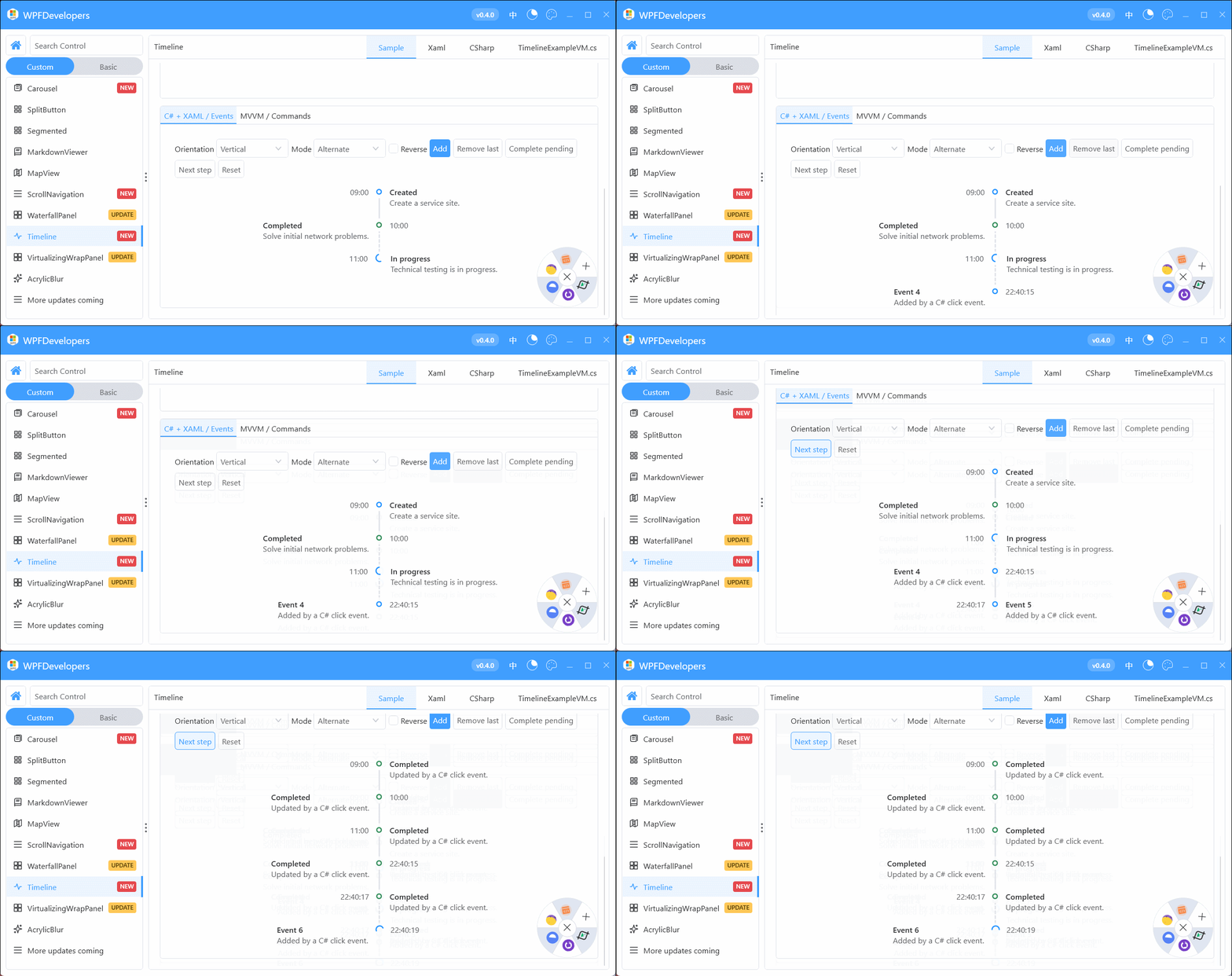
Timeline
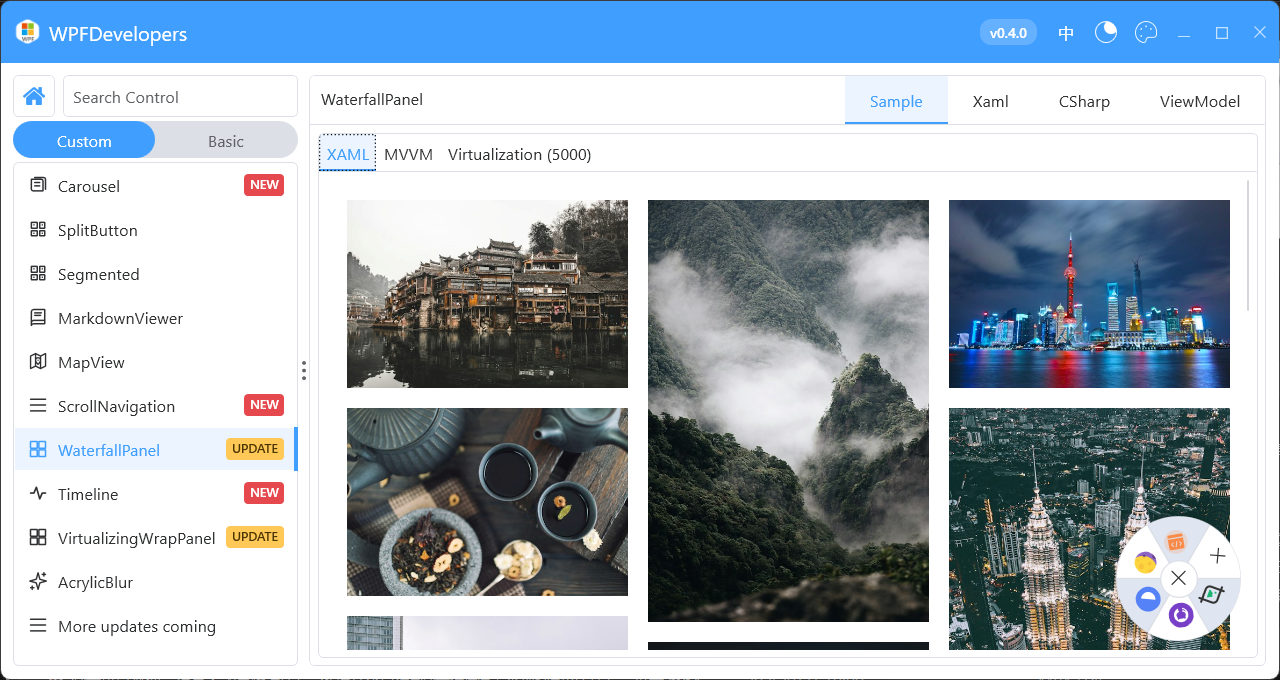
WaterfallPanel
ScrollNavigation
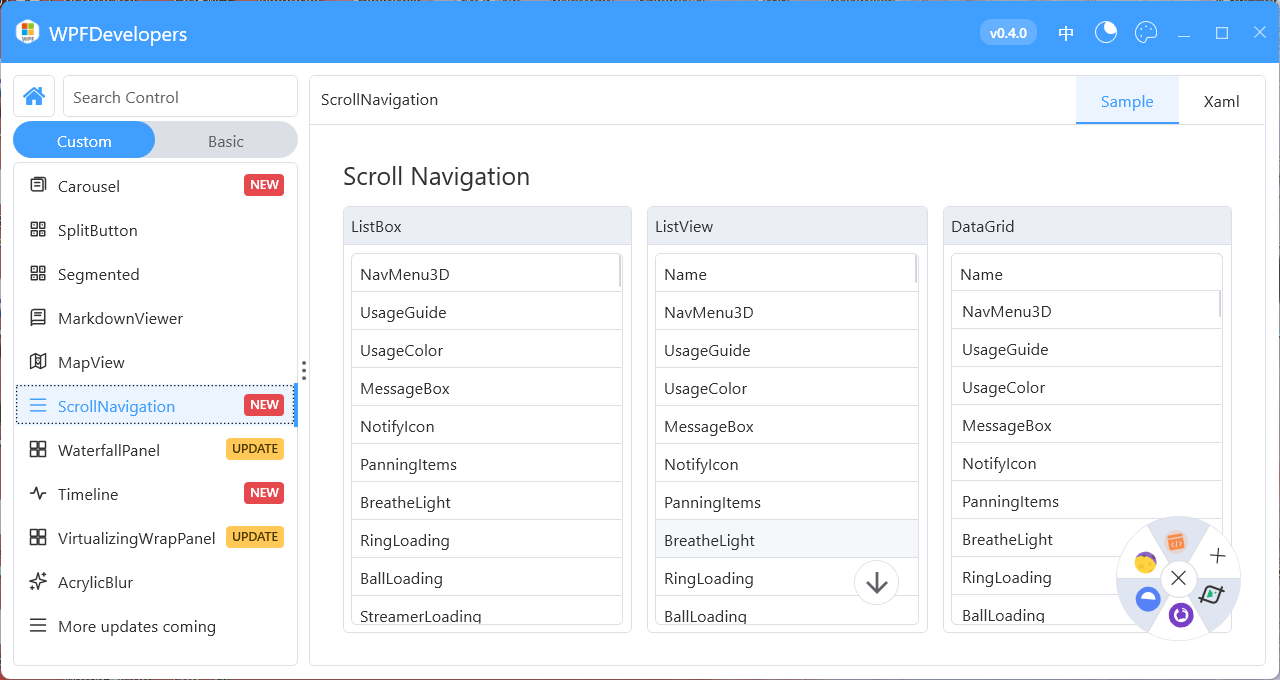
MapView
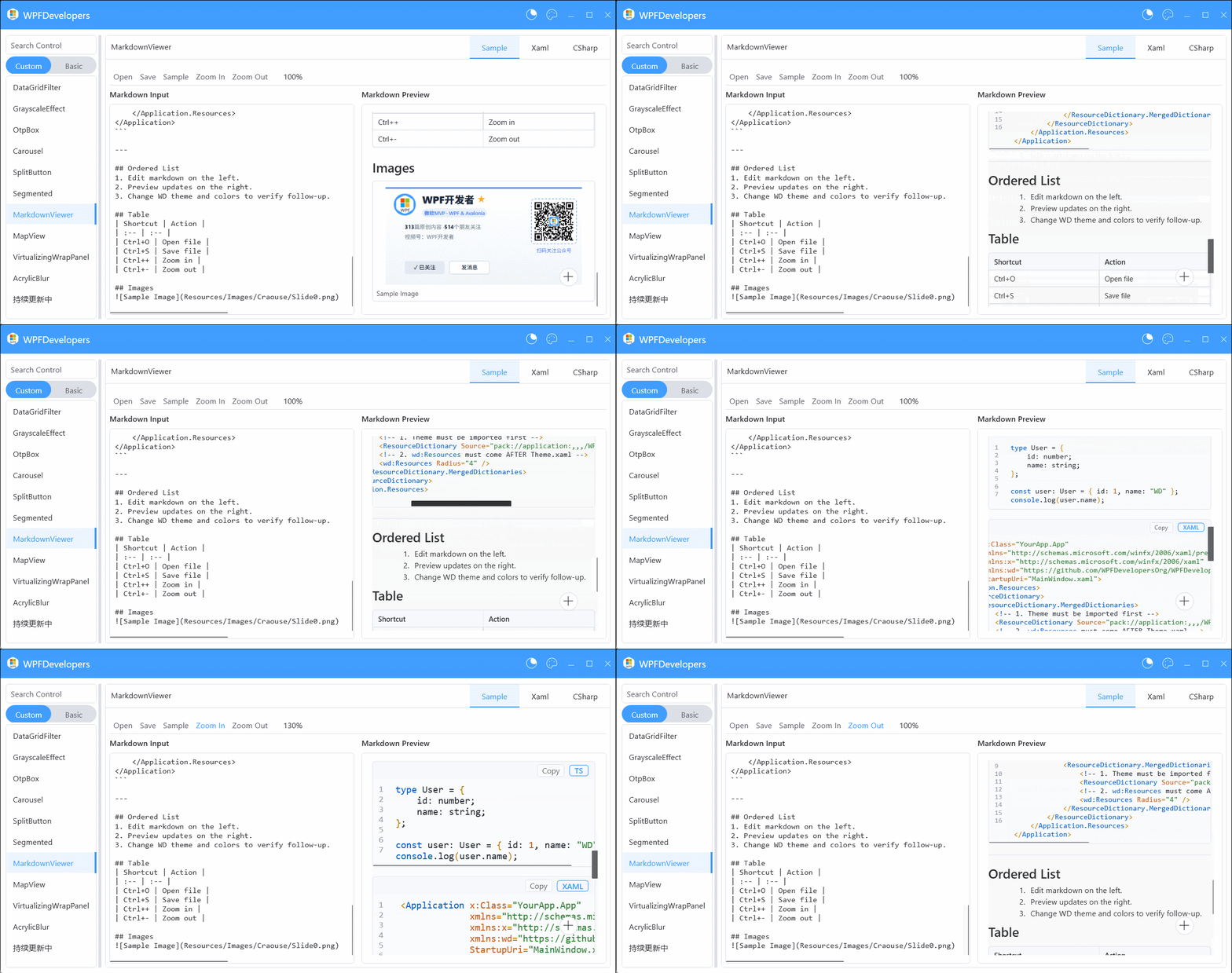
MarkdownViewer
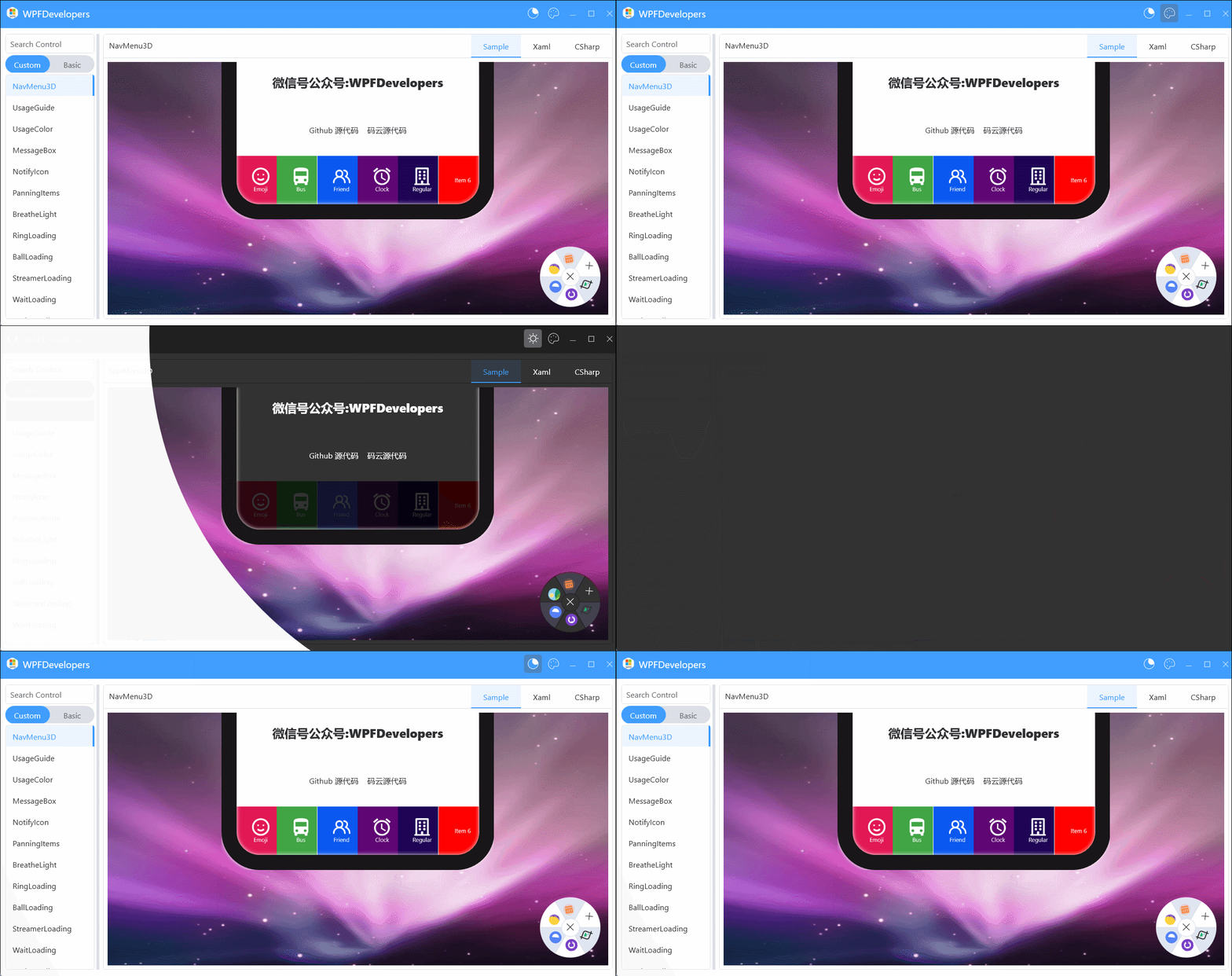
SwitchTheme
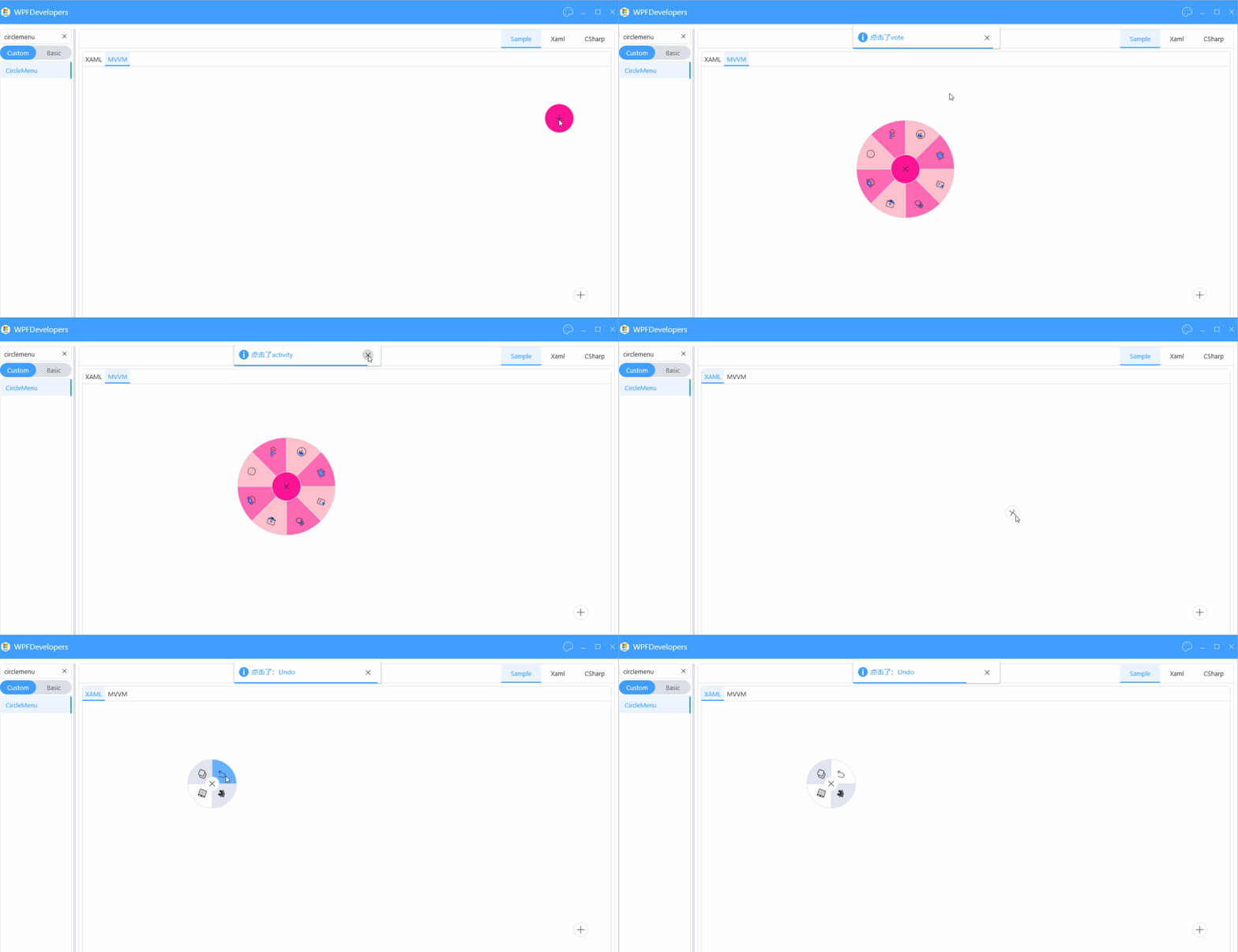
CircleMenu
Segmented
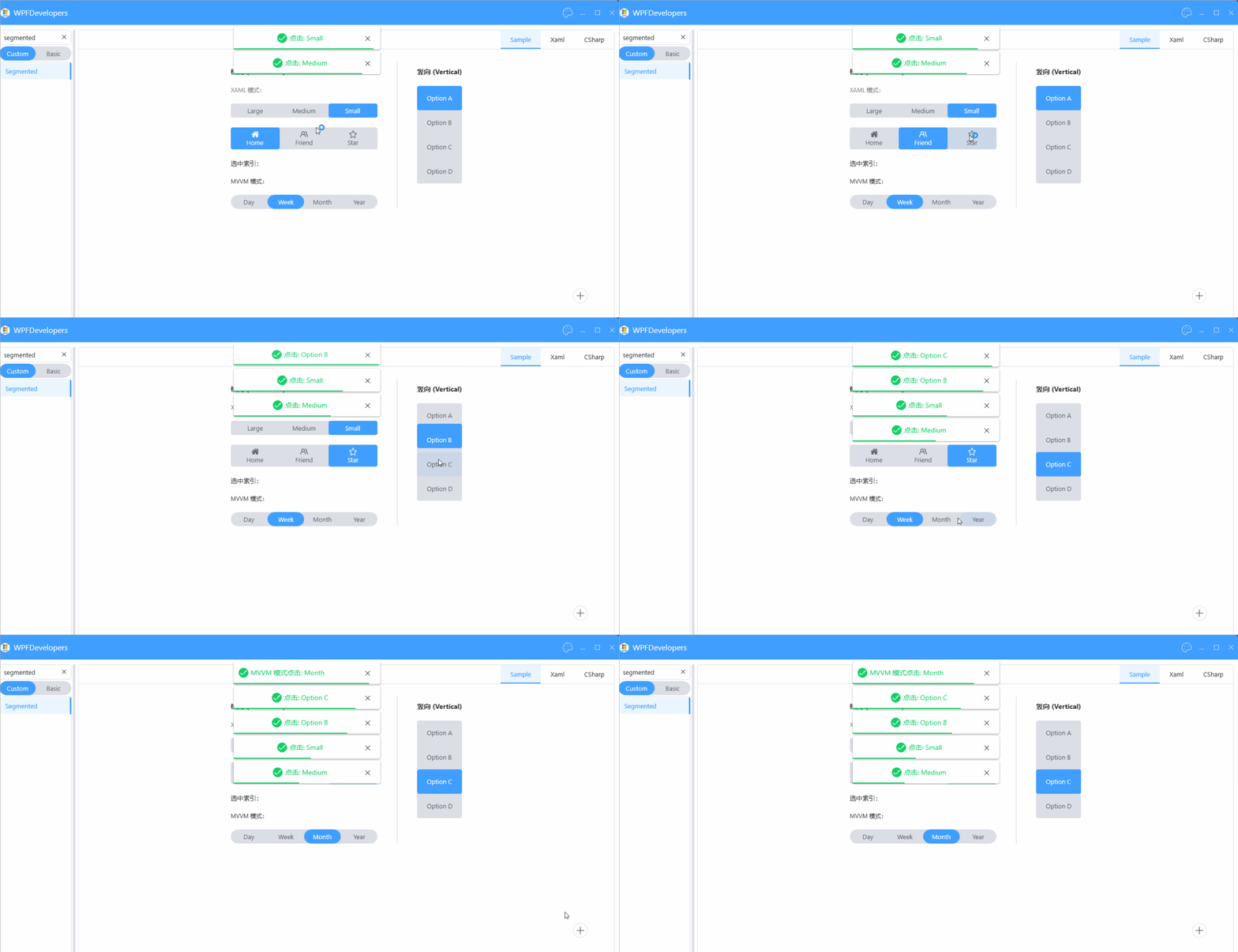
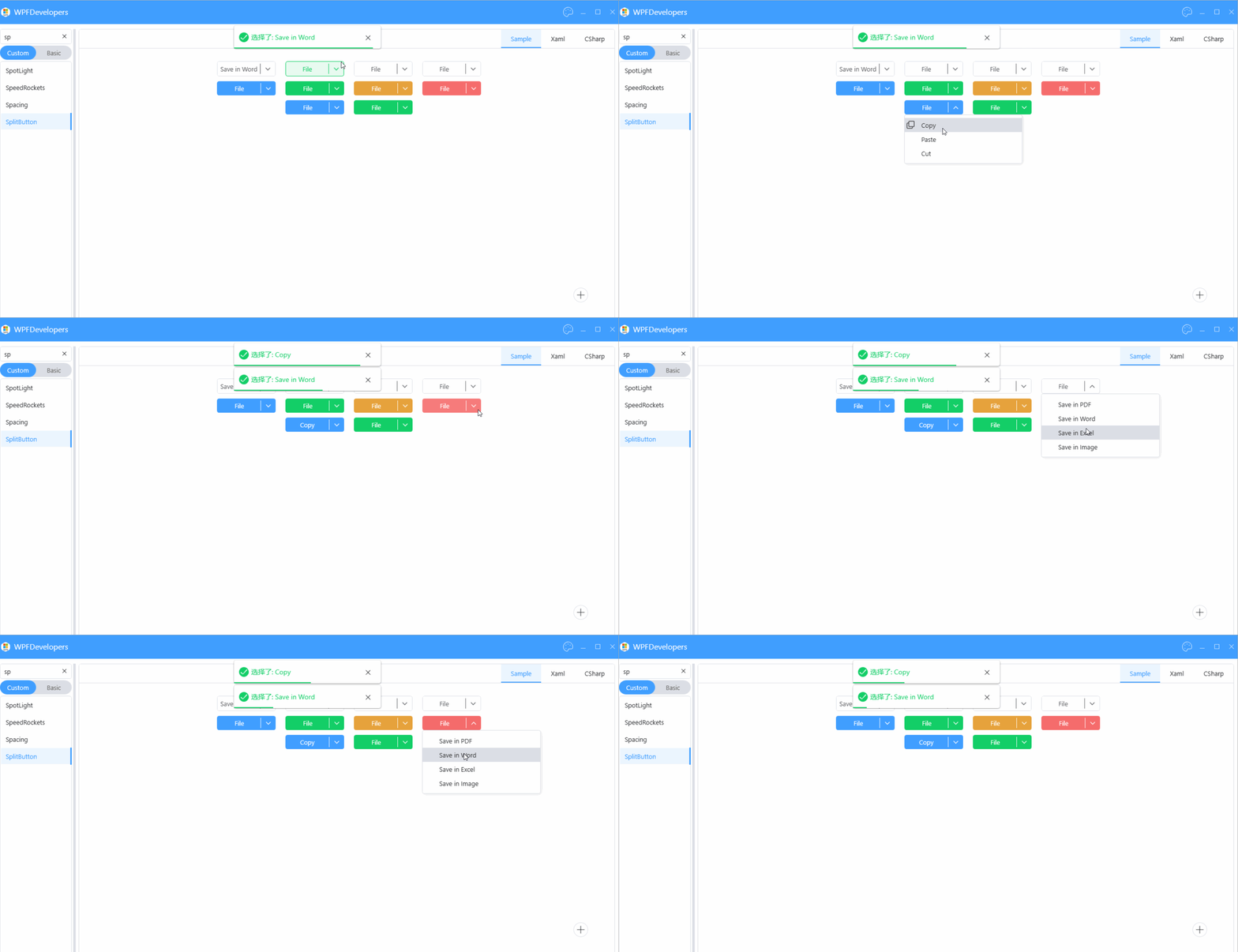
SplitButton
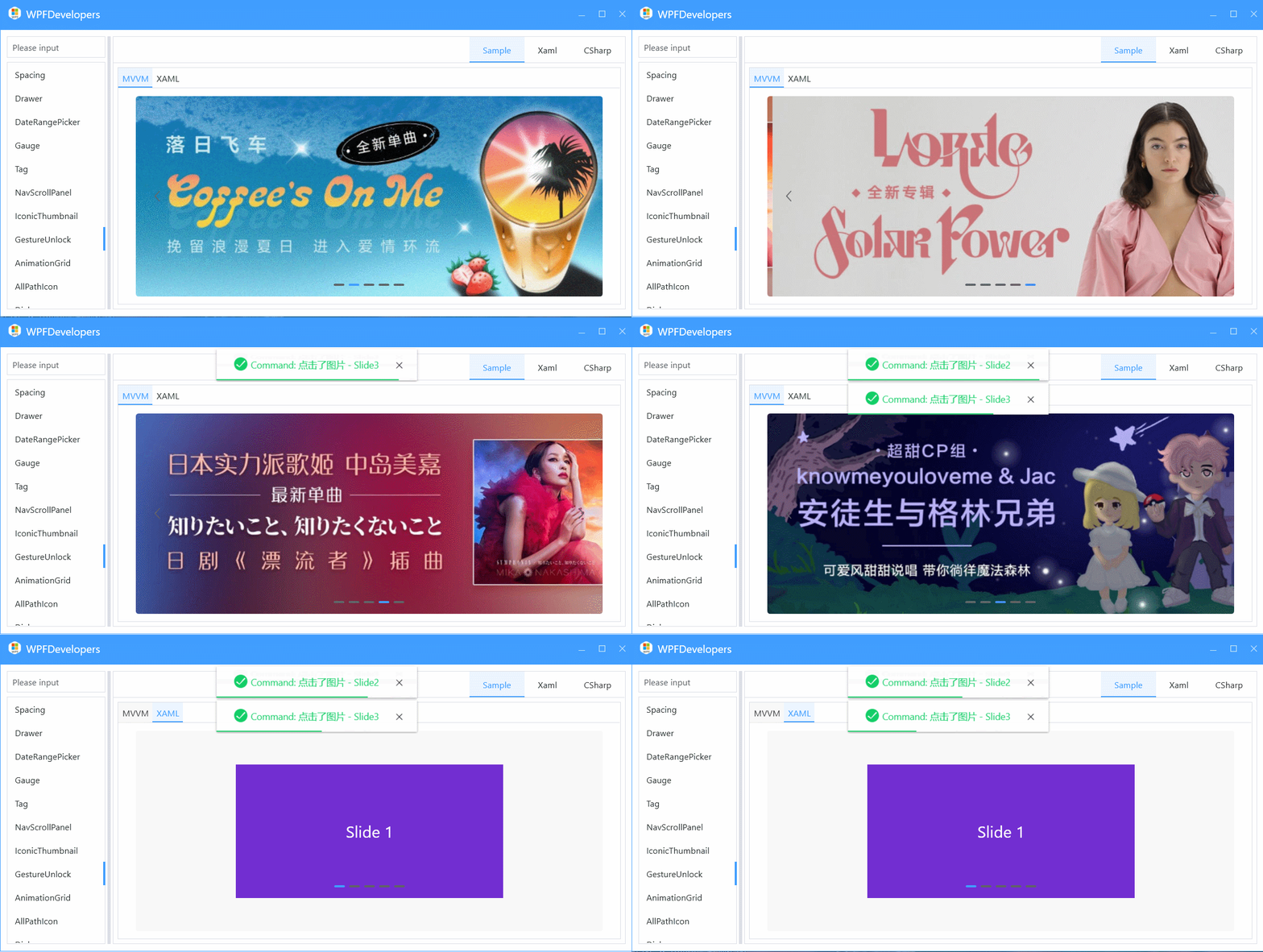
Carousel
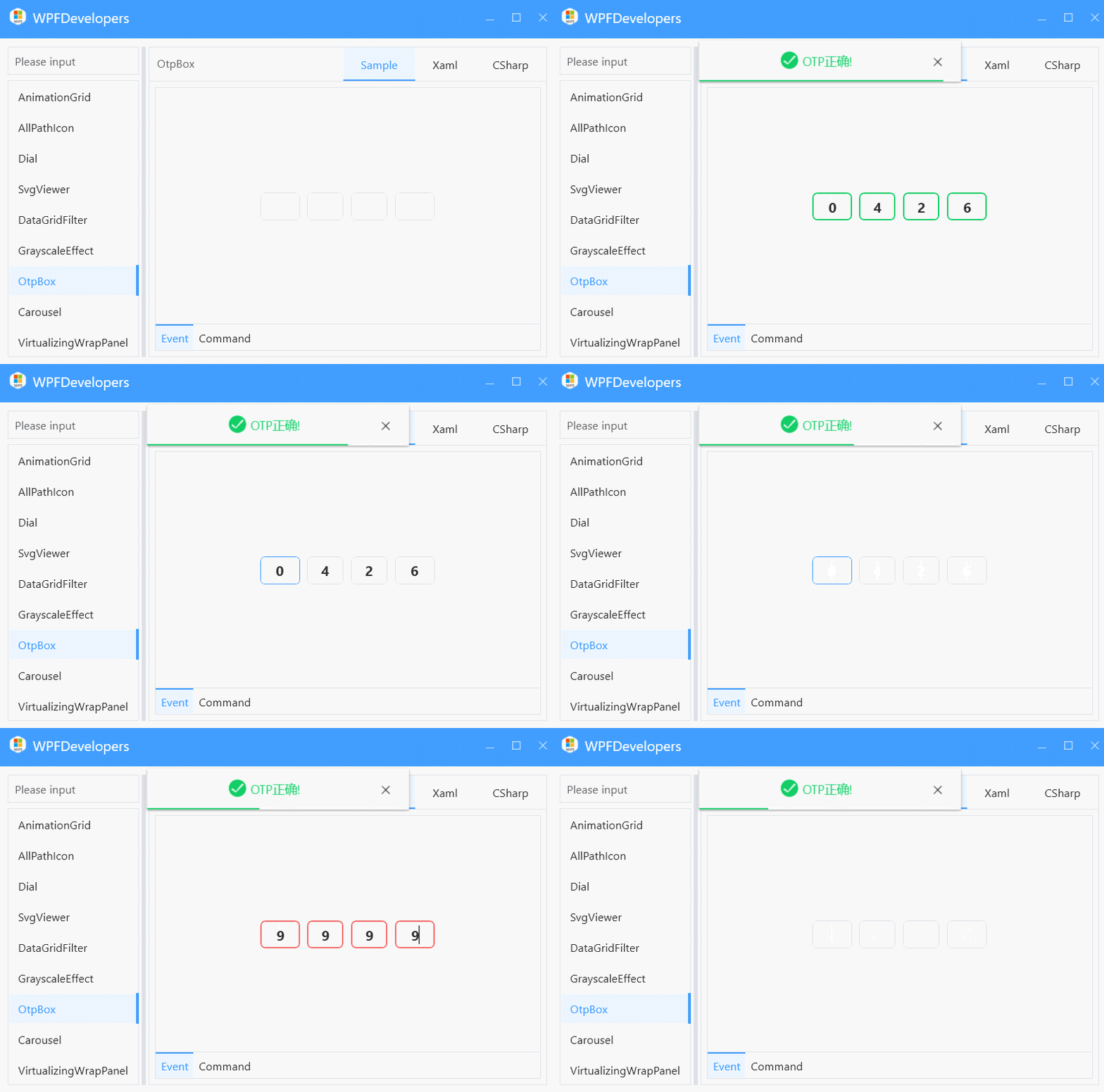
OtpBox
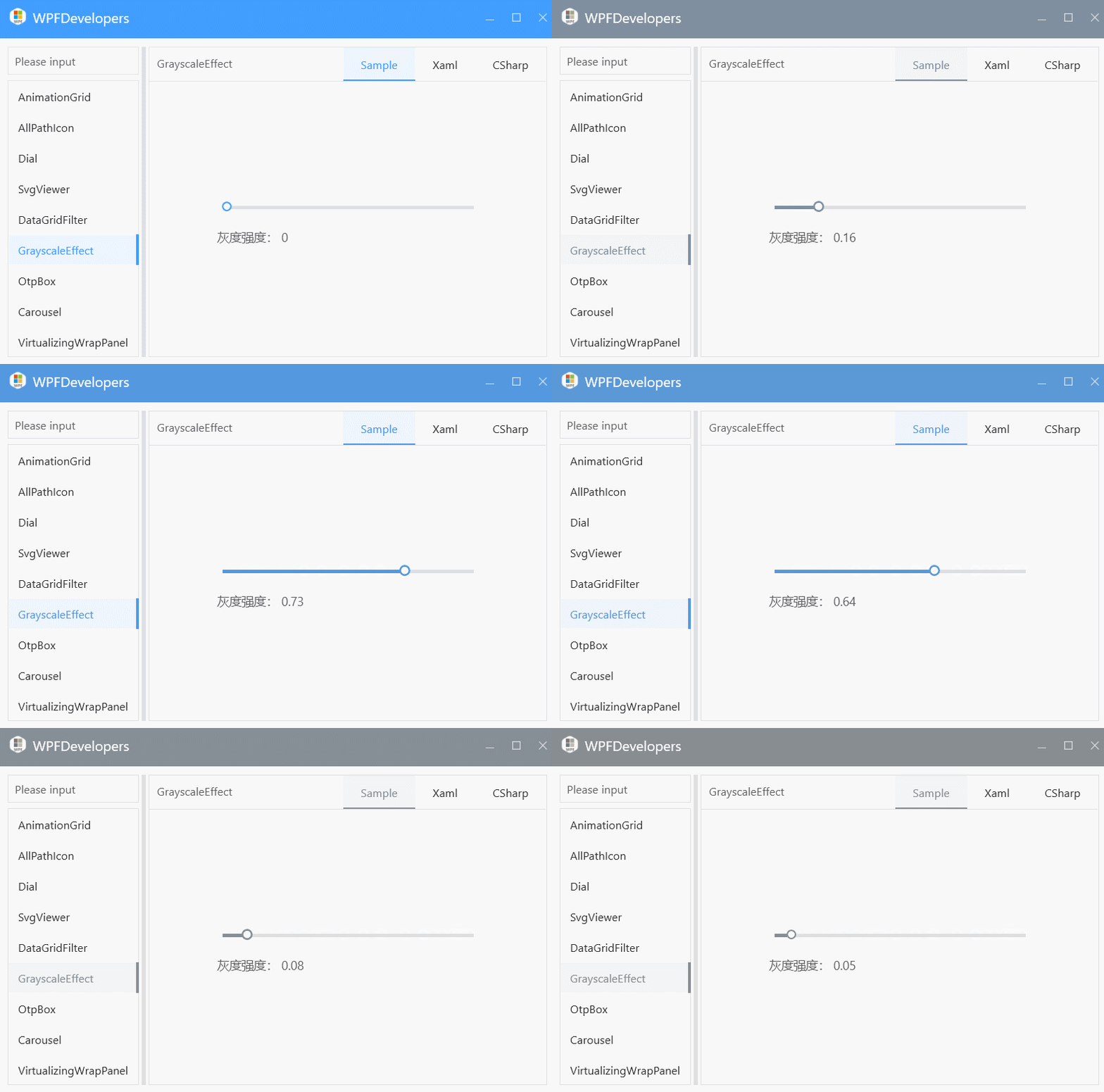
GrayscaleEffect
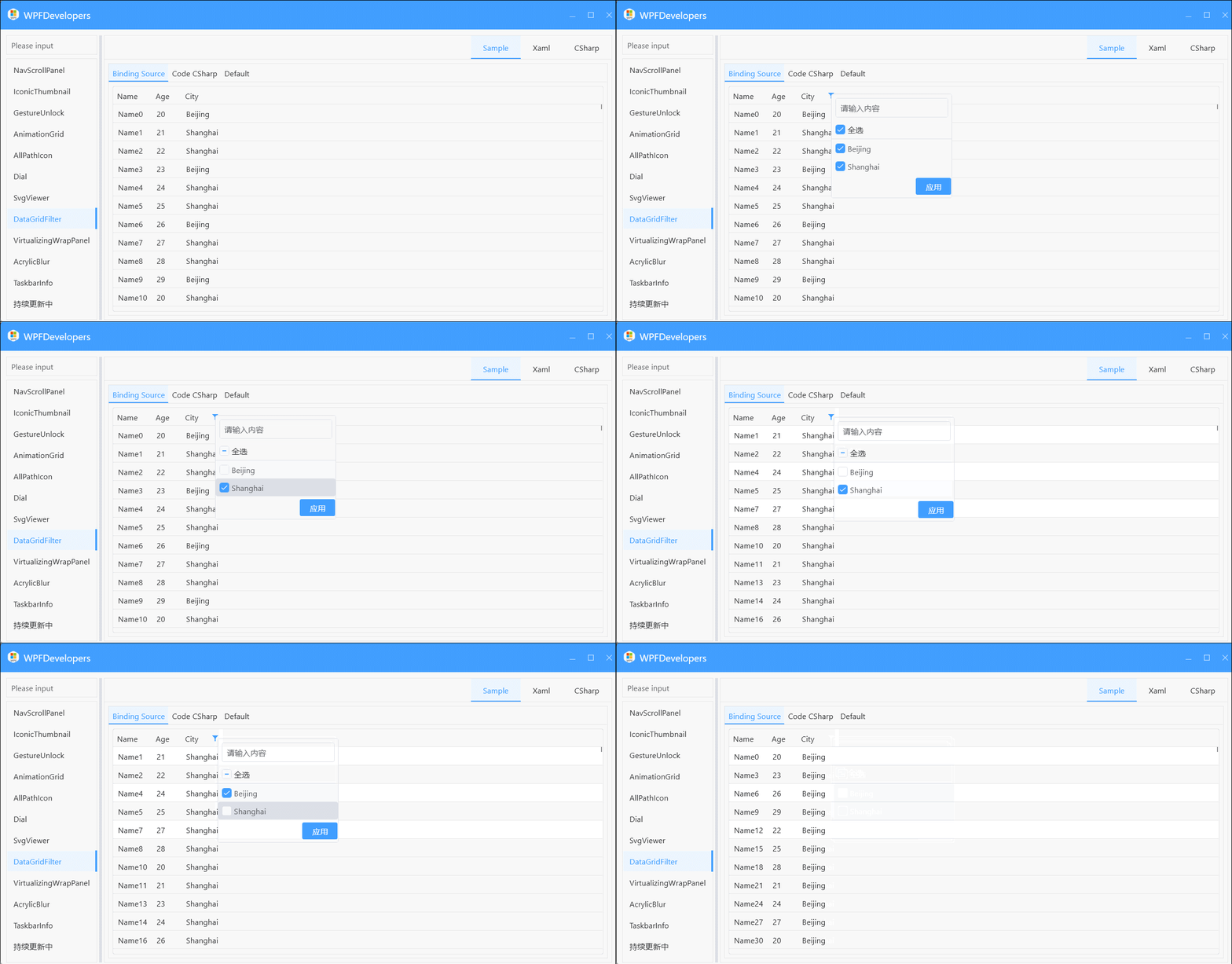
DataGridFilter
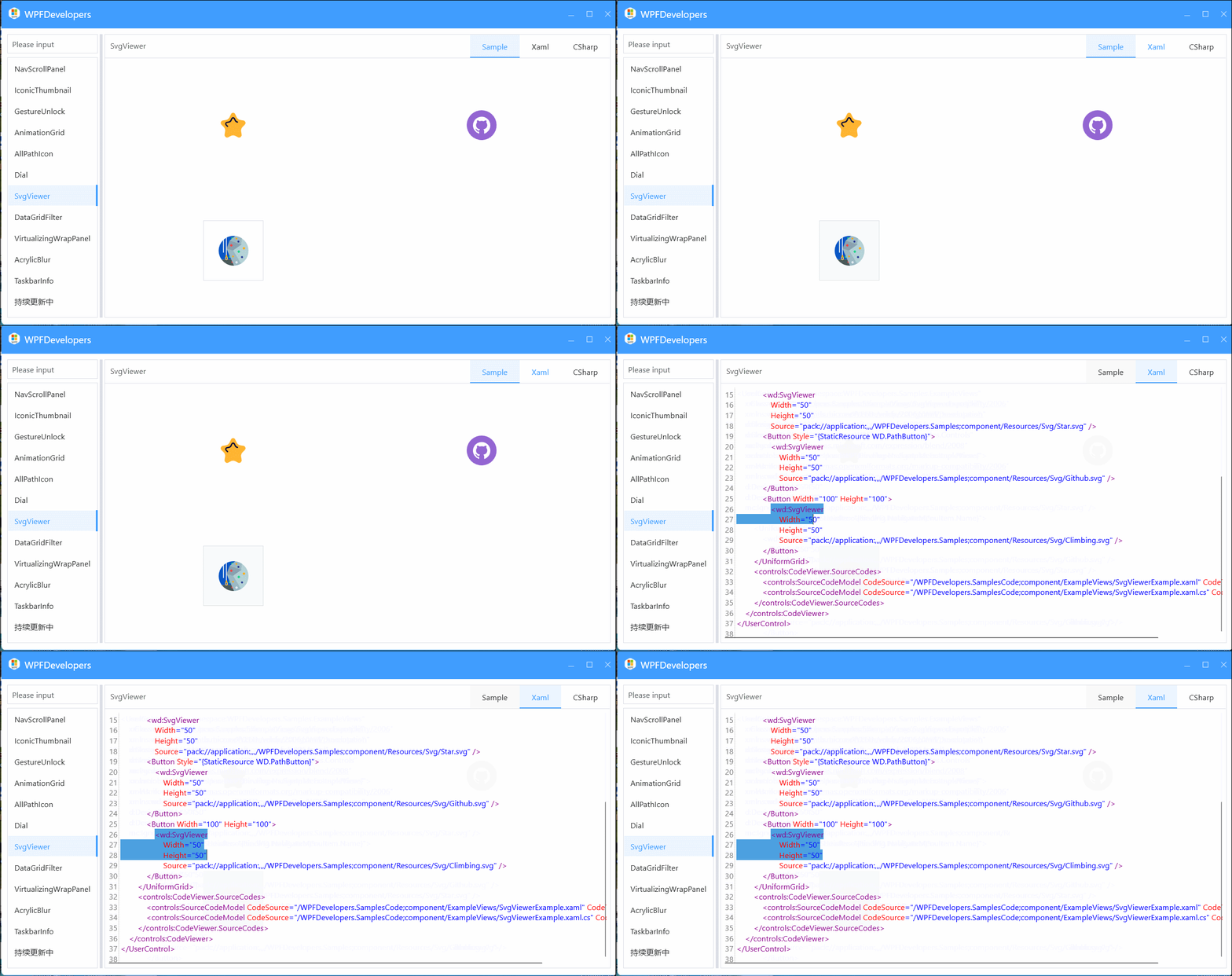
SvgViewer
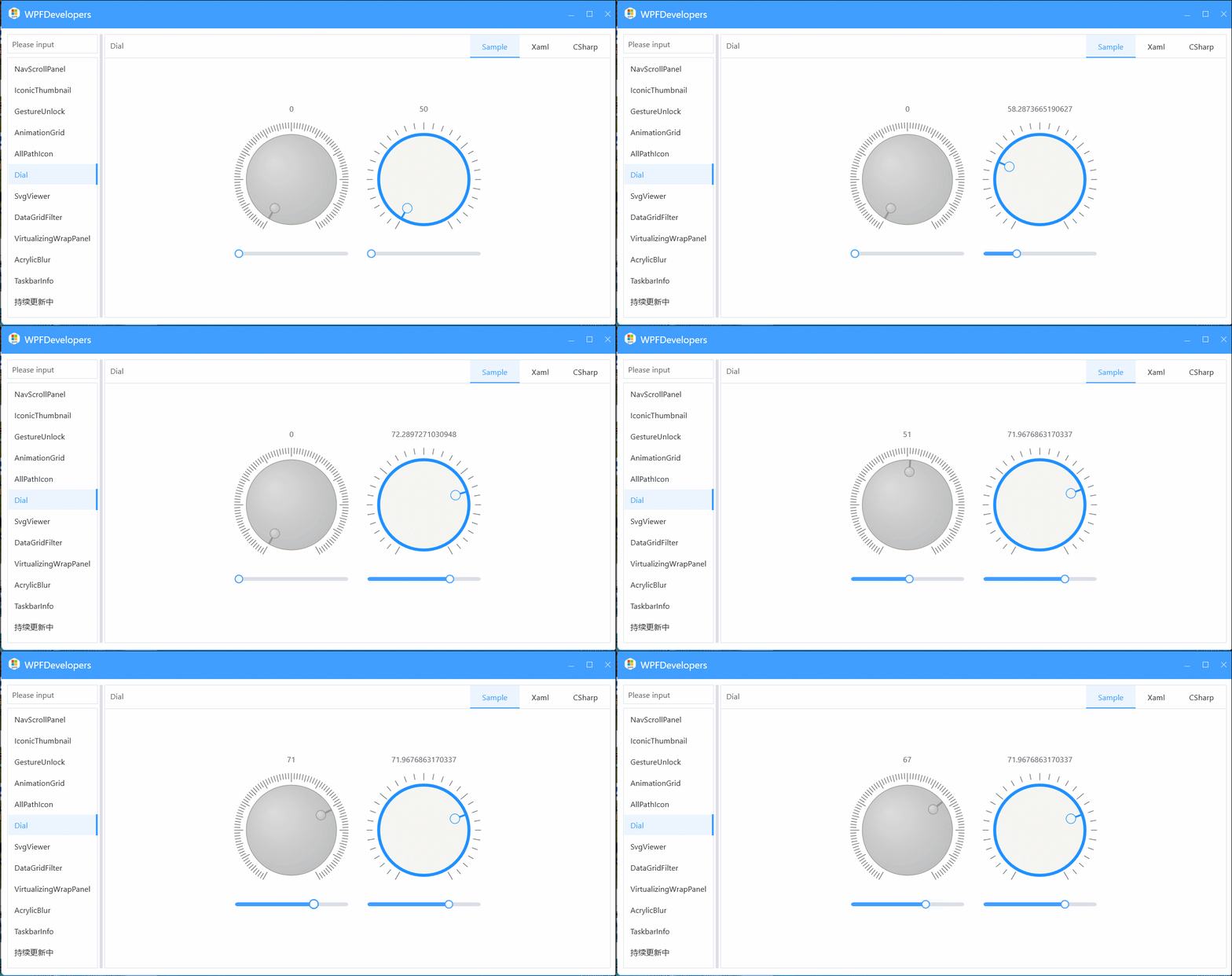
Dial
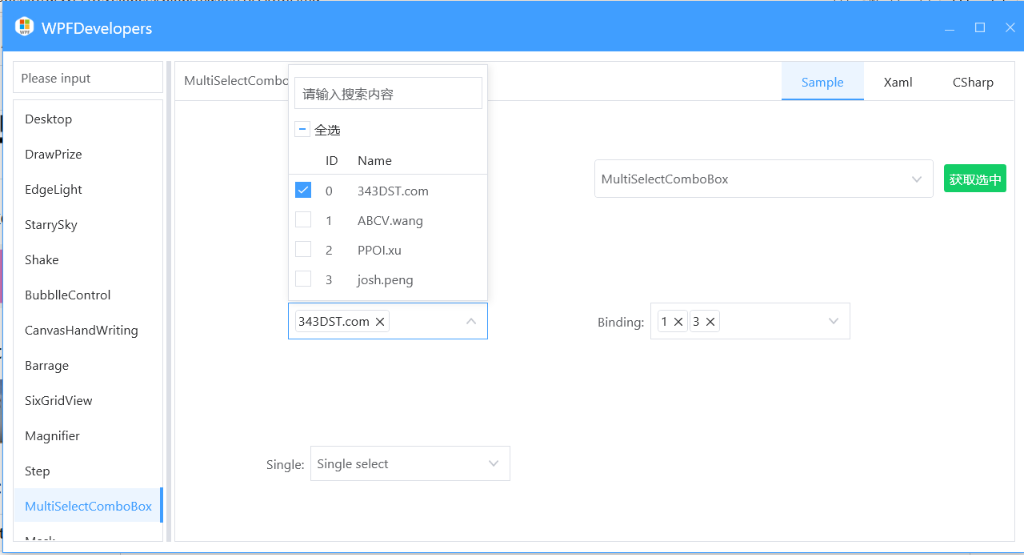
MultiSelectComboBox
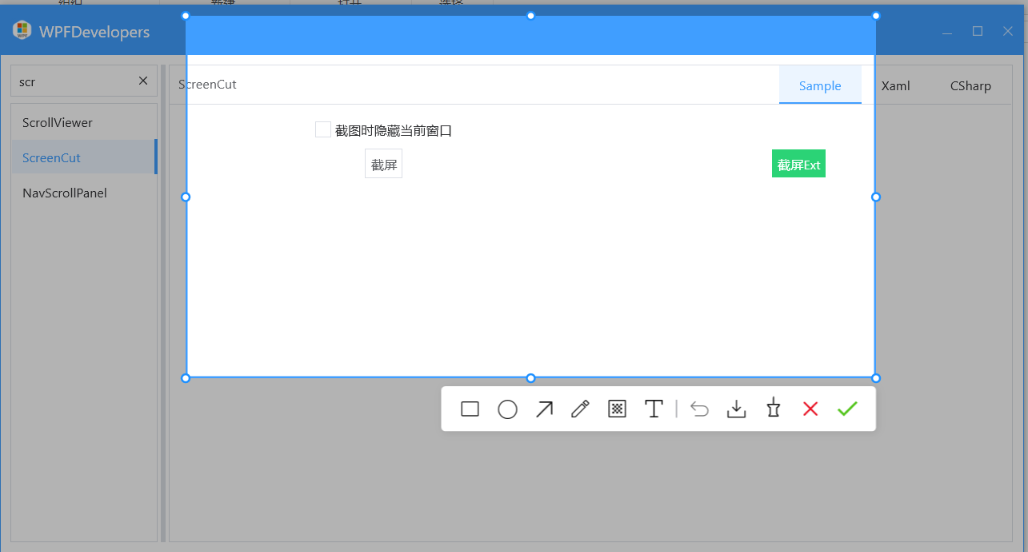
ScreenCaptureExt
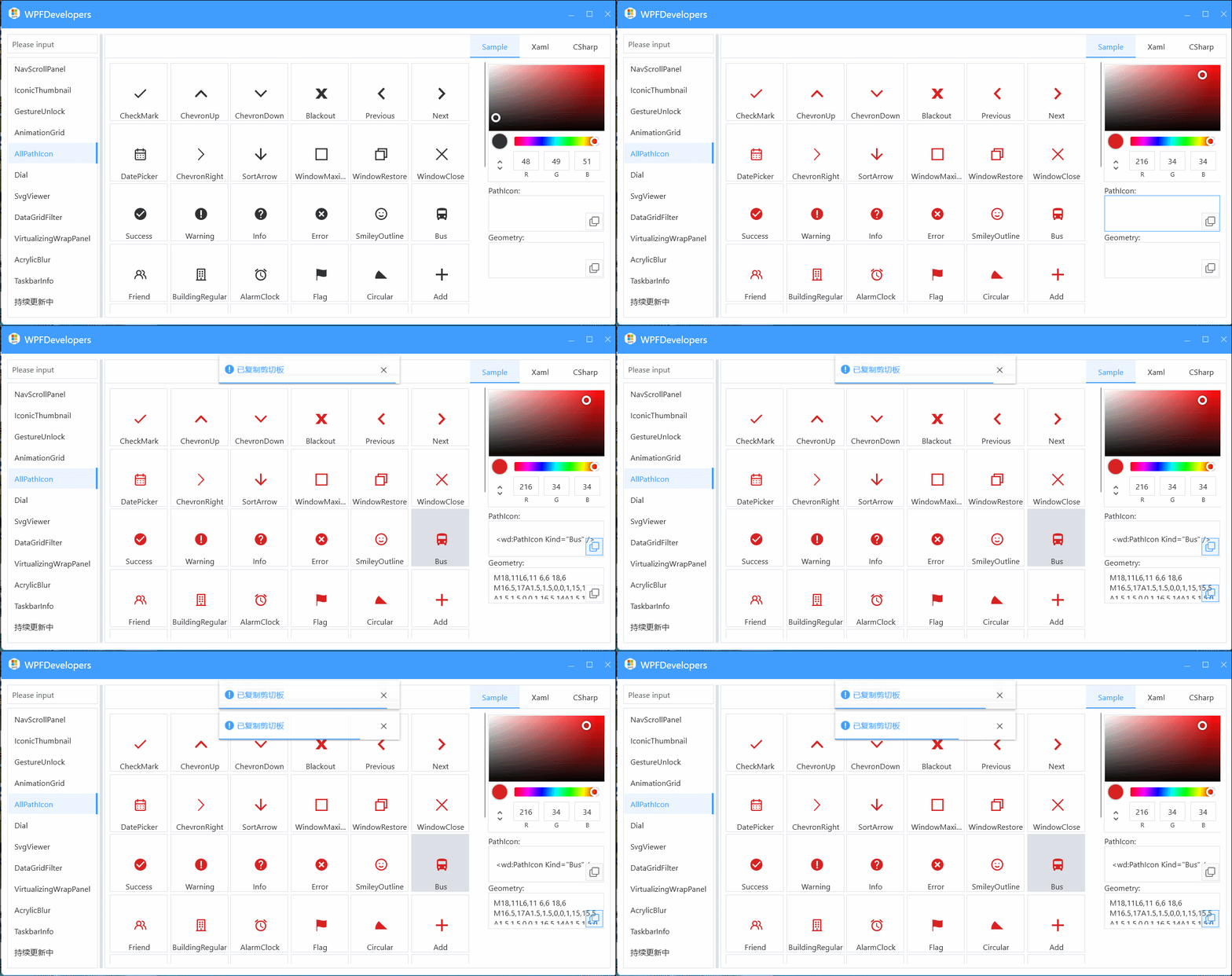
AllPath
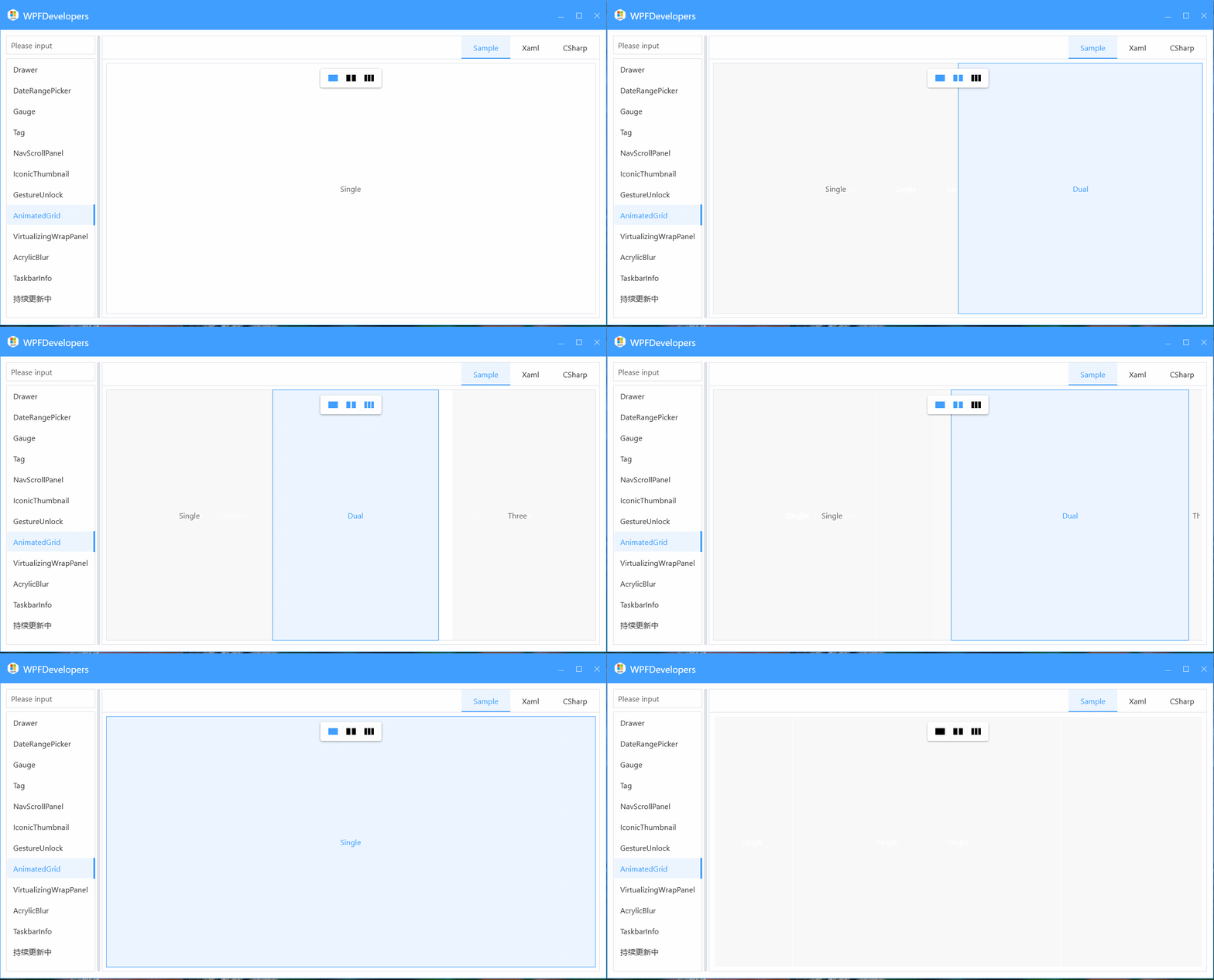
AnimatedGrid
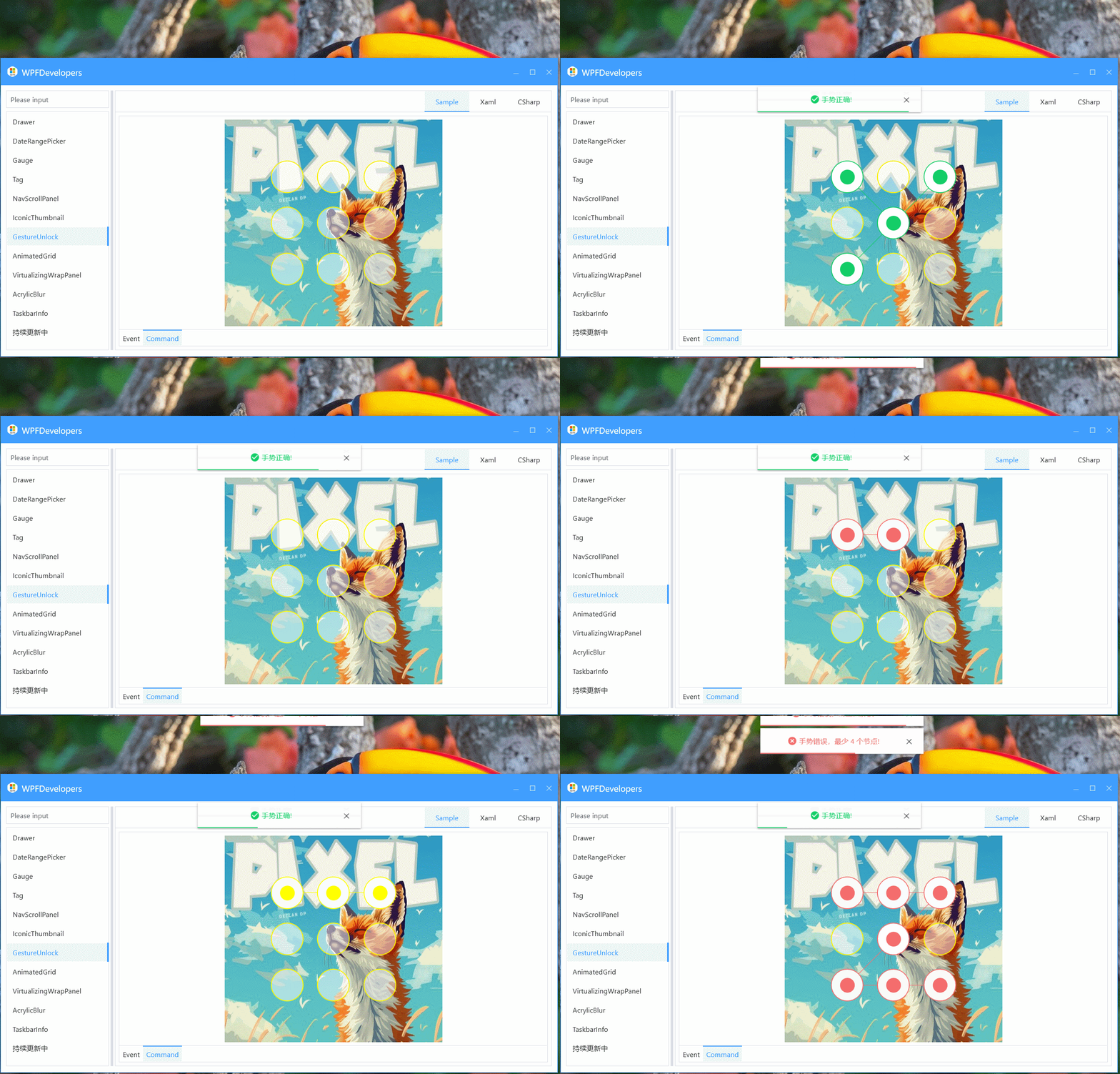
GestureUnlock
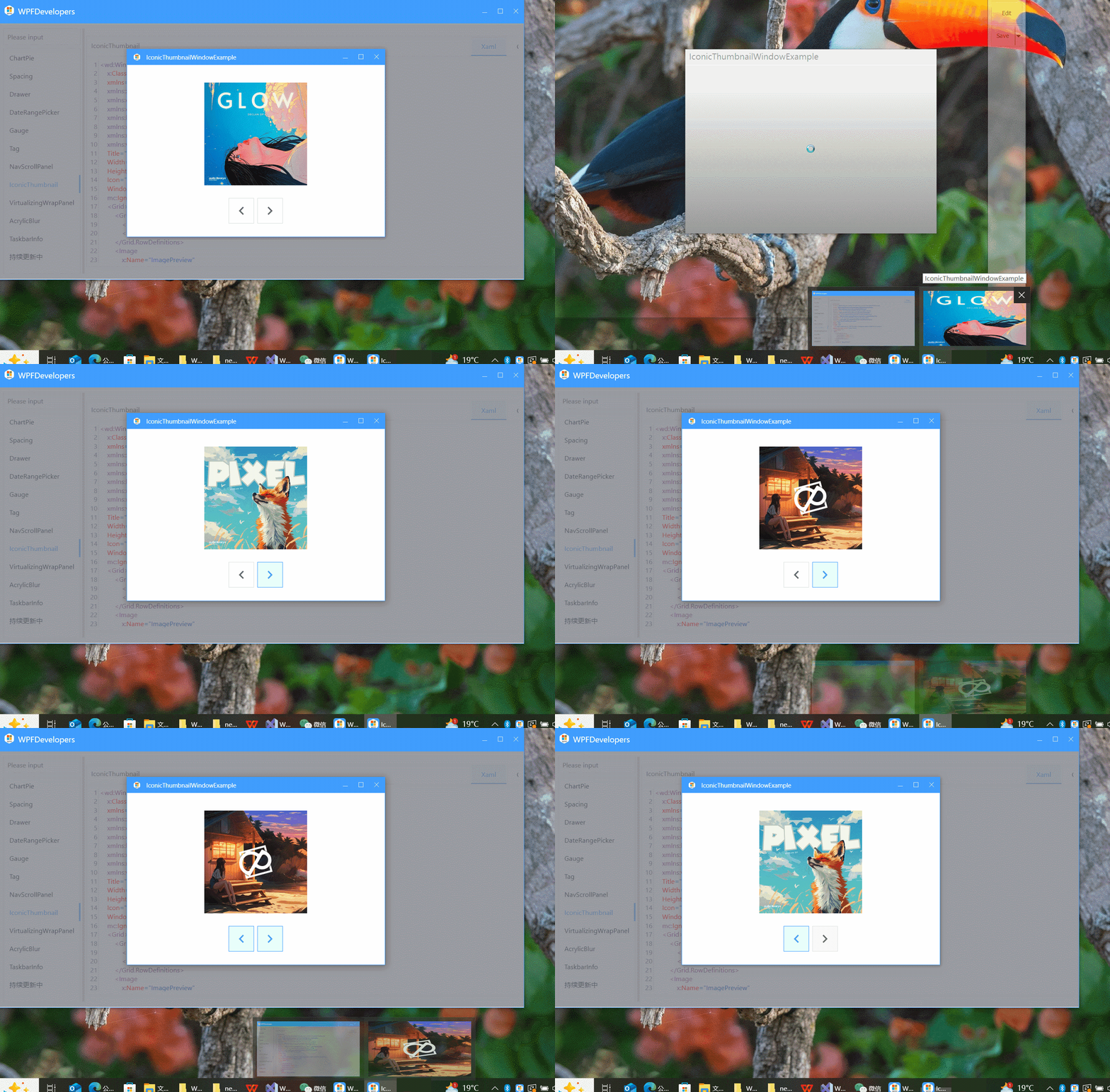
IconicThumbnail
Snap
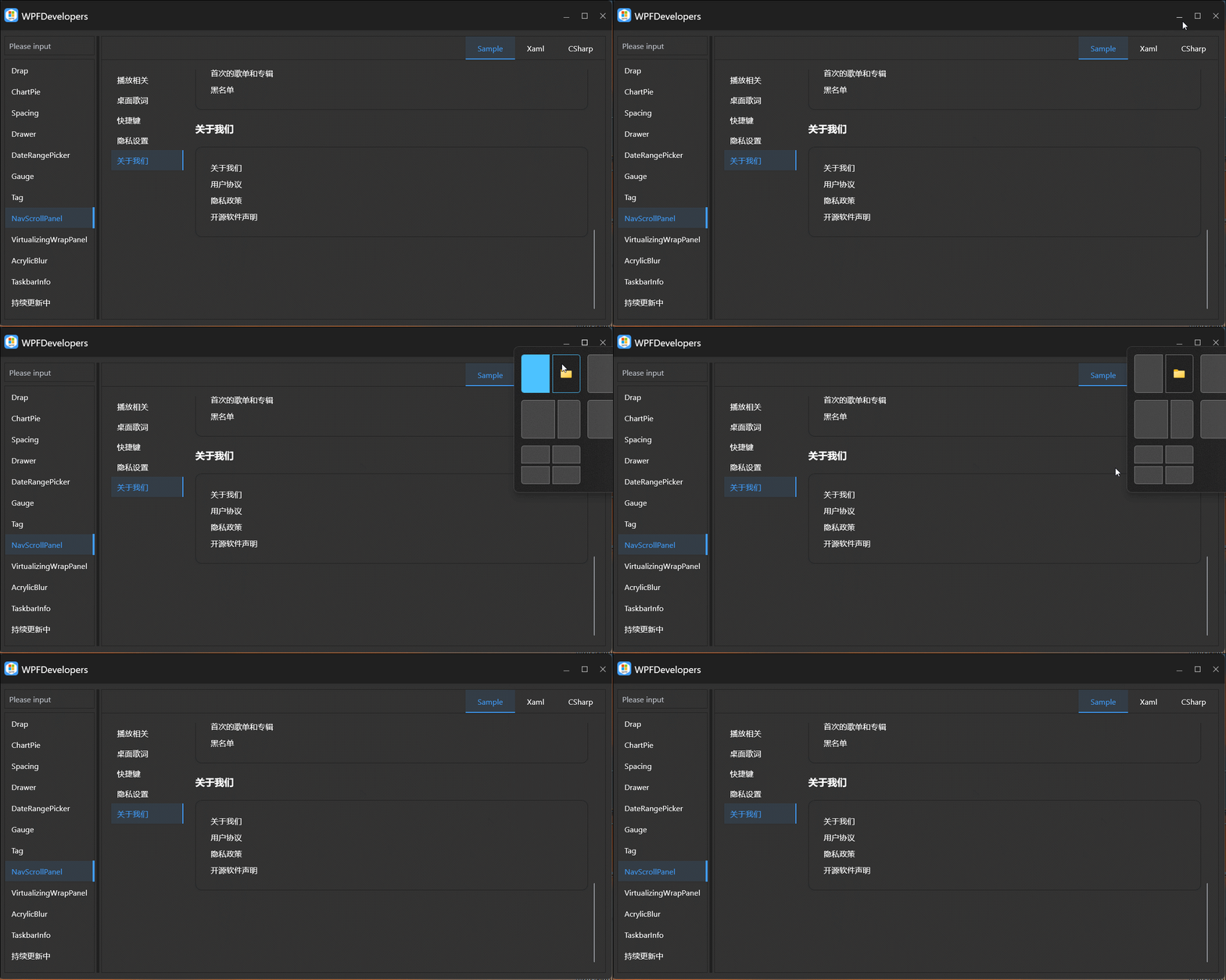
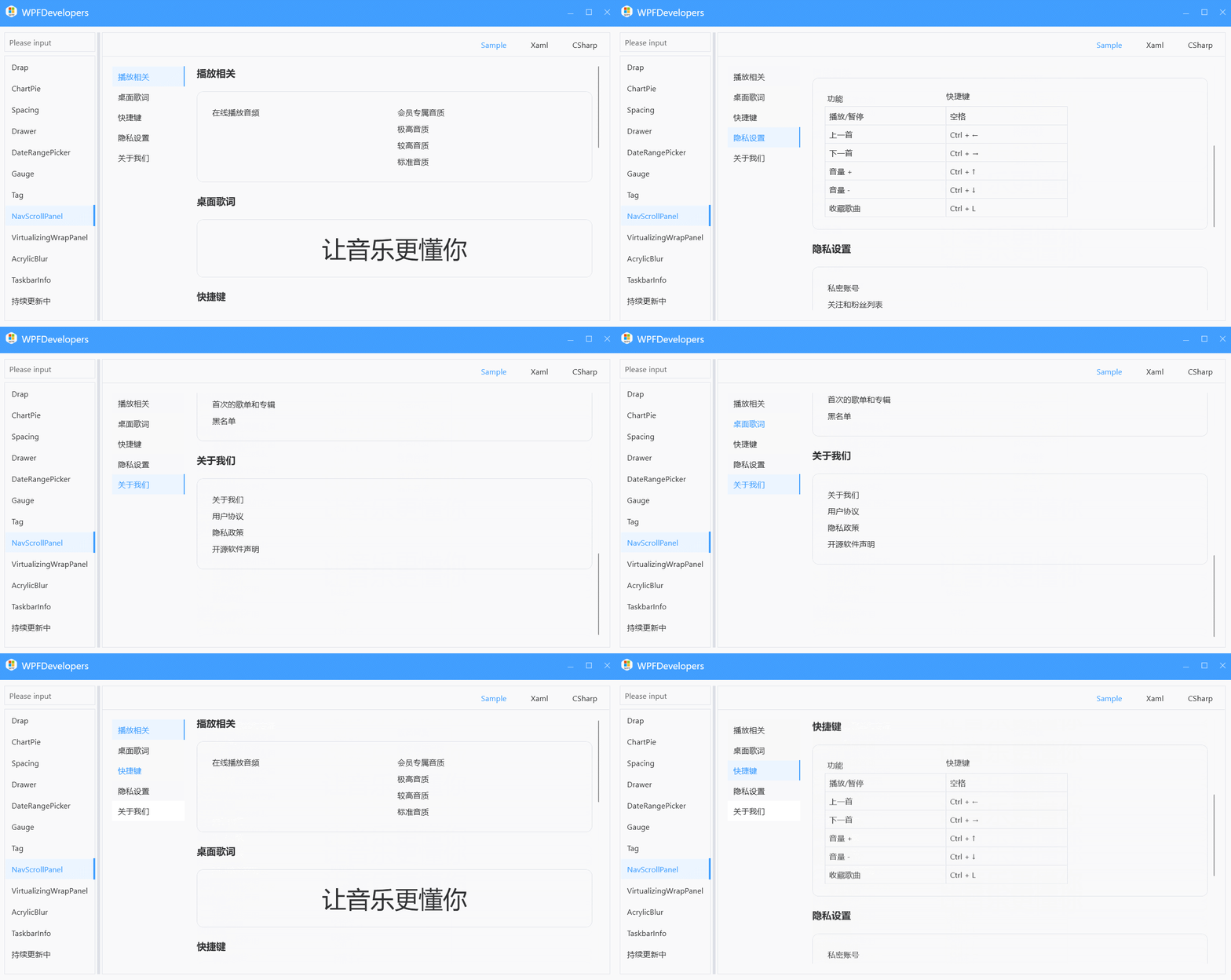
NavScrollPanel
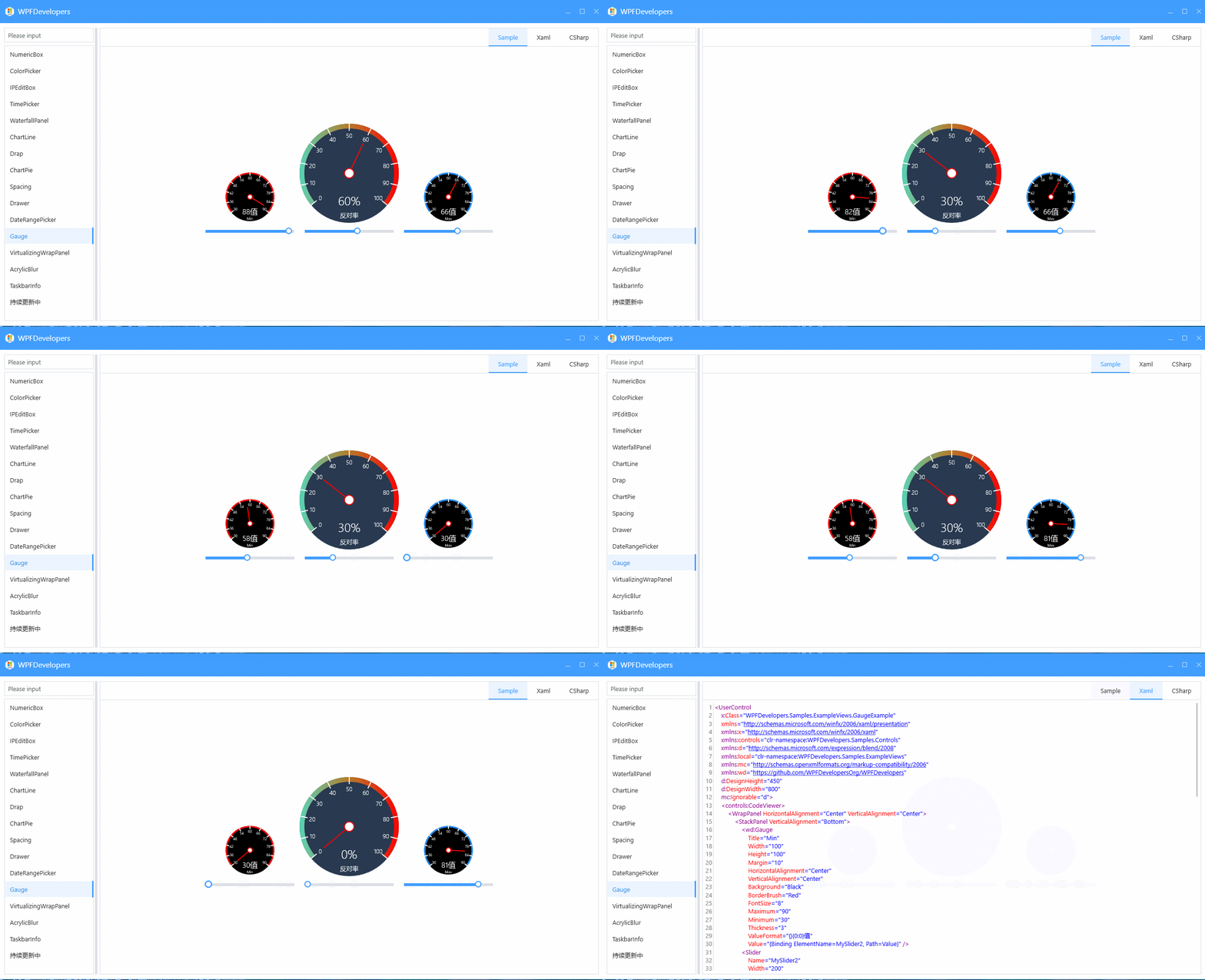
Gauge
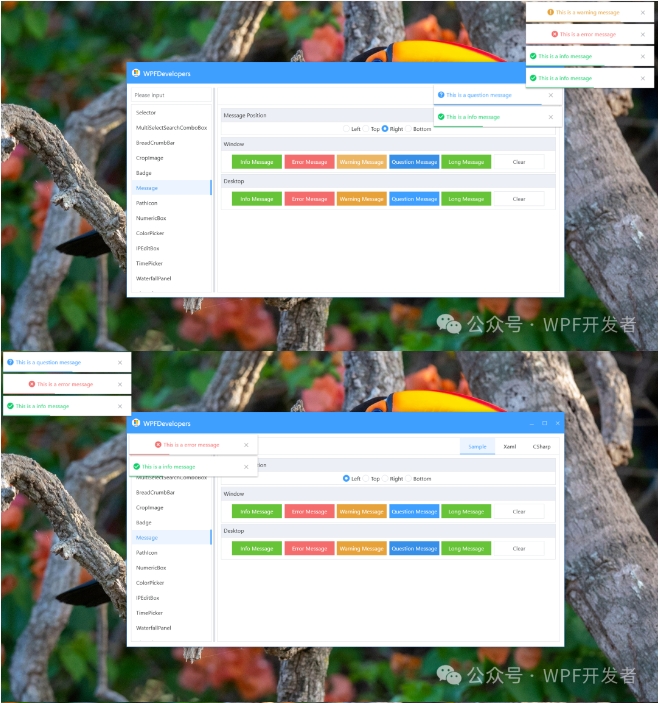
Toast
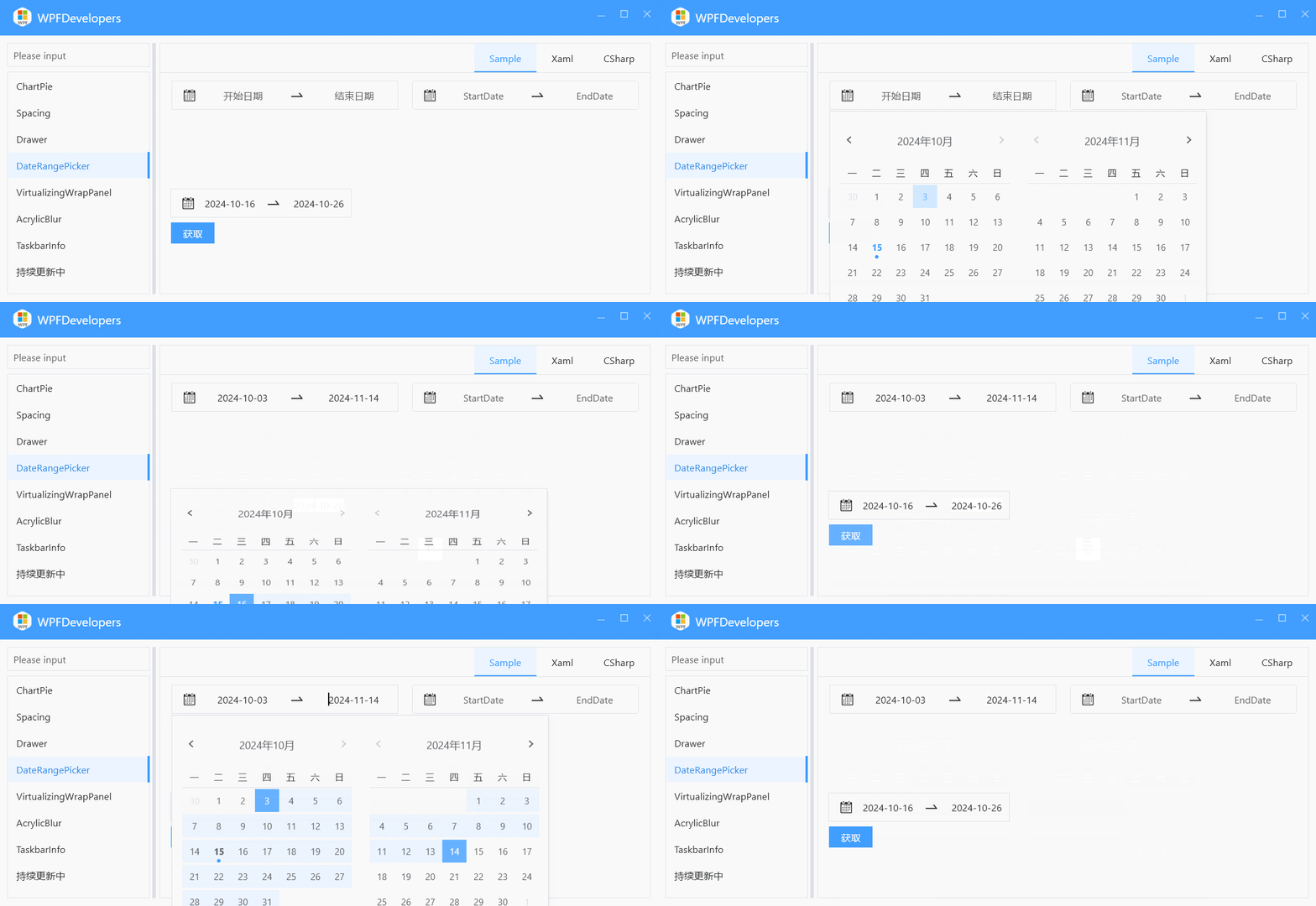
DateRangePicker
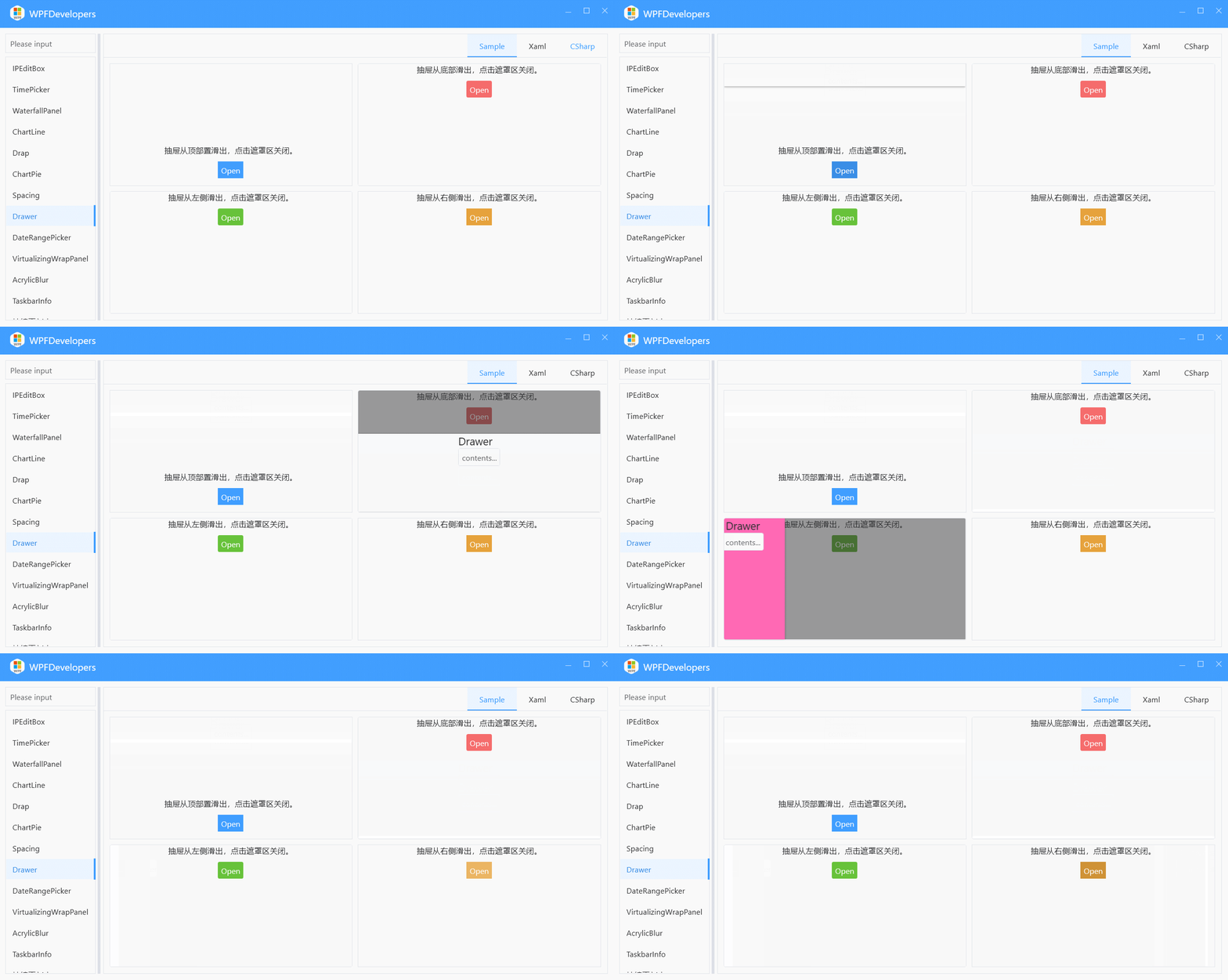
Drawer
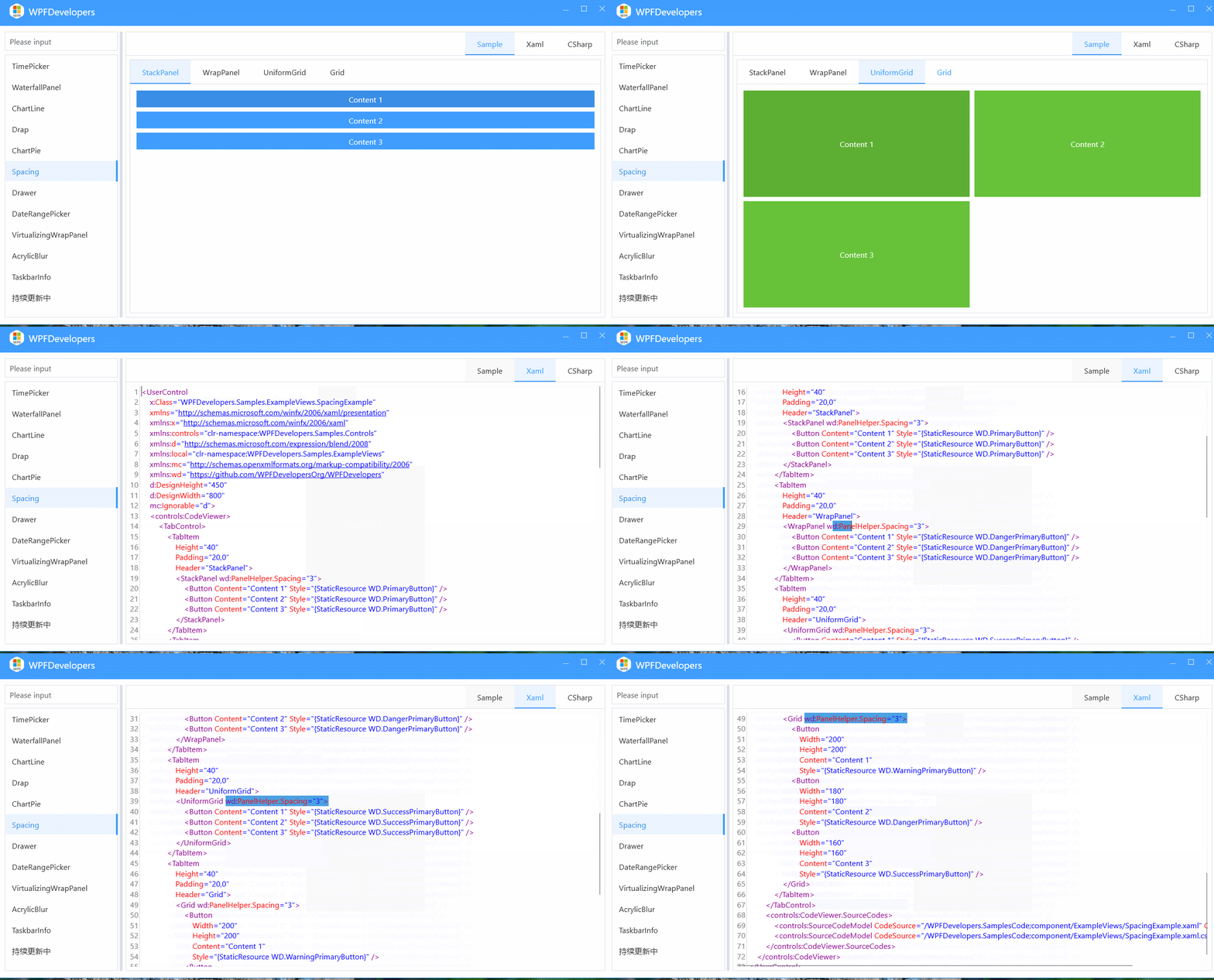
Spacing
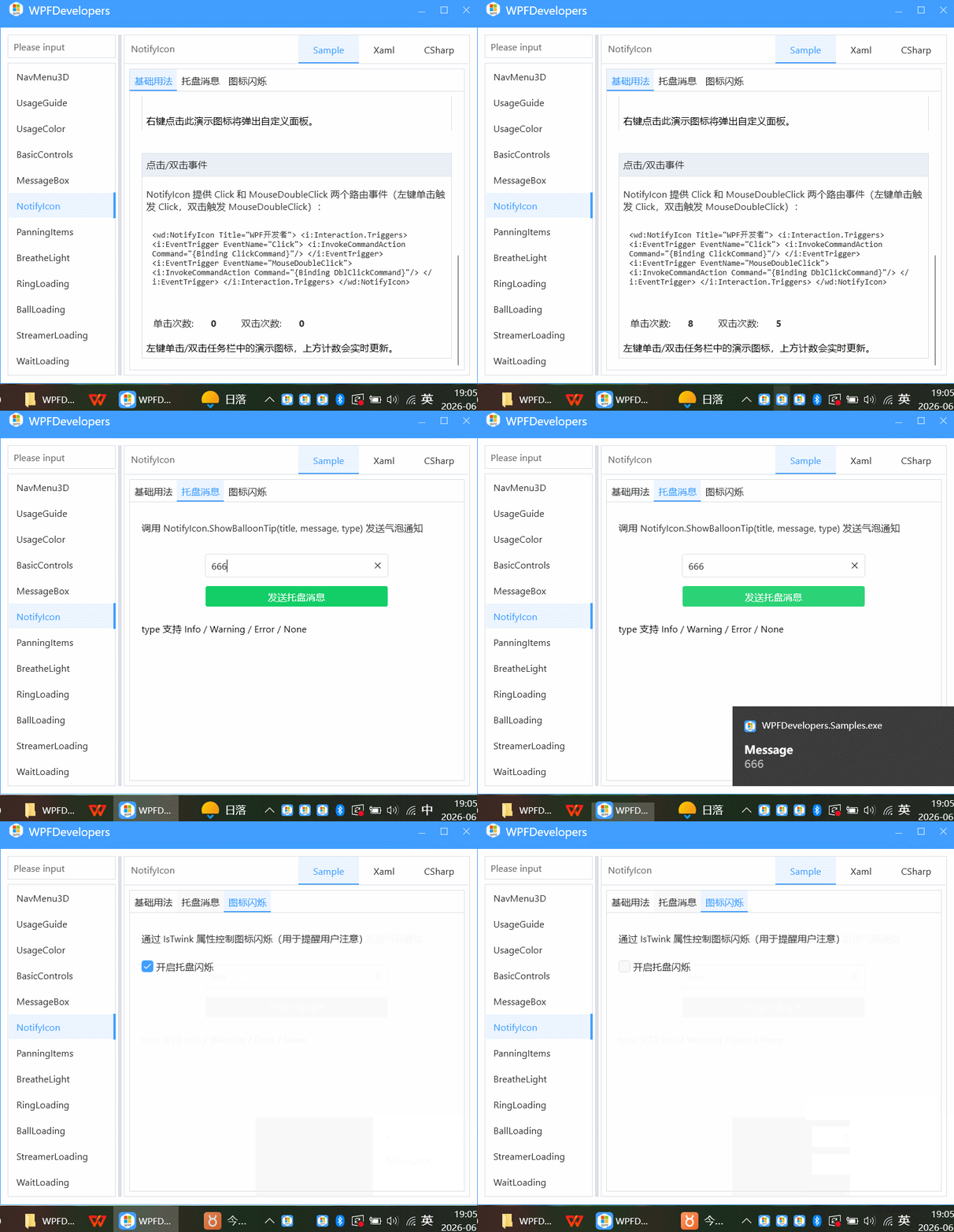
NotifyIcon
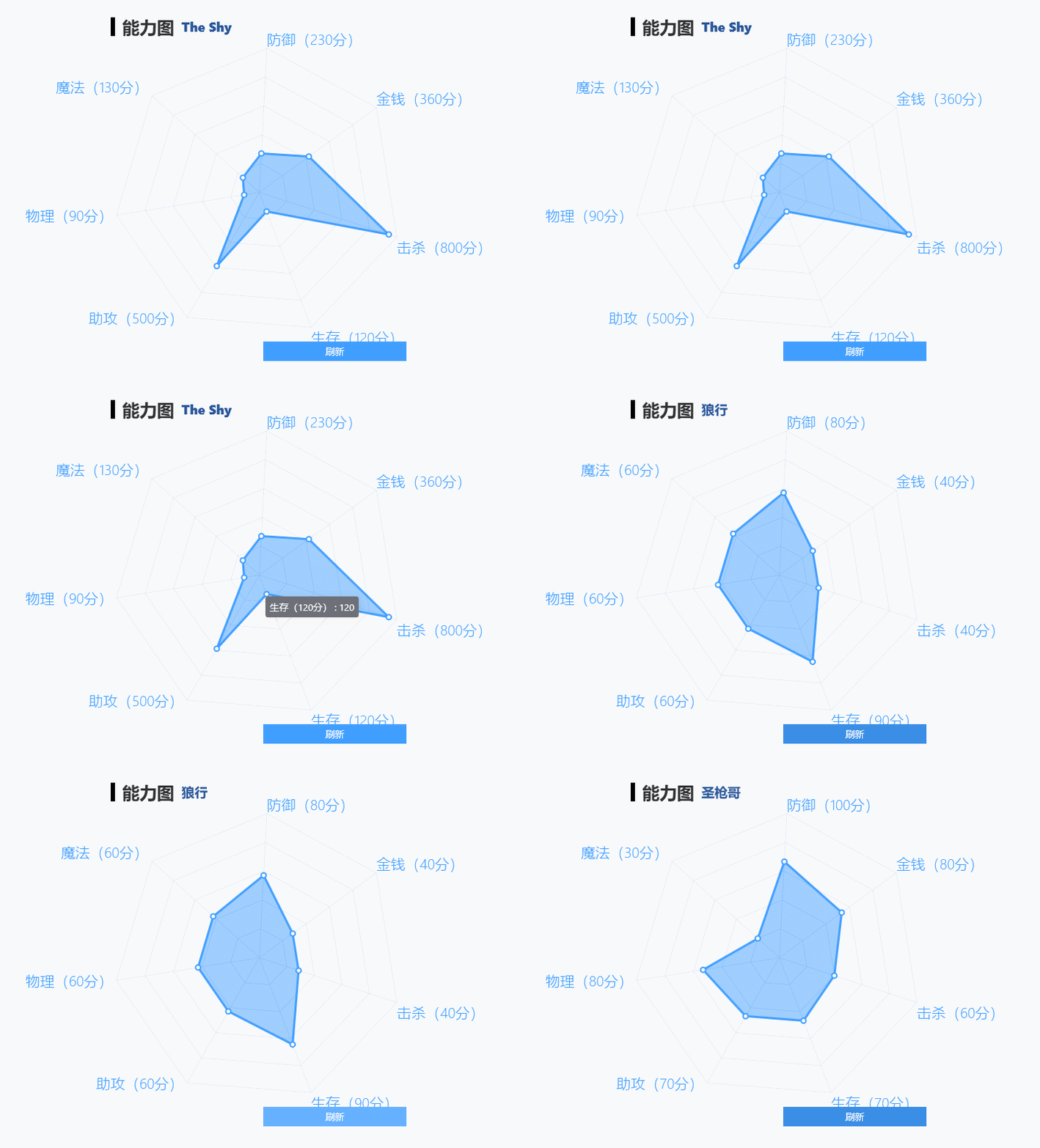
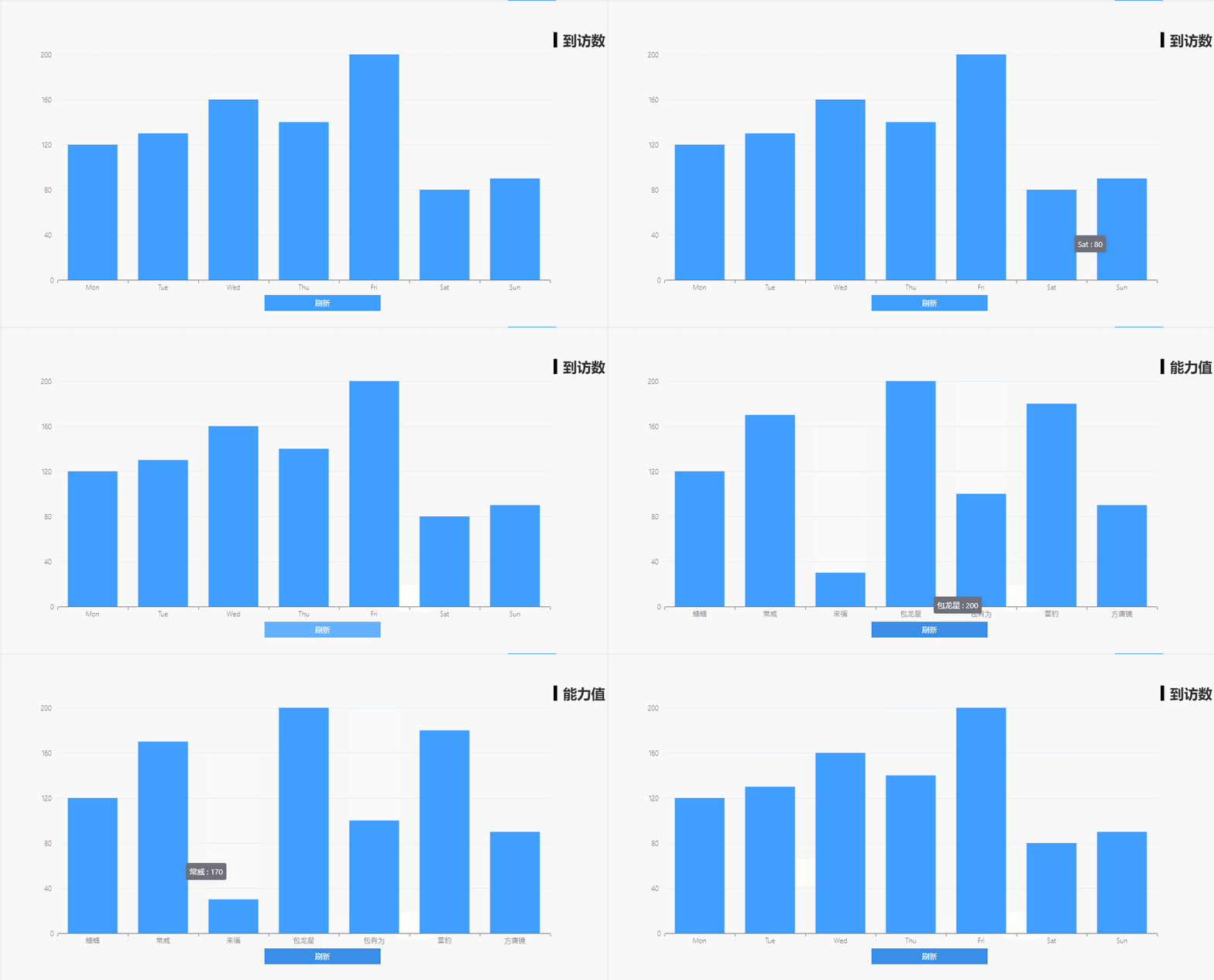
ChartRadar
ChartLine
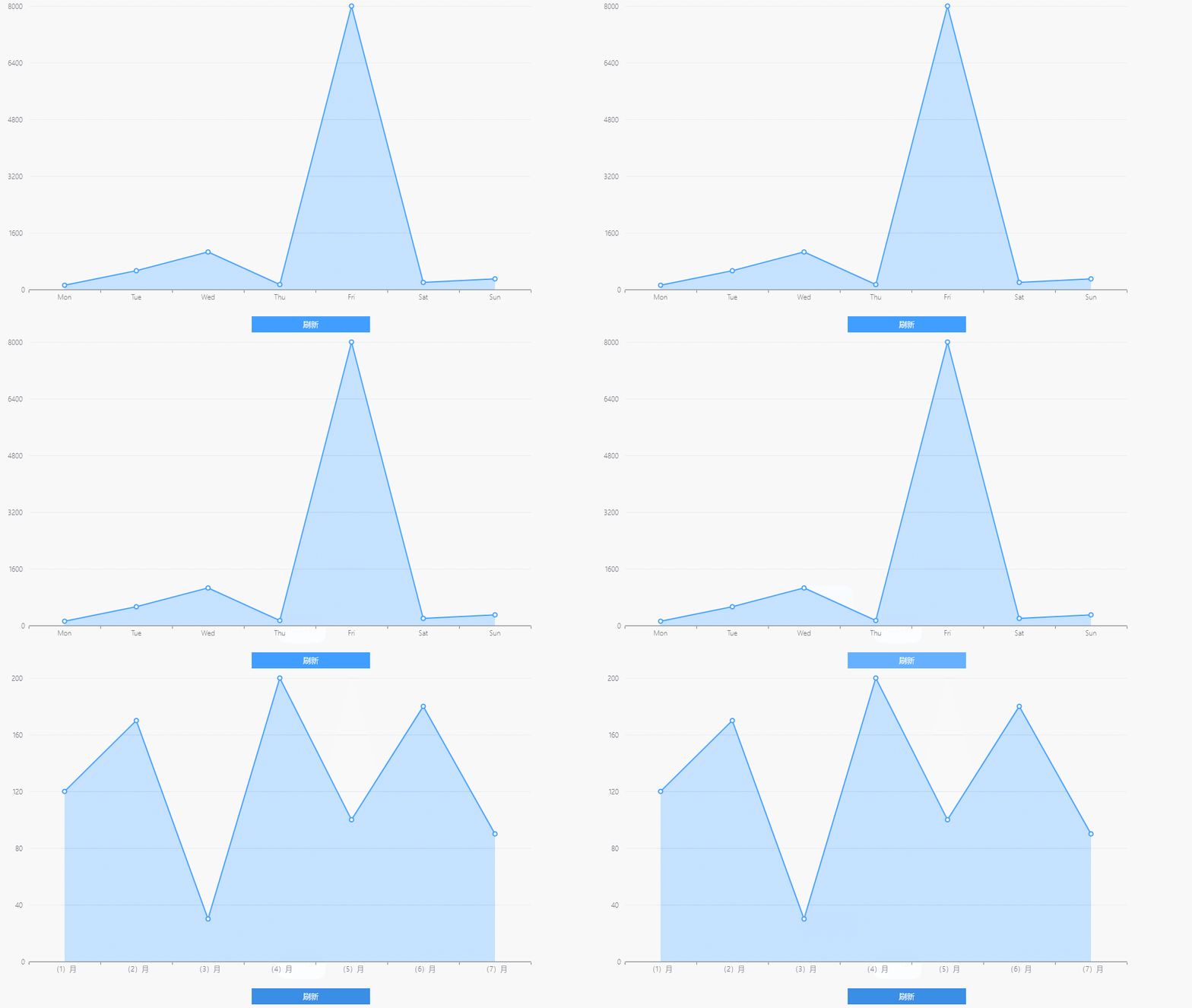
ChartBar
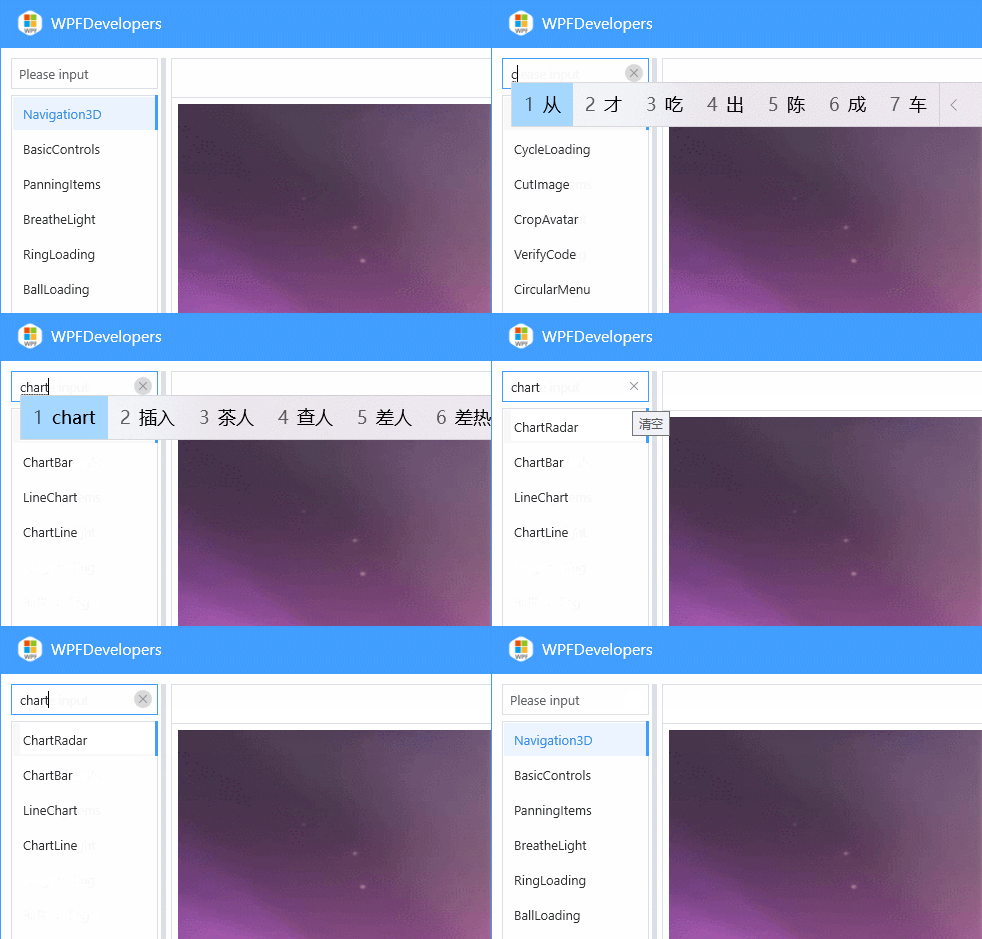
SearchText
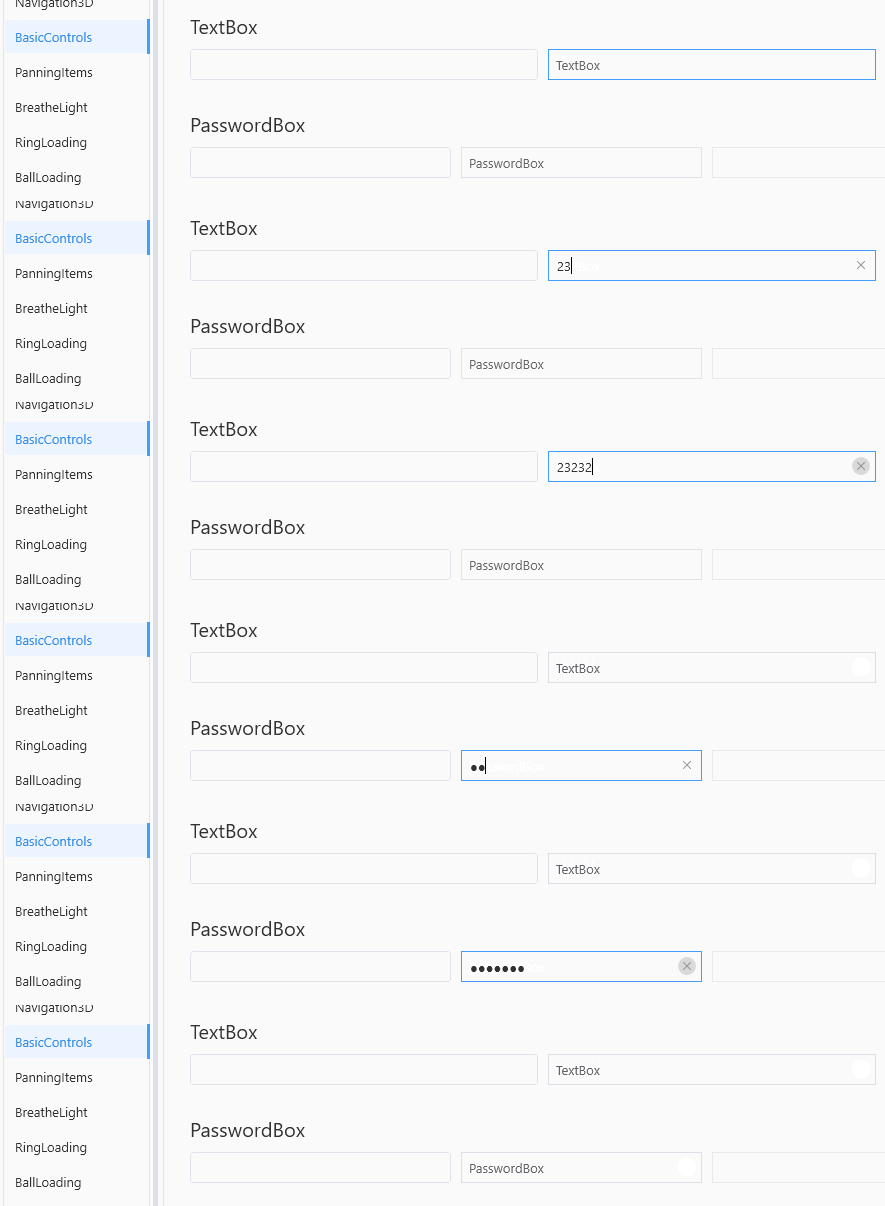
ClearButton
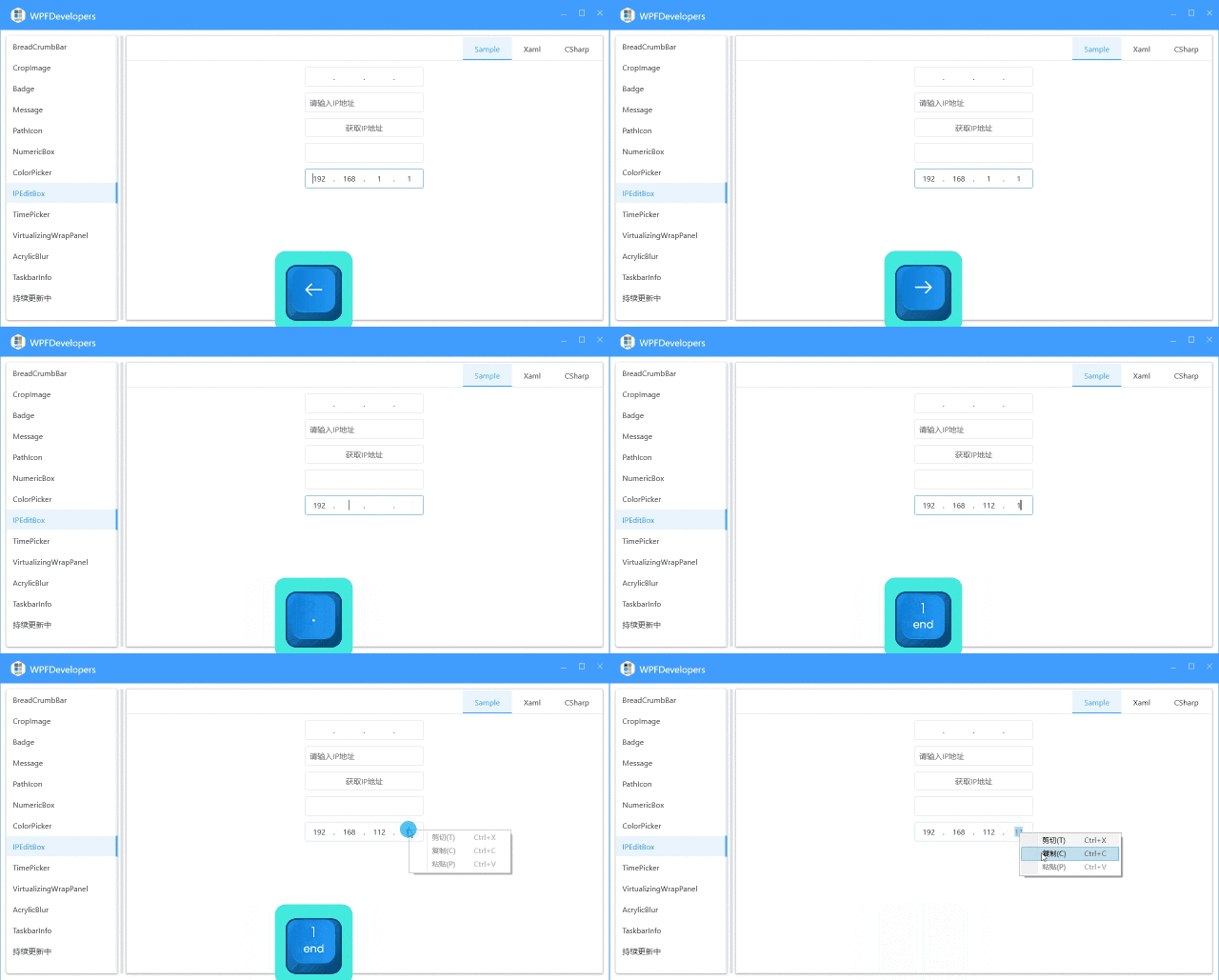
IPEditBox
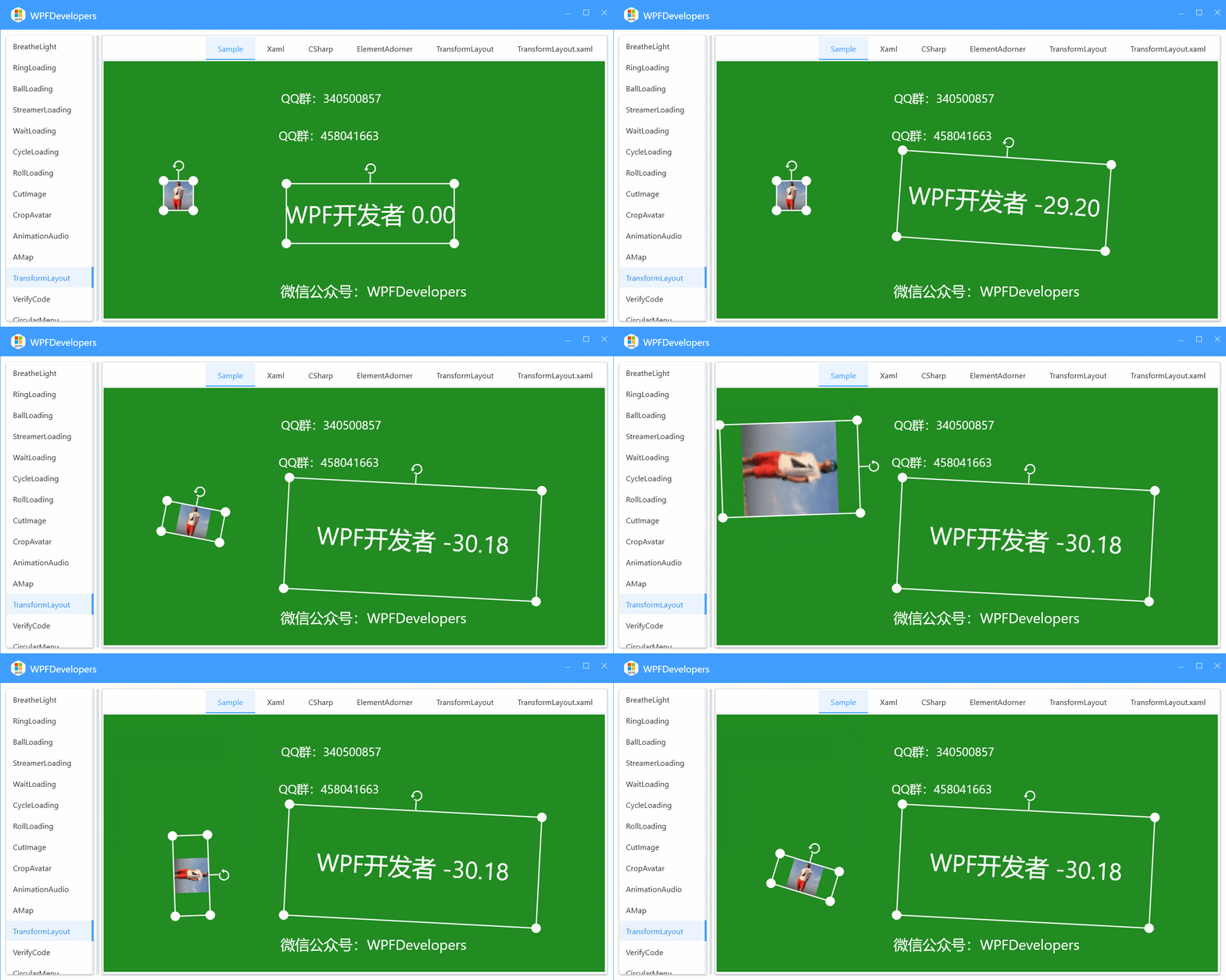
TransformLayout
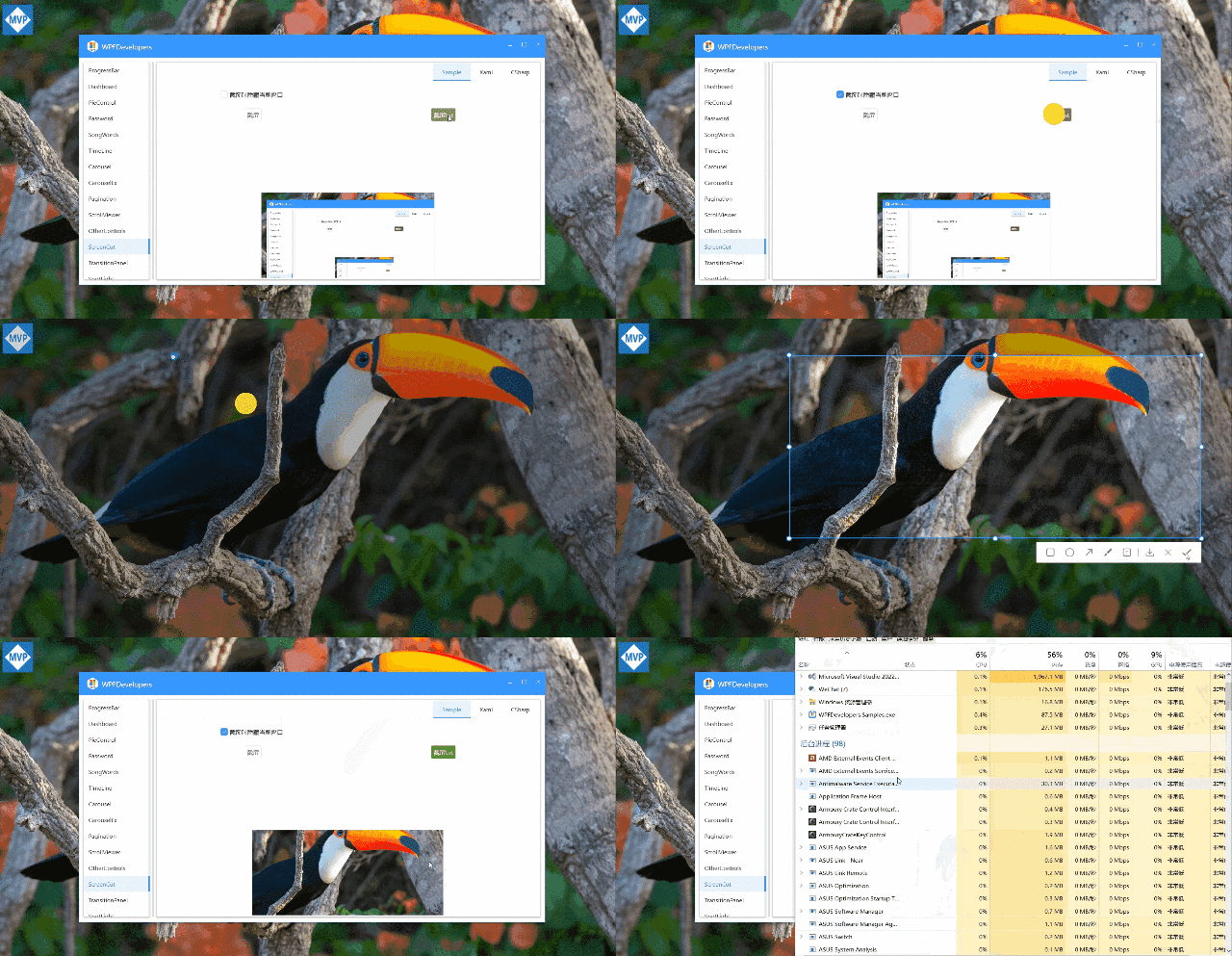
ScreenCaptureExt
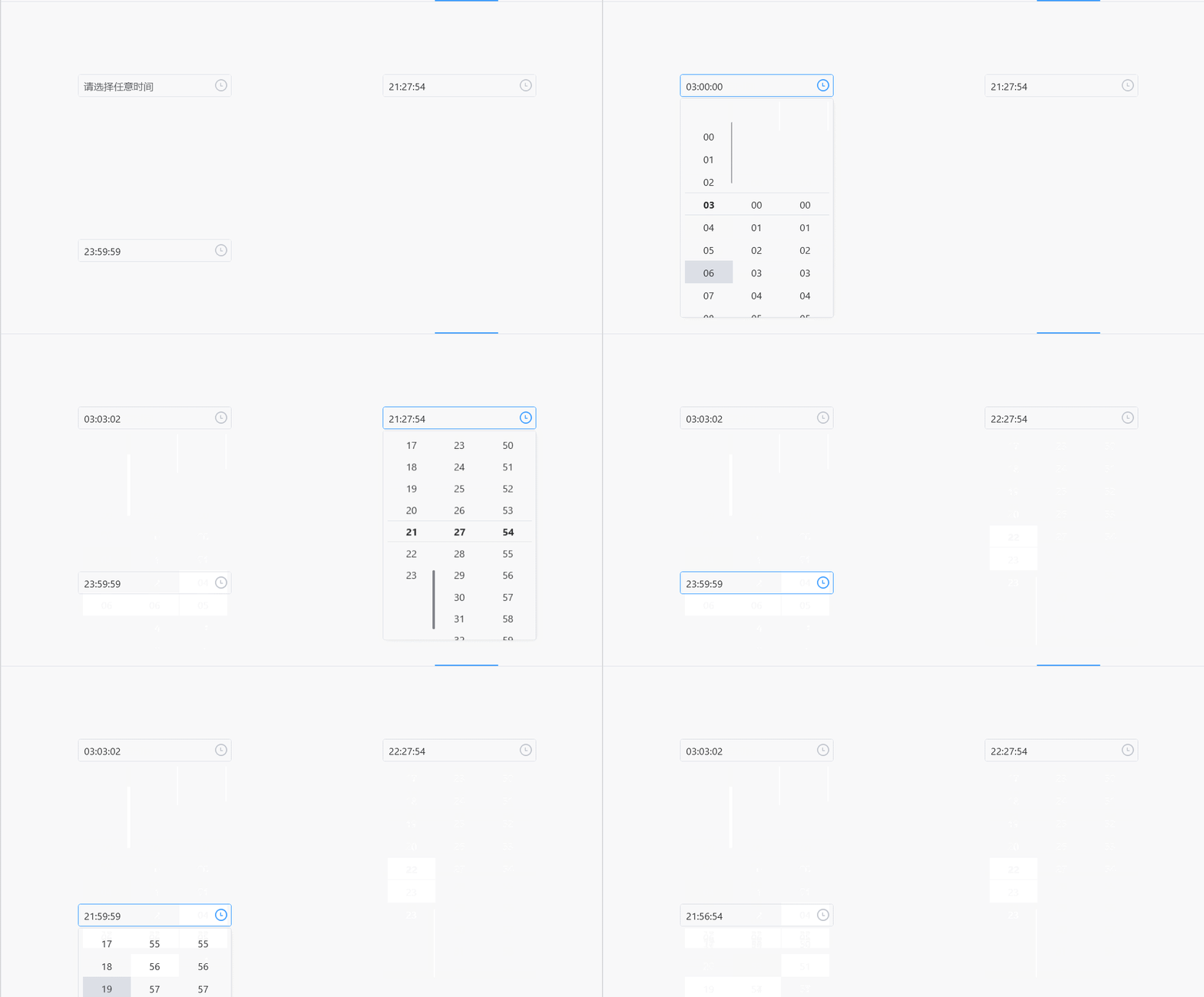
TimePicker
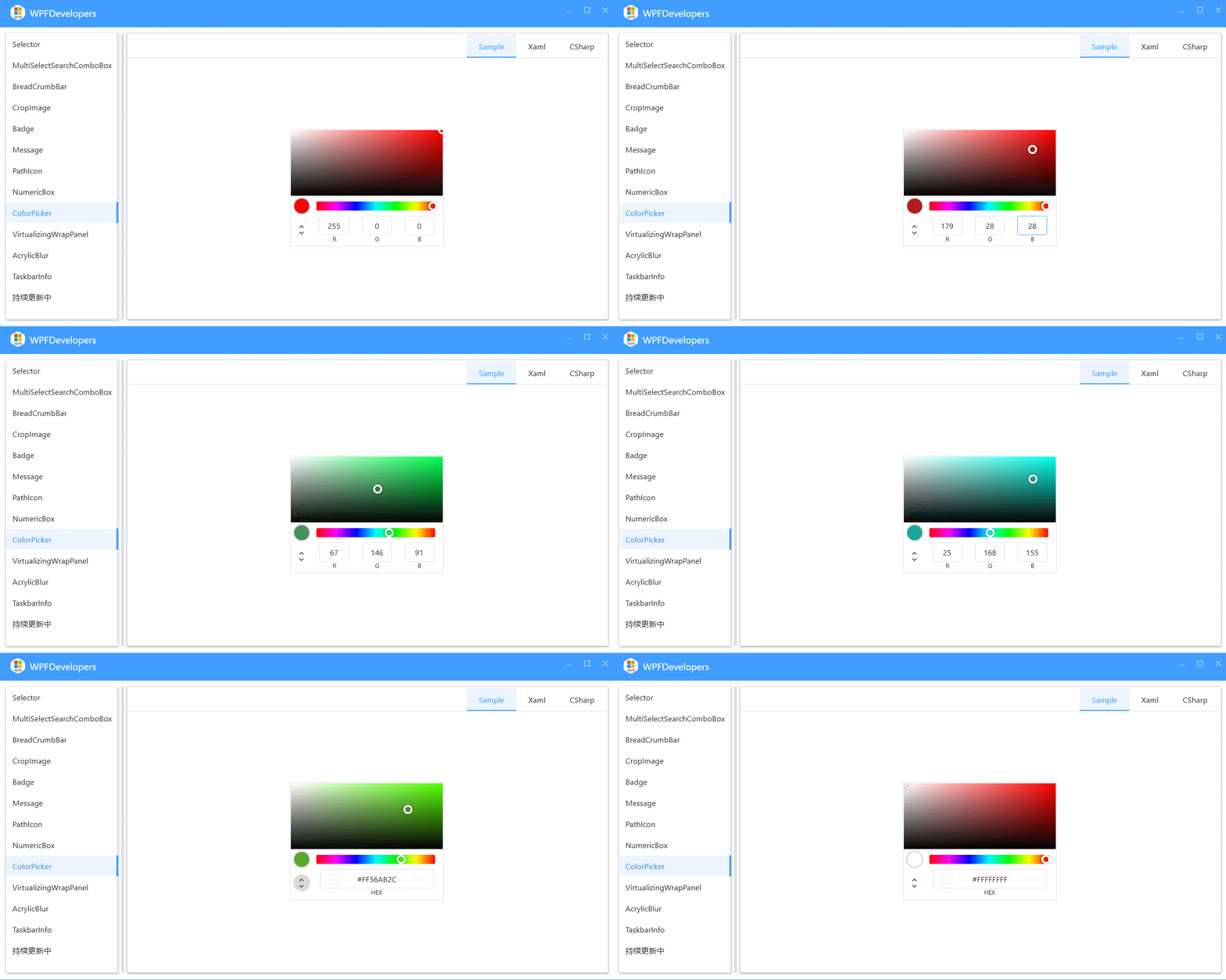
ColorPicker
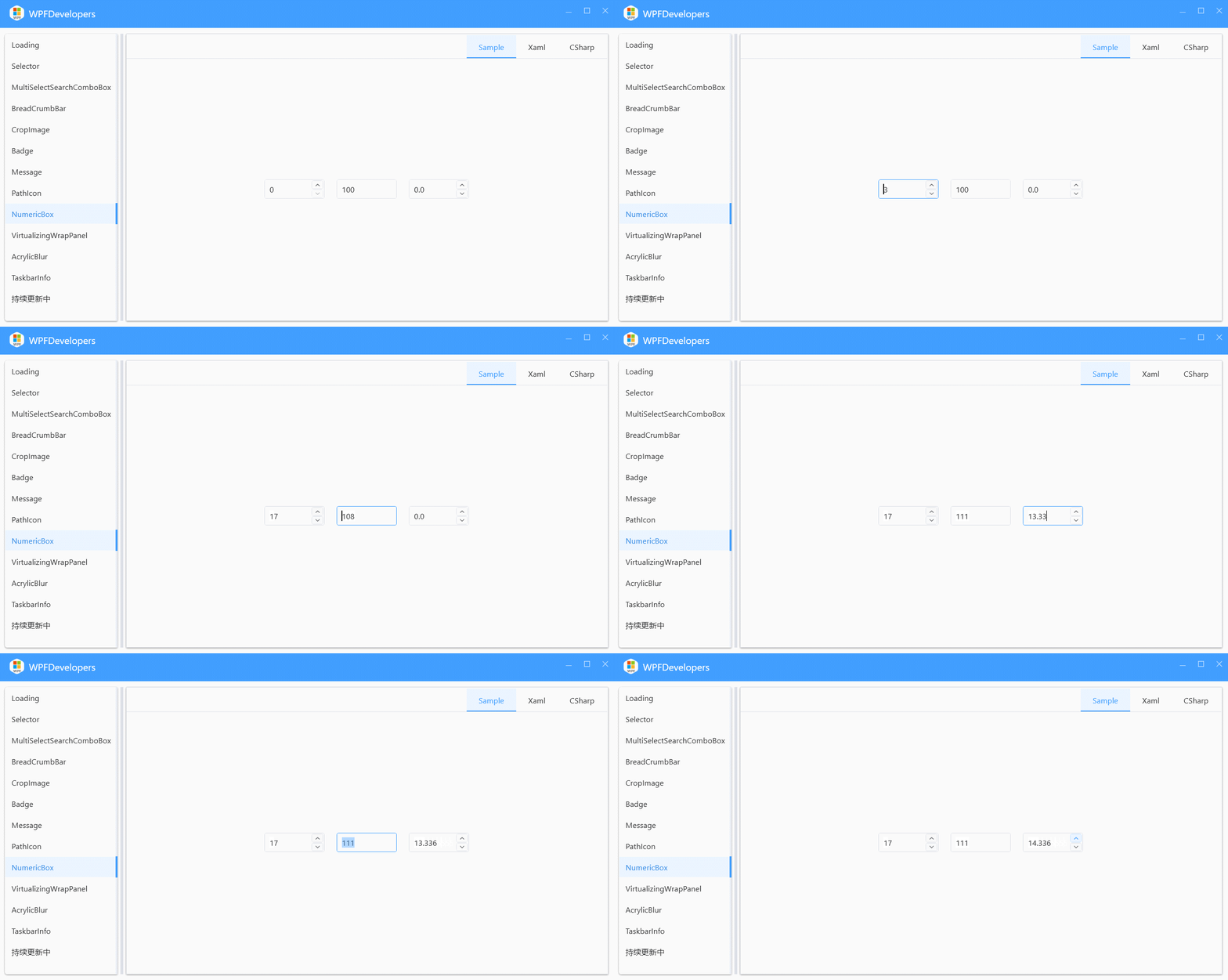
NumericBox
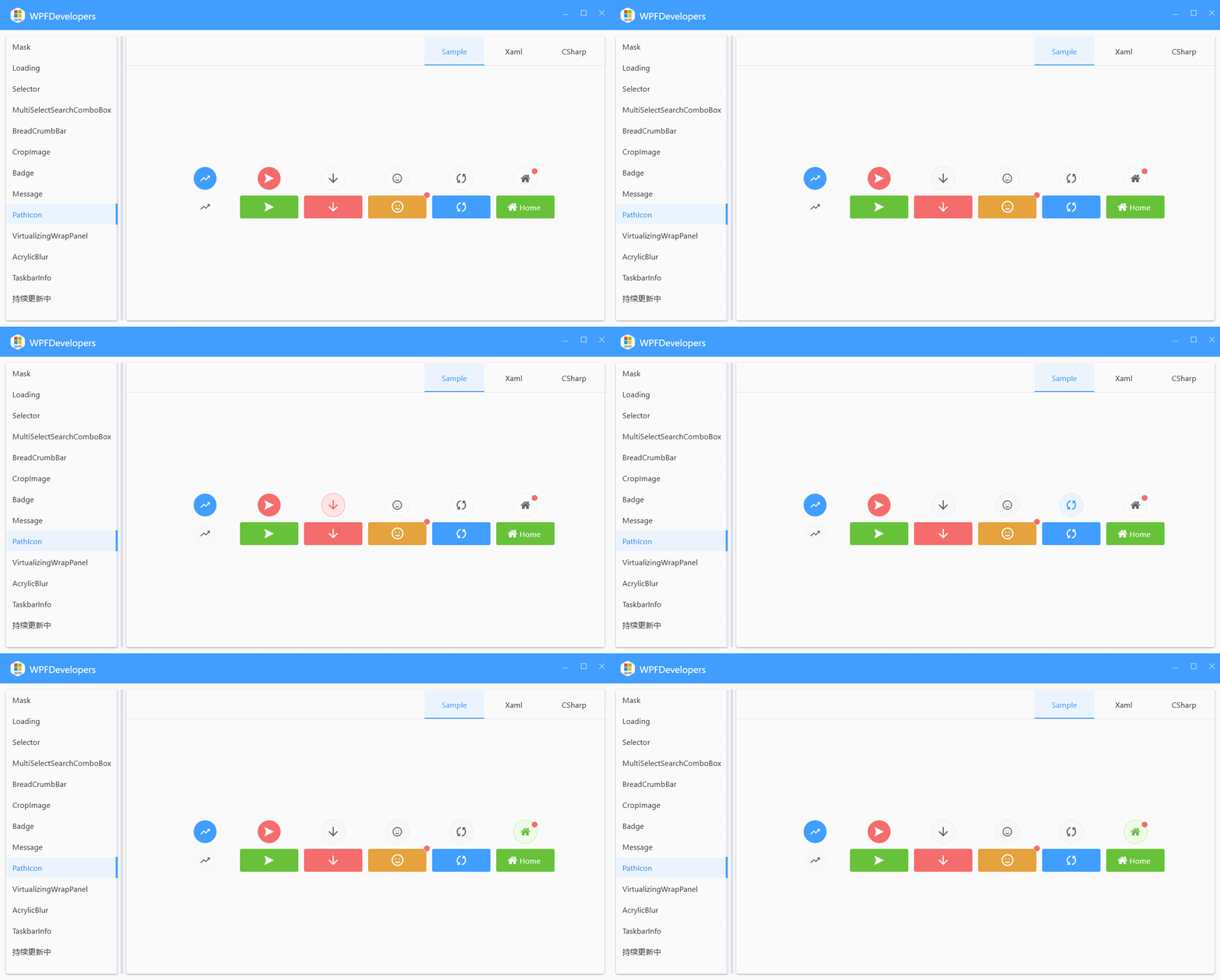
PathIcon
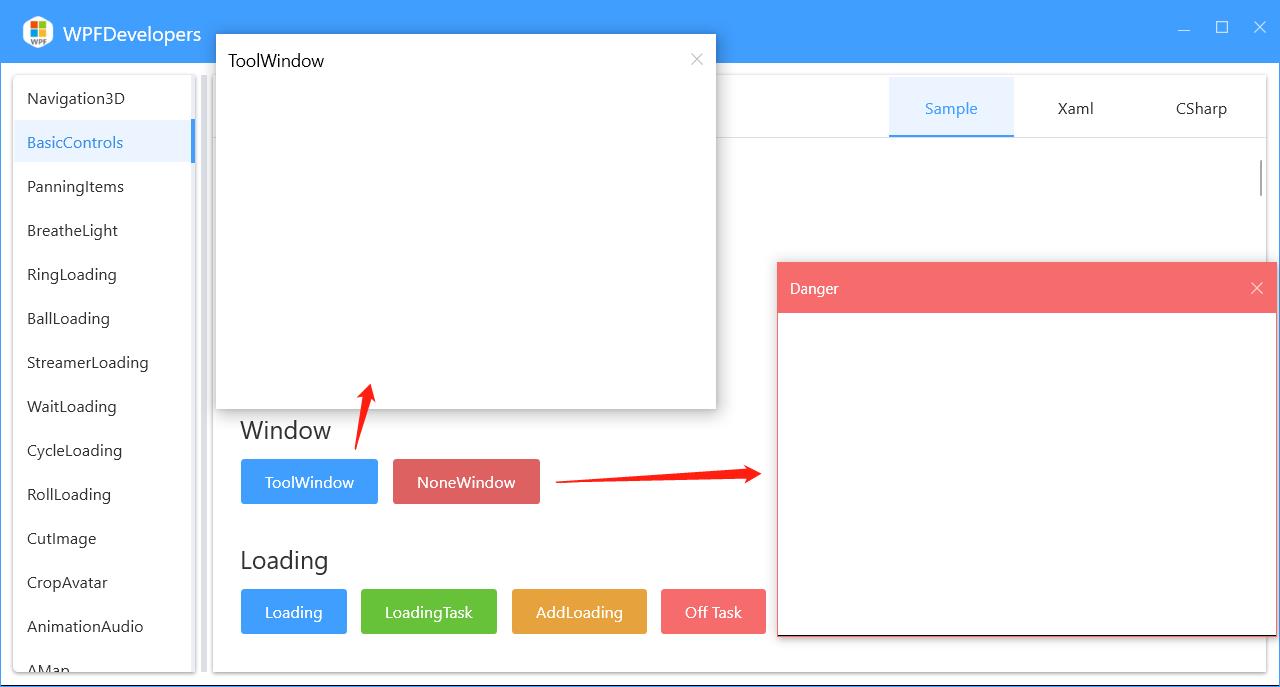
Window
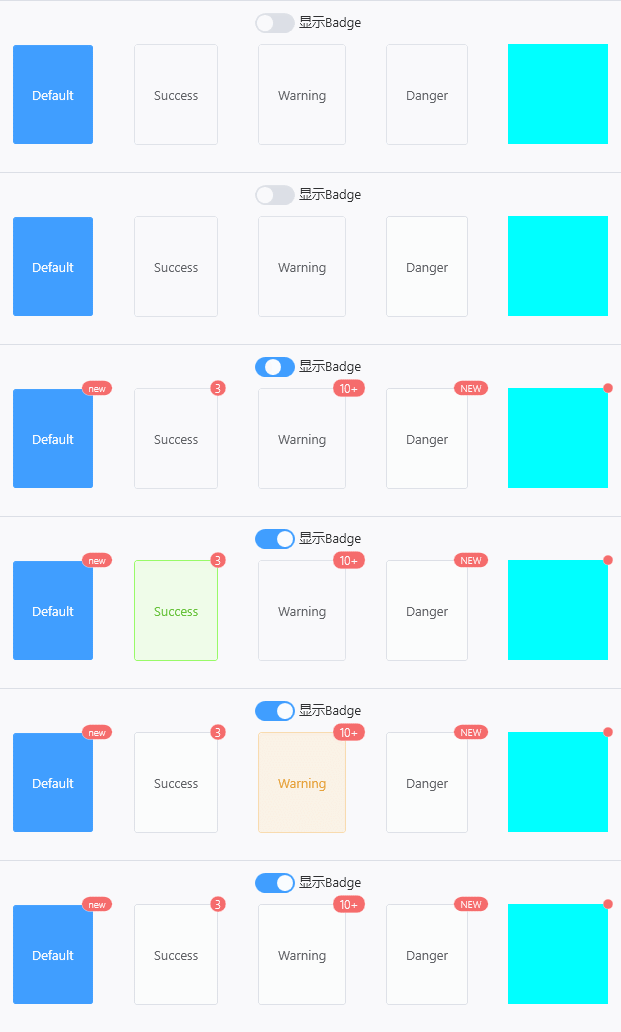
Badge
GrayscaleEffect
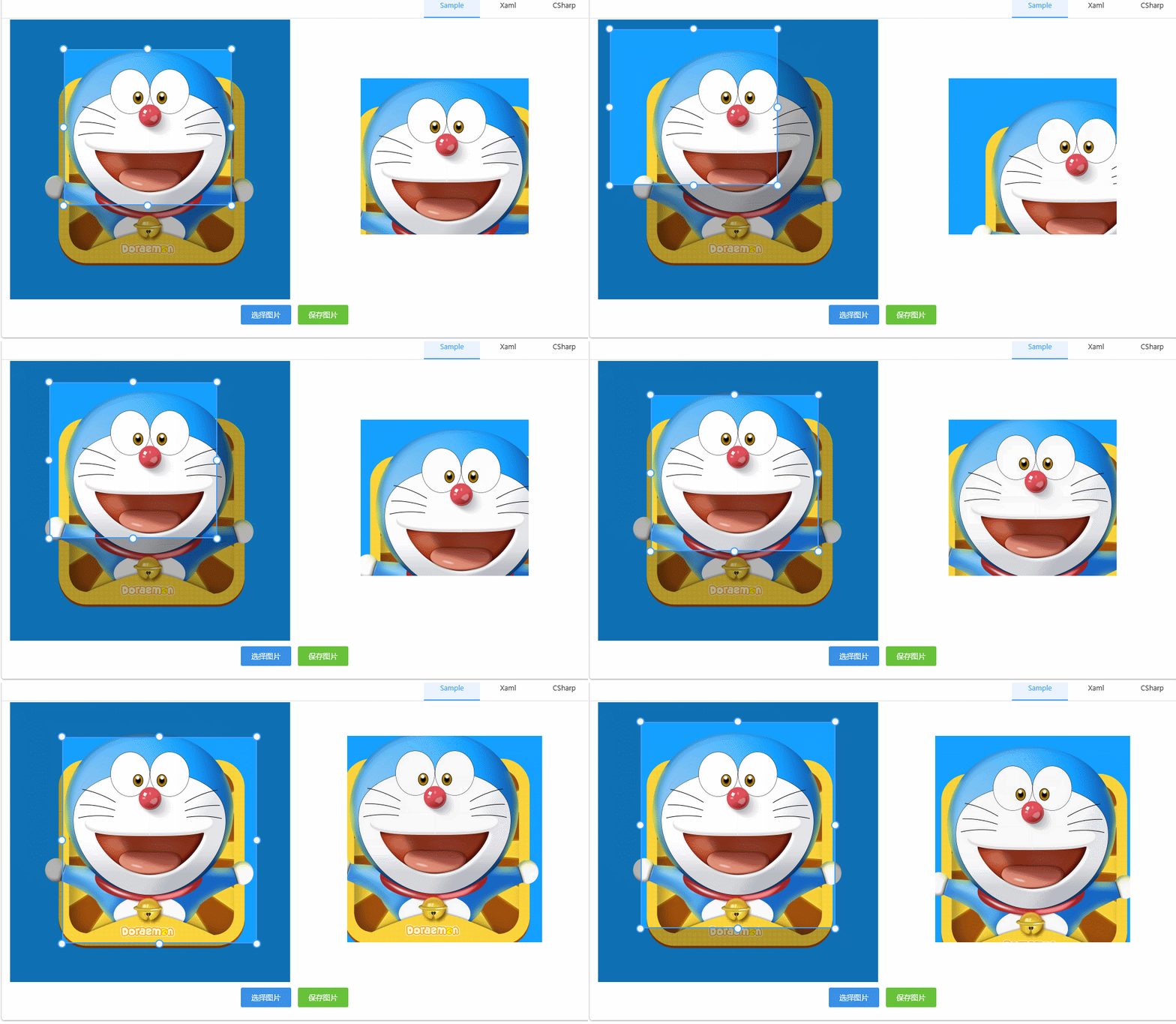
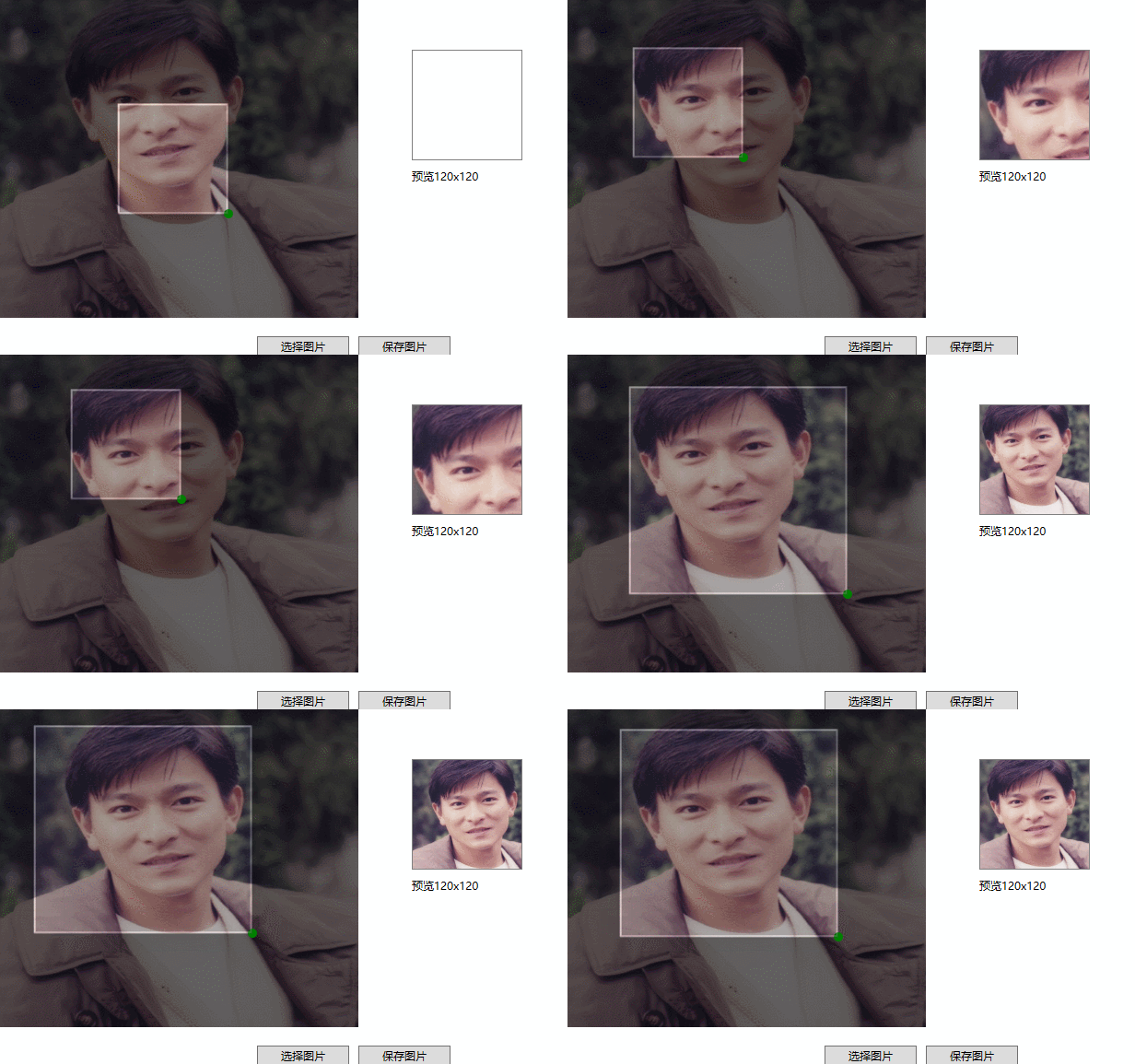
CropImage
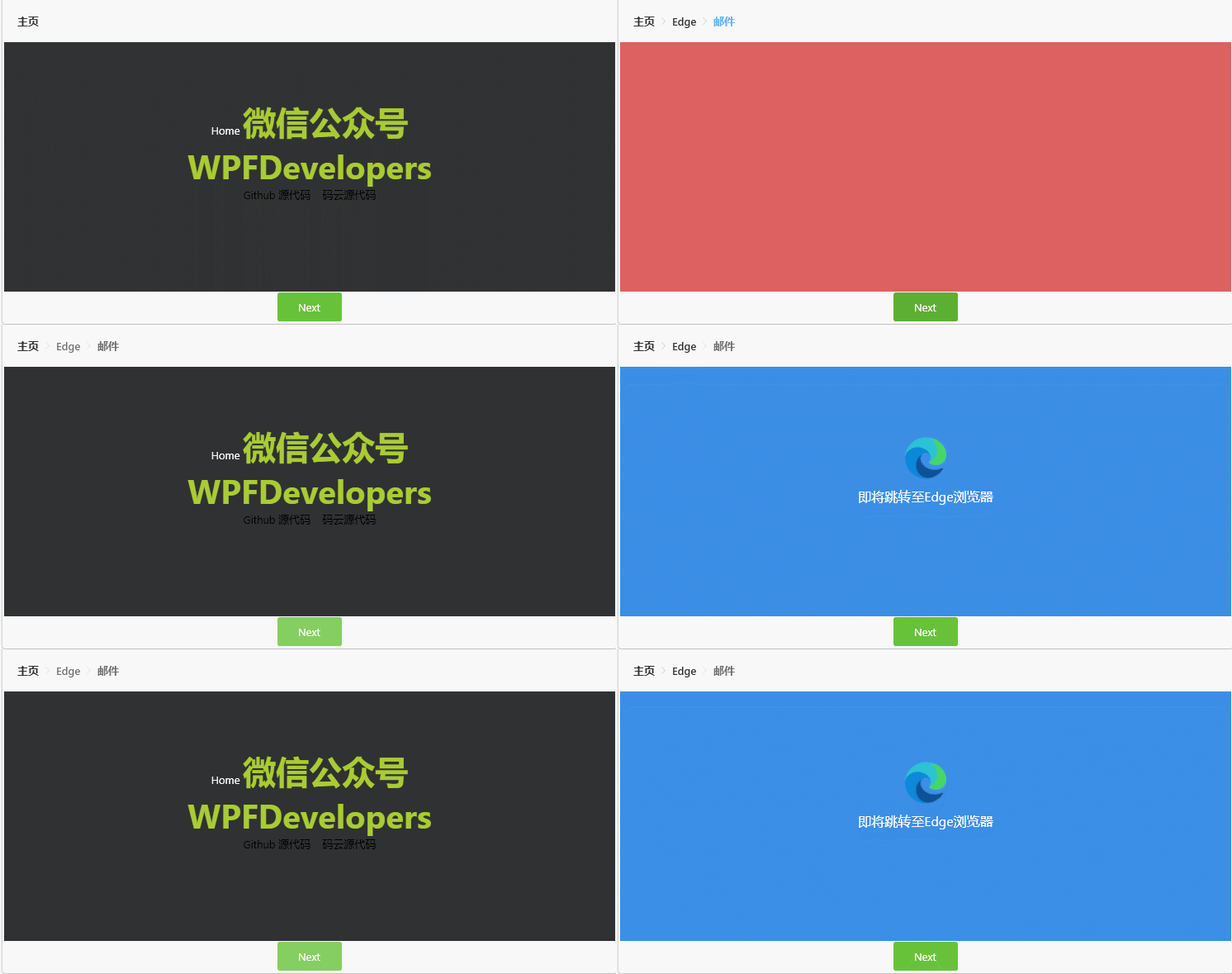
BreakCrumbBar
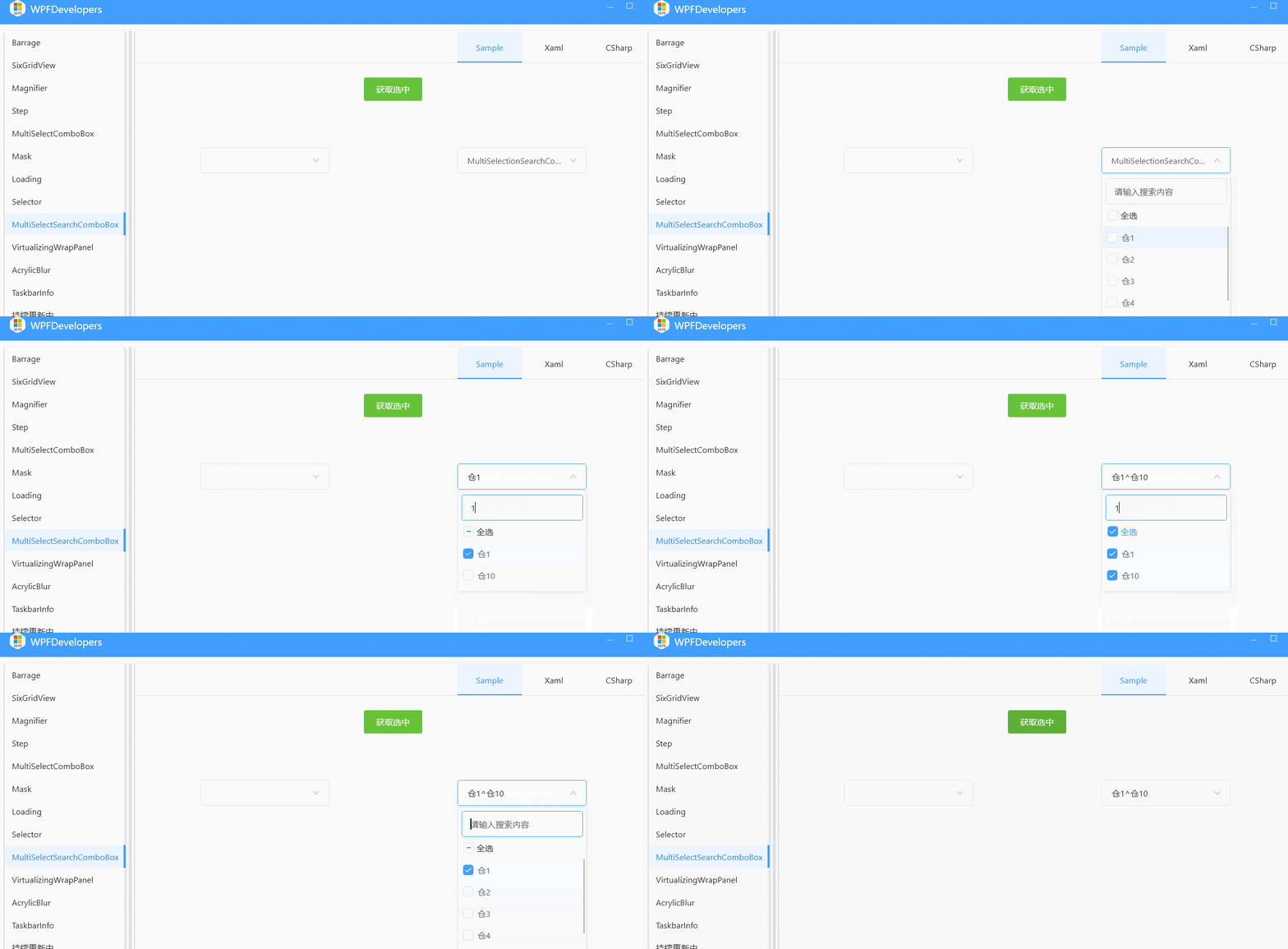
MultiSelectionSearchComboBox
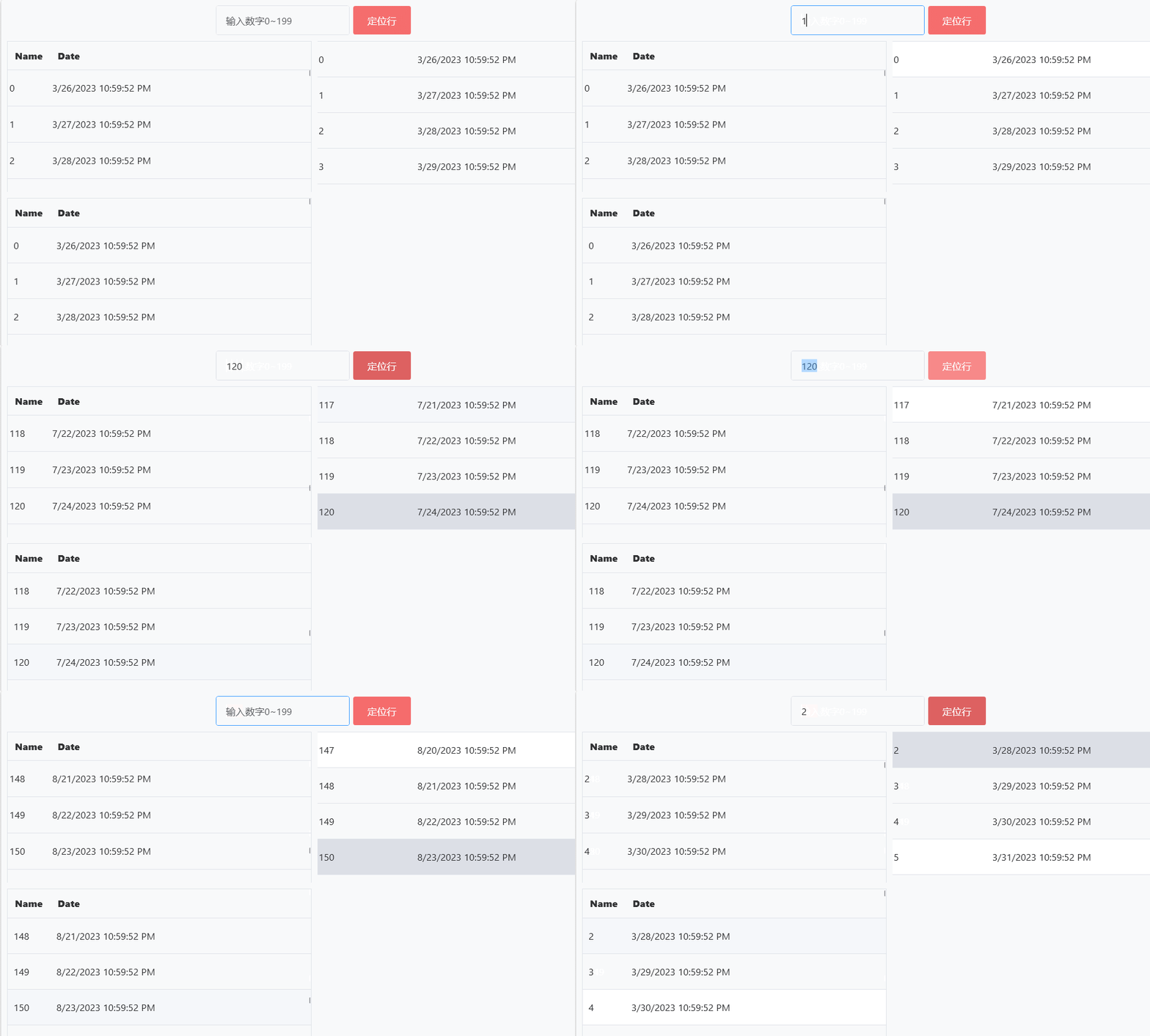
ScrollIntoView.IsPosition
ControlLoading
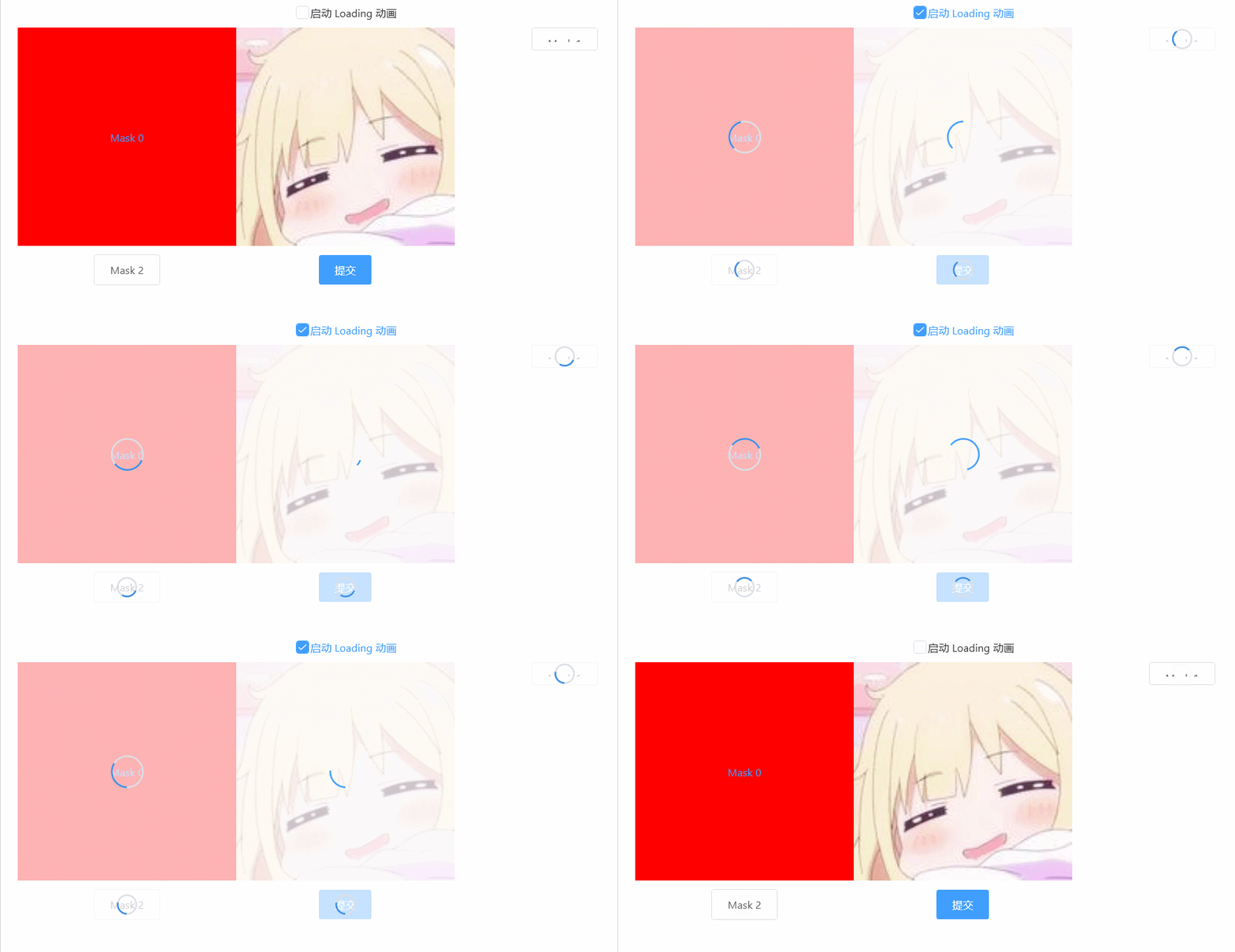
BasicControlLoading
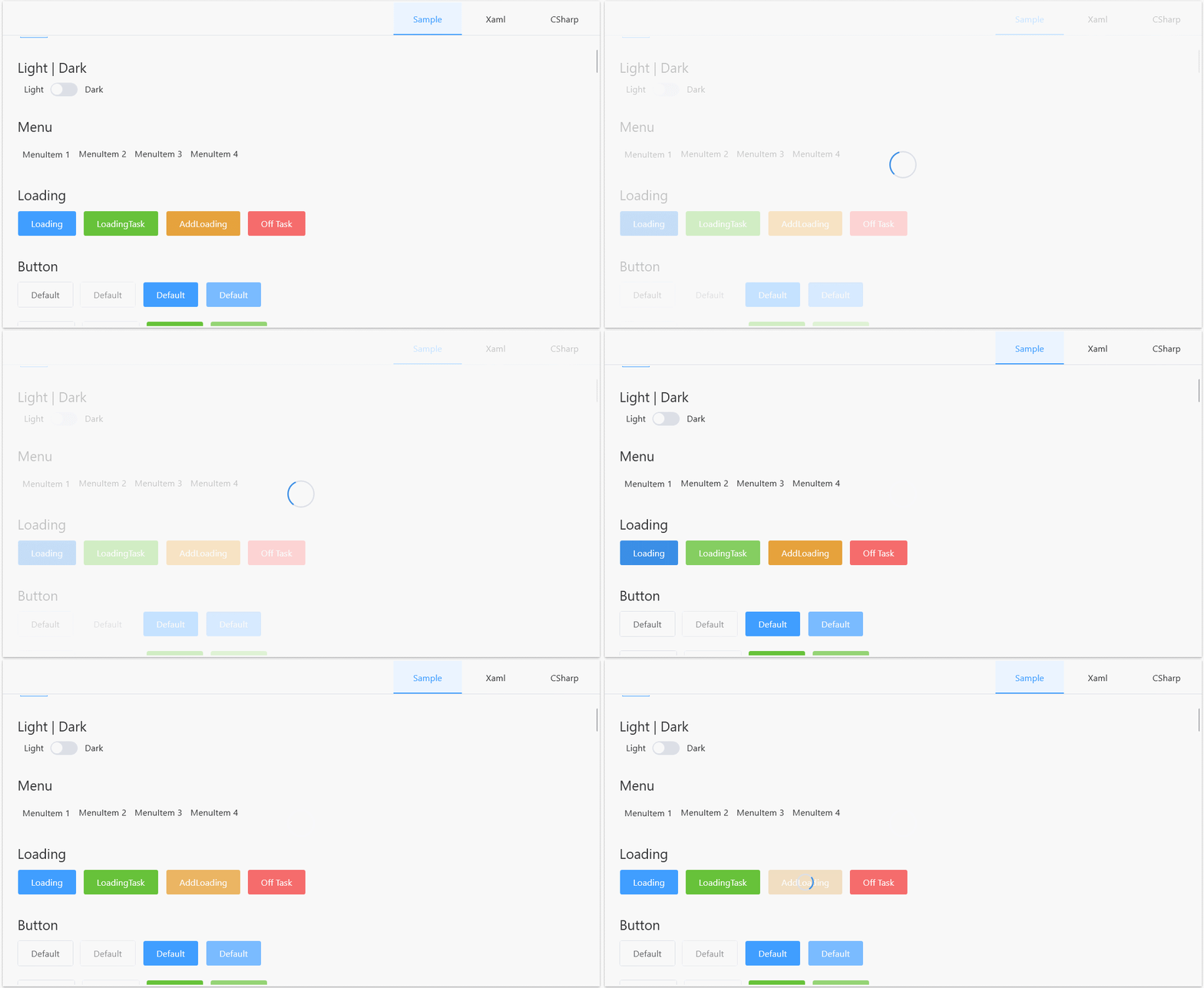
WindowMask
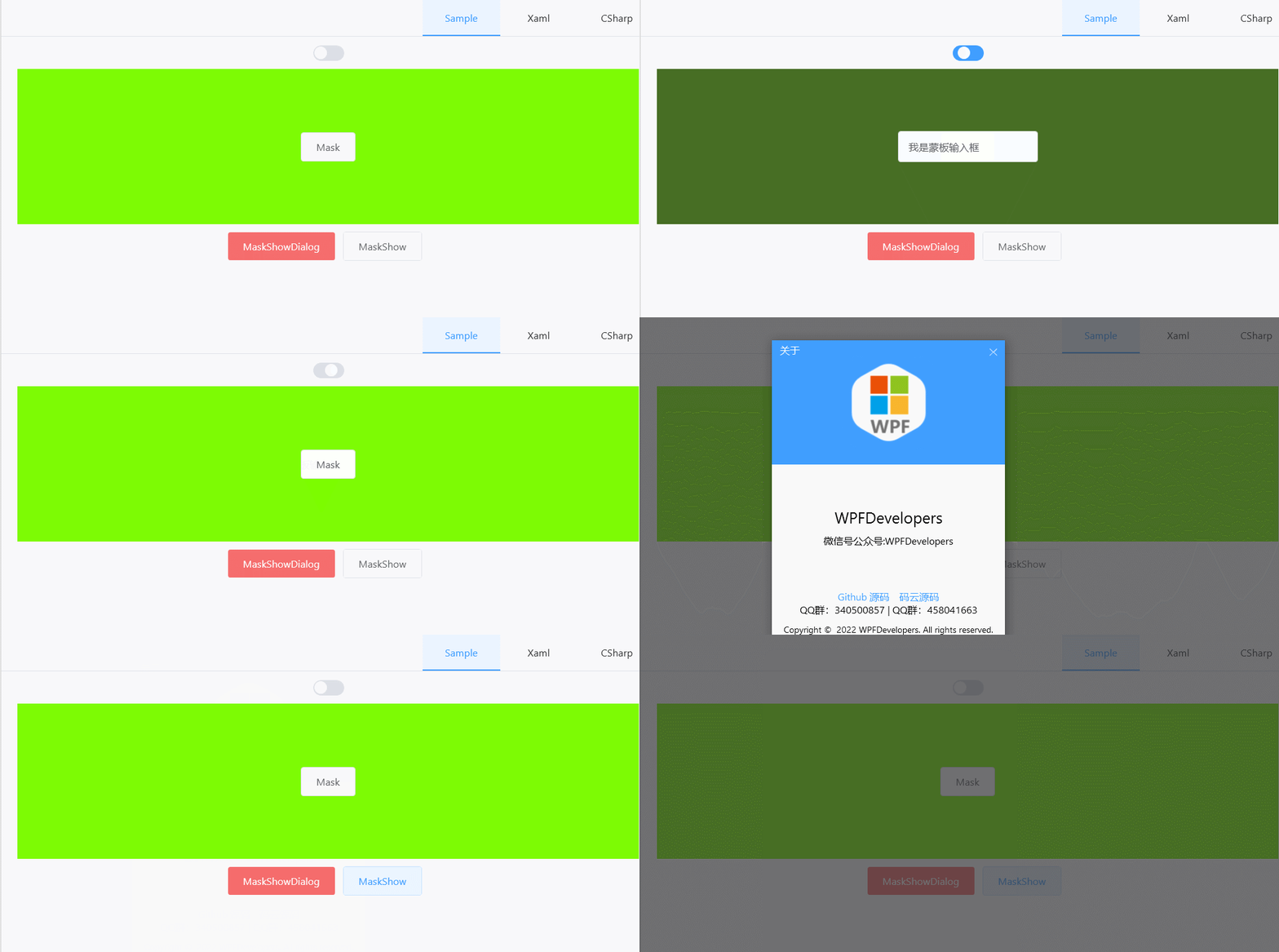
ControlMask
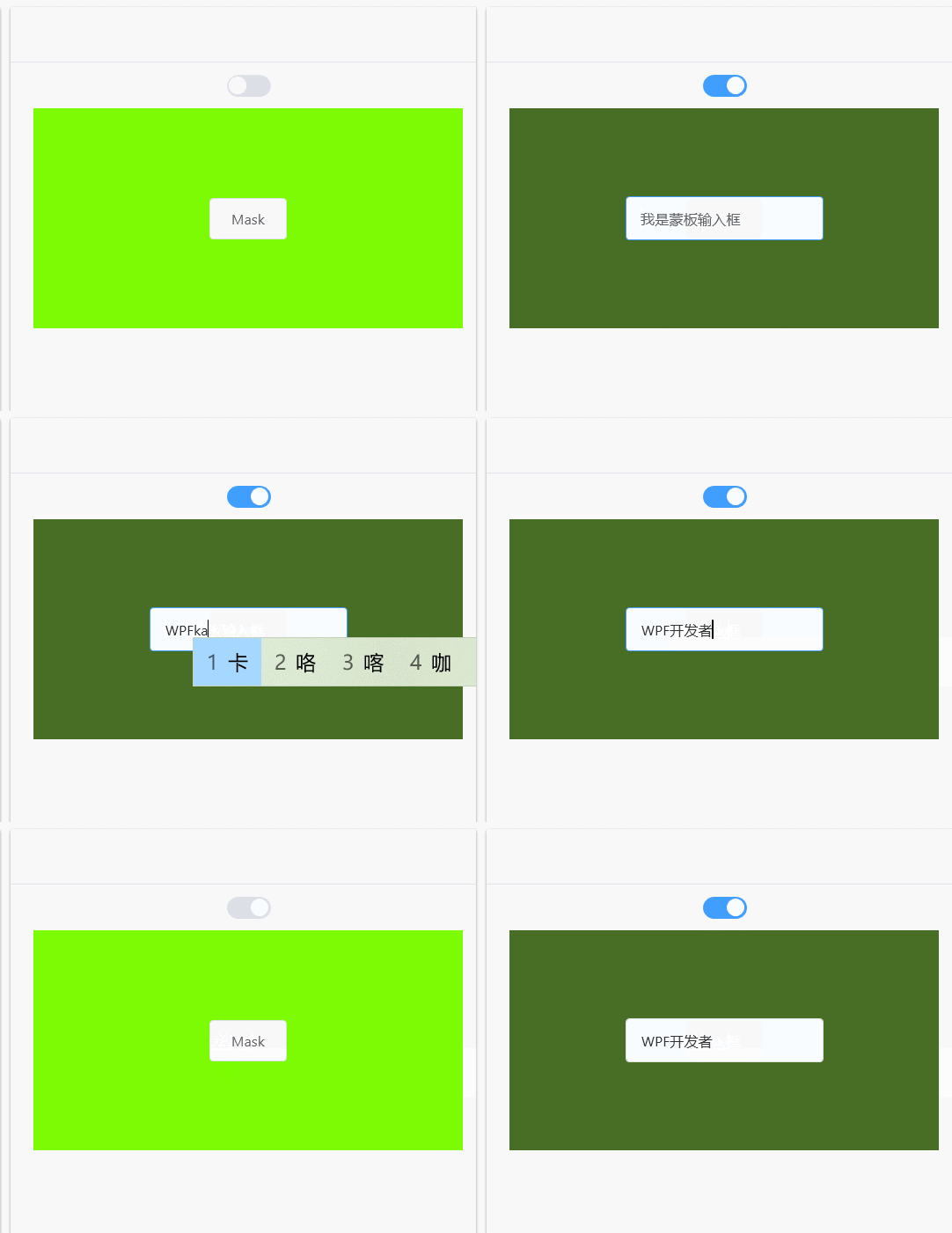
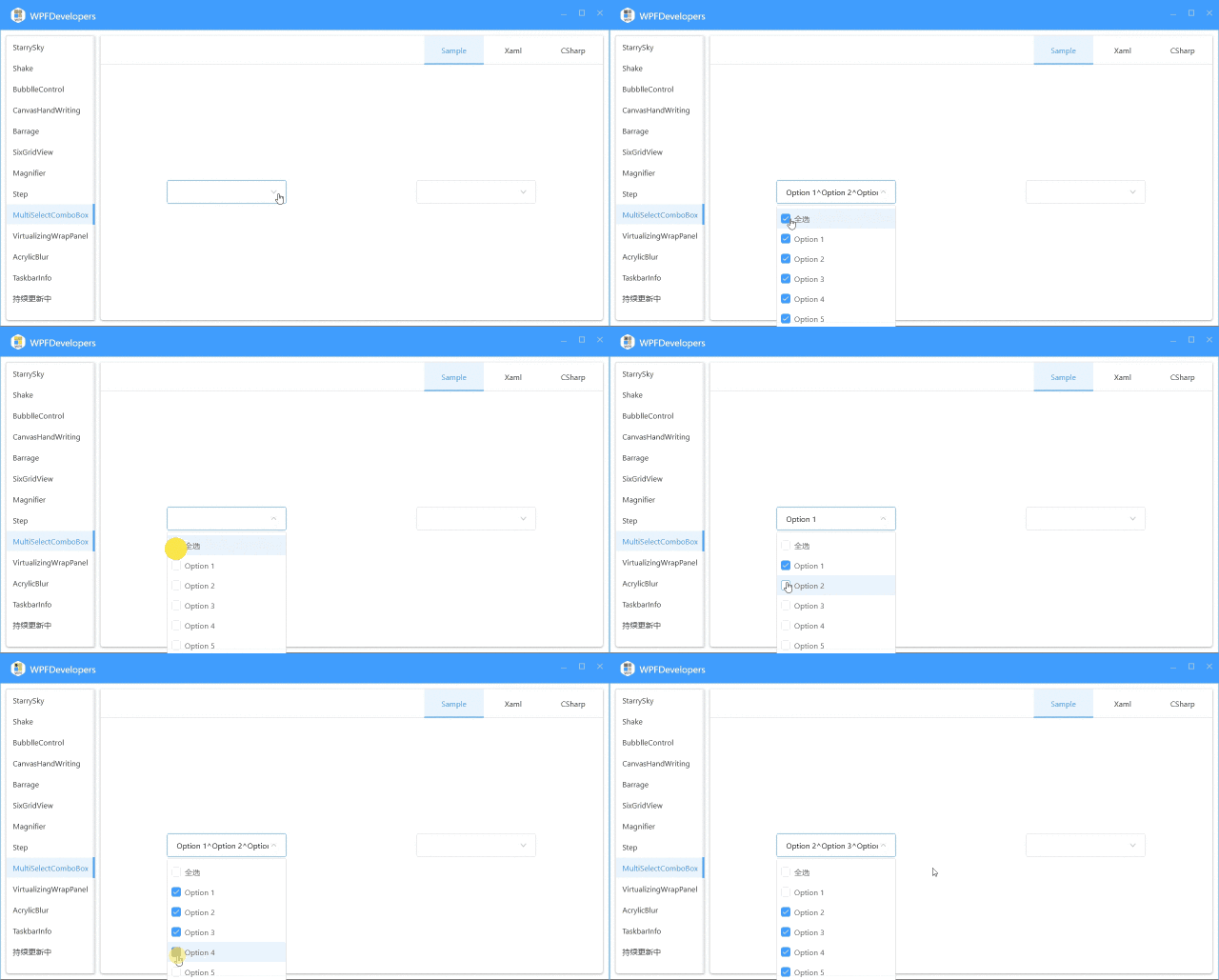
MultiSelectComboBox
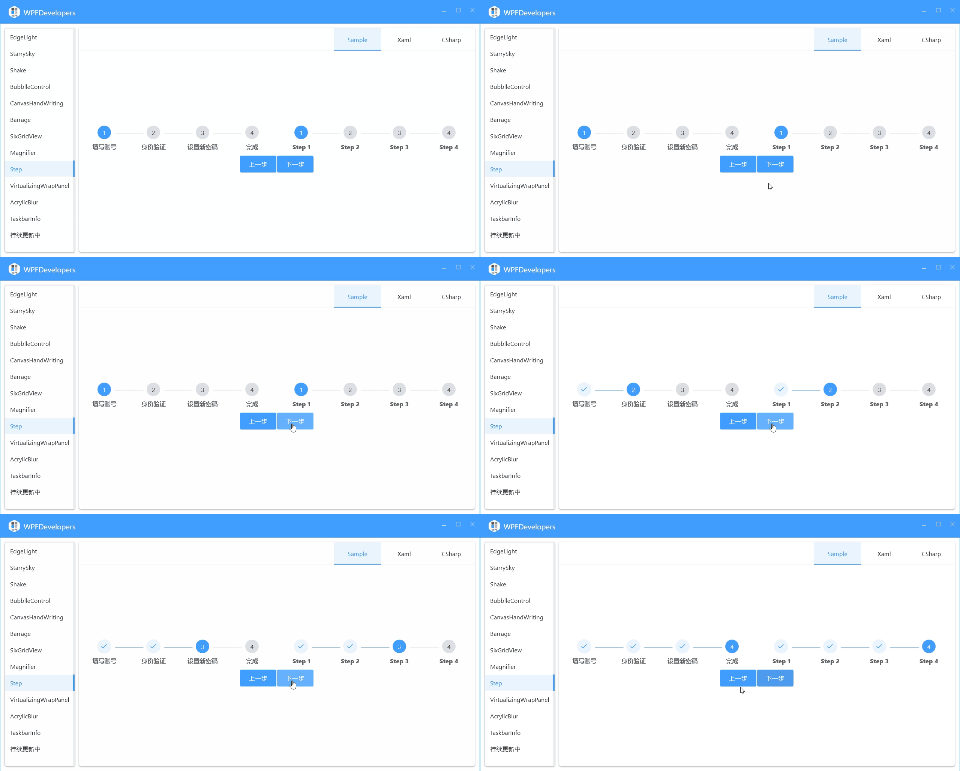
Step
Magnifier
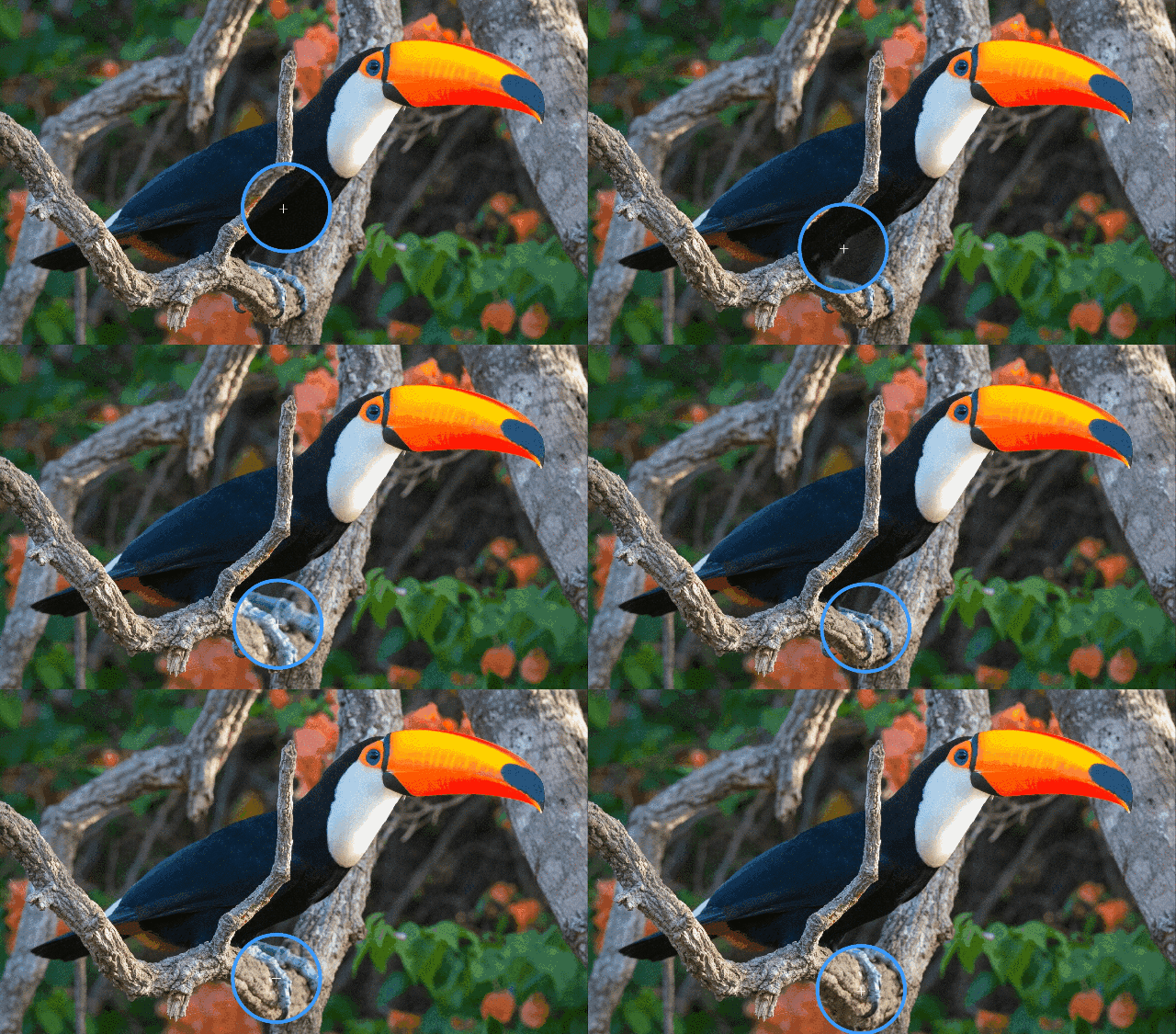
GrayscaleEffect
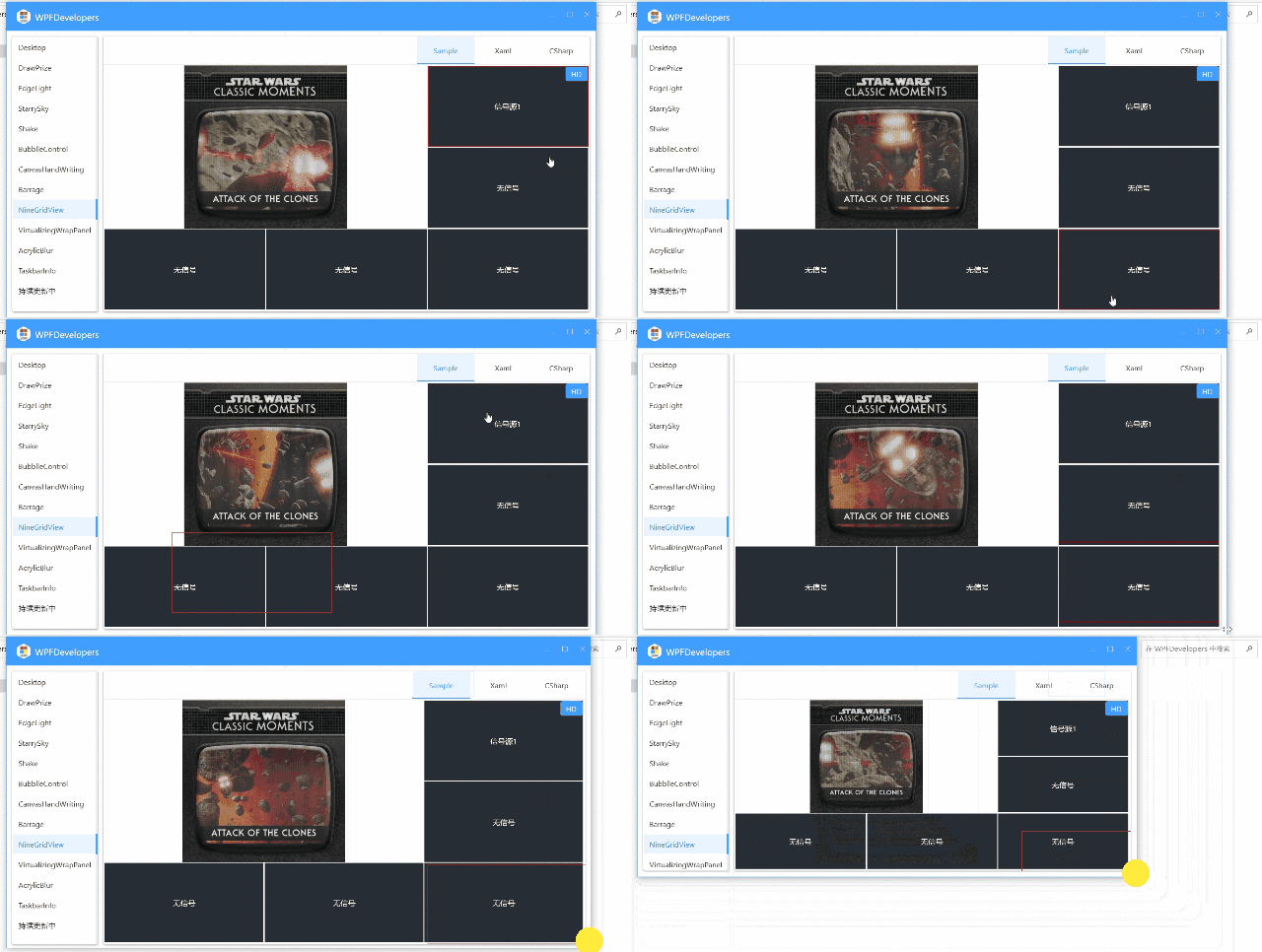
NineGridView
CodeViewer
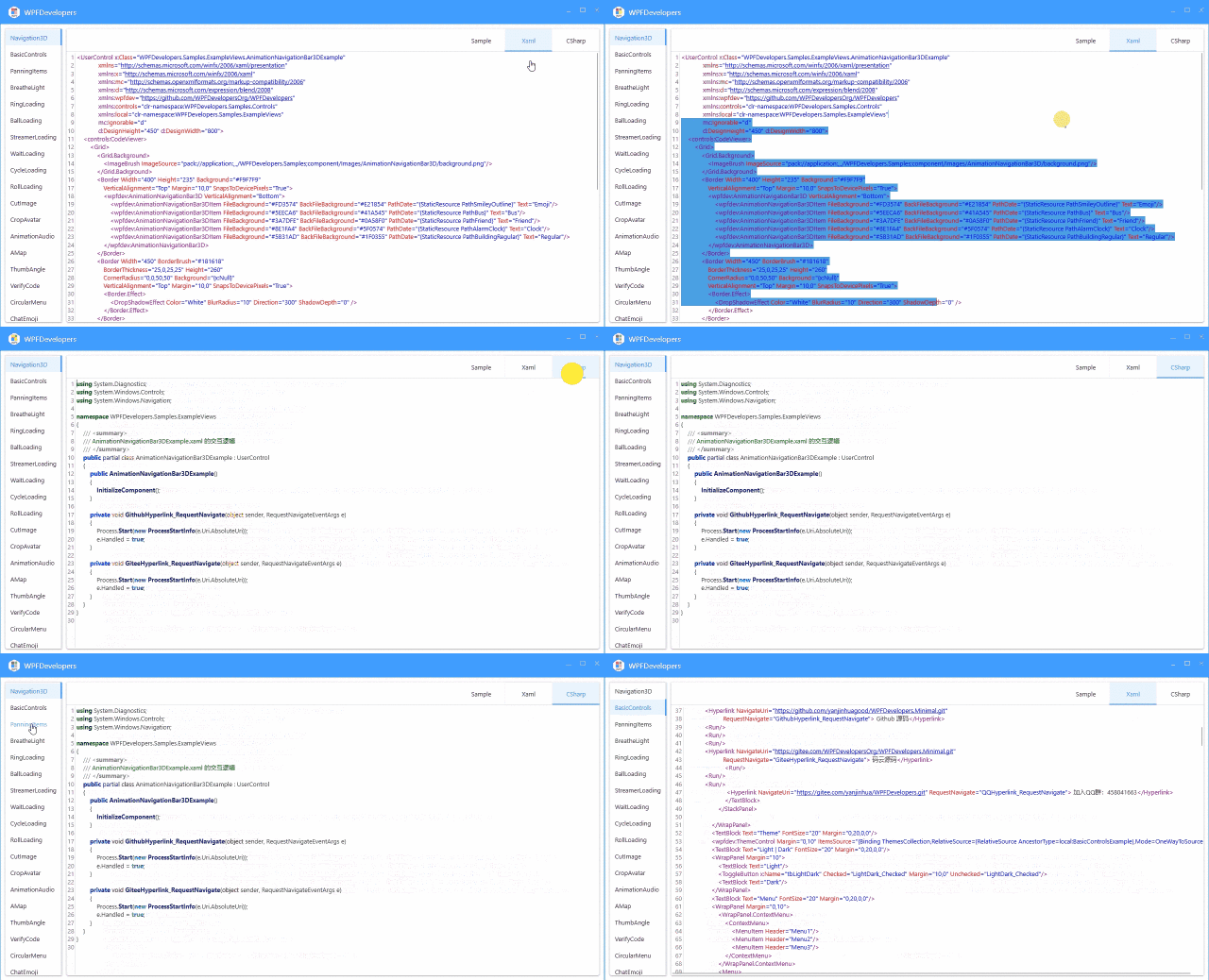
NotifyIcon
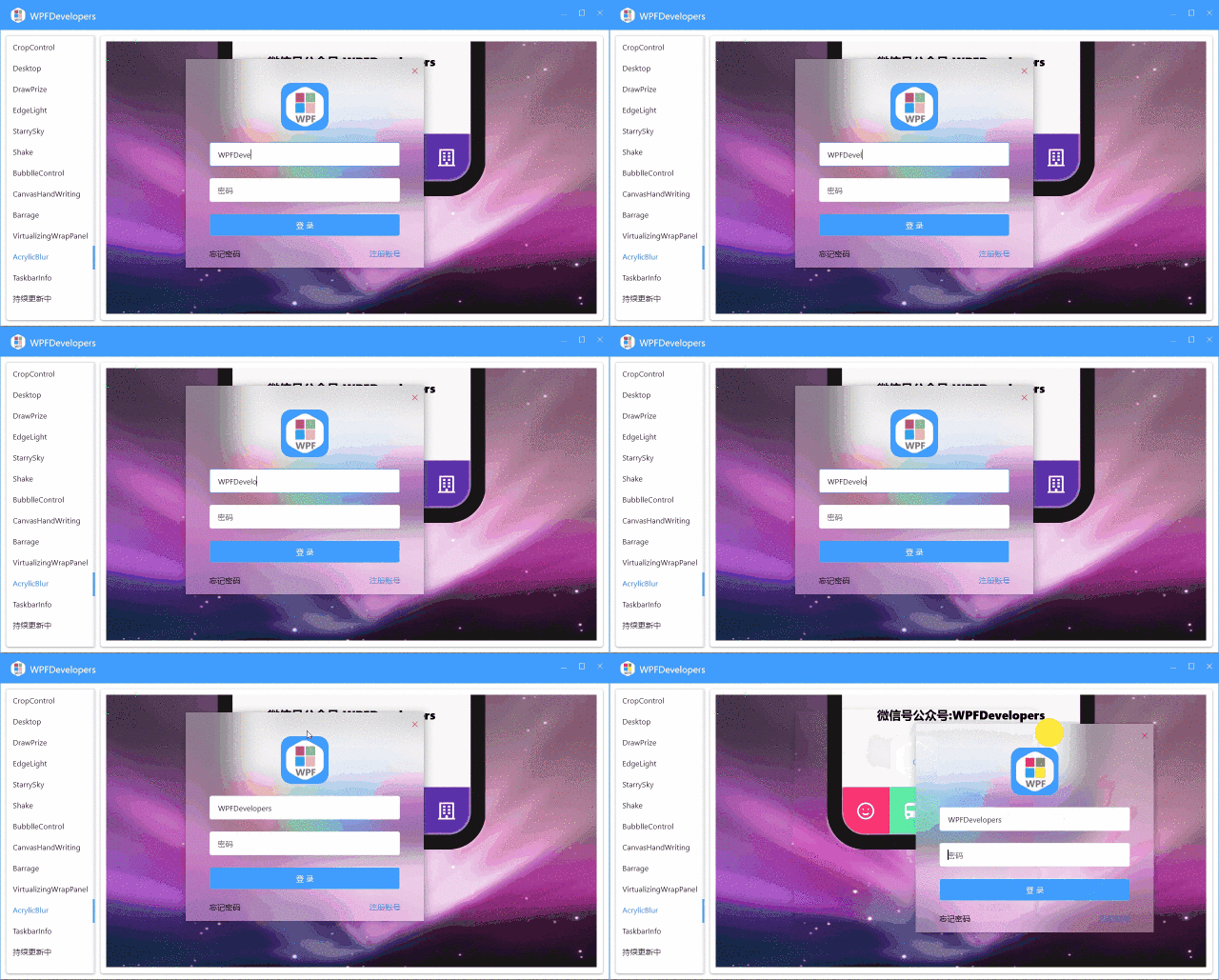
WindowAcrylicBlur
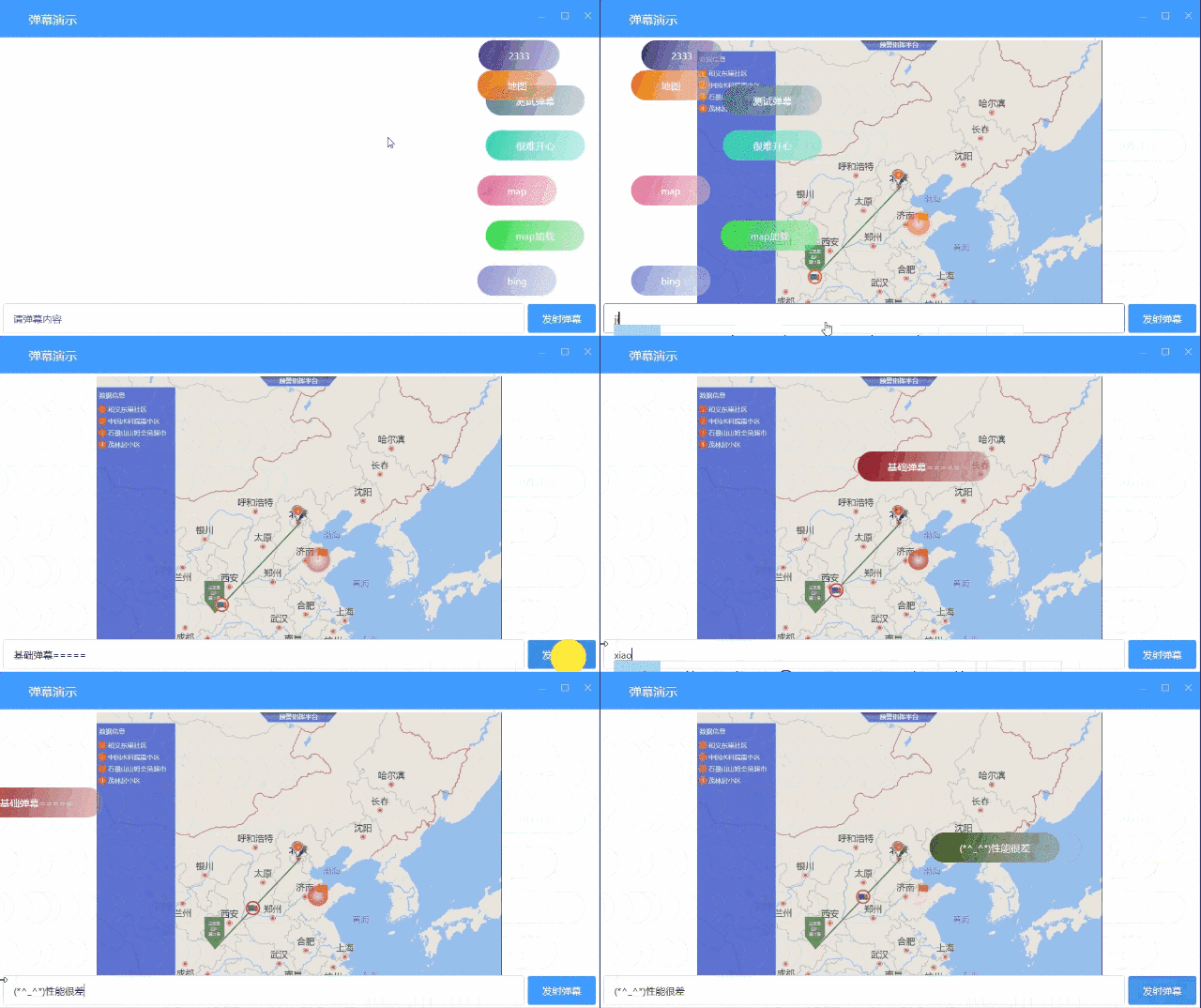
Barrage
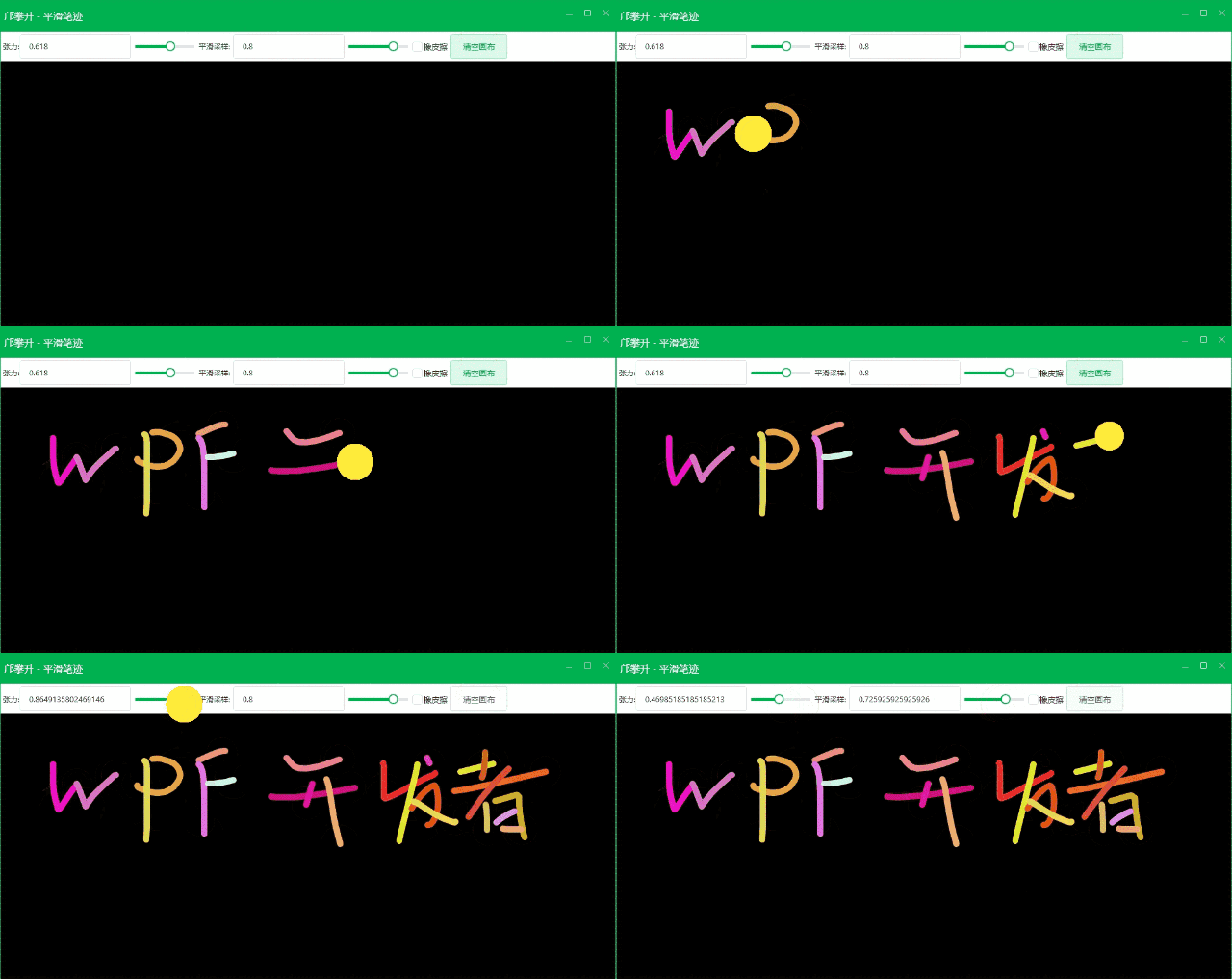
CanvasHandWriting
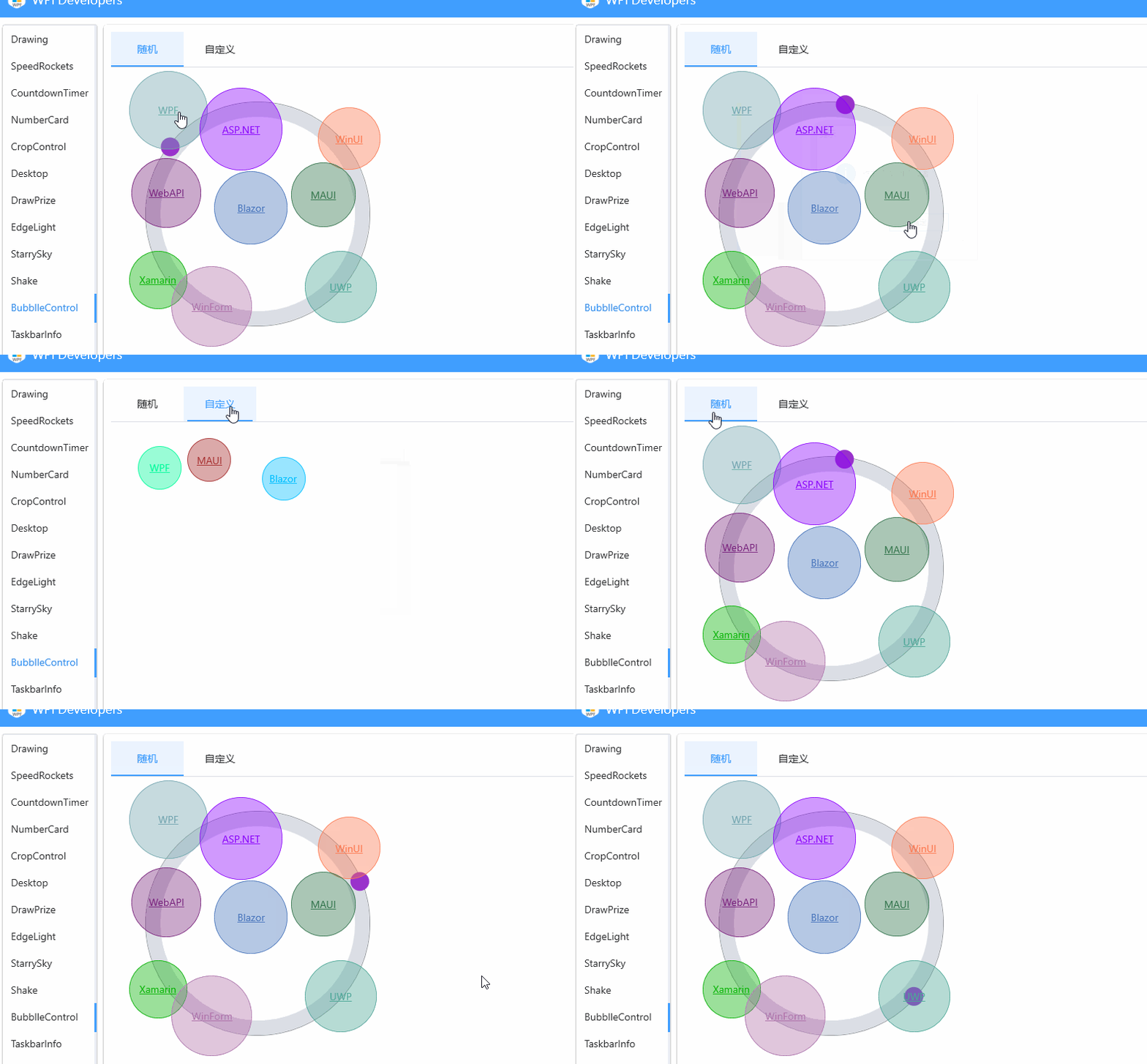
Bubble
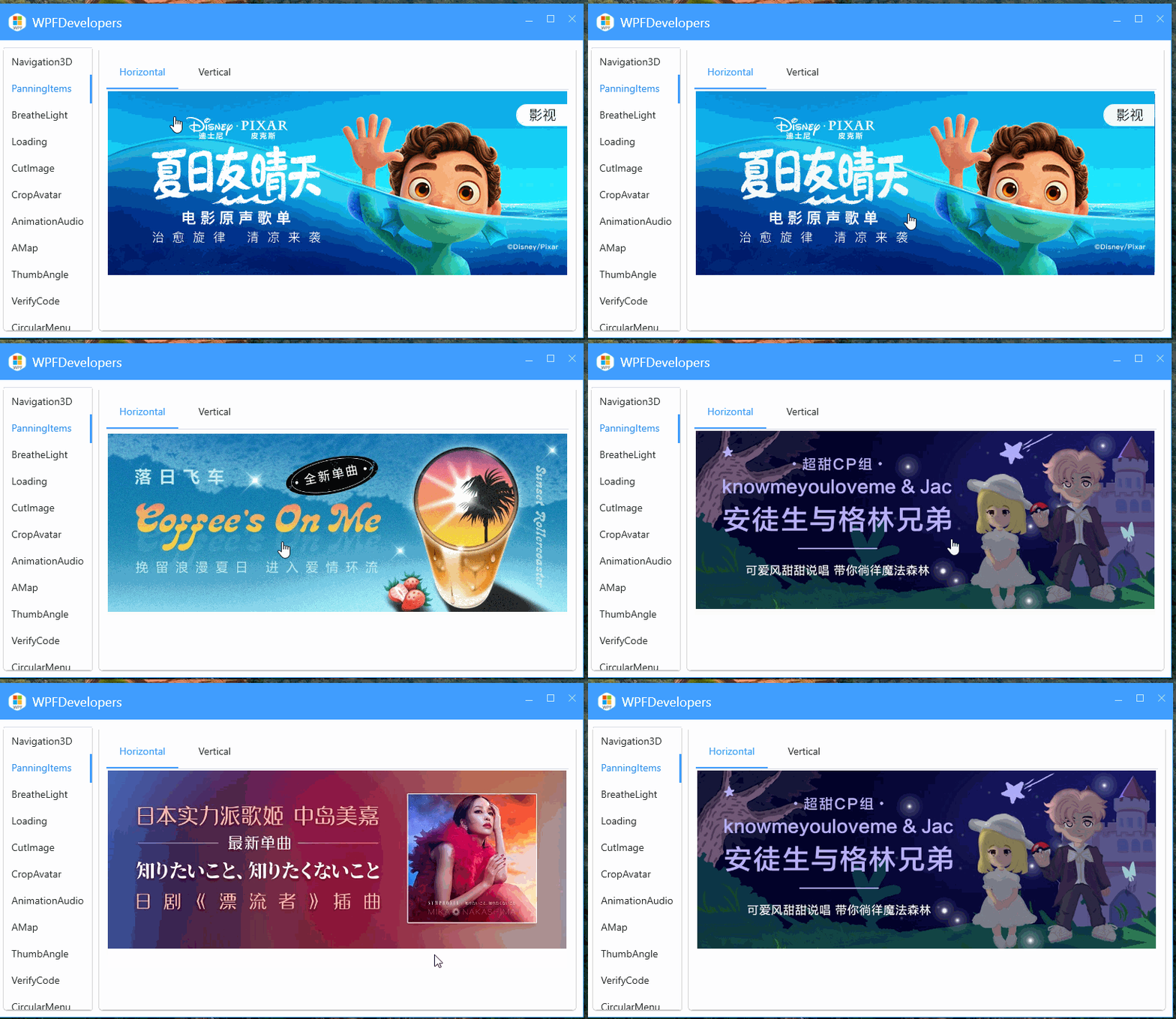
PanningItems
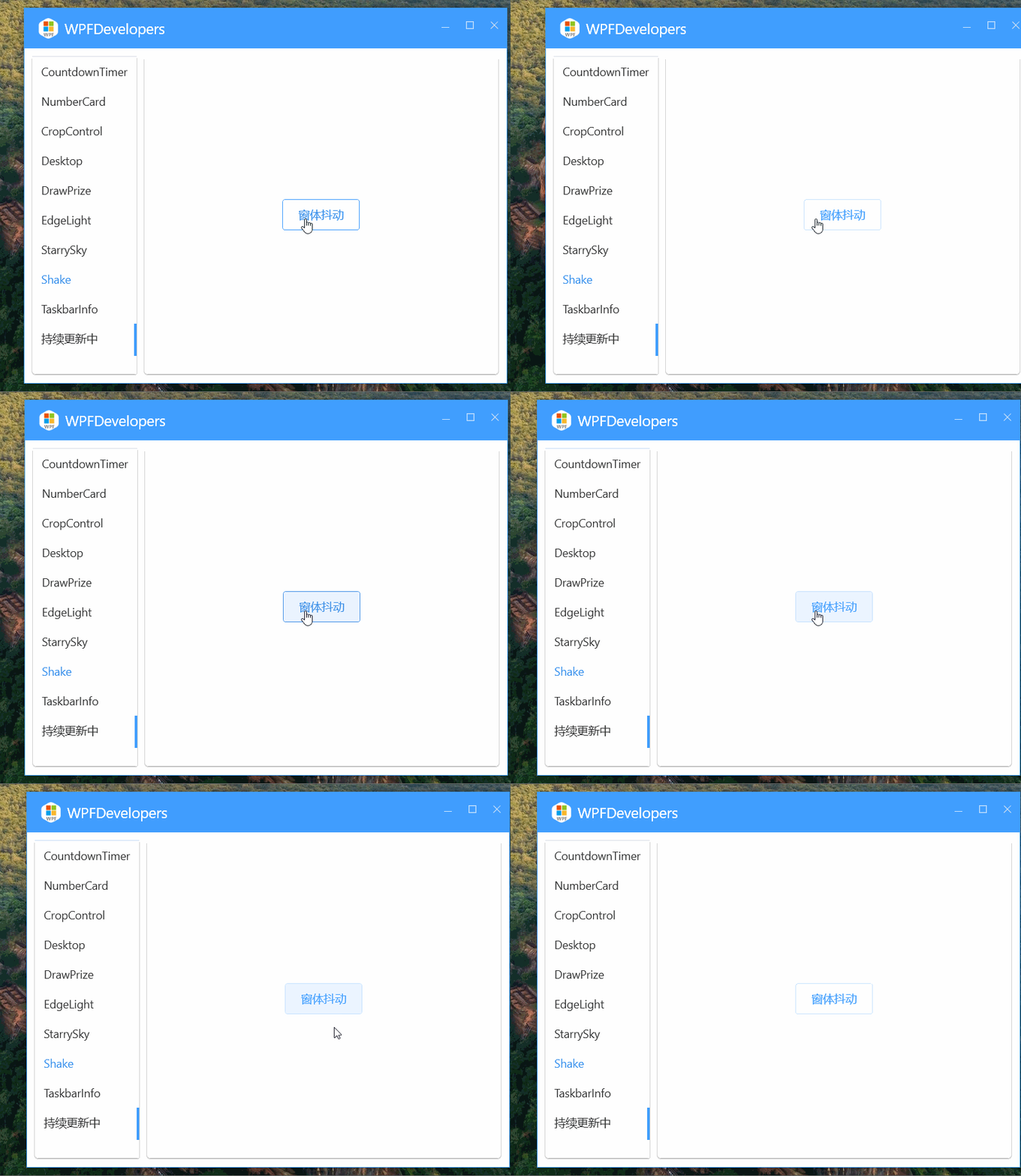
Shake
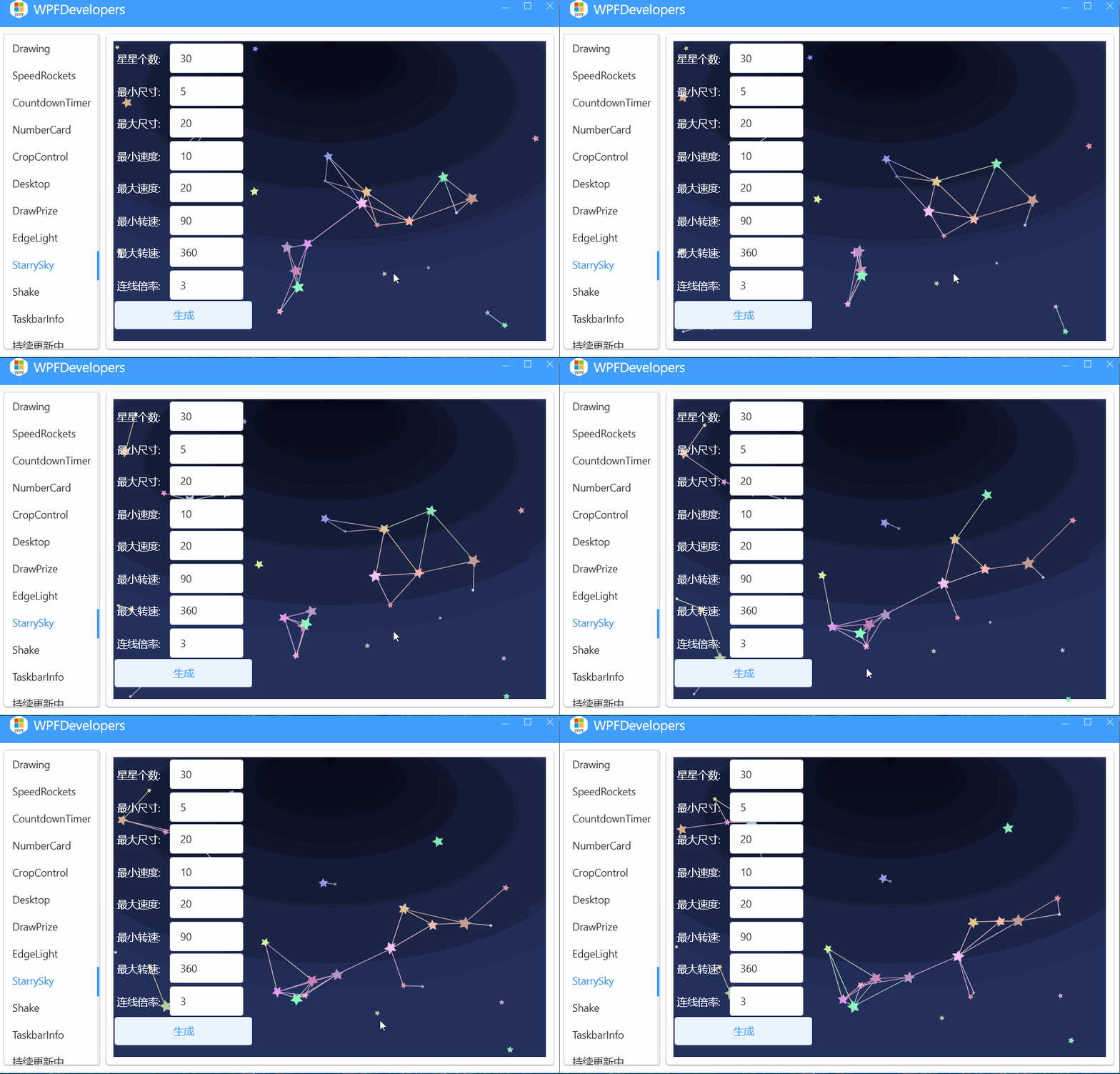
StarrySky
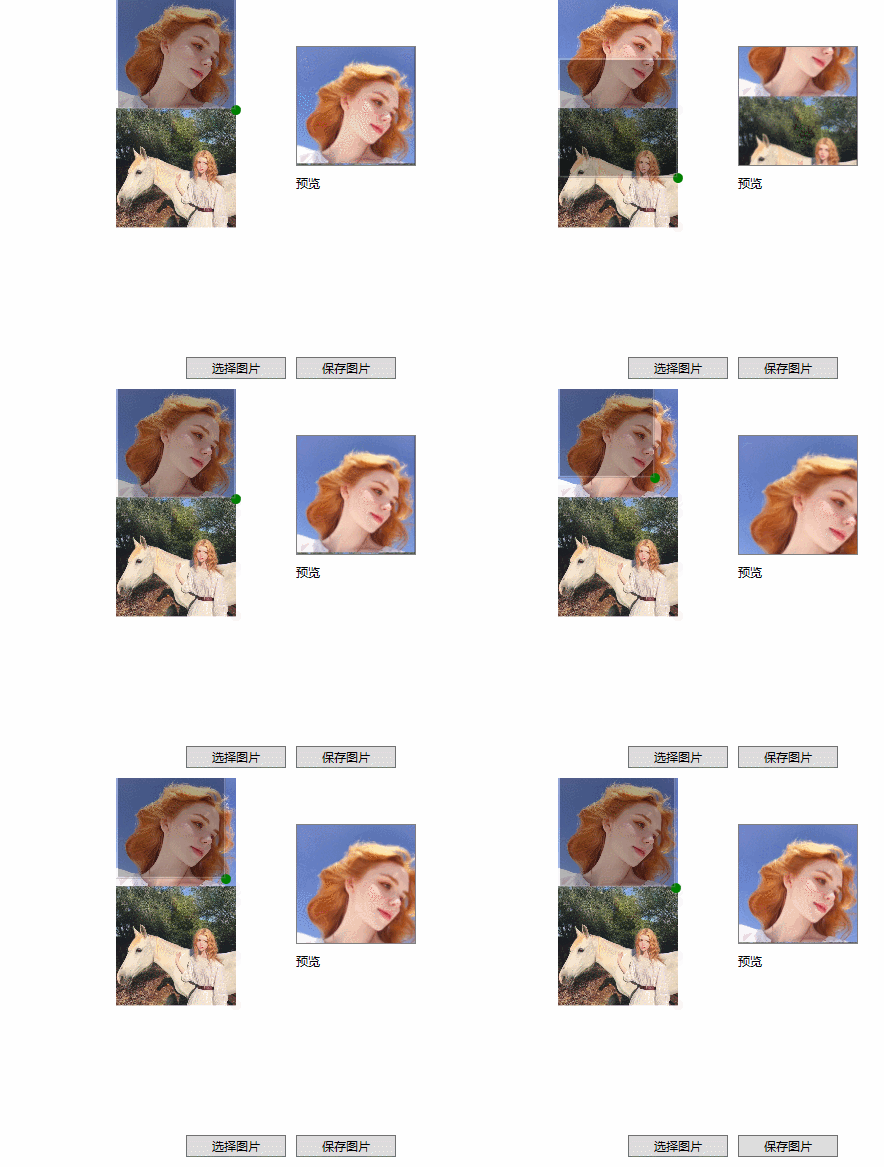
CropAvatar

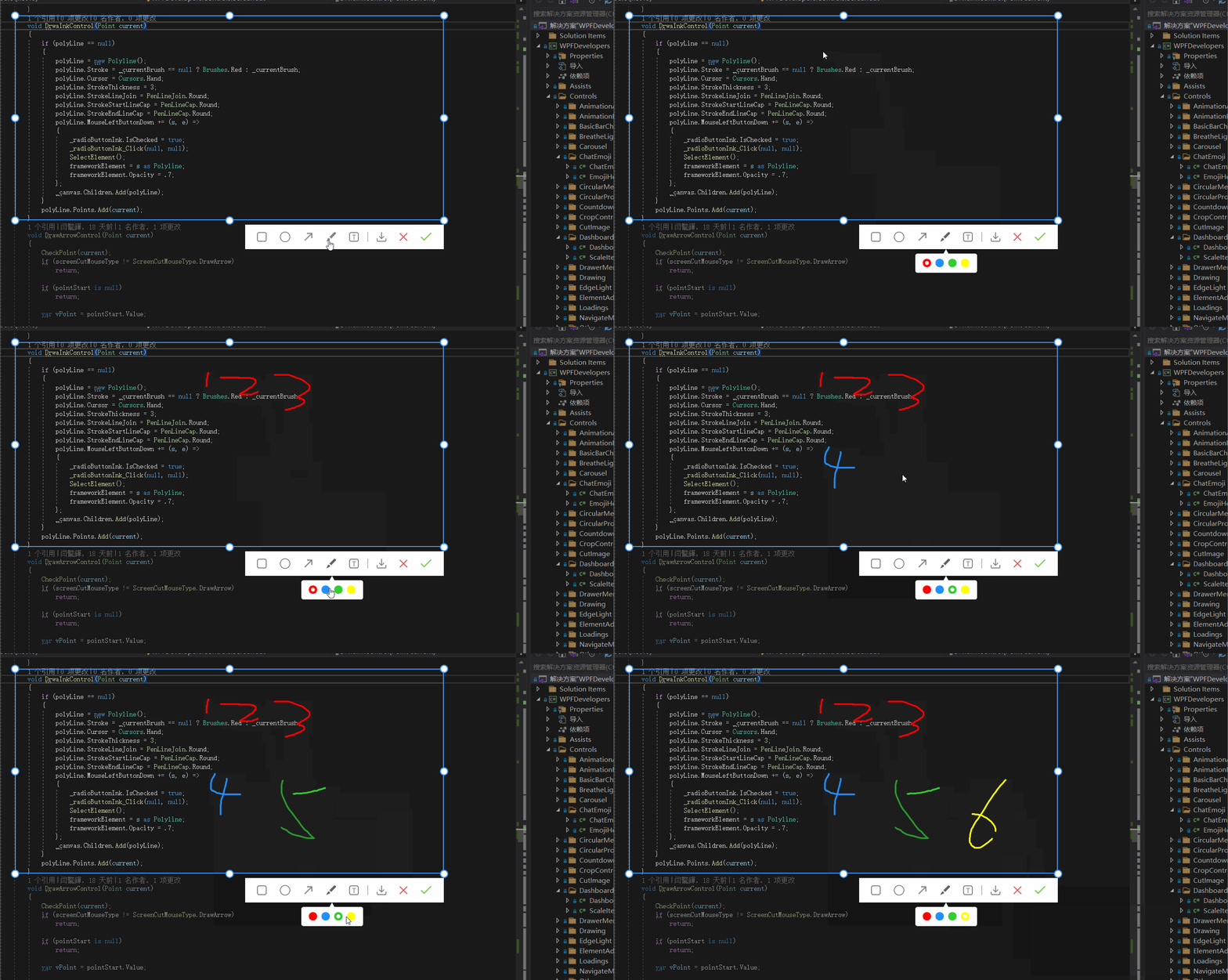
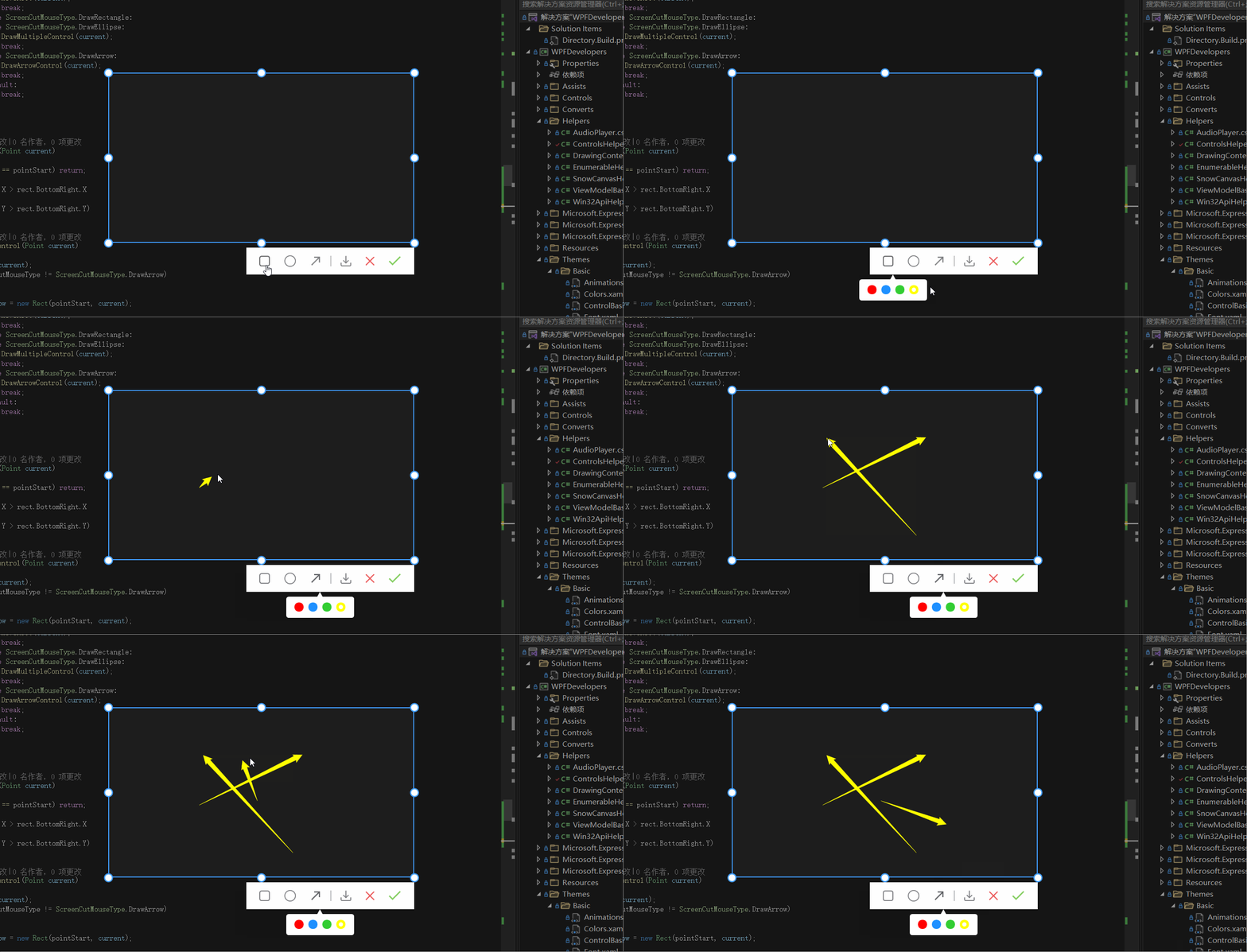
ScreenCut
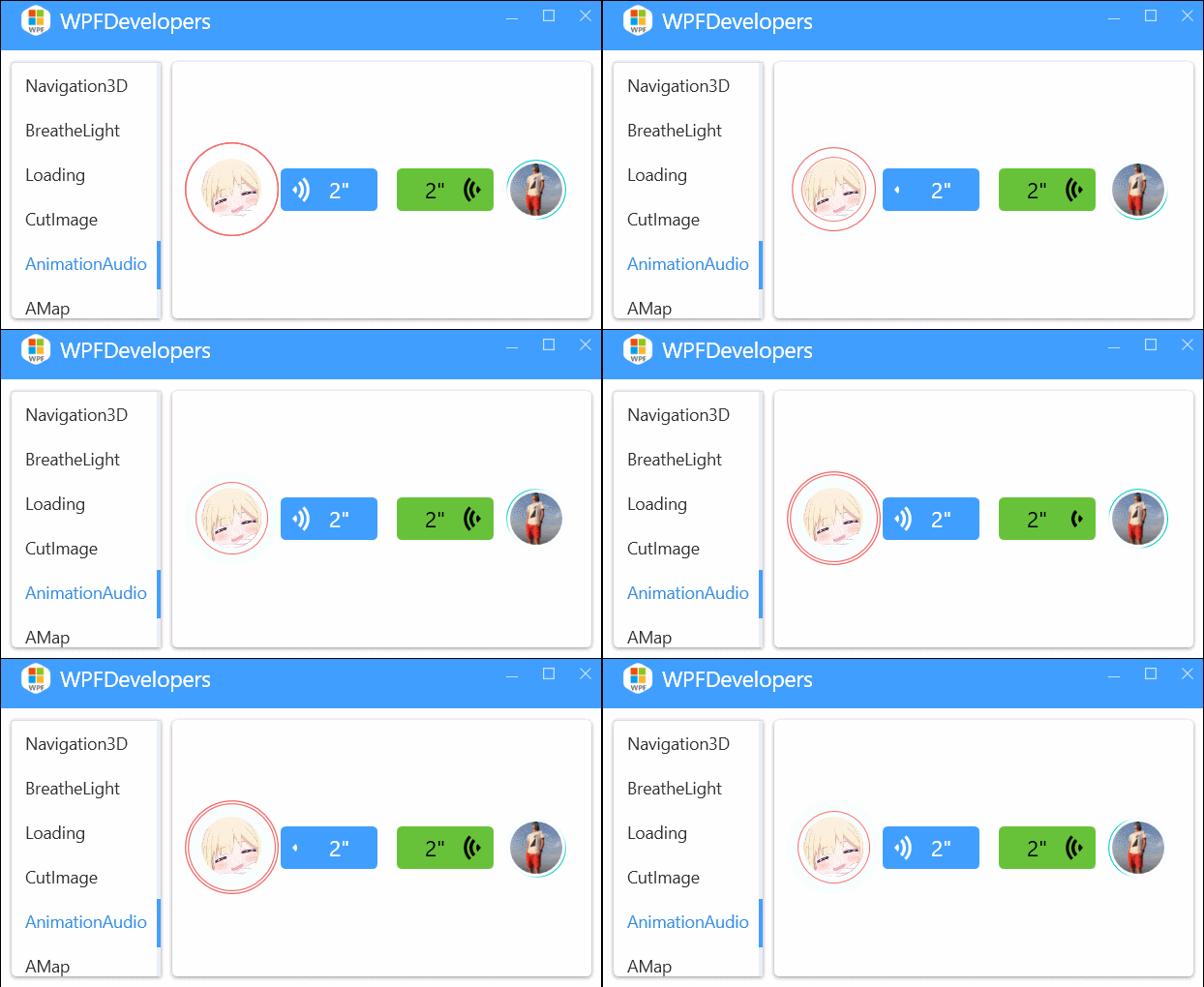
AnimationAudio
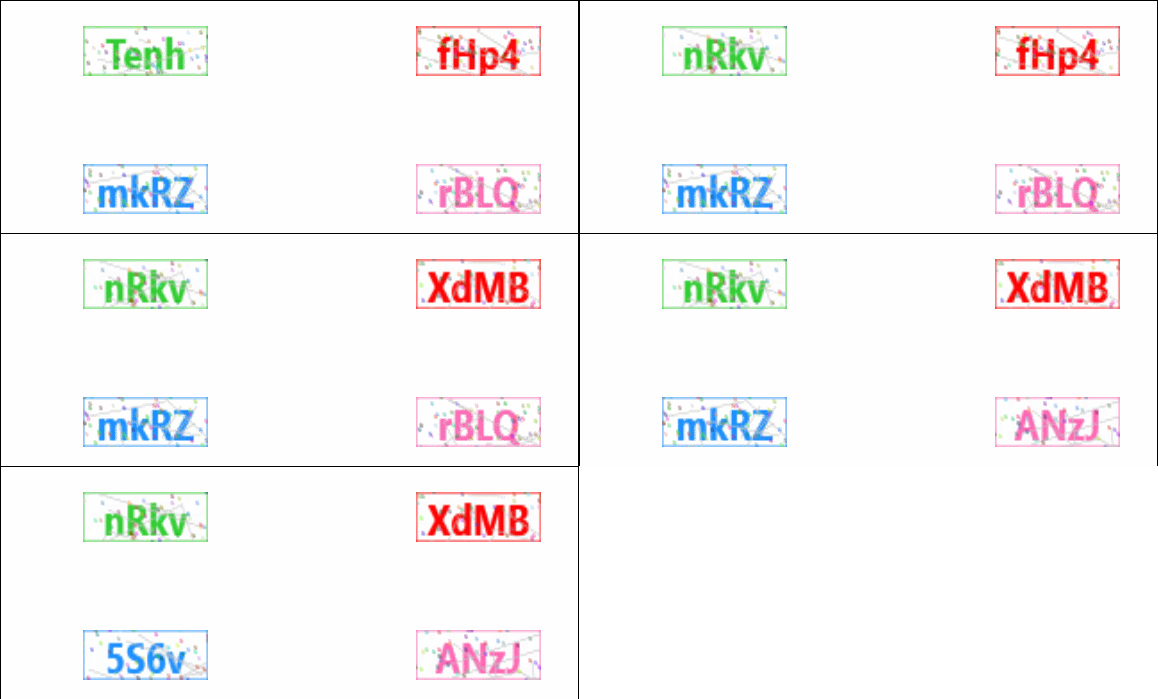
VerifyCode
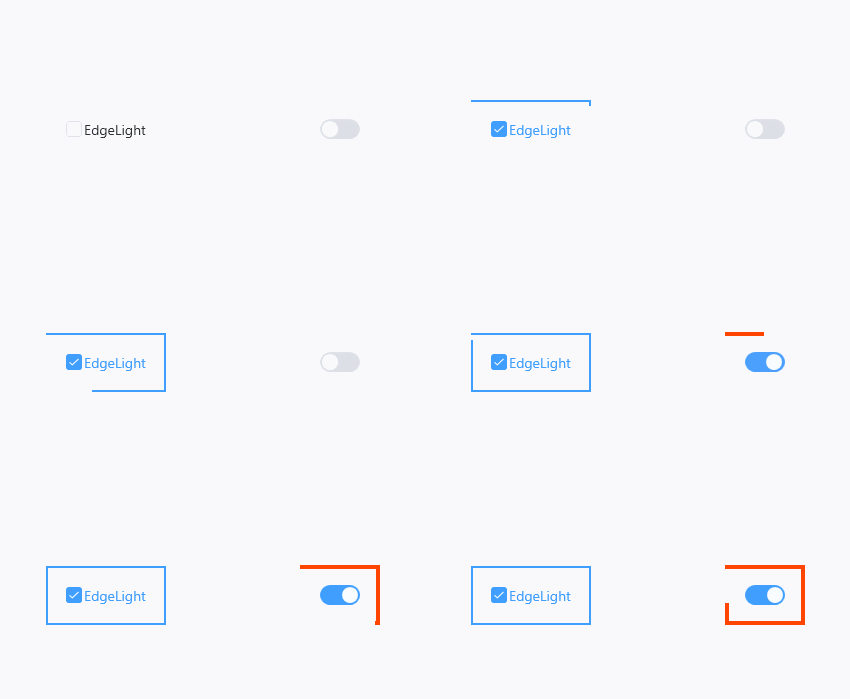
EdgeLight
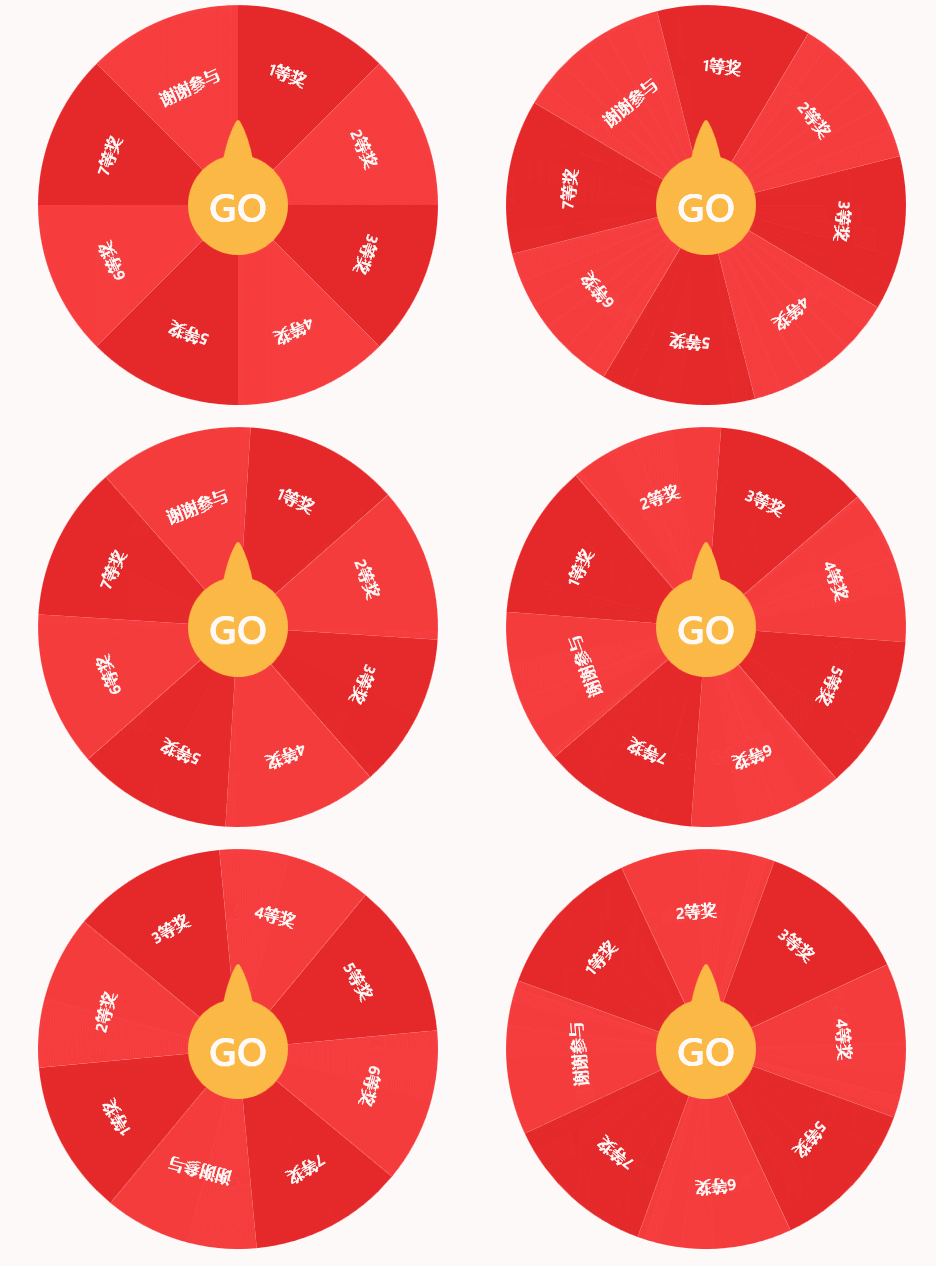
DrawPrize
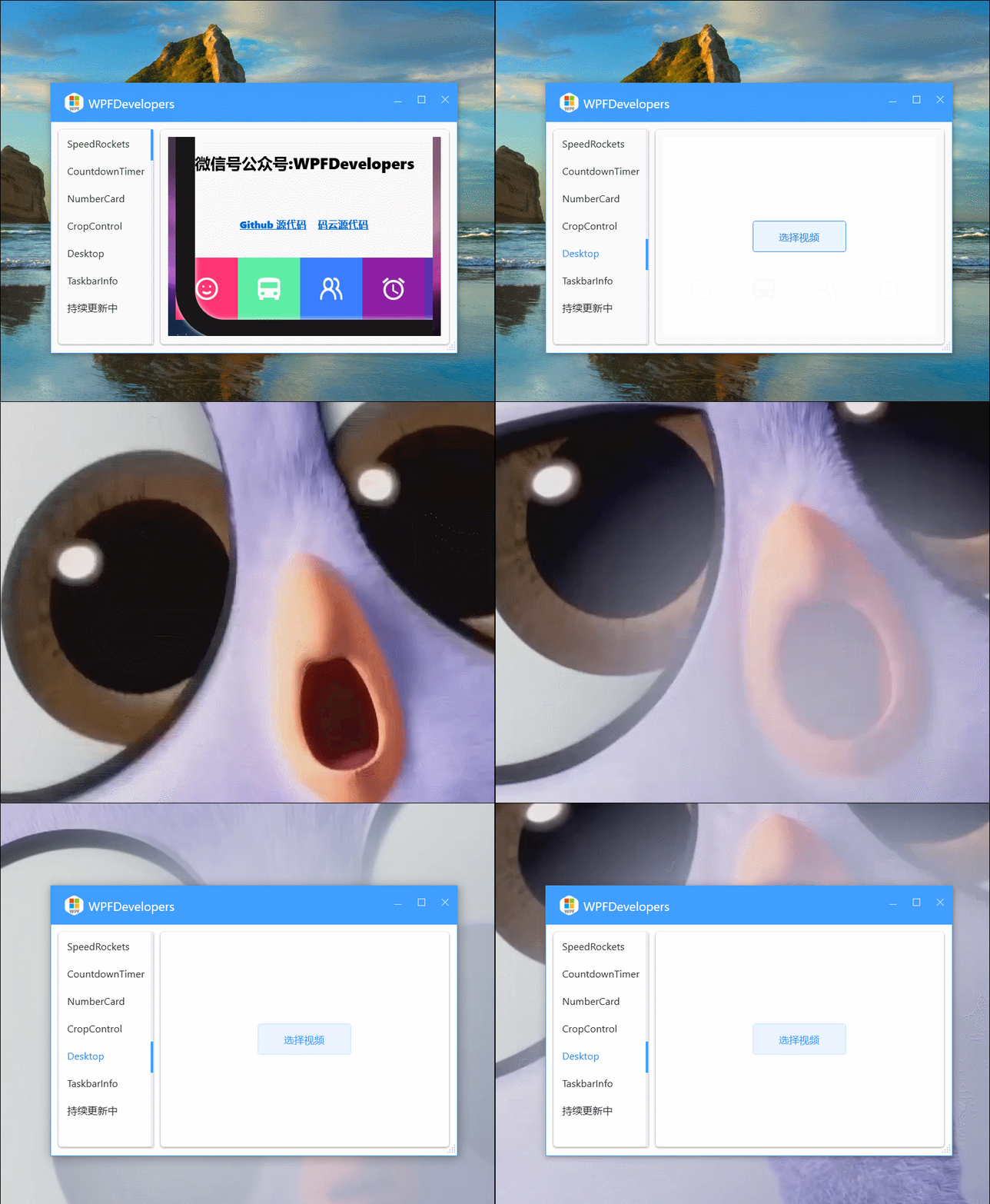
DesktopPlayVideo
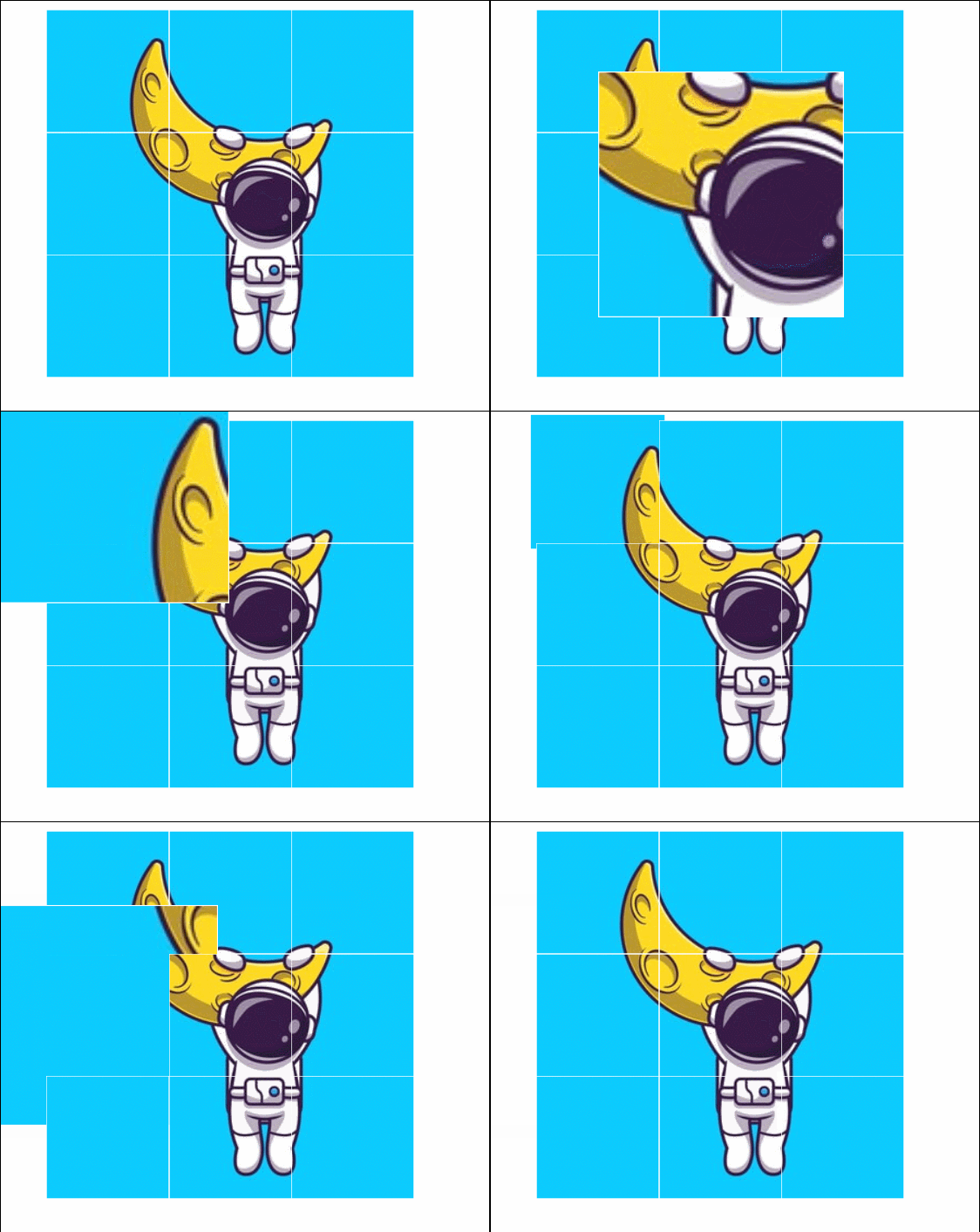
ImageCrop
NumberCard
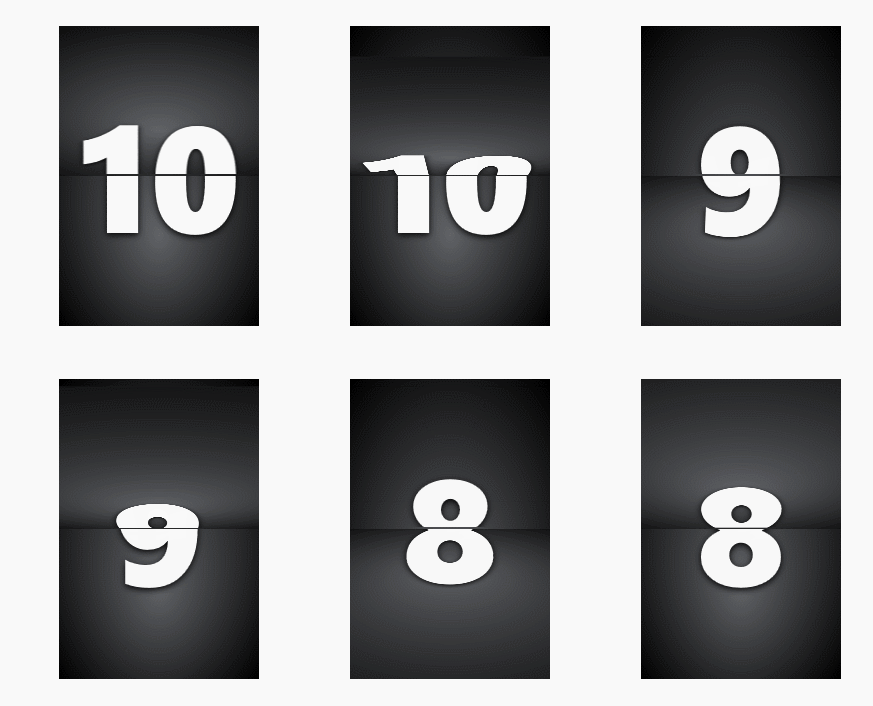
CountdownTimer
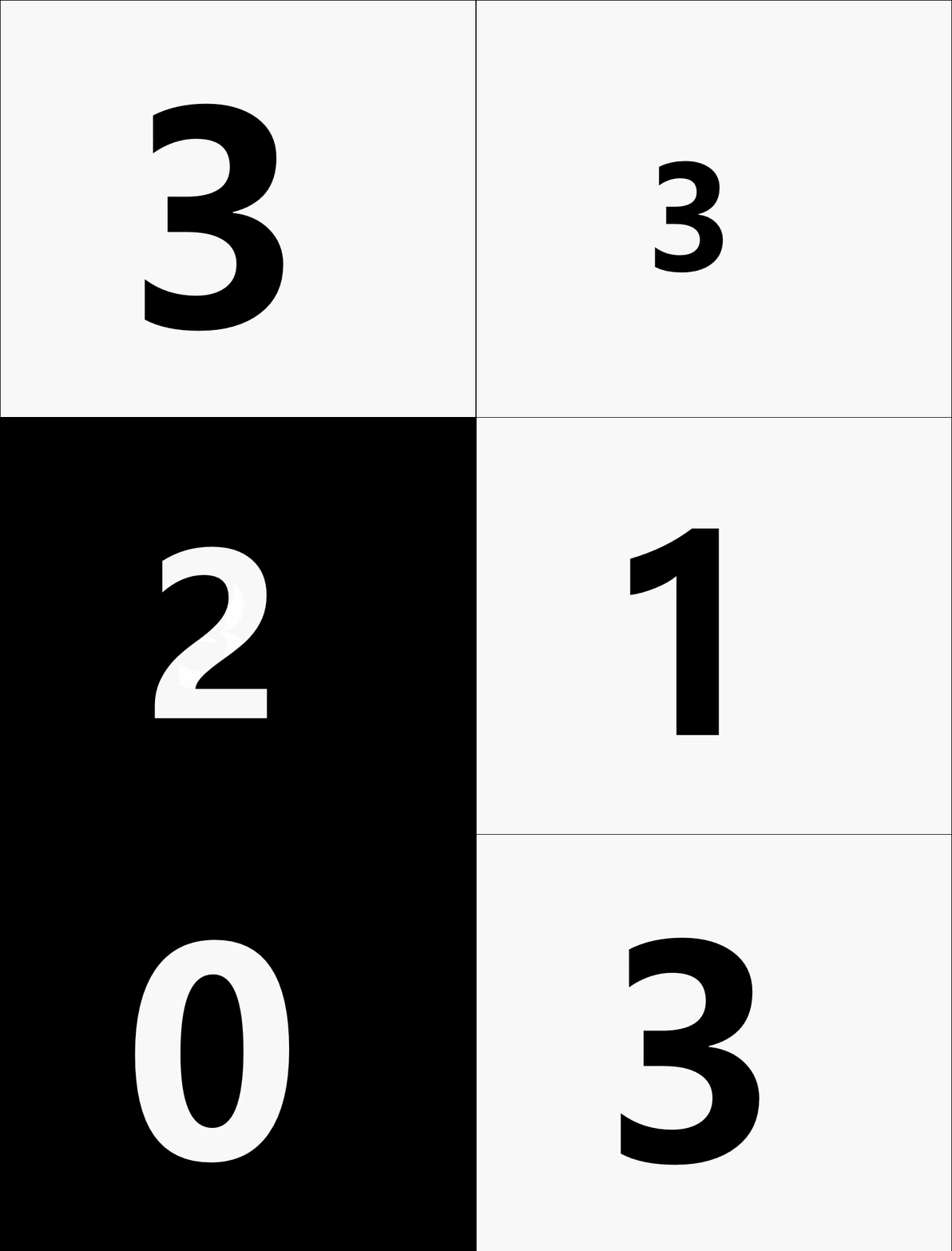
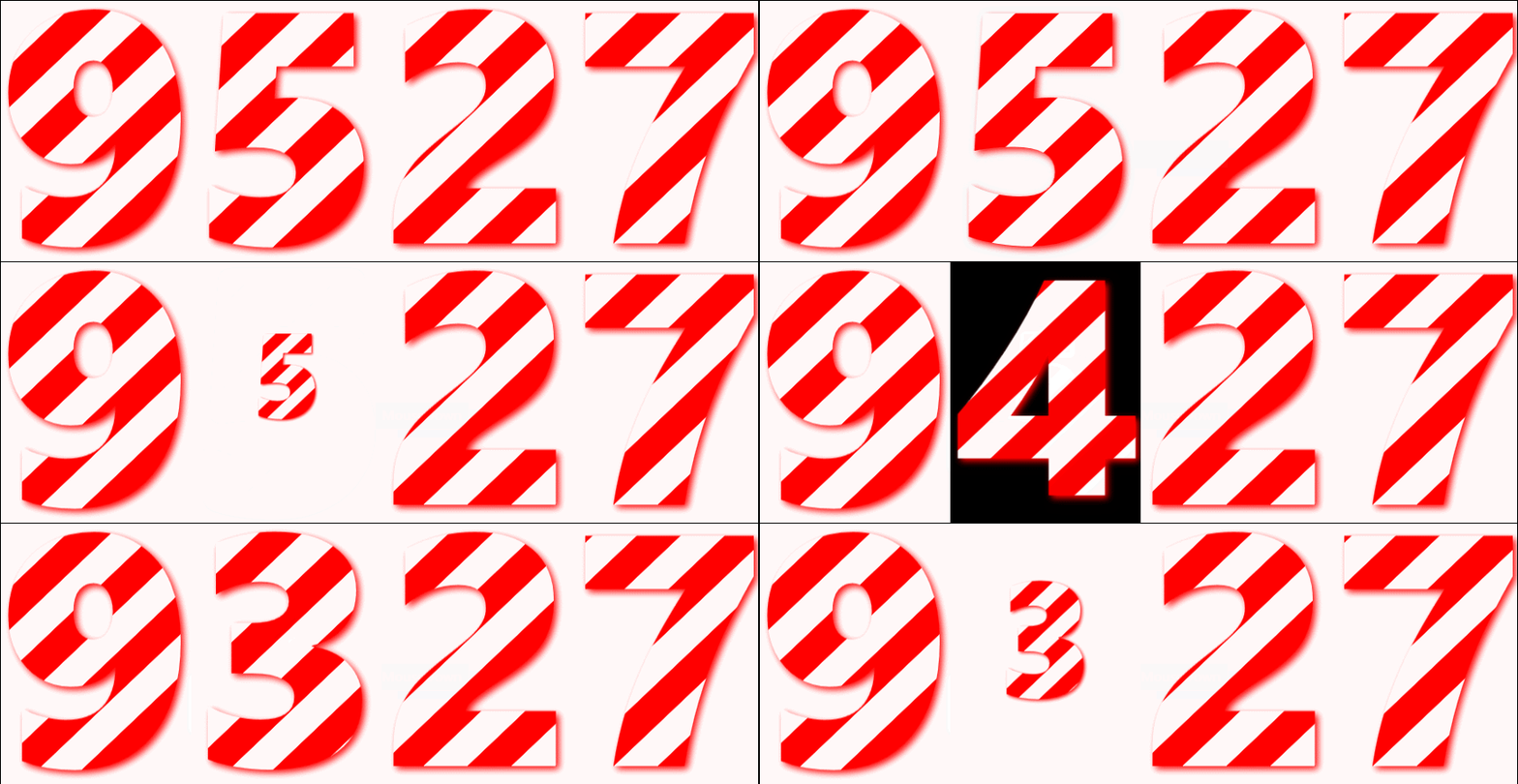
SpeedRockets

SnowCanvas

WPFBreatheLight
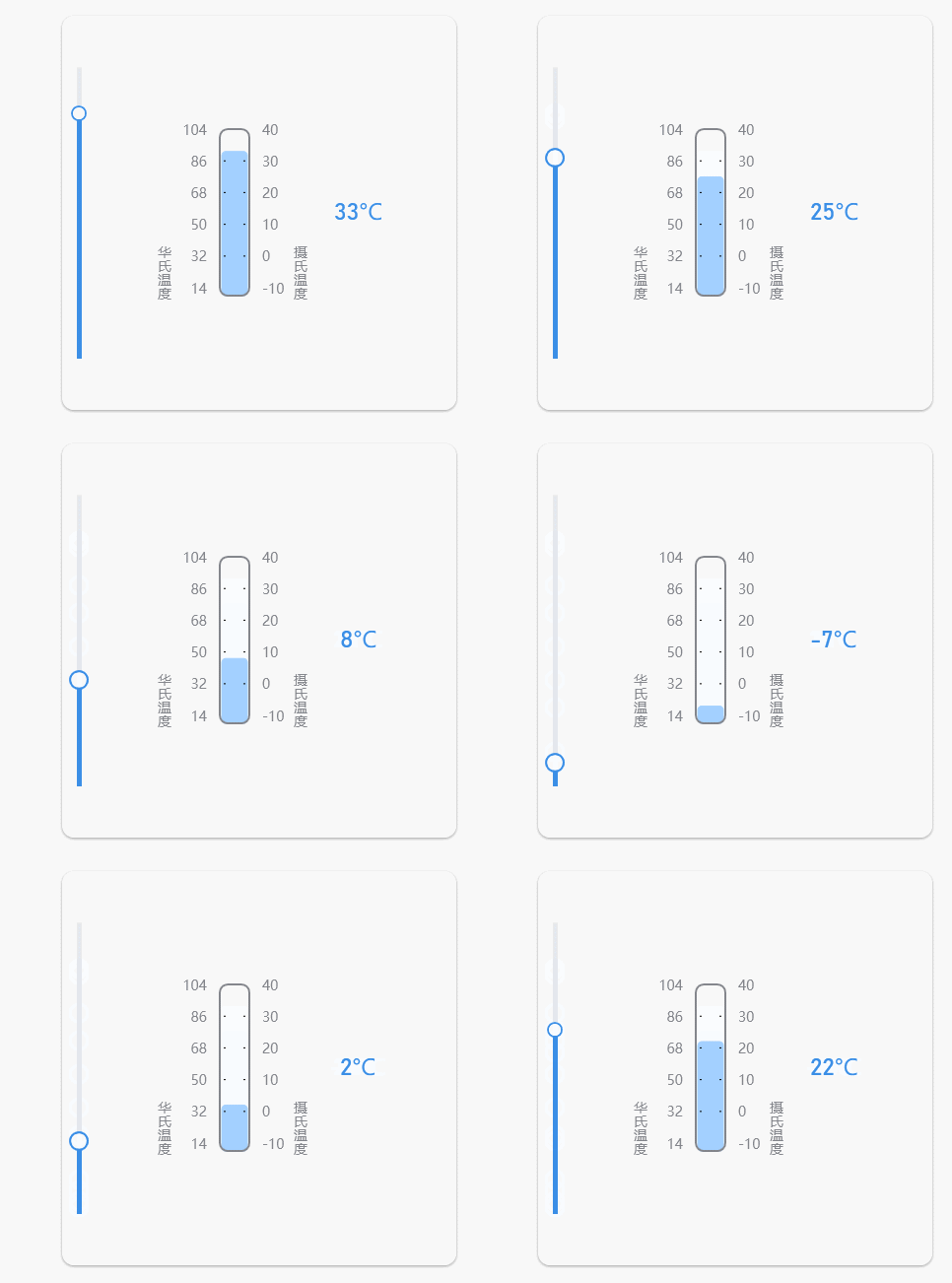
Thermometer
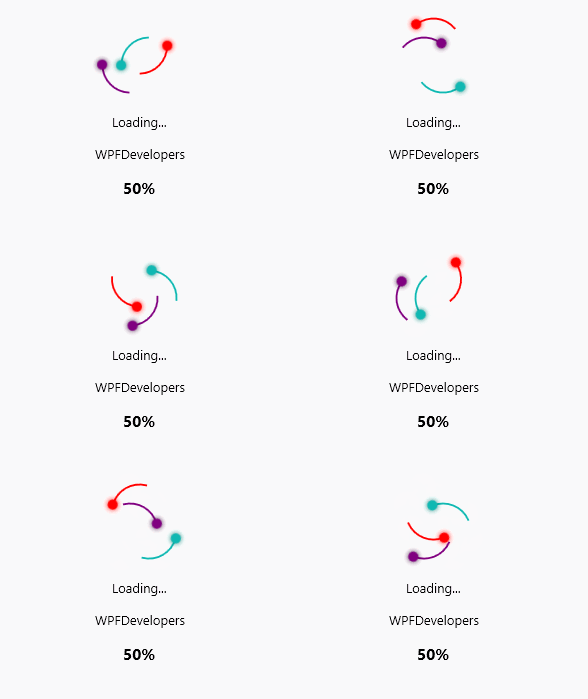
RingLoading
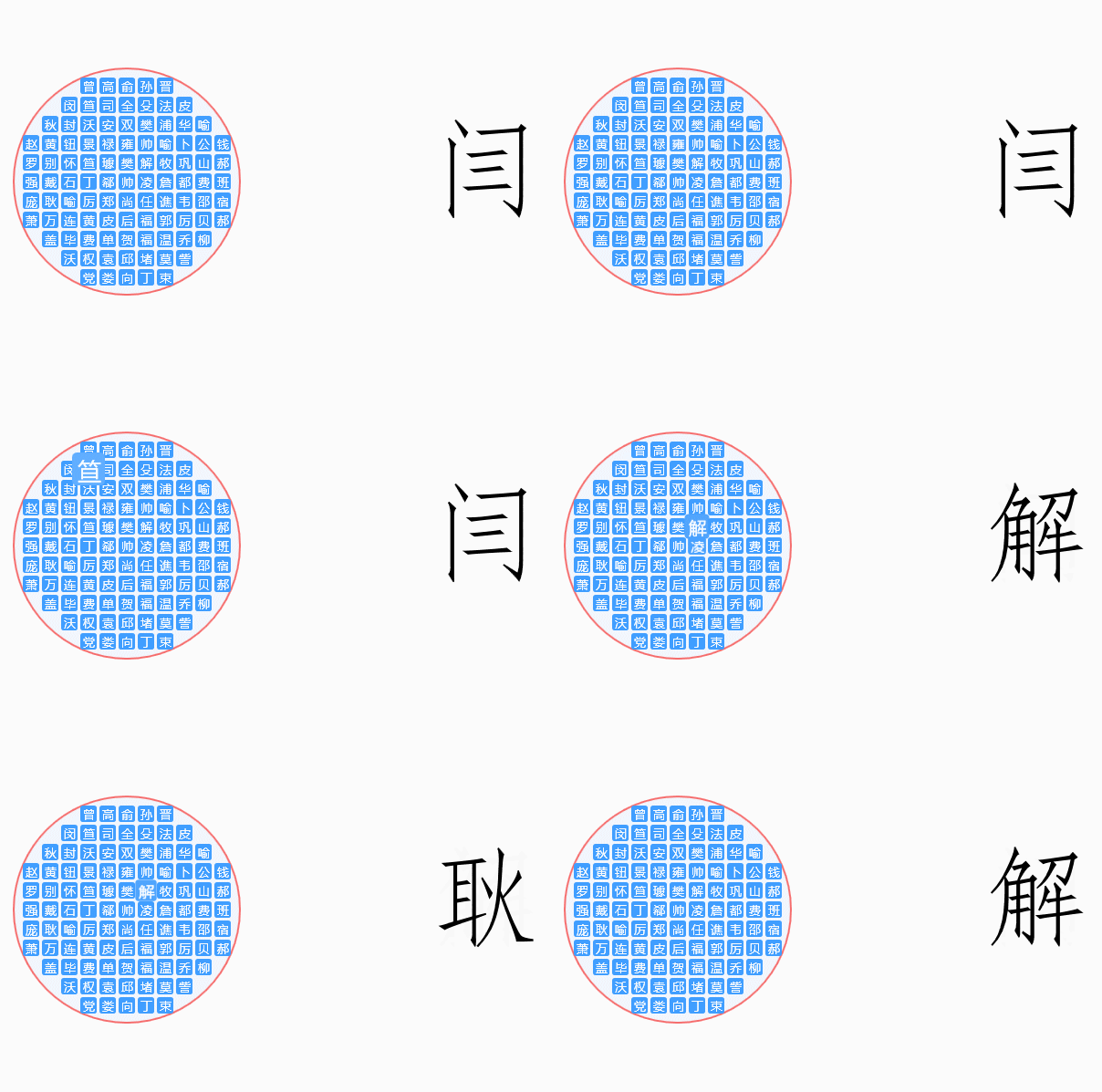
RoundPicker
LogoAnimation

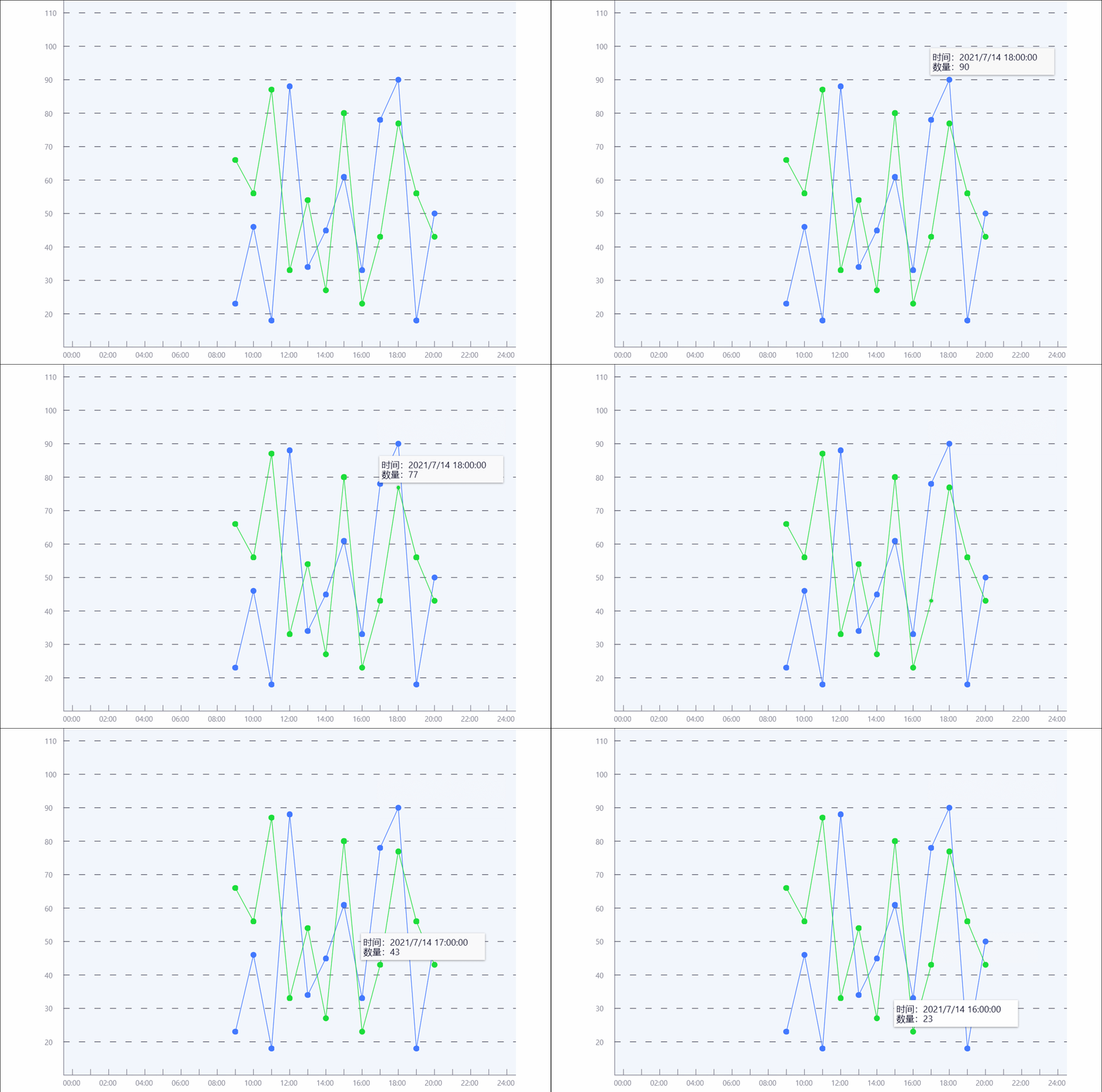
LineChart
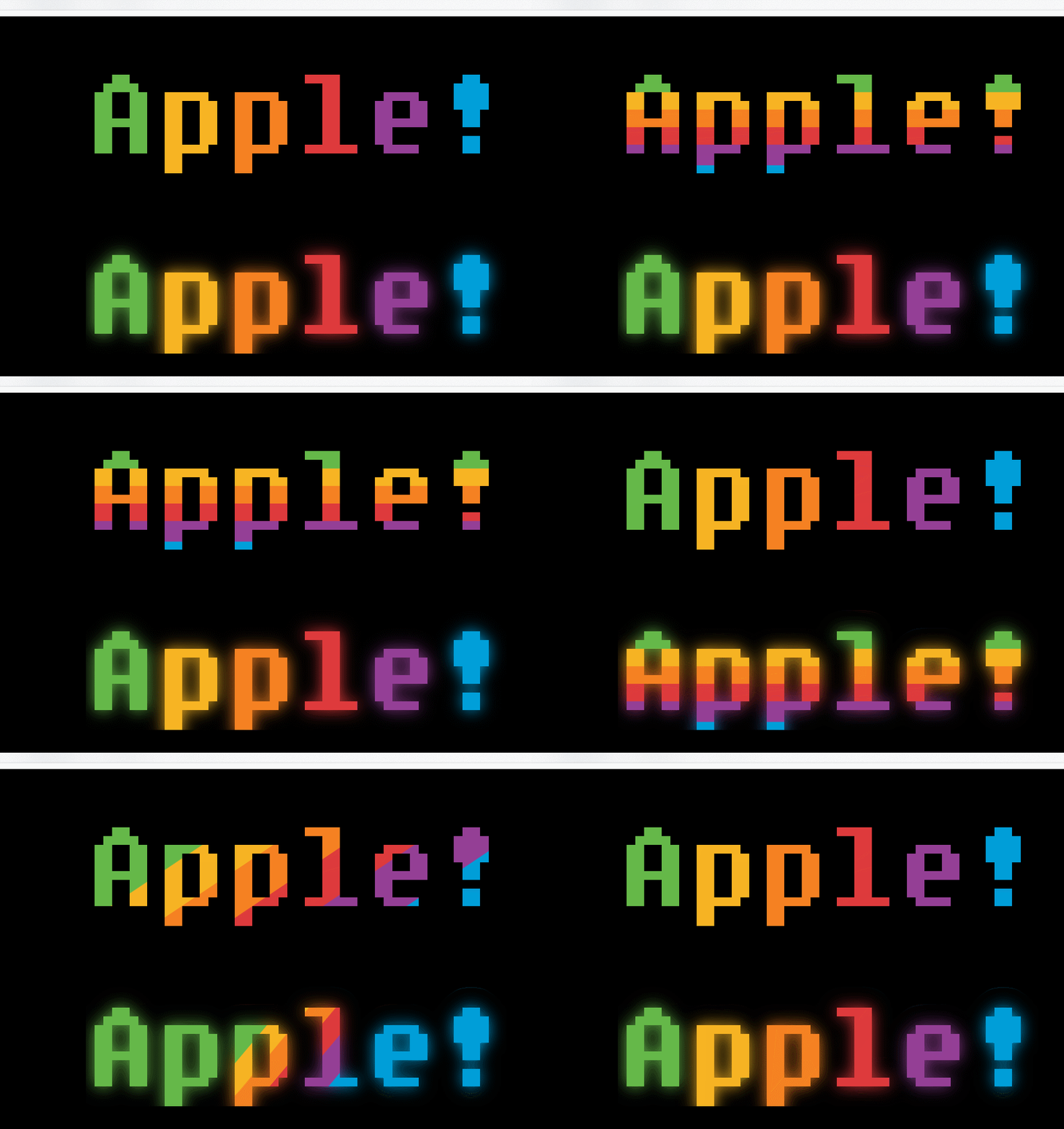
RainbowButtons
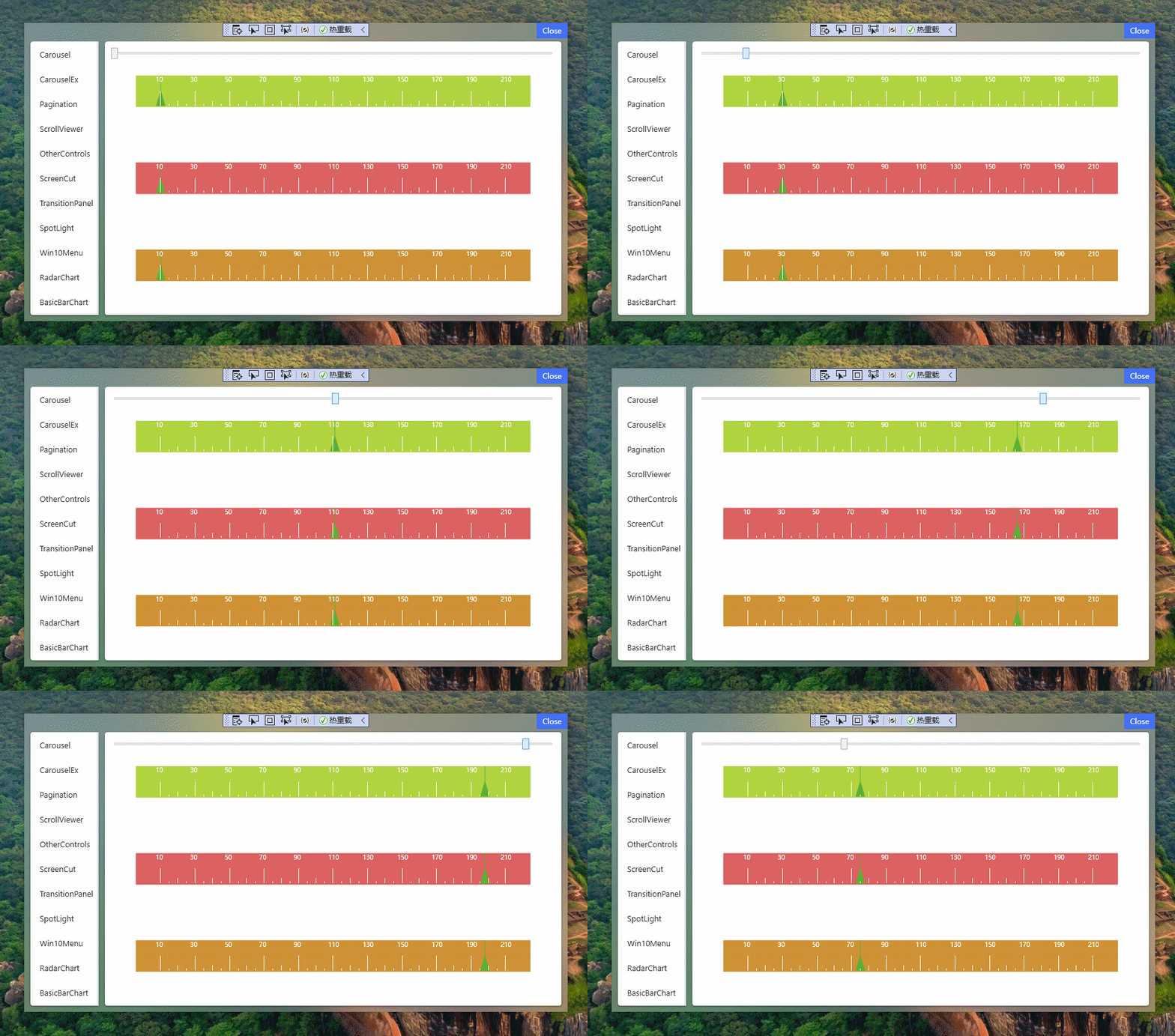
Ruler
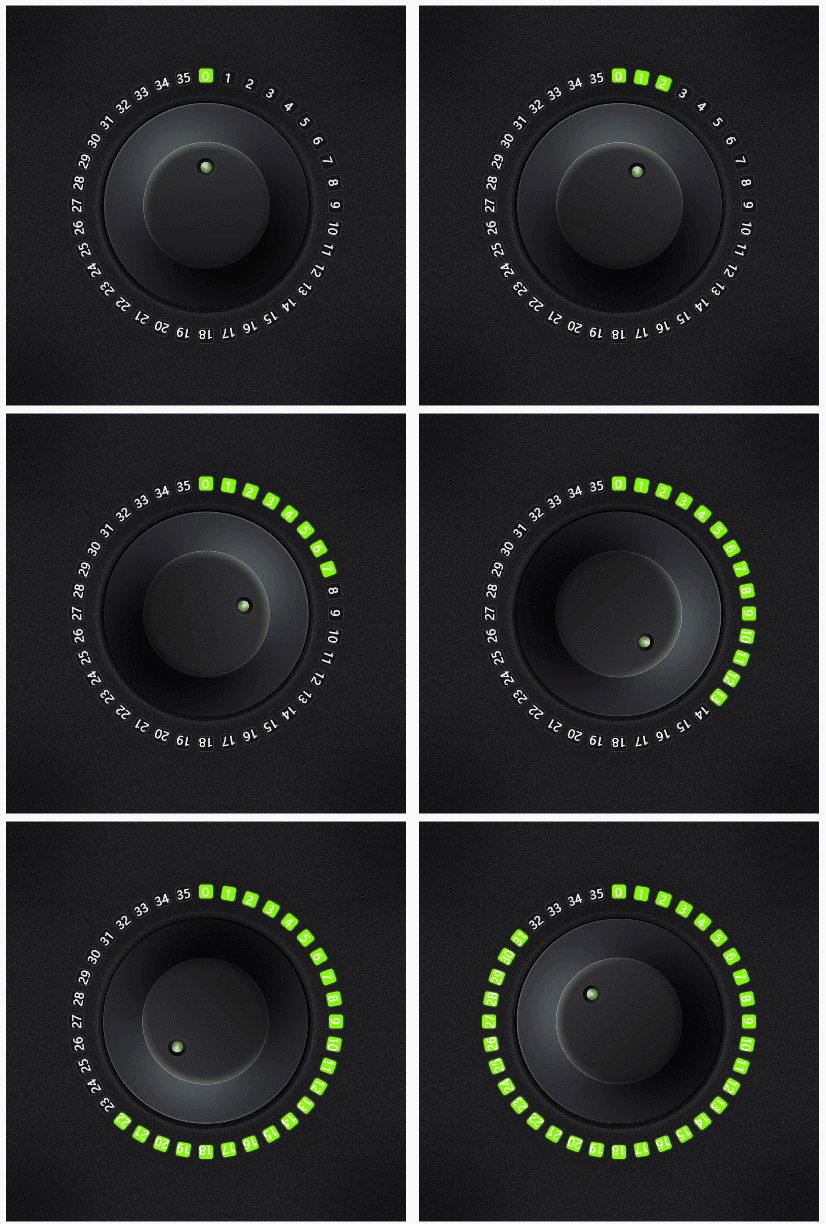
ZooSemy
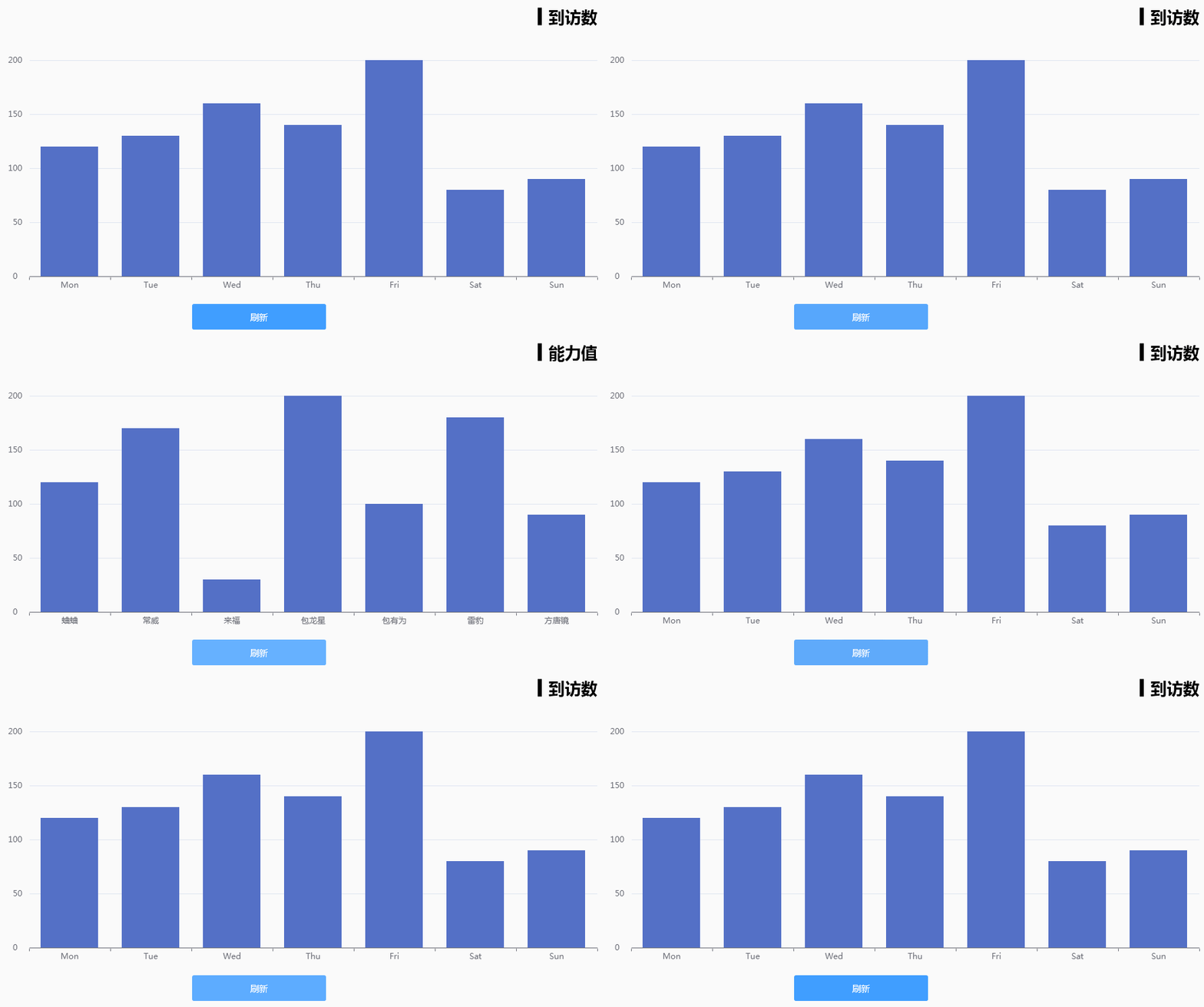
BasicBarChart
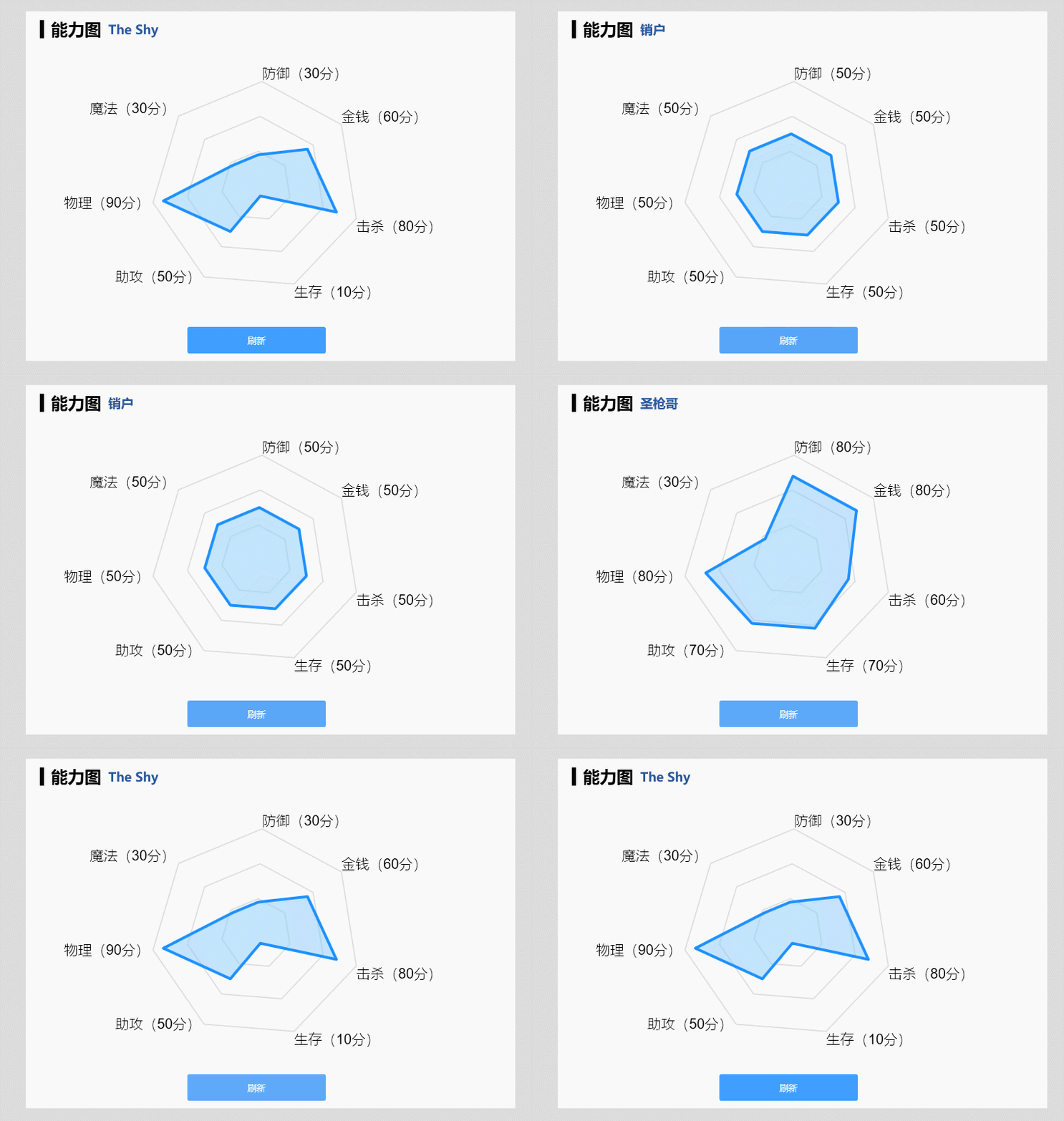
RadarChart
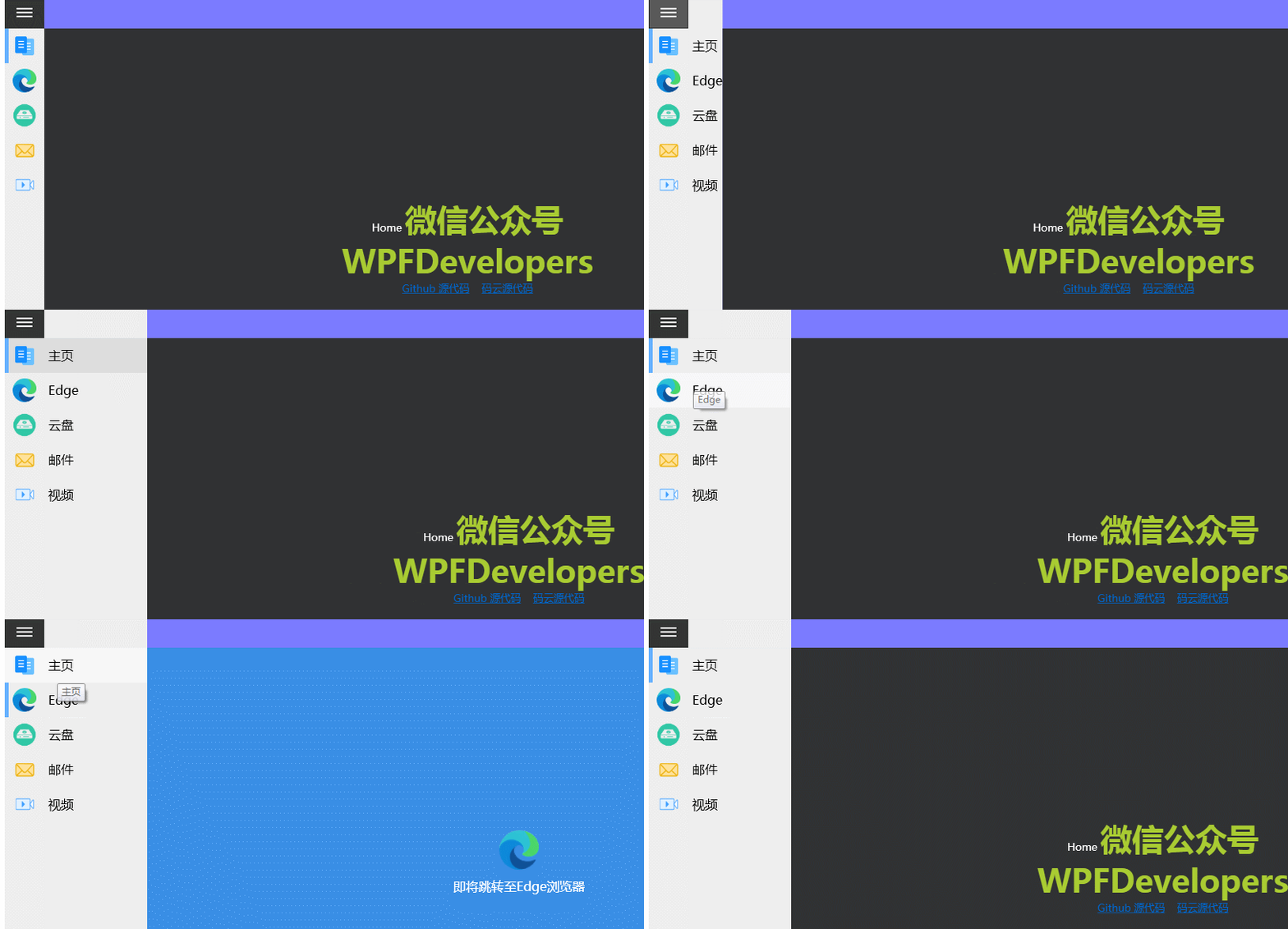
DrawerMenu
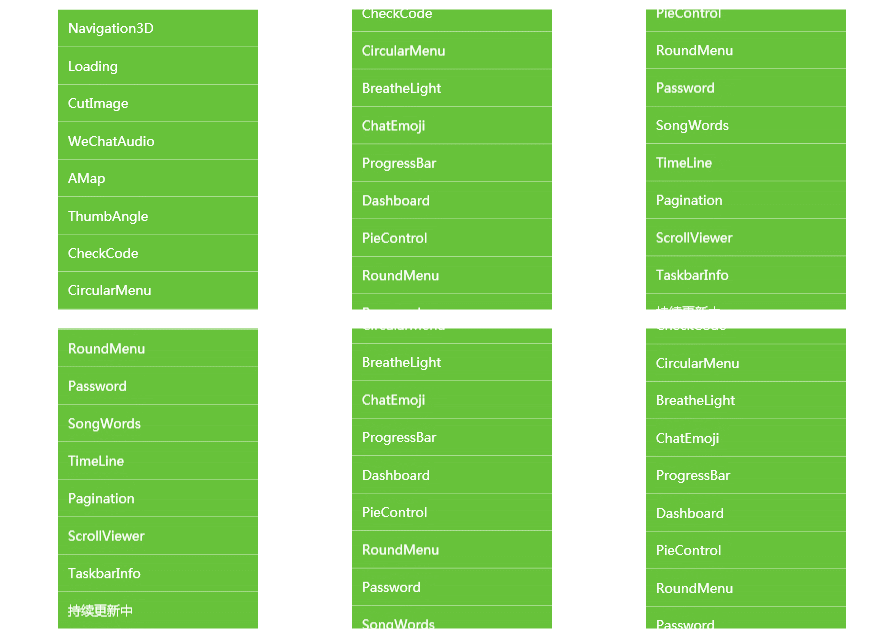
SpotLight

TransitionPanel

OtherControl

FocusCarousel

CardCarousel

MasterCarousel

ScrollViewerAnimation
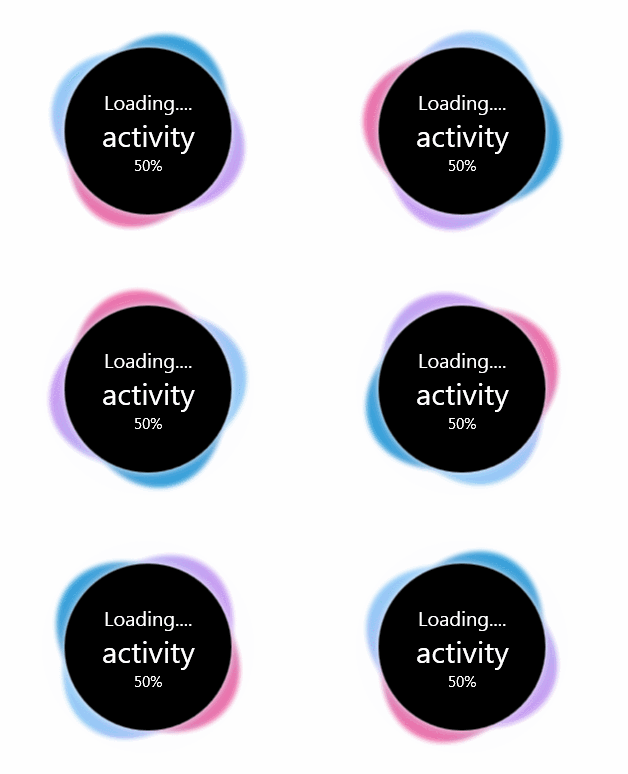
RollLoading
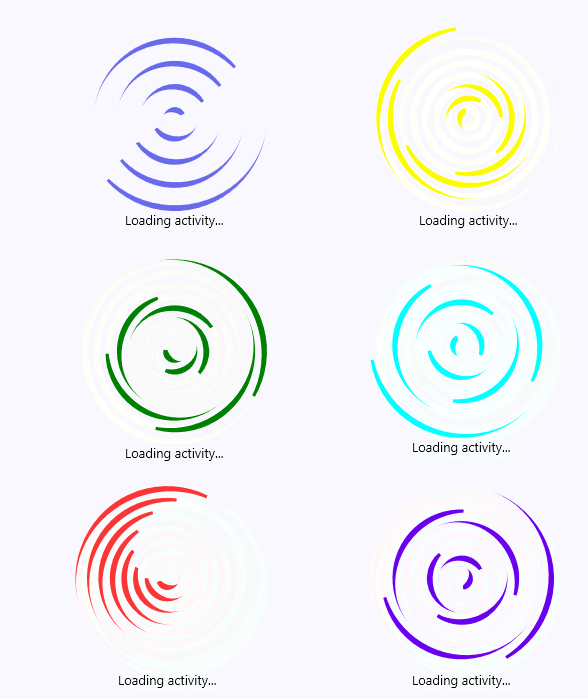
CycleLoading
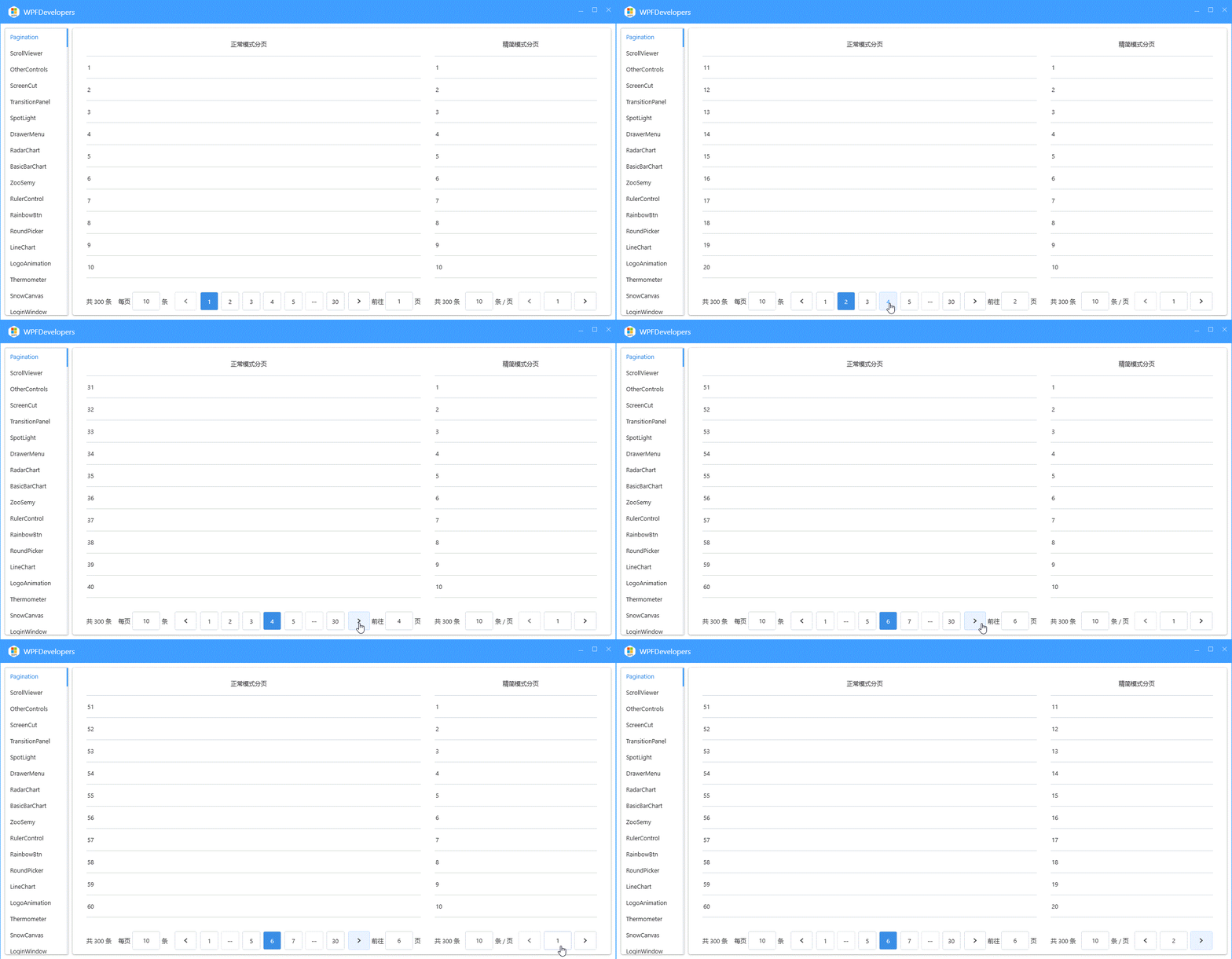
Pagination
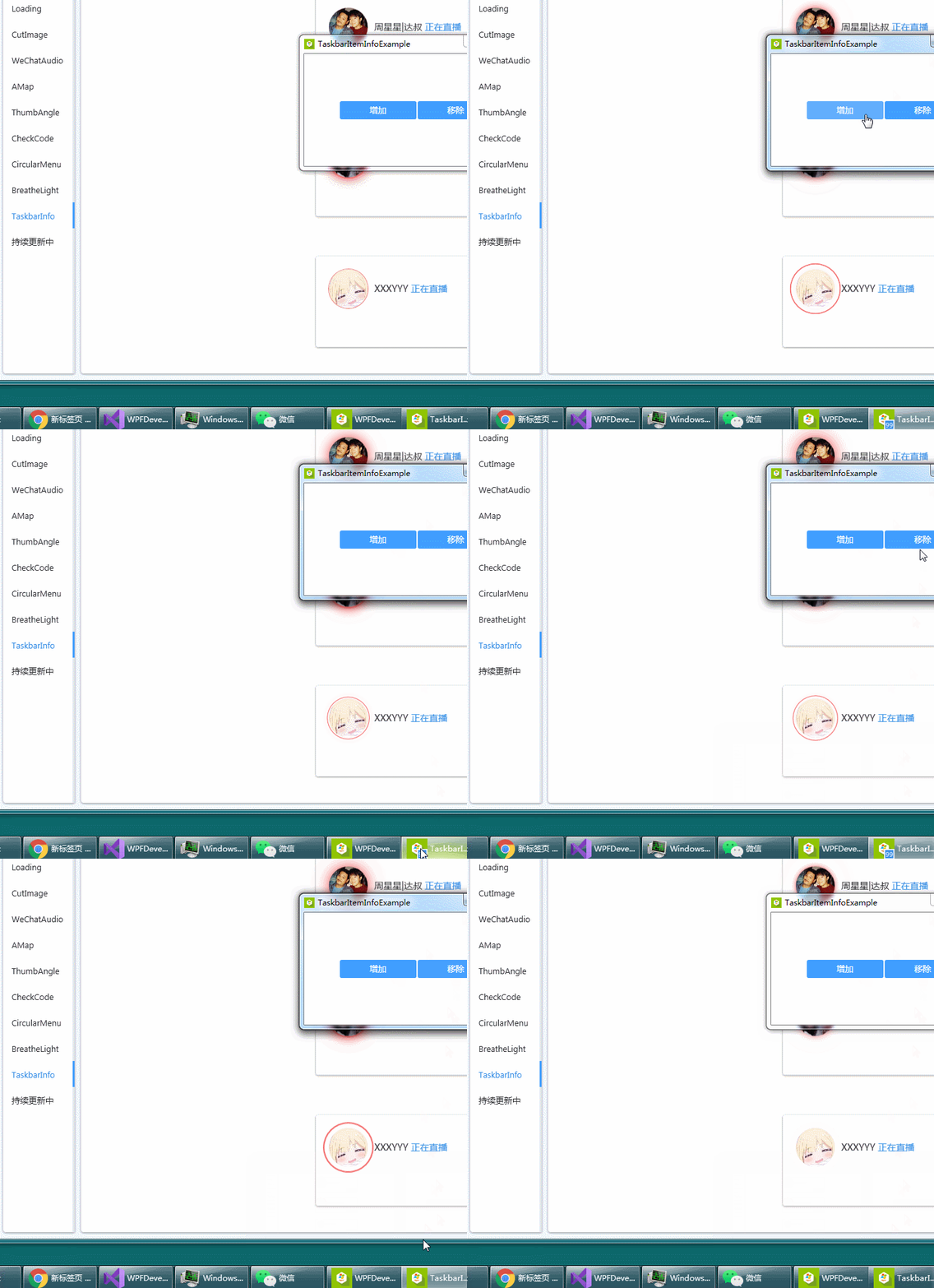
TaskbarItemInfo
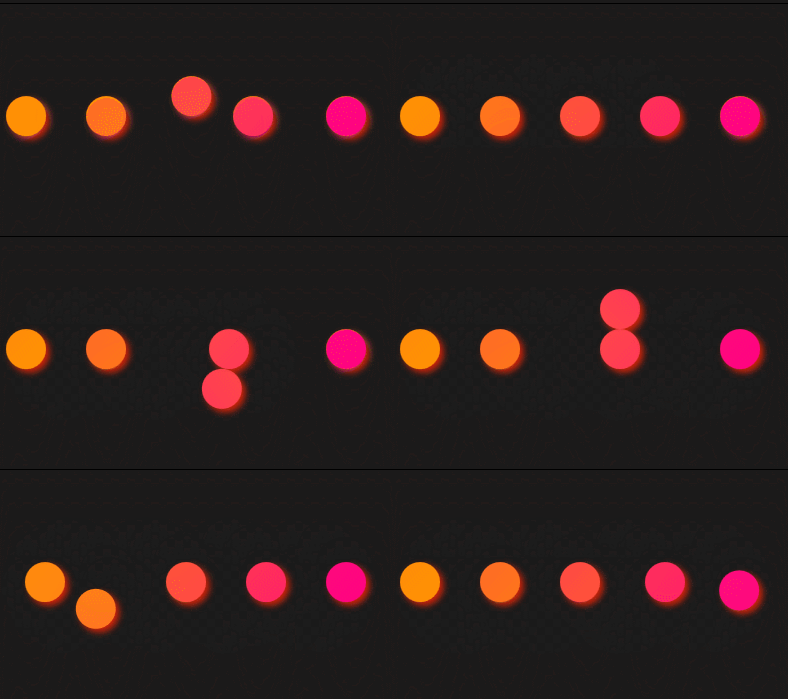
BallLoading
PieSegment
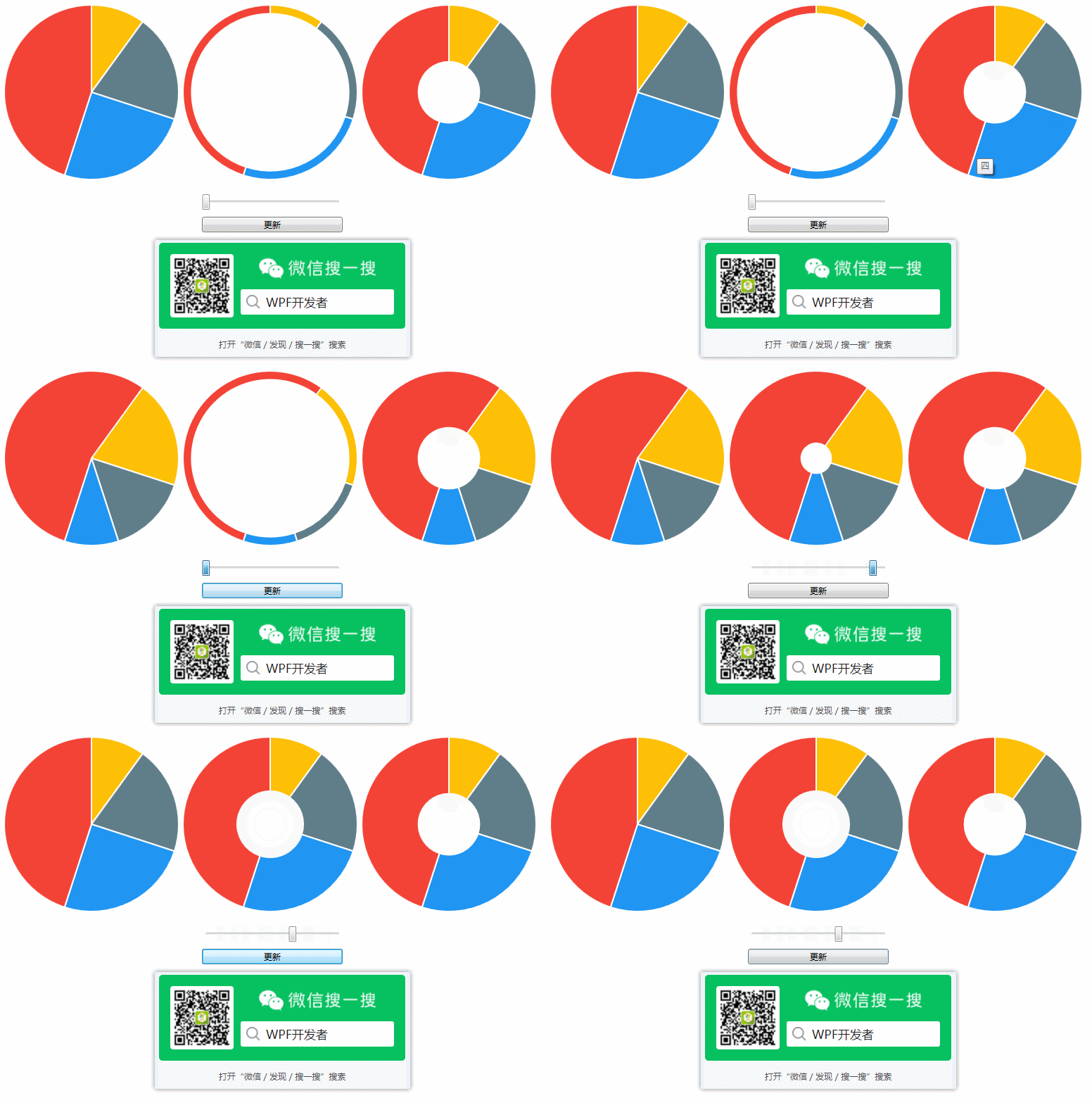
WpfDashboard
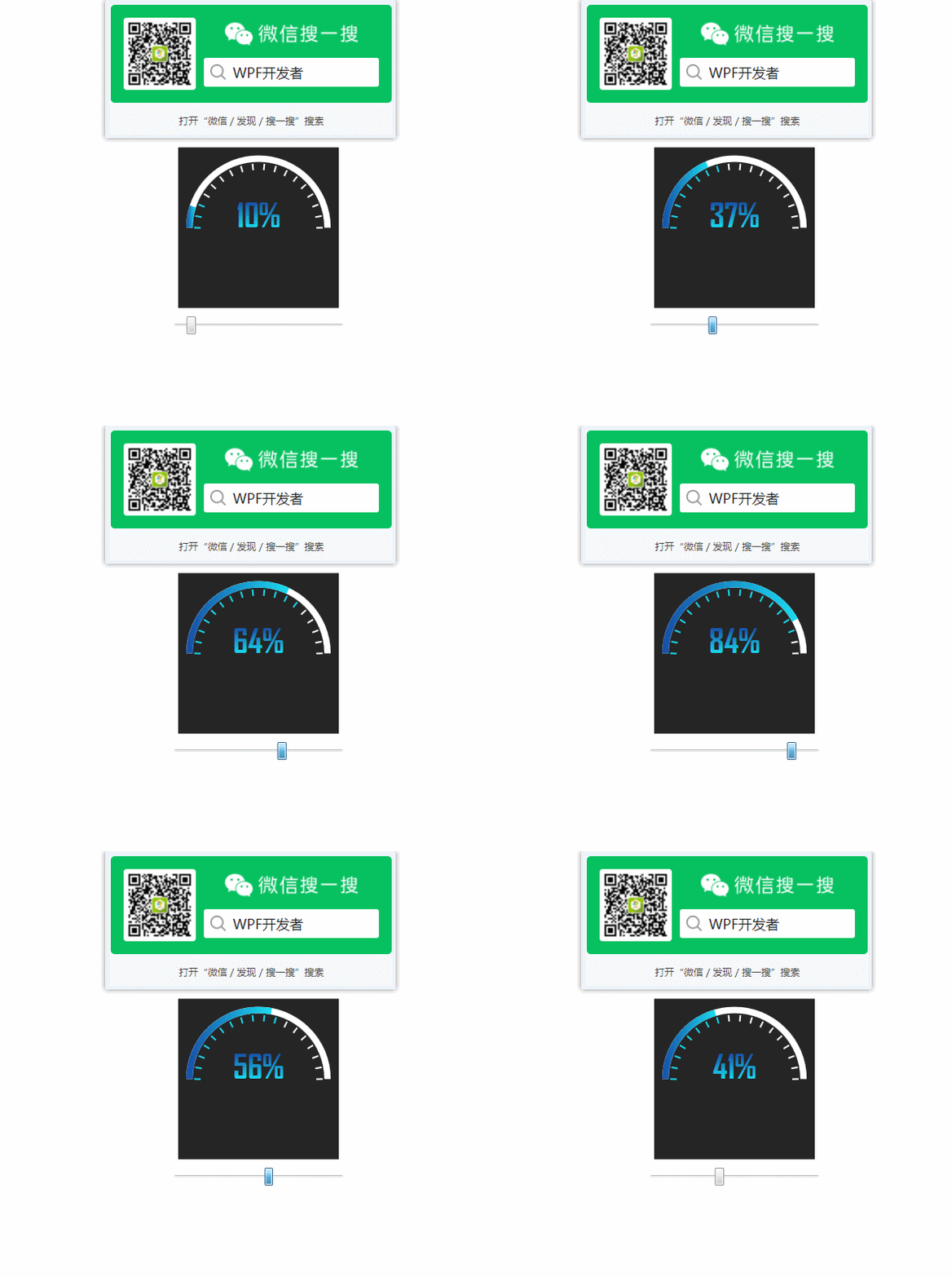
WpfTimeLineControl
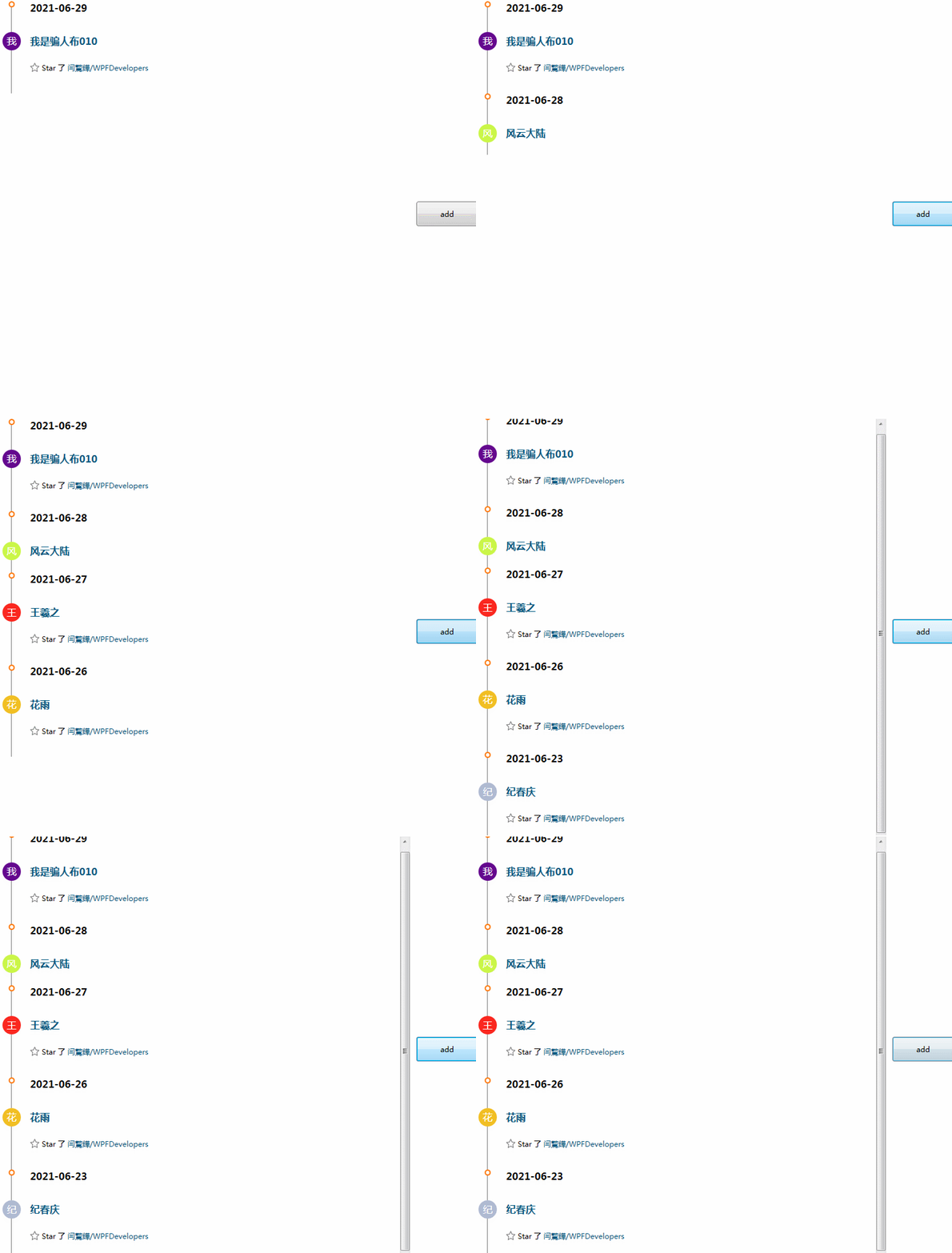
WpfCircularProgressBar
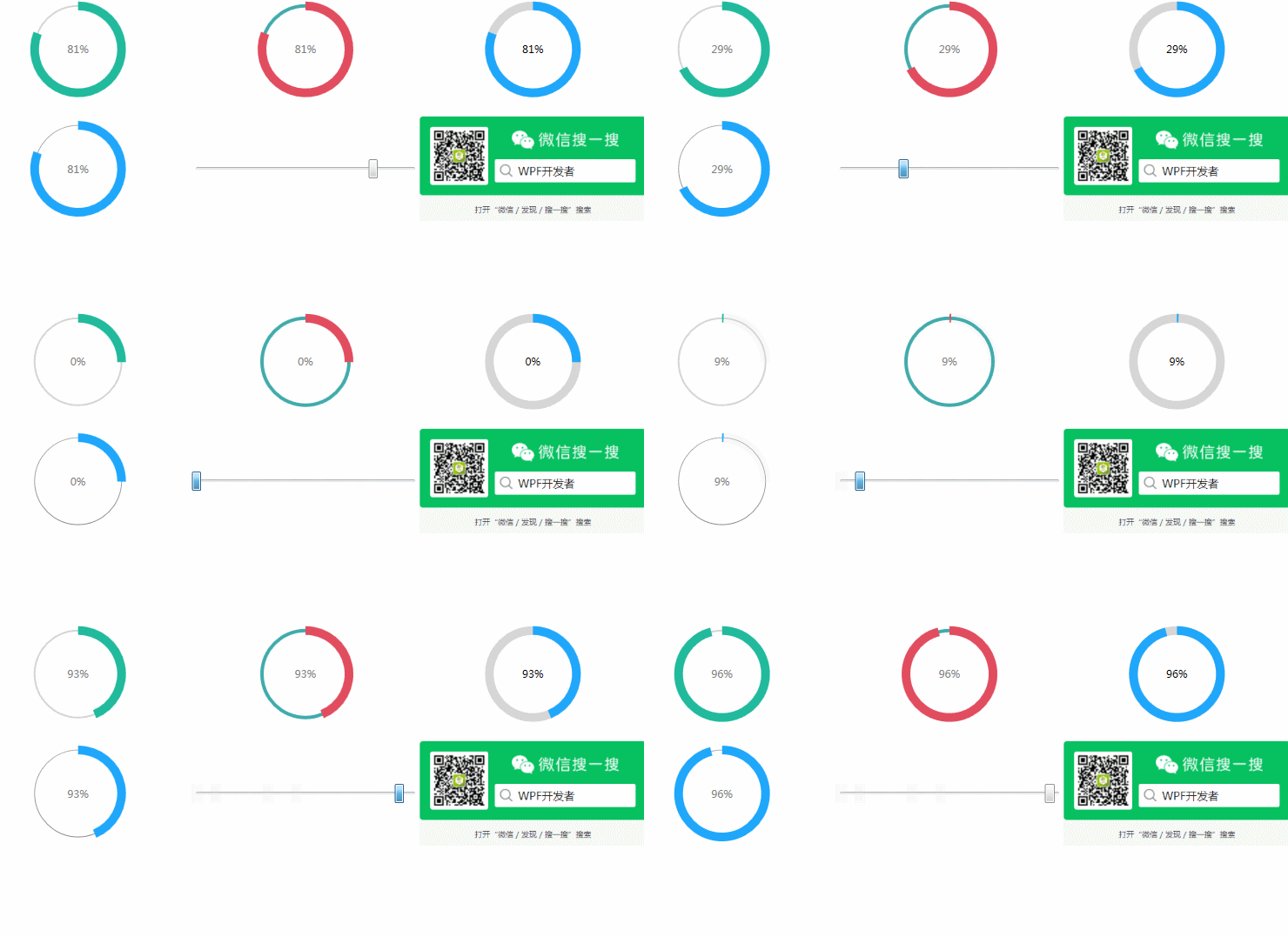
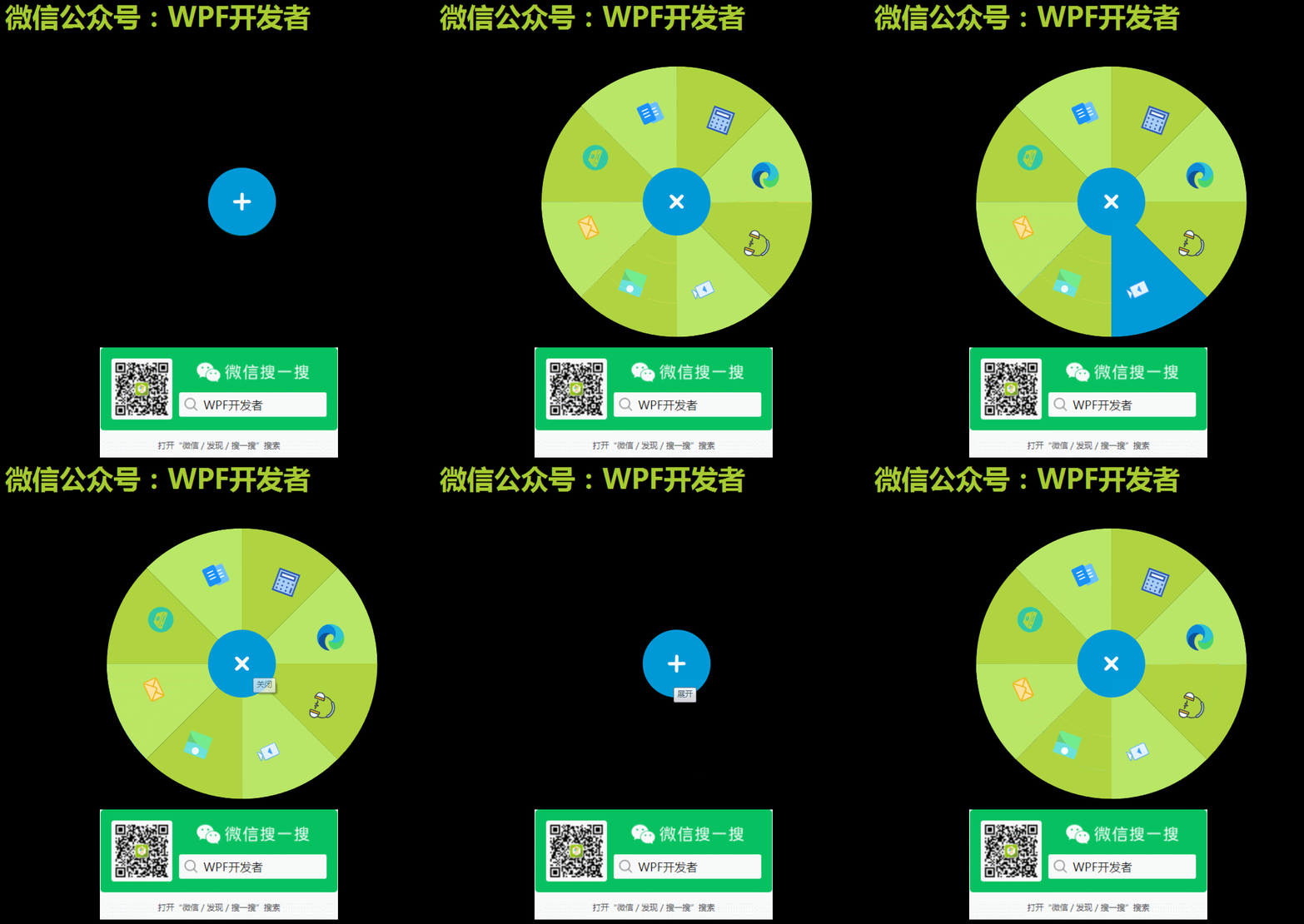
WpfCircularMenu
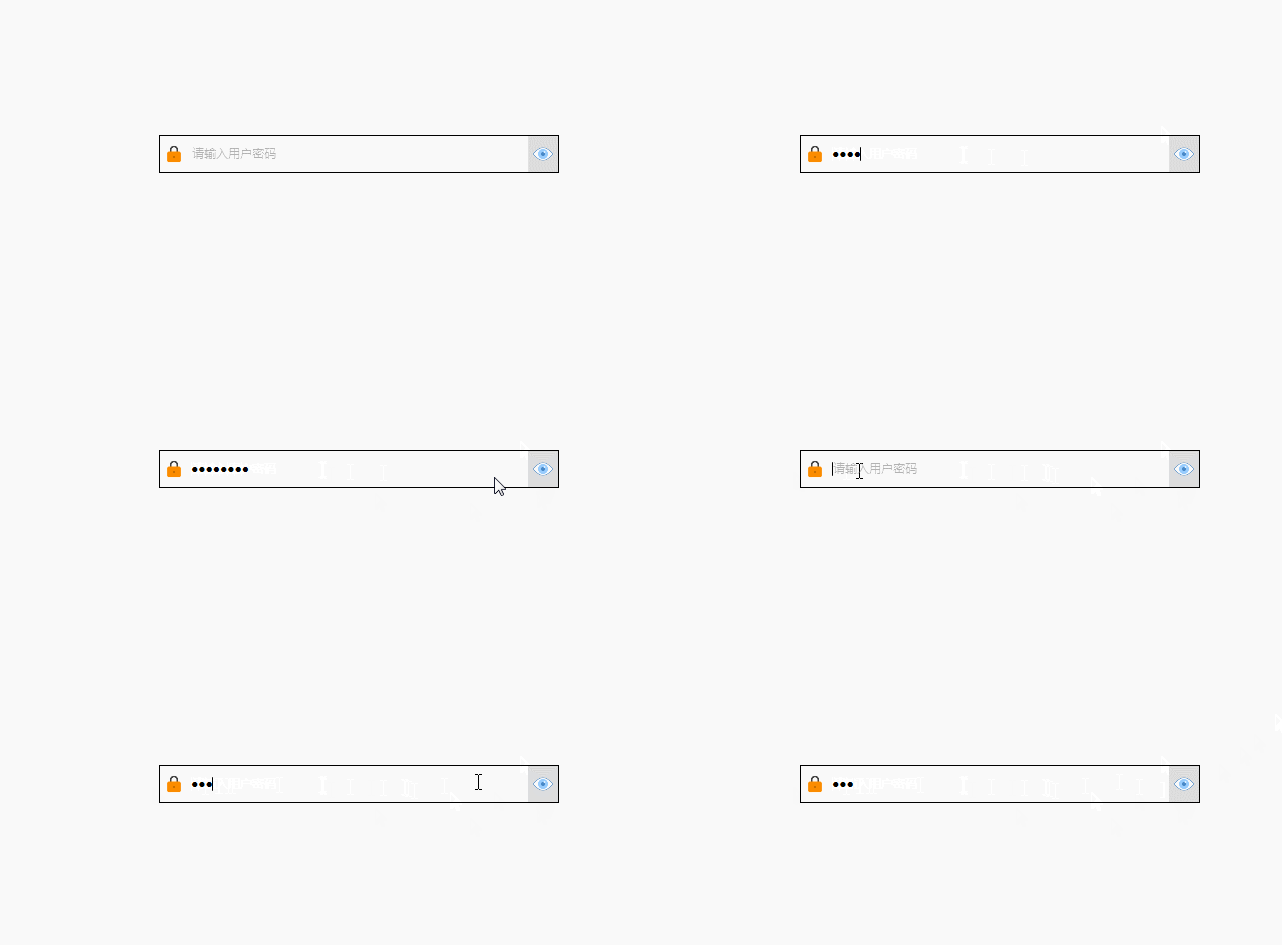
WpfPassword
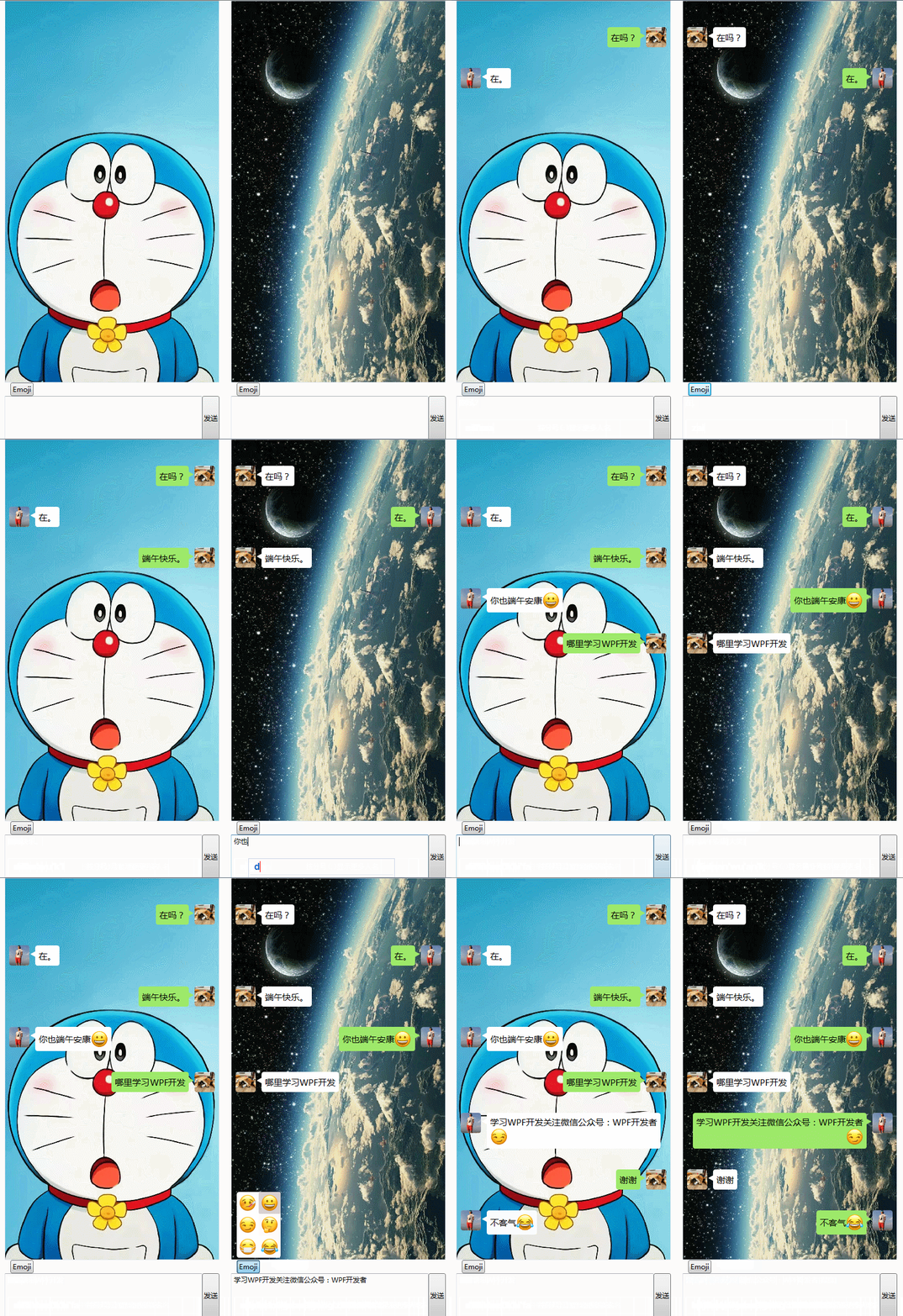
WpfChatEmojiText
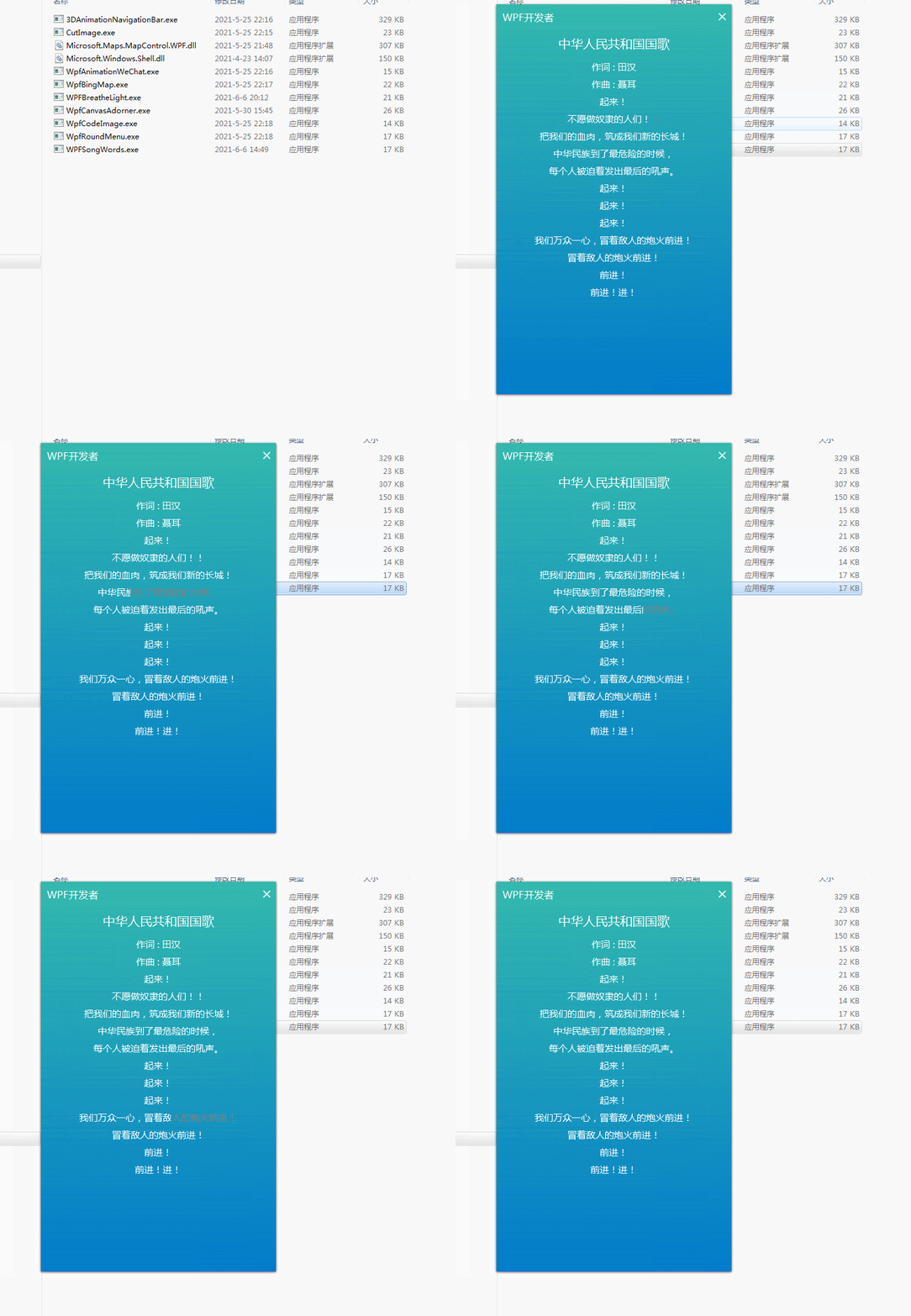
WPFSongWords
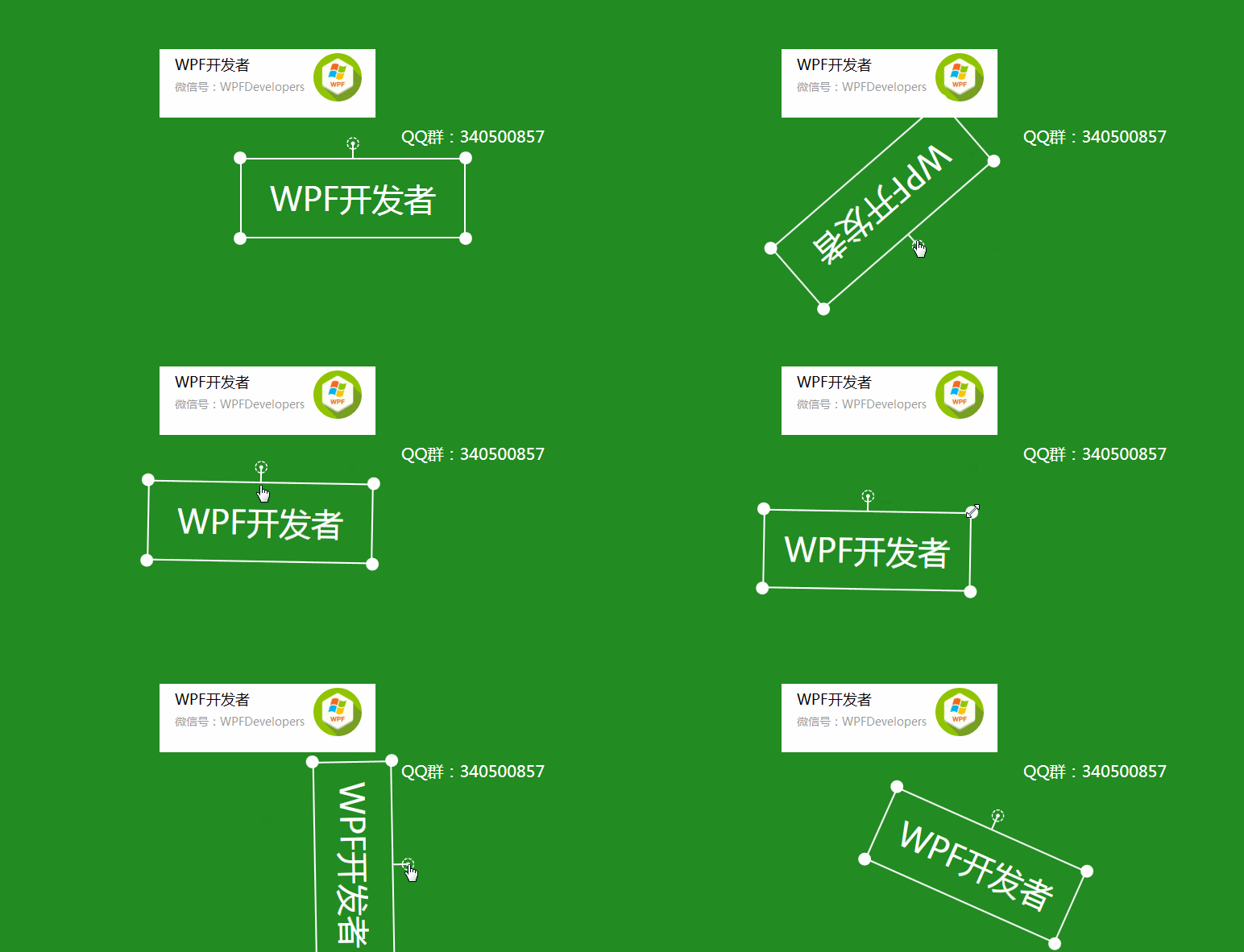
ThumbDragAndAngleExample.xaml
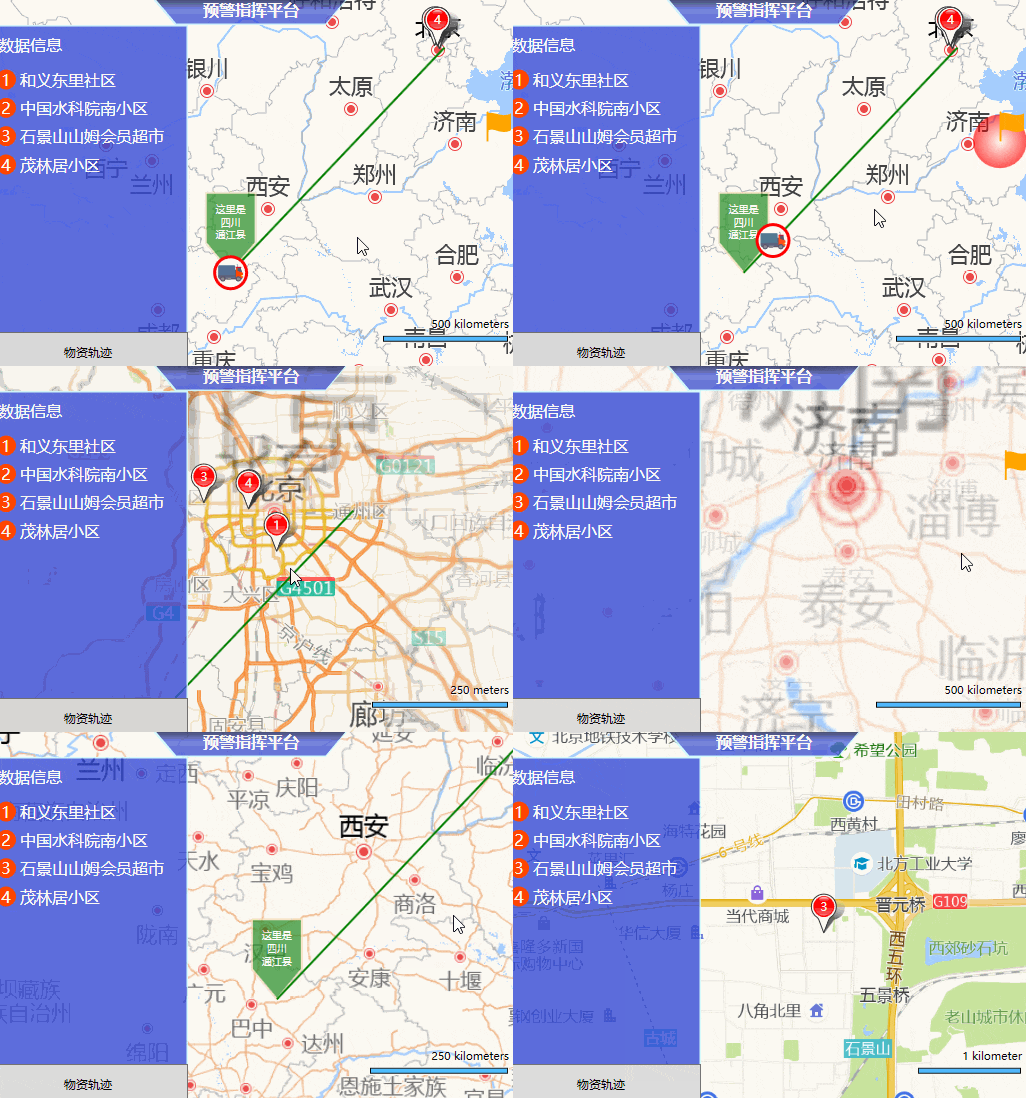
WpfBingMap
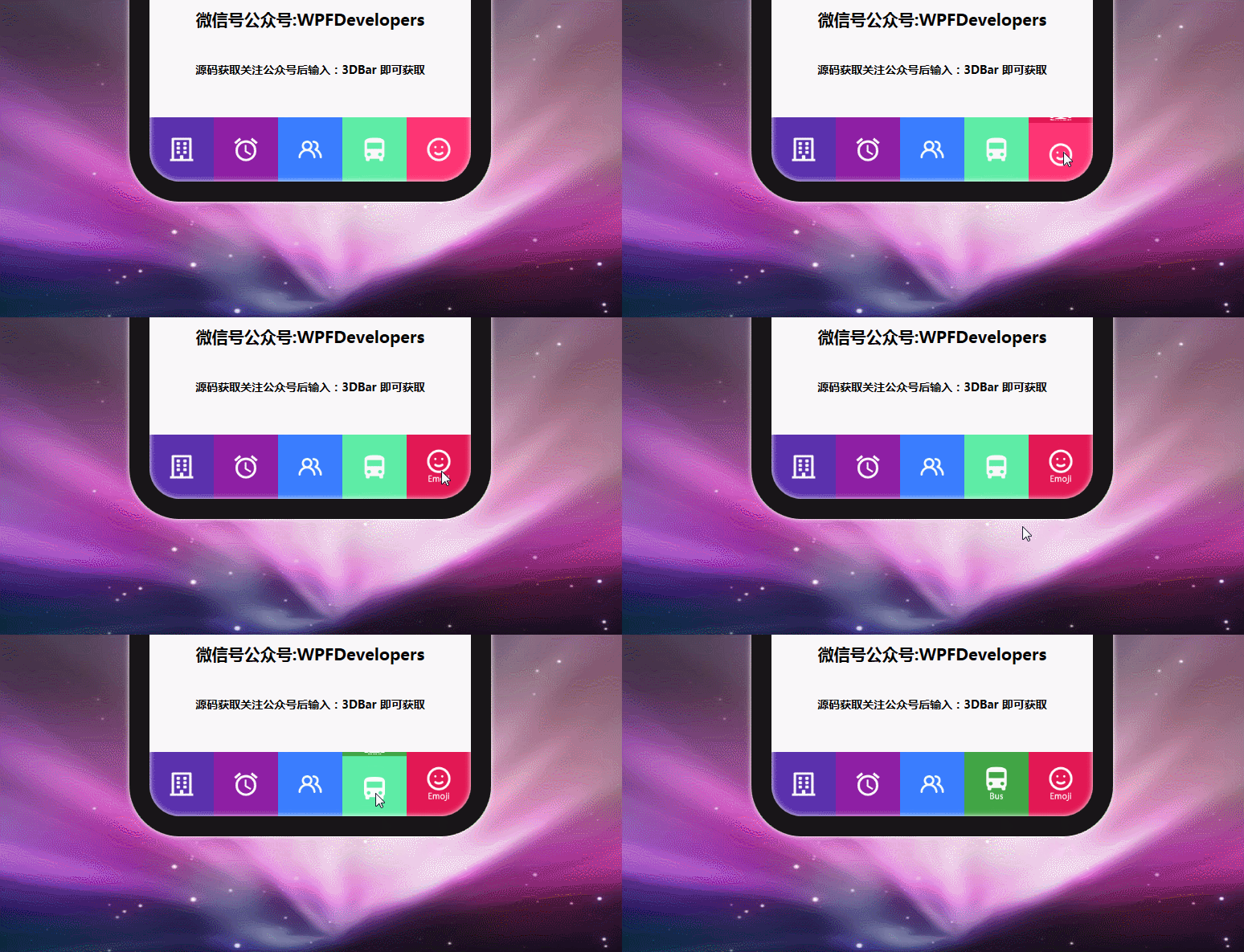
NavMenu3D
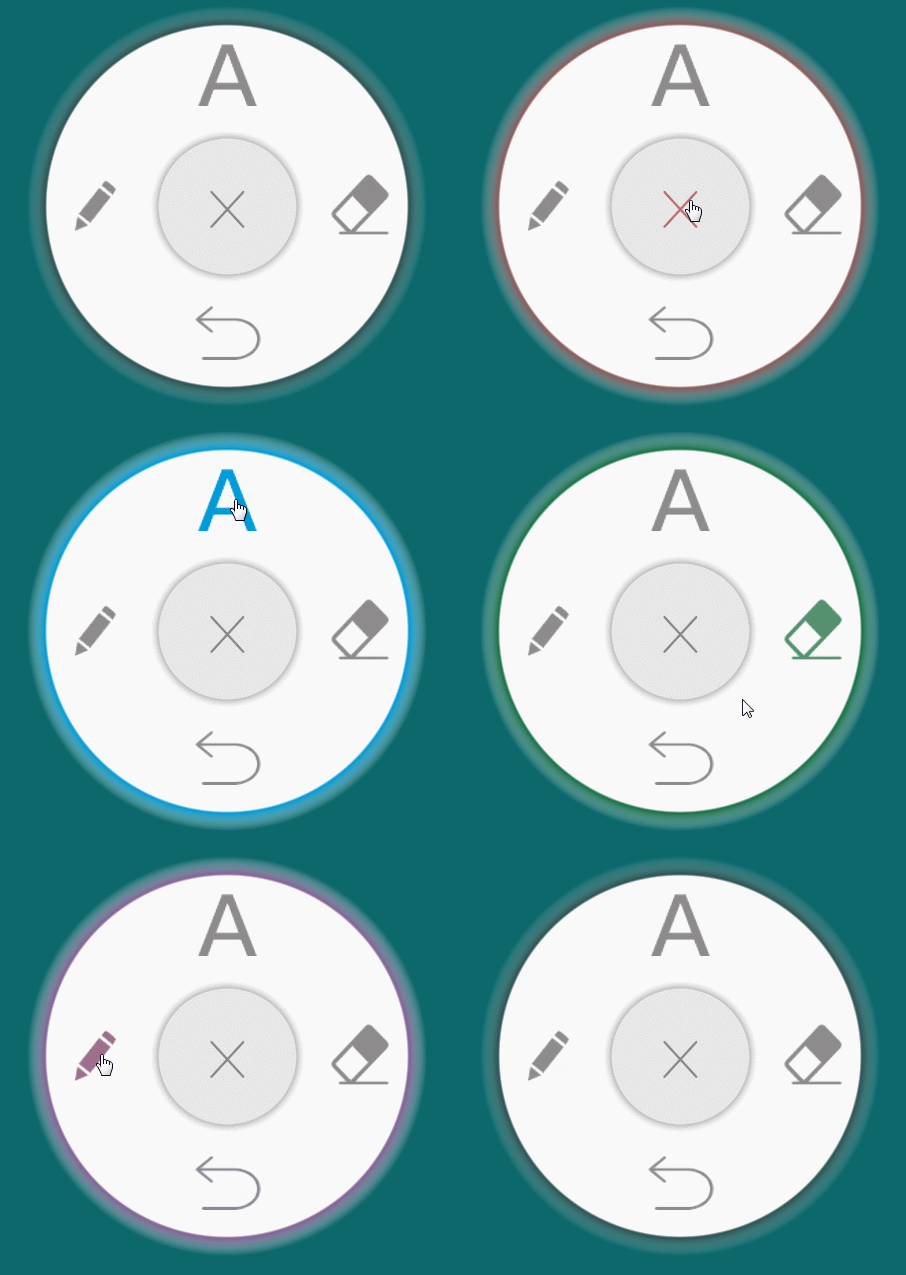
WpfRoundMenu
CutImageSolution
Ähnliche Projekte entdecken
ytdl-org/youtube-dl
Kommandozeilenprogramm zum Herunterladen von Videos von YouTube.com und anderen Videoseiten
141,545 Sterneexcalidraw/excalidraw
Virtuelles Whiteboard zum Skizzieren von Diagrammen im handgezeichneten Stil
135,559 Sternegodotengine/godot
Godot Engine – Plattformübergreifende 2D- und 3D-Spiele-Engine
120,049 Sternemrdoob/three.js
JavaScript-3D-Bibliothek.
118,228 Sterne