
Turtlecute33/Debloat.net
Turtlecute33/Debloat.net has 46 GitHub stars and 1 forks. Star changes are not measured yet. Last checked 2026-11-14 12:01 UTC. Last push 2026-11-10.
What you can do
- Turn off telemetry, diagnostic data, the advertising ID, and activity tracking
- Disable Recall, Click to Do, Copilot in Edge, and generative AI in Paint; request removal of the Microsoft Copilot app
- Remove bloatware: preinstalled apps, Xbox, OneDrive, Edge, Widgets, and the new Outlook
- Block tracking hosts and clear activity history, caches, and logs
Gemessener Sternzuwachs
- in 24h
- Verlauf wird gesammelt
- in 7 days
- Verlauf wird gesammelt
- in 15 days
- Verlauf wird gesammelt
- in 1 month
- Verlauf wird gesammelt
Nettoänderungen in überlappenden Zeiträumen, keine Tagessummen. Fehlende Messwerte bleiben leer. Sterne zeigen Interesse, nicht Qualität.
Über uns
Debloat Windows 11, disable telemetry, and harden macOS and Linux. Pick tweaks, read every command, download a ready-to-run script. Free, open source, no install. The maintained fork of privacy.sexy.
SicherheitREADME.md
Original

debloat.net
Debloat Windows 11, turn off telemetry, and harden macOS and Linux.
Pick the tweaks you want, read what each one does, then download a script and run it yourself.
Free and open source. No account, no install.
Open debloat.net · Windows · macOS · Linux · Changelog



How it works
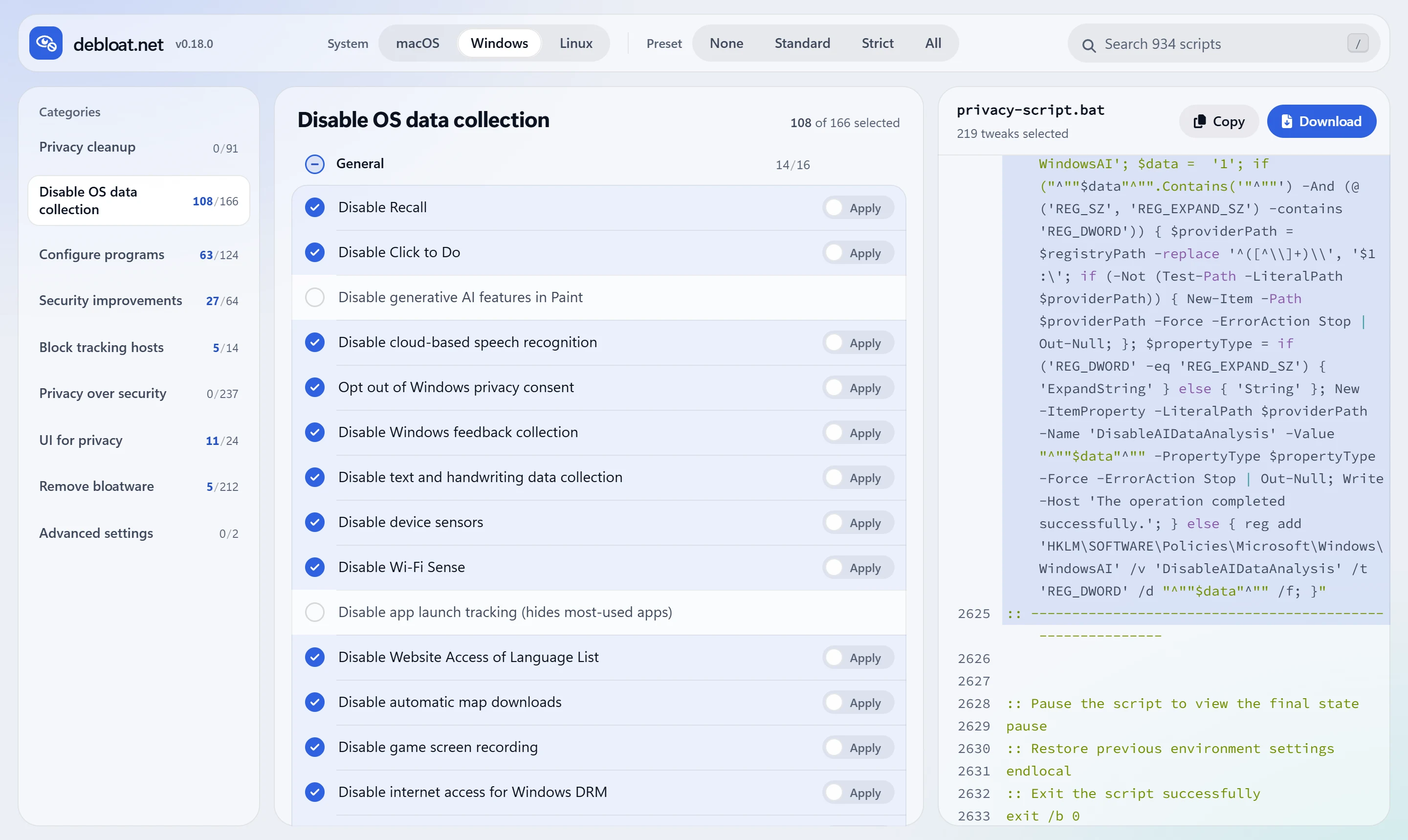
- Choose your system and a preset. Start from Standard, which keeps every app and service working, or Strict for more privacy. Then add or remove single tweaks.
- Read before you run. Each tweak explains what it changes and what it may break, with links to vendor documentation. The script updates live as you choose.
- Run it yourself. Copy or download the script (
.baton Windows,.shon macOS and Linux) and run it. It asks for administrator rights when it needs them.
The website never runs anything on your computer. Scripts are built in your browser, and your choices are not sent anywhere.
What you can change
About 1,300 tweaks across three systems, each with documentation and sources.
Windows 11 and Windows 10: 920+ tweaks
- Turn off telemetry, diagnostic data, the advertising ID, and activity tracking
- Disable Recall, Click to Do, Copilot in Edge, and generative AI in Paint; request removal of the Microsoft Copilot app
- Remove bloatware: preinstalled apps, Xbox, OneDrive, Edge, Widgets, and the new Outlook
- Block tracking hosts and clear activity history, caches, and logs
- Harden network protocols, UAC, AutoRun, and Microsoft Defender settings
macOS: 190+ tweaks
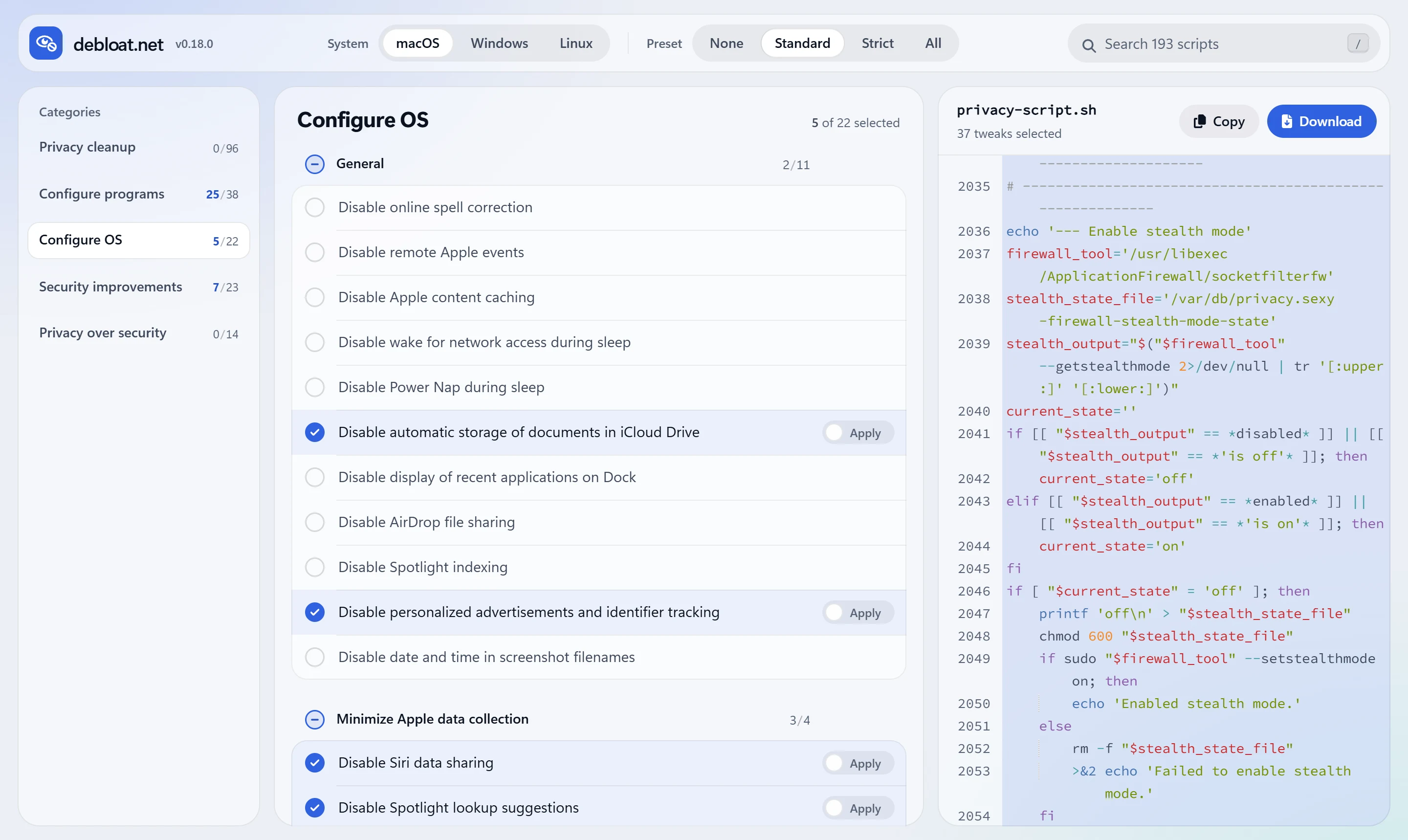
- Limit Apple data collection, Siri, and personalized ads
- Configure Safari, Firefox, and Brave for privacy
- Tighten the firewall, guest access, sharing, and the login window
- Clear logs, caches, and terminal and app history
Linux: 170+ tweaks
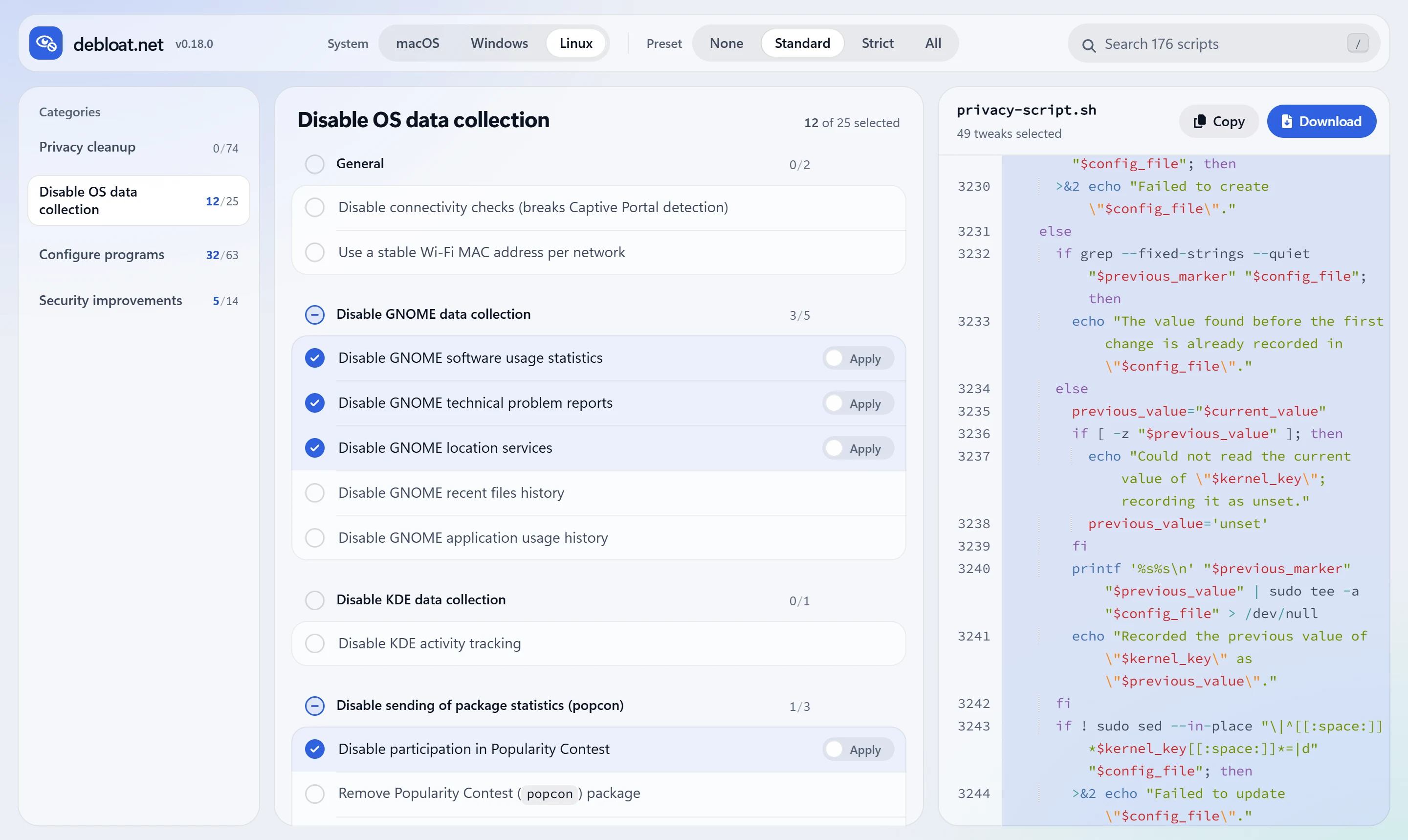
- Turn off telemetry in Ubuntu, Debian, Arch Linux, Zorin OS, GNOME, and KDE
- Configure Firefox, Chrome, Brave, and Thunderbird
- Harden the kernel, enable a firewall, and use a private Wi-Fi MAC address per network
- Clear history, caches, and package manager data
Why debloat.net
- Nothing hidden. Every command is on screen before you download it. The script is plain text you can read, edit, and share.
- Explained. Plain-language notes and source links for every tweak.
- Reversible. Most tweaks have a revert option that restores the default.
- Safe presets. Tweaks that weaken security, such as turning off Defender or automatic updates, are left out of every preset and grouped under Privacy over security.
- Private. No account, cookies, or ads. The only request beyond the site itself is a cookie-free page count to a self-hosted Umami instance.
- Maintained. Updated for current releases of Windows 11, macOS, and Linux.
FAQ
Is debloat.net the same as privacy.sexy?
debloat.net is an actively maintained fork of privacy.sexy, also known as privacy.sexy Revamped. The original project is no longer maintained. Compared with it, this fork:
- runs only on the web, so there is nothing to install or update;
- adds current Windows controls such as Recall, Click to Do, and Copilot;
- removes outdated tweaks, retired tools such as
wmic, and advice that traded away security; - applies per-user changes to your own home folder when a macOS or Linux script runs with
sudo; - is covered by regression tests for the script catalog and its safety rules.
It is independent and not affiliated with the original maintainer.
Is it safe to run these scripts?
The scripts change system settings, so read the notes of each tweak, start with the Standard preset, and keep a backup or restore point. A setting that suits one computer can break a feature someone else needs. No script can guarantee privacy, security, or anonymity: the final decision is yours.
How do I debloat Windows 11?
Open debloat.net, select Windows, and apply the Standard preset. Add what you want from Remove bloatware, review the script, then download it and run it. It asks for administrator rights.
Can I undo the changes?
Most tweaks have a revert option. Turn it on and the script restores the default setting instead of applying the tweak. Cleanup tweaks, such as clearing history or caches, cannot be undone.
Why this fork exists
I'm Turtlecute, a privacy and security activist. privacy.sexy made operating-system hardening understandable and open to inspection, and it deserved to keep working. I revived it to keep its scripts current, remove risky advice, and check them against vendor documentation as Windows, macOS, and Linux change.
I use AI assistance for code, script research, and documentation. I review its output against vendor documentation and the test suite before merging, most of all in the script catalog, where a wrong claim can break someone's computer.
Contributing
Bug reports, script research, and pull requests are welcome.
- Report a broken tweak or suggest a new one in issues.
- Read CONTRIBUTING.md and the script guidelines before opening a pull request.
- Report vulnerabilities privately, as described in the security policy.
To run the site locally, use Node.js:
npm install
npm run dev
More commands are in docs/development.md.
Credits and license
debloat.net is built on privacy.sexy by undergroundwires and its contributors, who created the architecture and script library this project continues.
Licensed under the GNU Affero General Public License v3.0, like the original.