
Sonicx161/AIOManager
Sonicx161/AIOManager has 385 GitHub stars and 27 forks. GitHot measured +2 stars in 24 hours and +4 in 7 days. Last checked 2026-11-23 20:15 UTC. Last push 2026-11-19.
Gemessener Sternzuwachs
- in 24h
- +2
- in 7 days
- +4
- in 15 days
- Verlauf wird gesammelt
- in 1 month
- Verlauf wird gesammelt
Nettoänderungen in überlappenden Zeiträumen, keine Tagessummen. Fehlende Messwerte bleiben leer. Sterne zeigen Interesse, nicht Qualität.
Über uns
One manager to rule them all. Addon management, cross-device sync, and deep metrics for your entire setup. All without sacrificing your privacy.
SicherheitREADME.md
Original
AIOManager
One Manager to rule them all.
AIOManager is the ultimate account management toolkit for Stremio. Built for power users who demand full functional and granular control, it allows you to sync multiple identities, backup complex addon configurations, and track your watch history with absolute privacy.




Dashboard Overview
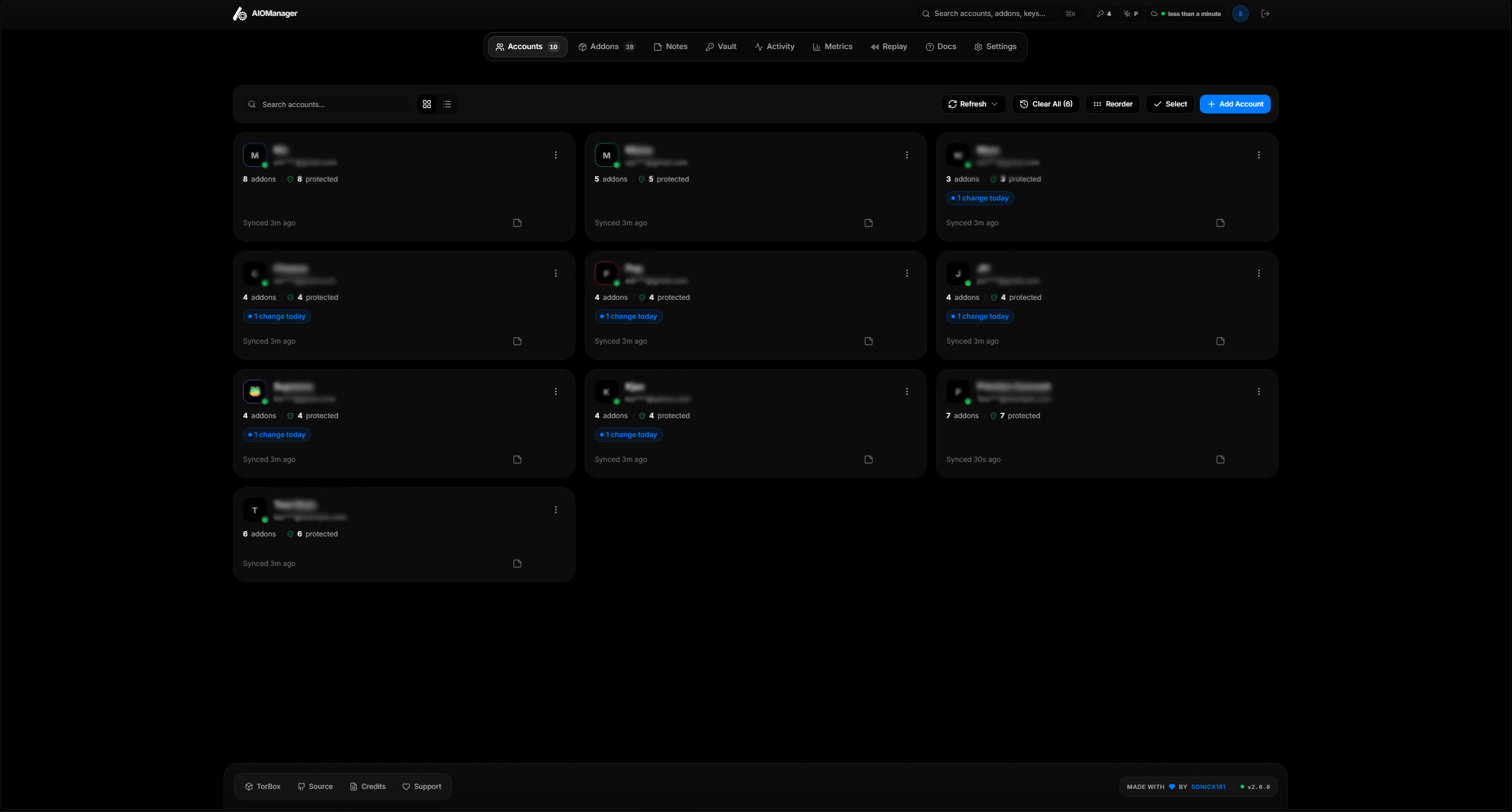
[!NOTE] Maintenance Status AIOManager is feature-complete as of v2.0. Active feature development has wrapped up, but bug fixes and stability improvements ship as needed. Bug reports via GitHub Issues are welcome and PRs from the community are always open.
⚡ Features
🛠️ Total Management
The soul of AIOManager is giving you complete authority over your Stremio ecosystem.
- Addon Snapshots: Save configurations for complex addons like AIOStreams or AIOMetadata to your private library and deploy them anywhere.
- Deploy from Library: Select saved addons and push them directly to any of your accounts without leaving the library page.
- Account Sync: Seamlessly switch between multiple Stremio logins without losing your place.
- Bulk Actions: Install, remove, reinstall, enable, disable, protect, or clone addons across multiple accounts in one operation. Every action shows you a preview of what's about to happen before you execute.
- Reinstall Selected: Pick specific addons and reinstall just those across all your selected accounts from their source URLs. No need to touch the rest.
- Sync Addon Order: Copy the addon ordering from one account and apply it to all your selected accounts at once.
- Account Mirroring: Copy one account's addon setup to any number of target accounts, with the choice to append or fully overwrite.
- Duplicate Support: Manage multiple instances of the same addon (e.g., dual Debrid configs) with URL-based targeting that prevents overwrites.
- Granular Control: Reorder profiles, customize addon branding, and manage your sidebar exactly how you want it.
- Failover Logic: Automatically switch to backup addons if your primary provider goes offline with real-time health flags.
Granular Addon Control
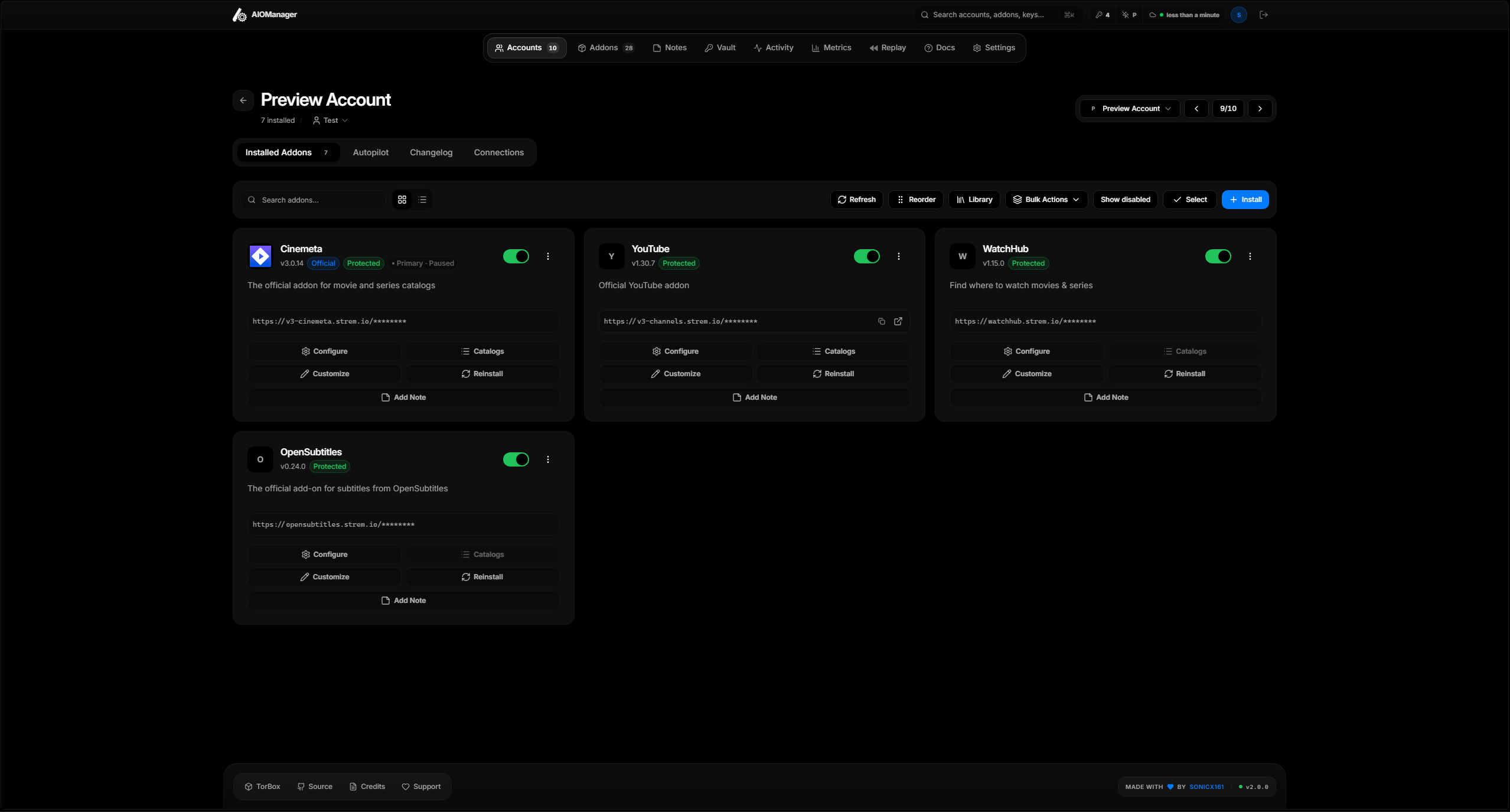
Advanced Failover Rules
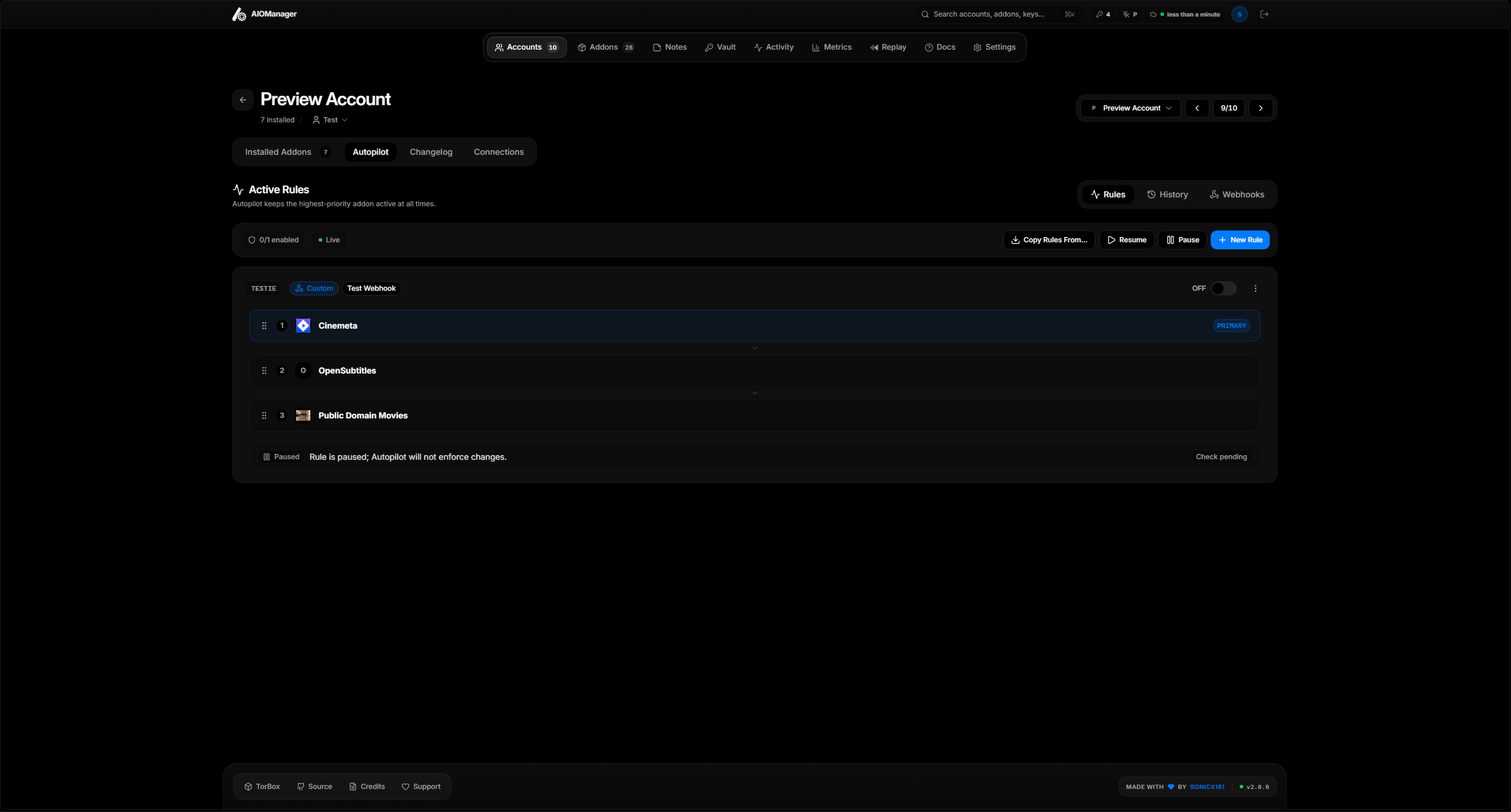
Drag & Drop Reordering
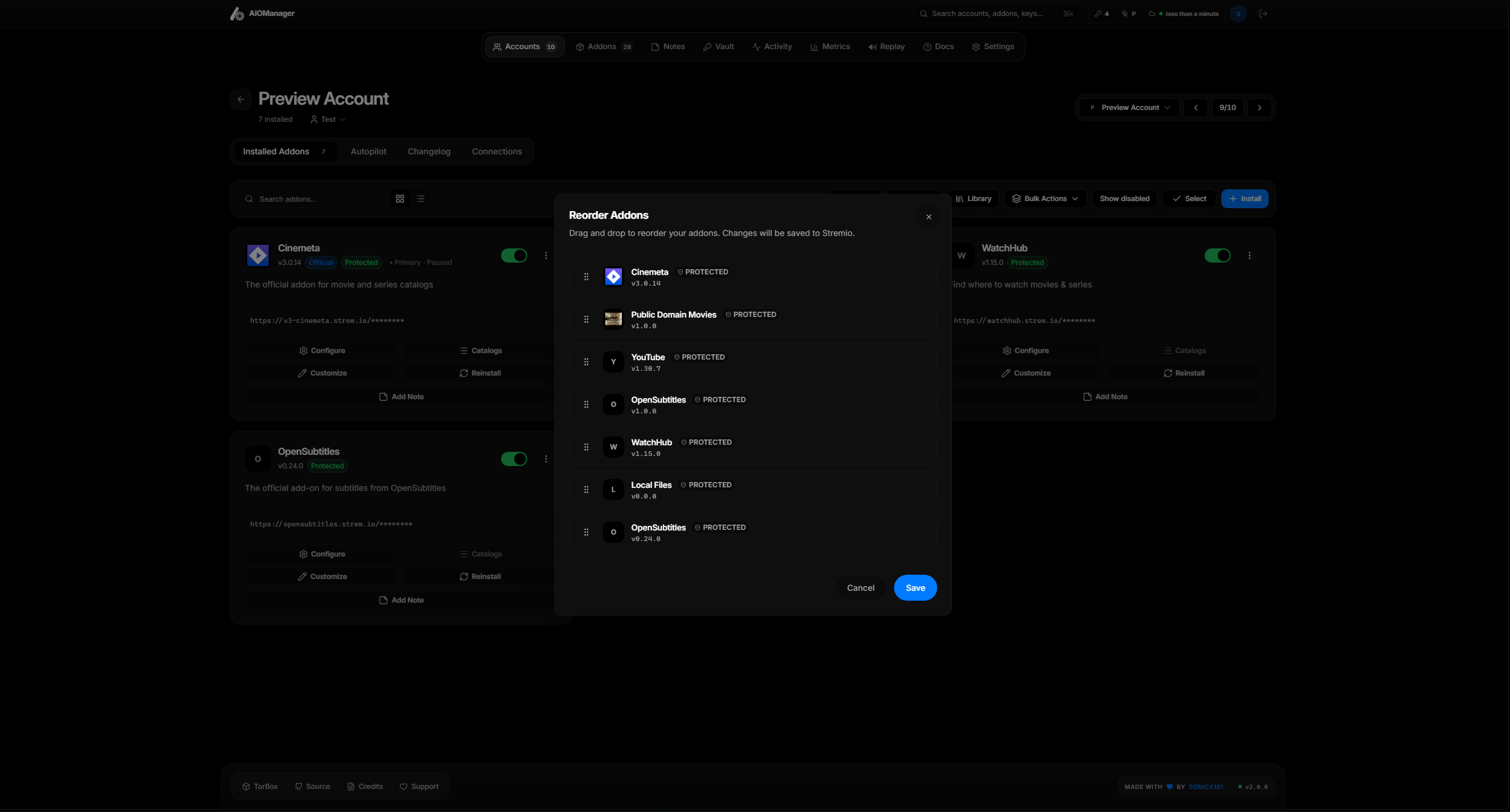
Custom Addon Customization
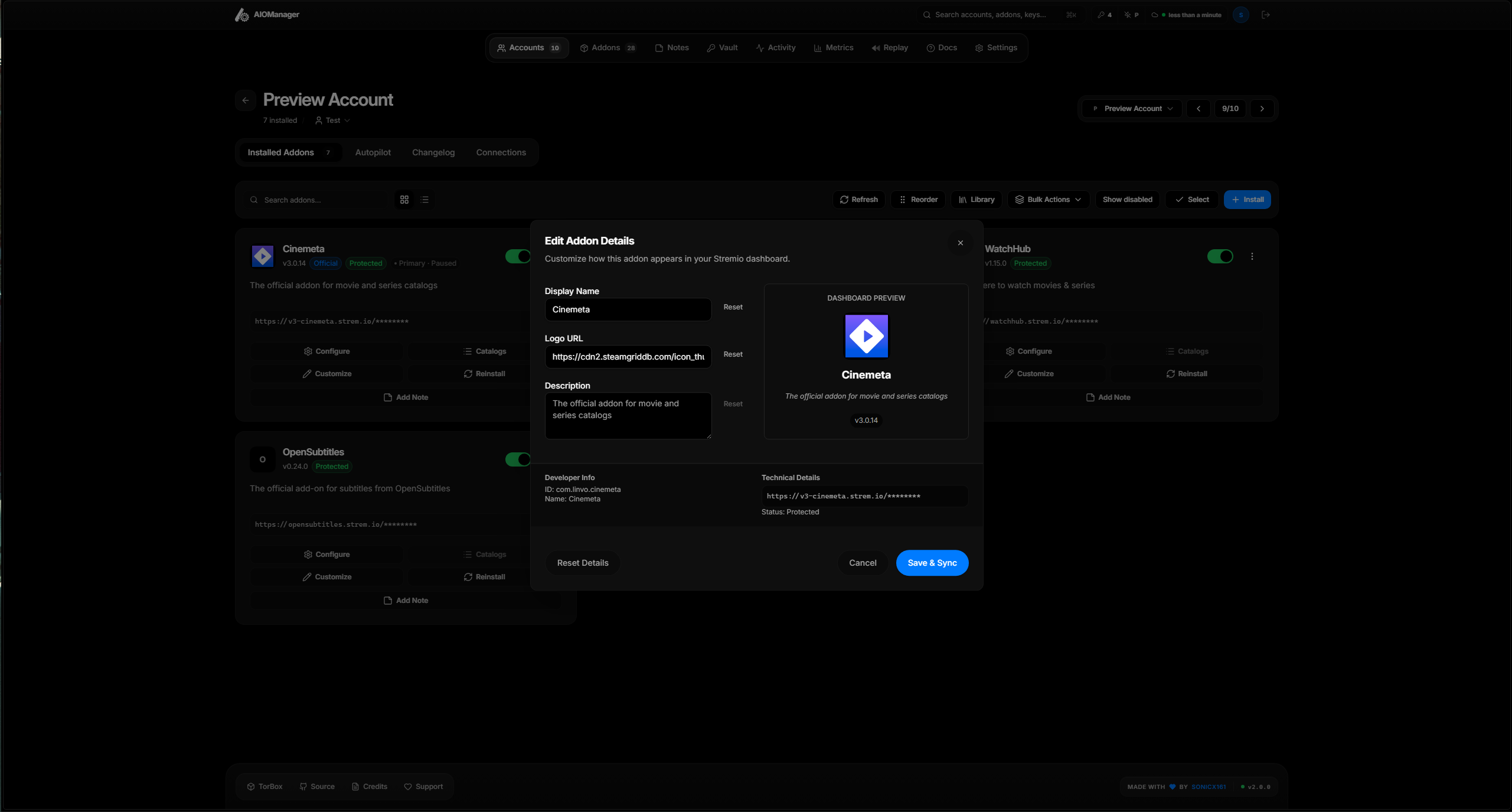
🔗 Connections
Mirror your addon configuration to external platforms and keep them in sync automatically.
- Multi-Platform Support: Connect to Stremio, Nuvio, Hydra (inbound and outbound), and RealStream.
- Bidirectional Reconciler: The sync engine detects changes on both sides and reconciles them. Addons added or removed on any connected platform propagate to all others.
- Connection API Keys: Credentials are encrypted at rest on the server and never exposed to the client after initial setup.
- RealStream Driver: Native RealStream integration with server-side token custody and automatic refresh.
Platform Connections
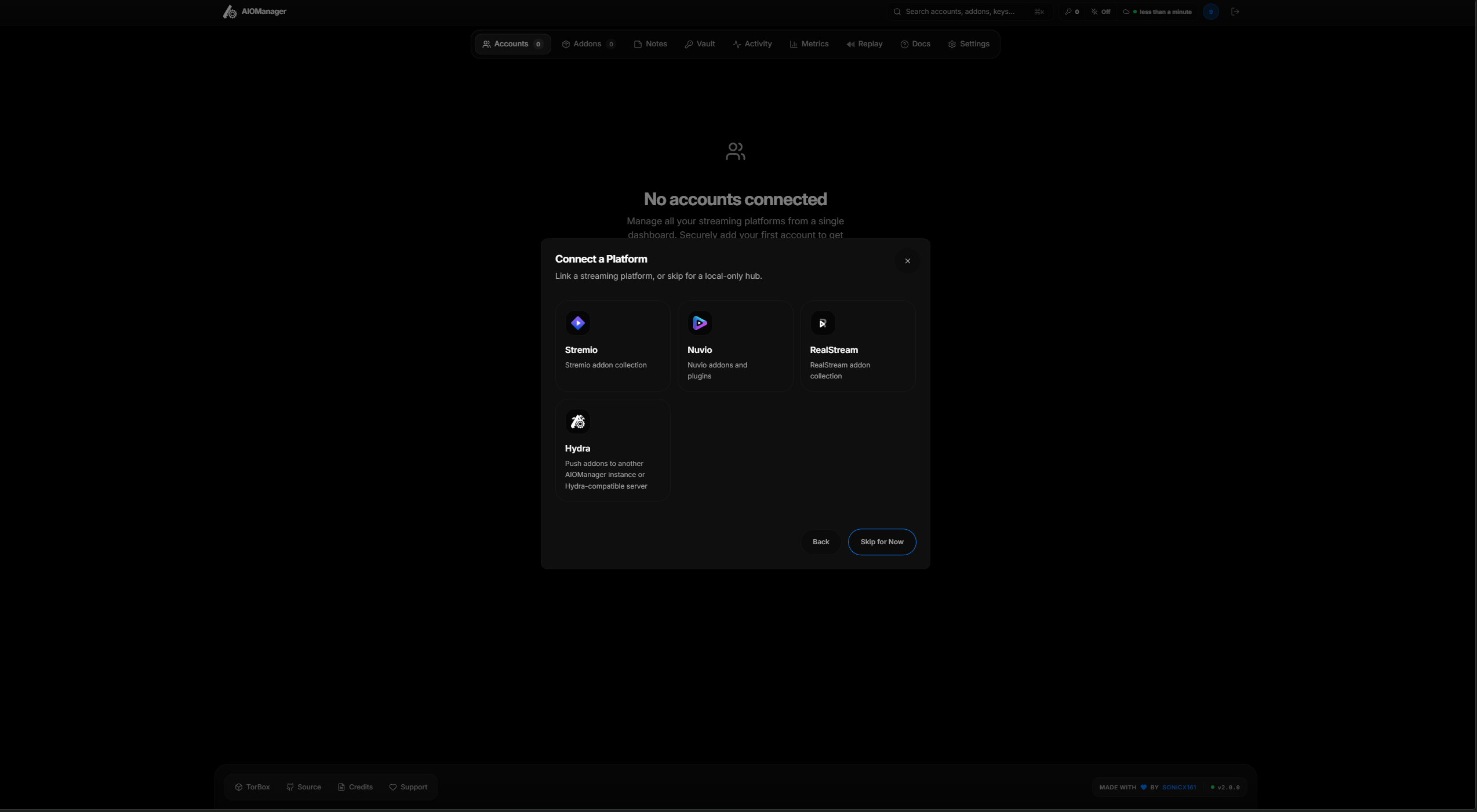
📚 Saved Addon Library
- Profiles: Organize your saved addons into profiles and deploy entire profiles to accounts in one click.
- Tags: Tag addons for quick filtering and use tags as the basis for bulk install and bulk remove operations.
- Deploy & Remove: Push or remove selected addons across specific accounts directly from the library.
- Manifest Updates: Refresh the name, logo, and version of selected addons from their source URLs while keeping your tags and profile assignments intact.
- Conflict Resolution: When saving addons from an account, choose to skip existing entries, update them with merged tags, or create a new copy.
🔍 Discover
Browse and install addons from the community directory at stremio-addons.net. Search, filter by category, view details, and install directly.
- Similar Addons: See related addons based on shared categories.
- Trending & Recently Updated: Curated shelves of popular and fresh addons.
- Personalized Shelves: Recommendations based on your installed addon categories.
- Favorites: Star addons for quick access (synced across devices).
📊 Metrics
- Pulse: Real-time activity tracking, Trending Now clusters, and the Streak Hall of Fame.
- Deep Dive: Prime Time heatmaps, Retention Funnels, and "The Graveyard" for abandoned shows.
- Smart Repair: If your watch stats look off, the repair tool finds and fixes corrupted duration data without wiping your history.
Watch Replay

🔐 Account Management
- OAuth Login: Add Stremio accounts using the official OAuth flow. No email or password required.
- Email & Password: Standard login with auto-registration. If the account doesn't exist it gets created instantly.
- Auth Key: Add accounts directly via auth key for advanced setups.
- Local Accounts: Manage addons locally with no external platform connection.
- Connections: Link any account to Stremio, Nuvio, RealStream, or Hydra via the Connections tab. Each account can connect to multiple platforms at once.
🛡️ Privacy First Sync
- Local First: Your data stays in your browser via IndexedDB.
- Encrypted Cloud: Optional sync using AES-256-GCM encryption. User-side keys never leave your device.
- Server-Side Protection: Autopilot rules, Stremio auth keys, and connection credentials are encrypted at rest on the server using a global
ENCRYPTION_KEYsecret. - Remember This Device: An opt-in saved sign-in for your own devices. The server stores only a scrypt-hashed per-device token (revocable without changing your password), your keys stay wrapped in your browser, and on capable devices the secret lives in your device's secure hardware via a passkey. See the Kronorium for the full walkthrough.
Encrypted Vault
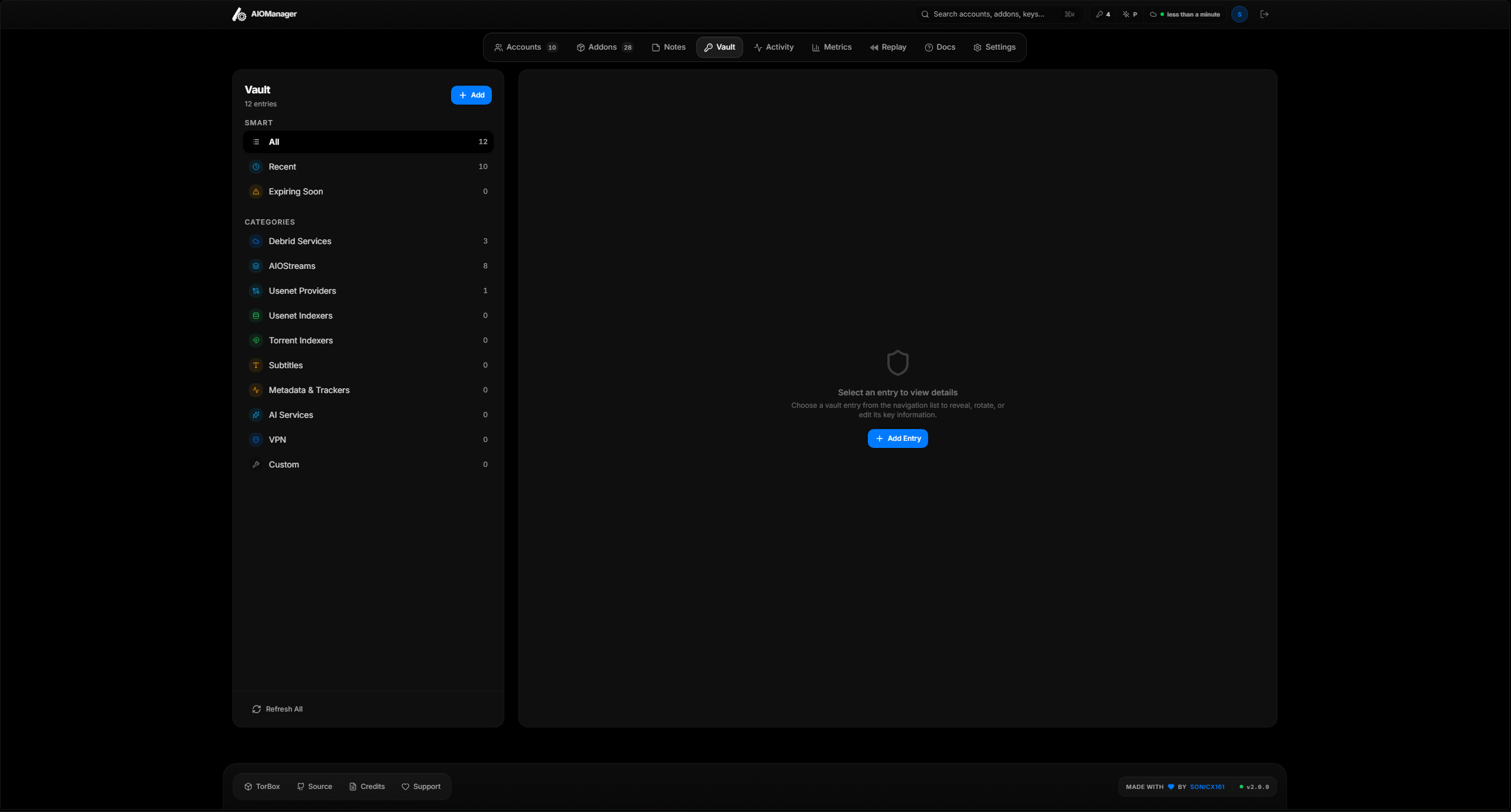
Notes
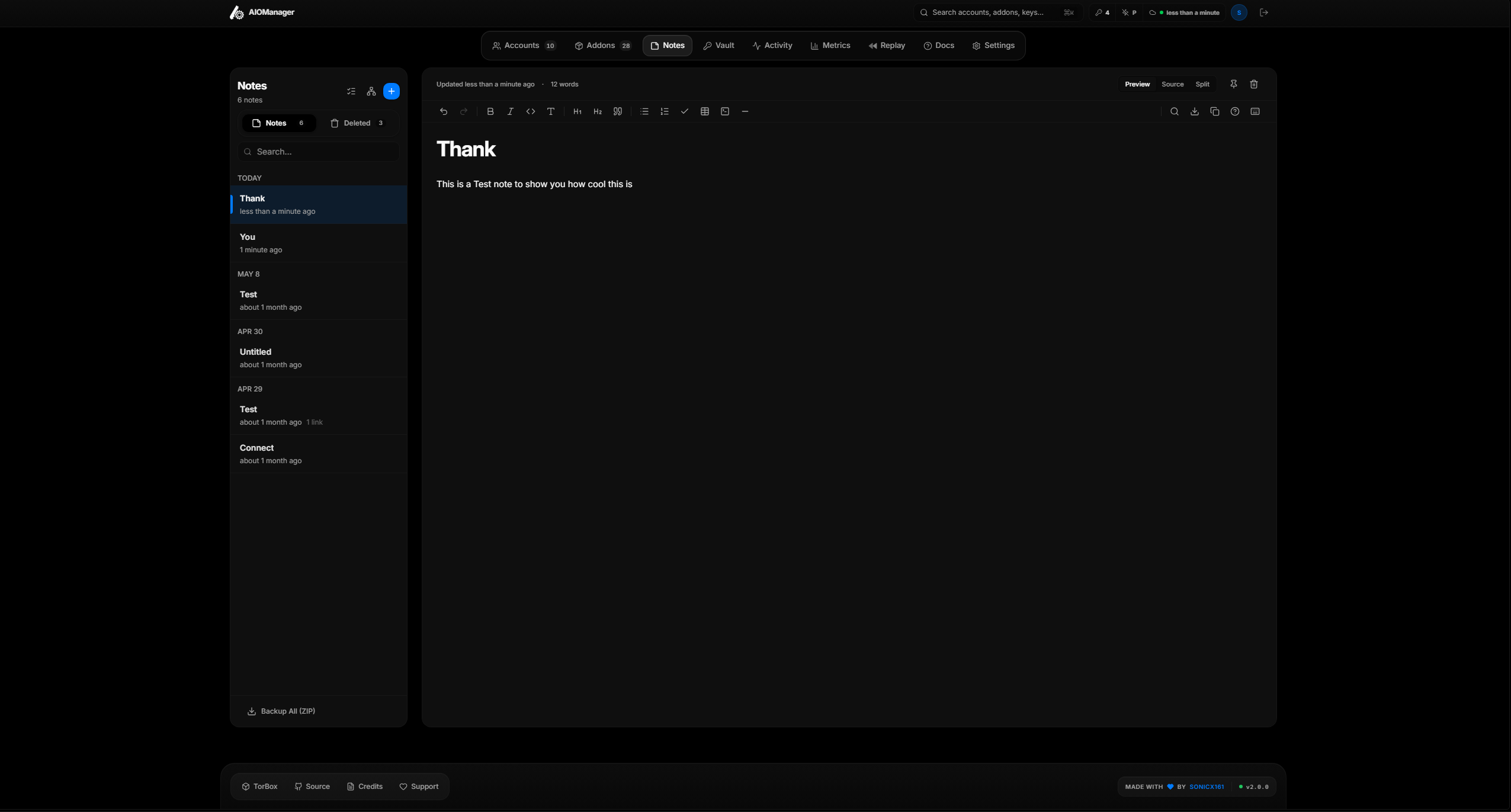
Installation
Docker (Recommended)
This is the easiest way to run AIOManager on your home server or VPS.
- Download the
docker-compose.ymland create a.envfile from the example. - Run the following command:
docker compose pull && docker compose up -d
Unraid Support
AIOManager includes a native Unraid template!
- Copy the URL of the unraid-template.xml file.
- In Unraid, go to Docker > Add Container.
- Paste the URL into the Template URL (or might be "Install from URL" via CA plugins).
Key Unraid Features:
- Persistent AppData: Standardized
/mnt/user/appdata/aiomanagermapping. - Auto-Update: Compatible with Unraid's Docker update system.
- Port Flexibility: Default port
1610can be easily remapped in the template.
🏁 Getting Started
Once the app is running:
- Open the app in your browser (usually
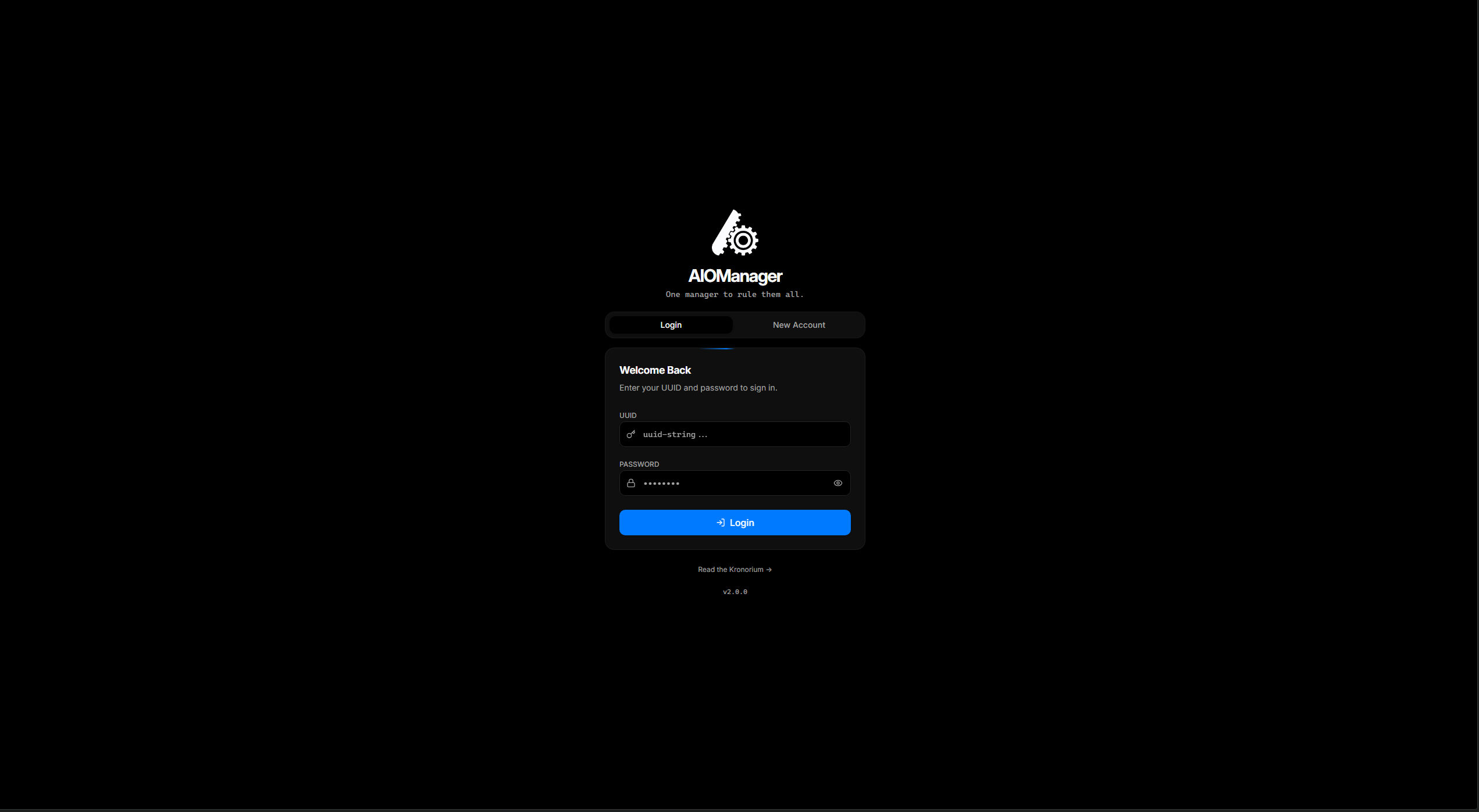
http://localhost:1610or your server IP). - You will be greeted by the Login screen. Stay on the New Account tab to generate your unique Account UUID.
- Choose a strong password. This is the only key to your encrypted data.
- Once inside, use the Accounts page to link your Stremio identities, add local accounts, or connect to platforms like Nuvio and RealStream. You can then go to Settings to customize your name for AIOManager or enable Auto-Save. (Note you still need to use your UUID to login)
Initial Setup & Login
🛡️ Security & Zero-Config Encryption
AIOManager is designed to be secure by default, even in public instances with many users.
Server-Side Data Protection
Sensitive Autopilot rules (including Stremio auth keys) are encrypted at rest on the server using AES-256-GCM.
Zero-Config Security
You don't need to manually configure encryption for it to work:
- Automatic Generation: If
ENCRYPTION_KEYis not provided in your.env, the server automatically generates a secure random 32-byte key on first boot. - Persistent Storage: This key is saved to your
DATA_DIR/server_secret.key. - Multi-Key Fallback (Anti-Lockout): If you later decide to set a manual
ENCRYPTION_KEY, the server will use your new key for new data, but will automatically use the oldserver_secret.keyas a fallback. This ensures that existing users are never locked out of their data if you change the server configuration.
Secure Context (HTTPS) Required
[!IMPORTANT] AIOManager must be served over a Secure Context (HTTPS or Localhost). Browser security policies block the necessary encryption APIs on insecure remote connections.
Option 1: The Proper Way (Recommended)
- Localhost: Works over
http://localhost:1610. - Remote/Server: HTTPS is Mandatory (via reverse proxy like Traefik, Caddy, or Nginx Proxy Manager).
- Plain HTTP over IP: Accessing via
http://192.168.x.xwill not work.
[!TIP] Sync payload size: Cloud Sync pushes your full encrypted data in a single request. If you put AIOManager behind plain nginx (not NPM, Traefik, or Caddy), raise its default 1MB body limit or large syncs will fail with 413:
client_max_body_size 32m;
Option 2: Browser Bypass (Advanced / Chrome & Edge)
If you cannot set up a reverse proxy, you can force your browser to treat your server's IP as secure:
- Open
chrome://flags/#unsafely-treat-insecure-origin-as-secure - Add your server's address:
http://192.168.x.x:1610(replace with your IP) - Change the dropdown to Enabled
- Relaunch your browser.
🚀 High Availability & Multi-Tenant (K8s/Clustered)
AIOManager is designed for high-scale environments like Kubernetes clusters or larger multi-tenant deployments.
PostgreSQL Support (Recommended for Scale)
For deployments with many users, switch from SQLite to PostgreSQL to unlock horizontal scaling and better concurrency:
- Set
DB_TYPE=postgres - Provide
DATABASE_URL=postgres://user:pass@host:5432/dbname
Health & Readiness Probes
The server includes a dedicated health endpoint for orchestrators:
- Endpoint:
/api/health - Behavior: Returns
200 OK(ok) or503 Service Unavailable(degraded) if the database connection is lost. Use this for your K8s Liveness and Readiness probes.
Stateless Scaling
With PostgreSQL enabled and DATA_DIR mapped to a persistent volume (for server_secret.key), the API instances are stateless and can be scaled horizontally behind a load balancer.
💝 A Note on Support
AIOManager is a passion project built entirely for free. I honestly feel bad even including a support section because I don't do any of this for money at all, I just wanted to build something useful. However, because so many of you keep generously reaching out and asking for ways to help, I have included these options below so I don't have to keep sharing links individually. You absolutely do not have to contribute, just using the app and being part of the community is more than enough for me. But for those who genuinely want to support the project, here are a few ways you can do so:
🌟 Free Ways to Support
- Star the Repository on GitHub to help others find the project.
- Contribute: Report issues, suggest features, or submit pull requests.
📦 Debrid Referrals
If you are signing up for a new Debrid provider, using these referral links helps both of us:
- TorBox: On your first purchase, we both get 7 bonus days for each month you buy!
- 1 Month = 7 Extra Days
- 3 Months = 21 Extra Days
- 6 Months = 42 Extra Days
- 12 Months = 84 Extra Days
- Real-Debrid
☕ Direct Donations
⚖️ Disclaimer
AIOManager is not affiliated with Stremio. It is a secondary management tool developed by the community. All data is processed locally or through your own private sync keys.
⭐ Star History
🤝 Credits & Acknowledgements
AIOManager is a fork and major evolution of the original Stremio Account Manager by Asymons.
Without the foundational work of the following projects and individuals, this would not exist:
pancake3000 (The Original Creator)
Asymons | Stremio | Syncio | CineBye
Special thanks to the community inspirations who made this journey possible:
redd-raven, Viren070, 0xConstant1, Sleeyax & <Code/>.
Built with ❤️ for the Stremio Community.
Ähnliche Projekte entdecken
Wird geladen…